Turquoise Wallpaper iPhone
Turquoise iPhone wallpaper offers free designs with tropical waters, gemstones and gradient skies for your home screen. These turquoise wallpapers for iPhone blend cool tones with natural scenes and abstract patterns. The set works year-round and brings calm, refreshing color to your lock screen or home screen. Each design is original artwork, curated and checked by hand.
10 wallpapers at 1170 × 2532 px for iPhone. Checked by hand on 7 Oct 2026.
About this set
This set brings cool, calming turquoise tones to your iPhone through natural scenes, gemstones, water and soft textures. The designs range from tropical lagoons and flowing water to polished stones and minimalist gradients, all built around rich turquoise as the dominant color.
Most of these wallpapers work well as lock screens because the main subject sits in the lower half, leaving the top clear for time and notifications. For home screen use, choose the more minimal designs like the gradient or feather so app icons remain readable. The soft, cool mood pairs well with simple app layouts and light icon sets. Pair these with neutral or white-toned widgets for a cohesive look.
Water, stone and sky in one colour
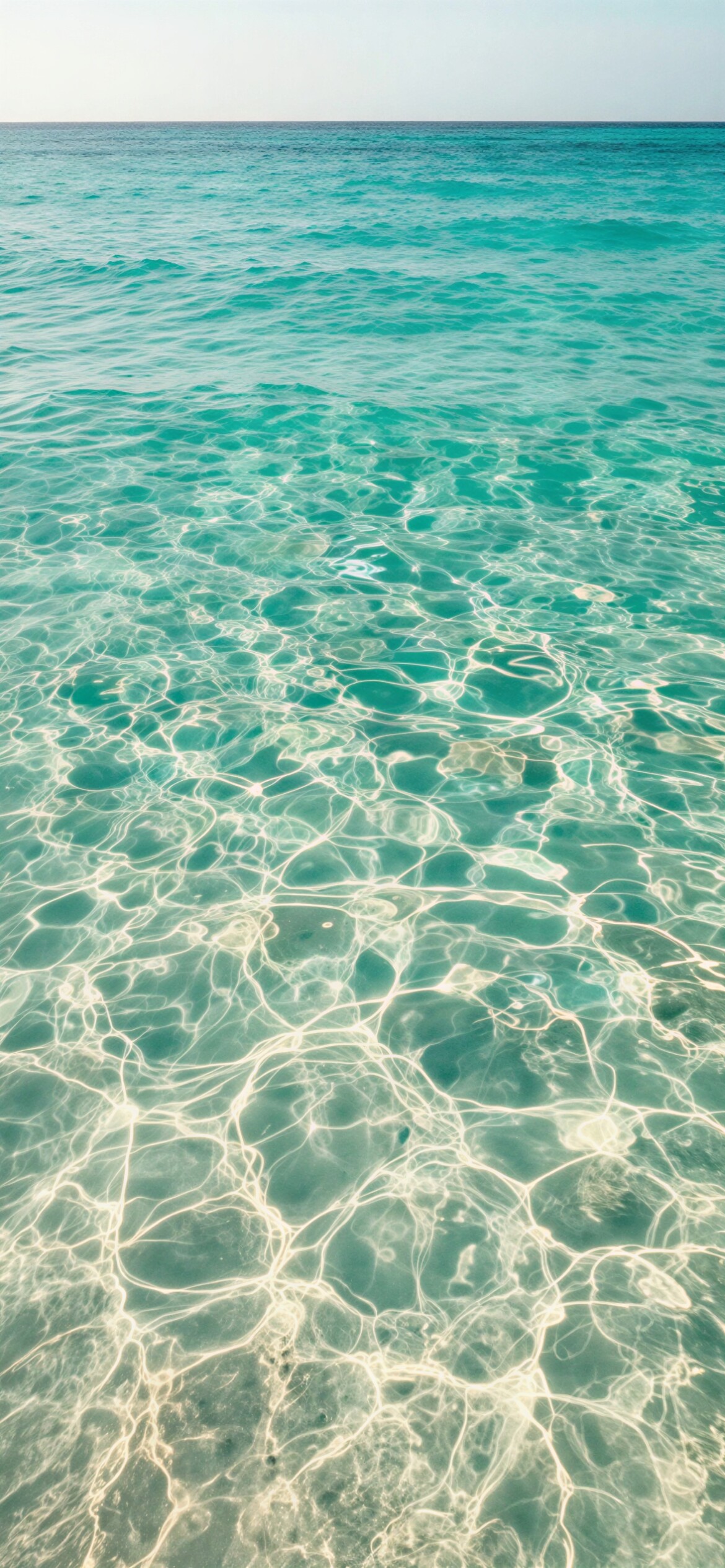
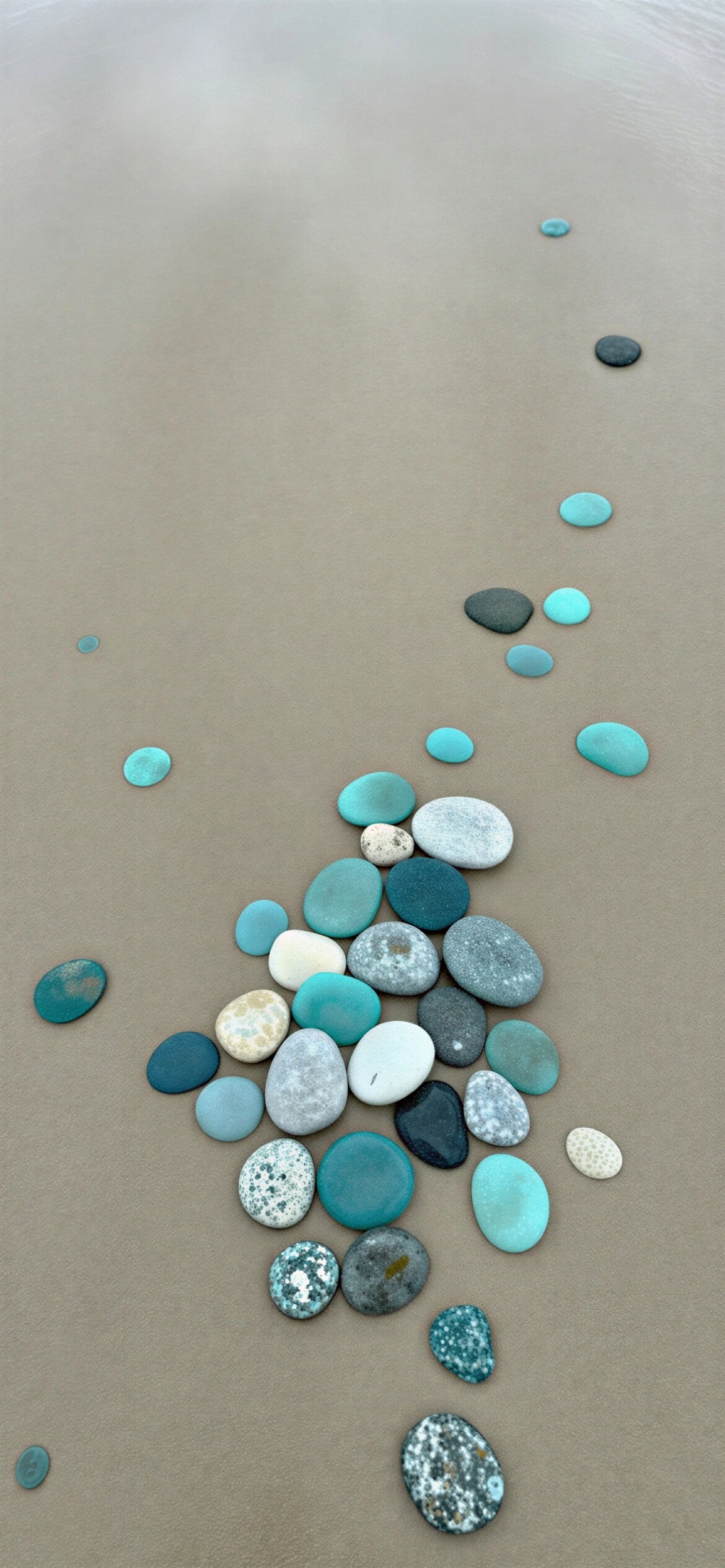
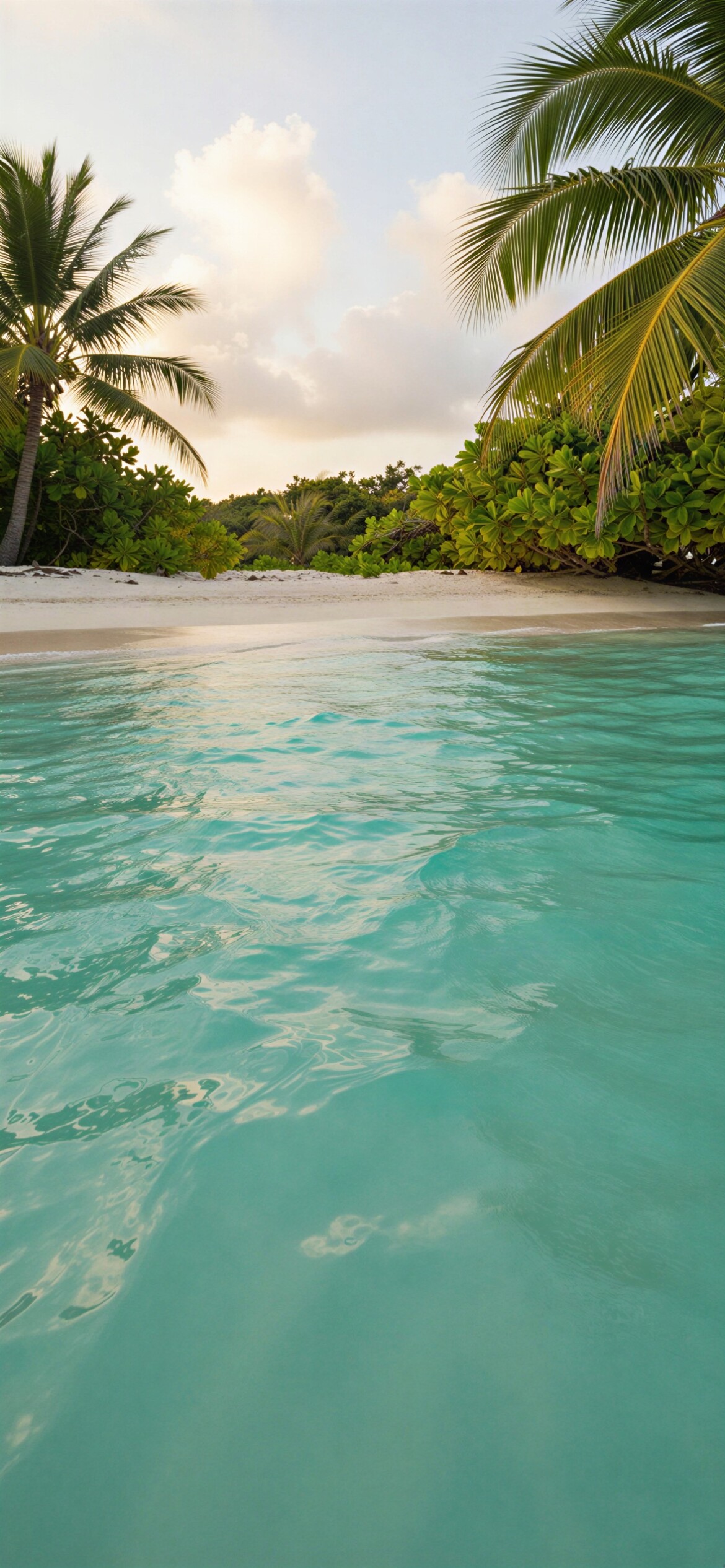
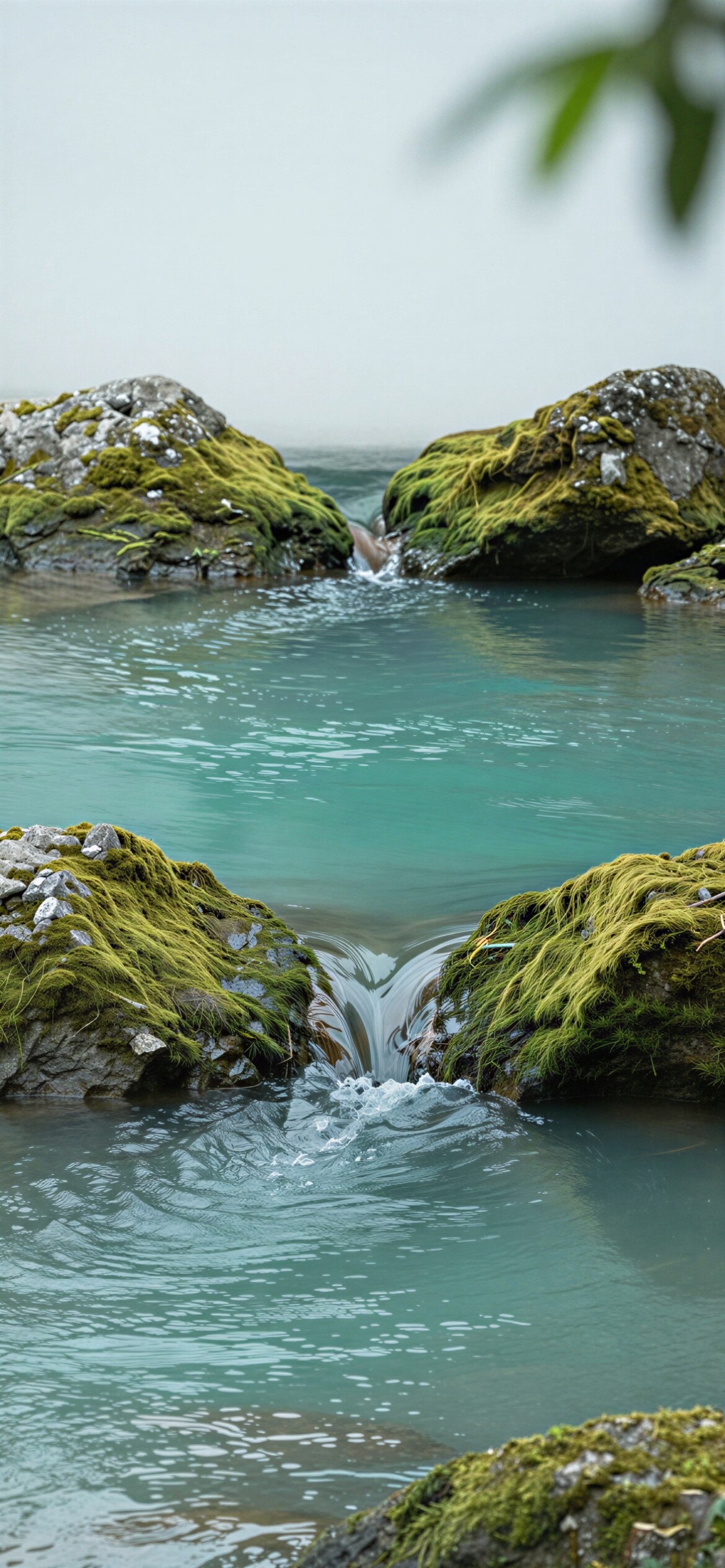
Four of the ten are about water. #1 looks straight down through clear sea to a sandy bottom, #5 pulls back to a lagoon framed by palm fronds, #3 stays on the shoreline with sea glass and pebbles on wet sand, and #10 swaps the sea for a gentle river running past mossy rocks under a grey sky.
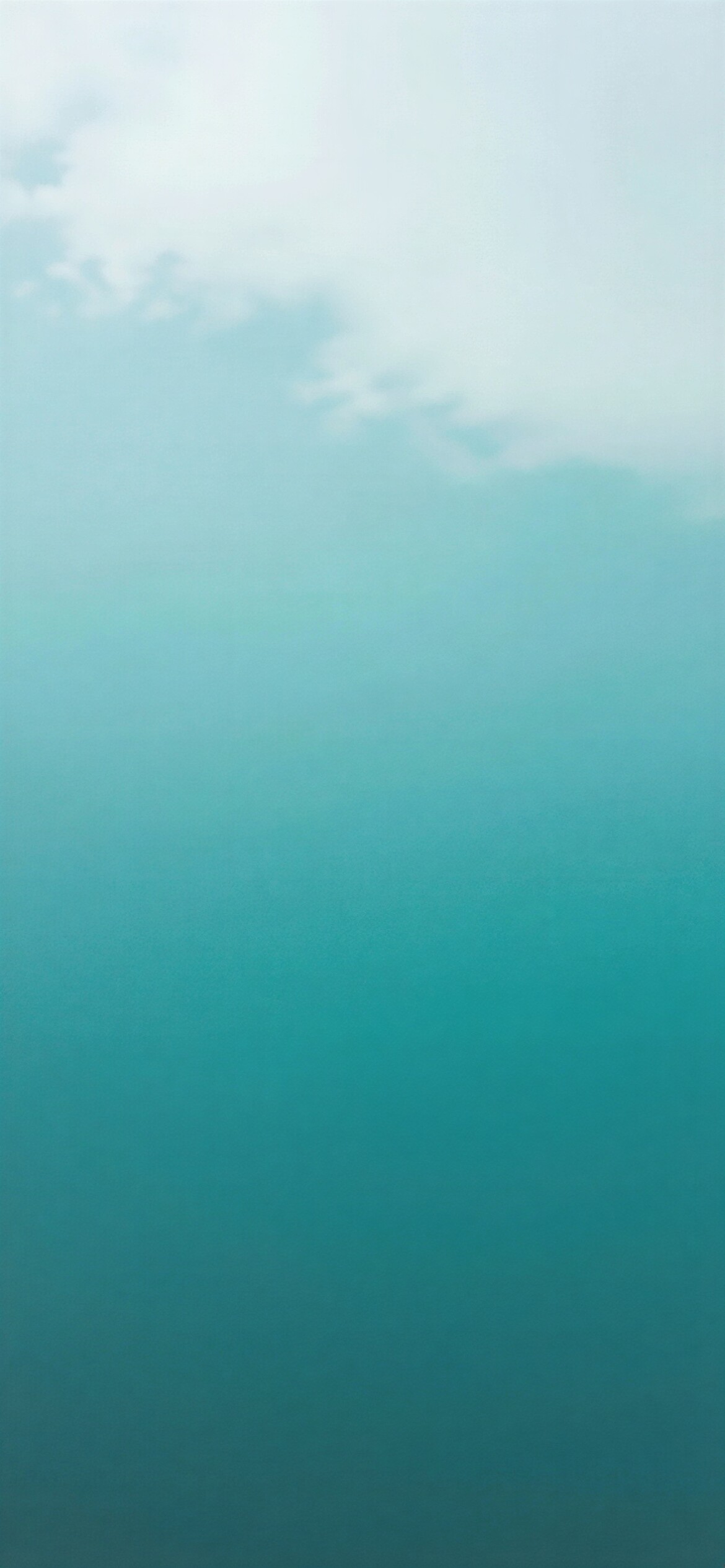
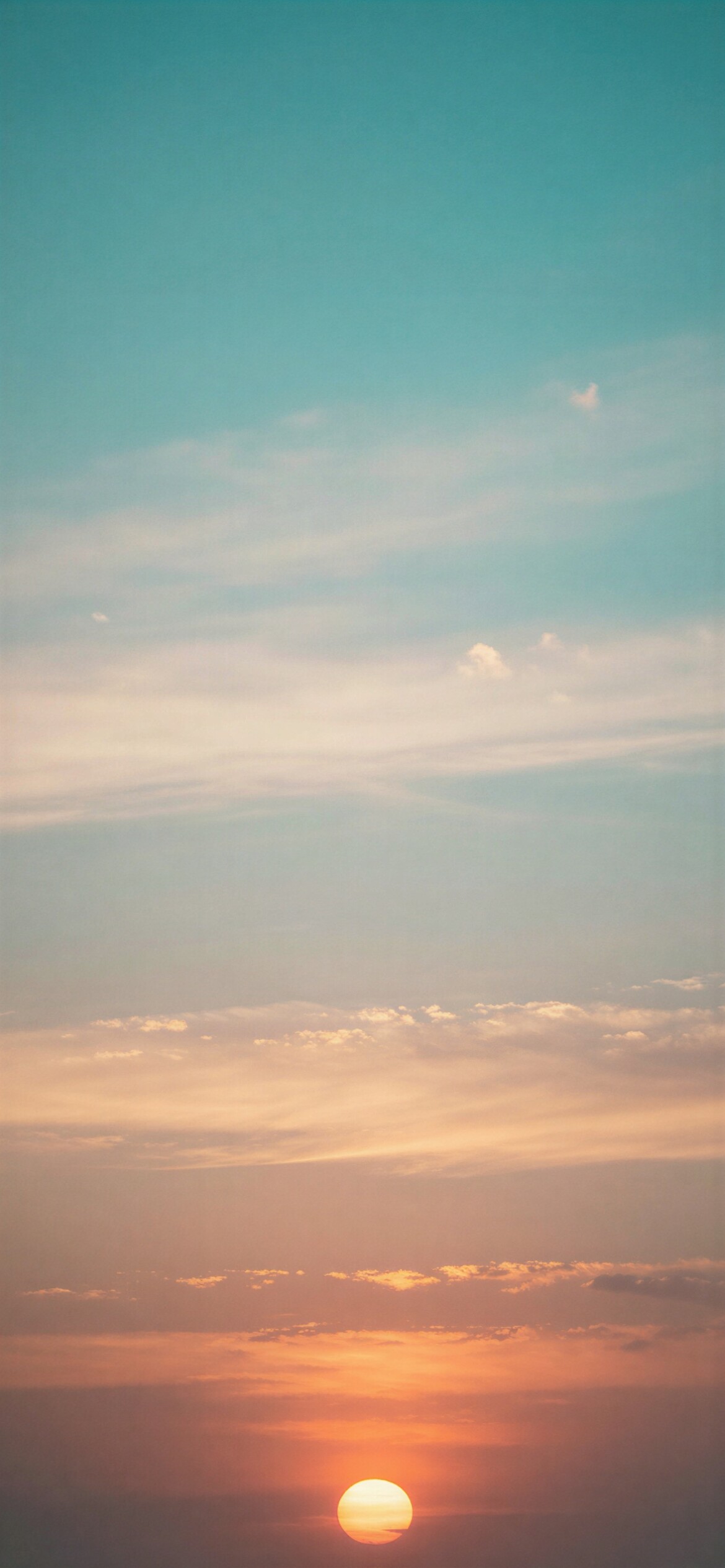
Two are almost pure sky. #4 is the simplest design here, a gradient from pale to deep turquoise with a single cloud, while #8 adds a warm orange sun and pink cloud bands, the only picture with real warmth in it.
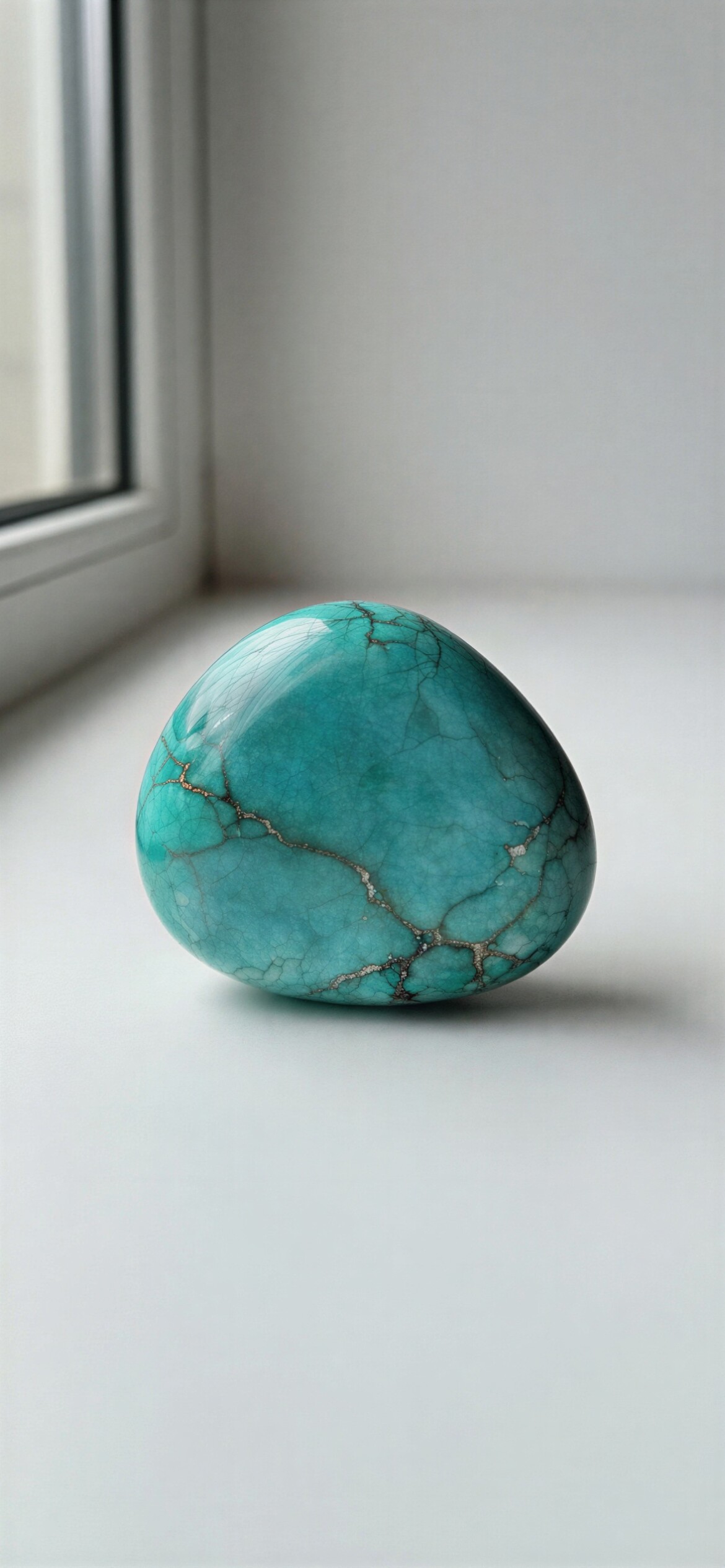
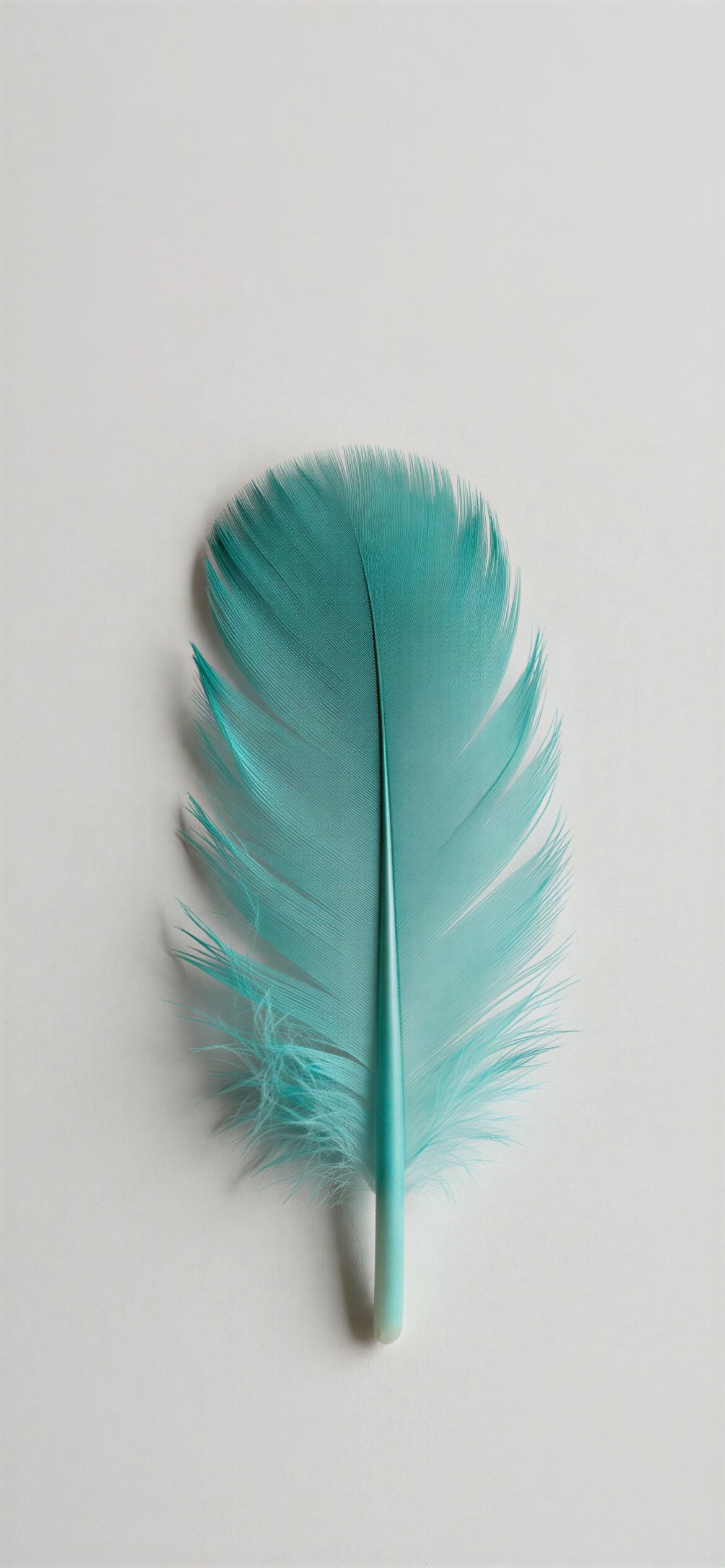
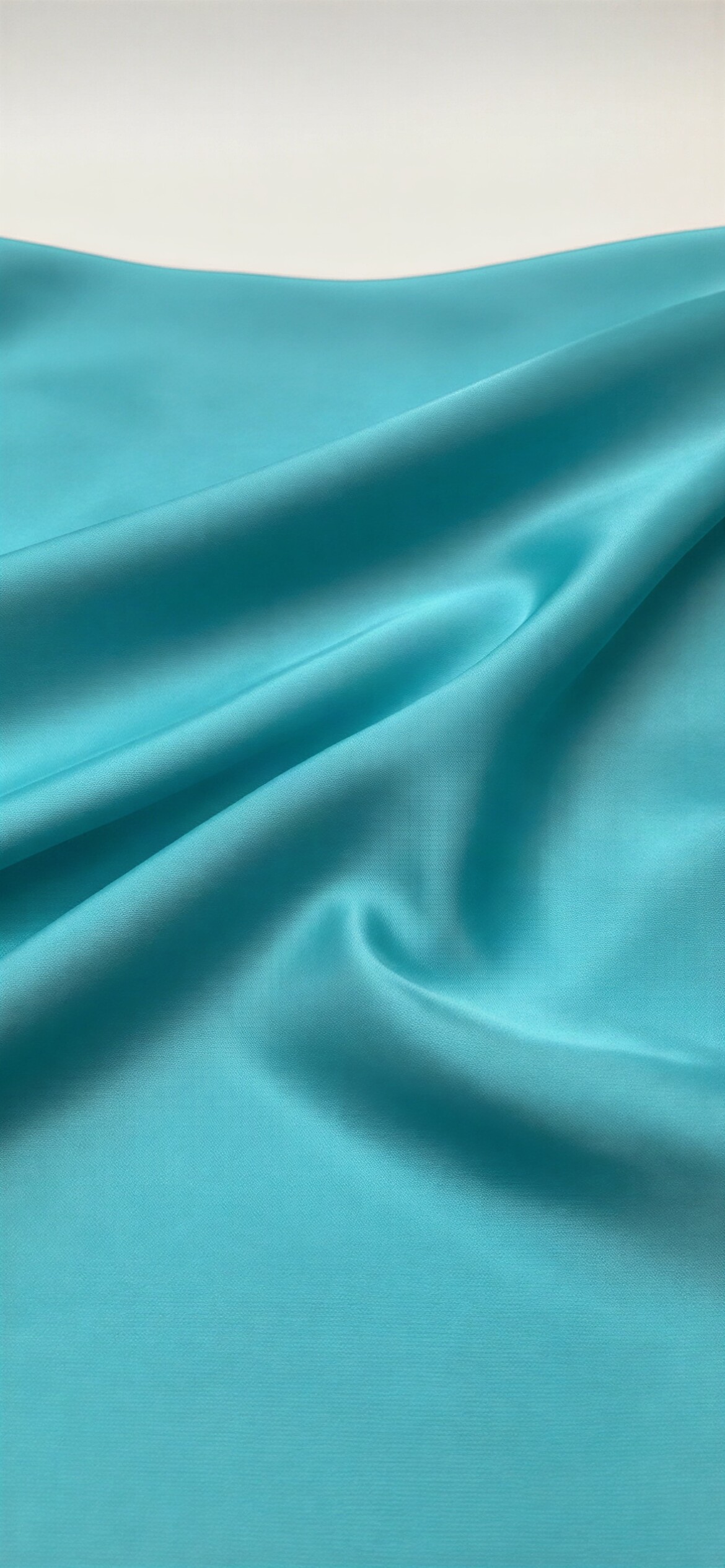
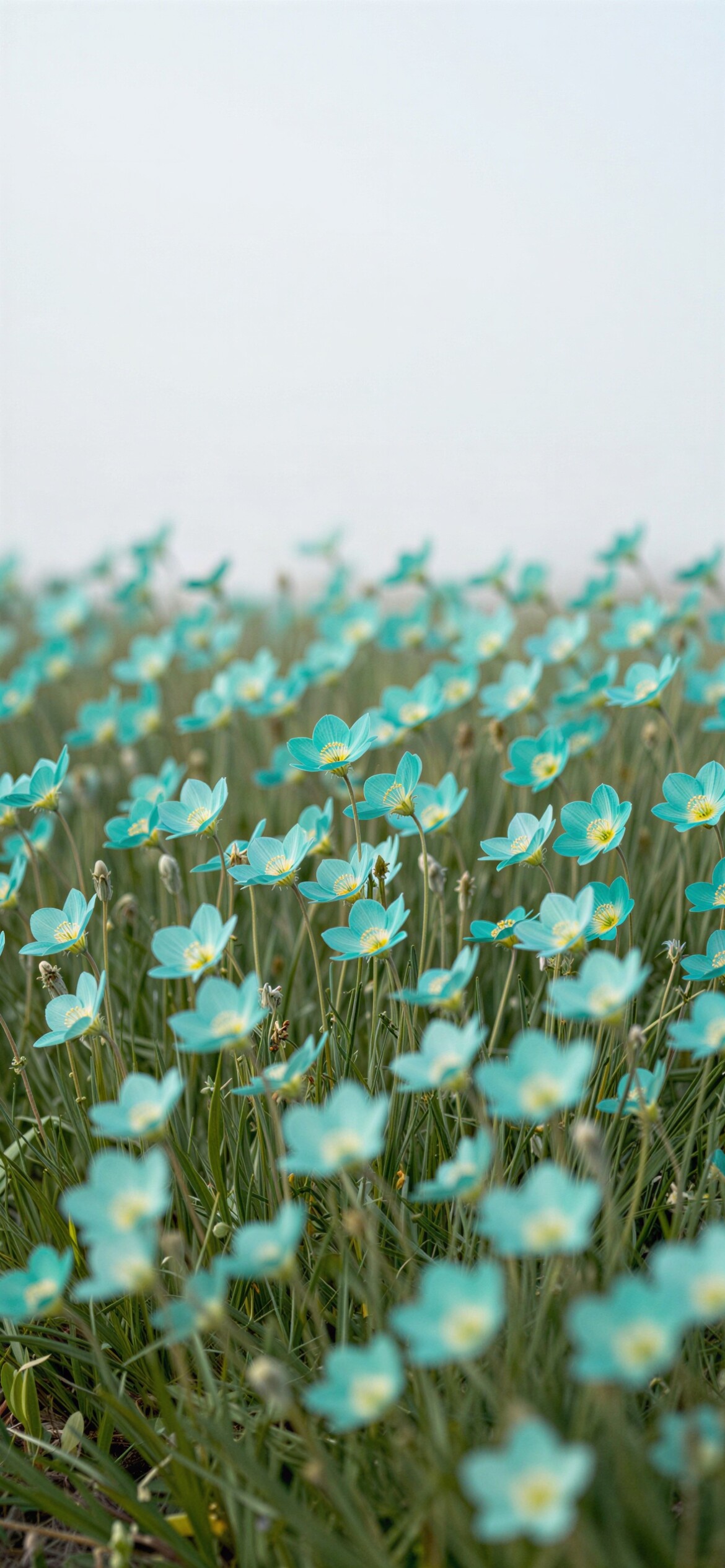
The other four are close-ups of single things: a polished gemstone in #2, a feather resting on cream in #6, soft folds of silk in #7 and a few wildflowers against a pale sky in #9.
Why it's called turquoise, and why shallow seas turn this shade
The name comes from French, where the stone was called pierre turquoise, "Turkish stone", because it reached Europe along trade routes through Turkey. The stone itself was mined further east, famously in Persia. It is a phosphate of copper and aluminium, and the copper is what gives the gem in #2 its blue-green colour.
The sea in #1 and #5 gets its colour another way. Water absorbs red light more than blue, so when the water is shallow and the bottom is pale sand, sunlight bounces back up through it as that bright blue-green. The same sea over deep water or dark rock looks navy instead.
Sunny, airy or hushed
By mood, #1, #5 and #8 are the brightest and sunniest. #2, #4, #6 and #9 are pale and airy, with lots of light background. #3, #7 and #10 are the most muted, with wet sand, fabric shadows and an overcast river. If this is your colour, the teal set goes a step darker and greener, the ocean wallpapers have more open water, and the light blue collection keeps things soft.
How to set it on your iPhone
- Tap Download and save the image to Photos.
- Open Settings, tap Wallpaper, then Add New Wallpaper, and choose Photos.
- Pick the wallpaper, pinch to position it, then tap Add and choose the lock screen, home screen or both.
Stuck on a step? The iPhone and iPad guide has screenshots for each one.
Questions
Will these wallpapers fit my iPhone screen?
Yes. All designs in this set are created at 1170x2532 pixels, which is the standard size for modern iPhones. They will fit without stretching, though some older models may crop slightly at the edges. When you download and set a wallpaper, your iPhone may ask you to adjust the zoom; the designs are composed with the main subject in the lower half so important details stay visible even if your phone crops slightly at the top.
Can I use these wallpapers for any purpose?
These wallpapers are free for personal use on your own devices only. You may not sell them, print them for sale, or repost them on other wallpaper sites or social media. For full terms, see our Terms page on the site. Every design is original artwork created and curated by hand.
Which turquoise wallpapers work best for lock screen versus home screen?
Lock screen wallpapers should have the main subject in the lower half, which most of this set does, so time and notifications stay visible. Choose the detailed designs like the ocean, lagoon or gemstone for your lock screen. For home screen, pick the simpler options like the gradient, feather or fabric so your app icons remain readable and the design does not compete with them.
Do turquoise wallpapers look good with Light mode or Dark mode?
Turquoise wallpapers work best with Light mode because the cool color and soft textures pair naturally with light backgrounds. In Dark mode, the turquoise may feel less vibrant. If you prefer Dark mode, choose the gradient designs or the water scenes for the strongest contrast. Light mode lets the full richness of the turquoise tones shine through.