Teal Wallpaper iPhone
Teal iPhone wallpaper offers calming designs with serene water, tropical leaves and soft skies. Free to download for any iPhone, no sign up needed. These wallpapers bring cool, refreshing tones to your lock screen and home screen. The teal color palette creates a peaceful mood that works year-round. Each design is original artwork curated and checked by hand.
10 wallpapers at 1170 × 2532 px for iPhone. Checked by hand on 6 Oct 2026.
About this set
This set brings cool, restful teal tones to your iPhone. The designs feature natural scenes and soft abstract textures that feel calming and modern. Each wallpaper is vertical and designed to work well with both lock screens and home screens without hiding important icons.
Teal wallpapers work best when paired with simple, light-colored icon themes or minimal widgets. The cool color palette pairs well with white or light grey accents in your setup. These designs suit any season and create a spa-like or coastal mood on your device.
Where the name comes from
Teal is named after the common teal, a small freshwater duck whose males have a blue-green band running back from the eye. The colour sits halfway between blue and green, so it carries some of the calm people link with water and some of the freshness of plants. That balance is a big reason it turns up so often in bathrooms, pools and coastal rooms, and why it is easy to look at on a screen many times a day.
Water, leaves and a few surprises
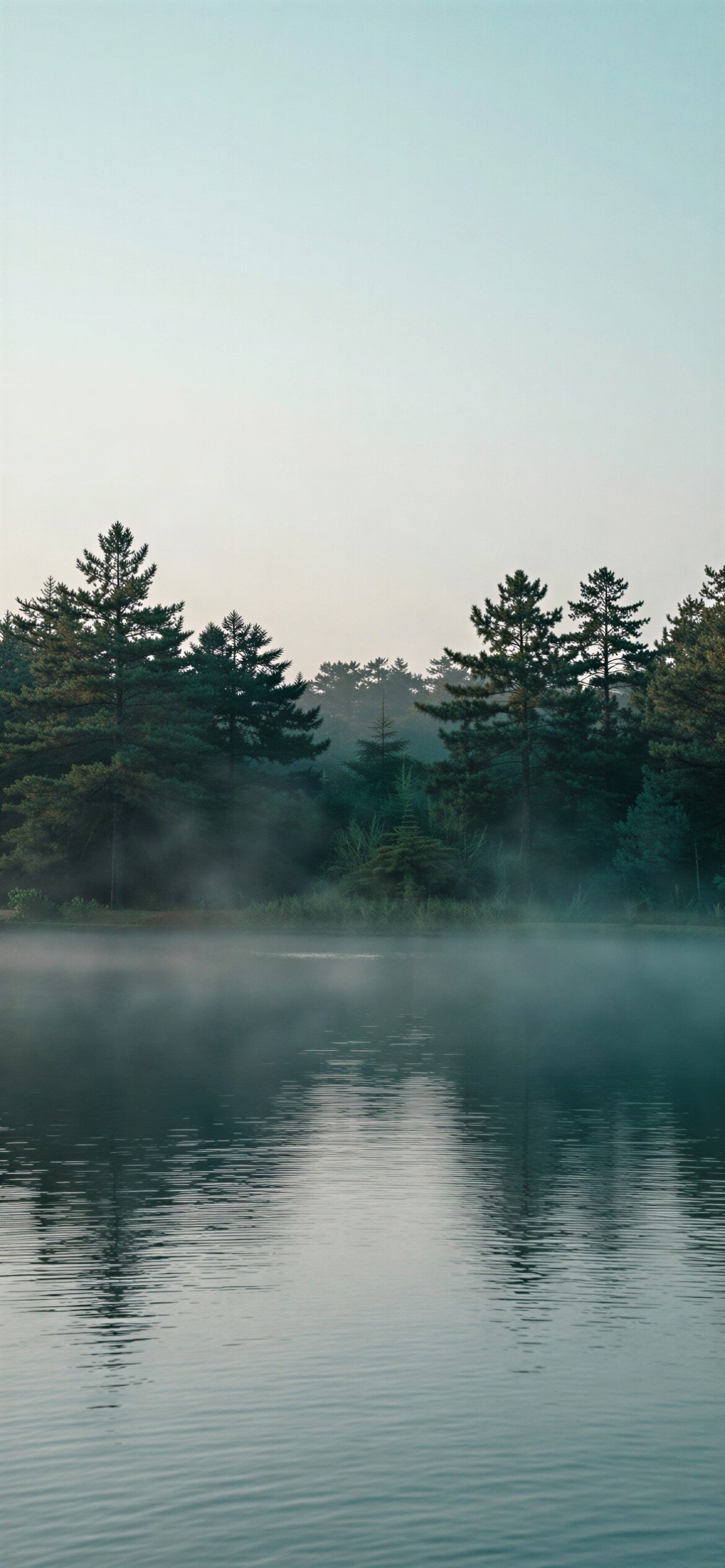
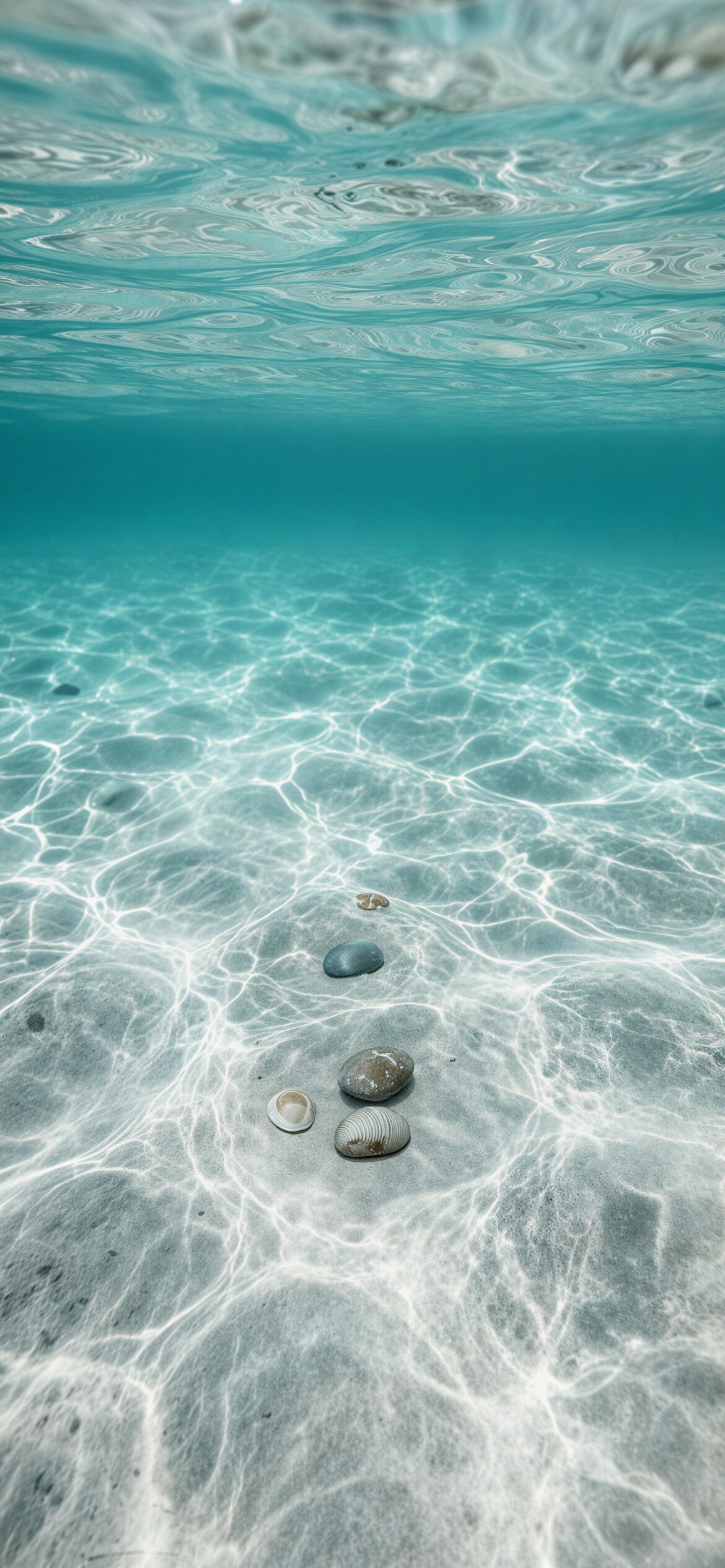
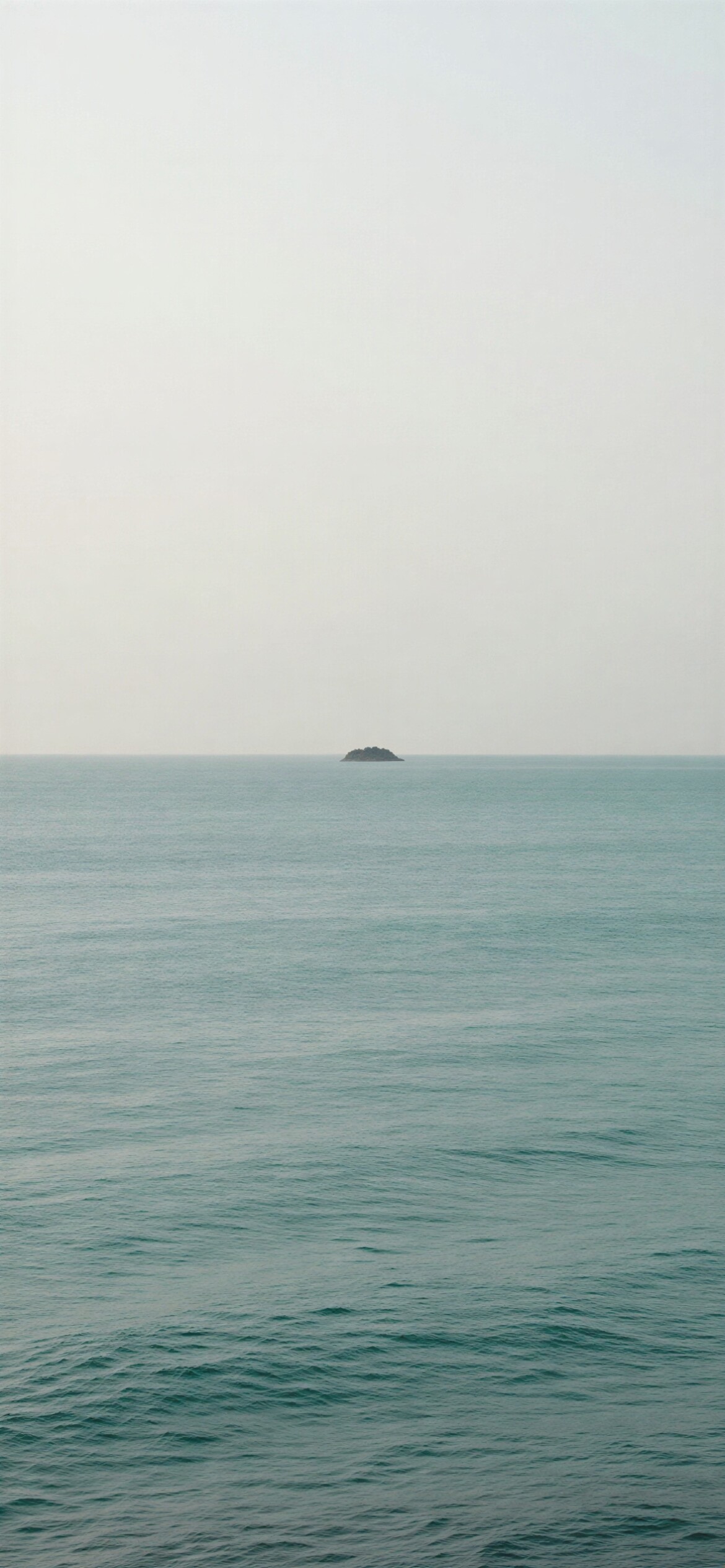
Most of the set is about water in one form or another. Wallpaper 1 shows a lake at dawn with misty pine trees, wallpaper 3 takes you underwater with sand and rays of sunlight, and wallpaper 4 is a minimal sweep of ocean and sky with one distant island. Wallpaper 7 is a calm swimming pool full of ripples and reflections, and wallpaper 8 follows a clear forest stream over rocks.
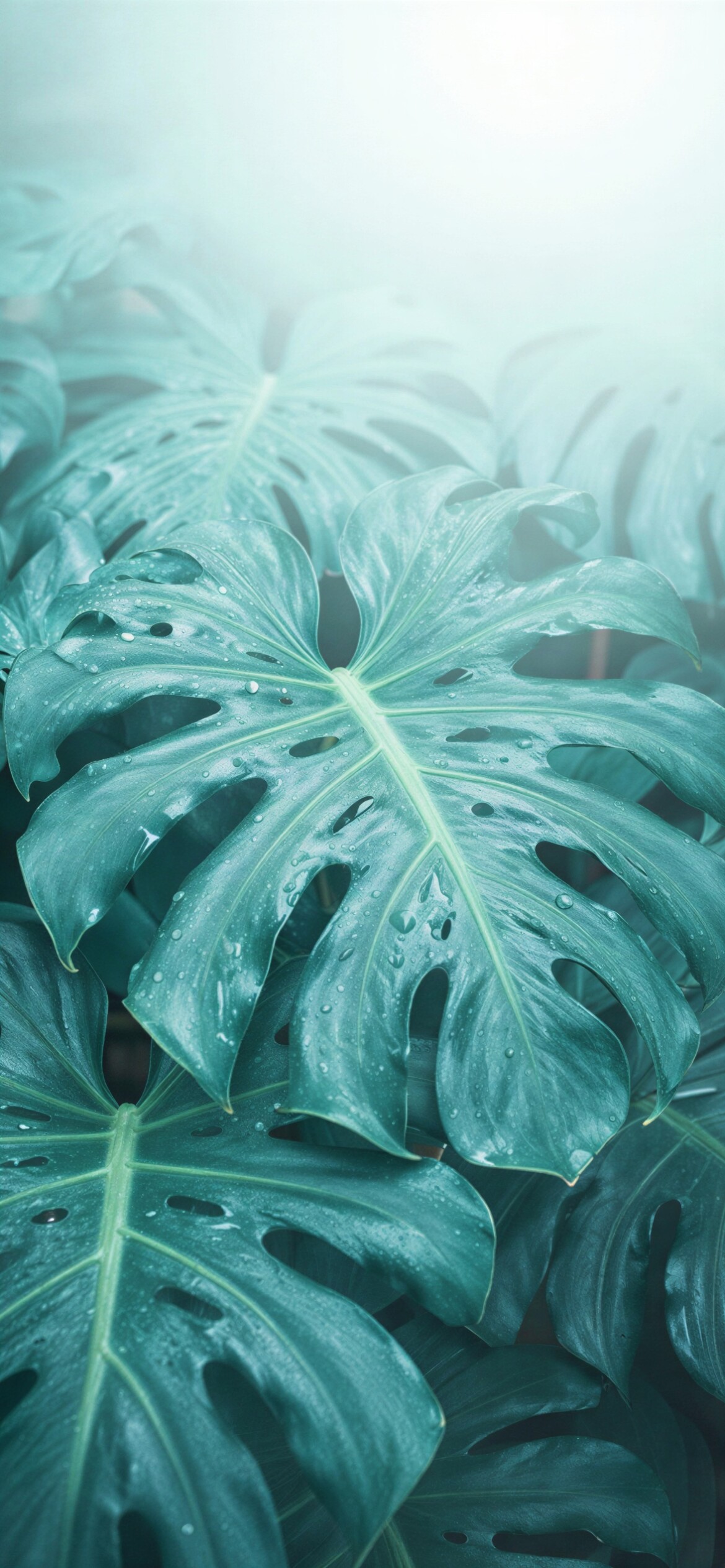
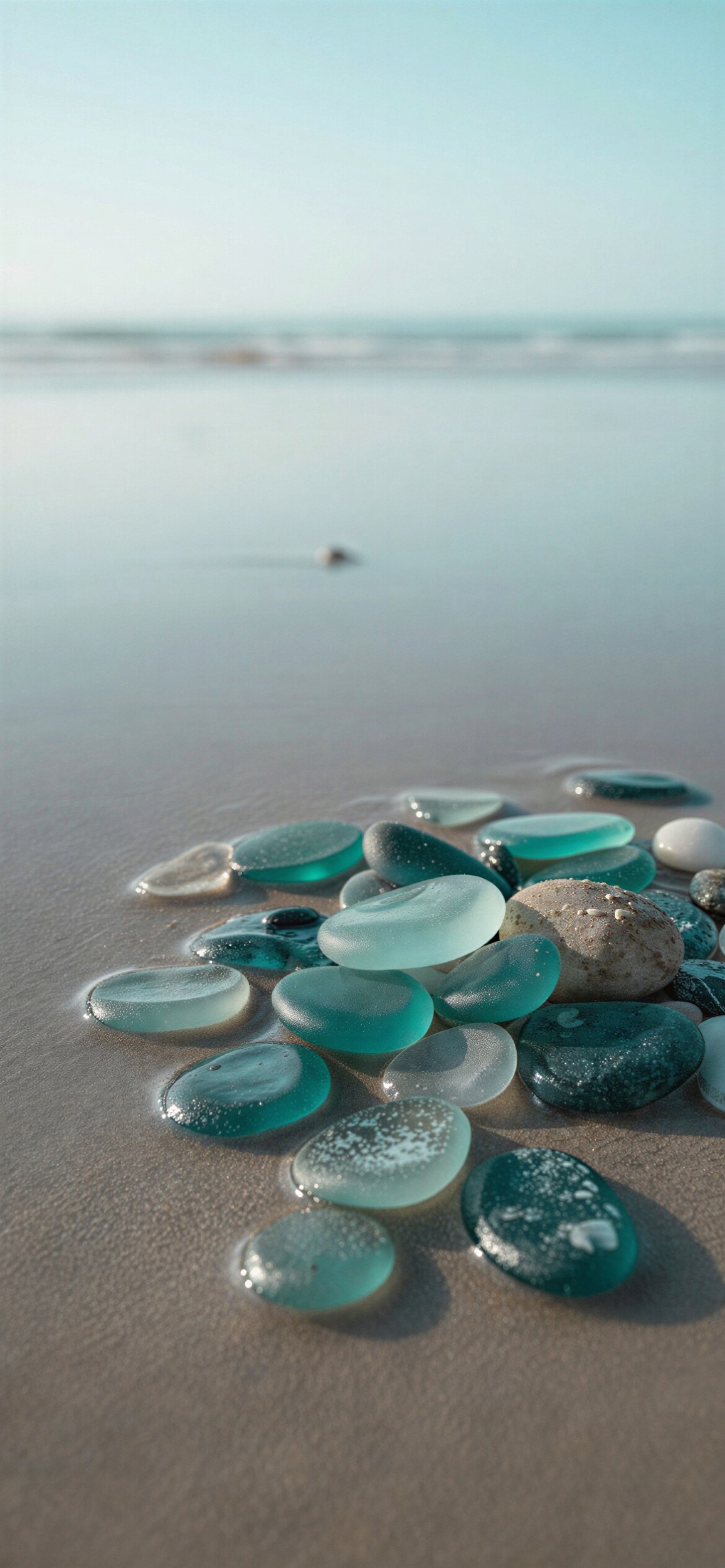
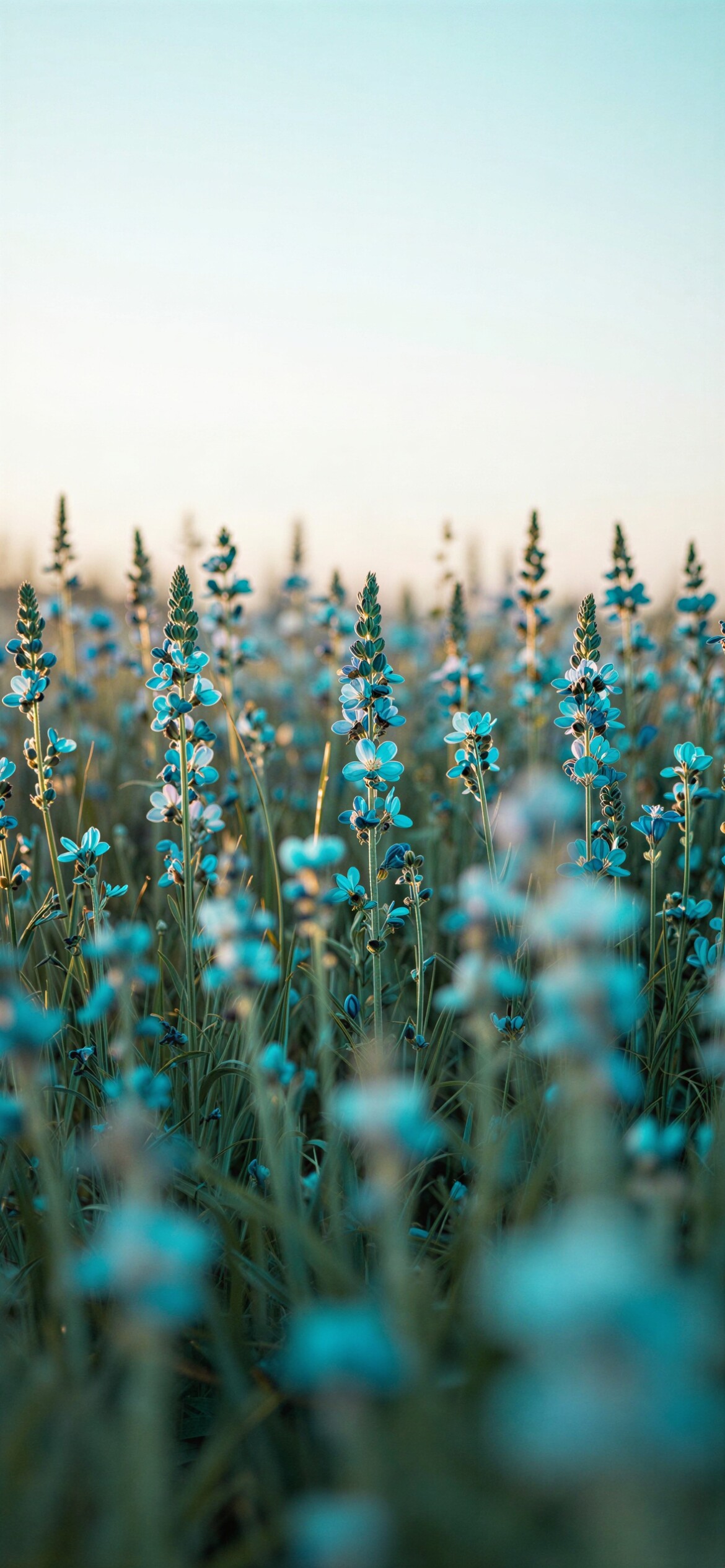
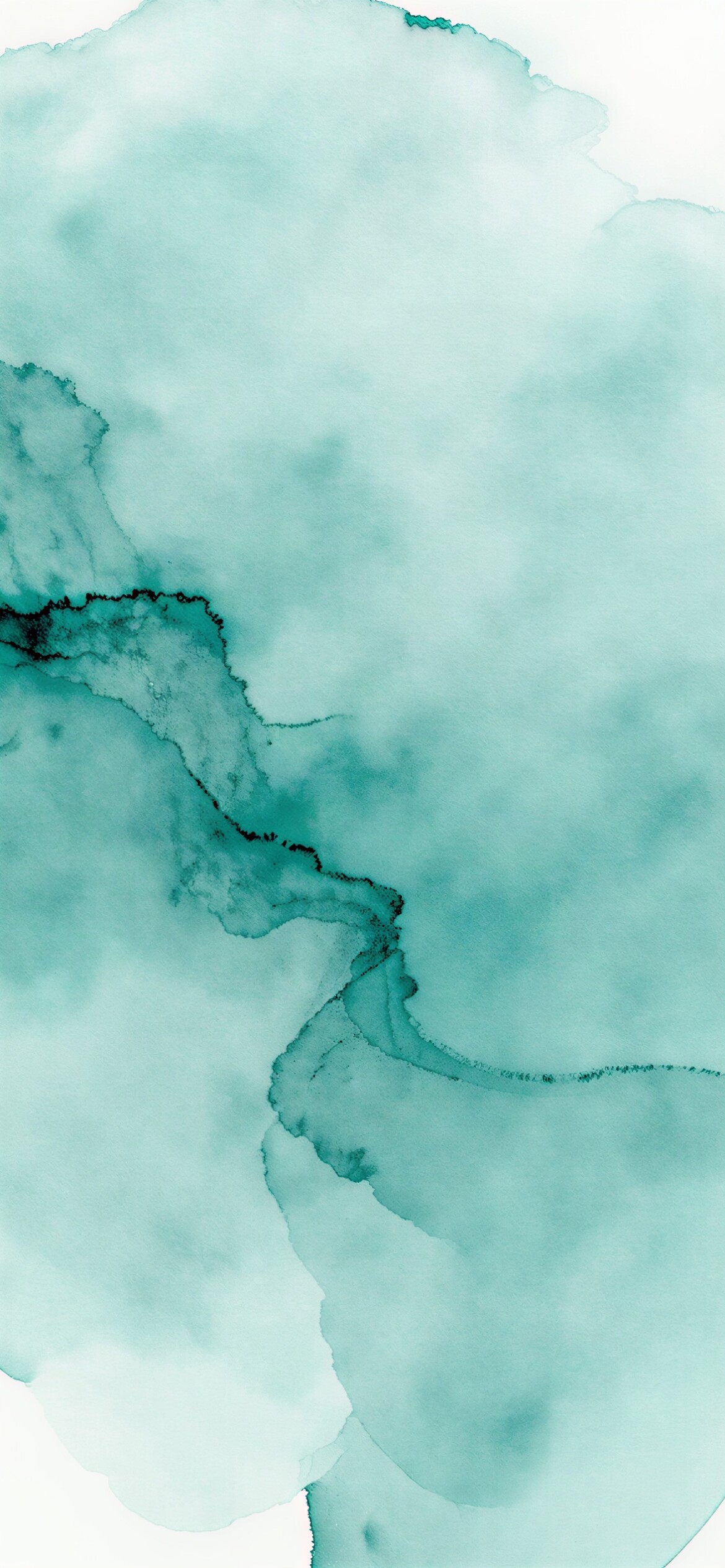
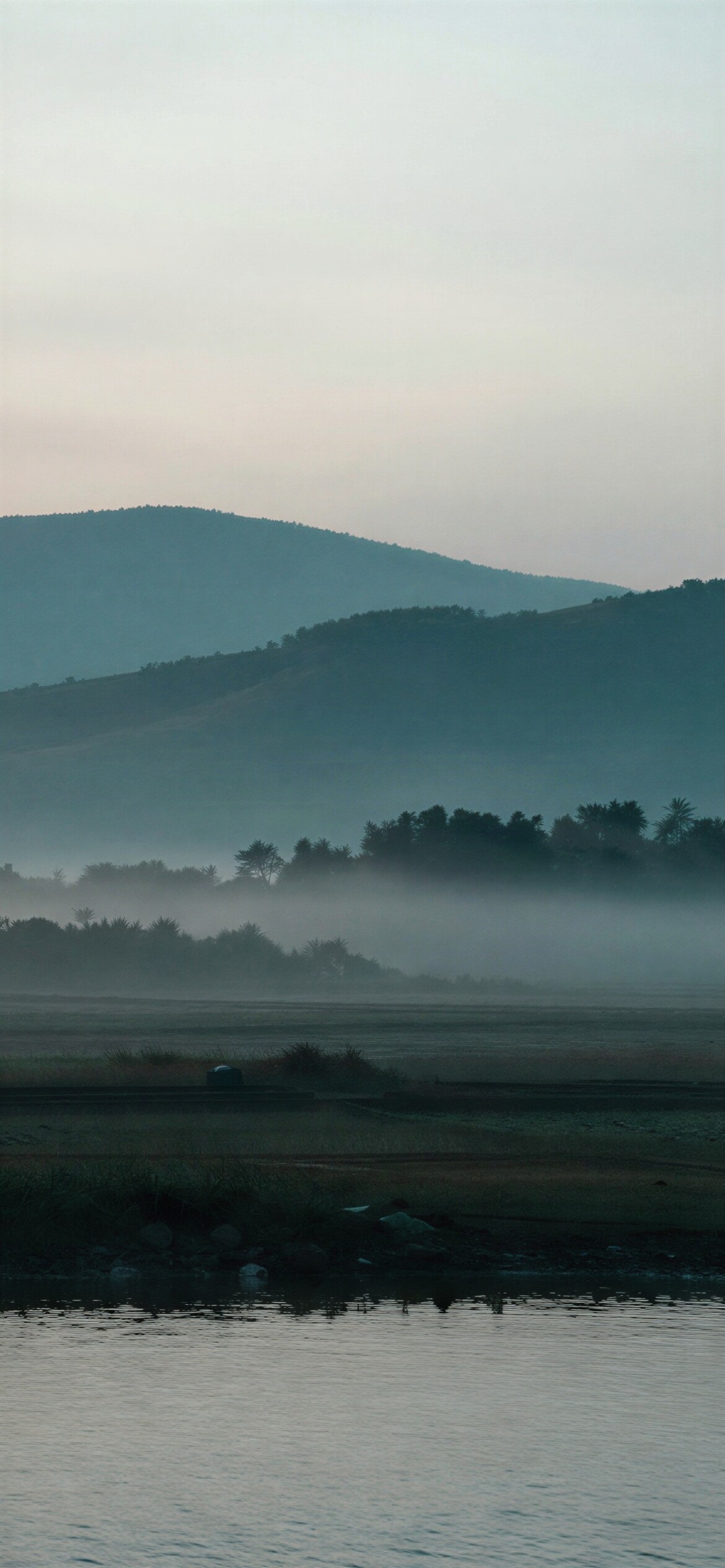
The other five take the colour somewhere else. Wallpaper 2 is a backlit close-up of tropical leaves with water droplets. Wallpaper 5 shows sea glass and pebbles on wet sand, small shapes that sit nicely between app icons. Wallpaper 6 mixes teal and blue wildflowers in golden hour light, the only warm-lit scene here. Wallpaper 9 is an abstract watercolour wash of teal and turquoise on white, and wallpaper 10 closes the set with misty hills at blue hour.
Bright, deep or soft
- Bright and clear: 3, 5, 7 and 9, which suit light mode.
- Deep and still: 1, 4, 8 and 10, a better match for dark mode.
- Soft and natural: 2 and 6, where the teal shares the frame with leaves and flowers.
If this shade is your favourite, the turquoise wallpapers go lighter and brighter, while our water and ocean sets keep the same calm mood.
How to set it on your iPhone
- Tap Download and save the image to Photos.
- Open Settings, tap Wallpaper, then Add New Wallpaper, and choose Photos.
- Pick the wallpaper, pinch to position it, then tap Add and choose the lock screen, home screen or both.
Stuck on a step? The iPhone and iPad guide has screenshots for each one.
Questions
Will these wallpapers fit my iPhone screen?
Yes. These wallpapers are created at 1170x2532 pixels, which is sized for modern iPhones. Some older models may crop slightly at the edges. You can download any design and set it directly as your lock screen or home screen.
Can I use these wallpapers for personal use?
Yes. These wallpapers are free to download and use on your own iPhone and devices for personal enjoyment. Selling them, printing them for sale, or reposting them on other wallpaper sites is not allowed. See our Terms page for full details.
Which wallpapers work best for the lock screen versus the home screen?
Designs with simple, open space at the top work well for lock screens, where your time and date display. Wallpapers with subjects in the lower half suit the home screen, where you can arrange app icons around them. Most designs in this set work for both, since the top quarter is kept minimal.
Do these teal wallpapers match specific iPhone themes or settings?
Teal works beautifully with iOS's light and dark modes. These designs pair well with Cool Tone or Tinted icon themes. The soft teal palette also complements focus modes that use blue or green accents. They create a cohesive look on any iPhone that uses natural or minimalist aesthetics.