Waterfall Wallpaper iPhone
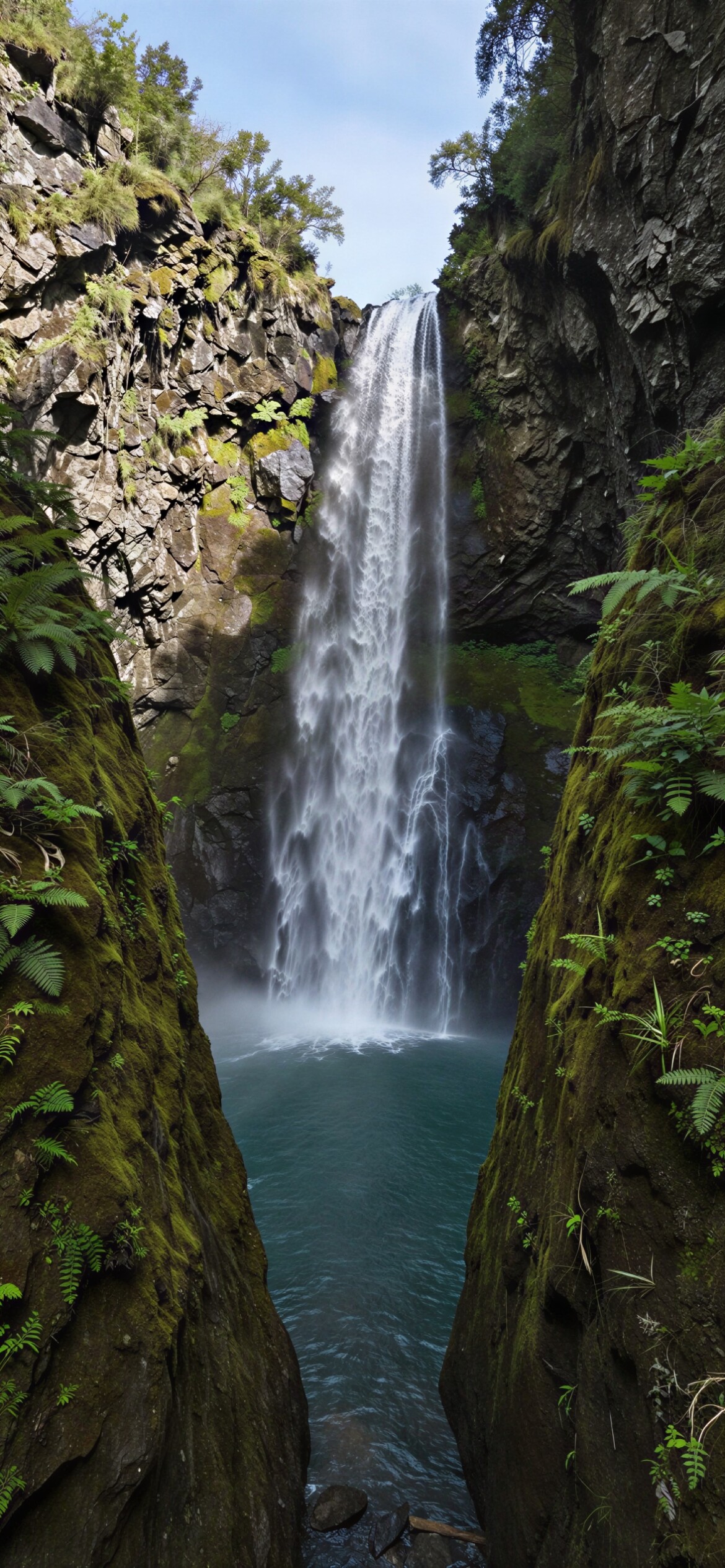
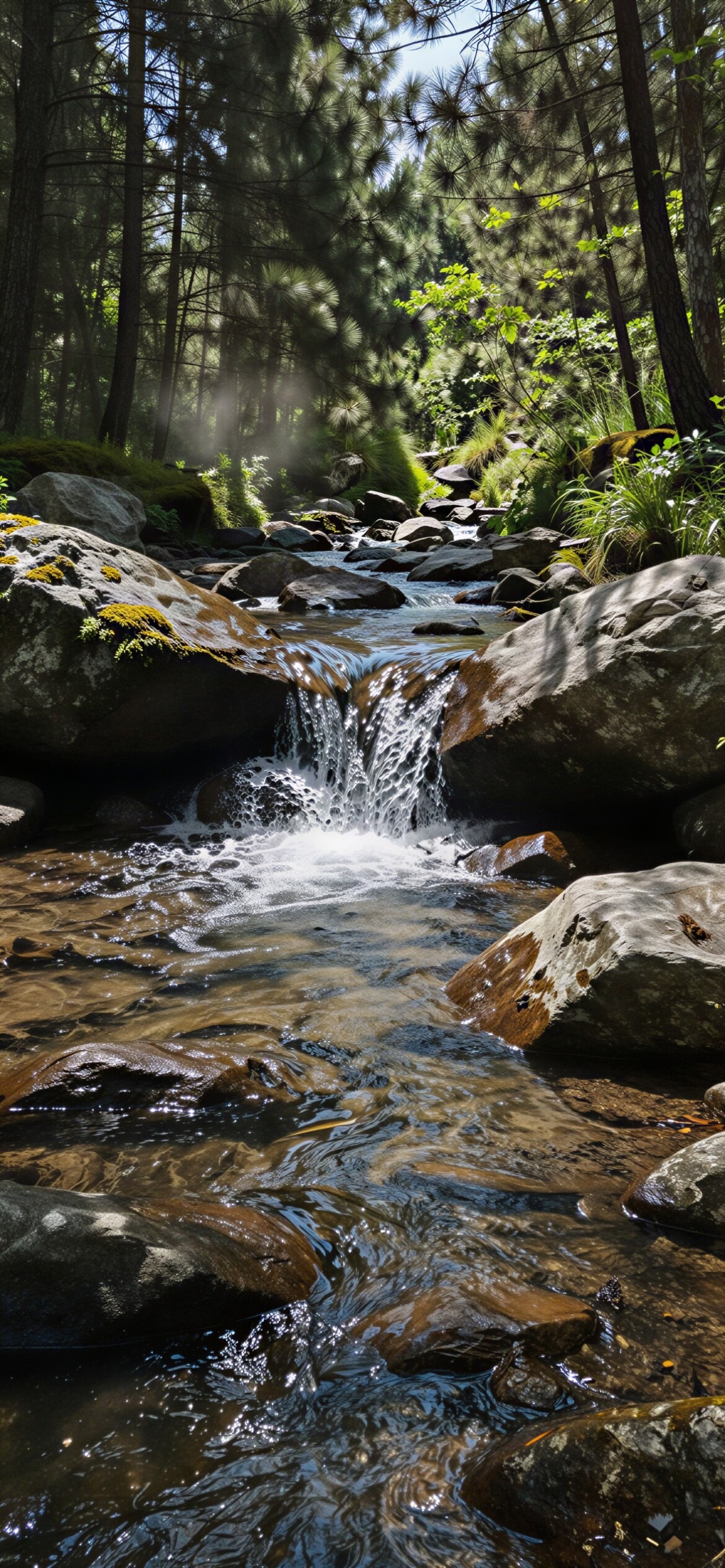
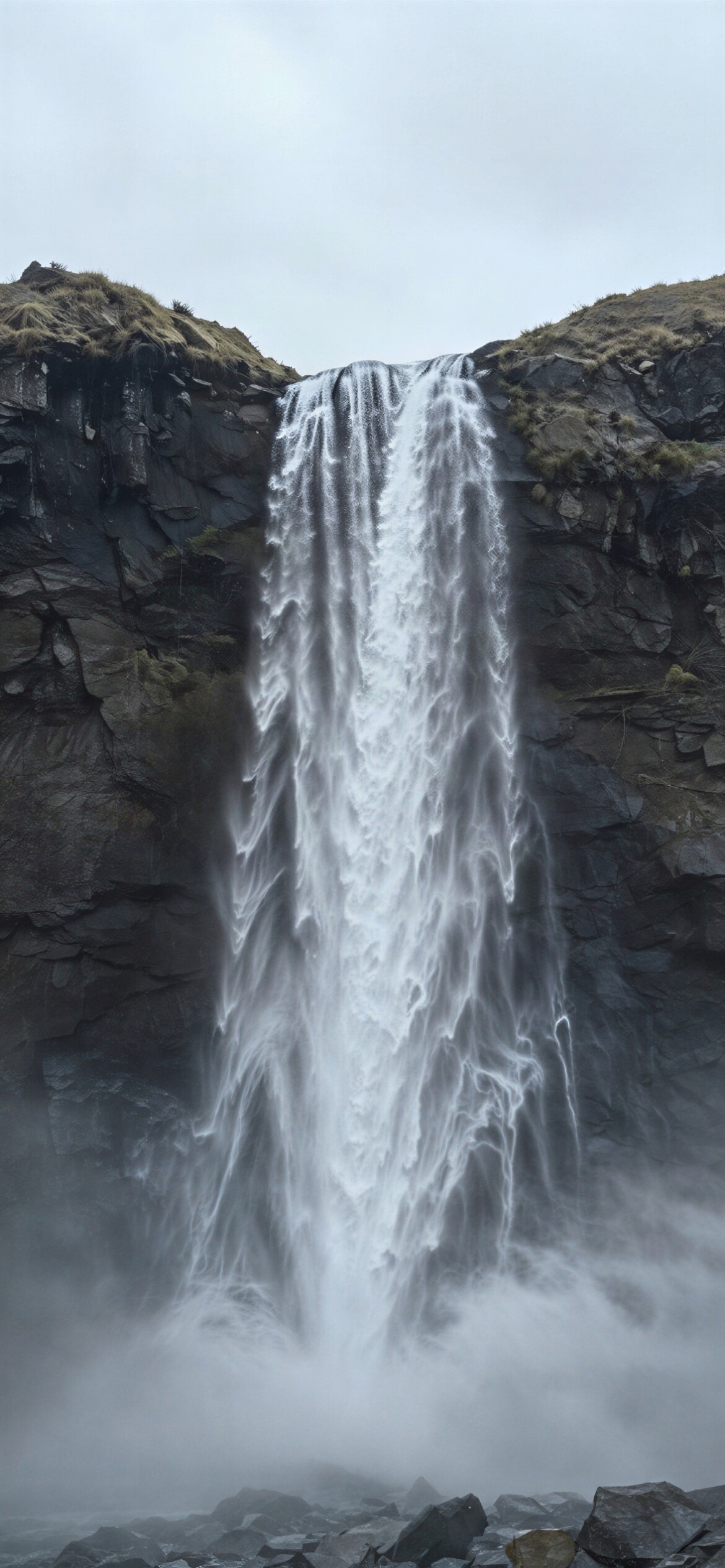
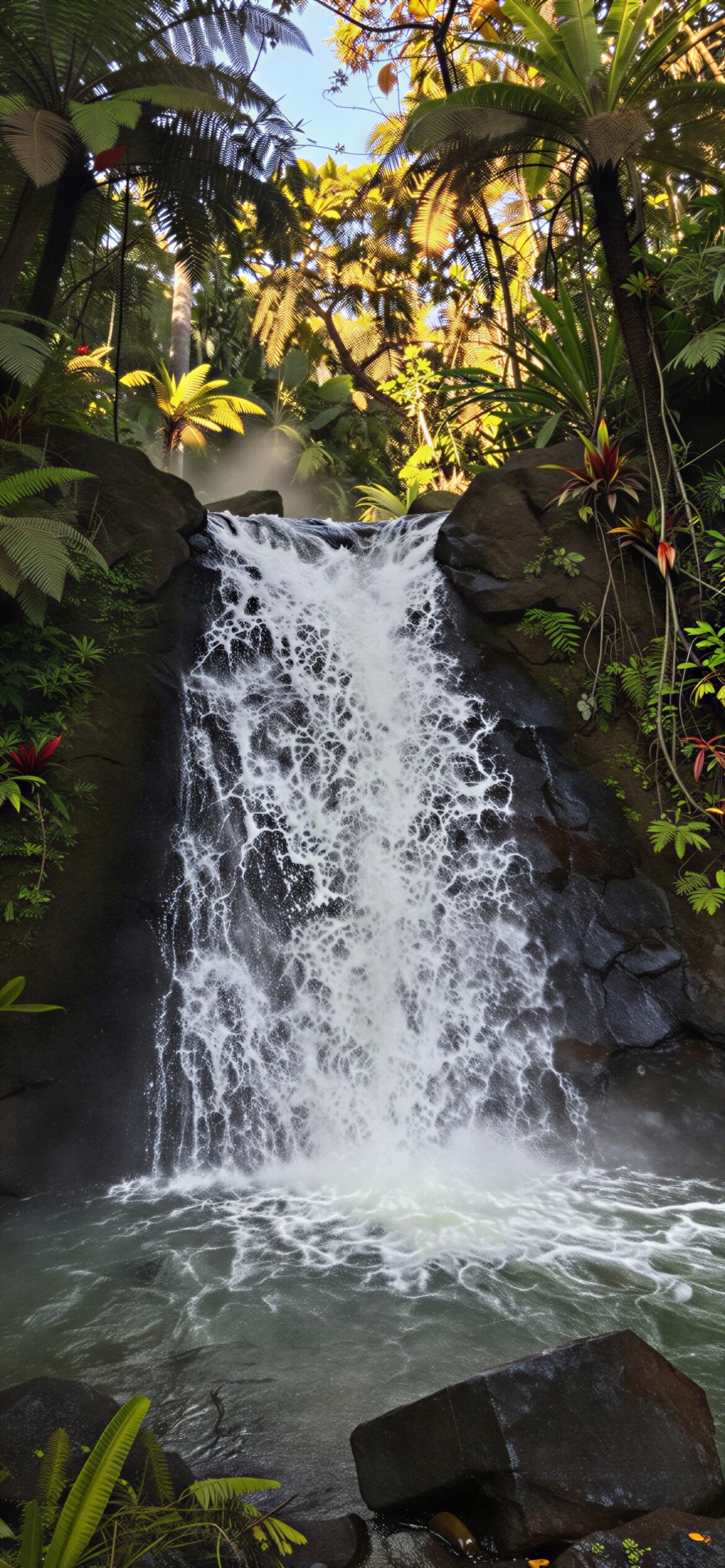
Waterfall iPhone wallpaper brings flowing water and natural scenery to your lock screen and home screen. These designs show cascading waterfalls in dense forests, rocky canyons and tropical settings with soft morning light and mist. Each wallpaper is original artwork, curated by hand. The vertical format fits iPhone screens perfectly, with simple skies at the top and the main waterfall views centered below. Choose from quiet woodland scenes to dramatic cliff drops for a nature-focused look year-round.
10 wallpapers at 1170 × 2532 px for iPhone. Checked by hand on 7 Oct 2026.
About this set
This set features flowing waterfalls in natural settings, from quiet woodland streams to dramatic cliff drops. The style ranges from soft, misty morning scenes to bright tropical cascades. Each design uses the tall vertical format to show the full flow of water from top to bottom, with simple sky or canopy at the top and the waterfall action in the center and lower half of the screen.
Waterfall wallpapers work best as lock screen backgrounds, where the vertical composition and flowing water create a calming focal point. They pair well with minimal iPhone icons and work in both light and dark modes. Choose misty, shadowed waterfalls for dark mode and bright, sun-lit cascades for light mode. These designs suit nature lovers and anyone wanting a peaceful, flowing aesthetic on their home screen throughout the year.
How a waterfall digs its own pool
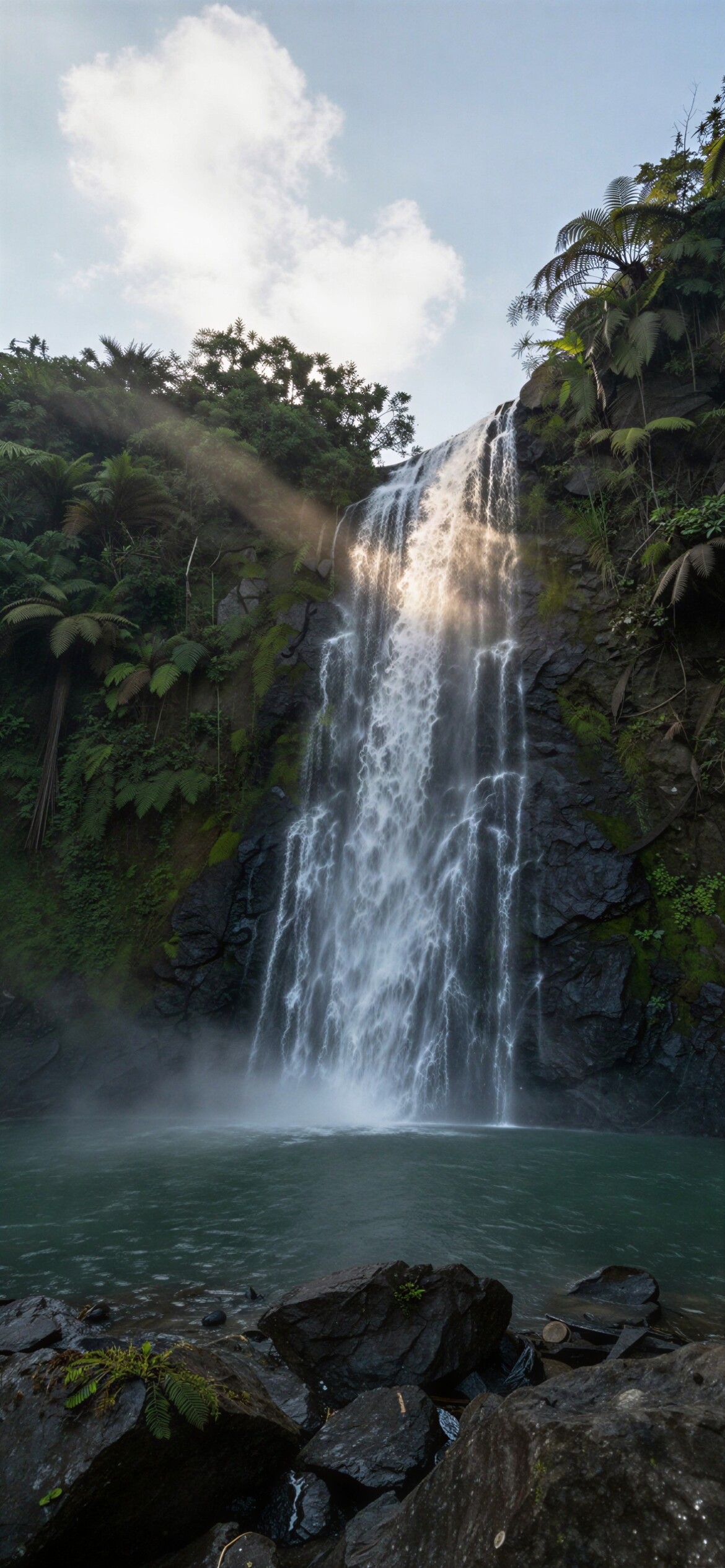
Most waterfalls form where a river crosses a band of hard rock sitting on top of softer layers. The soft rock wears away faster, the hard ledge is left hanging, and the falling water keeps drilling into the riverbed below. That hollow is called a plunge pool. You can see one clearly in wallpaper 1, where the water drops into an emerald basin, and again in wallpaper 9, where the pool at the foot of the stone pillars is turquoise.
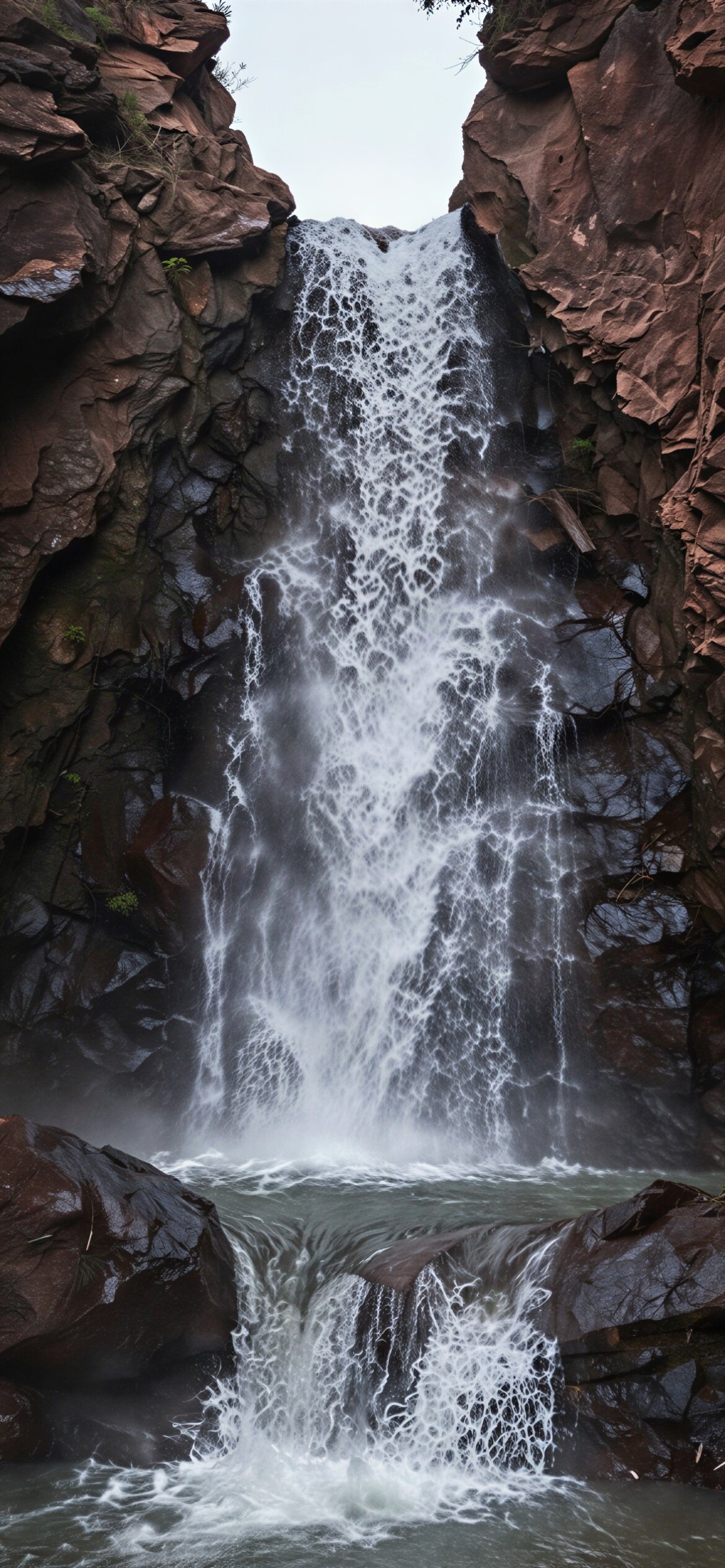
Over time the ledge breaks off piece by piece and the fall slowly moves upstream, which is how narrow gorges like the one in wallpaper 2 get cut. Geographers also sort waterfalls by shape. A plunge leaves the cliff in one clean drop, as in wallpaper 7, while a cascade steps down over a series of rocks, as in wallpapers 2, 6 and 10. Angel Falls in Venezuela, usually listed as the highest waterfall in the world, falls about 979 metres in total.
Ten falls, from canyon walls to forest streams
- 1. Mist rising over dark rocks and an emerald pool. The dark stone keeps the bright areas small, so the clock stays easy to read.
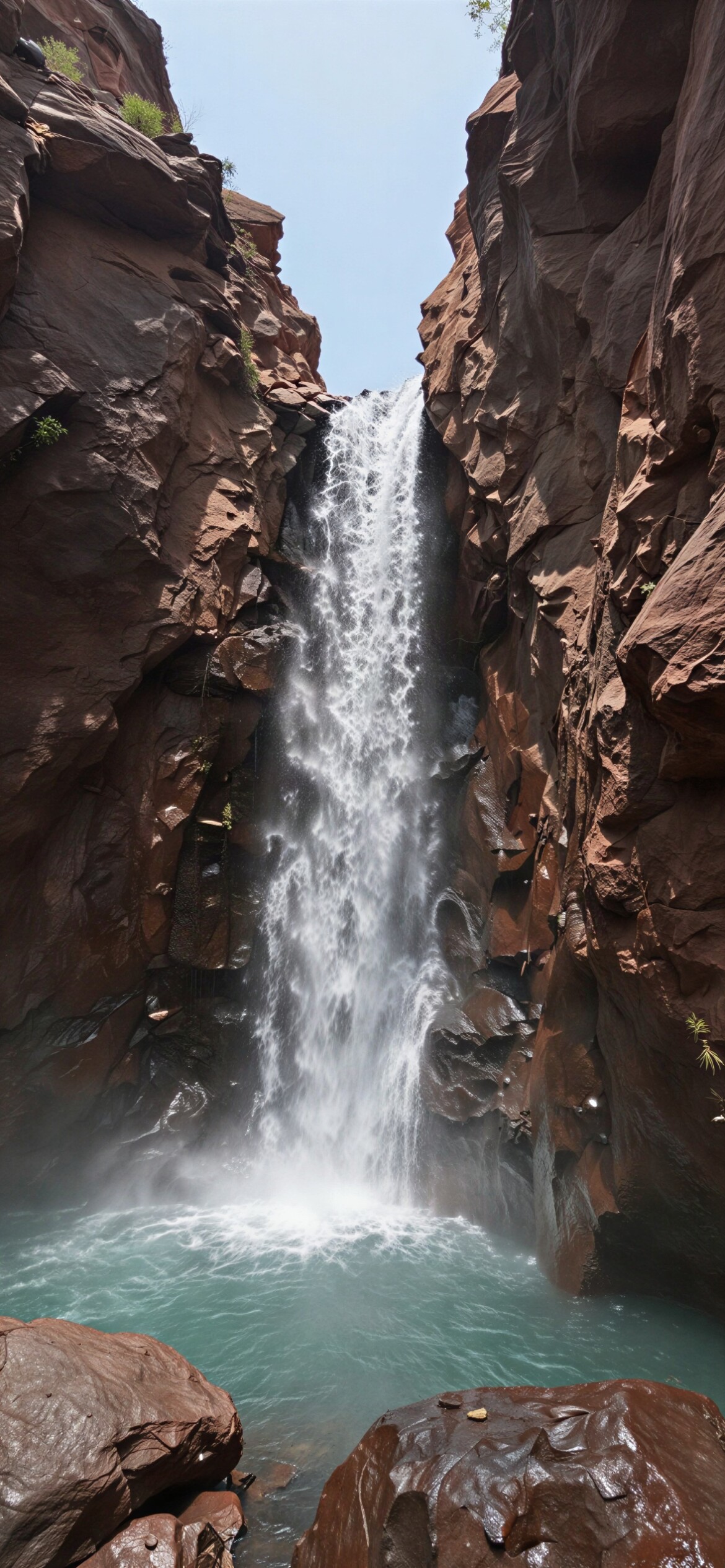
- 2. Several tiers inside a narrow red-brown canyon. Warm and tall, a good pick if you like earthy colours.
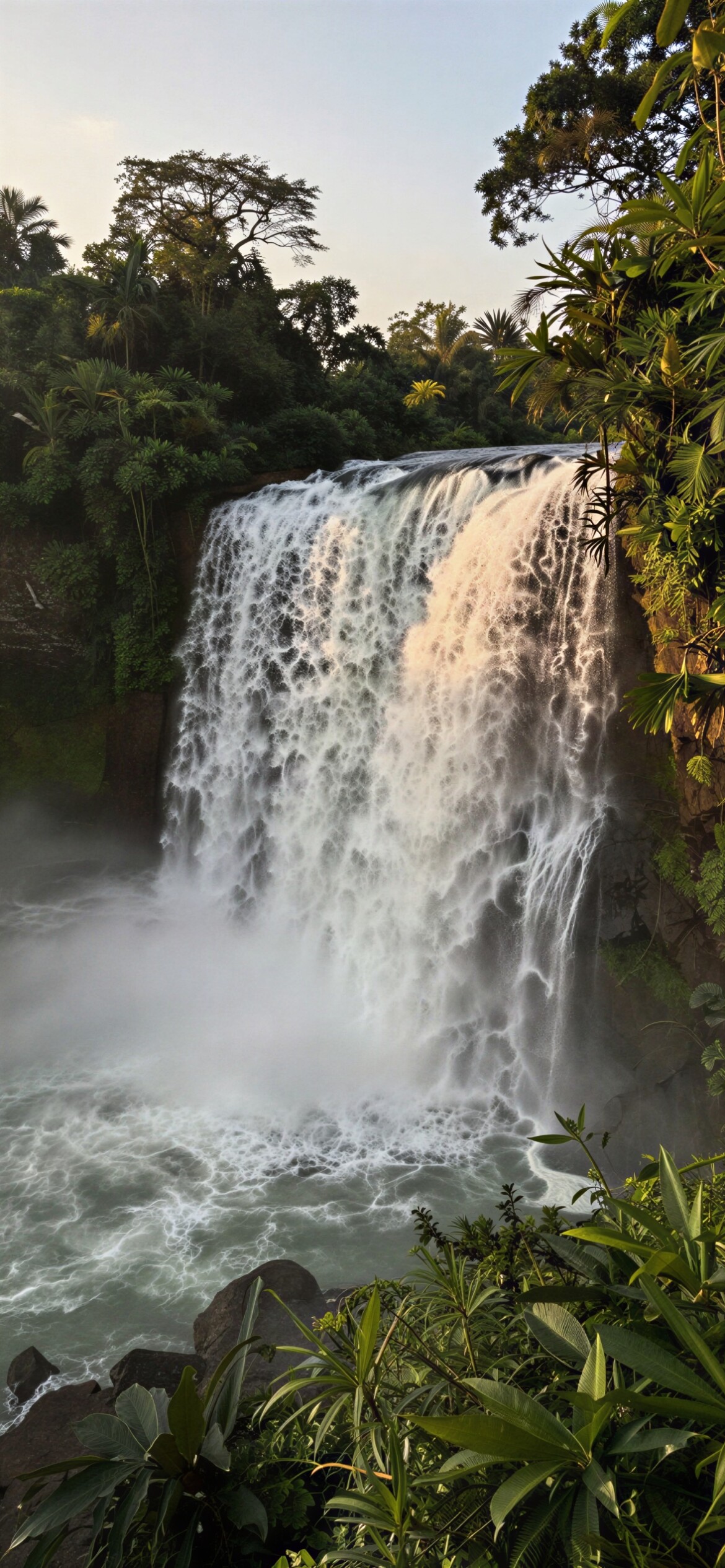
- 3. A heavy tropical fall wrapped in vines and leaves. The edges are busy, so it suits a lock screen more than a crowded home screen.
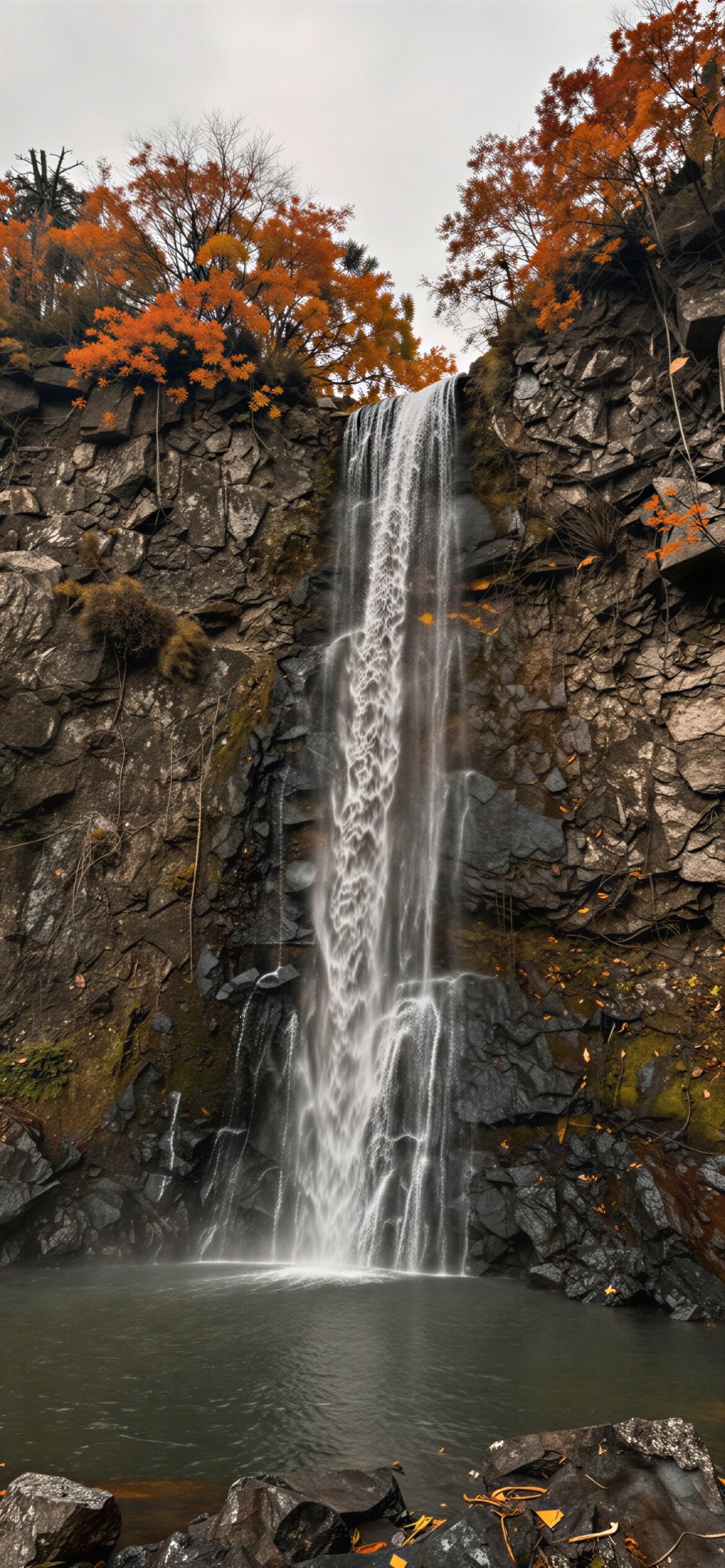
- 4. A thin autumn fall framed by orange and red trees, the one design here with a clear season.
- 5. Water spilling from a mossy cave high on a cliff. The unusual source makes it the most curious picture in the set.
- 6. Low, gentle steps over smooth rocks in a sunny stream. Quiet enough to sit behind rows of apps.
- 7. The tallest drop of the ten, falling from a high cliff into mist. It makes the most of a tall phone screen.
- 8. Dark volcanic rock beside bright green plants, a sharp contrast between black stone and leaves.
- 9. A narrow ribbon of water between stone pillars, with the turquoise pool near the bottom of the screen.
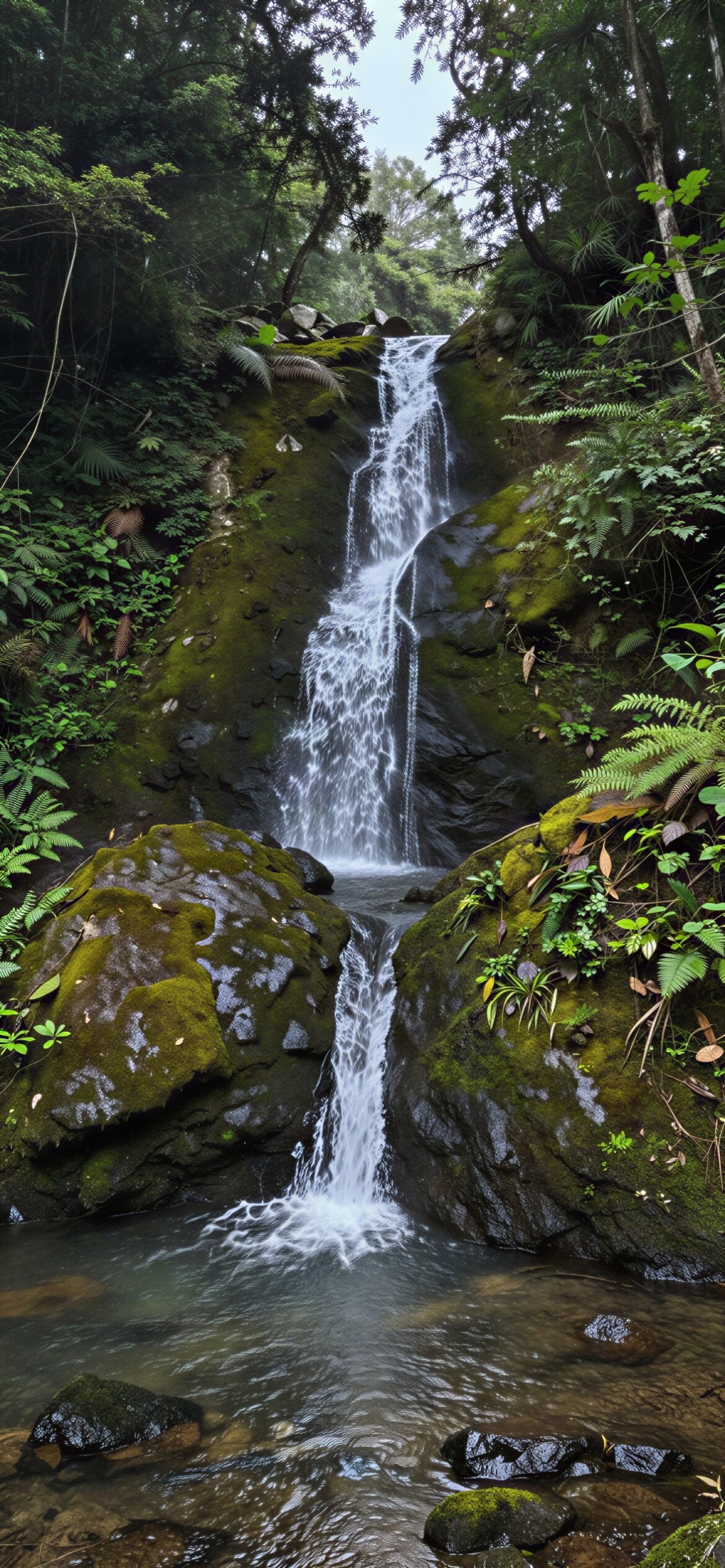
- 10. Water stepping down over moss and stone into a clear stream, the calmest forest scene of the lot.
Green shade, bare rock or one burst of autumn
If you want plenty of green, look at 1, 3, 6, 8 and 10. These feel cool and shaded, and the mossy tones are easy on the eyes at night.
Wallpapers 2, 5, 7 and 9 are more about stone: canyon walls, cliff faces and pillars, with the water as a bright line running through them. They feel grander and a little more dramatic. Wallpaper 4 stands on its own with its orange and red trees, and makes a natural swap for October and November.
For more scenes with moving water and deep greenery, try the water wallpapers, the forest set or the mountain wallpapers.
How to set it on your iPhone
- Tap Download and save the image to Photos.
- Open Settings, tap Wallpaper, then Add New Wallpaper, and choose Photos.
- Pick the wallpaper, pinch to position it, then tap Add and choose the lock screen, home screen or both.
Stuck on a step? The iPhone and iPad guide has screenshots for each one.
Questions
Will these wallpapers fit my iPhone screen?
Yes. This set is designed for iPhone in 1170x2532 resolution, the standard size for current iPhone models. They are sized for modern iPhones, and some older models may crop slightly at the edges. The vertical composition leaves the top quarter simple so your lock screen time and date remain visible and readable.
Can I use these wallpapers for personal use?
Yes, these wallpapers are free to download and use on your own iPhone for personal enjoyment. Selling them, printing them for sale, or reposting them on other wallpaper sites is not allowed. See our Terms page for the full details on permitted use.
Which waterfall wallpapers work best for lock screens versus home screens?
Misty, atmospheric waterfalls with softer colors work well for lock screens, where they frame the time and date nicely. Bright, detailed waterfalls with rich greens and clear water suit home screens behind app icons. You can use any design for either screen; choose based on the mood and readability you prefer with your icon layout and dark mode setting.
Do these waterfall wallpapers have a specific season or time of year?
No. This set is evergreen and works year-round. The designs show timeless natural scenes without seasonal details like snow, autumn leaves or spring blossoms, so they remain fresh and appropriate any time of year. A few designs feature autumn foliage, but the majority are seasonally neutral.