Solar System Wallpaper iPhone
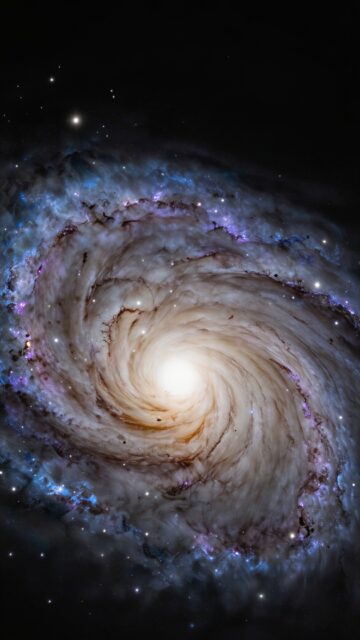
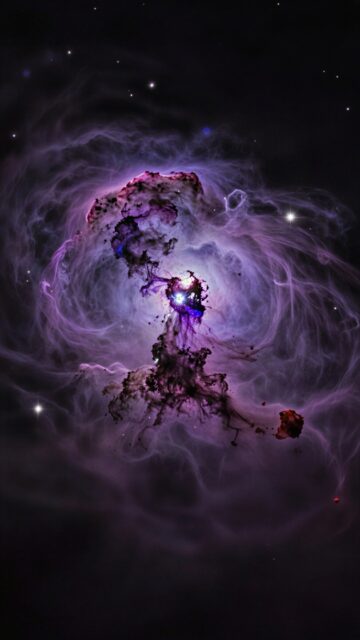
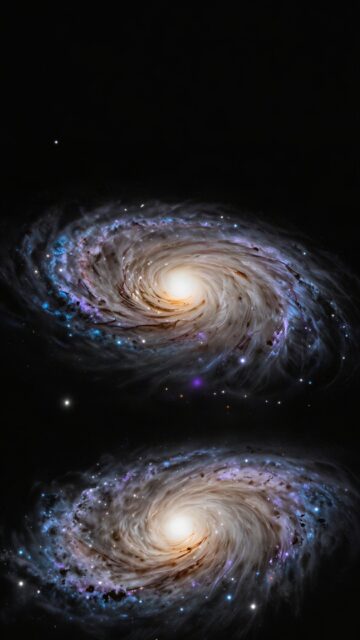
Solar system iPhone wallpaper shows the planets, stars and cosmic views you can download free for your phone. This set features realistic renderings of our solar system with authentic planetary details, deep space backdrops and orbital arrangements. Each design brings the wonder of space to your lock screen or home screen, from close views of individual planets to wide cosmic vistas. The colors range from deep blacks and blues to vibrant planet surfaces and glowing starfields.
6 wallpapers at 1170 × 2532 px for iPhone. Checked by hand on 5 Oct 2026.
About this set
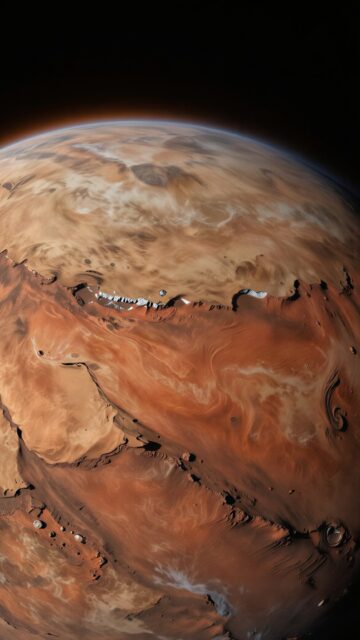
This set shows our solar system in realistic detail, from individual planets with accurate colors and features to wider cosmic views that place multiple worlds in space together. The designs use deep blacks and authentic planetary colors: Saturn’s pale gold, Jupiter’s orange and brown bands, Earth’s blue and green, Mars’s rust red, and the Sun’s golden glow.
The lock screen wallpapers work best with simple, centered subjects like single planets or the Moon, which leave room for time and notifications. Home screen designs benefit from the wider compositions showing multiple planets or dense starfields that work well behind icons. These designs pair naturally with any app icon style and suit both light and dark mode setups on your iPhone.
Two giants, three close neighbours and a field of rock
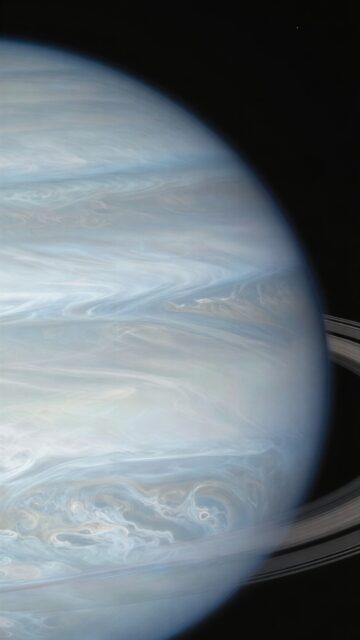
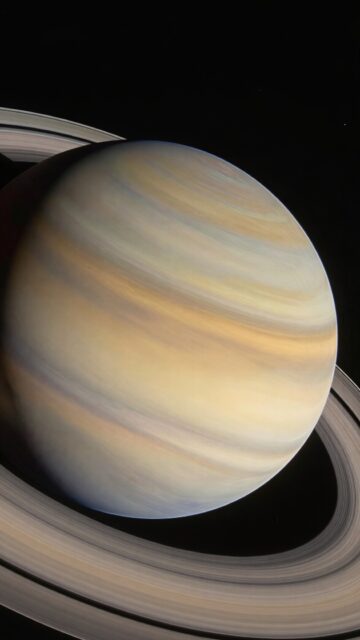
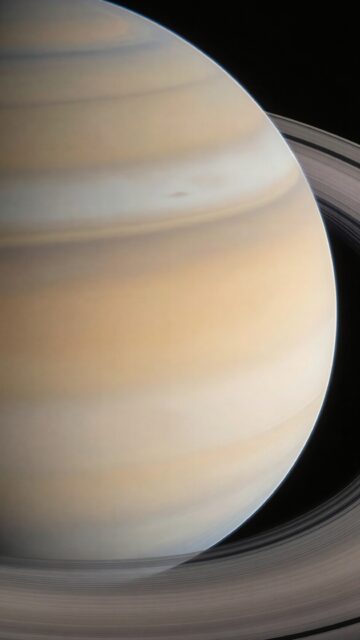
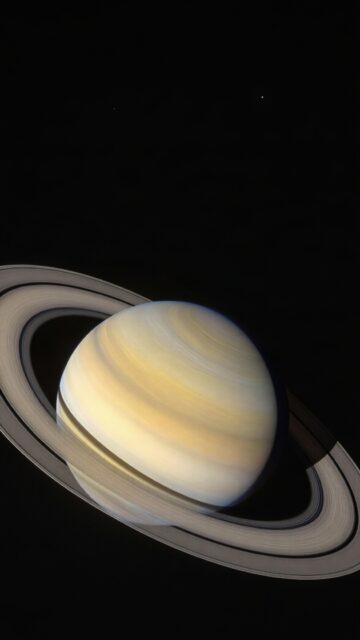
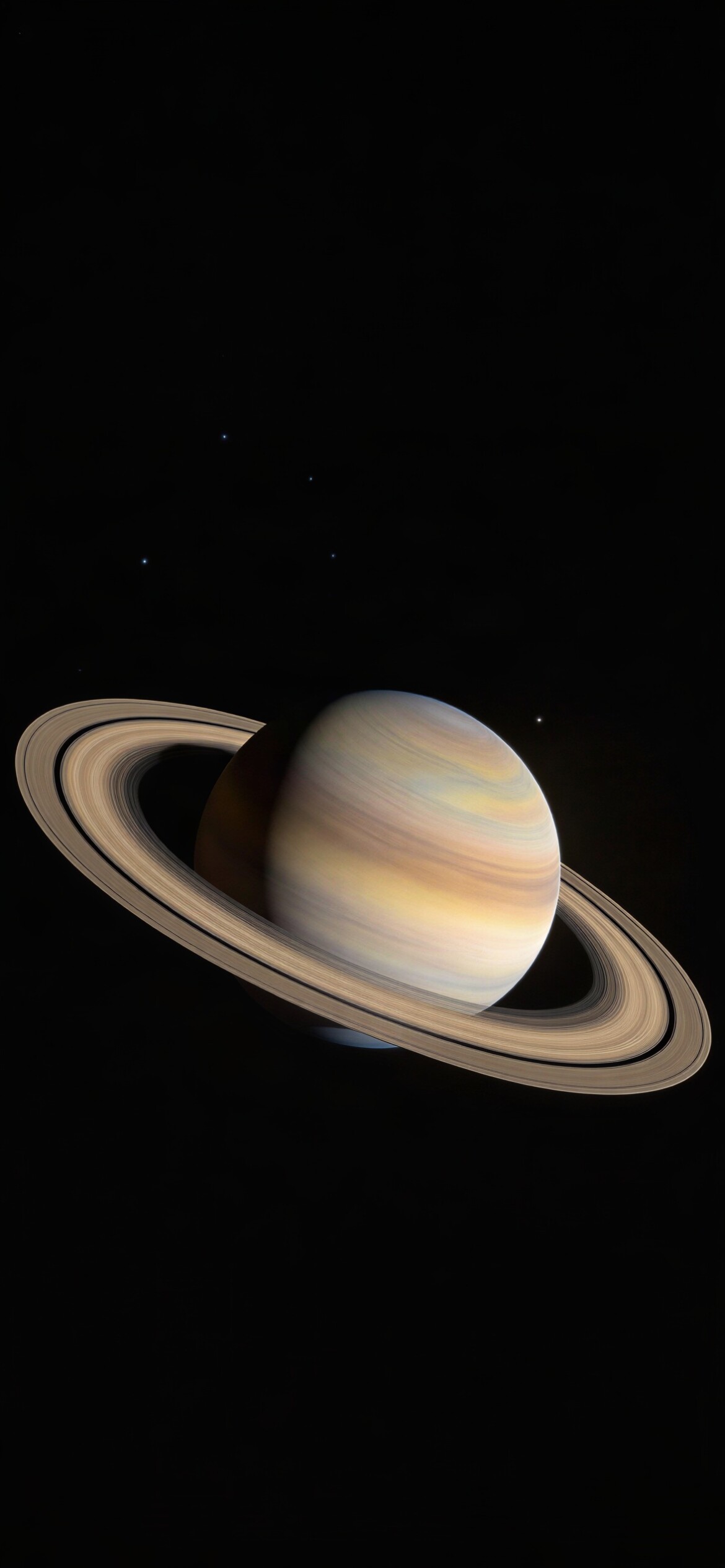
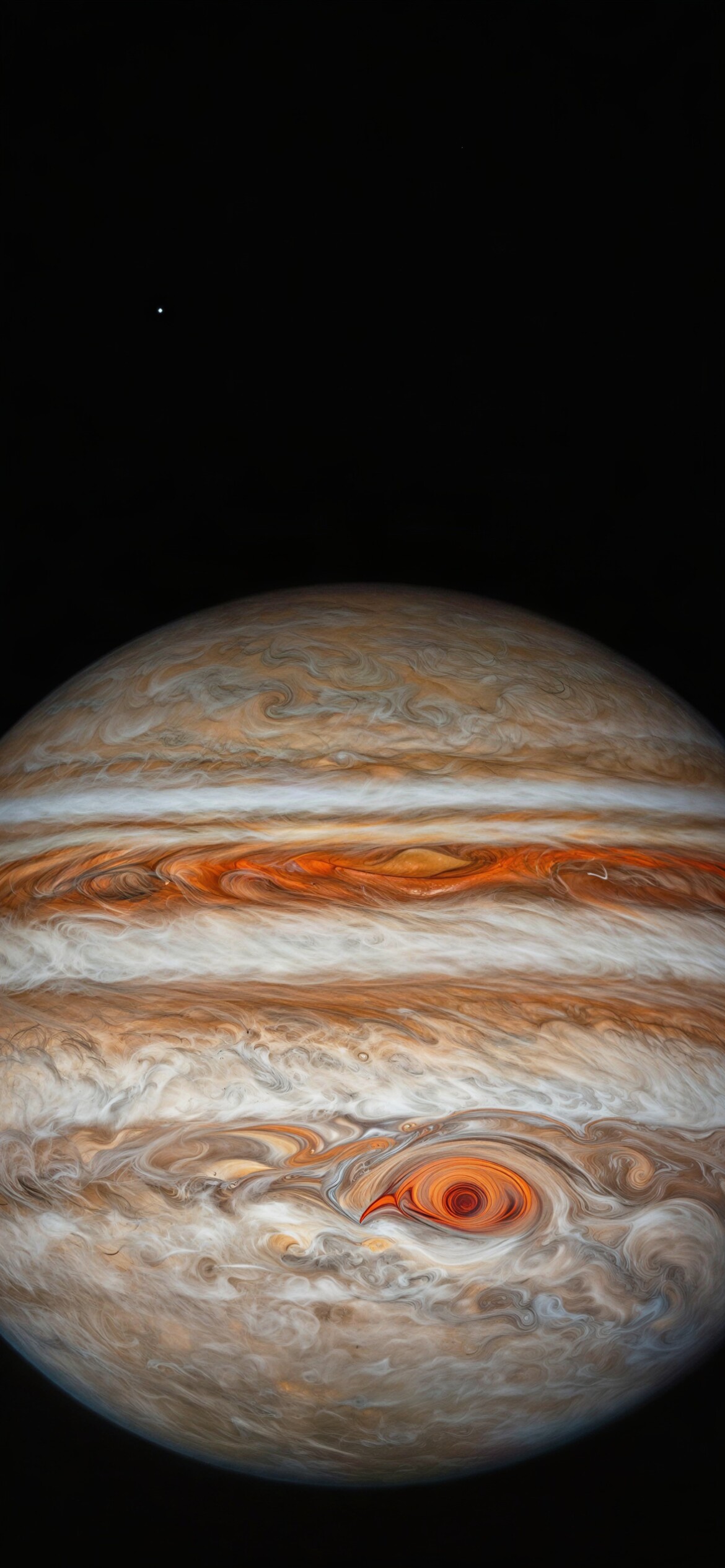
The set opens with the two biggest planets. Wallpaper 1 puts Saturn and its rings in the middle of a black sky, with only a few far stars around it, so it is the easiest one to read behind a clock. Wallpaper 2 moves in close on Jupiter, letting the striped cloud bands and the Great Red Spot take up the lower part of the screen.
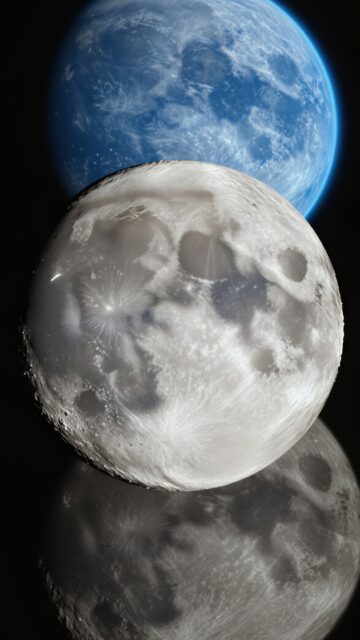
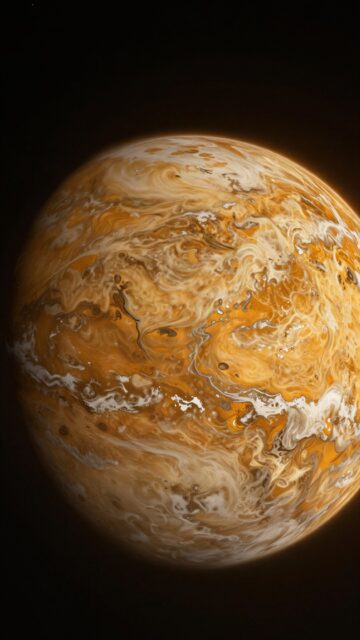
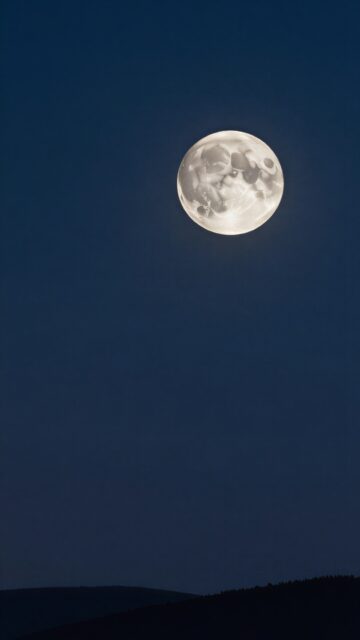
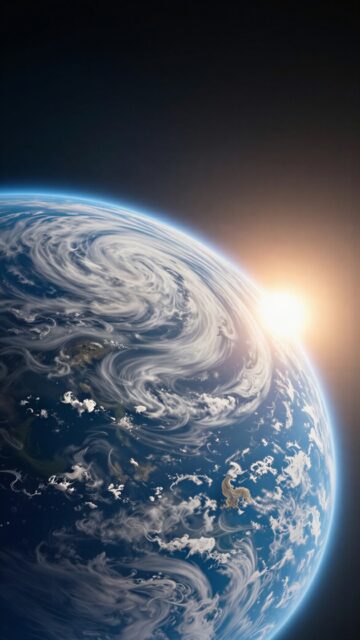
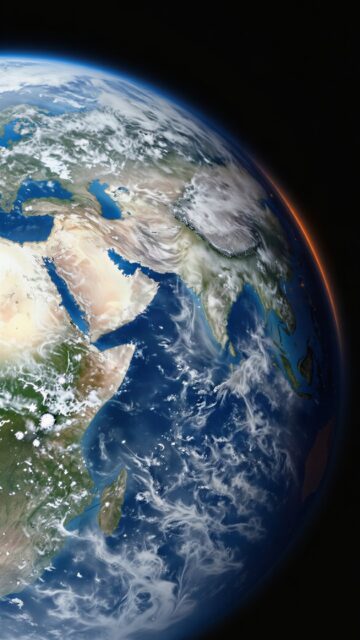
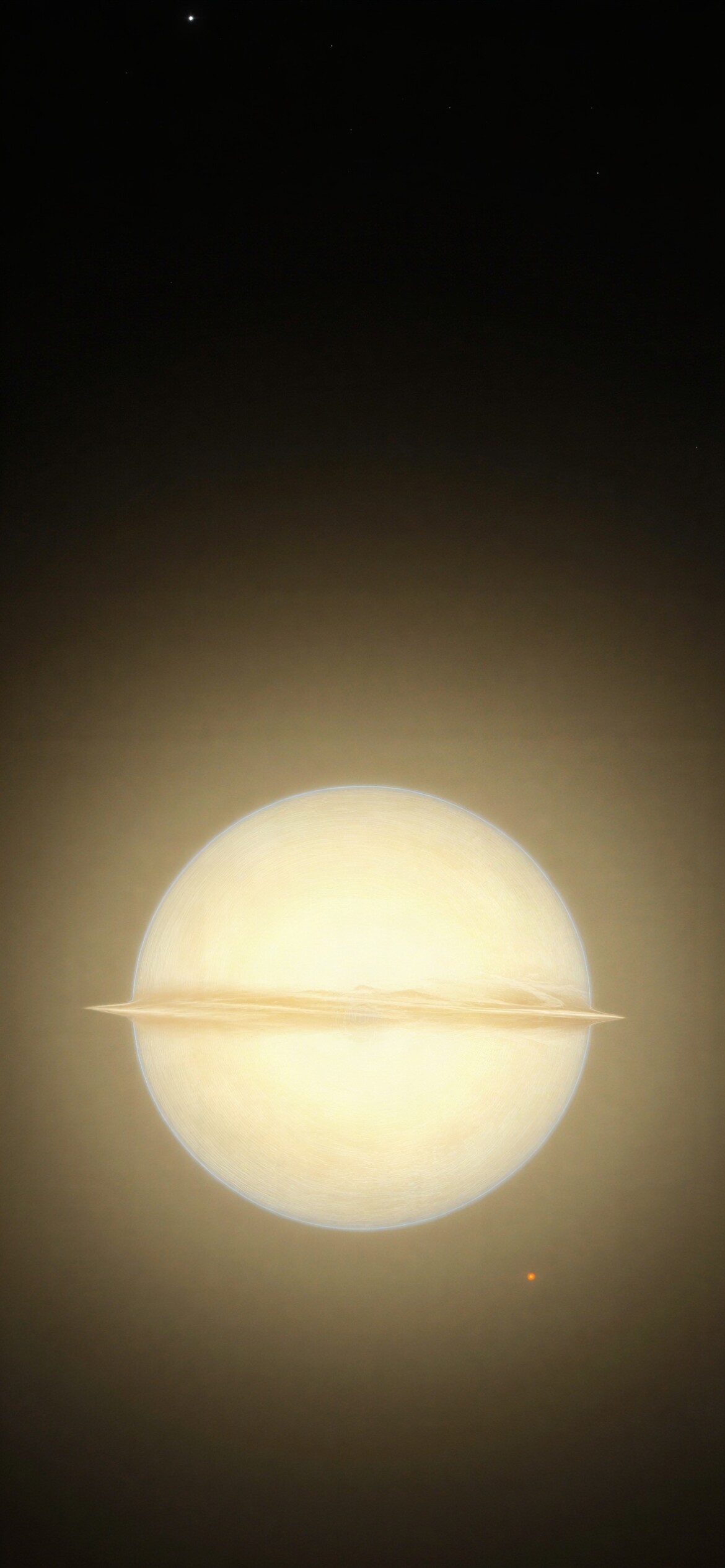
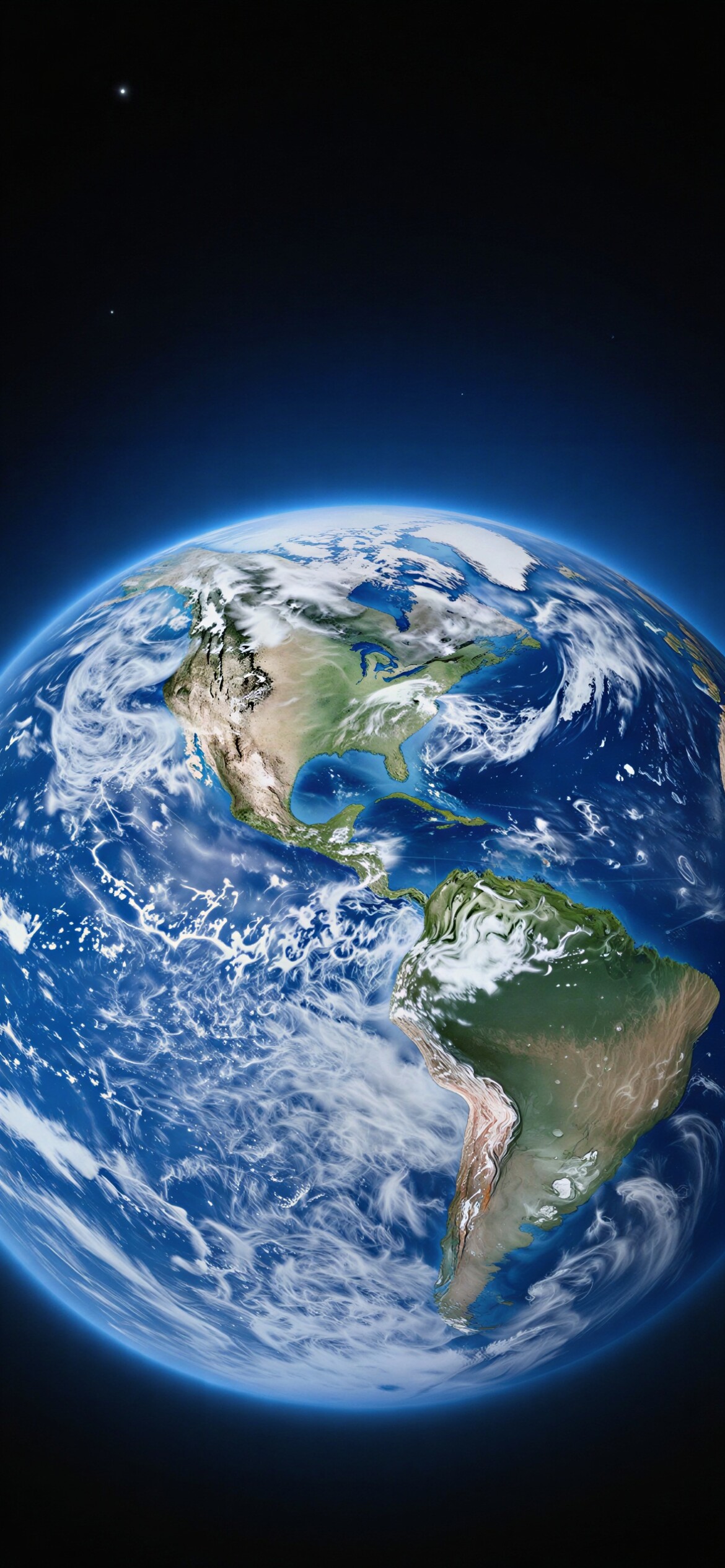
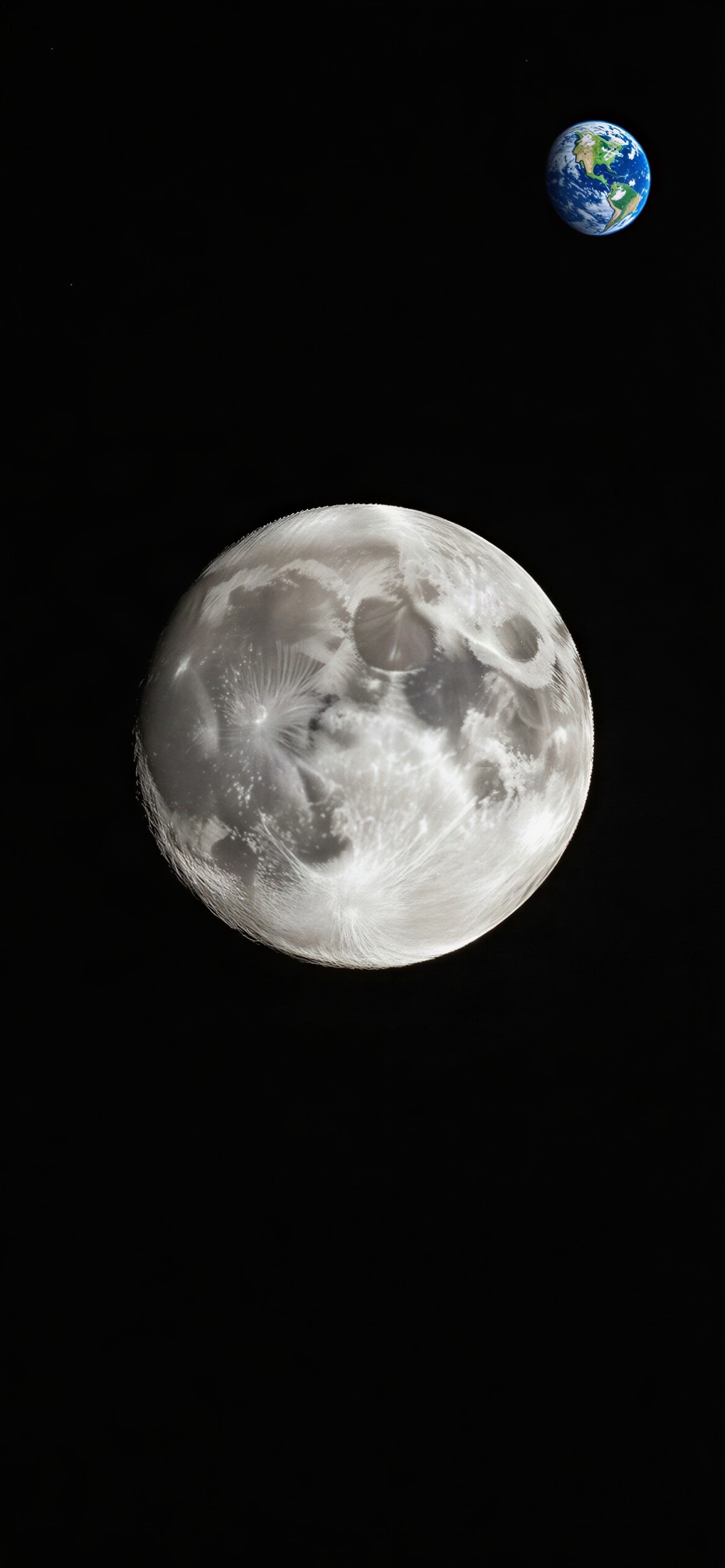
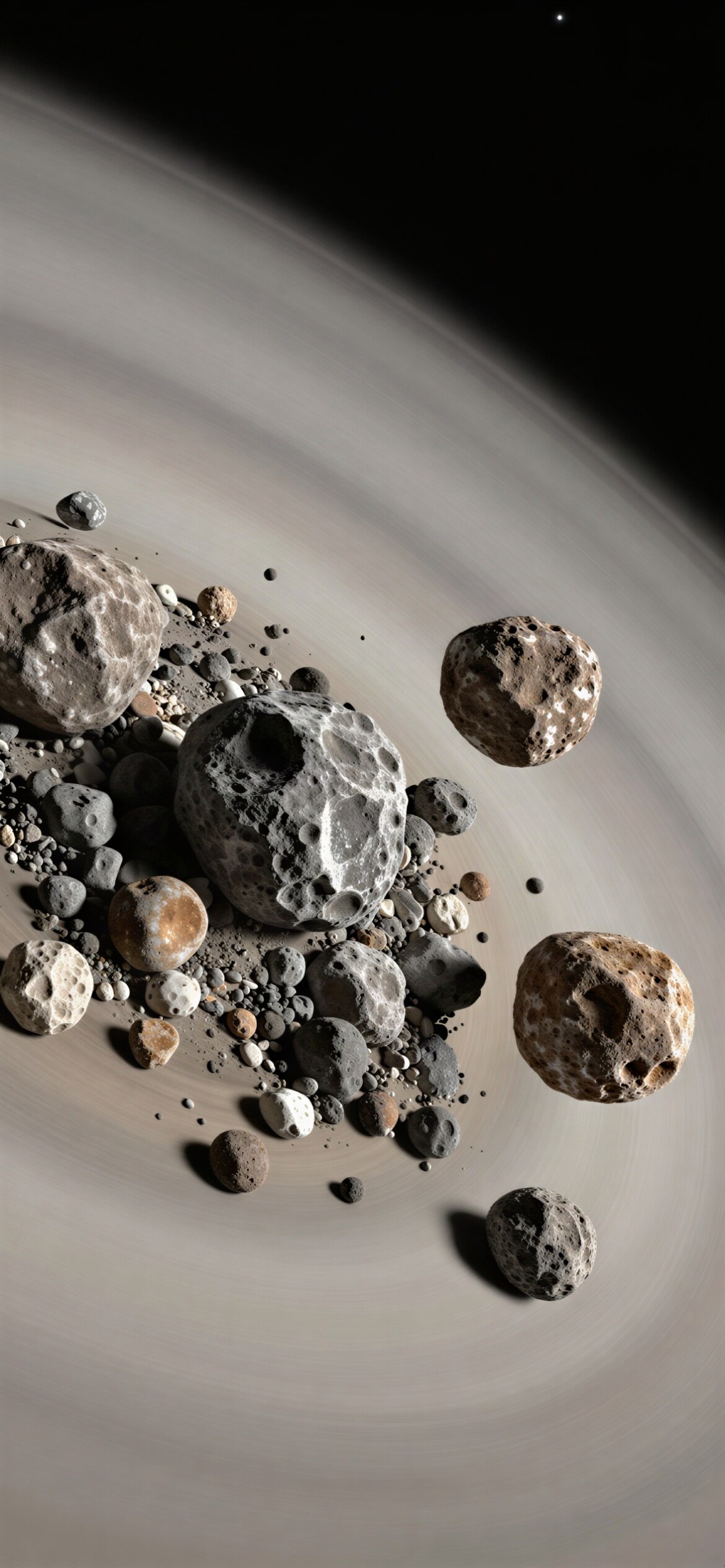
Wallpapers 3, 4 and 5 stay nearer to home. Number 3 shows Venus as a pale yellow ball low in the frame, number 4 fills the bottom of the screen with Earth's oceans, clouds and land, and number 5 sets the grey, cratered Moon in front of you with Earth tucked into a corner. Wallpaper 6 is the odd one out: no planet at all, just rocky bodies of different sizes drifting through the asteroid belt.
A few things worth knowing about these worlds
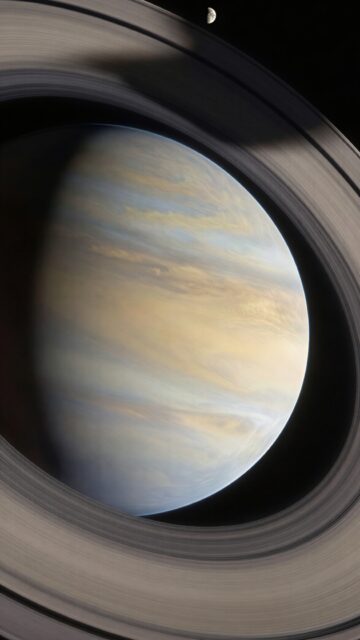
- Saturn is so light for its size that its average density is lower than water's. The rings are made mostly of pieces of ice, from dust grains to chunks as big as houses.
- Jupiter is the largest planet, and the Great Red Spot is a storm wider than Earth that astronomers have watched for well over a century.
- Venus looks soft and pale because it is wrapped in thick clouds that reflect most of the sunlight hitting them. Underneath, it is the hottest planet in the solar system, even though Mercury is closer to the Sun.
- The Moon always shows the same face to Earth, because it turns once on its axis in the same time it takes to go around us.
- The asteroid belt sits between Mars and Jupiter. Its largest member, Ceres, is now classed as a dwarf planet, and the rocks are so widely spaced that spacecraft have flown through without trouble.
Warm light or cold rock?
If you want colour on your screen, wallpapers 1, 2 and 3 carry the gold, orange and cream tones of the outer and inner planets. Number 4 is the only one built around blue, which makes it a calm pick for a home screen. Wallpapers 5 and 6 are mostly grey and black, so they suit a dark, low-key setup, and their large areas of near-black also look deep on an OLED iPhone display.
For more space backgrounds, the planet wallpapers cover other worlds, the Saturn set has more views of the ringed planet, and the astronaut wallpapers bring people into the picture.
How to set it on your iPhone
- Tap Download and save the image to Photos.
- Open Settings, tap Wallpaper, then Add New Wallpaper, and choose Photos.
- Pick the wallpaper, pinch to position it, then tap Add and choose the lock screen, home screen or both.
Stuck on a step? The iPhone and iPad guide has screenshots for each one.
Questions
Will these wallpapers fit my iPhone screen?
Yes. These wallpapers are made for iPhone at 1170x2532 pixels, which suits modern iPhones edge to edge including the notch area at the top; some older models may crop slightly at the edges. Download and set directly from your Photos app or use Settings > Wallpaper to apply them to your lock screen or home screen.
Can I use these wallpapers for personal use?
Yes, you can download and use these wallpapers free on your own devices for personal use. You cannot sell them, print them for sale, or repost them on other wallpaper sites. See our Terms page for the full license details.
Which wallpapers work best for lock screens versus home screens?
Single-planet designs with centered subjects work well on lock screens, leaving space for your time and notifications. Designs showing multiple planets or dense starfields are better for home screens, where they sit behind your app icons without distraction. The simple starfield backgrounds won't compete with colorful app icons.
Are the planets shown with accurate colors and details?
Yes. Each planet in this set displays its real colors and features based on actual space imagery. Jupiter shows its famous bands and Great Red Spot, Saturn displays its iconic rings, Earth shows oceans and continents, and Mars appears in its rust-red tone. The Sun and Moon are rendered with authentic surface detail and lighting.