3D Wallpaper for PC
3D wallpaper for PC brings dimensional artwork and layered depth to your desktop in 4K. These designs feature sculpted forms, geometric shapes and rich color palettes that give your monitor real visual impact. Each wallpaper works best as a full desktop background behind your icons and windows. The 3D desktop wallpaper set suits both dark and light mode, with enough open space on the left to keep your desktop clear and functional.
10 wallpapers at 3840 × 2160 px for Desktop 4K. Checked by hand on 5 Oct 2026.
About this set
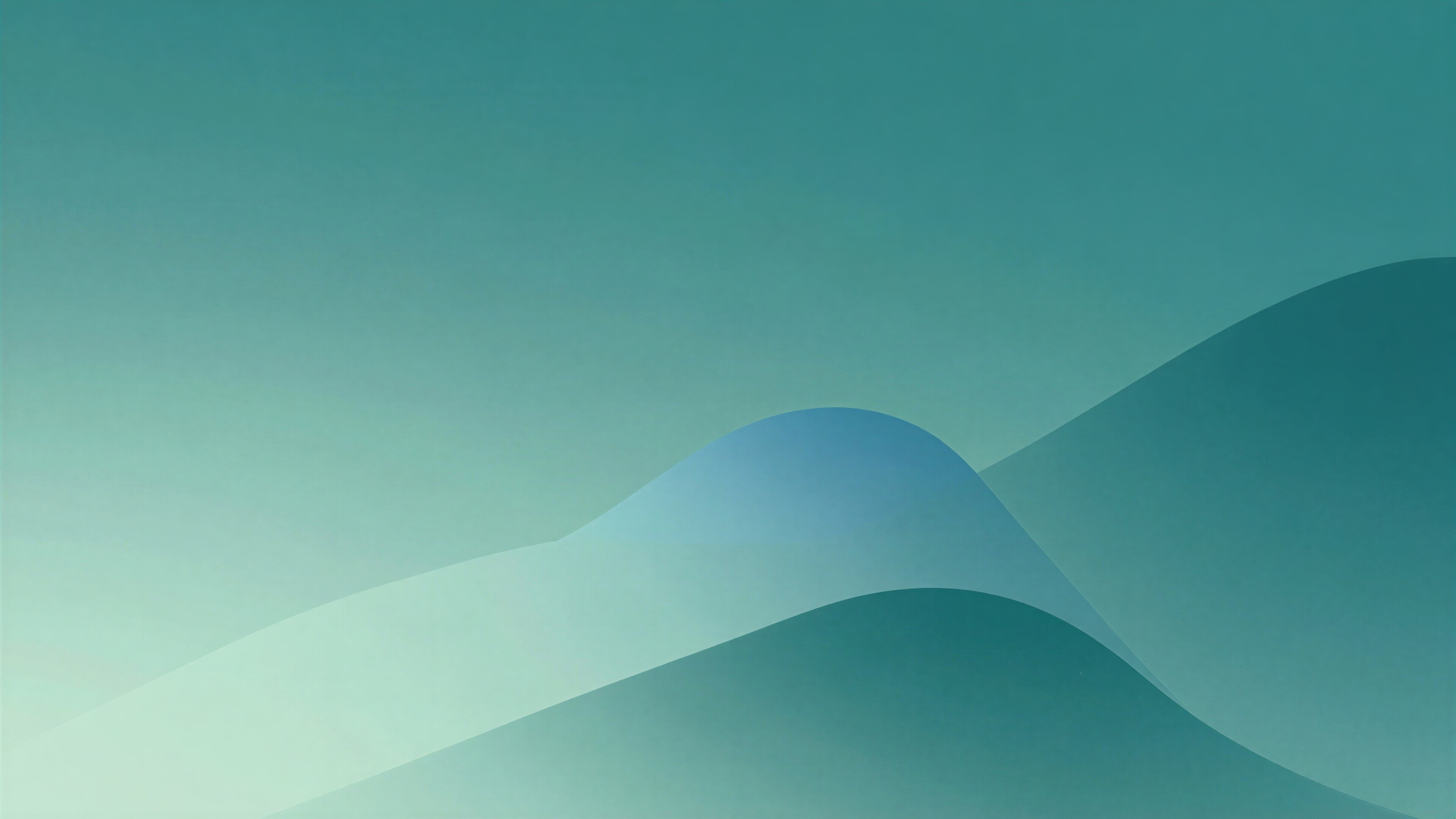
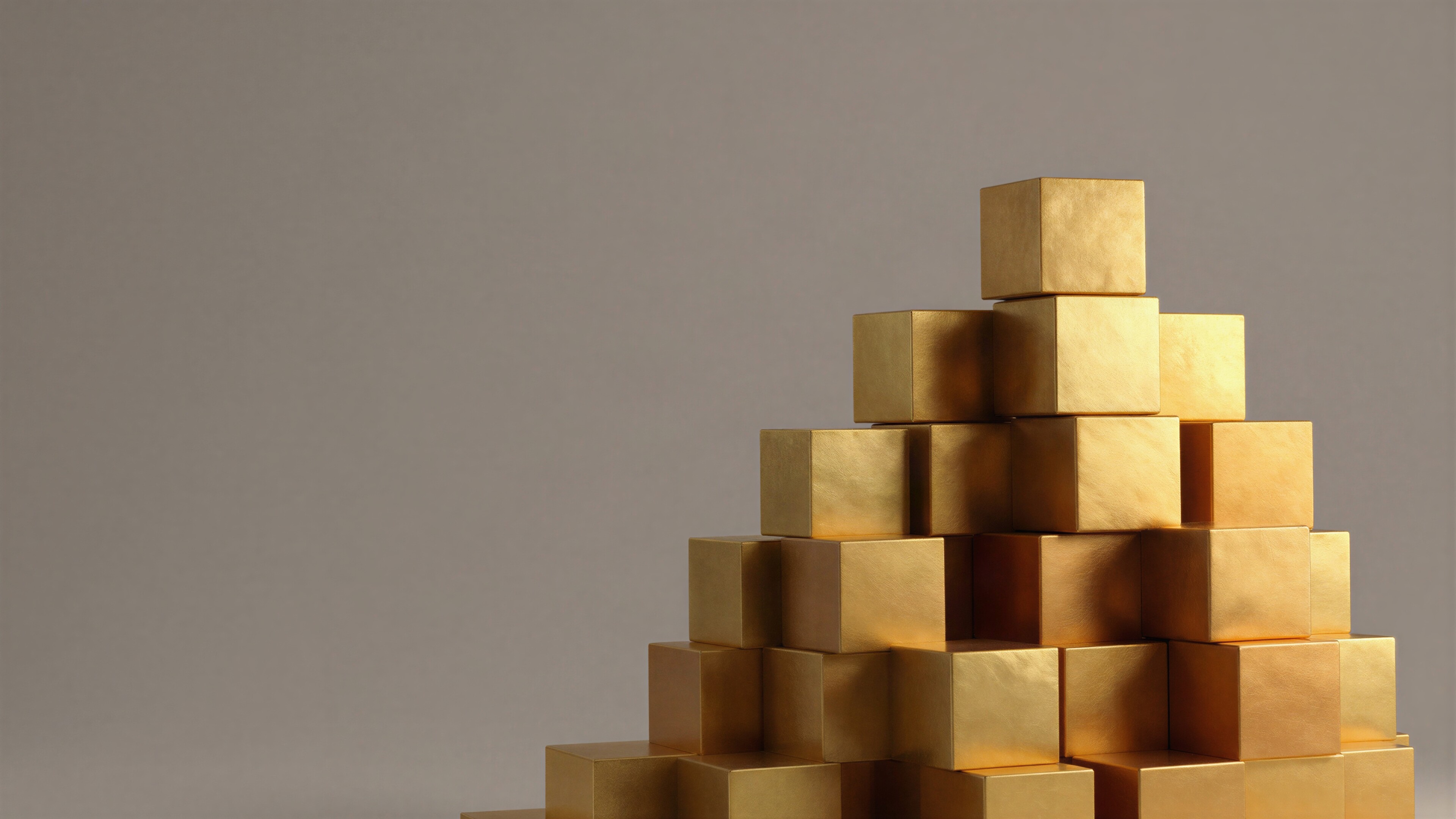
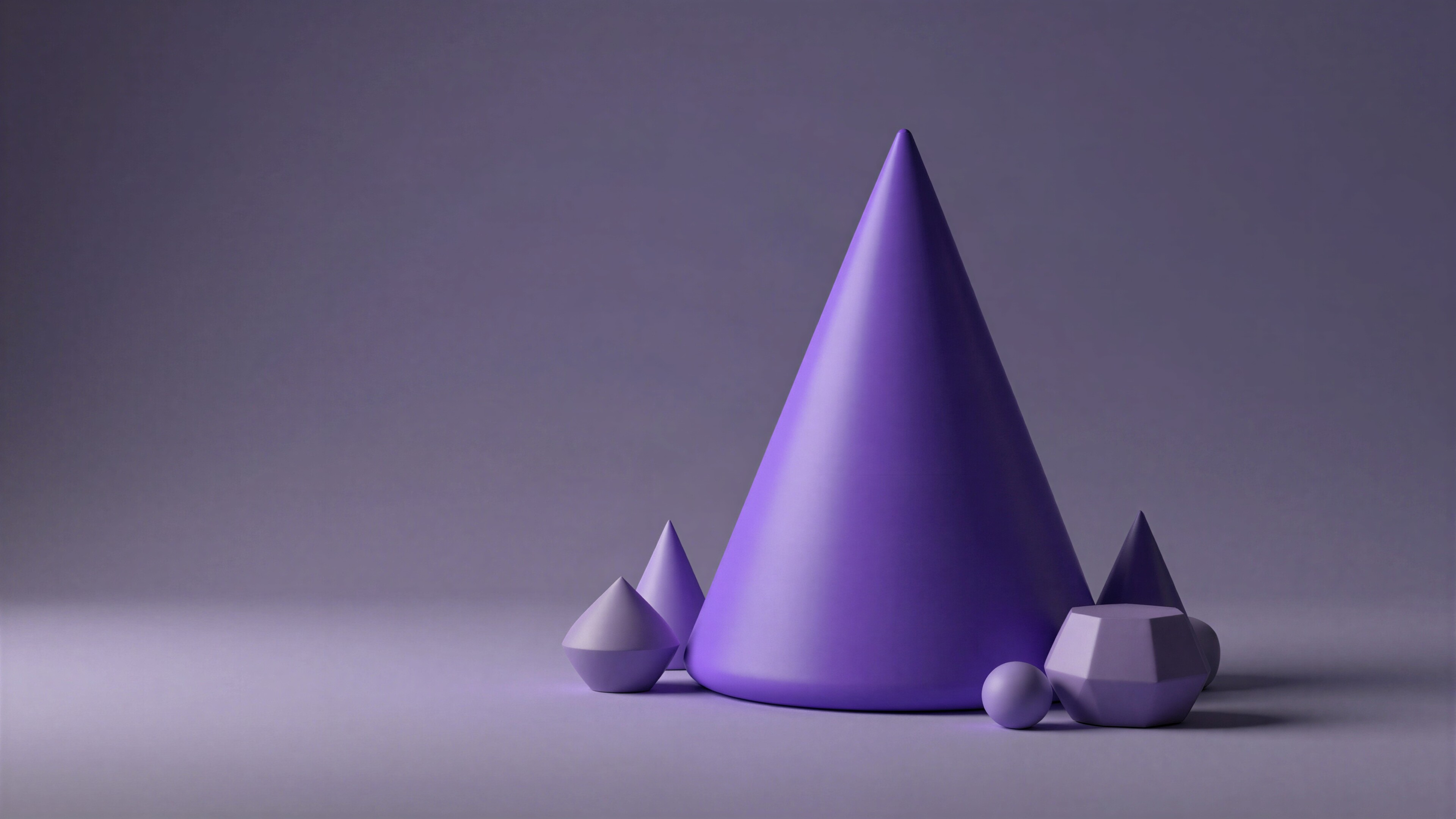
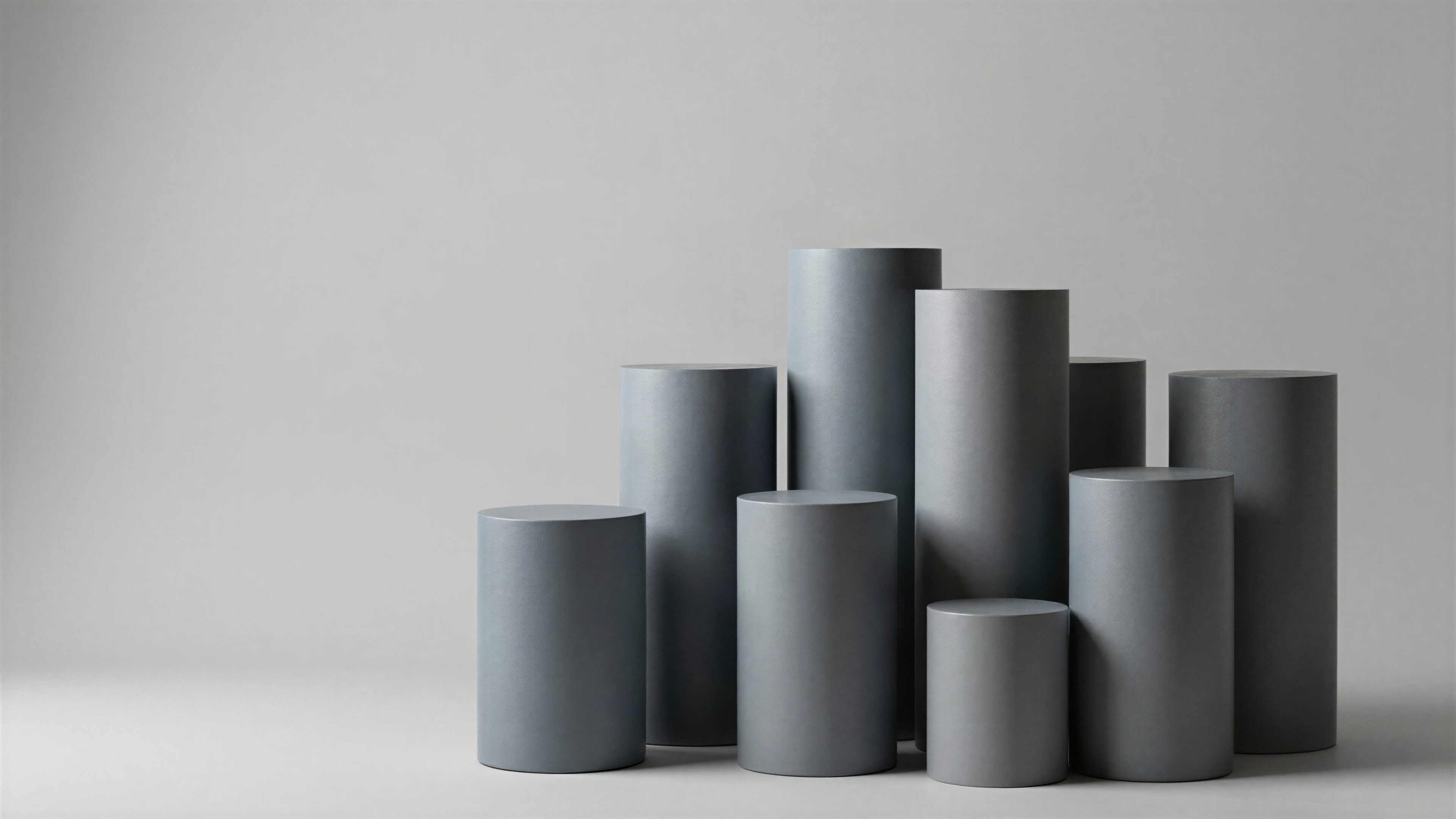
This set showcases sculpted three-dimensional forms rendered with careful lighting and shadow. Each design uses a clean composition with the main subject positioned in the lower right or right third of the frame, leaving the left side open and calm for your desktop icons and taskbar. The varied color palettes range from cool metallics and jewel tones to warm earth tones and pastels, giving you options for different moods and seasons.
These wallpapers work well as full desktop backgrounds in both dark and light mode. The open left side keeps your interface readable and uncluttered. Pair them with icon sets that echo the color palette or with minimalist layouts that let the dimensional artwork shine. The 4K resolution ensures every curved surface and shadow detail stays sharp on large monitors.
A teapot, a highlight and a lot of maths
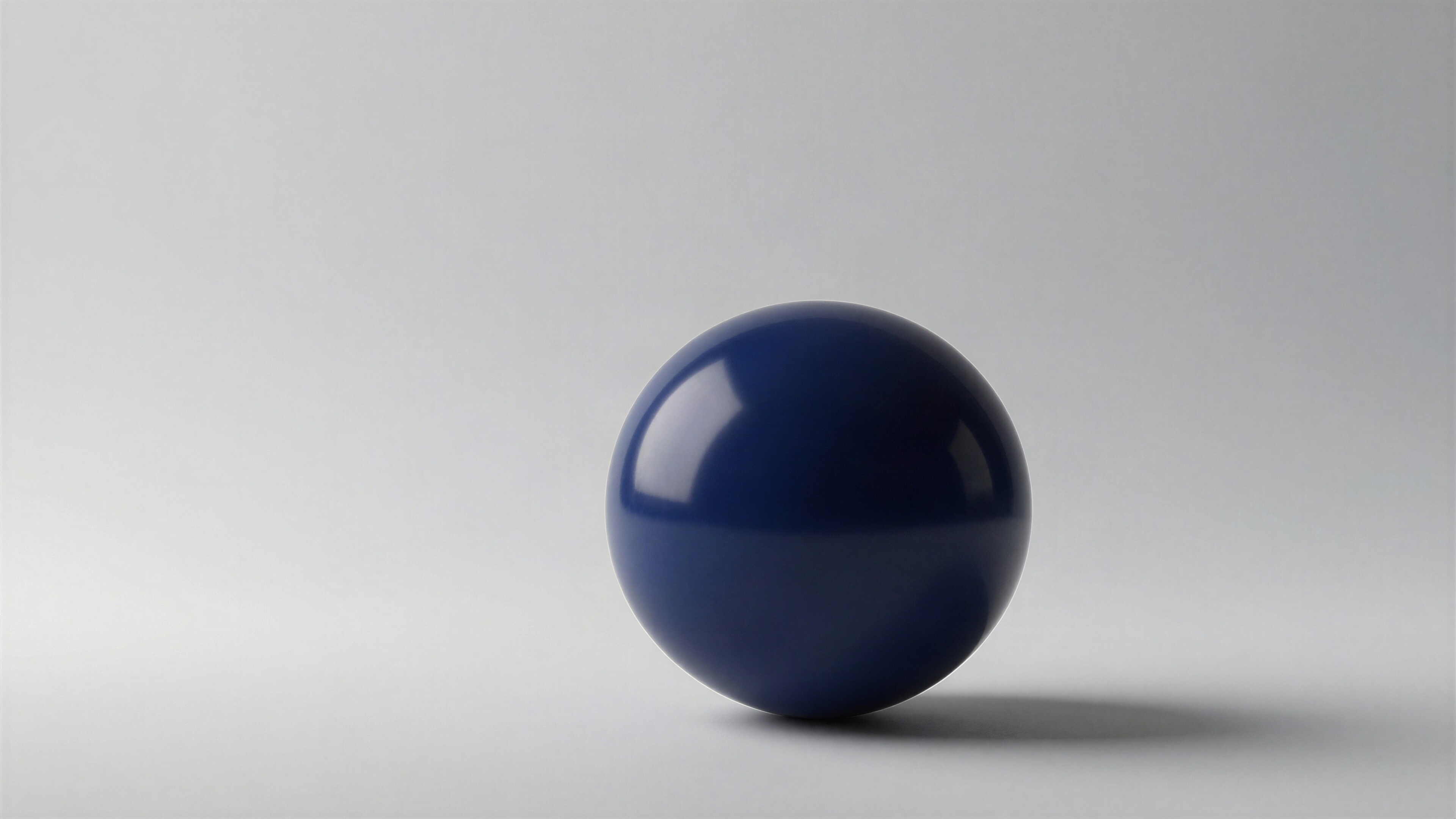
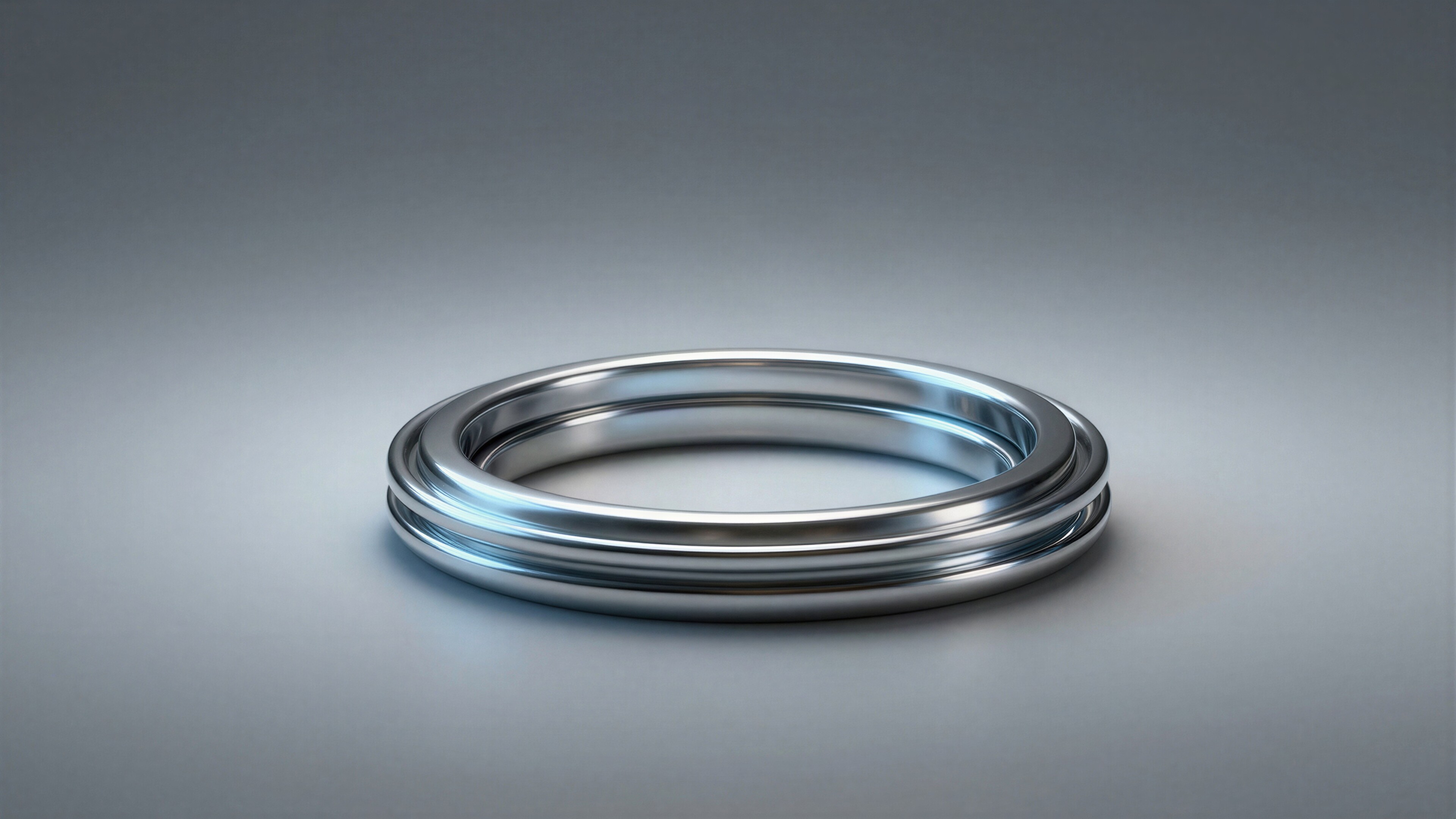
Pictures like these are built in software rather than photographed, and several of the tricks that make them look solid were worked out at the University of Utah in the 1970s. In 1975 Bui Tuong Phong published a shading method that adds a bright highlight where light bounces straight back toward the viewer, the same kind of shine you can see on the glossy sphere in #1 and the metal rings in #3. That same year Martin Newell modelled his own teapot as a test object, and the Utah teapot is still used to try out new rendering methods.
Shadows do most of the work, though. Where two objects meet, as with the stacked cubes in #5 or the prisms in #2, renderers darken the narrow gaps because less light can reach into them. Your eye reads that soft darkening as contact and weight, so the shapes seem to rest on something instead of floating.
Corners, curves and ribbons
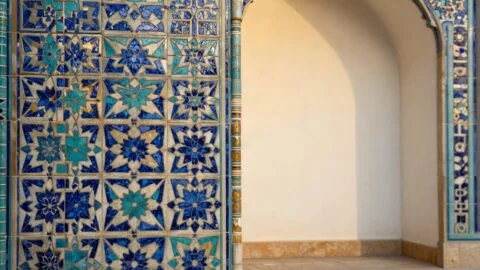
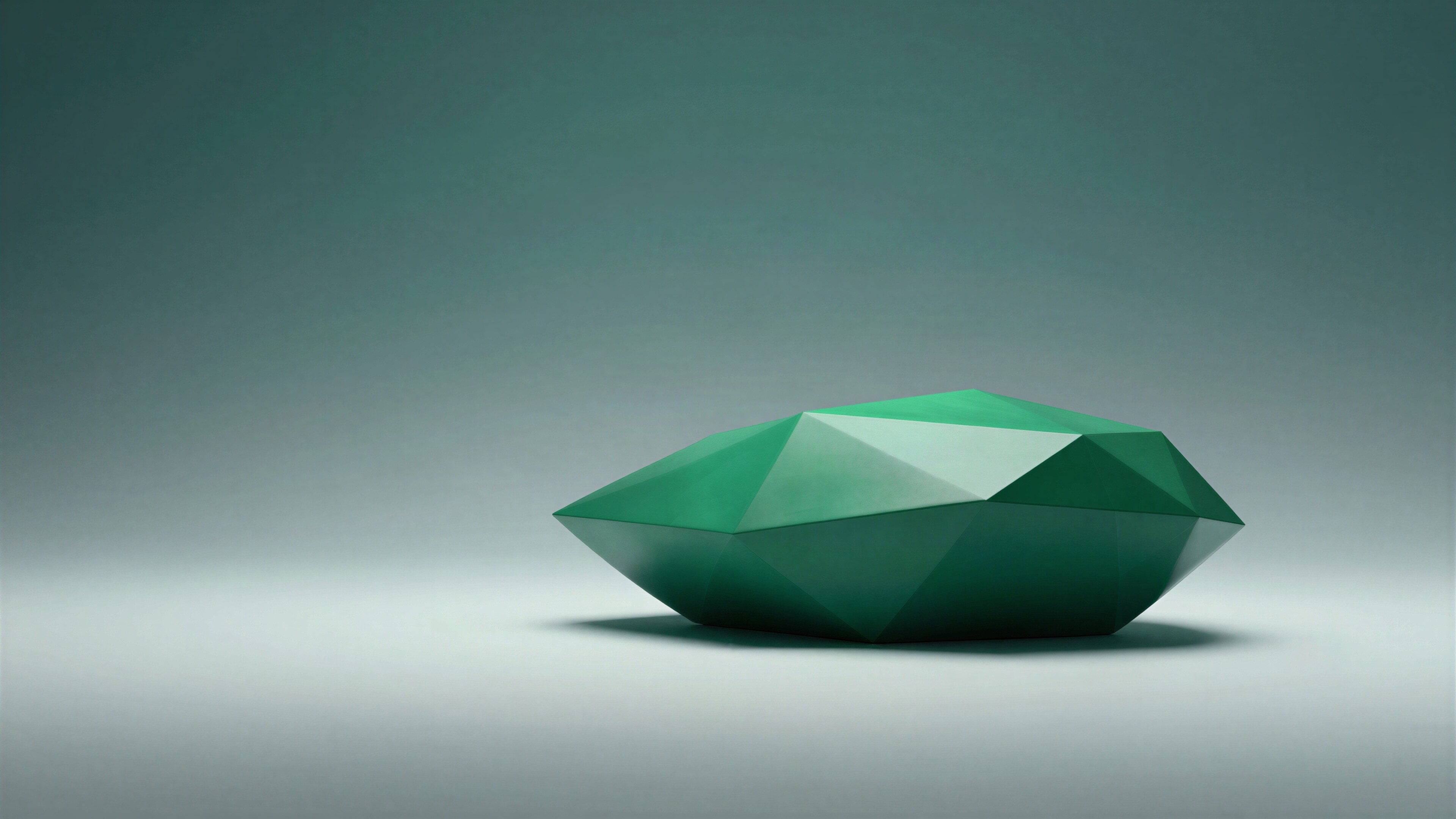
#2, #5, #8 and #10 are built from blocks, columns and facets. The prisms and cubes stack in neat layers, the steel grey cylinders in #8 stand in strong contrast, and the emerald shapes in #10 break into sharp angles over a teal-to-pale gradient.
#1, #3 and #6 keep to simple geometry: one navy sphere, a set of concentric metal rings, and a deep purple cone with lavender forms around it. These are the most minimal designs here.
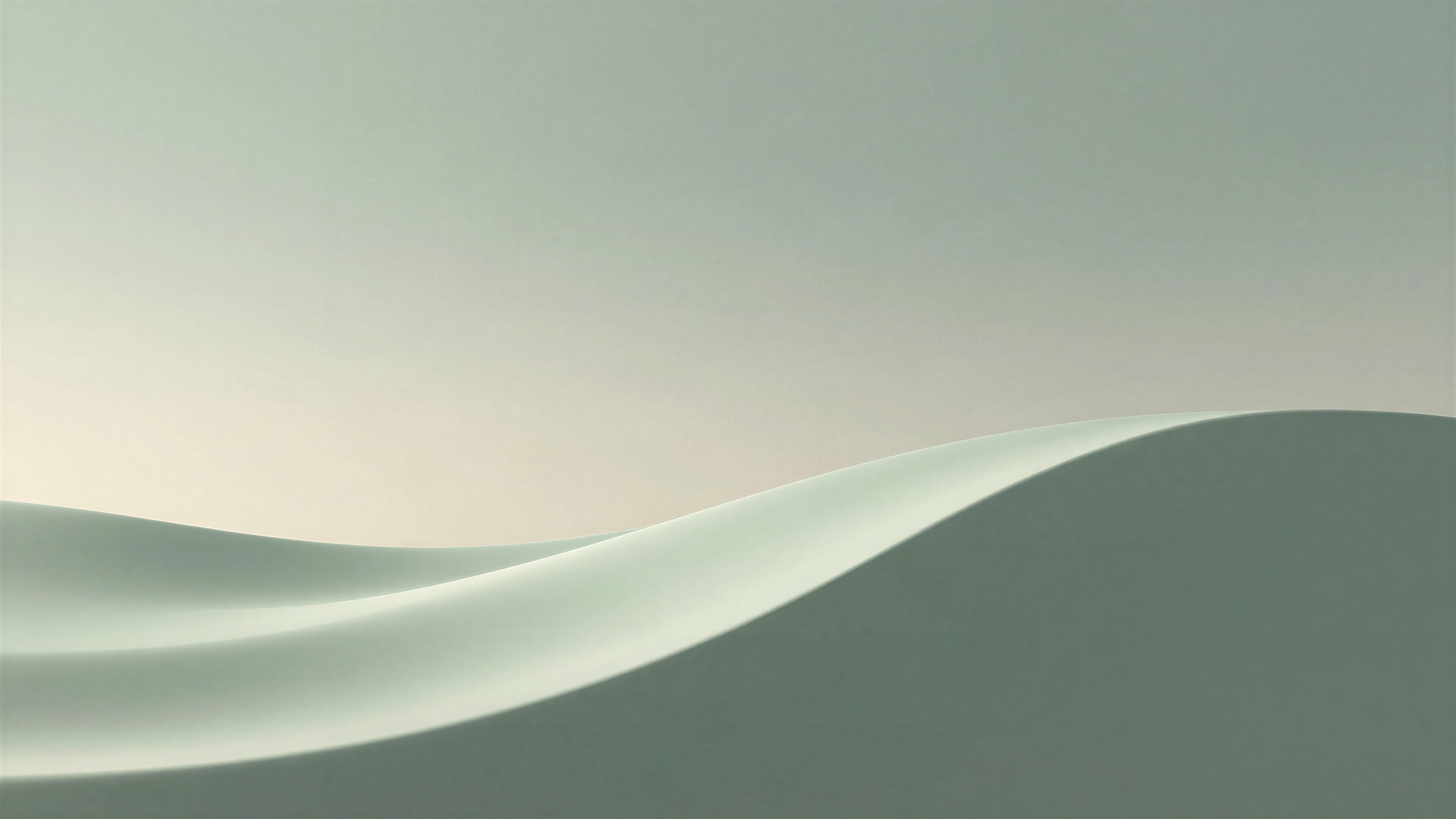
The other three flow. #4 has rounded teal shapes with soft shadows, #7 has coral pink ribbons catching warm light, and #9 has gentle green waves over a warm grey backdrop.
Picking a palette for your desk
- Cool and metallic: #1, #3 and #8, in navy, grey and steel with crisp highlights.
- Jewel tones: #6 and #10, deep purple and emerald.
- Warm: #2, #5 and #7, earth tones, gold and coral.
- Soft: #4 and #9, teal and green with gentle shading.
On a 1920x1080 screen these scale down neatly, because that resolution is exactly half the width and half the height of 3840x2160, so nothing changes shape.
If you like shapes with real shine, the Liquid wallpapers push the glossy look further, the Metal set sticks to brushed and polished surfaces, and the Geometric collection lays similar forms out flat.
How to set it on your computer
- Click Download to save the full-size image.
- On Windows, right-click the image and choose Set as desktop background.
- On a Mac, right-click the image and choose Set Desktop Picture, or use System Settings, then Wallpaper.
Stuck on a step? The desktop guide has screenshots for each one.
Questions
Will these wallpapers fit my 4K monitor?
Yes. These are designed for 4K desktop displays at 3840x2160 pixels. They scale well to other widescreen resolutions, though you may see slight cropping or letterboxing depending on your exact monitor dimensions. Download and preview on your system to confirm fit before setting as your background.
Can I use these wallpapers commercially or share them elsewhere?
These wallpapers are free for personal use on your own devices only. You may not sell them, print them for sale, or repost them on other wallpaper sites or social media. For full terms, visit our Terms page.
Which wallpapers work best for desktop backgrounds with many icons?
The designs with calm, open left sides and neutral backgrounds work best when you have many desktop icons. Try the metallic rings, soft wave surfaces, or pale gradient backgrounds. Avoid layering too many icons over the detailed right side where the main shapes sit, as this can make both harder to see.
Do these 3D designs work well in dark mode?
Most of these wallpapers work in both light and dark mode since they feature dimensional forms with their own internal lighting and shadows. The cooler-toned designs with metallics and greys pair especially well with dark mode interfaces. Lighter designs like the coral and sage sets suit light mode better. Test your favorites in your preferred mode before committing.