Geometric Wallpaper iPhone
Geometric wallpaper for iPhone features abstract shapes, clean lines and modern color palettes that work year-round. These geometric iPhone wallpapers range from minimalist grids and triangles to bold overlapping forms in cool blues, warm oranges and neutral tones. Each design fits tall iPhone screens and works as a lock screen or home screen background.
10 wallpapers at 1170 × 2532 px for iPhone. Checked by hand on 2 Oct 2026.
About this set
These geometric designs use clean lines, bold shapes and modern color palettes to create abstract patterns that feel contemporary and timeless. The minimalist approach keeps the visual weight balanced, making them ideal for lock screens where readability matters or home screens where icons need breathing room.
The color variations range from cool greys and blues to warm earth tones and jewel tones, so you can pick designs that match your phone theme or personal style. Pair them with simple icon packs or monochrome layouts to let the geometry shine without visual clutter.
Circles, triangles, squares and a few diamonds
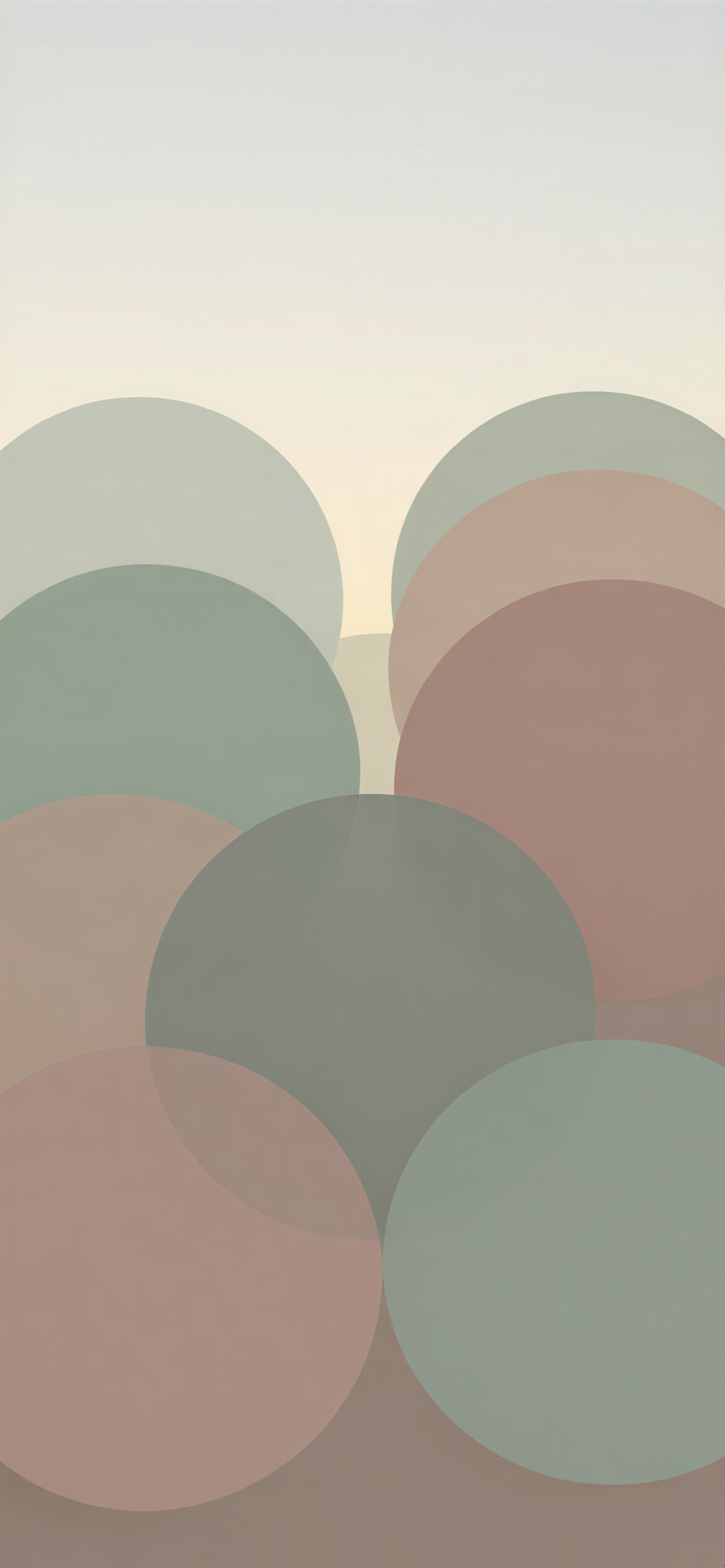
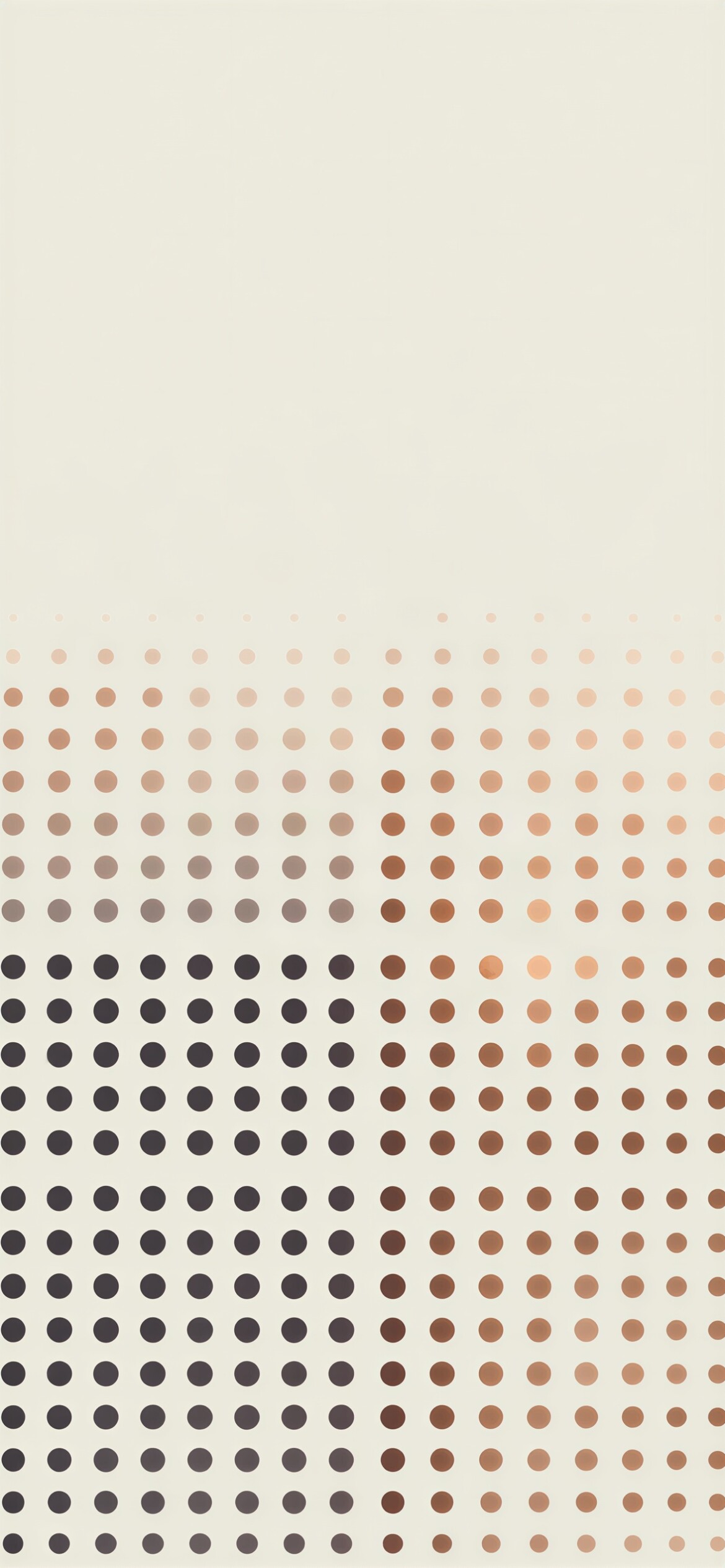
Two designs are built from round shapes. #1 overlaps soft circles in sage, dusty rose and taupe over a gradient, while #7 sets copper circles and dots on a charcoal grid, which makes it the most ordered of the pair.
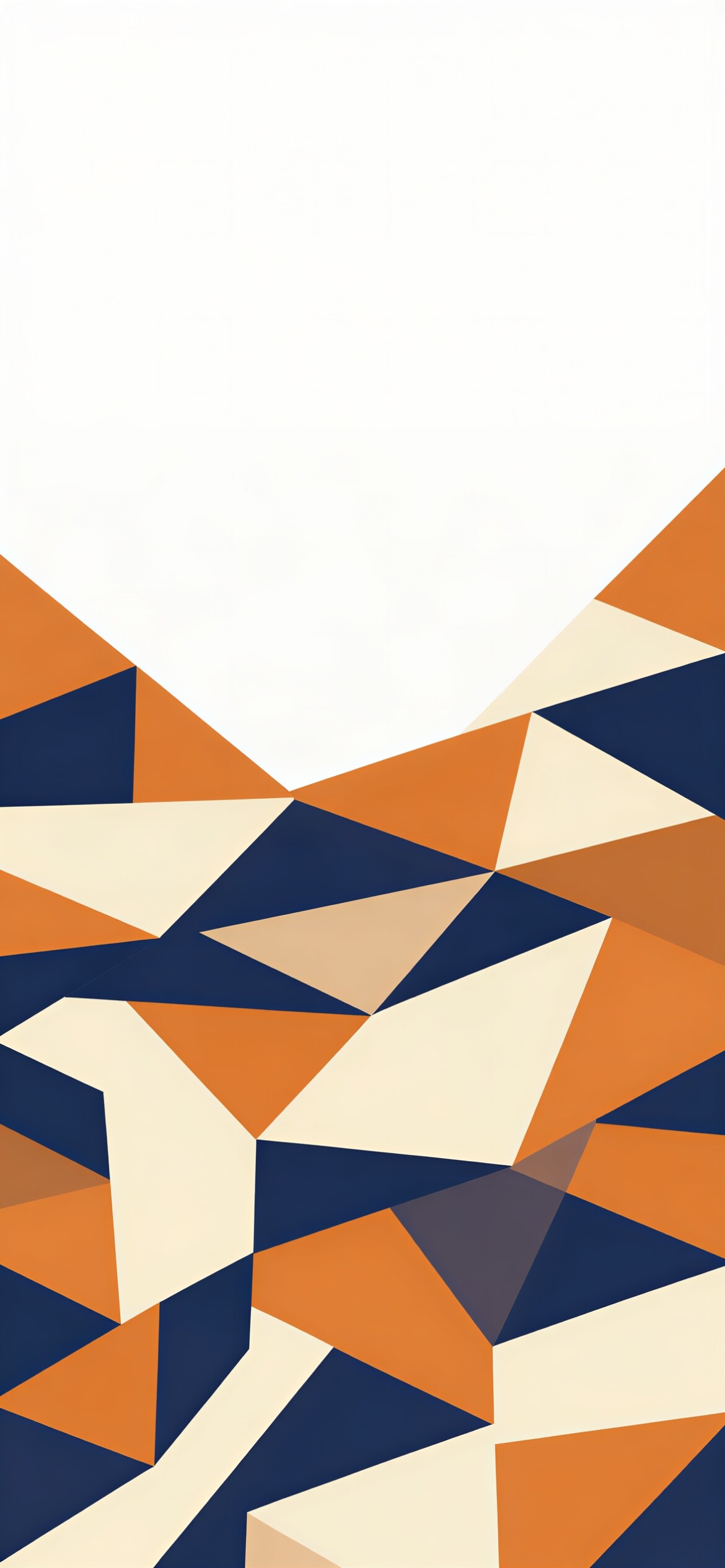
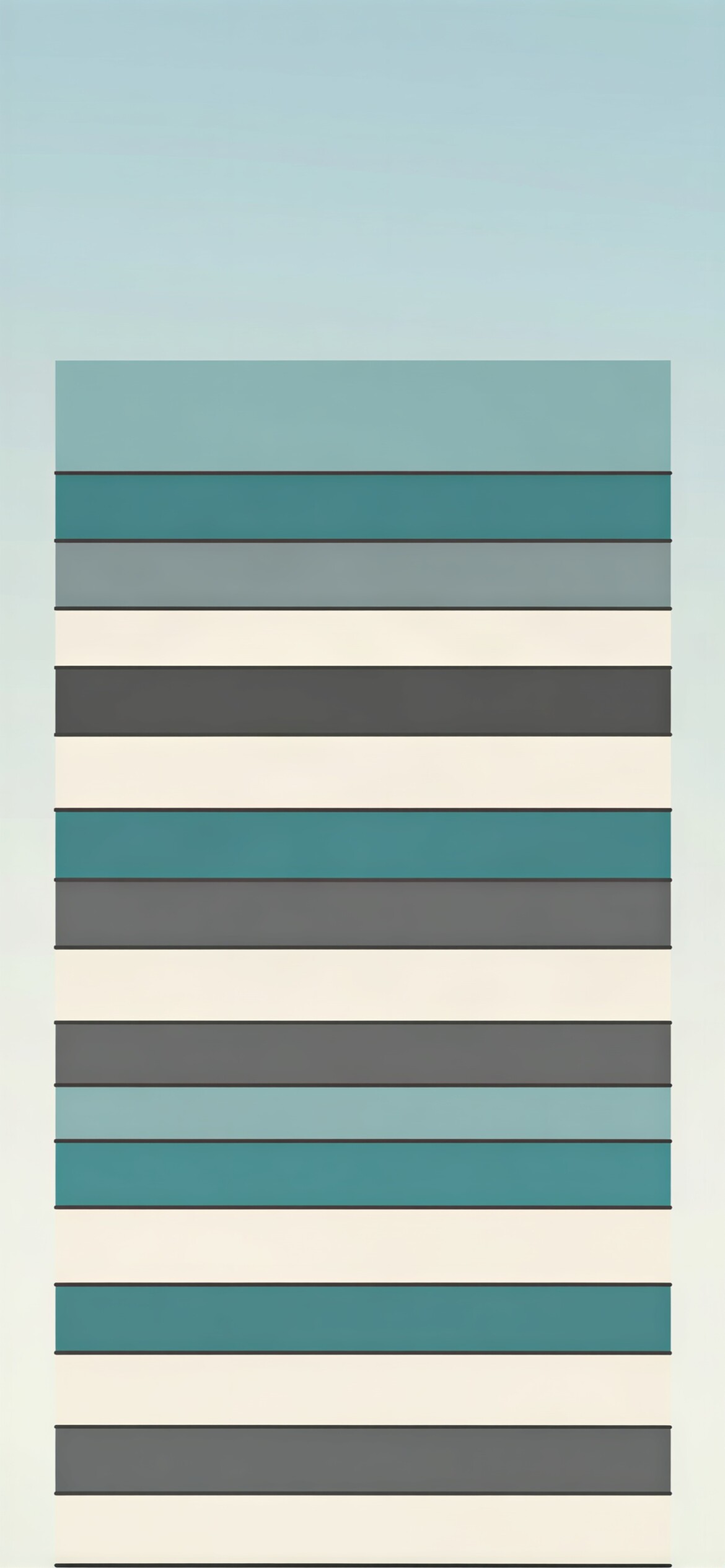
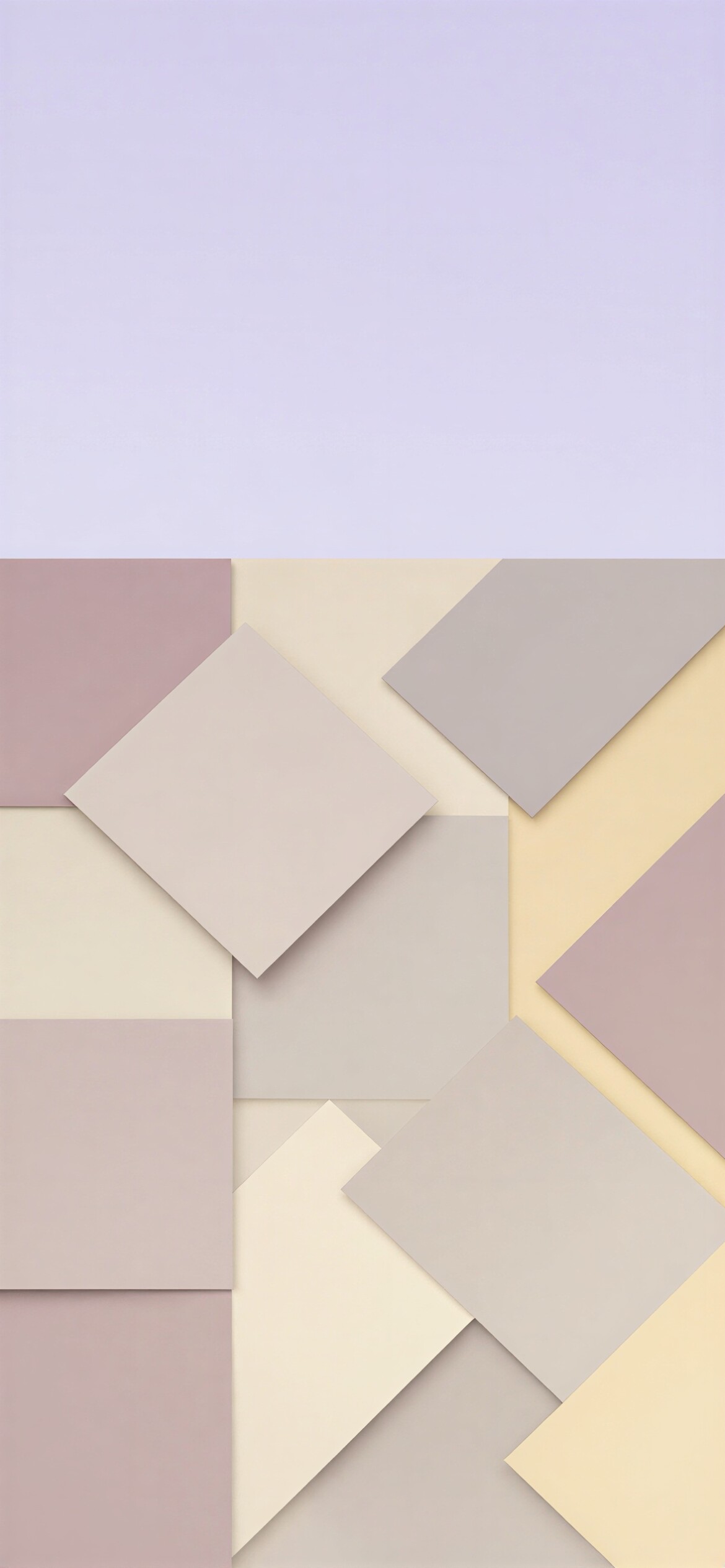
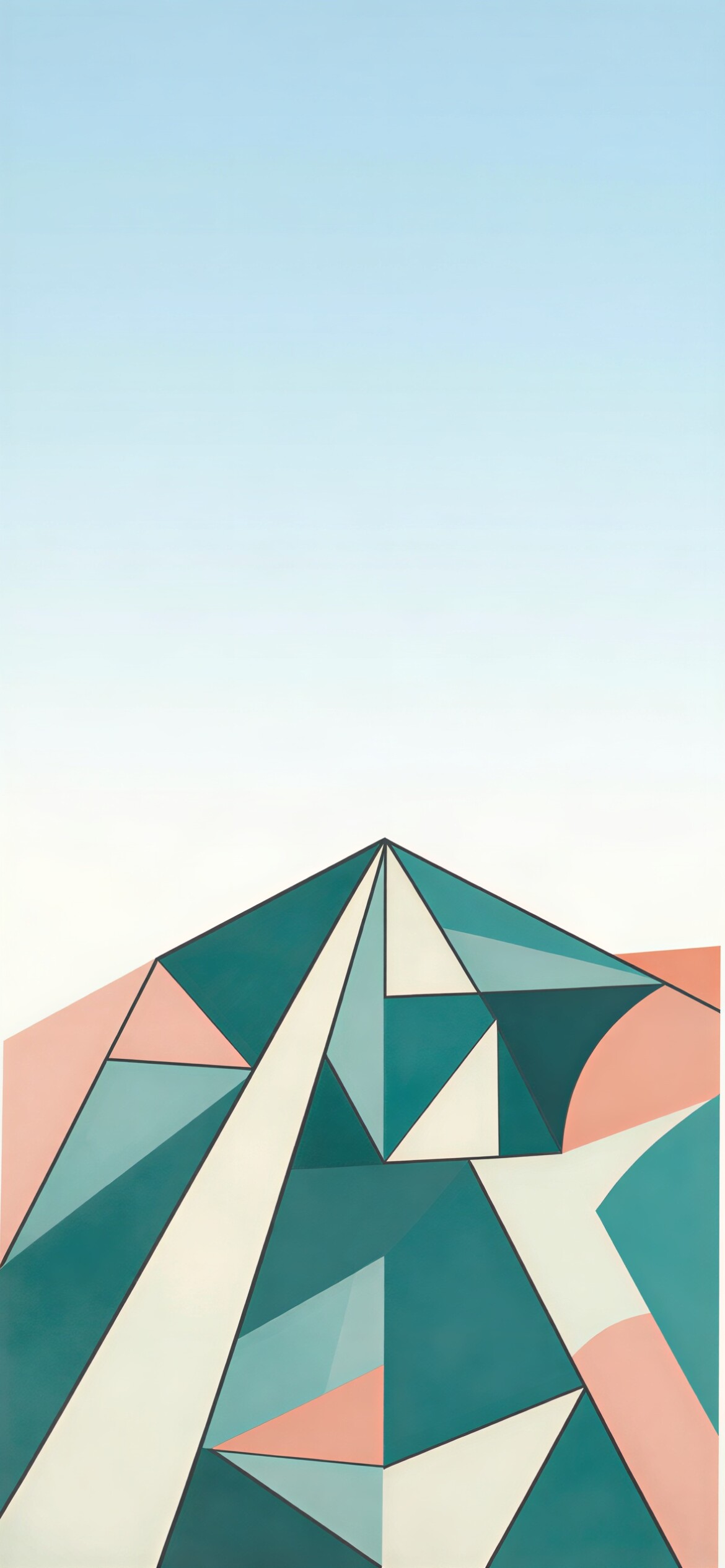
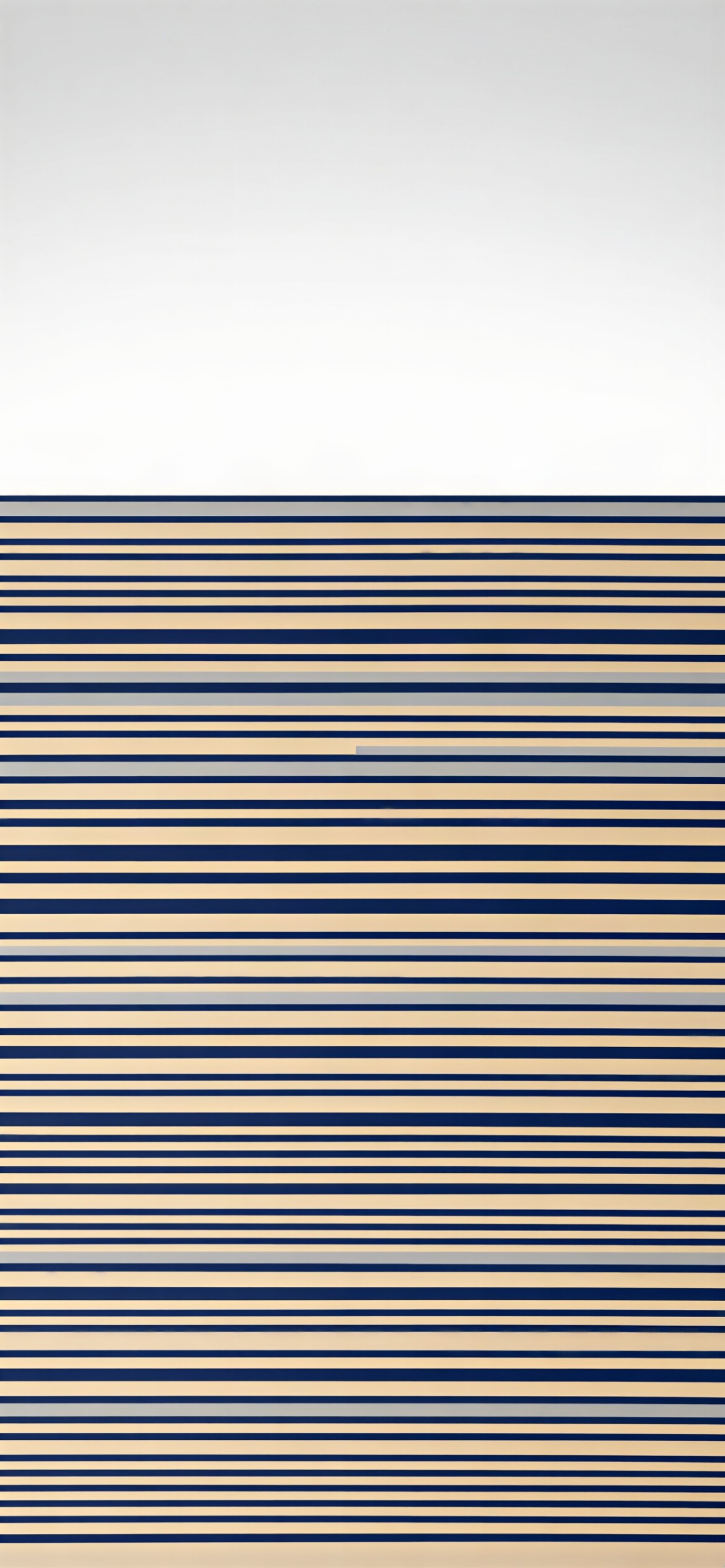
Triangles drive #2 and #8. The first locks navy, orange and cream pieces together at sharp angles; the second joins teal and coral segments into a looser web. Straight edges take over in #3, with stacked teal, grey and cream rectangles, in #6, where mauve squares are turned and overlapped, and in #9, a grid of horizontal and vertical lines in navy and sand.
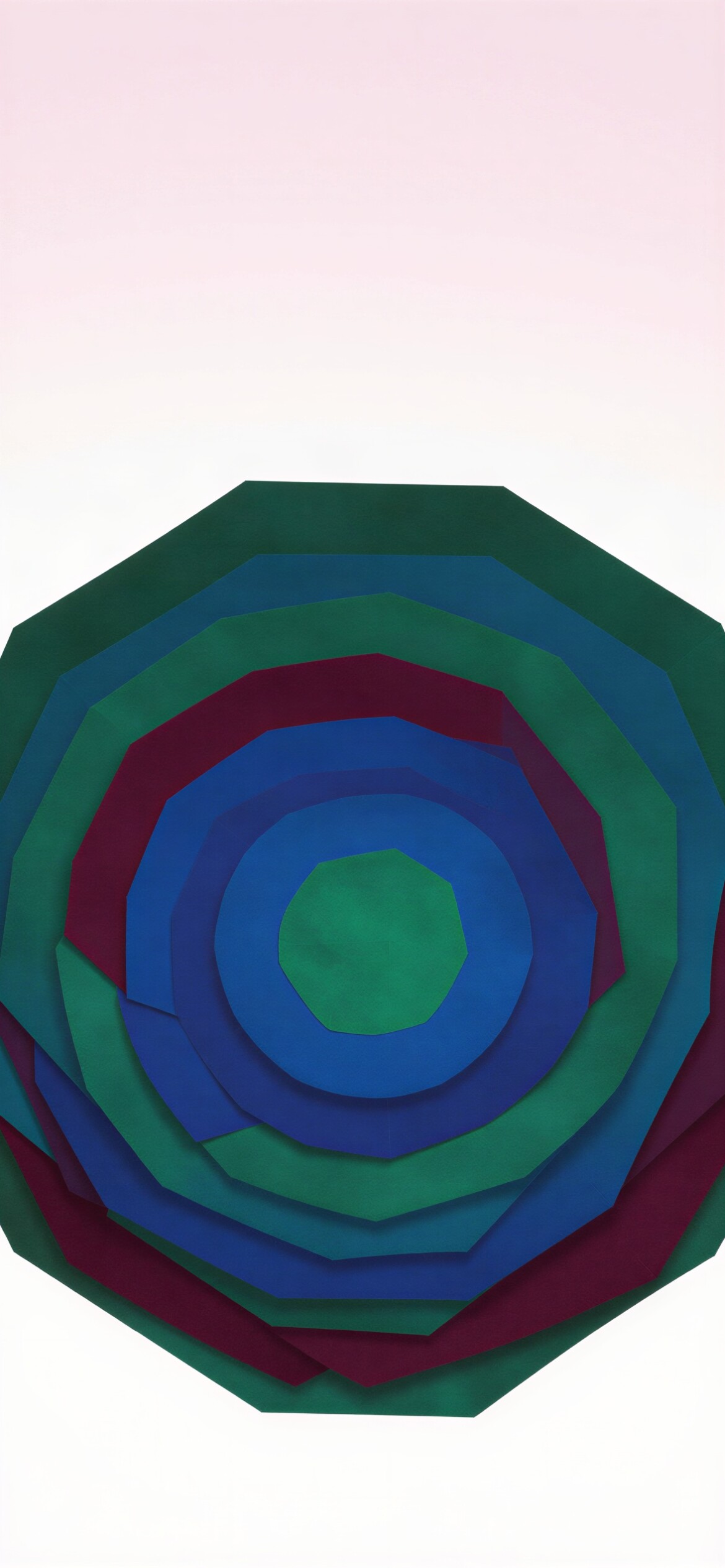
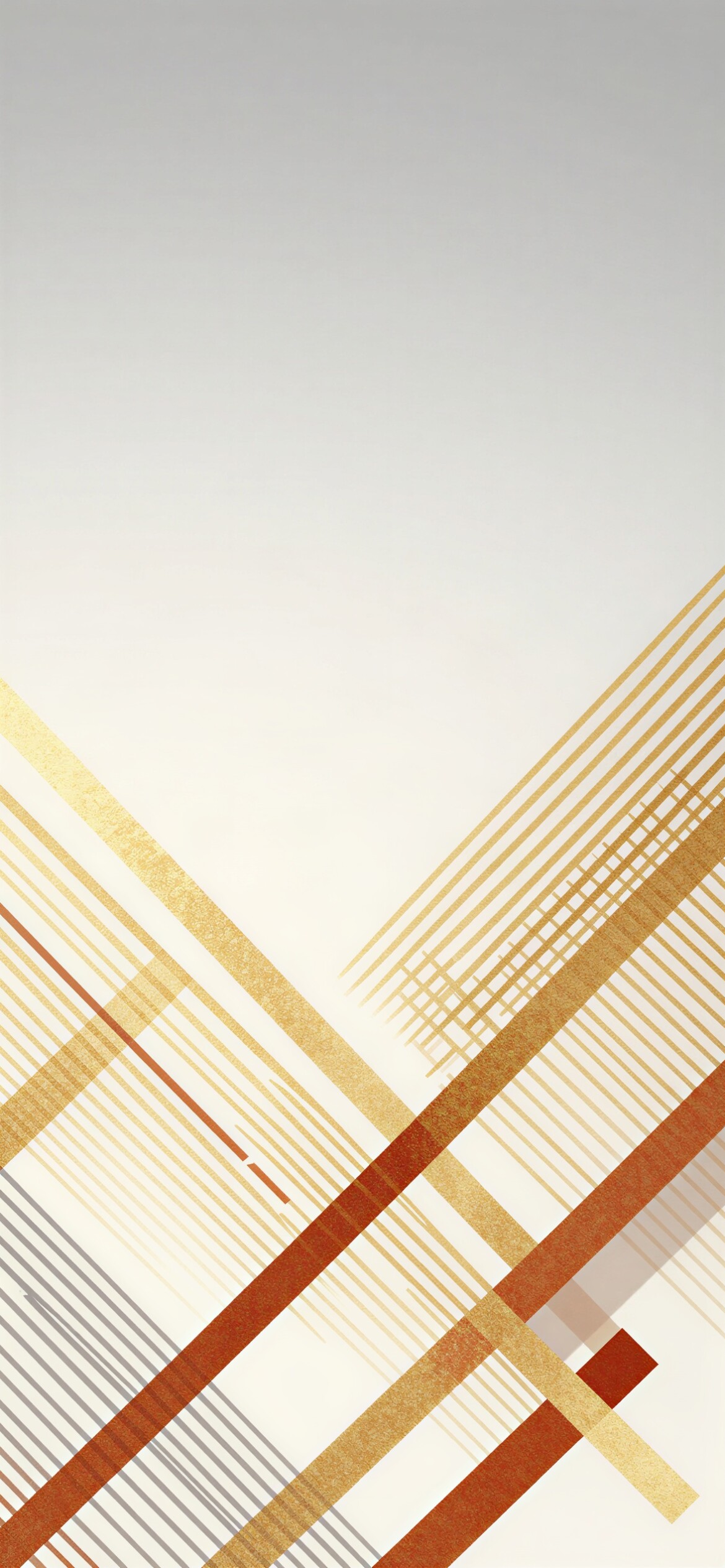
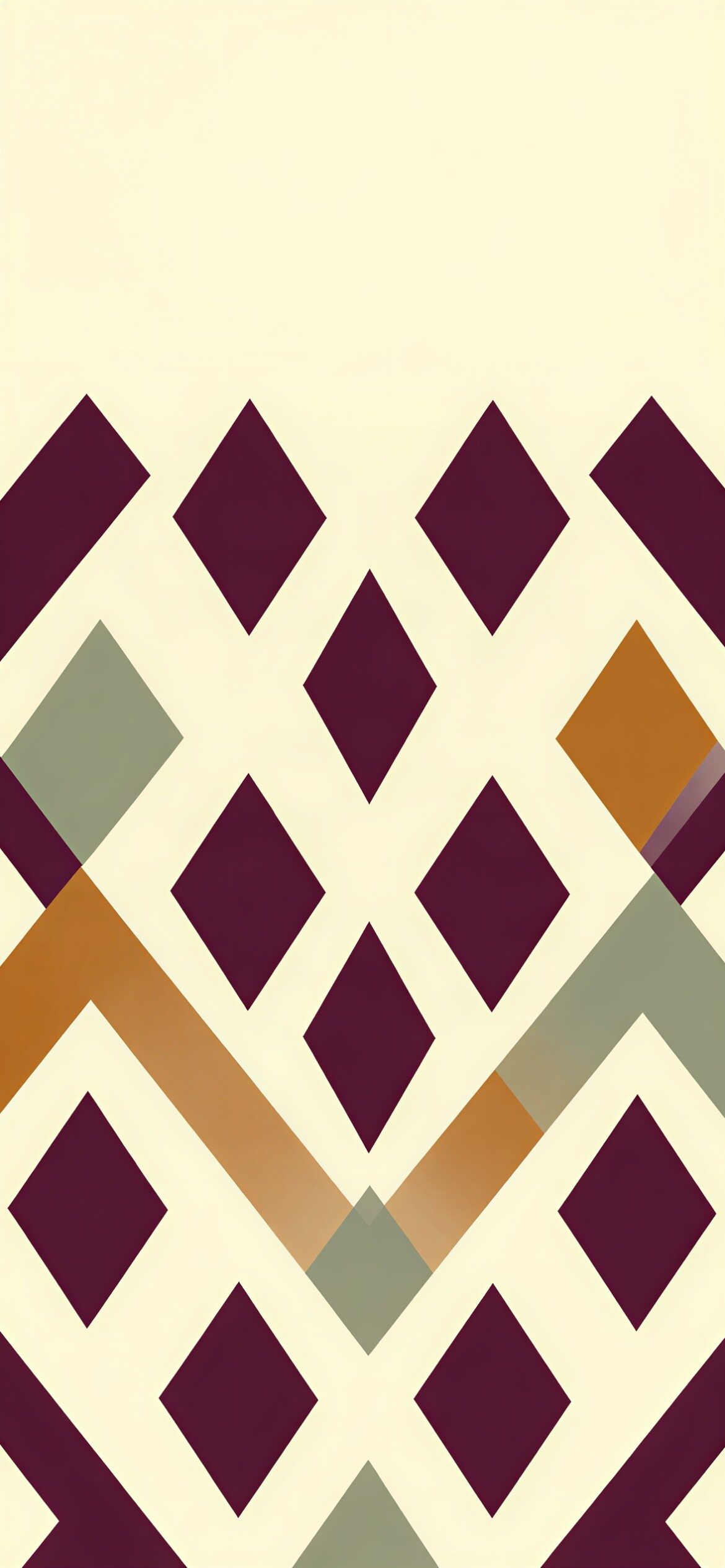
The rest lean on less common shapes. #4 nests hexagons inside one another in emerald, blue and burgundy. #5 runs gold and charcoal stripes and parallelograms on a diagonal, and #10 layers diamonds and rhombuses in plum, sage and ochre.
Three shapes that tile on their own
Only three regular shapes can cover a flat surface with no gaps when you use just one of them: the equilateral triangle, the square and the regular hexagon. This set happens to use all three, in #2 and #8, in #3 and #6, and in #4. Tile makers and pattern designers have relied on that fact for centuries, from floor mosaics to fabric repeats.
The cleaner, flatter look of designs like #3 and #9 owes a lot to early 20th century art. Piet Mondrian built his best-known paintings from black horizontal and vertical lines with blocks of colour, and the Bauhaus school, founded in Weimar in 1919, taught students to start from basic forms such as the circle, square and triangle. One Bauhaus teacher, Josef Albers, later painted hundreds of pictures of squares set inside squares, a series he called Homage to the Square, to show how one colour changes beside another. #4 works the same trick with hexagons.
Soft, cool, rich or metallic
- Soft and muted: #1, #6 and #10, dusty pinks, mauves and sage that sit well under light icons.
- Cool and calm: #3 and #9, teal, grey, navy and sand with plenty of straight lines.
- Rich jewel tones: #4 on its own, with deep emerald and burgundy.
- Warm contrast and metal: #2, #5, #7 and #8, where orange, coral, gold and copper stand out against darker colours.
For more shapes and lines, try the striped wallpapers, the repeating designs in the pattern collection, or the bolder lines of the Art Deco set.
How to set it on your iPhone
- Tap Download and save the image to Photos.
- Open Settings, tap Wallpaper, then Add New Wallpaper, and choose Photos.
- Pick the wallpaper, pinch to position it, then tap Add and choose the lock screen, home screen or both.
Stuck on a step? The iPhone and iPad guide has screenshots for each one.
Questions
Do these wallpapers fit my iPhone screen?
Yes. These geometric wallpapers are designed for iPhones at 1170x2532 pixels. The tall vertical composition keeps the top quarter simple and places the main design in the lower half, so it works perfectly as a lock screen without hiding the time or as a home screen with room for app icons.
Can I use these wallpapers commercially or share them elsewhere?
These wallpapers are free for personal use on your own devices only. You cannot sell them, print them for sale, or repost them on other websites or social media. For details about usage rights and restrictions, please visit our Terms page.
Which geometric wallpapers work best for lock screens versus home screens?
Designs with simpler patterns and more empty space in the top half are better for lock screens, where the time display needs to remain visible. Bolder geometric patterns work great as home screens when your icons are organized in a way that complements the shapes and colors in the design.
Do these geometric designs work with both light and dark mode?
Most of these wallpapers use light and neutral backgrounds, which work best in standard light mode. If you use dark mode, the designs may not contrast as clearly. Consider pairing them with light mode settings or choosing designs with darker base colors for better visibility.