Retro Wallpaper iPhone
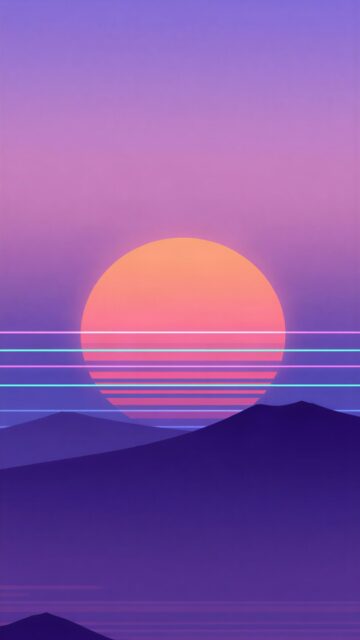
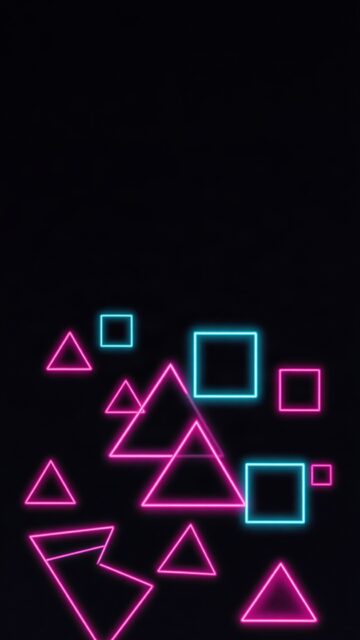
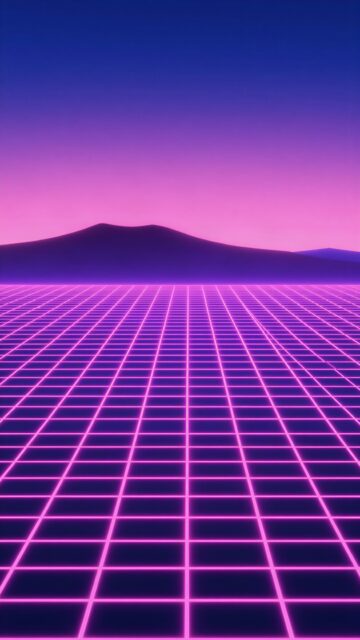
Retro wallpaper for iPhone brings vintage vibes from the 70s and 80s straight to your lock screen and home screen. Each design features classic retro imagery like old cars, neon signs, palm trees and warm color palettes that capture the nostalgic mood of past decades. These retro iPhone wallpapers work best on vertical screens and pair well with simple icon layouts that let the artwork stand out.
9 wallpapers at 1170 × 2532 px for iPhone. Checked by hand on 5 Oct 2026.
About this set
These retro wallpapers capture the warm, nostalgic mood of the 1970s and 1980s through vintage cars, neon signs, palm trees, old appliances and geometric patterns. The color palette leans into warm tones: burnt orange, mustard, coral, cream and gold. Each design is composed vertically with the main subject in the lower half, leaving the top simple and uncluttered.
Use these on your lock screen to greet you each time you unlock your phone, or set them as your home screen background where they pair well with minimal icon arrangements. The warm retro colors work nicely with both light and dark mode depending on the specific design. They suit anyone who loves vintage aesthetics or wants a nostalgic touch on their iPhone.
Nine pieces of the past, one by one
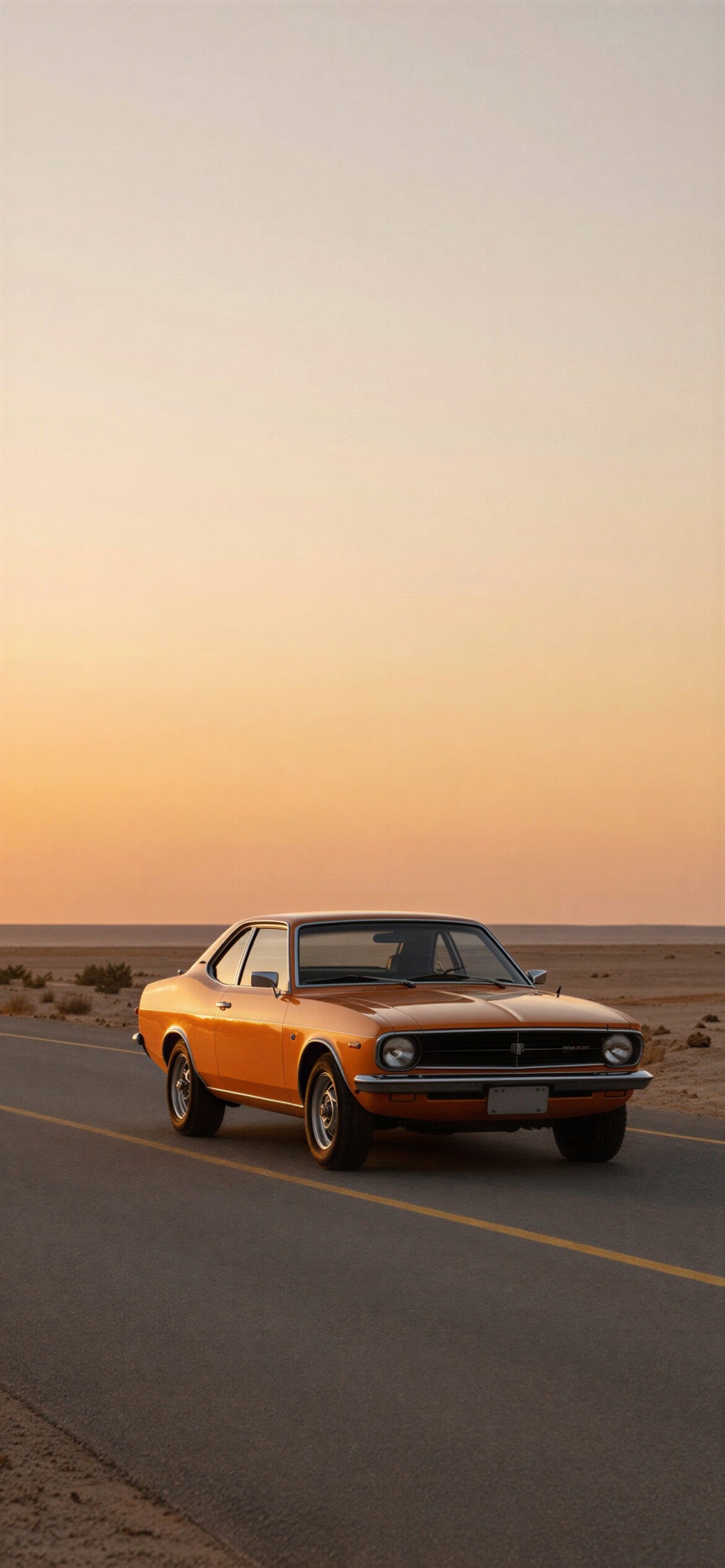
- 1. An orange car waits on an empty desert highway as the sun goes down. The open road leaves plenty of sky above it for the clock.
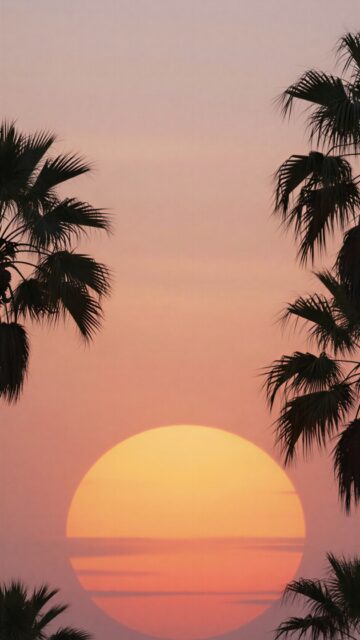
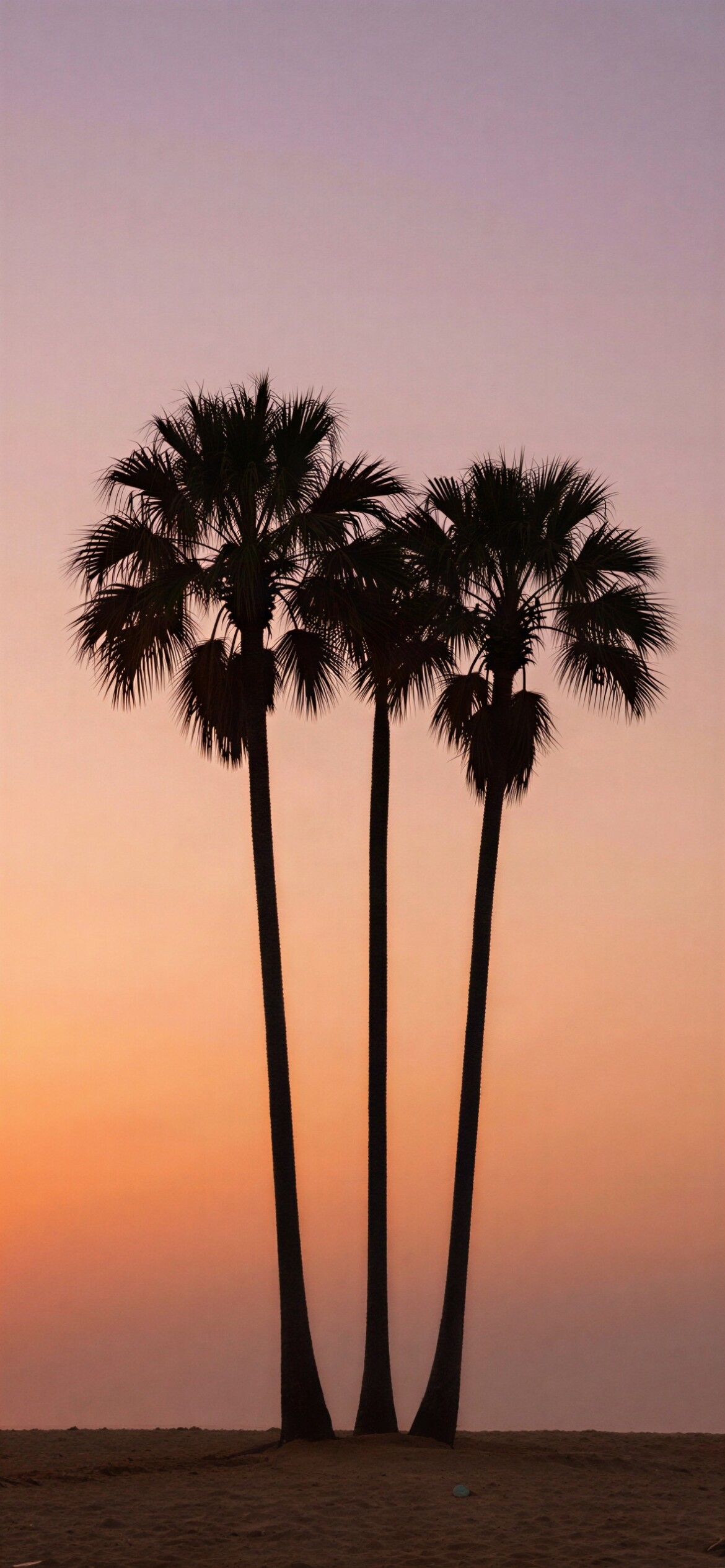
- 2. Three tall palms stand in silhouette against a warm gradient. Dark trunks on a soft sky make icons easy to pick out.
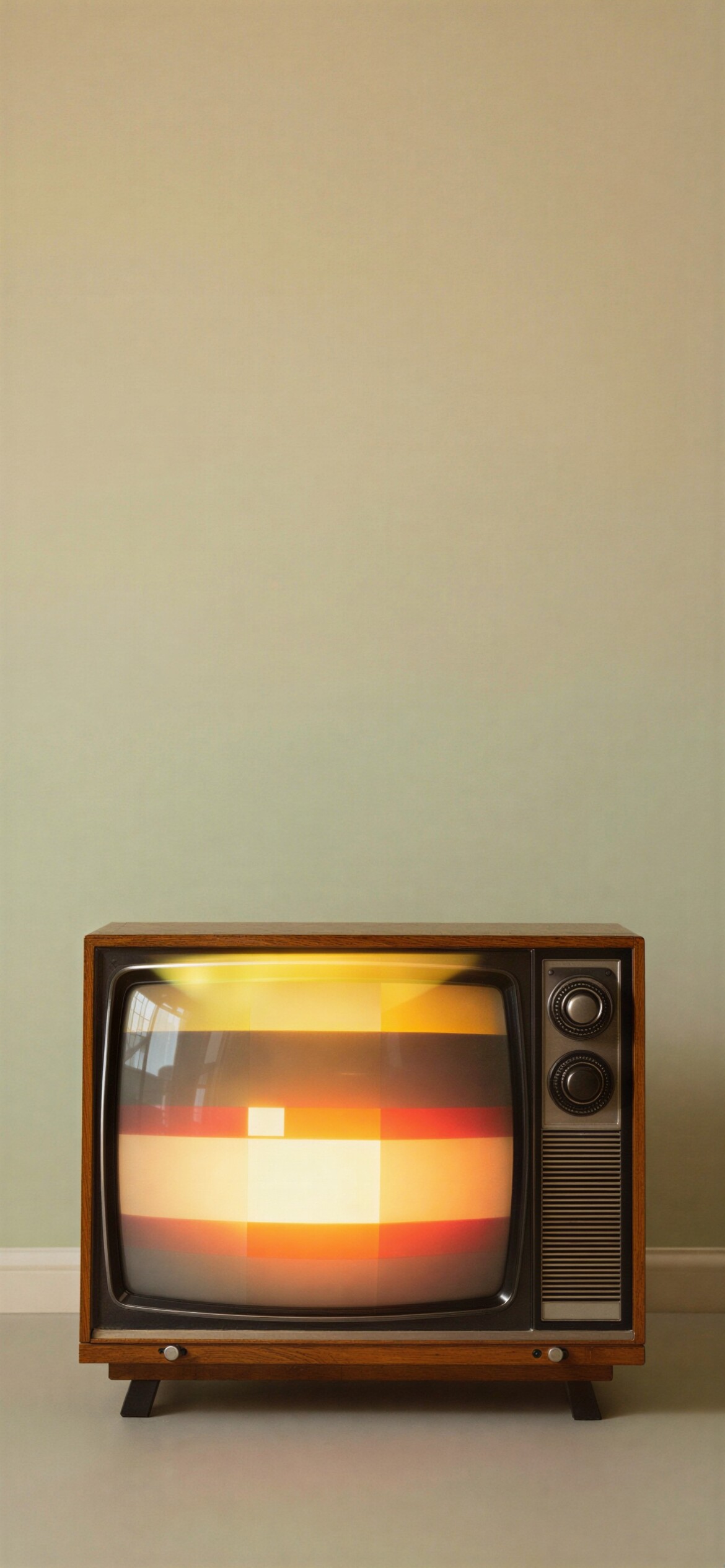
- 3. A boxy 1980s television shows a colourful test pattern, the kind of screen you would see before a station started its programmes.
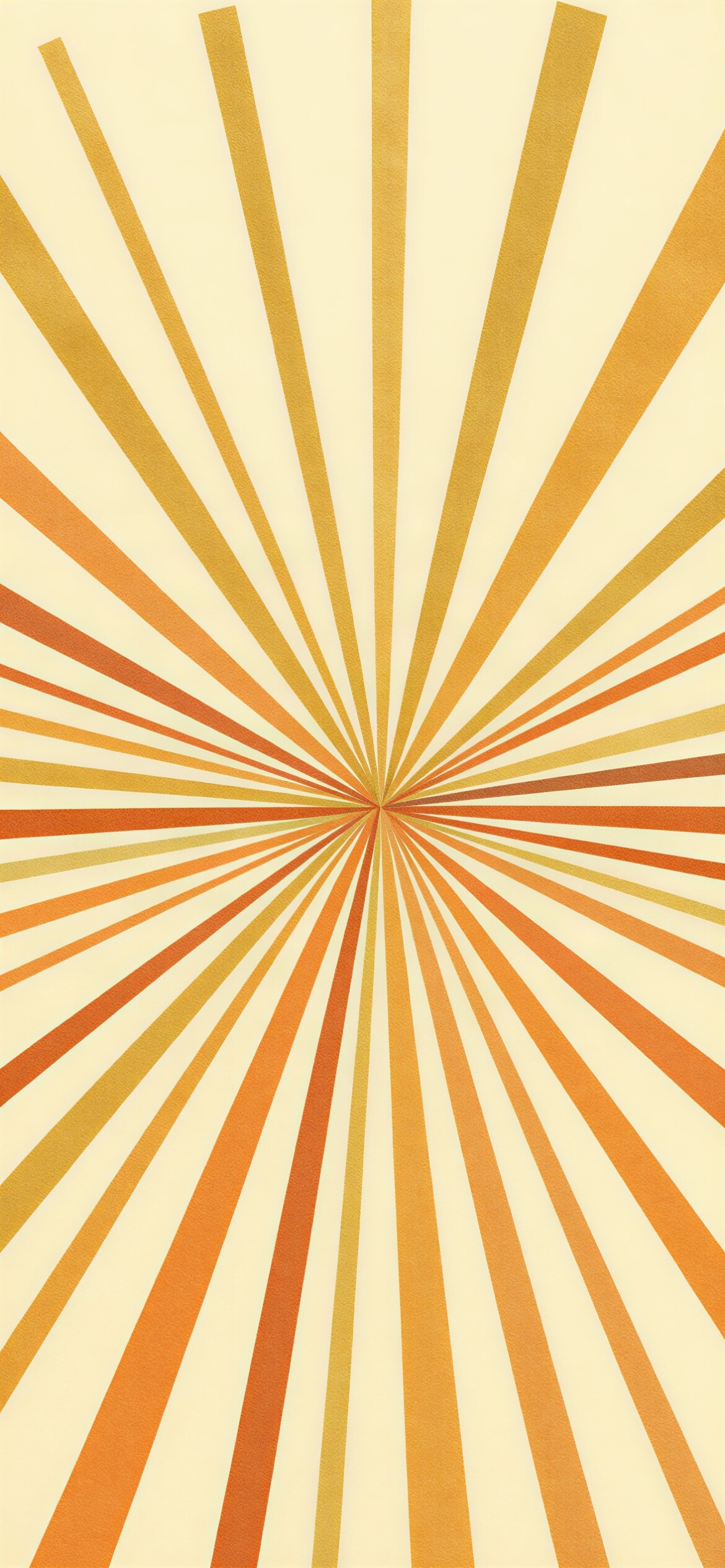
- 4. A geometric sunburst in warm tones. Rays fanning out from one point were a favourite motif on mid-century clocks, mirrors and fabrics.
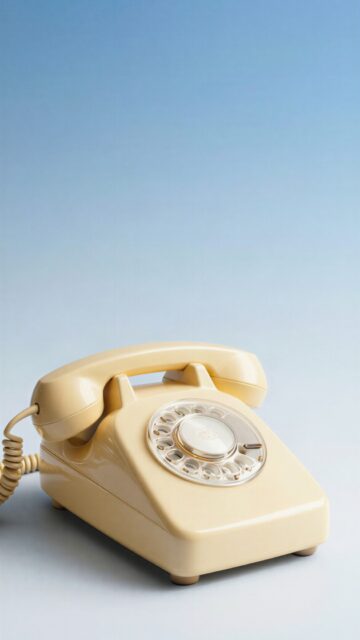
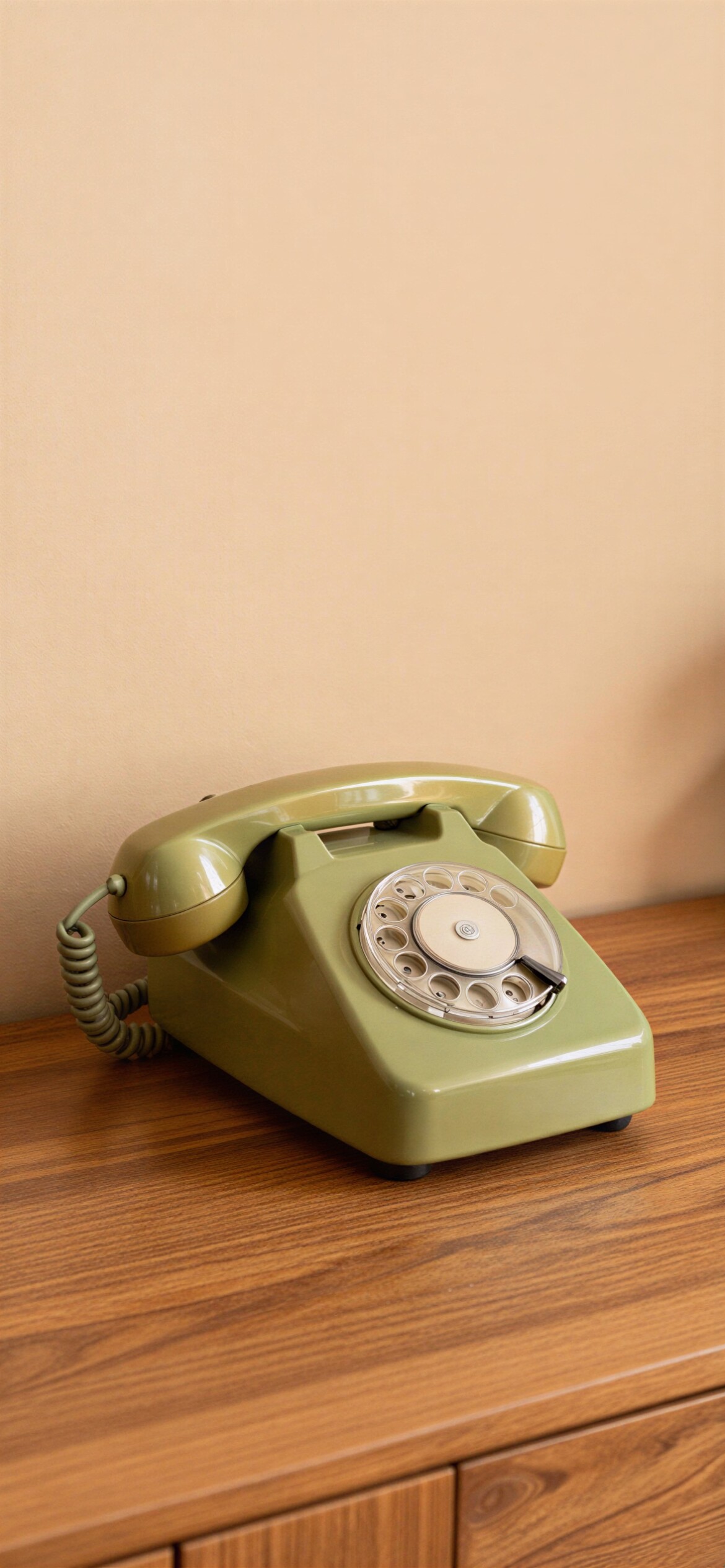
- 5. An avocado green rotary telephone rests on a wooden surface. One object on plain wood gives a calm, uncluttered look.
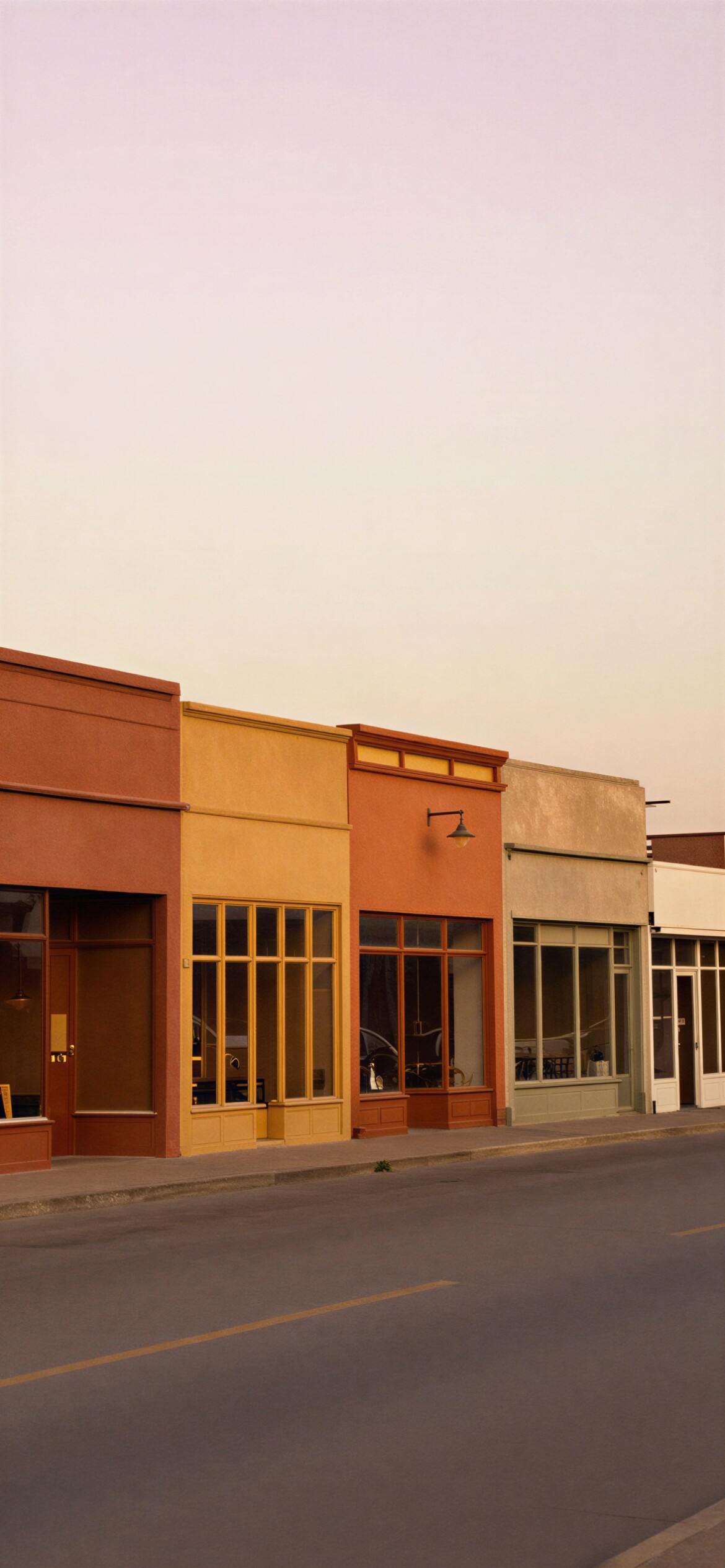
- 6. A quiet street of 1970s storefronts and buildings, a bit like a still from a period film.
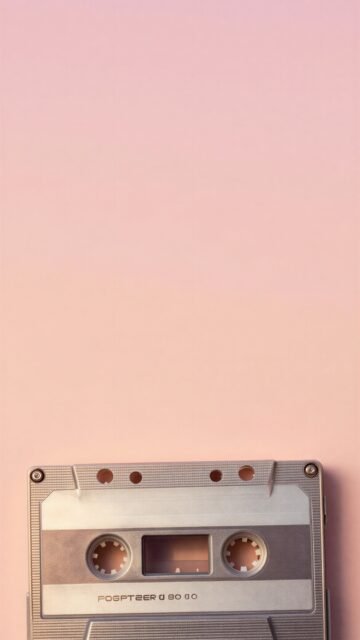
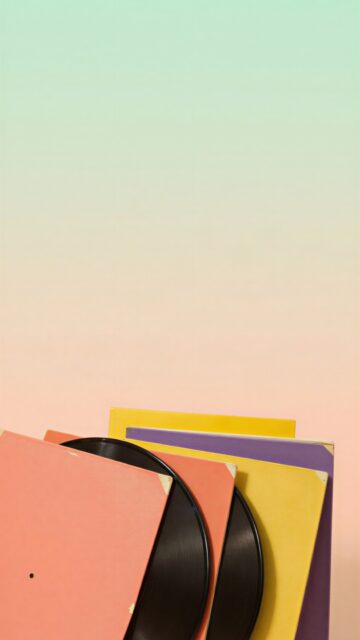
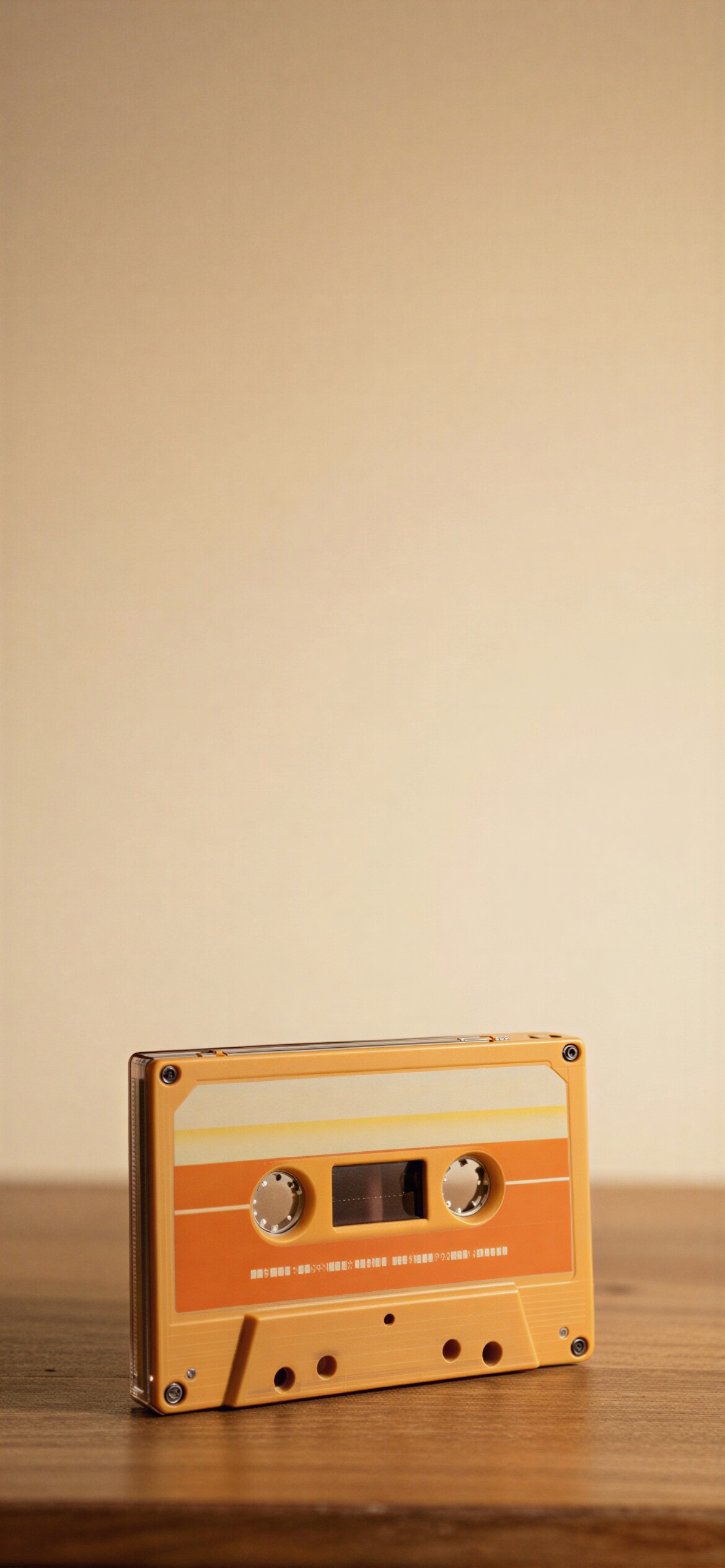
- 7. A cassette tape or vinyl record in warm tones, a nod to the days when music came on something you could hold.
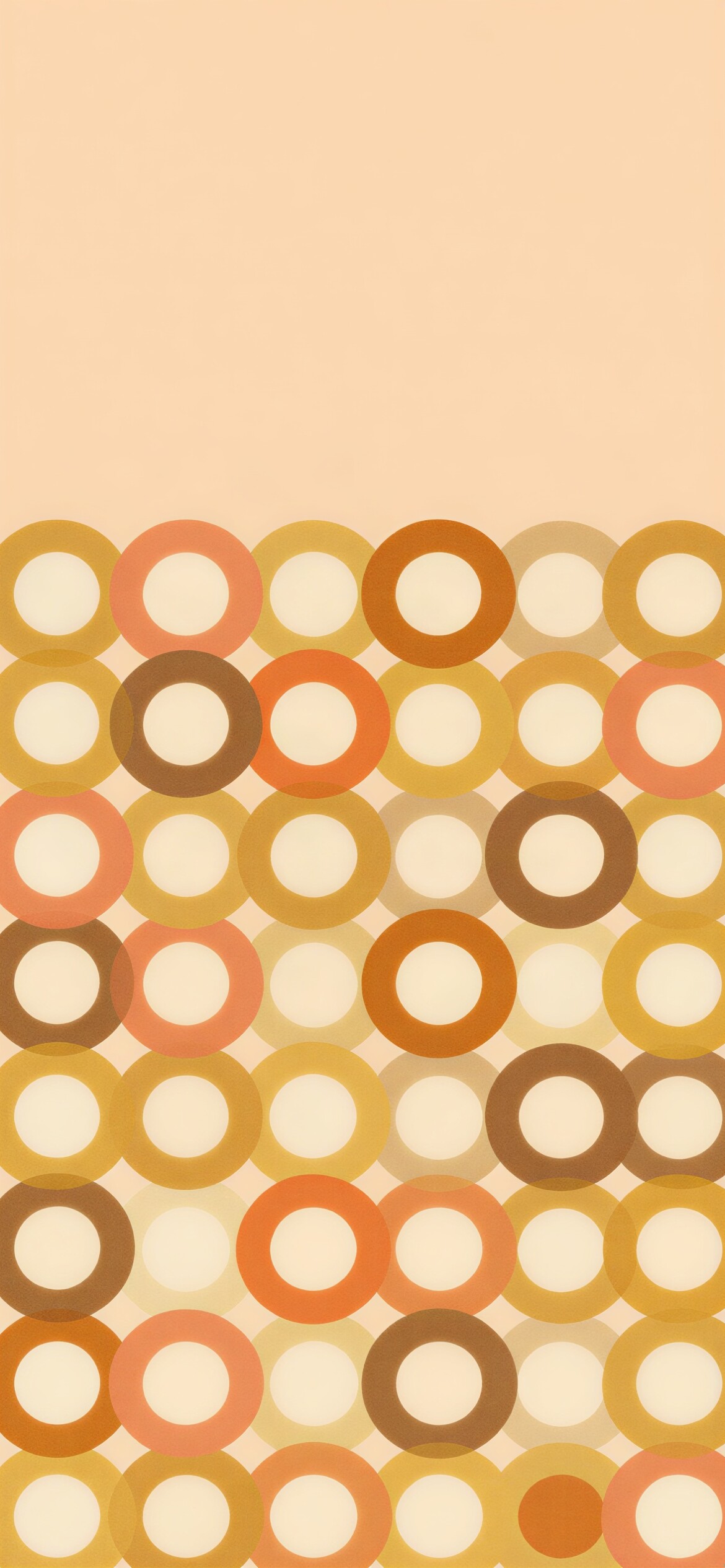
- 8. Overlapping circles in 1970s colours. Like the sunburst, it reads as a pattern rather than a scene.
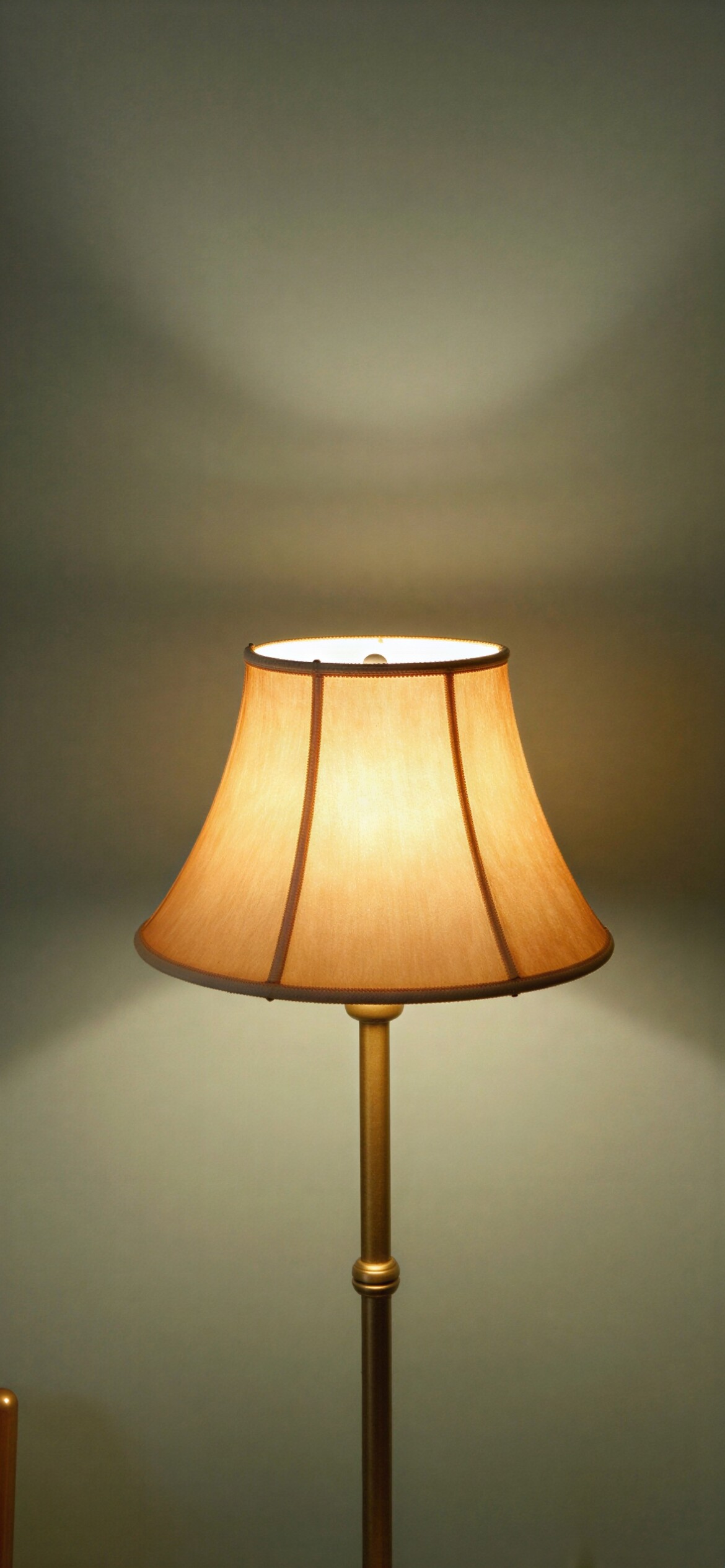
- 9. A brass lamp with a cream shade, glowing warmly. A cosy choice for a phone you check late in the evening.
Why avocado phones and colour bars feel so 1970s
Some of these objects are tied tightly to their decade. Avocado green, the shade of the phone in #5, was one of the most popular colours for kitchen appliances in the late 1960s and 1970s, usually sold next to harvest gold. Bell introduced push-button Touch-Tone dialling in 1963, yet rotary phones stayed on many home tables for decades after.
The pattern on the TV in #3 had a practical job: stations broadcast test cards and colour bars when no programme was on, so engineers and viewers could check that a set was showing colour and sharpness correctly. The music formats in #7 go back further than many people think. Columbia launched the long-playing vinyl record in 1948, and Philips introduced the compact cassette in 1963, which went on to fill car stereos and portable players through the 1980s.
Sunset orange, flat pattern or lamplight?
The two outdoor sunsets, #1 and #2, are the brightest and most saturated pictures here. The patterns in #4 and #8 keep the same mustard, orange and brown family without a scene, so they feel steadier behind a grid of icons. The indoor pieces, #5, #7 and #9, rely on wood, brass and cream for a softer, homely warmth, while #3 and #6 bring the most colour variety and detail.
If you want to stay in one decade, the 80s wallpapers are the next stop. The funky wallpaper set is another colourful option, and the brown aesthetic set picks up the earthy tones of #5 and #9.
How to set it on your iPhone
- Tap Download and save the image to Photos.
- Open Settings, tap Wallpaper, then Add New Wallpaper, and choose Photos.
- Pick the wallpaper, pinch to position it, then tap Add and choose the lock screen, home screen or both.
Stuck on a step? The iPhone and iPad guide has screenshots for each one.
Questions
Will these wallpapers fit my iPhone screen?
Yes. These wallpapers are designed at 1170x2532 pixels, which is the standard size for modern iPhones. Some older models may crop slightly at the edges. You can download them and set them directly as your lock screen or home screen background through the Photos app.
Can I use these wallpapers commercially or share them elsewhere?
These wallpapers are free for personal use on your own devices only. You cannot sell them, print them for sale, repost them on other wallpaper sites or use them for commercial purposes. Please see our Terms page for the full license details.
Which wallpapers work best on the lock screen versus home screen?
Simpler designs like the sunburst pattern or neon sign work well on lock screens where the time and date display over the top. More detailed scenes like the storefronts or vintage car suit the home screen where you can arrange icons around them. Try each one to see what feels right for your phone layout.
Are these designs from a specific decade or retro era?
Most of these wallpapers draw from 1970s and 1980s aesthetics, featuring the warm color palettes, design elements and objects from those decades. If you love that vintage vibe, this set offers variety within that retro style. Some designs are more timeless retro without focusing on one specific decade.