Pixel Art Wallpaper iPhone
Pixel art wallpaper for iPhone brings retro 8-bit charm to your lock and home screens with free original designs. These wallpapers feature blocky landscapes, colorful sprites and nostalgic scenes rendered in classic pixel style. Each design is curated and checked by hand before publishing. The pixel art iPhone wallpapers work well on any screen size and pair nicely with minimal icon layouts or colorful home screen themes.
10 wallpapers at 1170 × 2532 px for iPhone. Checked by hand on 4 Oct 2026.
About this set
This set features classic 8-bit pixel art in retro style, with blocky sprites, bright colors and nostalgic scenes. Each wallpaper is tall and vertical, with a simple sky or gradient at the top and the main subject positioned in the middle or lower half. The designs work well as lock screen backgrounds where the top stays clean, or as colorful home screen backdrops paired with minimal icon sets.
These pixel art wallpapers pair nicely with retro app icons, lo-fi themes or colorful home screen layouts. The bright, cheerful mood works year-round and complements both light and dark mode depending on your choice of design. Choose warmer tones for a cozy feel or cooler hues for a calm, focused lock screen.
Why every square was placed by hand
Early game consoles had very little memory, so artists worked on tiny grids and decided the colour of each square one at a time. The Nintendo Entertainment System, for example, built its moving characters out of 8x8 pixel tiles and could only show a small number of colours at once. Those limits are where the look comes from: hard edges, flat blocks of colour and no smooth blending. The term "pixel art" itself was first used in print in 1982 by Adele Goldberg and Robert Flegal at Xerox PARC.
Artists found tricks to work around the limits. Dithering, a checkerboard of two colours side by side, fakes a third shade from a distance, and it is a common way to draw skies and sunsets like the ones in wallpapers 1 and 5. Indie games such as Stardew Valley and Celeste later showed that the style could carry a whole modern game, which is a big part of why it never really went away.
Forests, reefs and a lighthouse
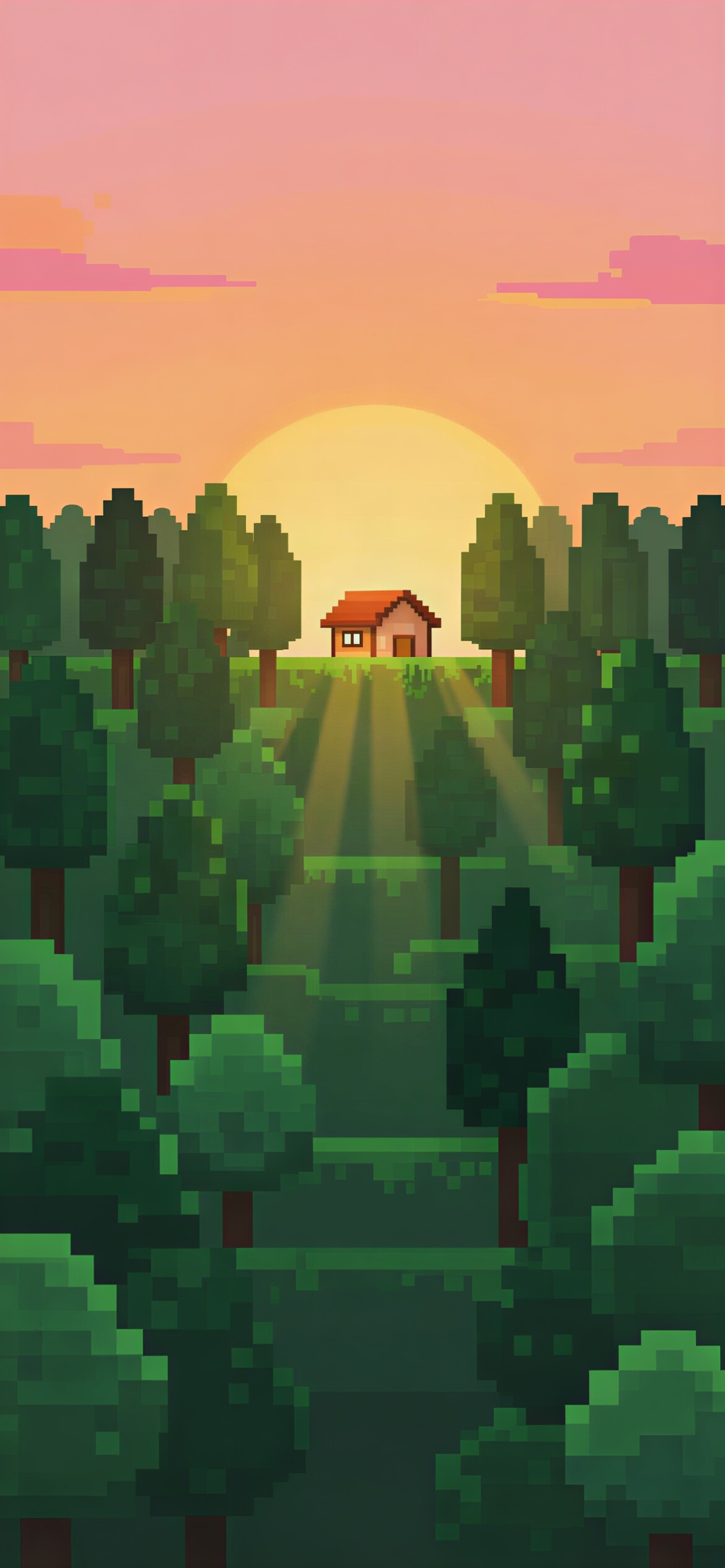
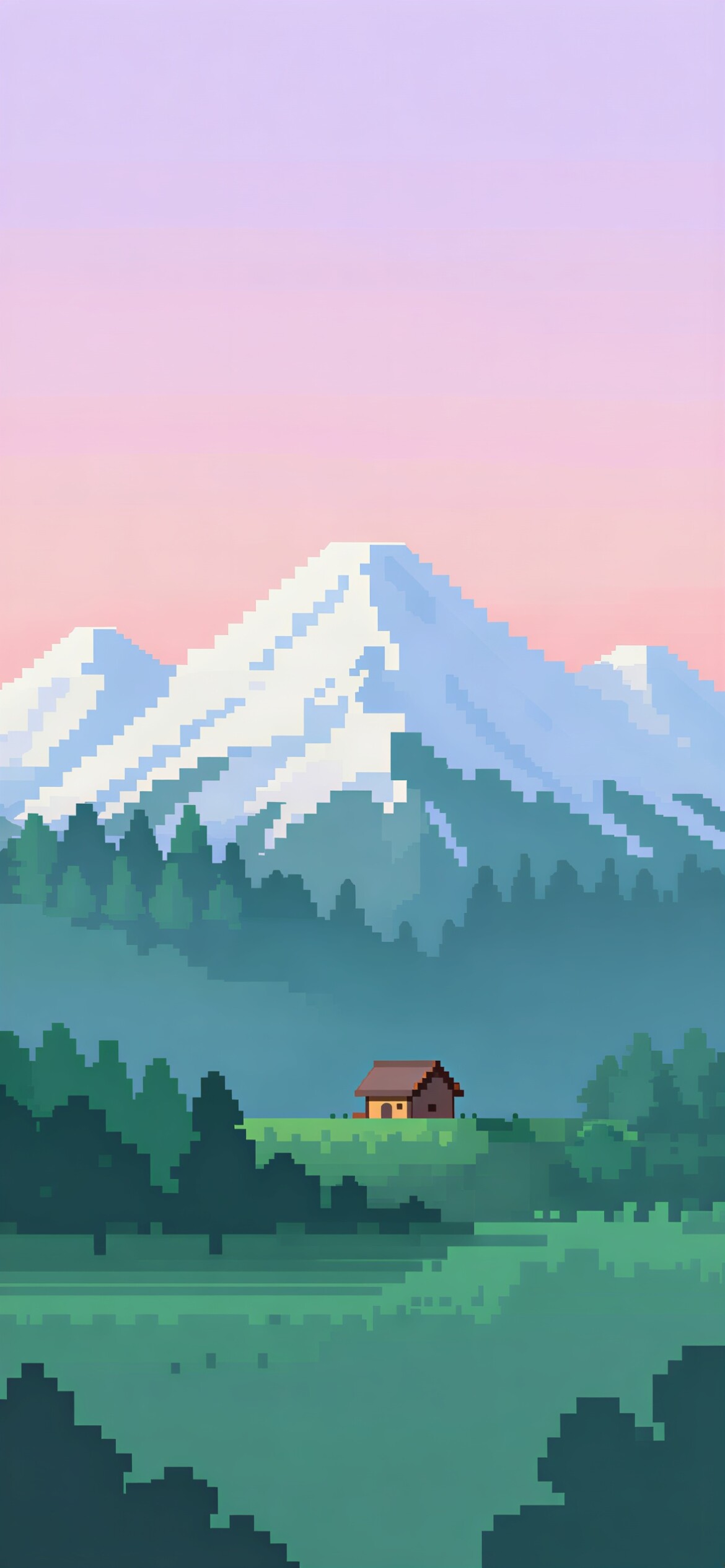
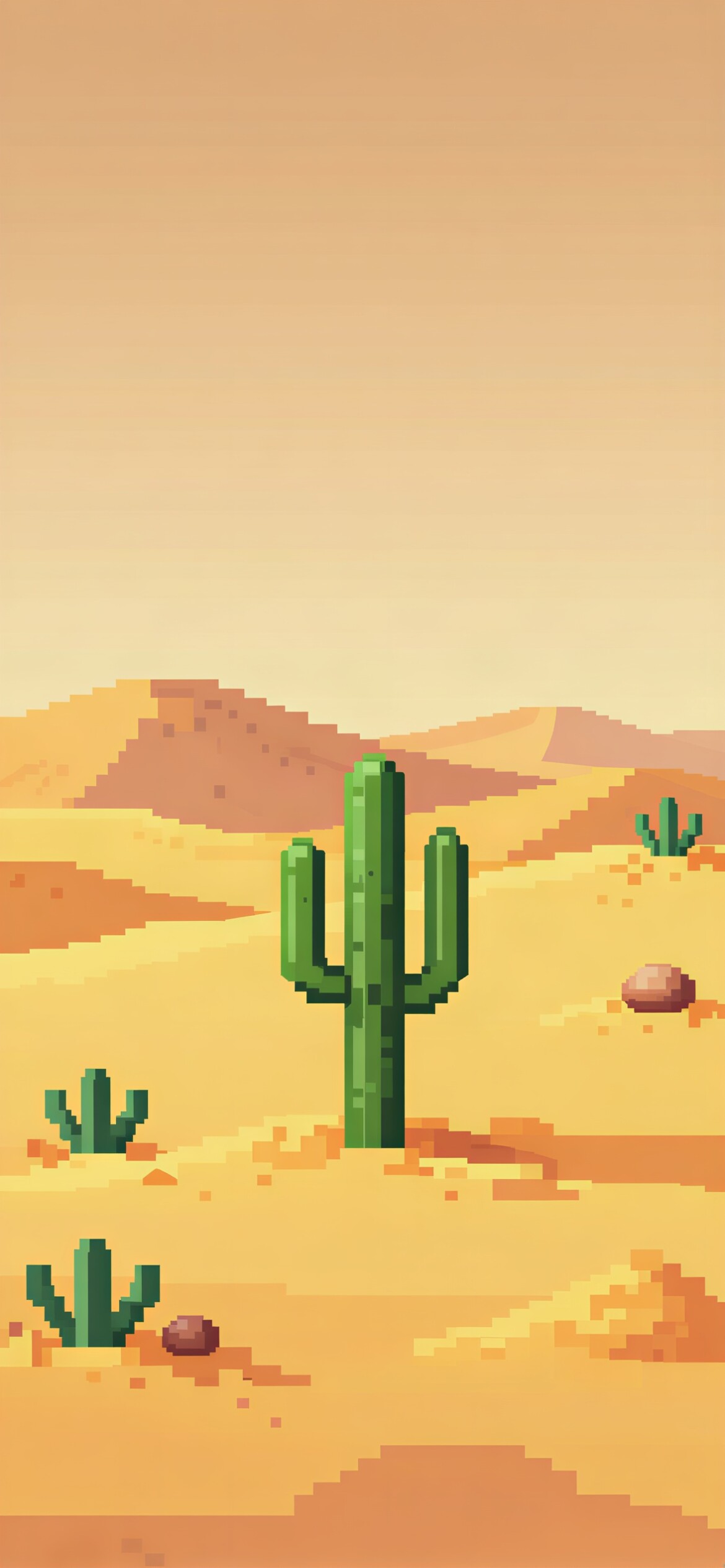
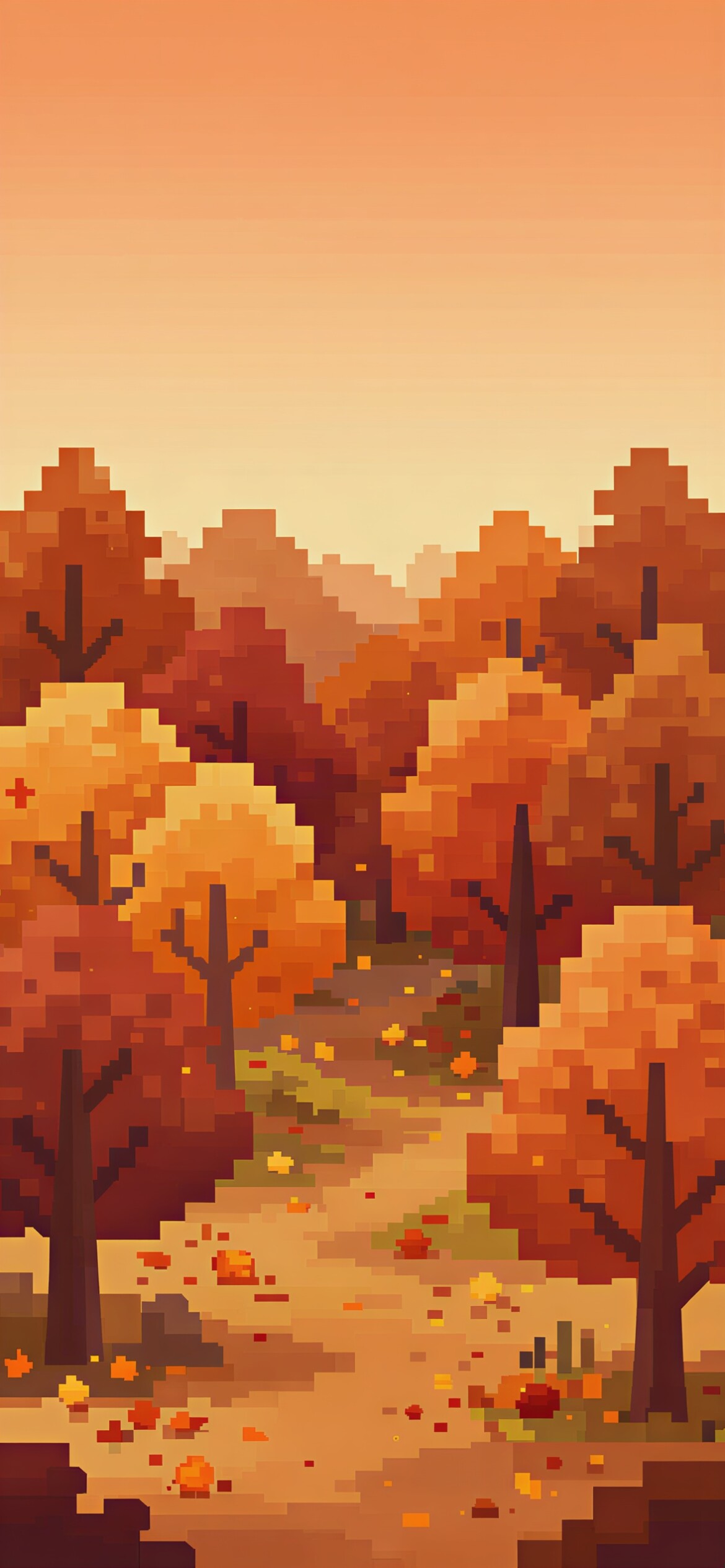
Four of the scenes are open landscapes. Wallpaper 1 sets blocky trees against a glowing forest sunset, 3 shows snowy peaks at dawn with a small cabin, 5 is a desert with a cactus and dunes, and 6 fills the frame with orange autumn trees and falling leaves. Their skies sit high in the frame, which suits a lock screen clock.
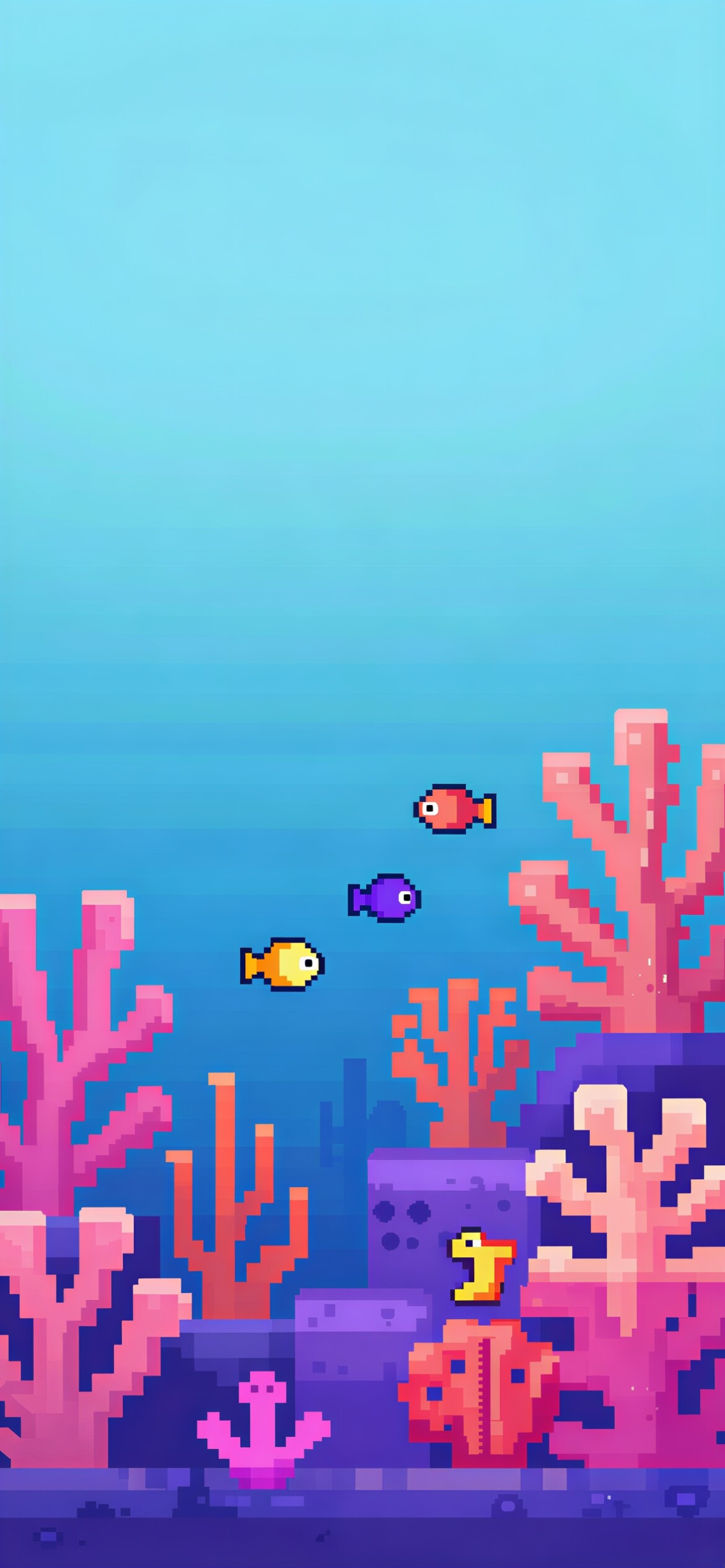
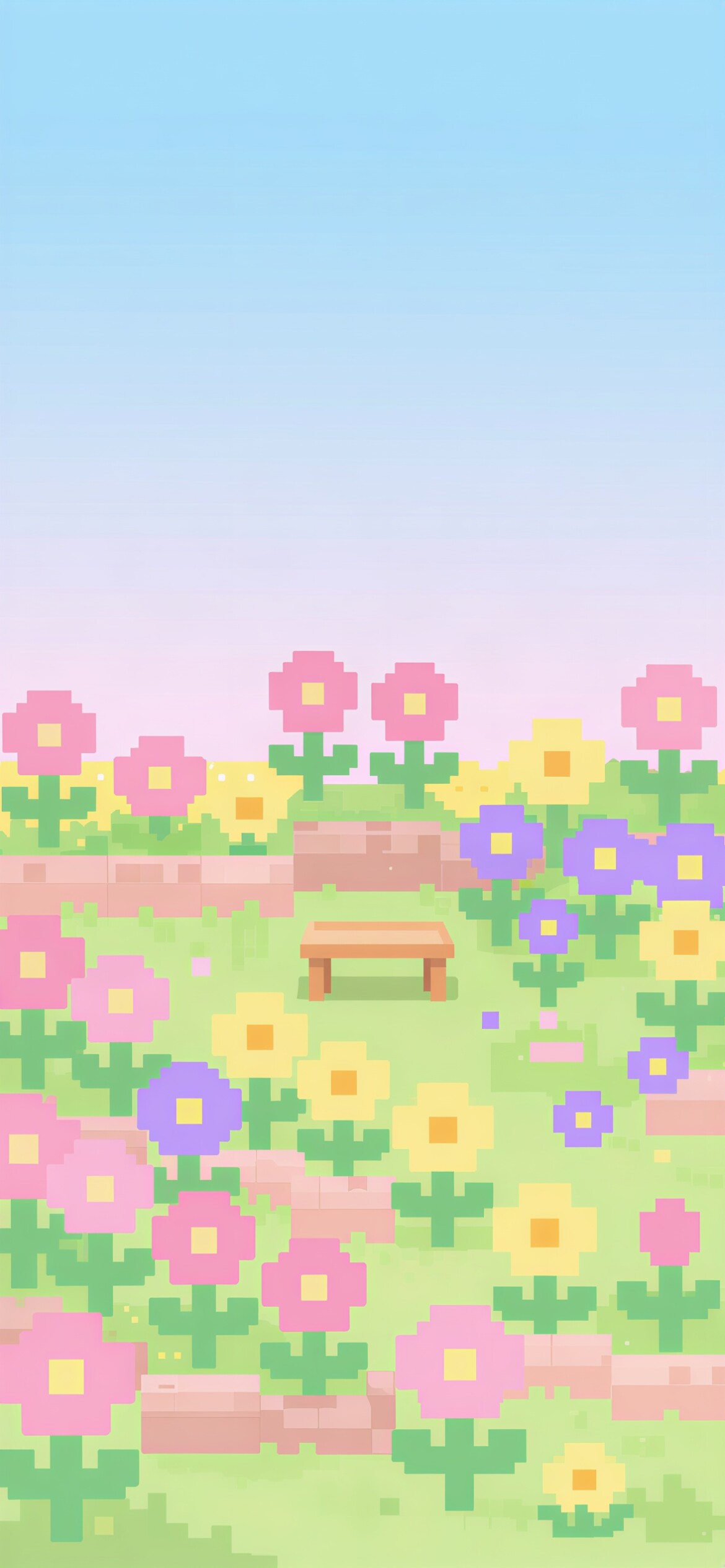
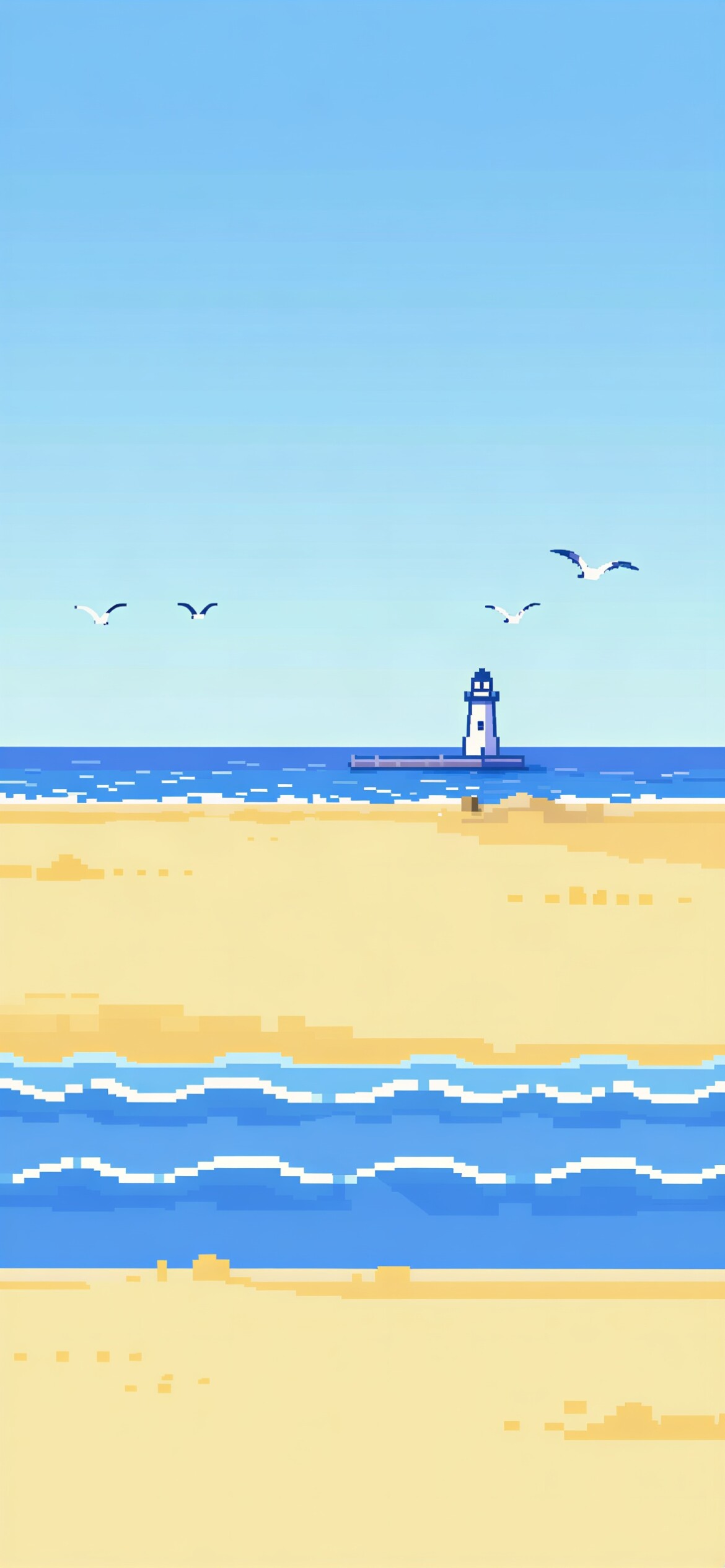
Two go to the water. Number 2 dives under the surface to coral and fish sprites, while 10 stays on the shore with a lighthouse, sand and waves. Number 8 is a flower garden under a pastel sky, the gentlest picture here.
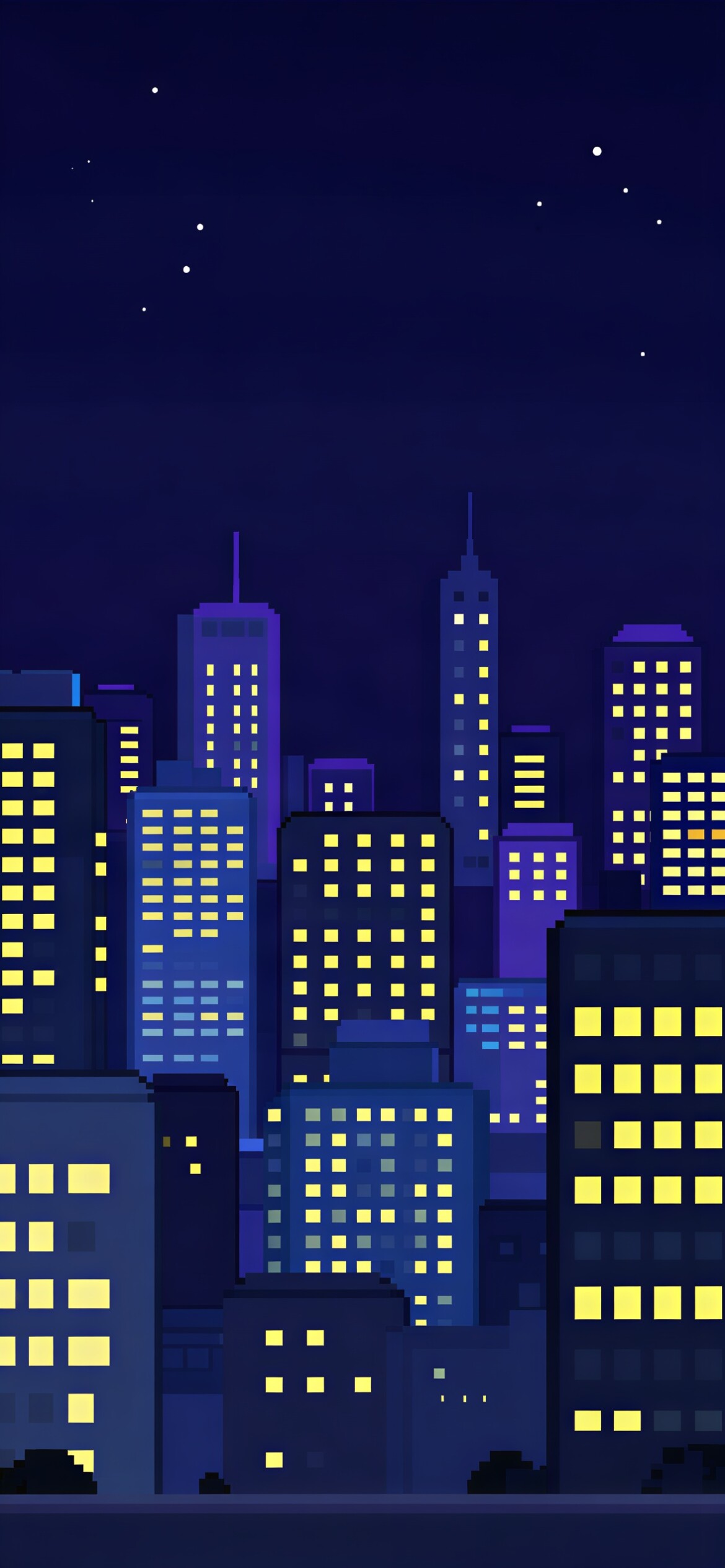
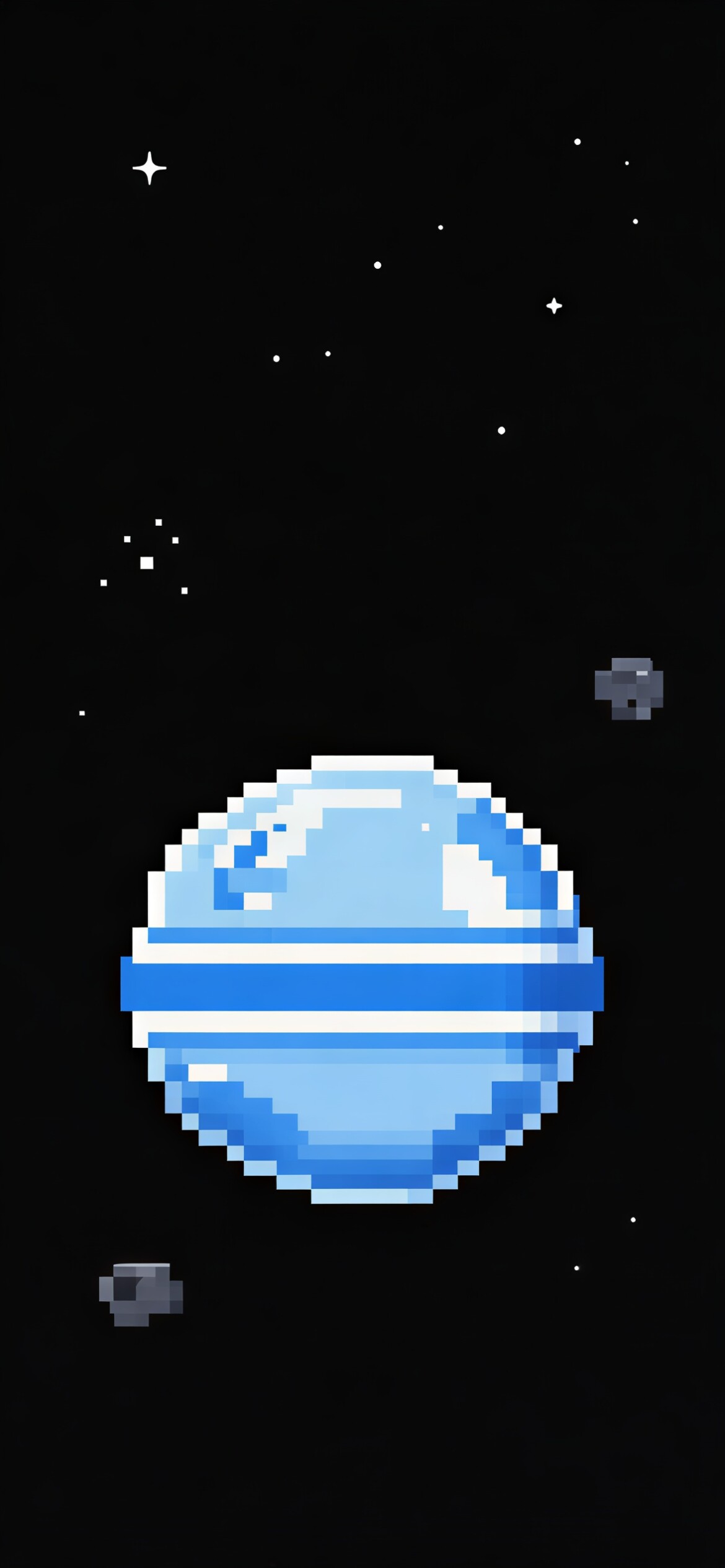
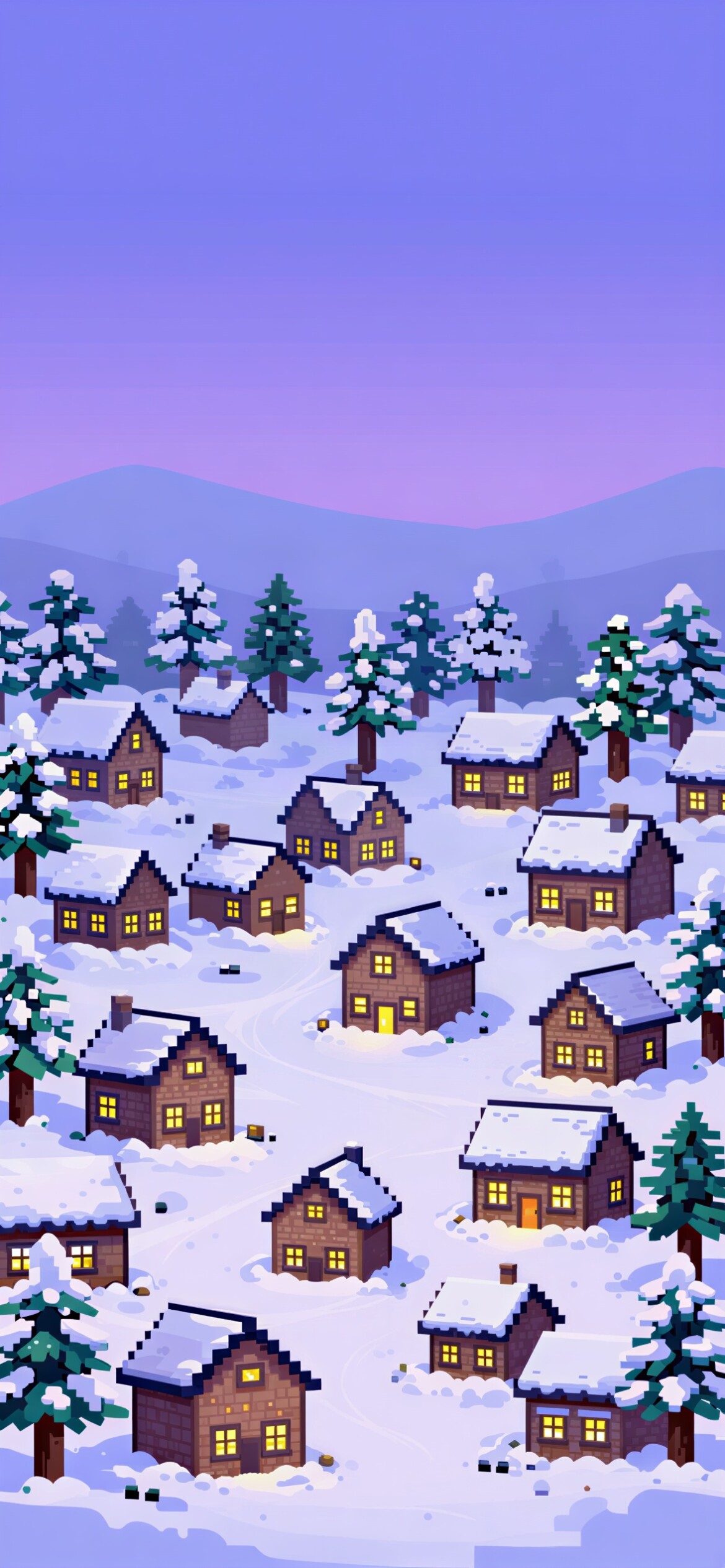
The last three have more going on after dark. Wallpaper 4 is a city of blocky skyscrapers with lit windows, 7 puts a planet and stars on pure black, and 9 is a snowy village with warm light in the houses.
Ember tones and midnight blues
- Warm and glowing: 1, 5, 6 and 9, for an orange, end-of-day feel.
- Dark and quiet: 4 and 7, which keep the screen mostly deep blue or black.
- Light and fresh: 2, 3, 8 and 10, with clear water, morning snow and soft pastels.
Number 7 is the one to pick if your iPhone has an OLED display, since its black background leaves most of the screen unlit. If this 8-bit mood suits you, the retro wallpapers, the 80s set and our synthwave collection all borrow from the same era of glowing screens.
How to set it on your iPhone
- Tap Download and save the image to Photos.
- Open Settings, tap Wallpaper, then Add New Wallpaper, and choose Photos.
- Pick the wallpaper, pinch to position it, then tap Add and choose the lock screen, home screen or both.
Stuck on a step? The iPhone and iPad guide has screenshots for each one.
Questions
Will these wallpapers fit my iPhone screen?
Yes. These designs are created at 1170x2532 pixels, which is the standard iPhone resolution. They are sized for modern iPhones, and some older models may crop slightly at the edges. Simply download and set as your lock screen or home screen wallpaper through Settings.
Can I use these wallpapers for personal use?
Yes, all wallpapers on Free Wallpaper Daily are free to download and use on your own devices. Selling them, printing them for sale, reposting them on other sites or using them commercially is not allowed. See our Terms page for full details.
What is pixel art style and why does it look retro?
Pixel art is a digital art form made of small colored squares called pixels arranged to create images. It mimics the look of 8-bit and 16-bit video games from the 1980s and 1990s, giving it a nostalgic, retro feel. The blocky, colorful aesthetic has become popular again for its charm and simplicity.
Which wallpapers work best for lock screens versus home screens?
Any of these wallpapers work as lock screens; the simple sky at the top keeps your time and notifications readable. For home screens, choose designs with balanced color distribution that won't clash with your app icons. Brighter, warmer designs feel more playful for home screens, while cooler tones work well as calm lock screens.