Synthwave Wallpaper
Synthwave wallpaper brings neon-soaked retro aesthetics to your screen with glowing grids, glowing sunsets and chrome cityscapes. This set of free synthwave wallpapers features the signature palette of hot pinks, electric purples and deep blues against dark backgrounds. Each design captures the retro-futuristic mood of synthwave art, perfect for any device. Download these synthwave backgrounds now with no sign up required.
10 wallpapers: 5 for phones at 1170 × 2532 and 5 for desktop at 3840 × 2160. Checked by hand on 3 Oct 2026.
For phones
For desktop and laptop
About this set
Synthwave wallpapers blend retro 1980s aesthetics with futuristic digital art, using neon glows, geometric shapes and moody color gradients. The style thrives on contrast between deep blacks and electric neons like magenta, cyan and hot pink. Vertical designs work well for lock screens where the simple top quarter leaves room for time and notifications, while the detailed lower half catches the eye. Landscape designs suit home screens and desktop backgrounds, with calm open space on the left preserving icon clarity.
These synthwave backgrounds pair beautifully with dark mode on any device and work across both iPhone and Android phones, tablets and computers. The neon elements stand out against the pure black background, making them ideal for AMOLED screens. Layer them with minimalist icons or widgets for a cohesive retro-futuristic look.
Where the glowing grid and the big sun come from
Synthwave started as music before it became a look. In the mid to late 2000s, producers began making new tracks that borrowed the sound of 1980s film soundtracks, TV themes and arcade game music. The genre is also called outrun, a name taken from Sega's 1986 driving game OutRun, and the 2011 film Drive, with Kavinsky's "Nightcall" on its soundtrack, brought it to a much wider audience.
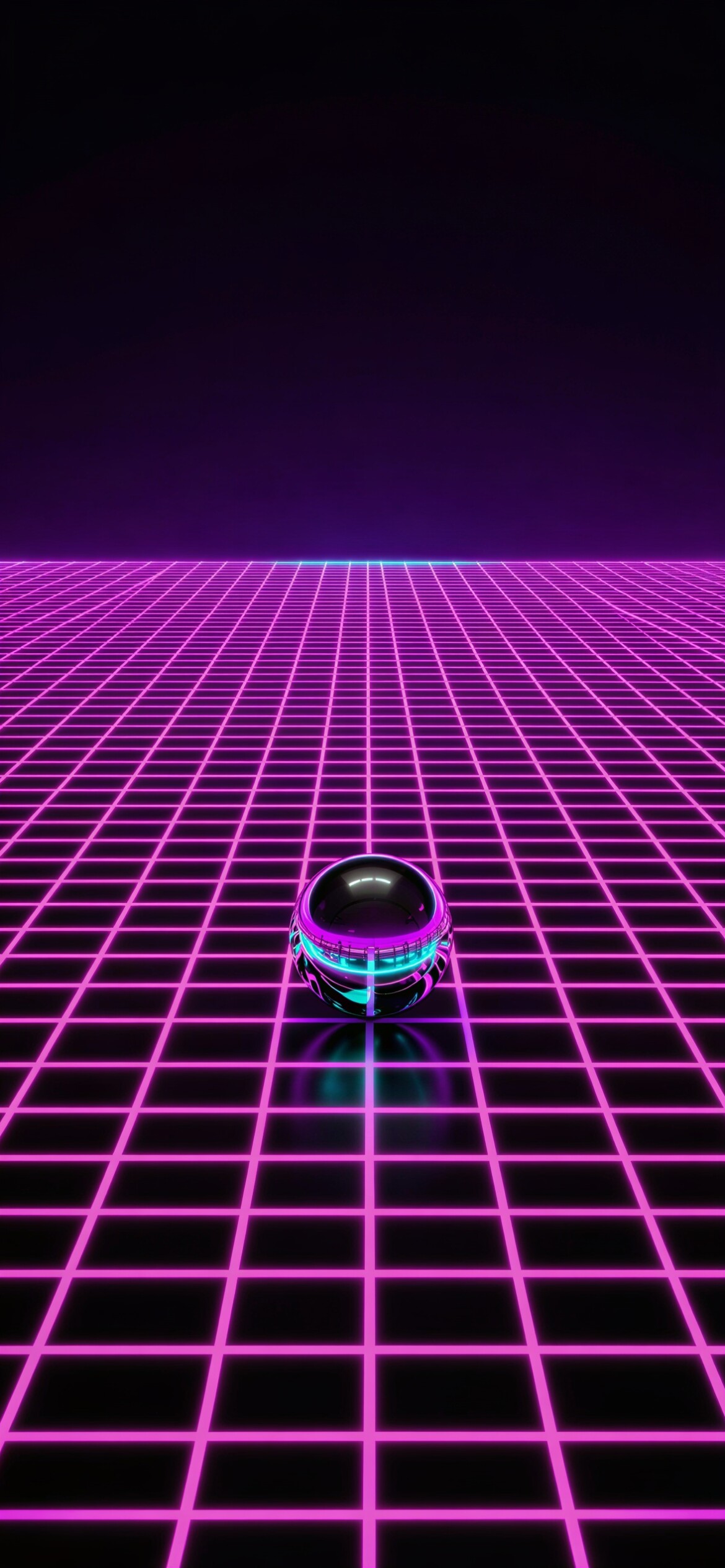
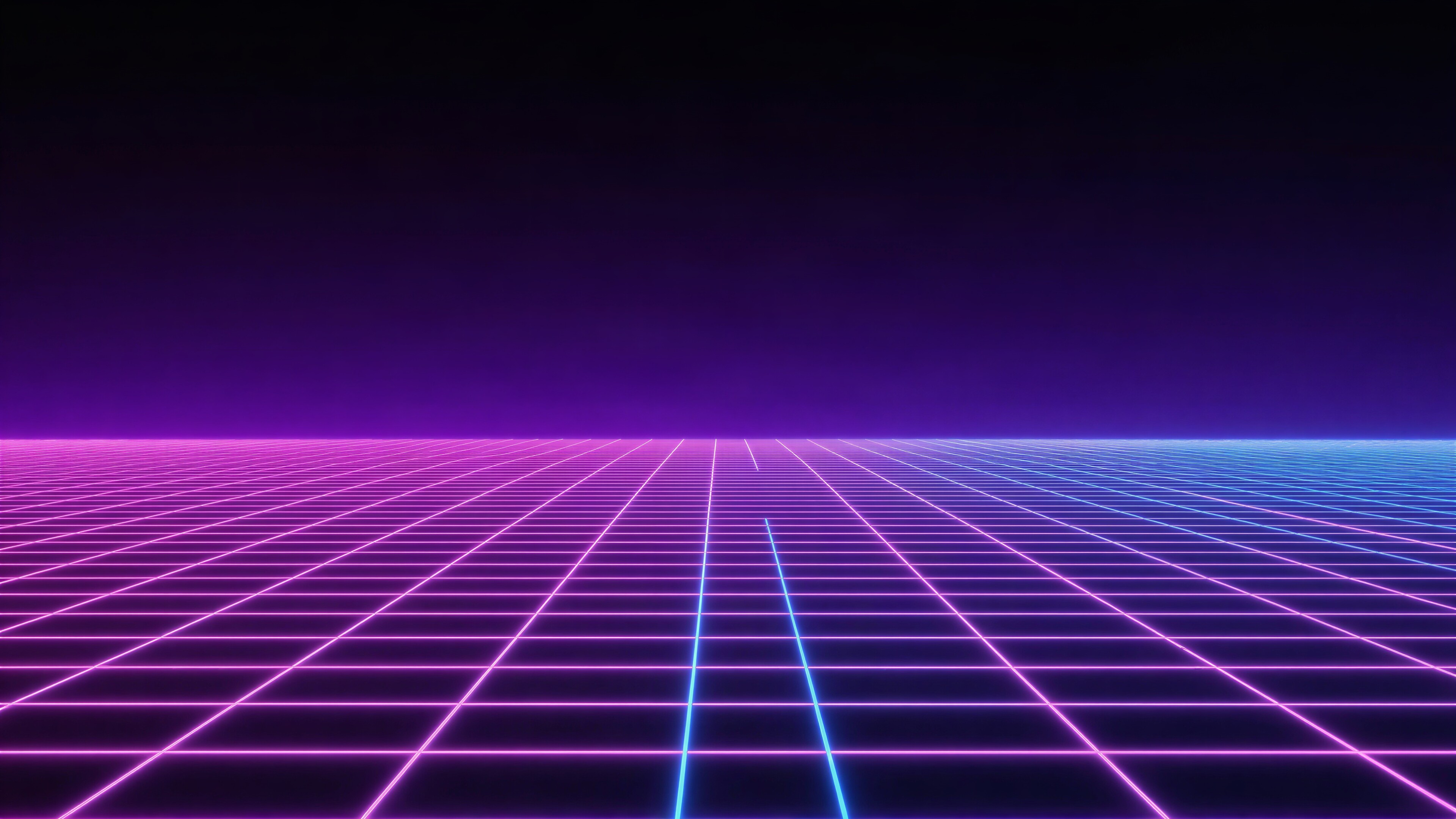
The pictures that grew up around the music borrow from the same decade. The glowing grid floor in wallpaper 1 and the grid highway in wallpaper 6 recall the wireframe graphics of early computer and arcade games and the film Tron from 1982. The chrome ball in wallpaper 1 is a nod to early computer graphics too: shiny spheres were a favourite test subject because they showed off reflections so clearly.
Suns, roads and neon outlines
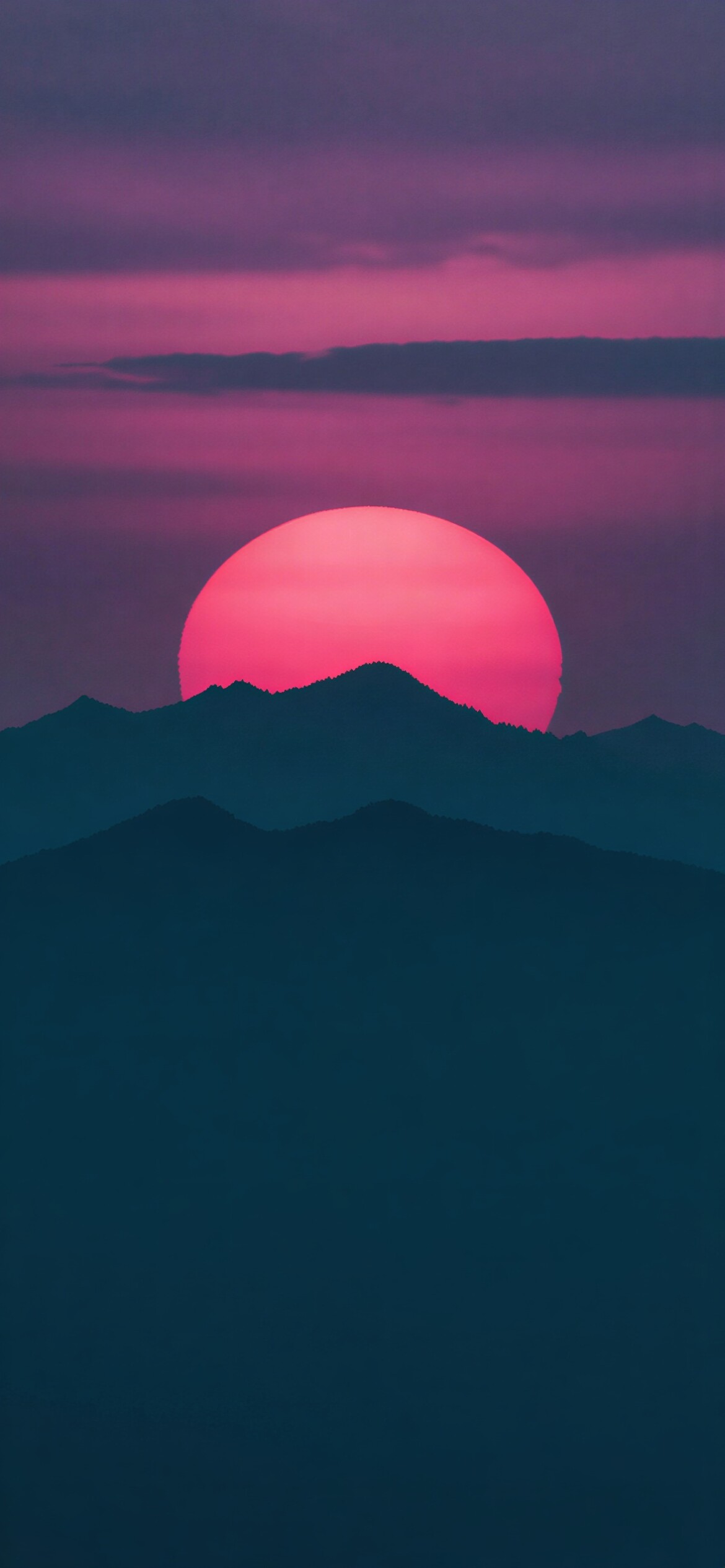
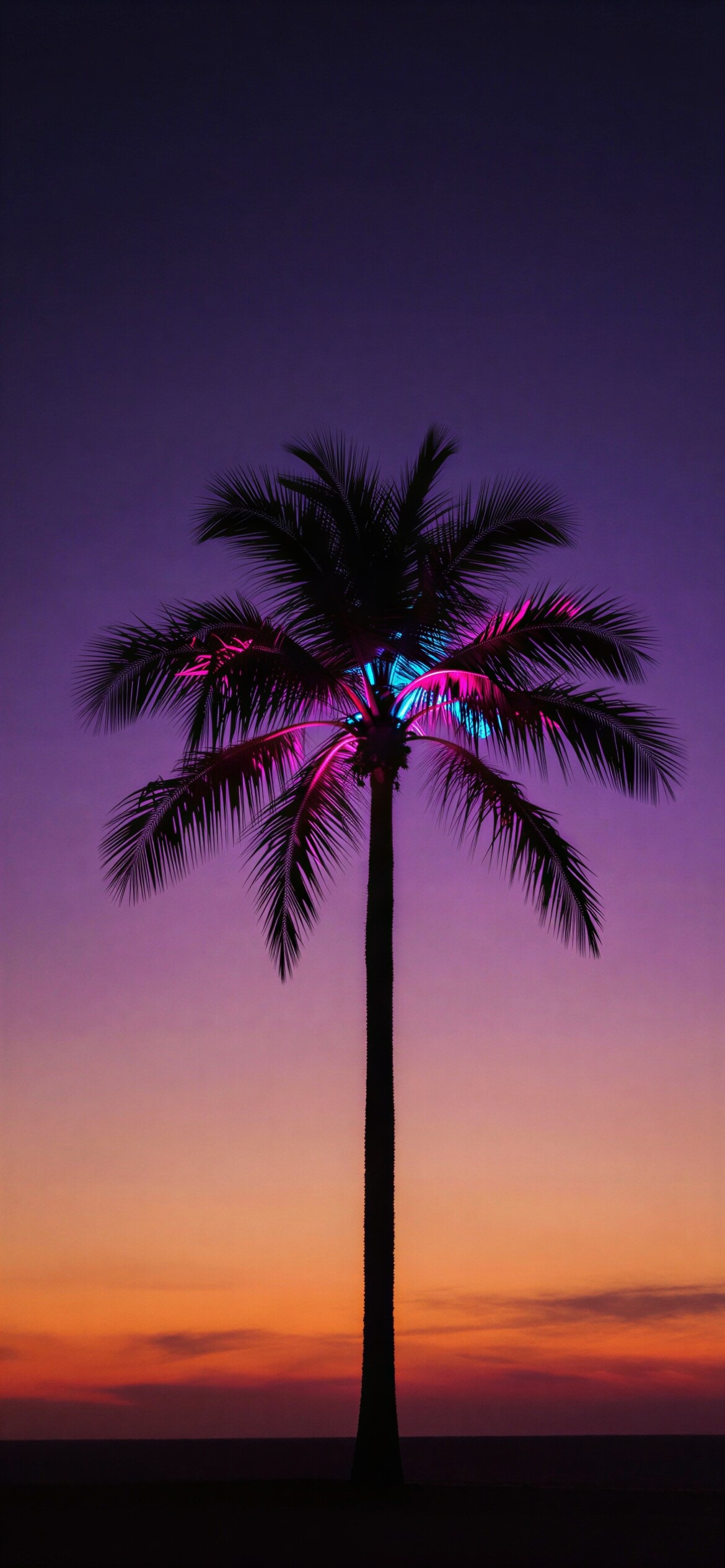
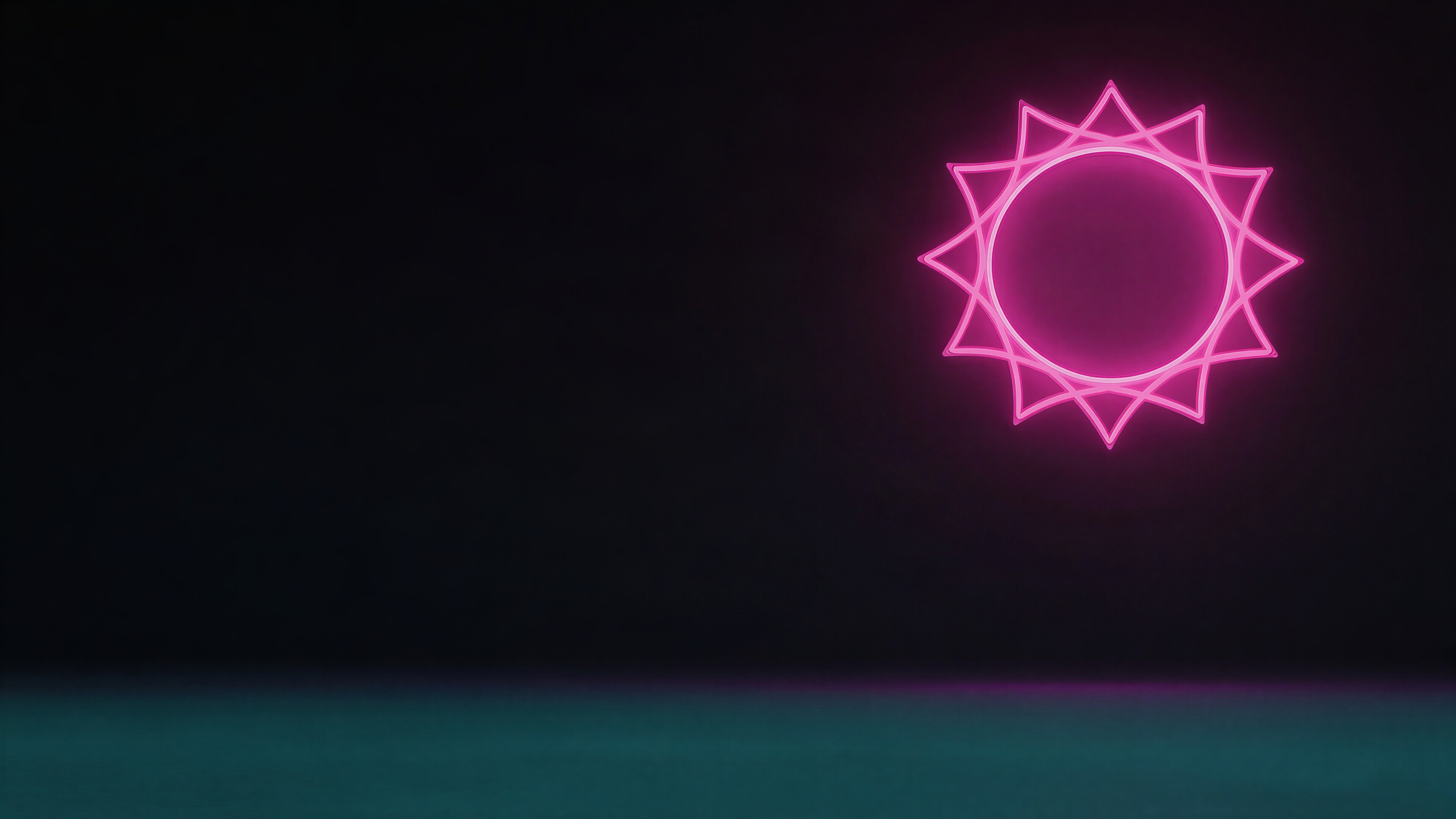
Two of the designs lean on the classic sunset. Wallpaper 2 puts a giant pink sun behind a dark mountain range, and wallpaper 4 swaps the mountains for a single glowing palm tree. Wallpaper 8 keeps the same idea at night, with a pink moon hanging alone in a black sky.
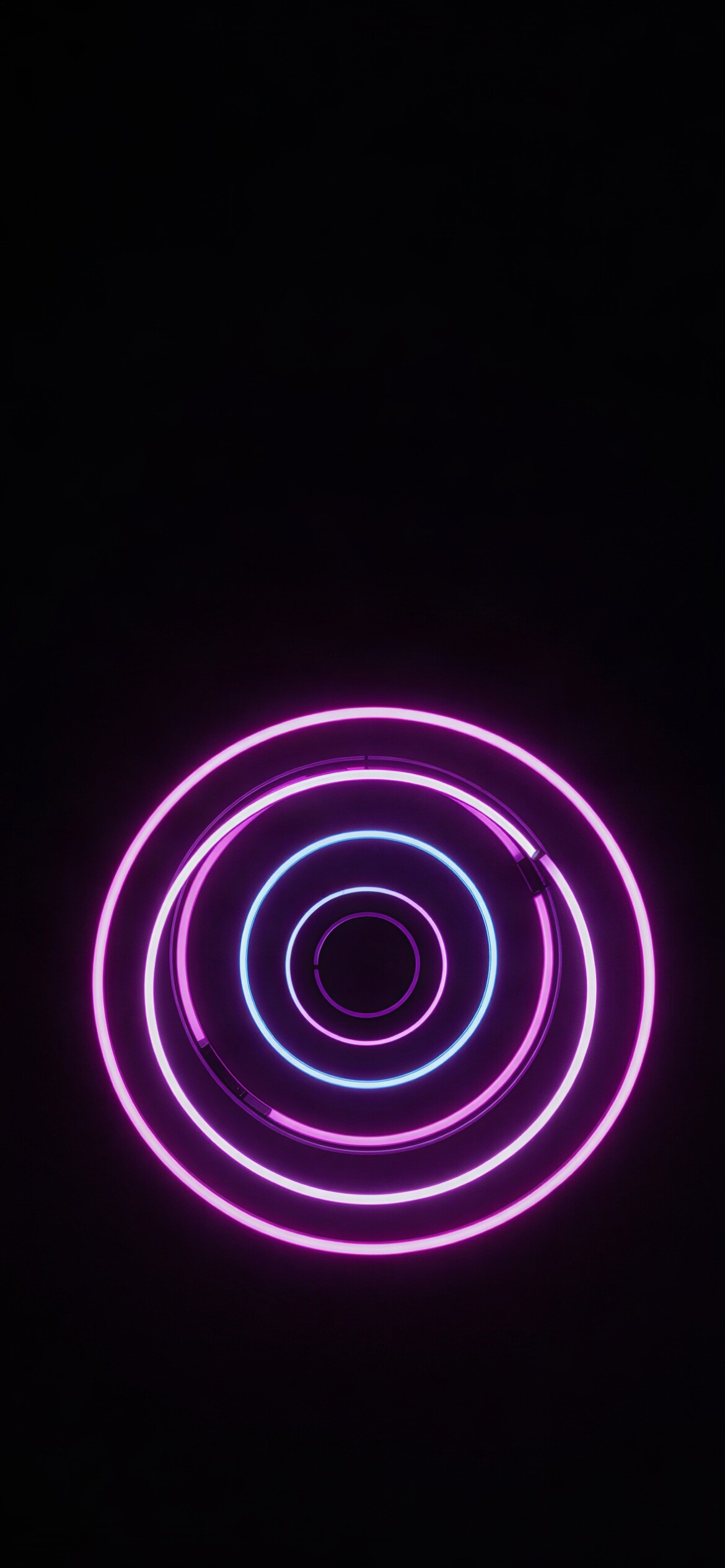
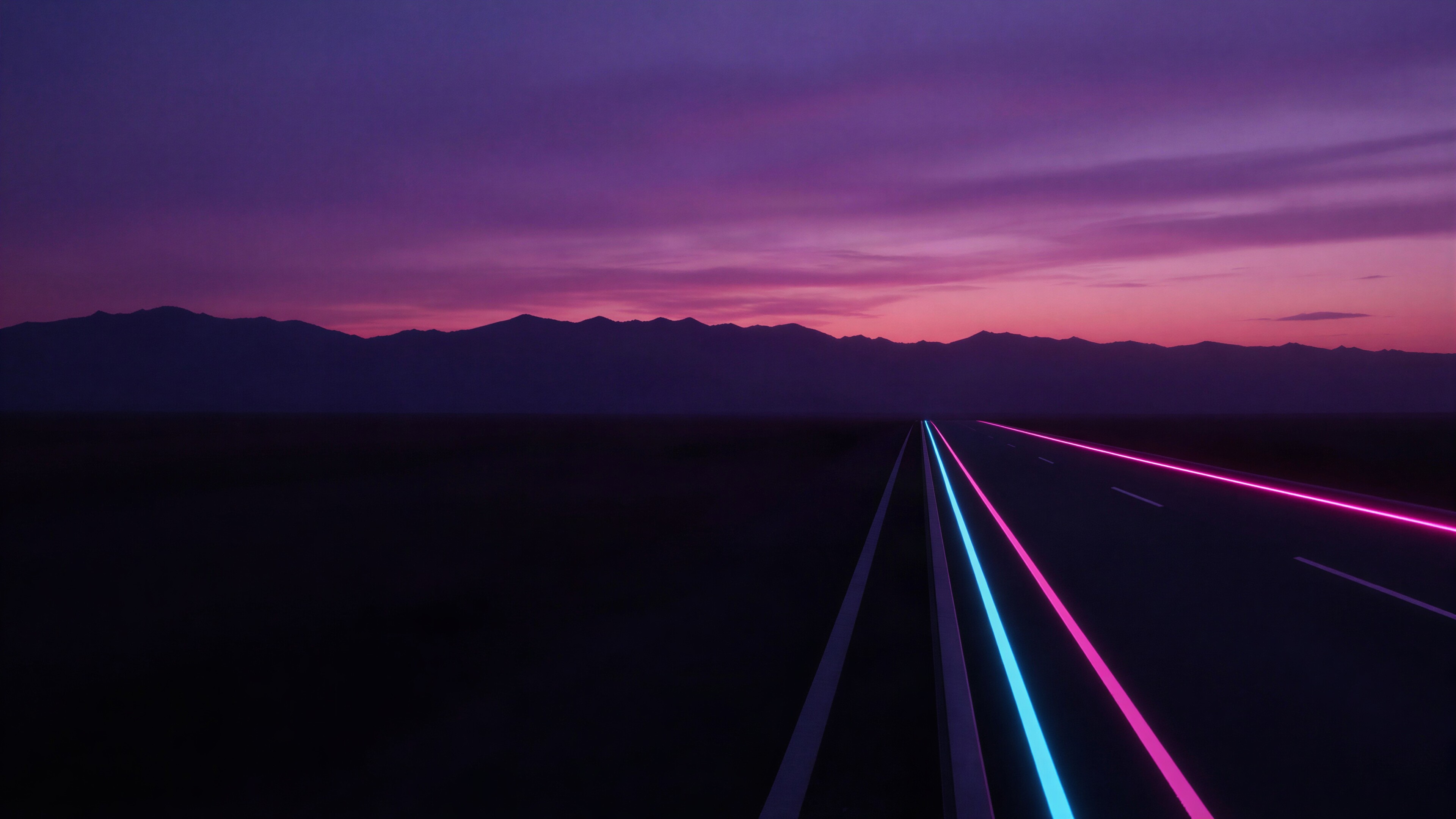
If you like the sense of driving into the distance, look at the roads. Wallpaper 6 runs a neon grid highway to a vanishing point, and wallpaper 7 is a road with glowing lane markings stretching ahead. Wallpaper 5 gives the same pull without a road at all, just neon rings shrinking into the dark.
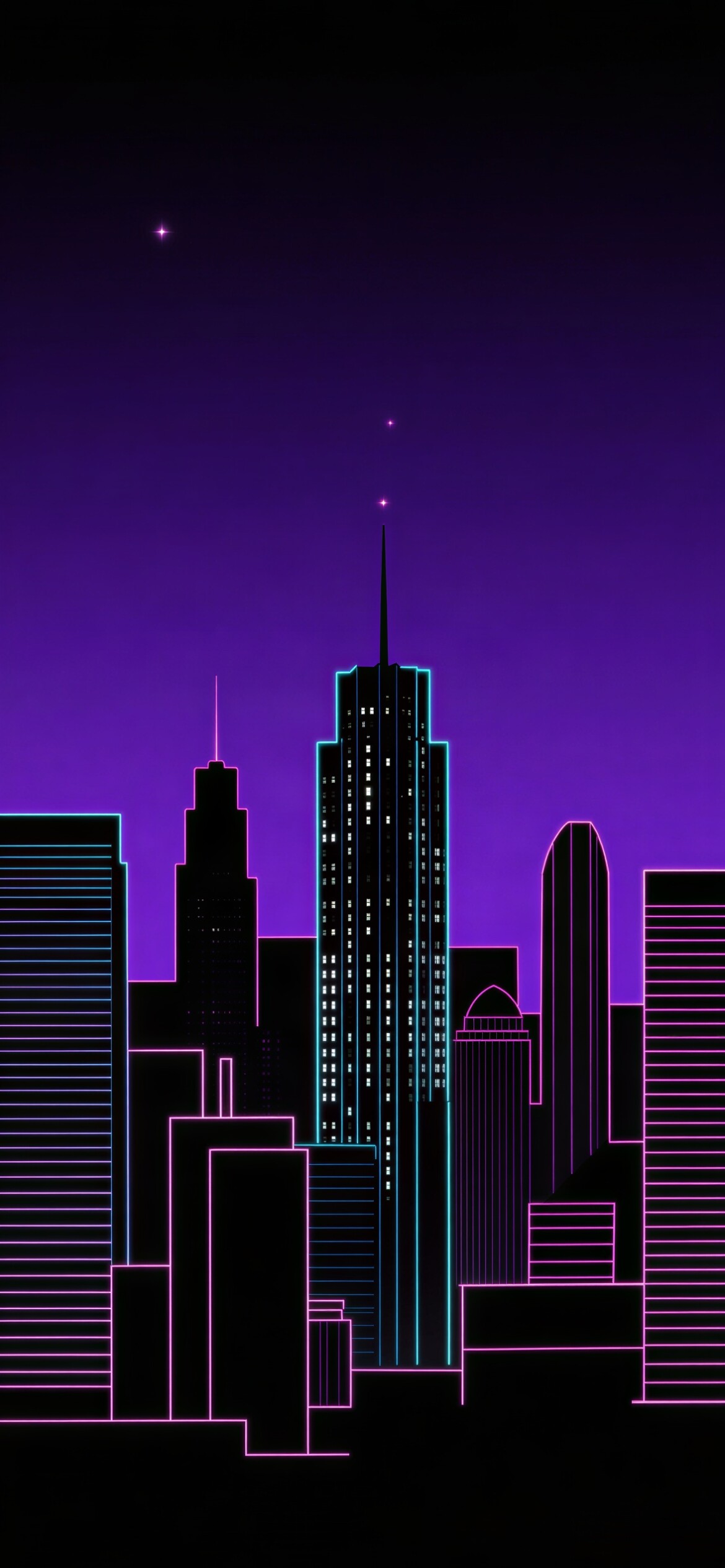
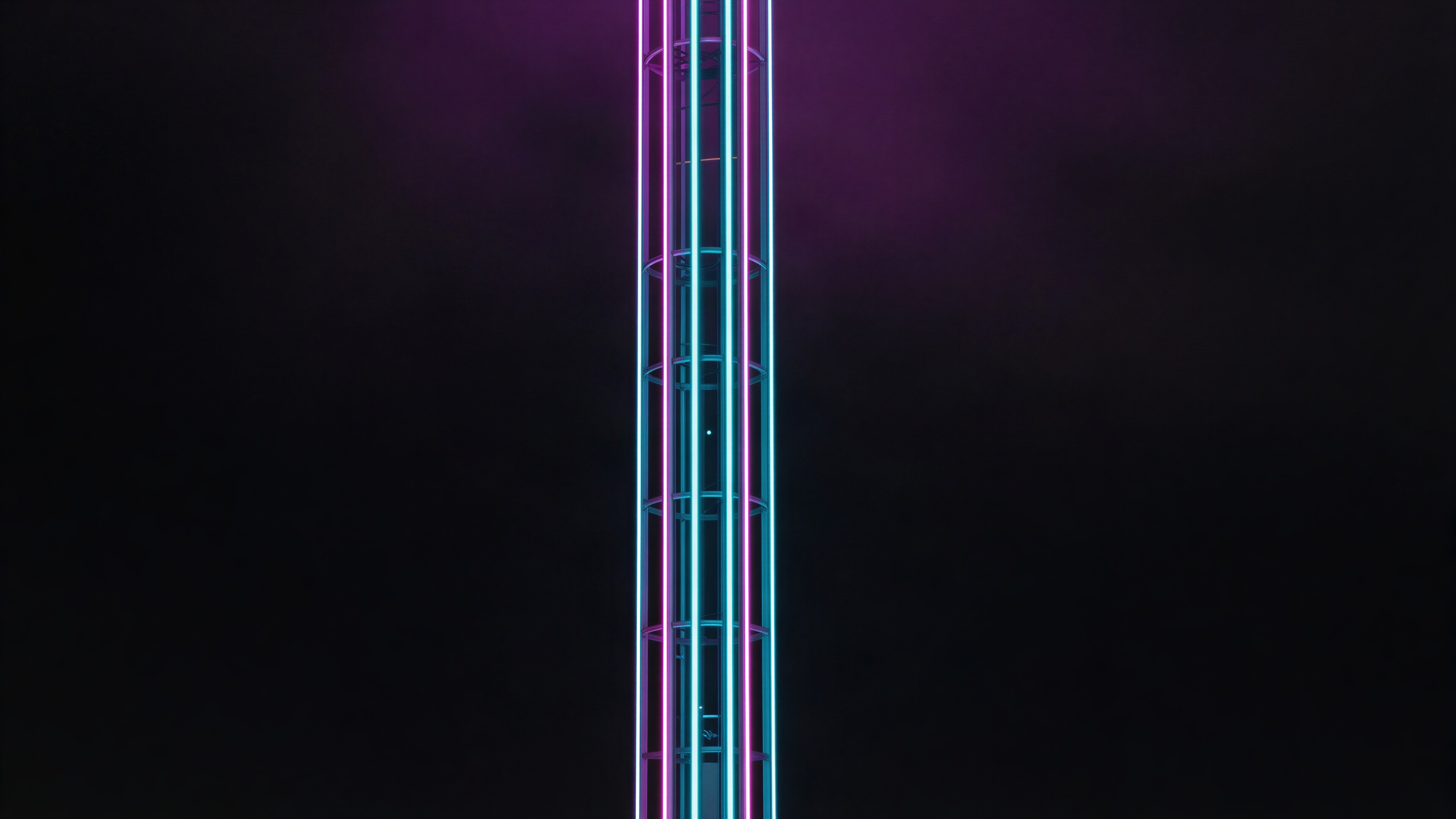
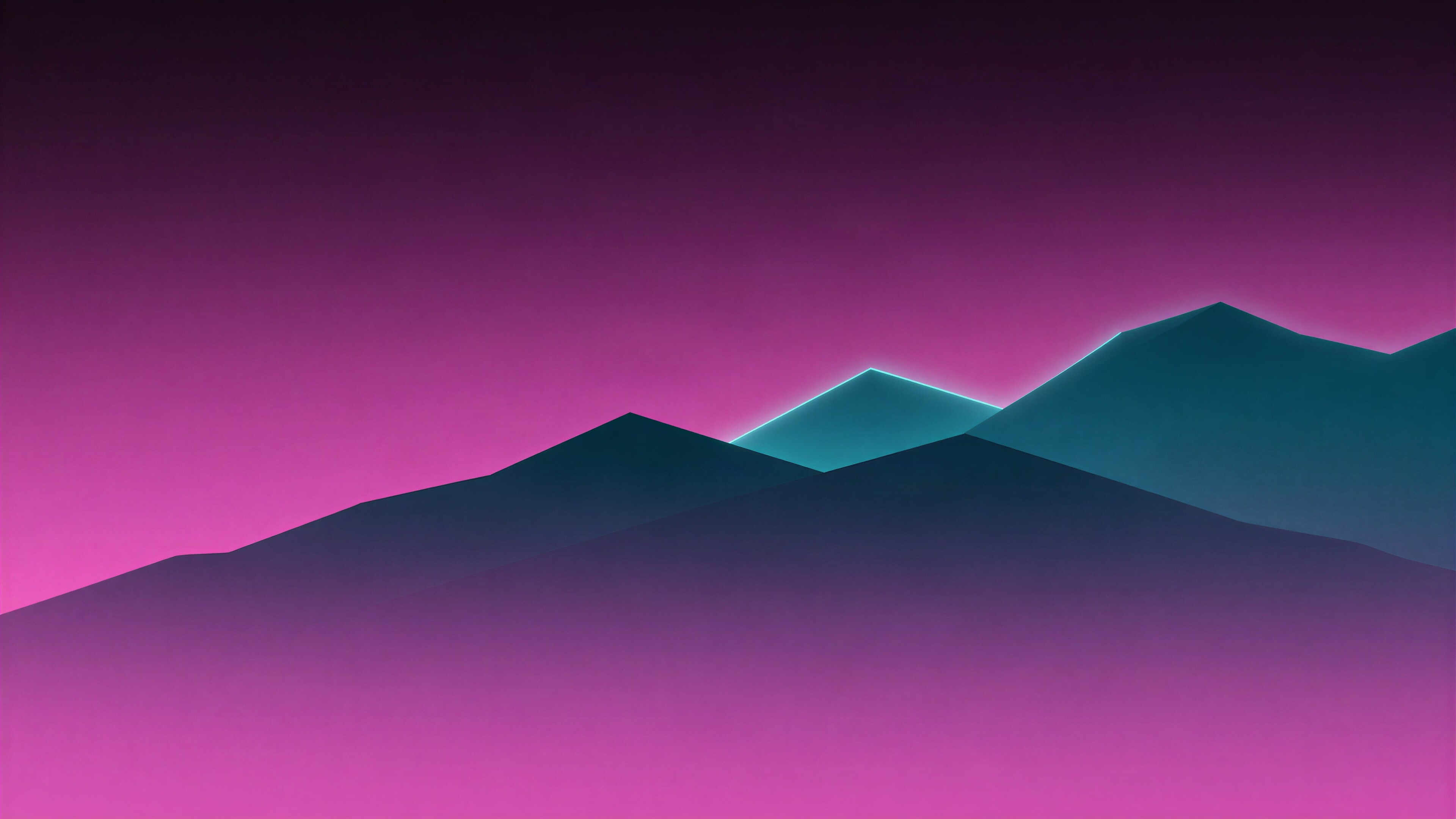
The rest are built from outlines. Wallpaper 3 draws a city skyline in magenta and cyan lines, wallpaper 9 is a single tall neon tower, and wallpaper 10 stacks geometric mountains with neon edges, a quieter take on the mountains in wallpaper 2.
Hot pink, cold cyan or almost black?
- Warm pink glow: 2, 4 and 8, where one big pink light source sets the mood.
- Electric city colours: 3 and 9, which mix magenta with cyan and feel the most like a night out.
- Mostly dark with thin lines of light: 1, 5, 6, 7 and 10, the calmest choices if you want your icons to stay easy to read.
For more from the same decade, browse the 80s wallpapers and the wider retro set, or swap the neon grid for real streets in the night city collection.
How to set it on your screen
- Tap Download under the size that fits your screen.
- On a phone, open Settings, then Wallpaper, and choose the saved image from your photos.
- On a computer, right-click the saved image and choose Set as desktop background.
Step-by-step help: iPhone, Android, Windows and Mac.
Questions
What sizes do these synthwave wallpapers come in?
This set includes two sizes: 1170x2532 for phones and 3840x2160 for desktops and tablets. The vertical designs are optimized for phone lock and home screens, while the landscape versions work best on larger displays. Download the size that fits your device.
Can I use these synthwave wallpapers commercially or share them elsewhere?
These wallpapers are free for personal use on your own devices only. Selling them, printing them for sale, or reposting them on other wallpaper sites is not allowed. Please see our Terms page for full details on permitted use.
Which synthwave wallpapers work best for lock screens versus home screens?
The vertical synthwave designs are ideal for lock screens because the simple top quarter leaves space for your clock, date and notifications without visual clutter. The landscape wallpapers suit home screens and desktops better, with calm open space on the left that keeps your icons readable and uncluttered.
Do synthwave wallpapers work well with dark mode?
Yes. Synthwave wallpapers are designed for dark mode and AMOLED screens, with pure black backgrounds and glowing neon accents that pop against the darkness. They pair perfectly with minimalist dark-mode icon packs and look stunning on phones with high-contrast displays.