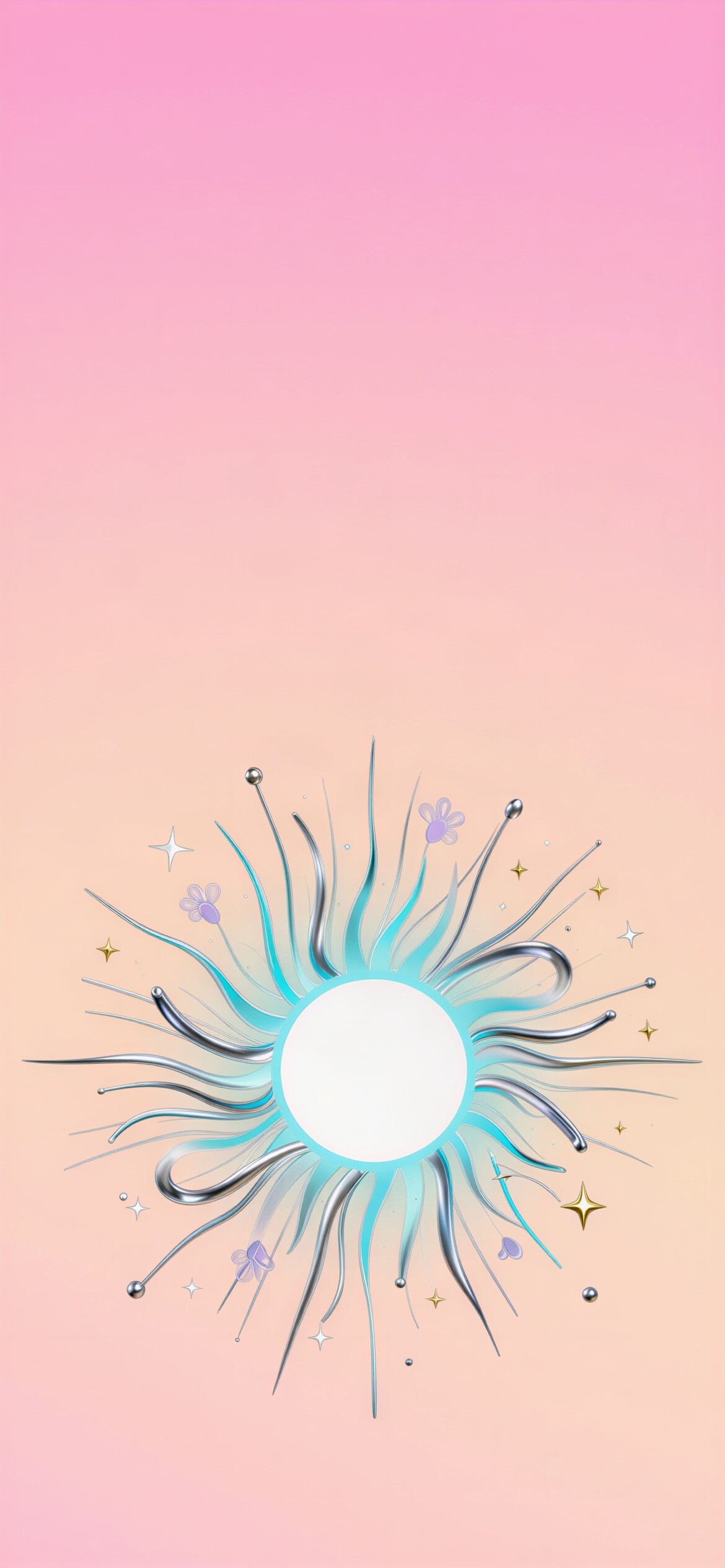
Y2K Wallpaper iPhone
Y2K wallpaper for iPhone brings retro 2000s graphics, bold colors and nostalgic vibes to your home and lock screens. This set features the playful aesthetic of early 2000s design with bright gradients, chunky fonts, butterfly motifs and glittery textures. Each y2k iPhone wallpaper is original artwork, hand-checked and ready to download. The collection works best on standard iPhone sizes and pairs well with colorful app icons.
9 wallpapers at 1170 × 2532 px for iPhone. Checked by hand on 2 Oct 2026.
About this set
This set captures the playful, glittery energy of early 2000s design. Expect bright gradients, glossy metallic finishes, chunky shapes and nostalgic motifs like butterflies, flowers and stars. Each wallpaper uses bold color combinations and a dreamy, soft-focus quality that feels both retro and fresh.
The lock screen wallpapers feature simple, centered designs that won’t compete with time and notifications. Home screen picks have busier compositions that work well behind colorful app icons. Pair these with rounded icon shapes and pastel app library folders for a complete y2k look. They work equally well in light or dark mode depending on your color choice.
A computer bug, a blue iMac and a lot of chrome
Y2K is short for "year 2000". The name first belonged to the millennium bug, the worry that older software storing years as two digits would read 00 as 1900. The design style borrowed the name because it peaked in those same few years, when technology felt new and exciting and graphics leaned into it.
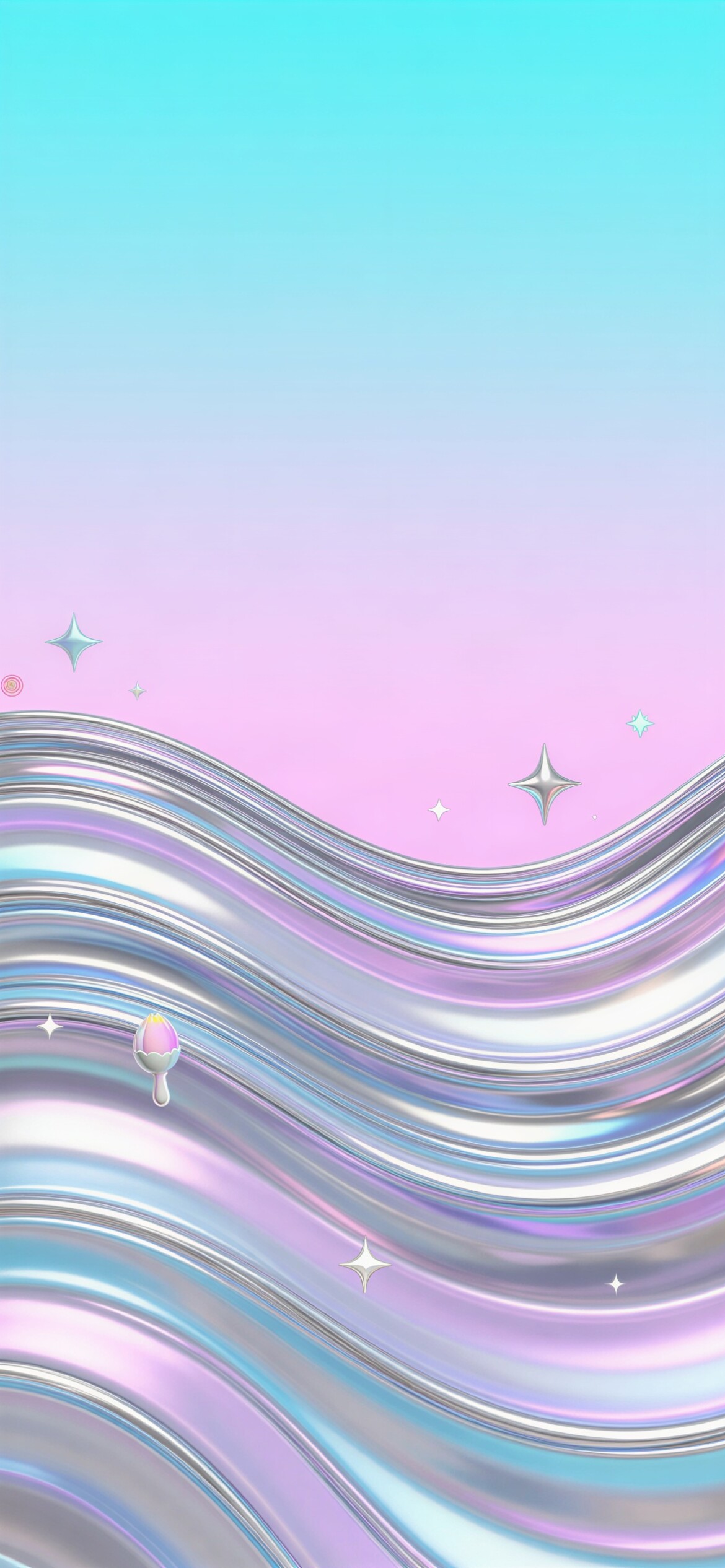
A lot of the look came from real products. Apple's 1998 iMac G3 had a translucent Bondi Blue shell, and see-through coloured plastic soon showed up on phones, game consoles and pagers. Mac OS X arrived in 2001 with its glossy, water-drop "Aqua" buttons, and shiny chrome lettering was everywhere on album covers and music videos. Butterfly hair clips were a staple of the period too. You can see each of these ideas here: the chrome lines in wallpaper 4, the chrome butterfly in 6 and the chrome circles in 9 all chase that liquid-metal shine.
Nine gradients, one by one
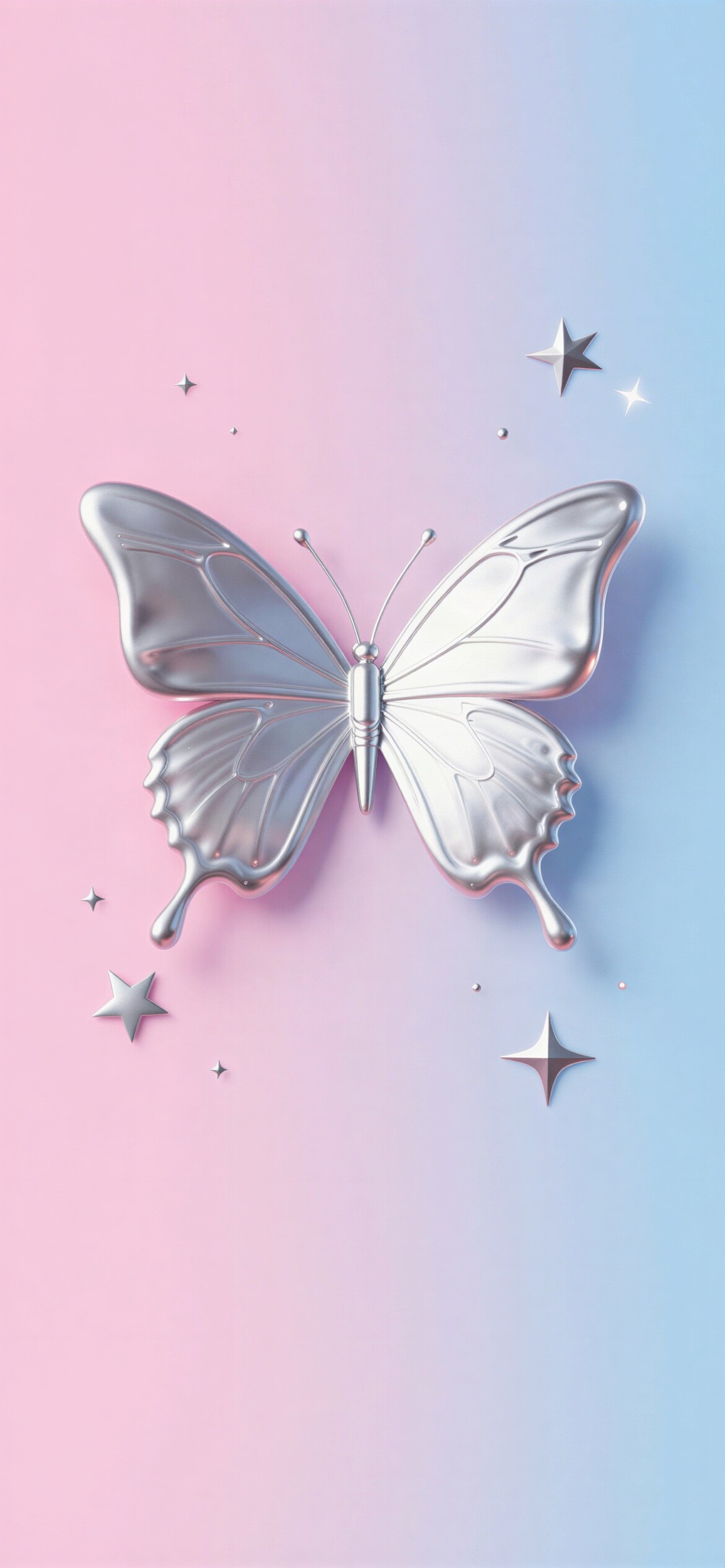
- Pastel pink fading into blue, with glossy silver butterflies and sparkles. The softest of the nine.
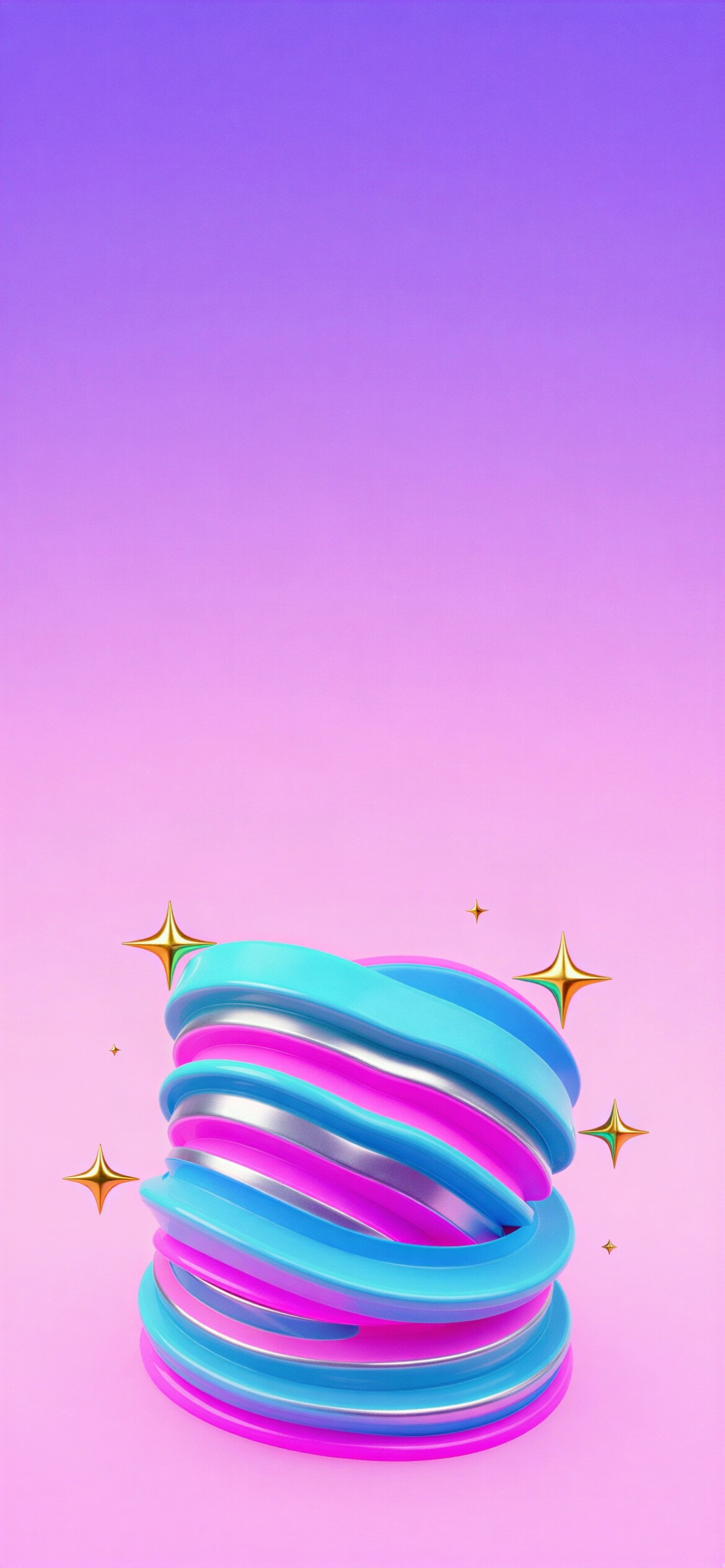
- Purple into pink, with turquoise circles and star bursts for a sharper contrast.
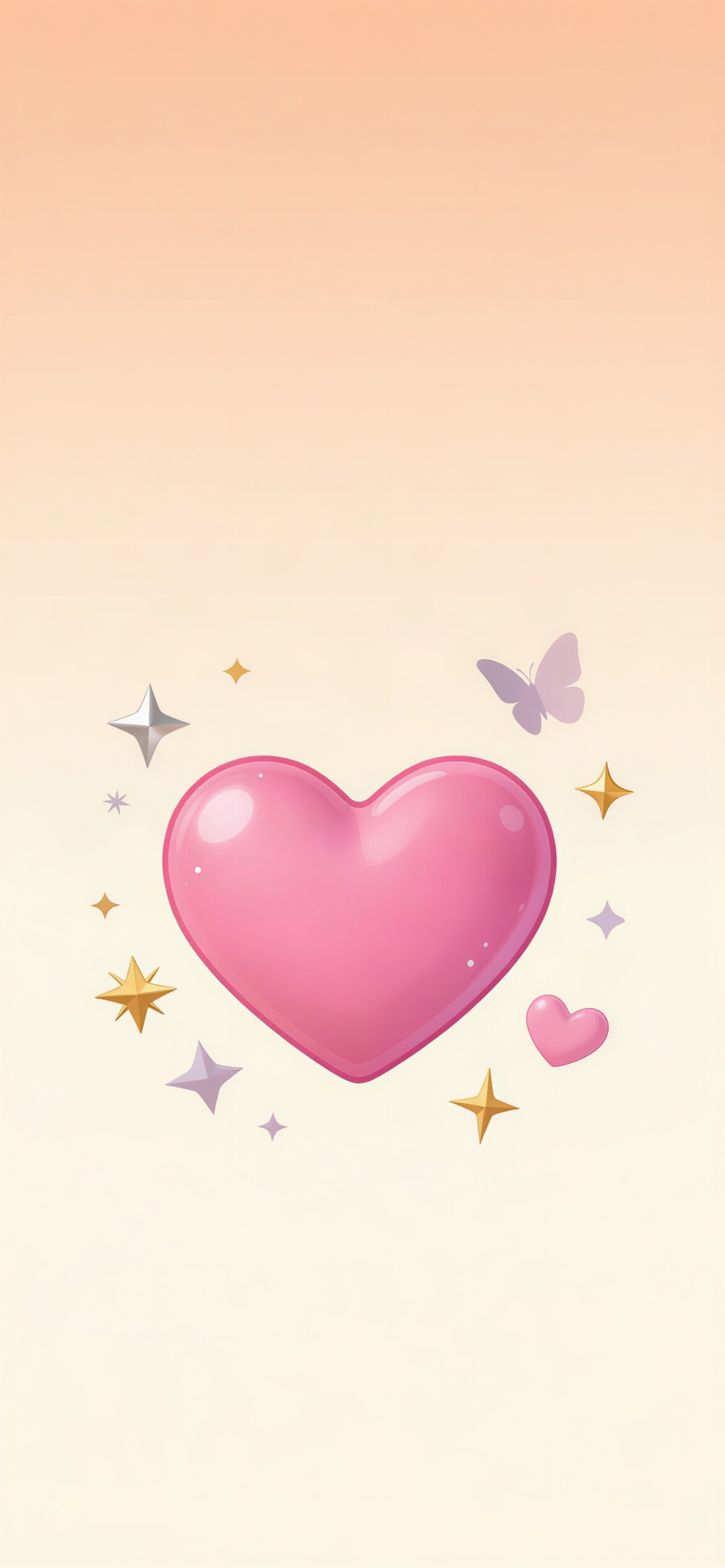
- A peach background behind one big glossy hot pink heart, ringed by metallic sparkles.
- Cyan into magenta, crossed by flowing chrome waves and small flowers.
- Lavender with hot pink geometric shapes and glowing stars.
- Coral into yellow, with a large rainbow chrome butterfly and silver sparkles.
- Mint into pink, with purple geometric clusters and metallic flowers.
- Blue into yellow, scattered with hot pink stars and turquoise shapes.
- Hot pink into peach, with chrome circles and gold sparkles.
Cotton candy or sunset heat?
Wallpapers 1, 4, 5 and 7 are the cooler pastels, built on blue, cyan, lavender and mint, and they sit comfortably behind white widgets. Numbers 3, 6 and 9 run warm with peach, coral and gold, so they feel like late afternoon. Wallpapers 2 and 8 set strongly contrasting colours side by side, turquoise shapes on purple and pink, hot pink stars on blue and yellow, which makes them the loudest choices if you want your screen to look like a 2002 CD cover.
For more of the same era, try the 90s wallpapers for the years just before, the glitter set for extra sparkle, or the butterfly wallpapers if wallpaper 1 or 6 is your favourite.
How to set it on your iPhone
- Tap Download and save the image to Photos.
- Open Settings, tap Wallpaper, then Add New Wallpaper, and choose Photos.
- Pick the wallpaper, pinch to position it, then tap Add and choose the lock screen, home screen or both.
Stuck on a step? The iPhone and iPad guide has screenshots for each one.
Questions
Will these wallpapers fit my iPhone screen?
Yes. This set is designed for standard iPhone sizes at 1170x2532 pixels. When you download and set a wallpaper, your iPhone automatically crops it to fit your specific model. You may need to adjust the preview slightly to position the design where you want it on your lock or home screen.
Can I use these wallpapers commercially or share them elsewhere?
These wallpapers are free for personal use on your own devices only. You cannot sell them, print them for sale, or repost them on other websites or apps. For full details on acceptable use, please see our Terms page.
What makes the y2k style different from other retro trends?
Y2K specifically captures the early 2000s look—think glossy finishes, bright gradients, chunky geometric shapes and playful motifs like butterflies and stars. It's brighter and more optimistic than 80s or 90s aesthetics, with a focus on metallic and iridescent effects that feel futuristic yet nostalgic.
Which wallpapers work better for lock screen versus home screen?
Lock screen wallpapers have simpler designs and subjects positioned in the lower half, keeping the top clear for time and notifications. Home screen wallpapers feature busier compositions with more scattered elements, designed to frame your app icons without looking cluttered. Mix and match based on your preference.