Tree Wallpaper iPhone
Tree wallpaper for iPhone brings calm woodland scenes and forest landscapes straight to your lock screen. These designs feature tall trees in natural settings, from dense forests to solitary oaks, captured in soft light and earthy tones. Each tree iPhone wallpaper suits both lock and home screens, and the vertical format fills your display edge to edge. Choose scenes that match your mood: quiet groves for mornings, sunlit clearings for afternoons, or misty forests for evening.
10 wallpapers at 1170 × 2532 px for iPhone. Checked by hand on 6 Oct 2026.
About this set
These tree wallpapers capture the calm and strength of nature in soft, natural light. Each design uses a vertical format that fills your iPhone display from top to bottom, with simple sky in the upper portion and the tree as the main focus below. The muted greens, warm golds and cool greys work with both light and dark mode, and pair well with minimal icons and clean home screen layouts.
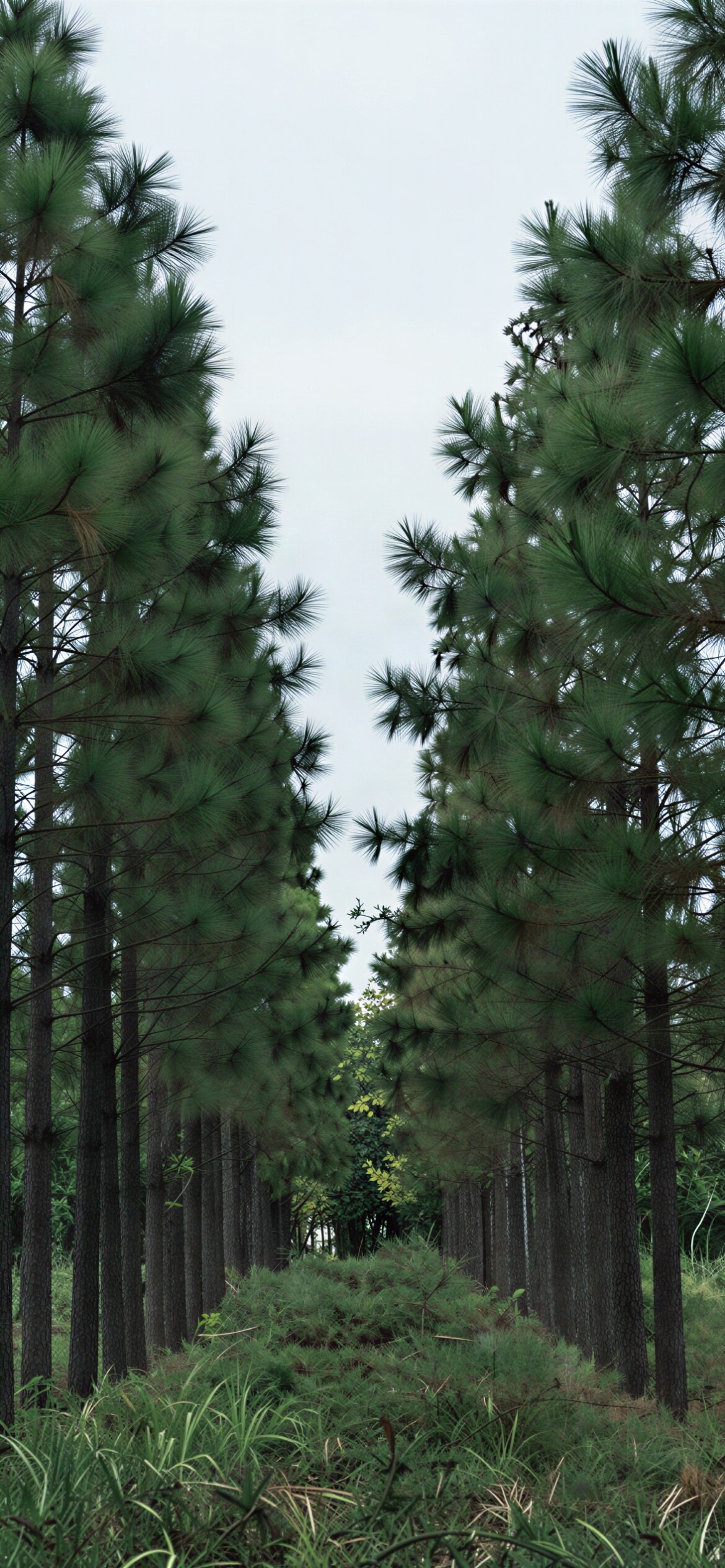
The lock screen designs work best with simpler compositions like the avenue of trees or silhouetted evergreen. For your home screen, choose scenes with more detail and texture, such as the oak bark or aspen forest, since they sit behind your app icons without losing their appeal. All designs remain calming and grounded regardless of where you place them.
Leaves that fall and needles that stay
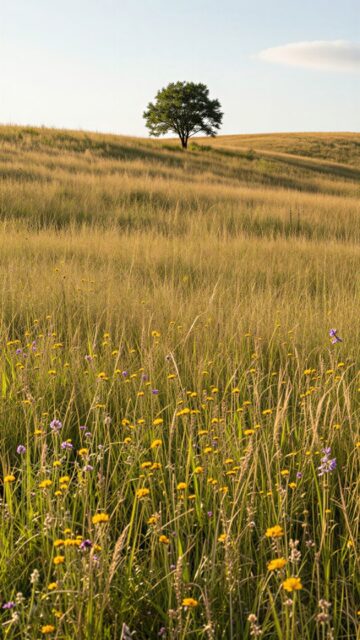
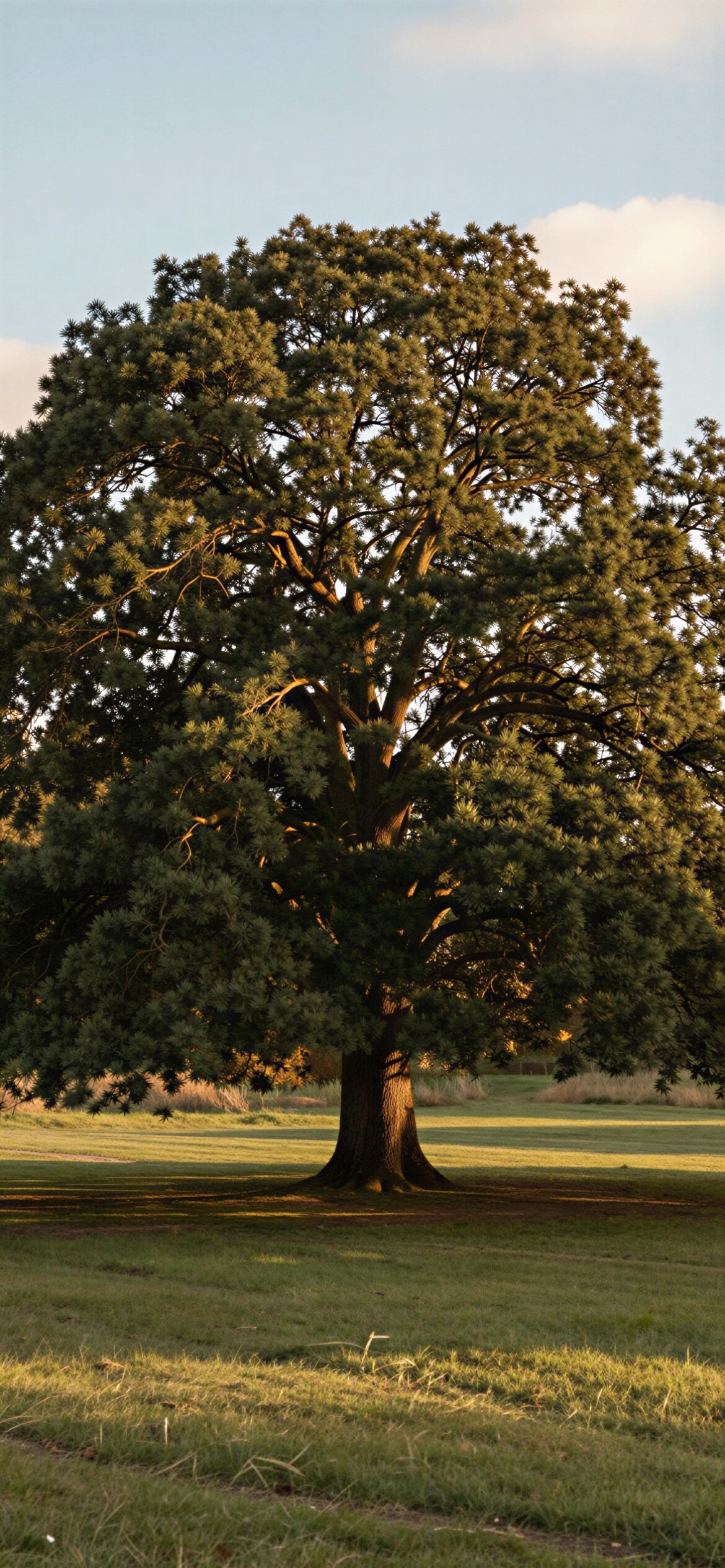
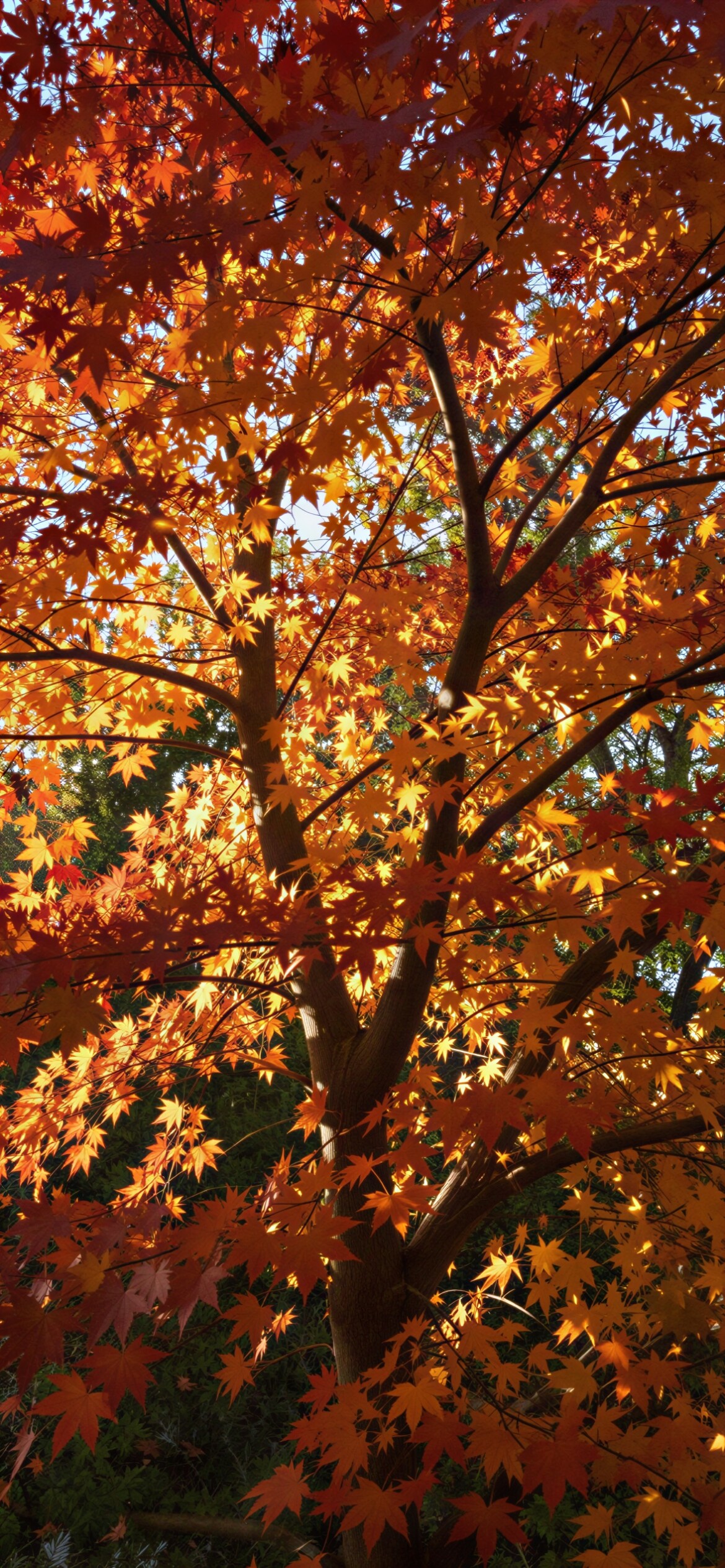
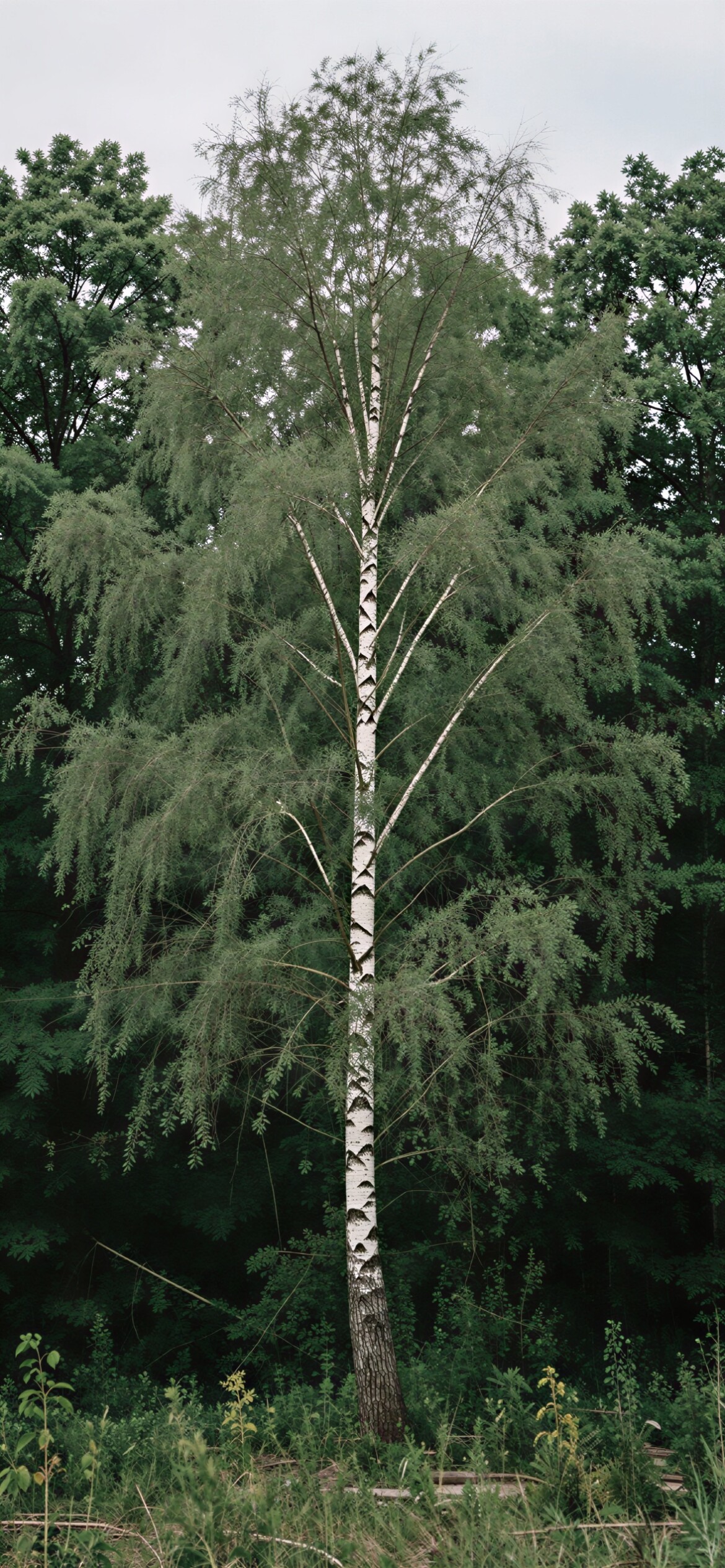
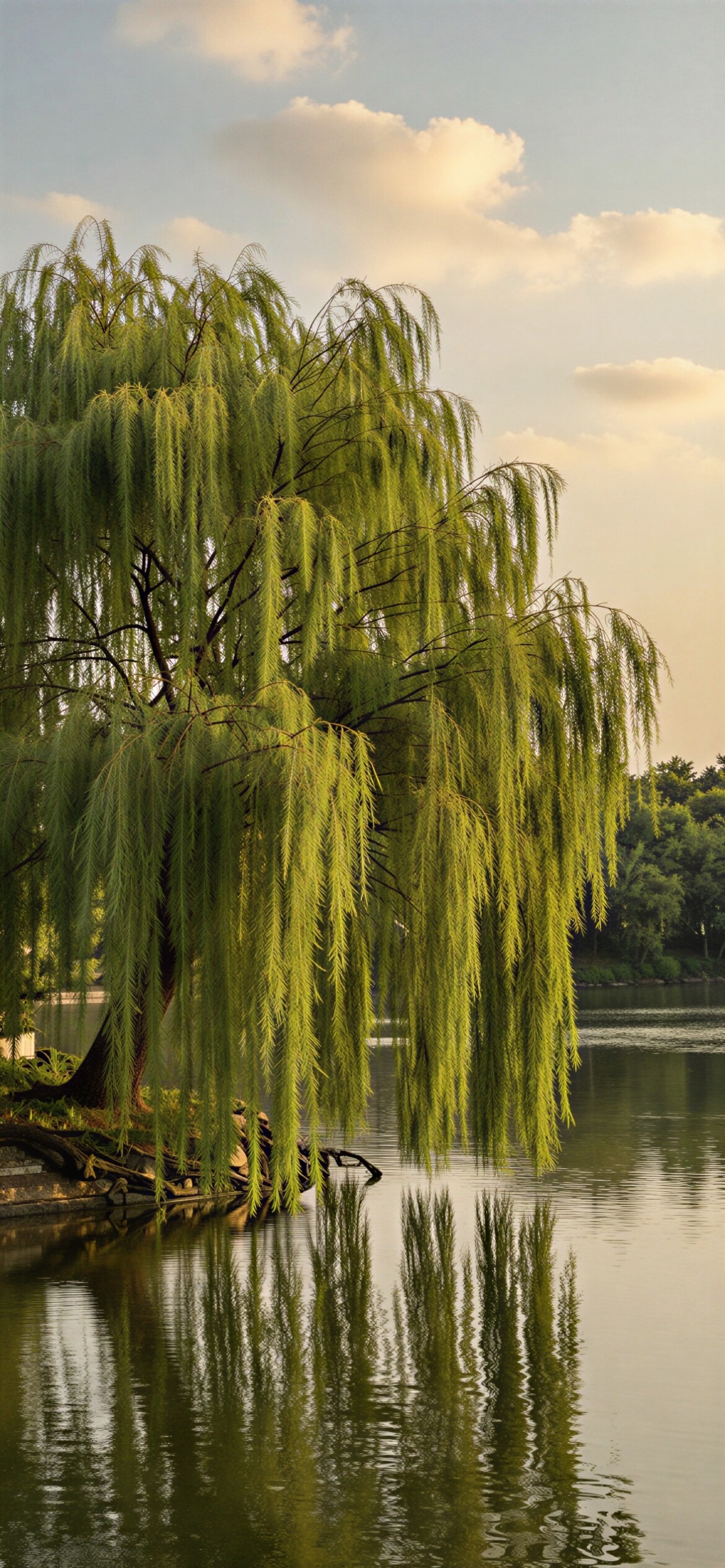
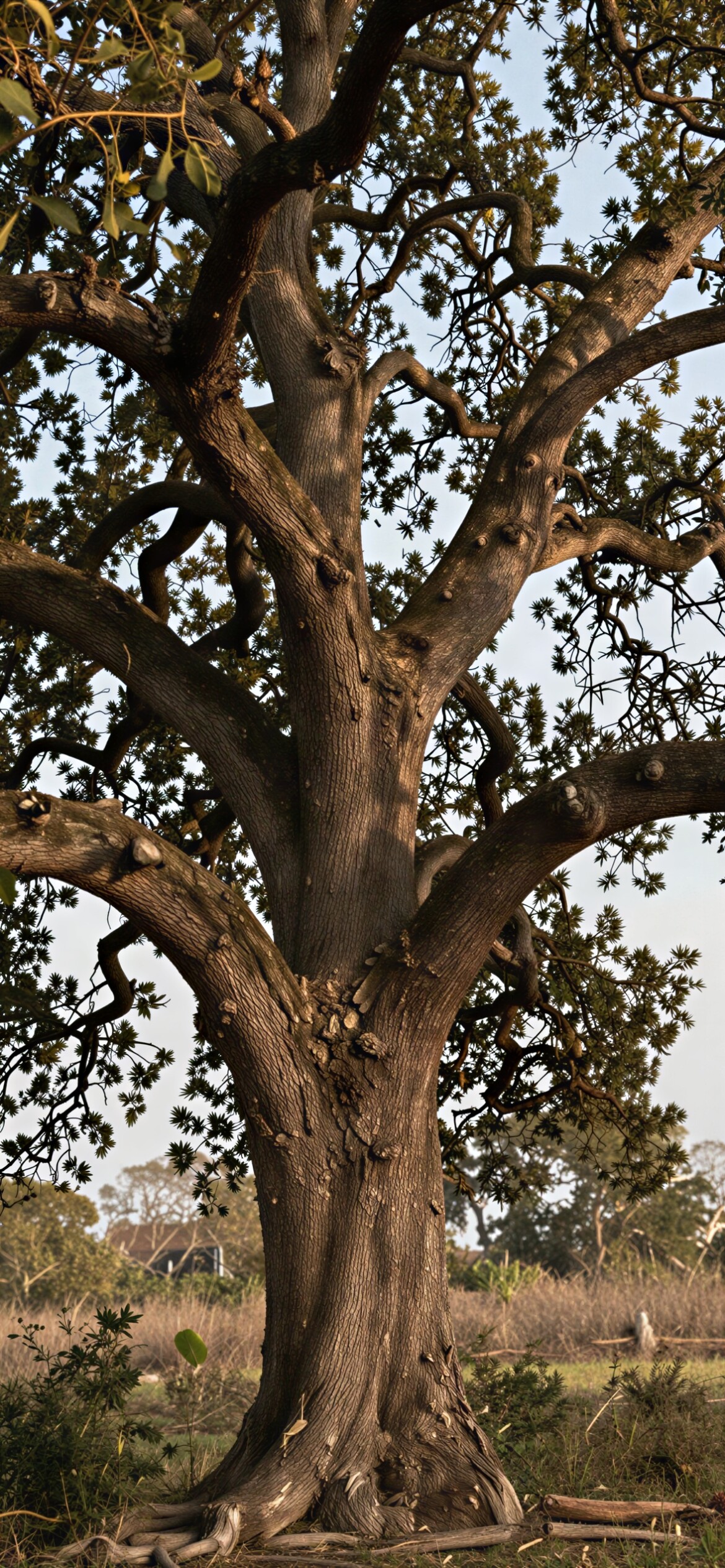
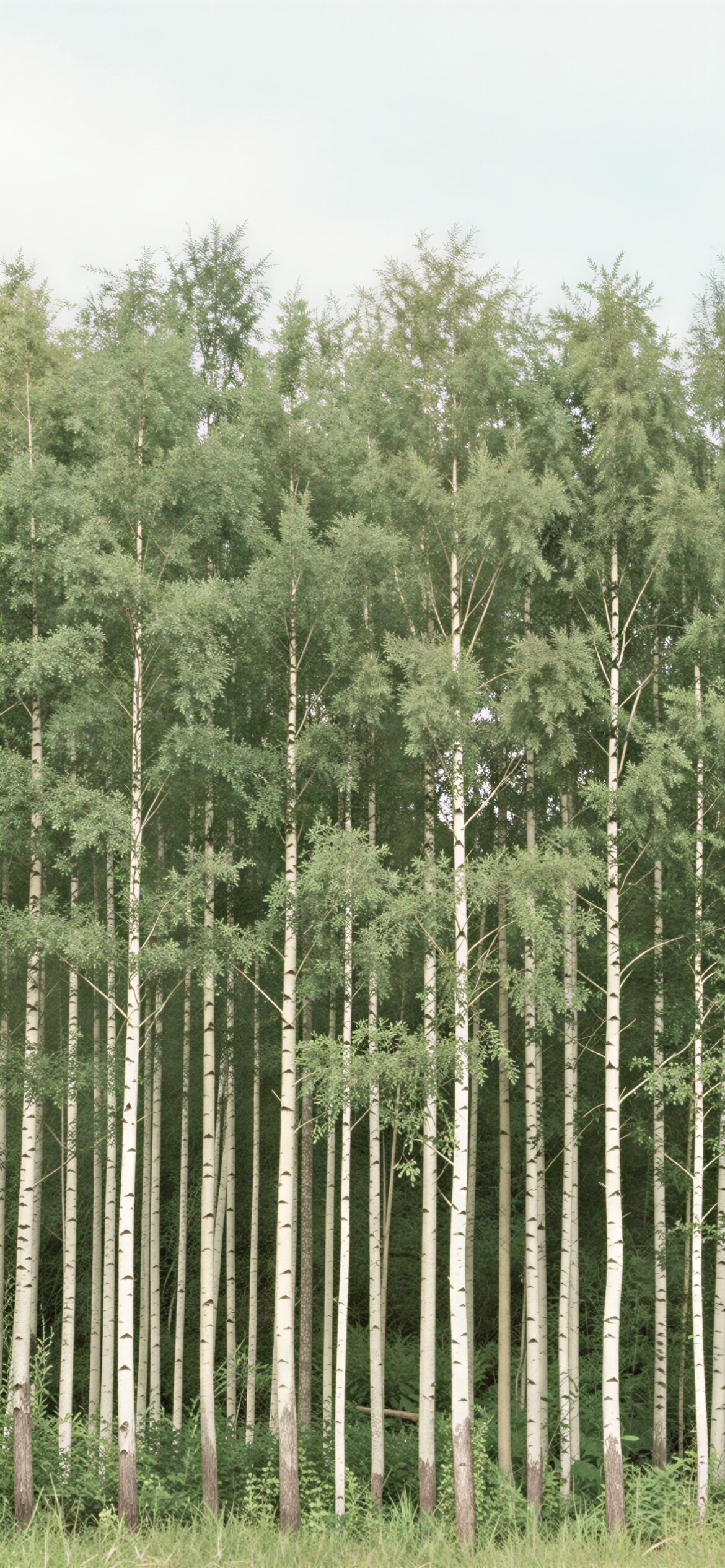
Six of the ten pictures show broadleaf trees. Wallpaper 1 is a tall oak catching golden afternoon light against a blue sky, and wallpaper 8 moves in close on another old oak, this one gnarled, with its rough bark lit by warm sun. Wallpaper 3 looks up through red and gold maple leaves with sunlight coming through them. Wallpaper 4 picks out a single white birch in a dense green wood, wallpaper 9 fills the frame with pale aspen trunks in a steady vertical rhythm, and wallpaper 6 shows a weeping willow with its branches hanging down over still water that mirrors it.
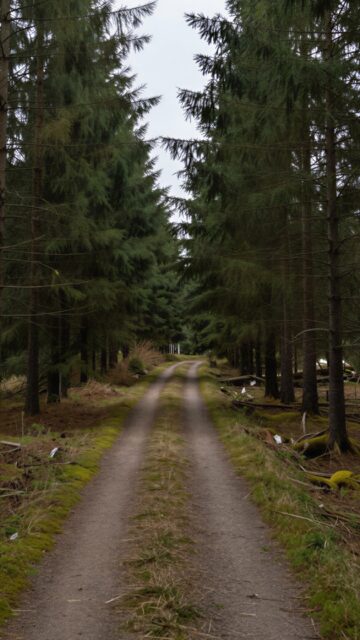
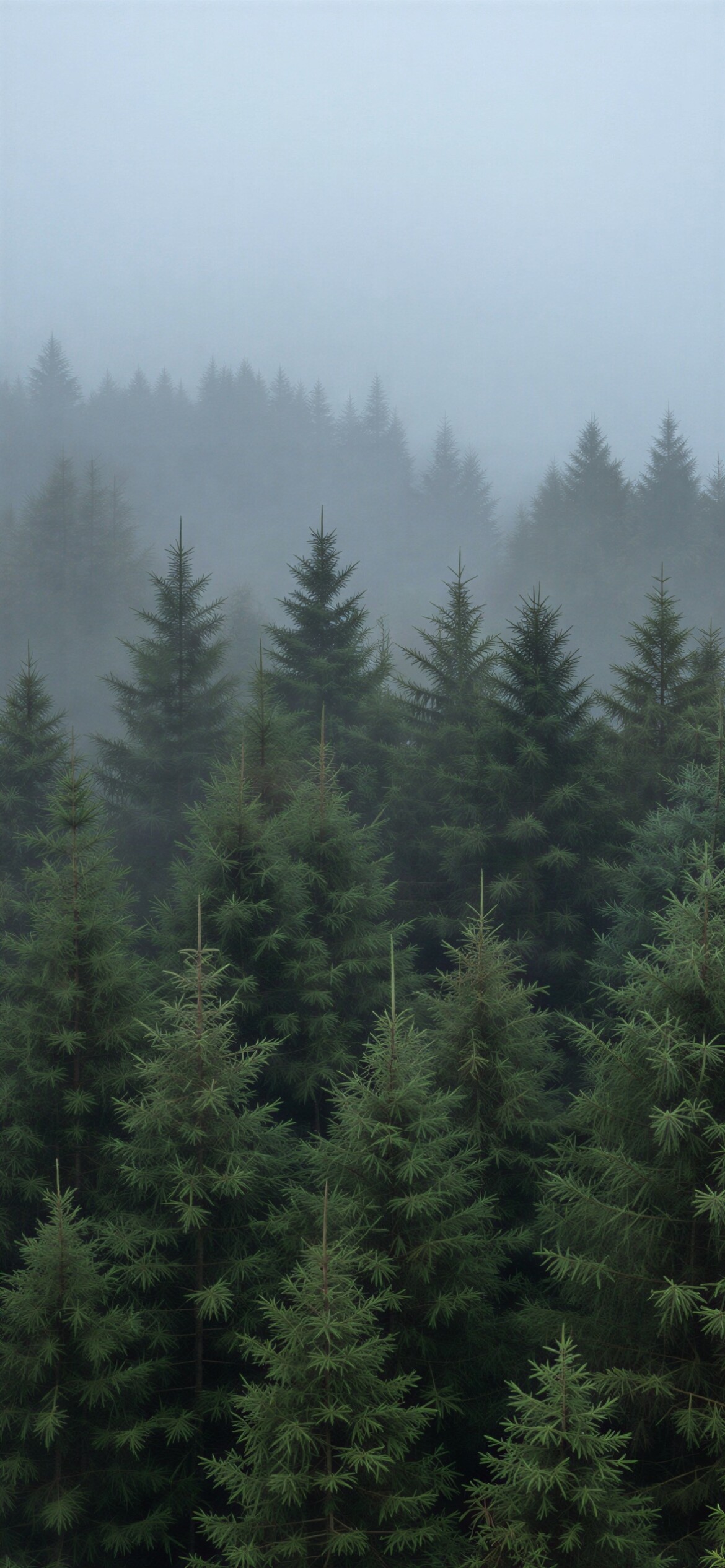
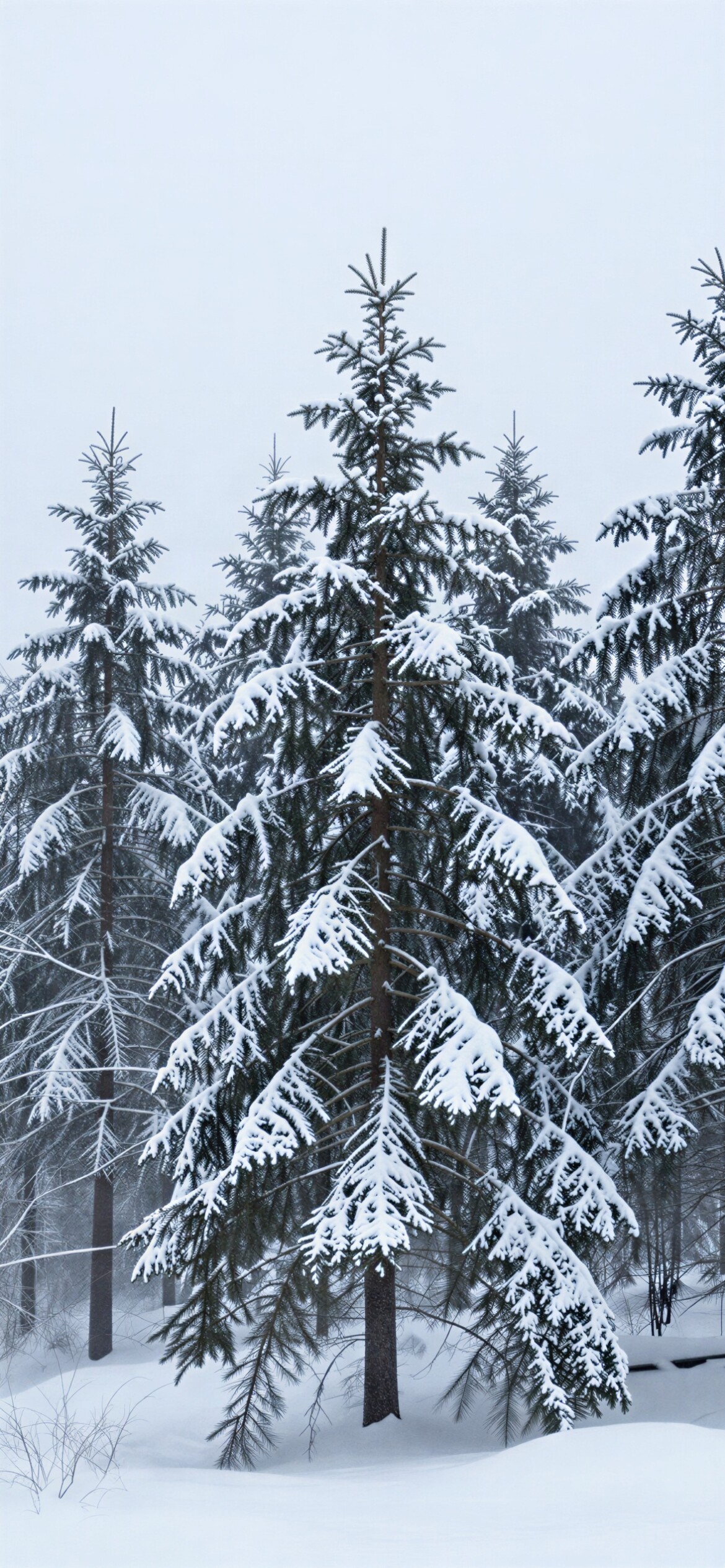
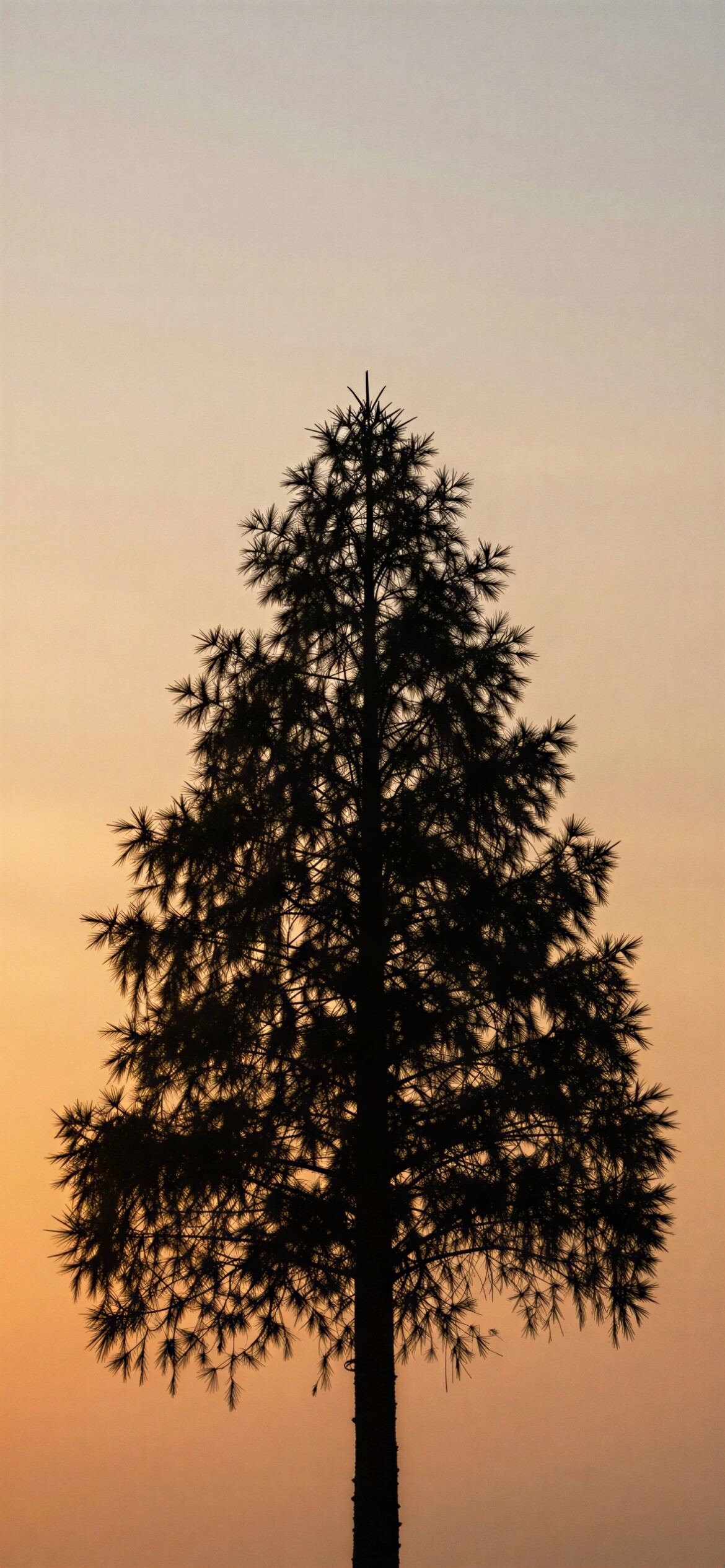
The other four are conifers. Wallpaper 2 is a stand of evergreens slowly disappearing into fog, wallpaper 5 lines tall pines up on both sides of an avenue so the eye runs straight down the middle, wallpaper 7 shows conifers loaded with fresh snow, and wallpaper 10 turns a single evergreen into a dark silhouette against a gold sunset.
Why birch bark is white and aspen leaves shiver
Most of these trees have a small story behind how they look. Birch bark gets its chalky white from betulin, a compound stored in the outer bark. Aspens like the ones in wallpaper 9 often grow as clones: a whole grove can sprout from one shared root system, and the Pando colony in Utah is a famous example. Their leaves sit on flattened stalks, which is why they flutter in even a light breeze.
The colours in wallpaper 3 come from chemistry too. As maple leaves stop making green chlorophyll in autumn, the yellow and orange pigments that were there all along show through, and the reds are new pigments the leaf makes in its last weeks. Willow bark, meanwhile, contains salicin, the natural compound that led chemists toward aspirin.
Sunlit, foggy or frosted?
- Warm and sunlit: 1, 3, 8 and 10, all lit by low golden sun.
- Quiet greens and greys: 2, 4, 5, 6 and 9, softer scenes with fog, shade or still water.
- Cold and bright: 7, the only winter scene in the set.
If you like this set, the forest wallpapers go deeper into the woods, the green wallpapers keep the leafy colour without the trunks, and the owl wallpapers show a few of the birds that live in trees like these.
How to set it on your iPhone
- Tap Download and save the image to Photos.
- Open Settings, tap Wallpaper, then Add New Wallpaper, and choose Photos.
- Pick the wallpaper, pinch to position it, then tap Add and choose the lock screen, home screen or both.
Stuck on a step? The iPhone and iPad guide has screenshots for each one.
Questions
Do these wallpapers fit my iPhone screen size?
Yes. These designs are created at 1170 by 2532 pixels, which is the standard size for modern iPhones. They fill your display edge to edge on lock and home screens. Your phone may crop slightly at the very top or bottom depending on your model, but the main subject is positioned to stay visible on all sizes.
Can I use these wallpapers commercially or share them elsewhere?
These wallpapers are free for personal use on your own devices only. You cannot sell them, print them for sale, or repost them on other websites or apps. For details on what is and is not allowed, please see our Terms page.
Which tree scenes work best for lock screen versus home screen?
Lock screen designs should be simple and bold so they look good with your clock and notification details on top. Try the silhouetted evergreen at sunset or the forest avenue. For home screen, choose designs with more visual interest and texture, like the gnarled oak or aspen forest, since your apps will sit over them and need good contrast.
Do these tree wallpapers work year-round?
Yes. While some designs like the snowy forest feel winter-specific, most feature evergreen trees and neutral natural light that suit any season. The autumn maple and golden oak add warmth in fall, but the cool forest mist and birch groves feel fresh all year. Rotate them based on your mood rather than the calendar.