Fruit Wallpaper iPhone
Fruit wallpaper iPhone designs show fresh berries, citrus, tropical produce and orchard scenes, free to download for your iPhone. Each wallpaper in this set features real fruit photography with natural lighting and soft backgrounds that work year-round. The fruit iPhone wallpaper collection includes close-up details of apples, oranges, strawberries and more, plus wider orchard and market scenes. These designs suit both lock screens and home screens with their balanced composition and warm, inviting colors.
10 wallpapers at 1170 × 2532 px for iPhone. Checked by hand on 9 Oct 2026.
About this set
This set features real fruit photography with natural lighting that ranges from close-up details to wider orchard and market scenes. Each wallpaper uses soft backgrounds and balanced composition to keep your content readable on lock and home screens alike. The warm, inviting colors work well year-round and pair naturally with most app icons and widgets.
Lock screen designs focus on single fruits or small clusters with plenty of open space at the top for time and notifications. Home screen wallpapers show fuller scenes and fruit arrangements that frame your apps without overwhelming them. The neutral and warm color palette complements both light and dark mode on your iPhone.
What's on each table, vine and branch
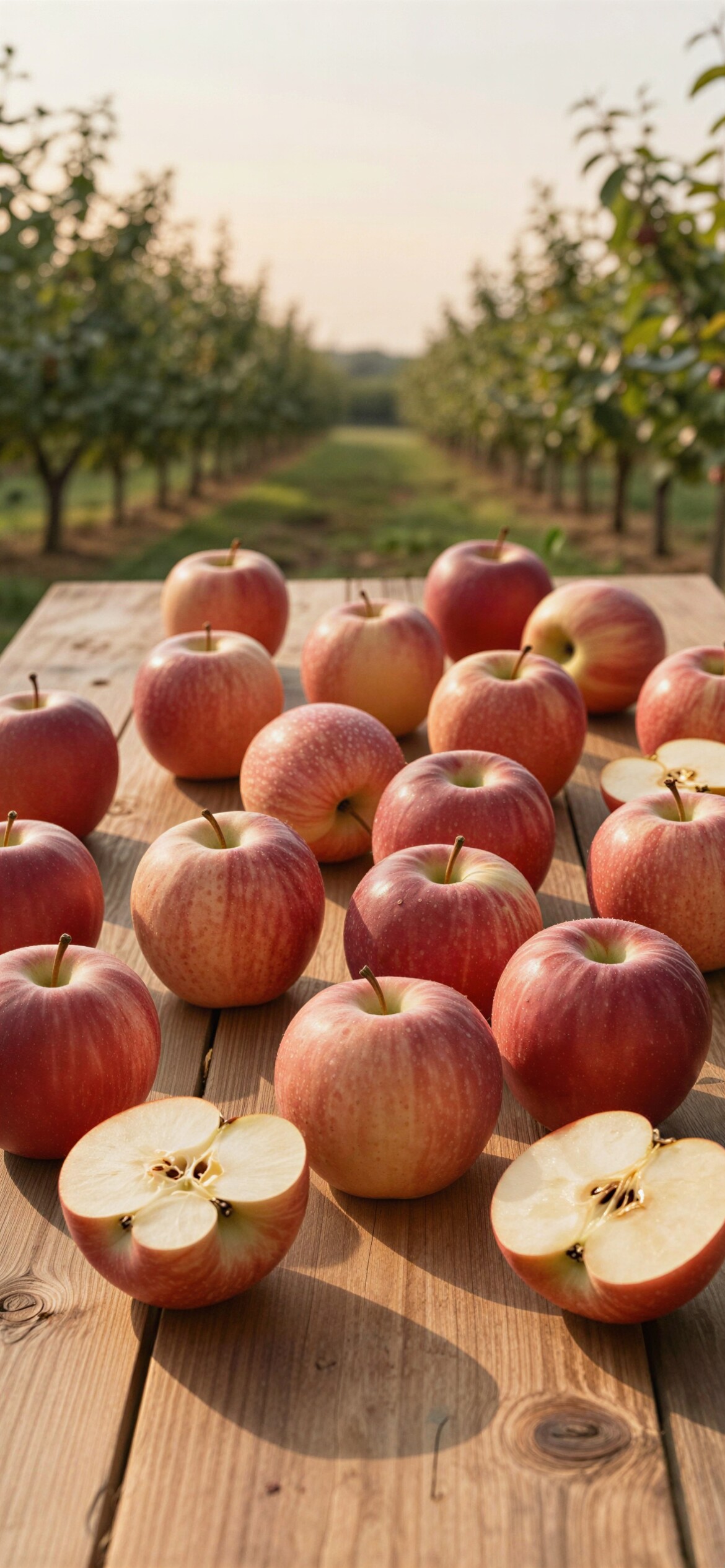
- Apples (#1): red apples on a wooden table in low golden sun, with open table space where a lock screen clock can sit.
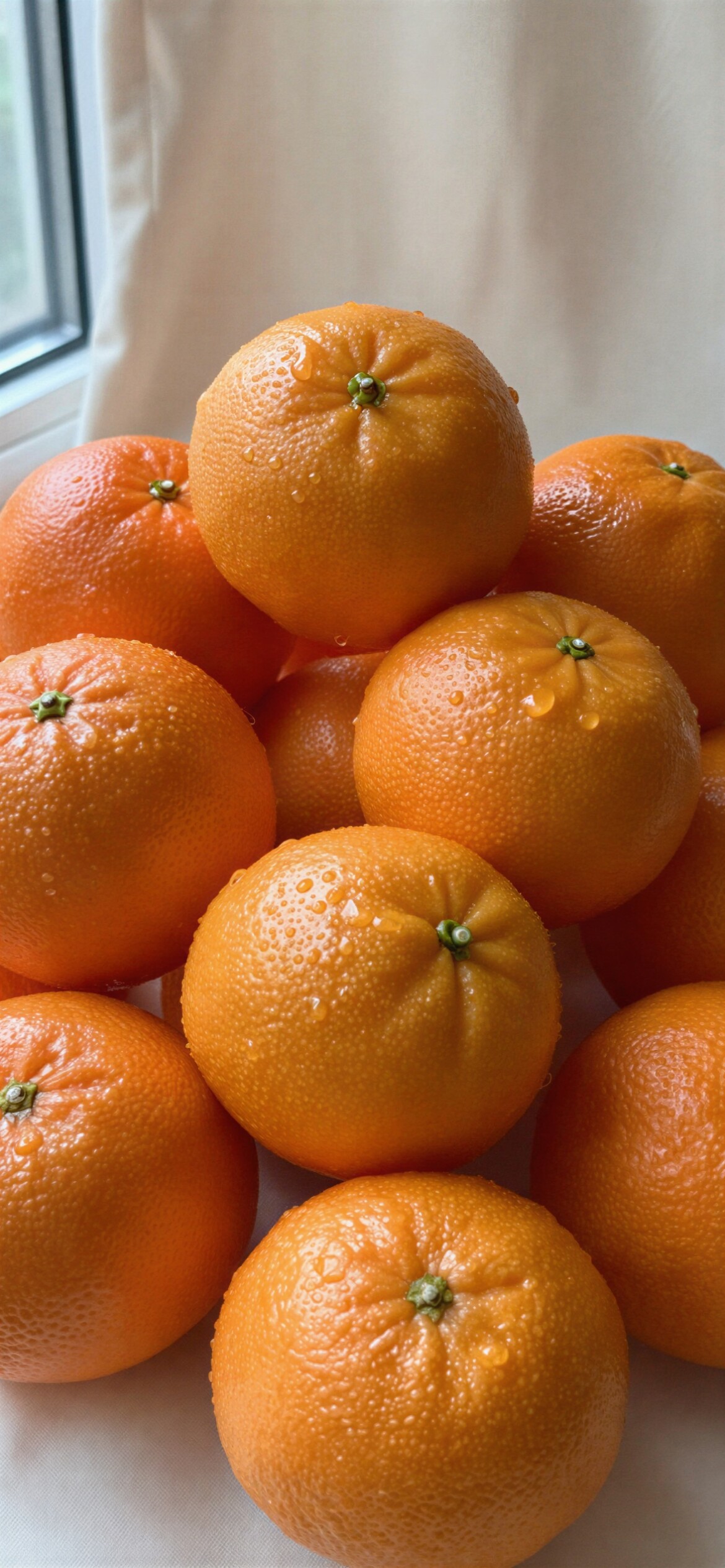
- Oranges (#2): glossy citrus with water droplets by a window. In English the fruit got its name first; the colour was named after it later.
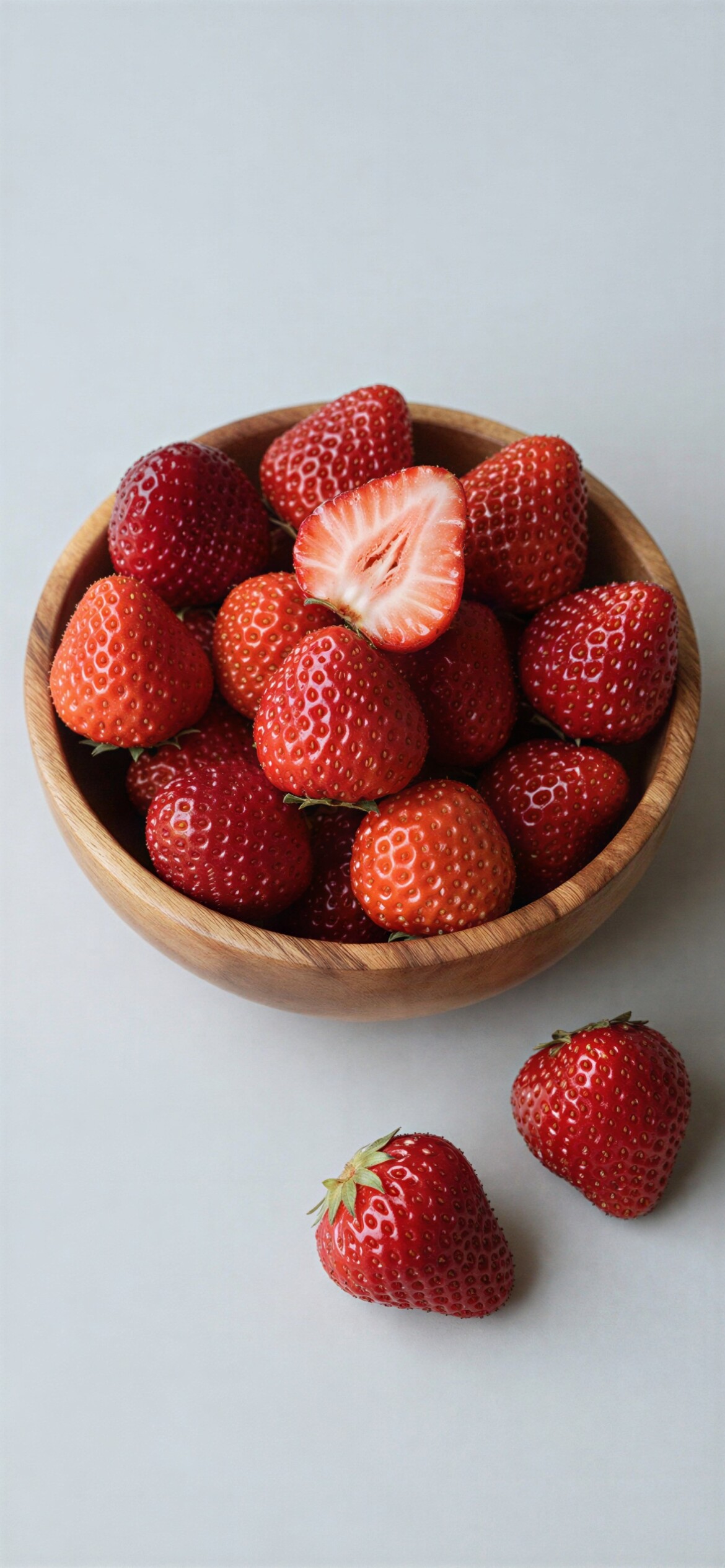
- Strawberries (#3): a wooden bowl seen from straight above, so the shape stays centred behind a home screen grid.
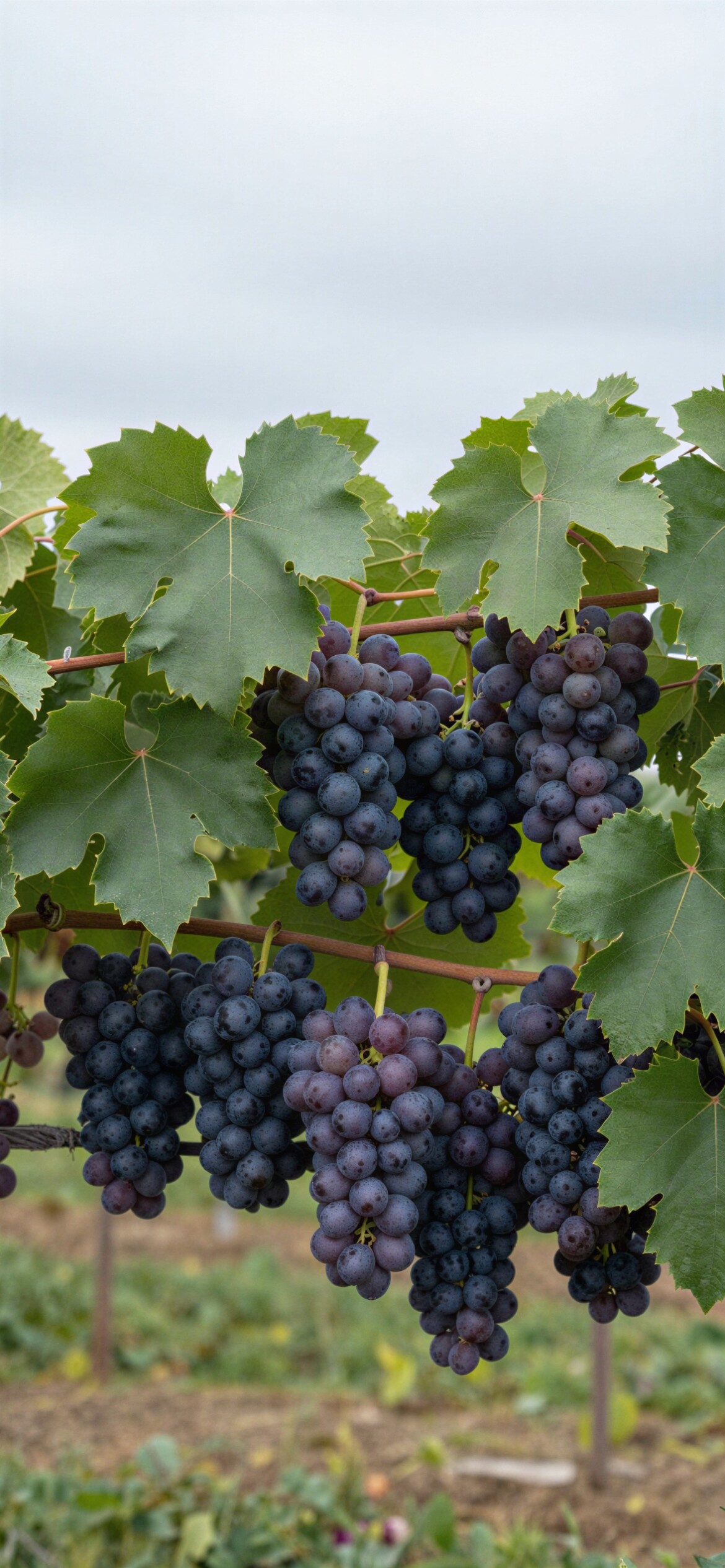
- Grapes (#4): purple and black bunches still hanging on the vine in soft daylight.
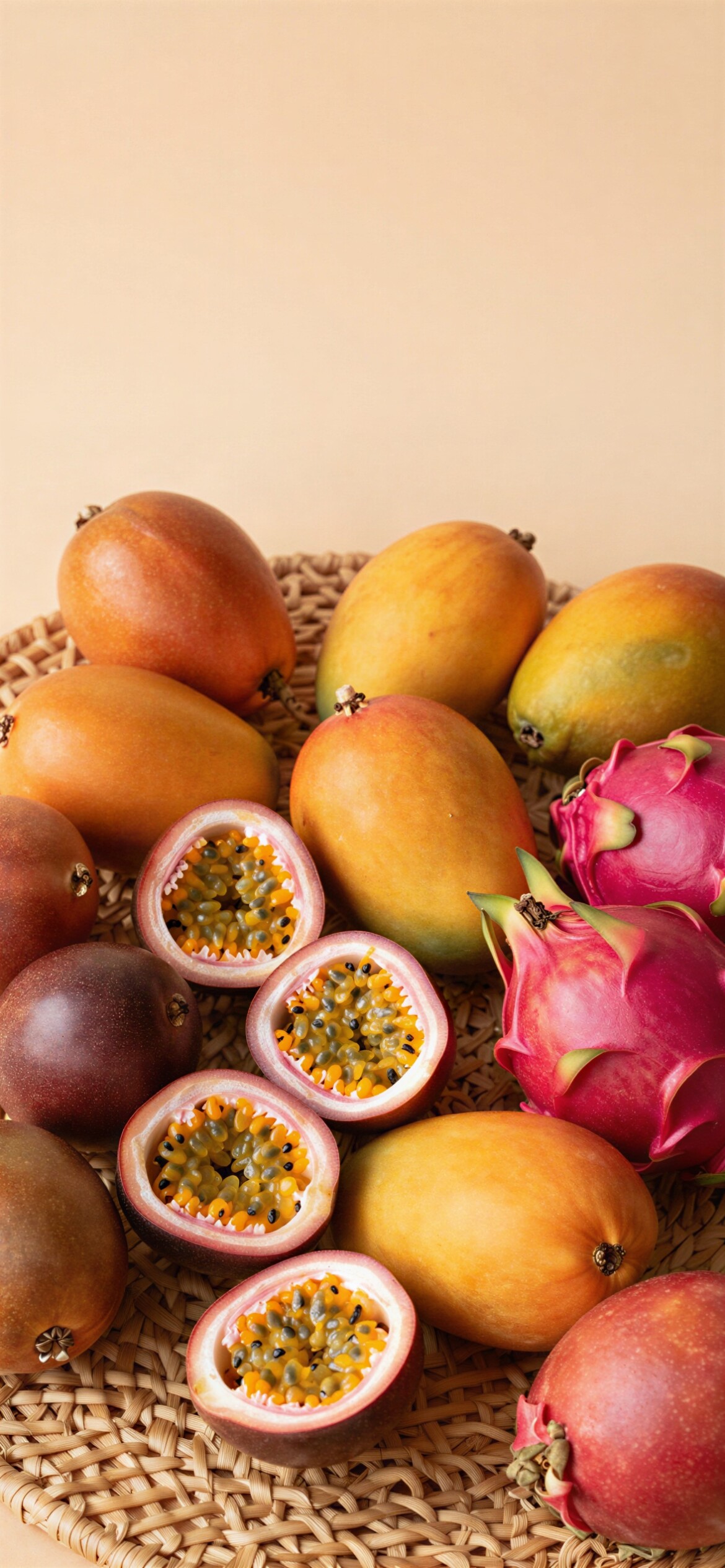
- Tropical mix (#5): passion fruit, mango and dragon fruit in warm afternoon light, the busiest picture in the set.
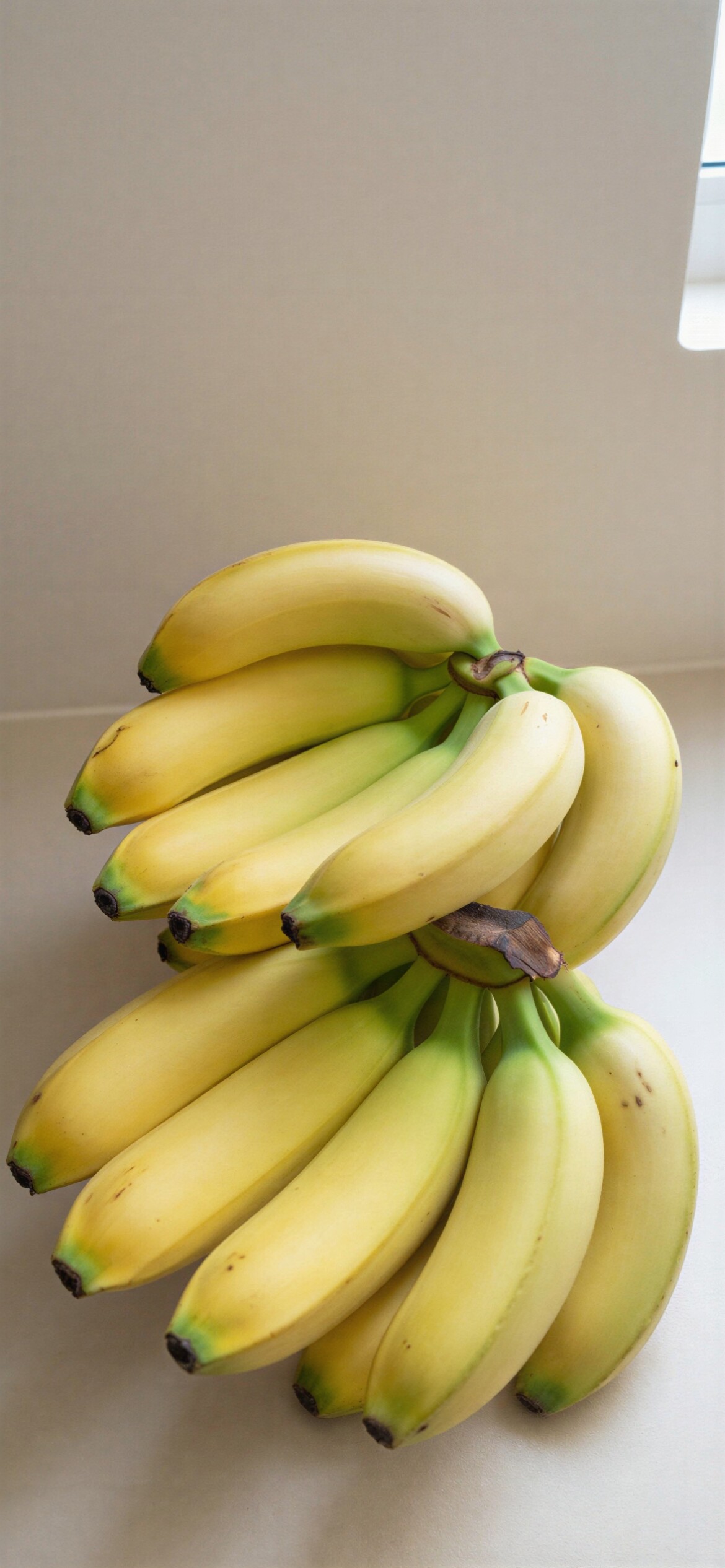
- Bananas (#6): yellow fruit against a plain cream background, simple enough to sit under widgets.
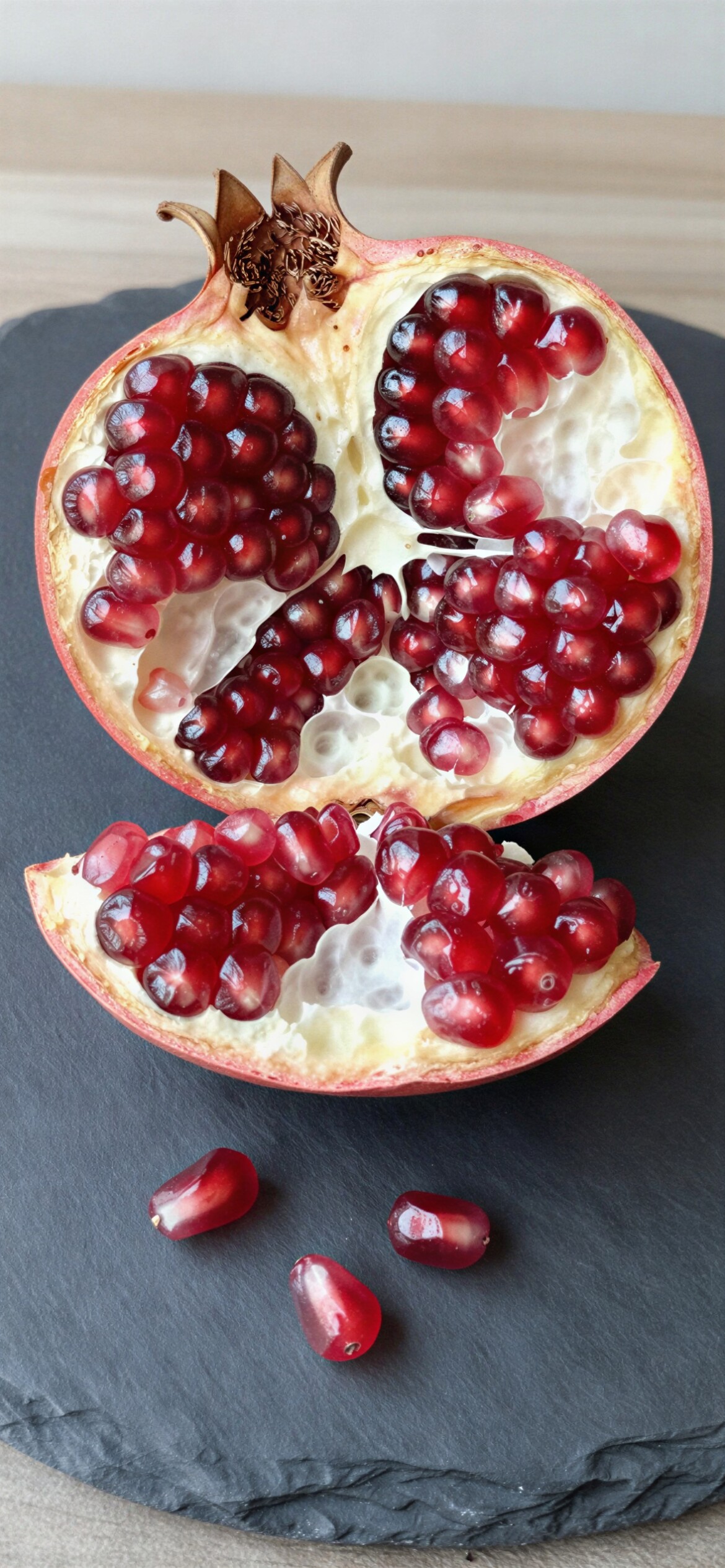
- Pomegranate (#7): a cut fruit showing its red seeds on dark slate.
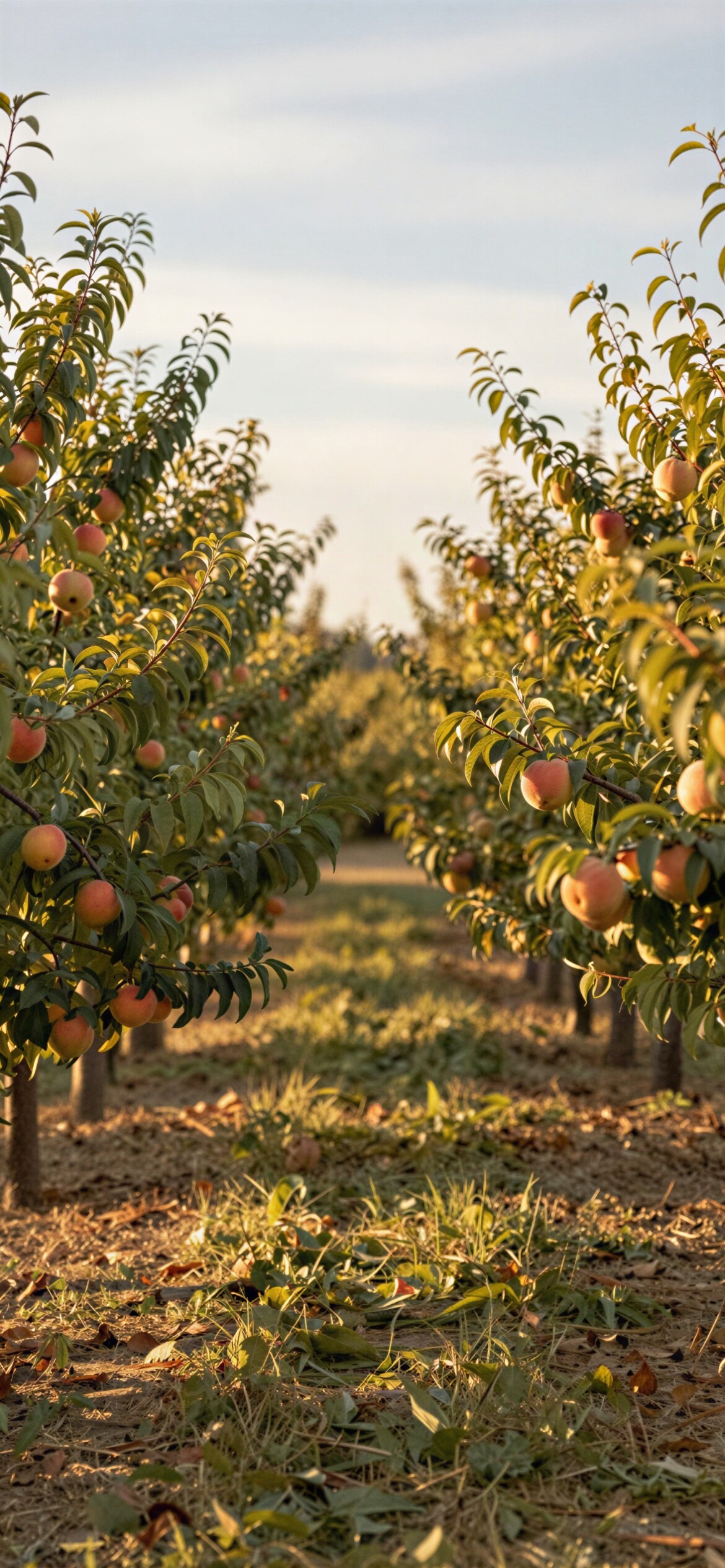
- Orchard (#8): trees with ripe fruit under a soft blue sky, the widest view here.
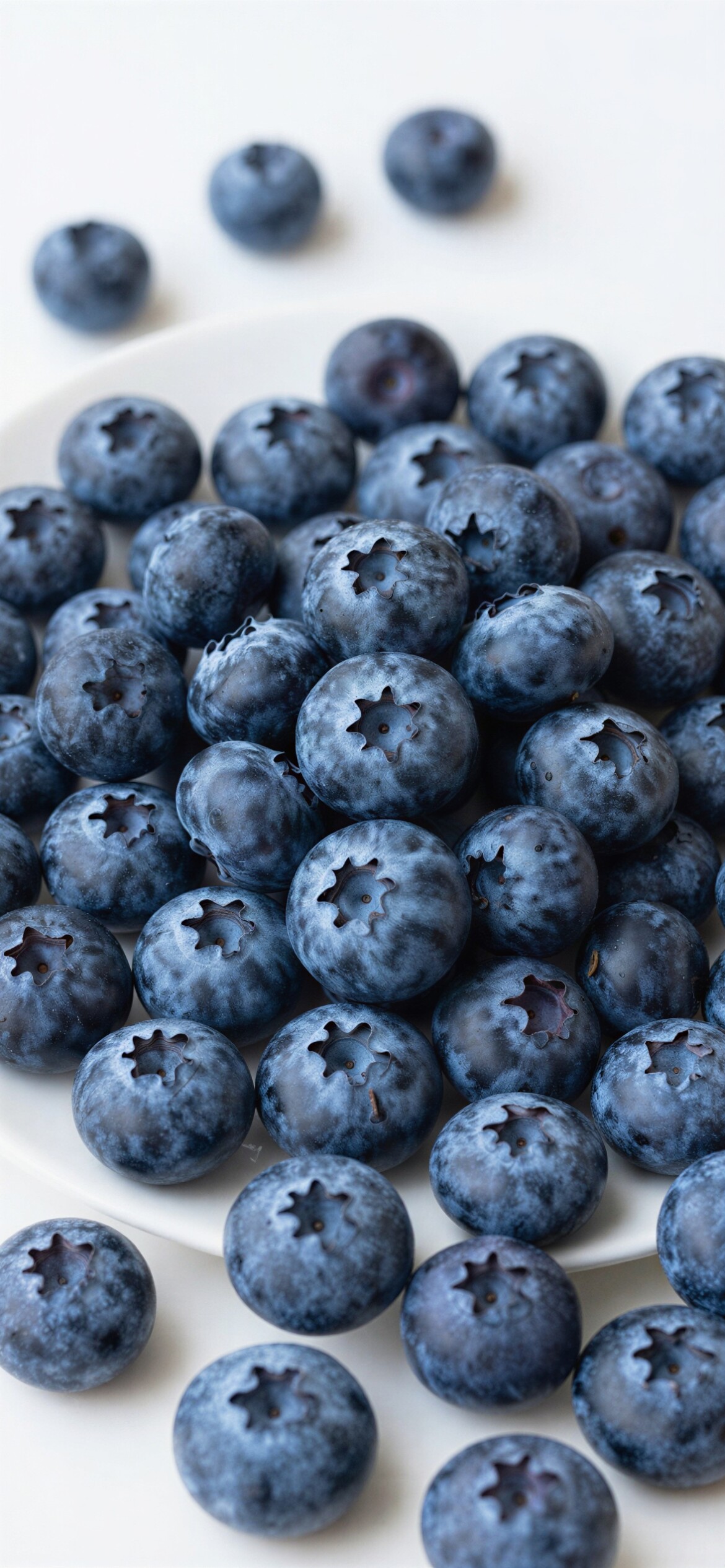
- Blueberries (#9): a white ceramic plate in bright daylight, clean and light.
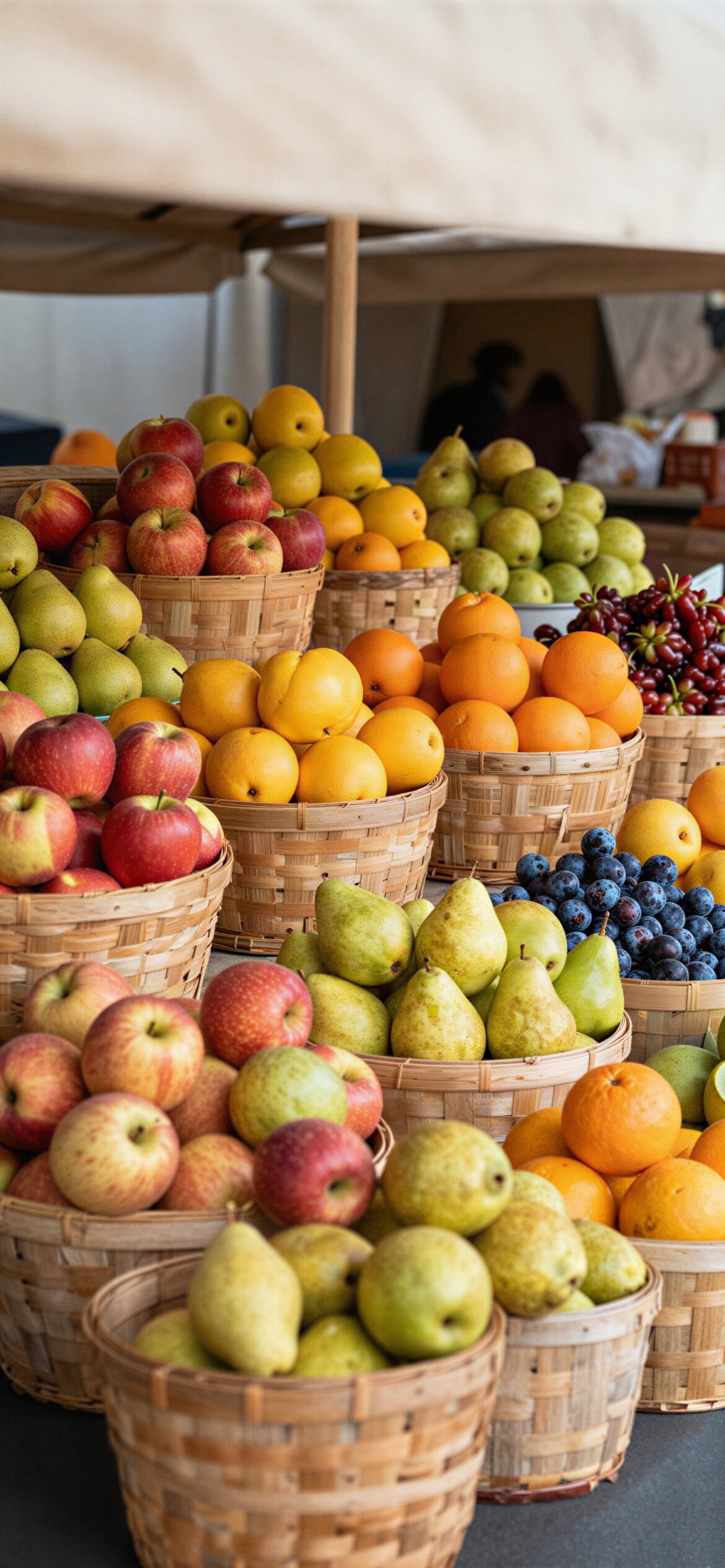
- Market (#10): baskets of mixed fruit in warm morning light, full of small detail.
Bananas are berries, and apples came from the mountains
Botanists use the word berry more strictly than shoppers do. Grapes (#4), bananas (#6) and blueberries (#9) all qualify, because each fruit grows from a single flower and keeps its seeds inside the flesh. The banana plant is not a tree either: its trunk is a tight roll of leaf stalks, which makes it a very large herb.
The apples in #1 and the orchard in #8 have a long story behind them. The wild ancestor of the eating apple, Malus sieversii, still grows in the Tian Shan mountains of Central Asia. With the pomegranate in #7, the part you eat is the aril, a juicy coat wrapped around each seed. And the pink dragon fruit in #5 grows on a climbing cactus.
Sunny, crisp or dark and juicy?
For a warm, golden screen, go for #1, #5, #8 or #10; all four were shot in early or late sun and lean amber. Numbers #2, #3, #6 and #9 feel brighter and cleaner, with window light or daylight and pale backgrounds. The deepest colours sit in #4 and #7, purple grapes and red seeds against shadow, if you want something moodier.
If you like this kind of set, the peach wallpapers stay close to a single fruit, the lemon set goes all in on yellow, and the strawberry collection follows berries from the plant to the bowl.
How to set it on your iPhone
- Tap Download and save the image to Photos.
- Open Settings, tap Wallpaper, then Add New Wallpaper, and choose Photos.
- Pick the wallpaper, pinch to position it, then tap Add and choose the lock screen, home screen or both.
Stuck on a step? The iPhone and iPad guide has screenshots for each one.
Questions
Will these fruit wallpapers fit my iPhone screen?
Yes. Each wallpaper is designed for iPhone in 1170x2532 resolution, the standard size for modern iPhones. They are sized for modern iPhones as lock screen and home screen backgrounds, though some older models may crop slightly at the edges. If your iPhone model uses a different resolution, iOS automatically scales the image to fit.
Can I use these wallpapers commercially or share them elsewhere?
These wallpapers are free for personal use on your own devices only. Selling them, printing them for sale, reposting them on other websites or wallpaper apps, or using them in commercial projects is not allowed. See our Terms page for complete usage details.
Which fruit wallpapers work best for lock screens versus home screens?
Lock screen wallpapers feature single fruits or small clusters with open space at the top for time display. Home screen designs show fuller fruit arrangements and orchard scenes that frame your app icons. Choose based on how much detail you want visible behind your apps and notifications.
Do these fruit wallpapers look good with dark mode?
Yes. The warm orange, golden and peachy tones in this set work well with both light and dark mode. The fruit details remain clear either way. If you prefer maximum contrast, select wallpapers with deeper fruit colors like the pomegranate or purple grapes.