Parrot Wallpaper iPhone
Parrot wallpaper for iPhone brings vivid tropical birds to your lock and home screens. These designs feature parrots in their natural habitats, from rainforest canopies to perches in dappled sunlight. Each wallpaper captures the bold colors and personality of these intelligent birds. The collection suits both portrait orientations and pairs well with minimal iOS icons. Download these parrot wallpapers free for your iPhone.
10 wallpapers at 1170 × 2532 px for iPhone. Checked by hand on 5 Oct 2026.
About this set
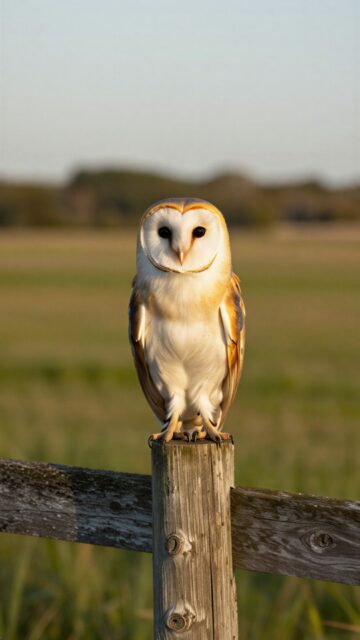
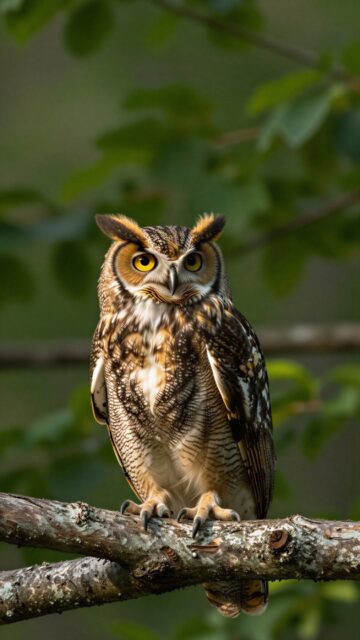
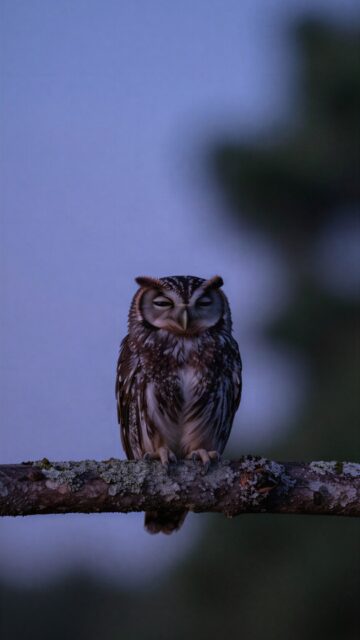
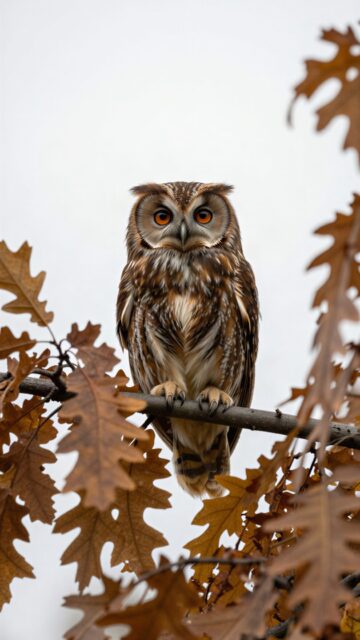
These parrot wallpapers showcase the natural beauty and vibrant colors of tropical birds in realistic settings. Each design captures parrots in their element, whether perched on branches, in flight or interacting with their surroundings. The compositions use soft, natural lighting and blurred backgrounds to keep the birds sharp and the overall look clean and modern.
The lock screen designs work best with parrots positioned in the lower half, leaving room for your time and notifications. Home screen wallpapers pair well with minimal icon layouts and work across both light and dark mode iOS themes. These designs complement nature-inspired phone setups and pair naturally with earth-tone accent colors.
Which bird is which
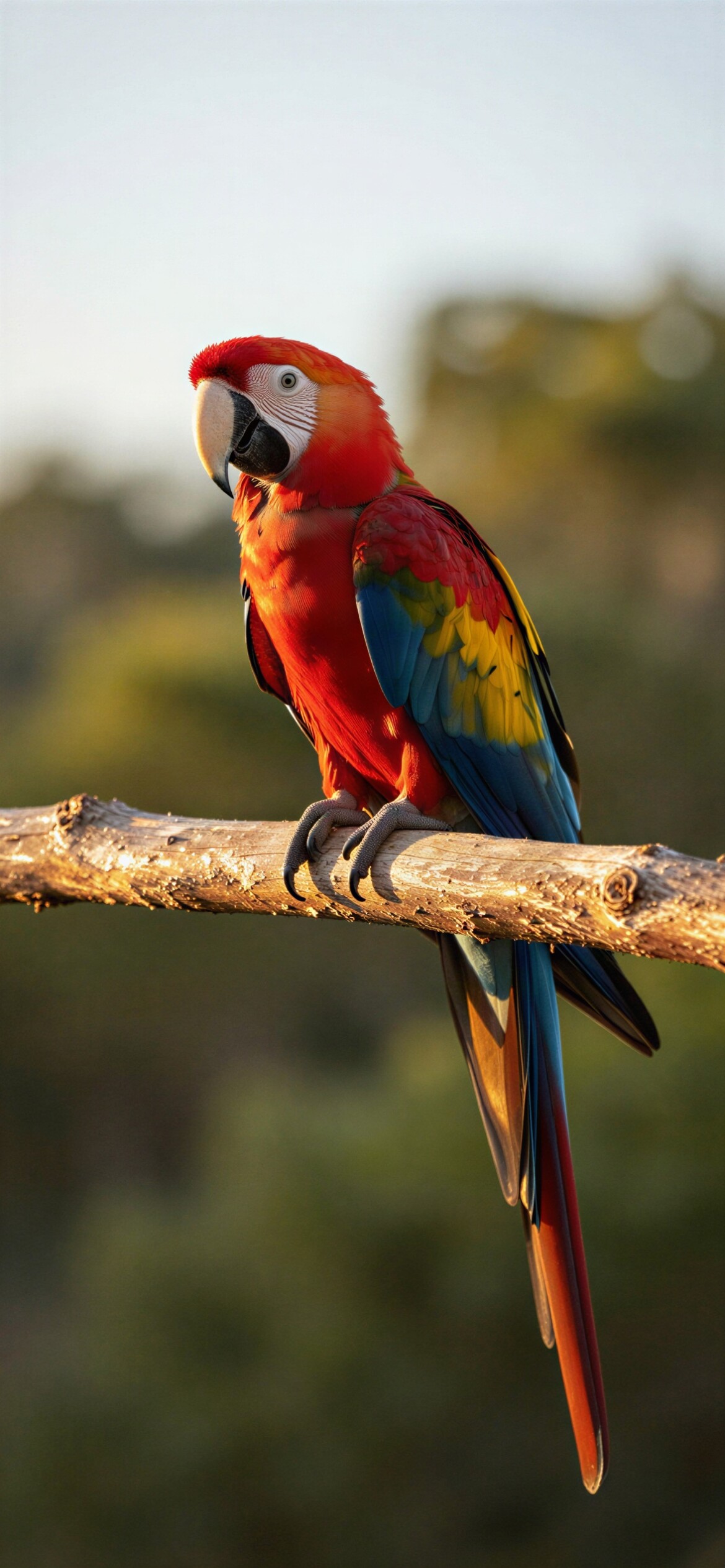
- 1. A scarlet macaw on a wooden branch, with green leaves blurred behind it. The red against green makes a strong lock screen.
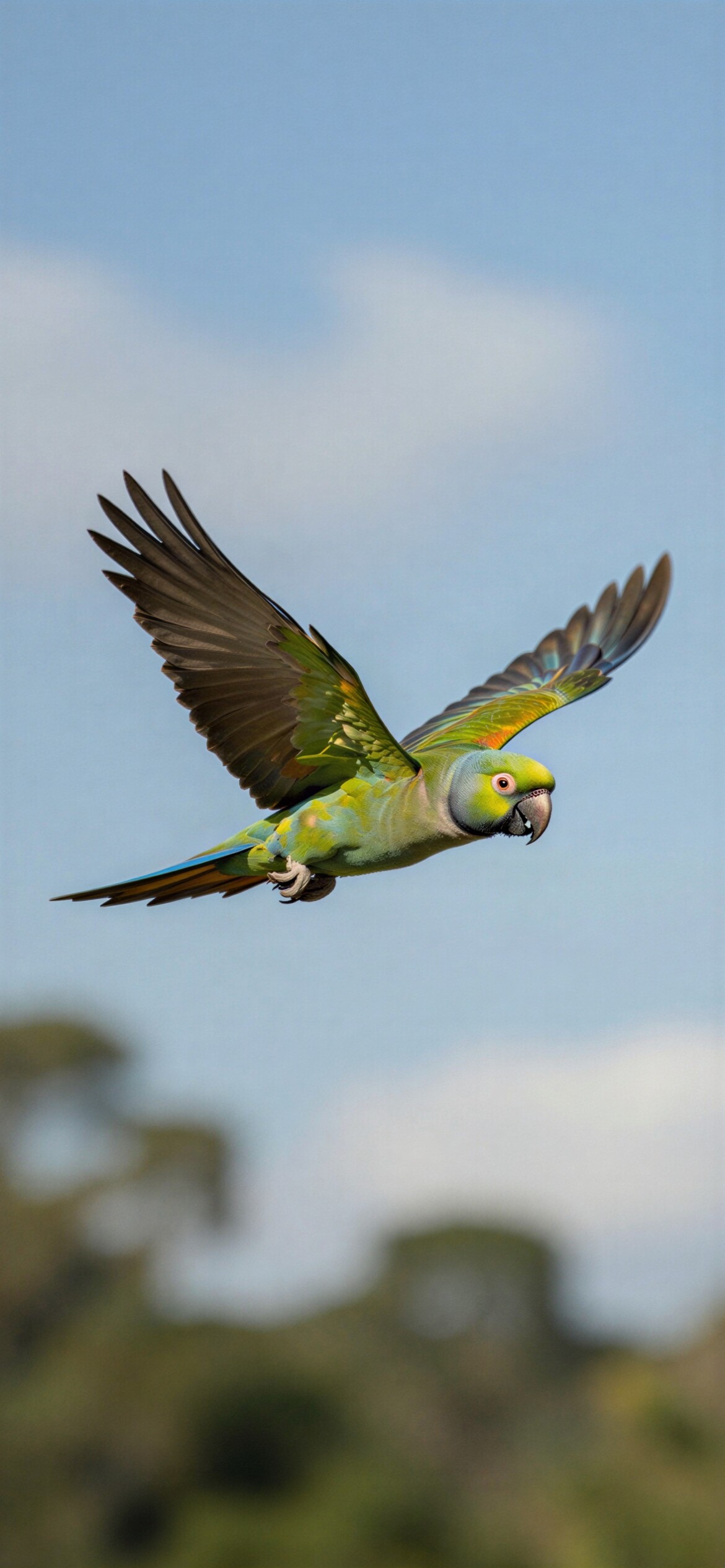
- 2. A green amazon parrot in flight against a clear blue sky. There is plenty of open sky for the clock and widgets.
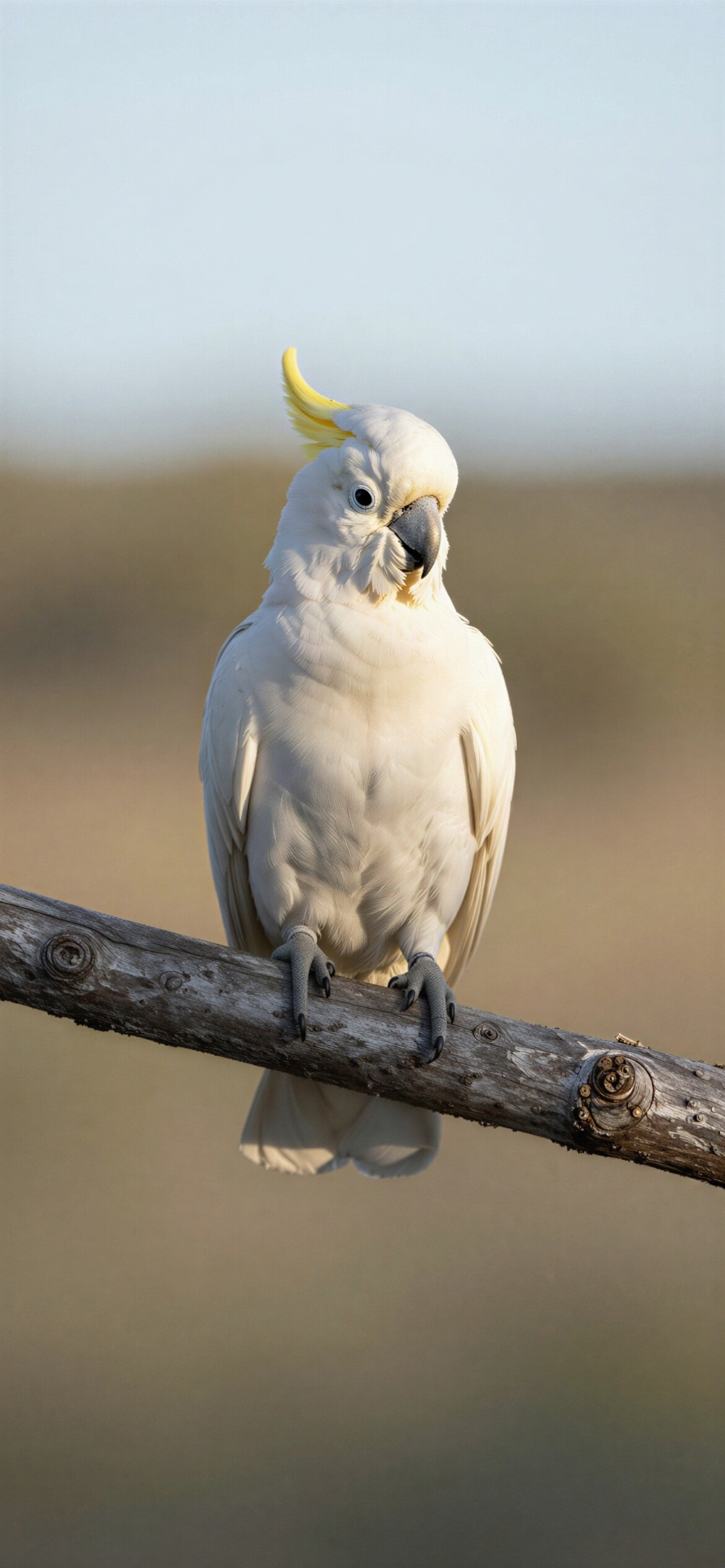
- 3. A white cockatoo with a yellow crest on a grey branch. It is the palest picture here and keeps light mode icons easy to see.
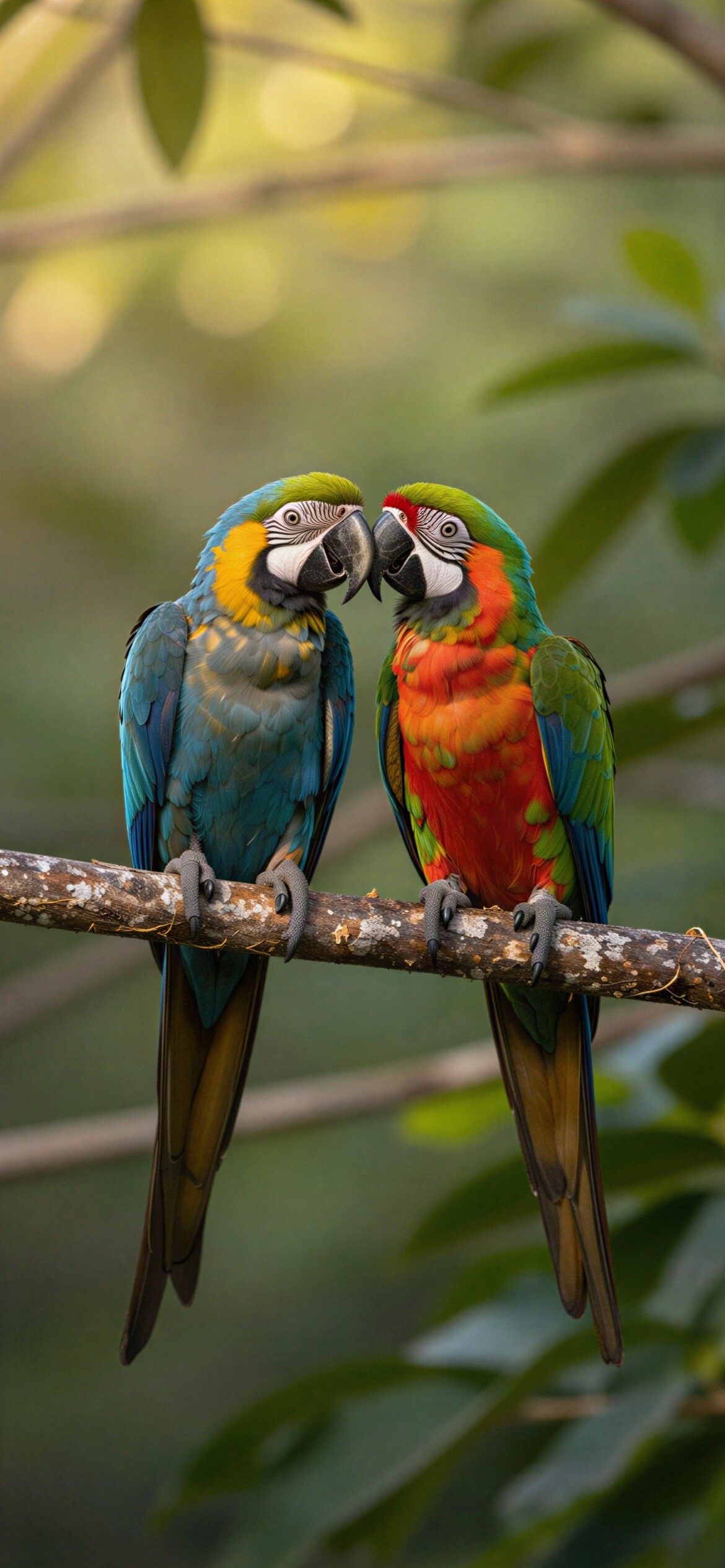
- 4. Two colourful parrots touching beaks on a branch wrapped in vines. A sweet pick to share with a partner on matching phones.
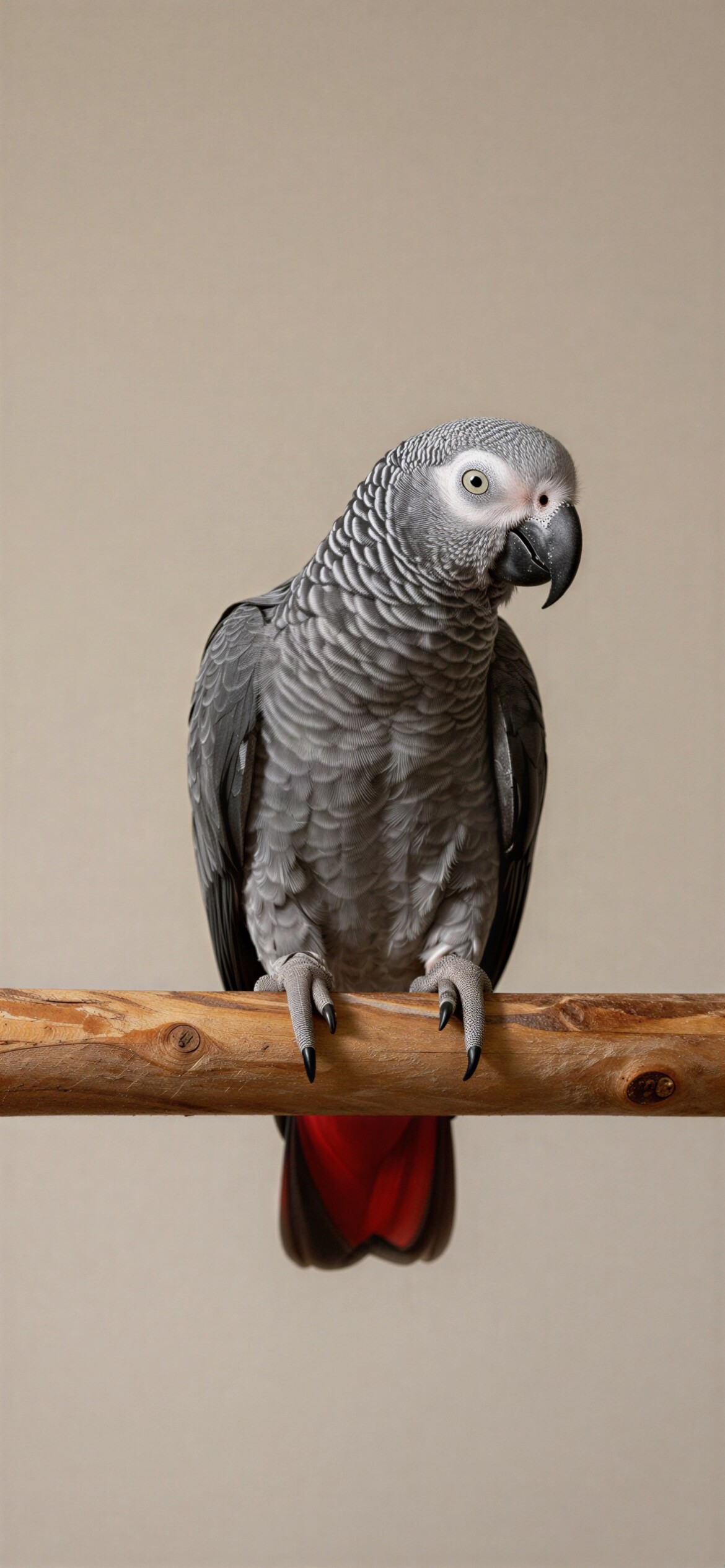
- 5. A grey African parrot with a red tail on a wooden perch. Calm and low in colour, good behind a busy home screen.
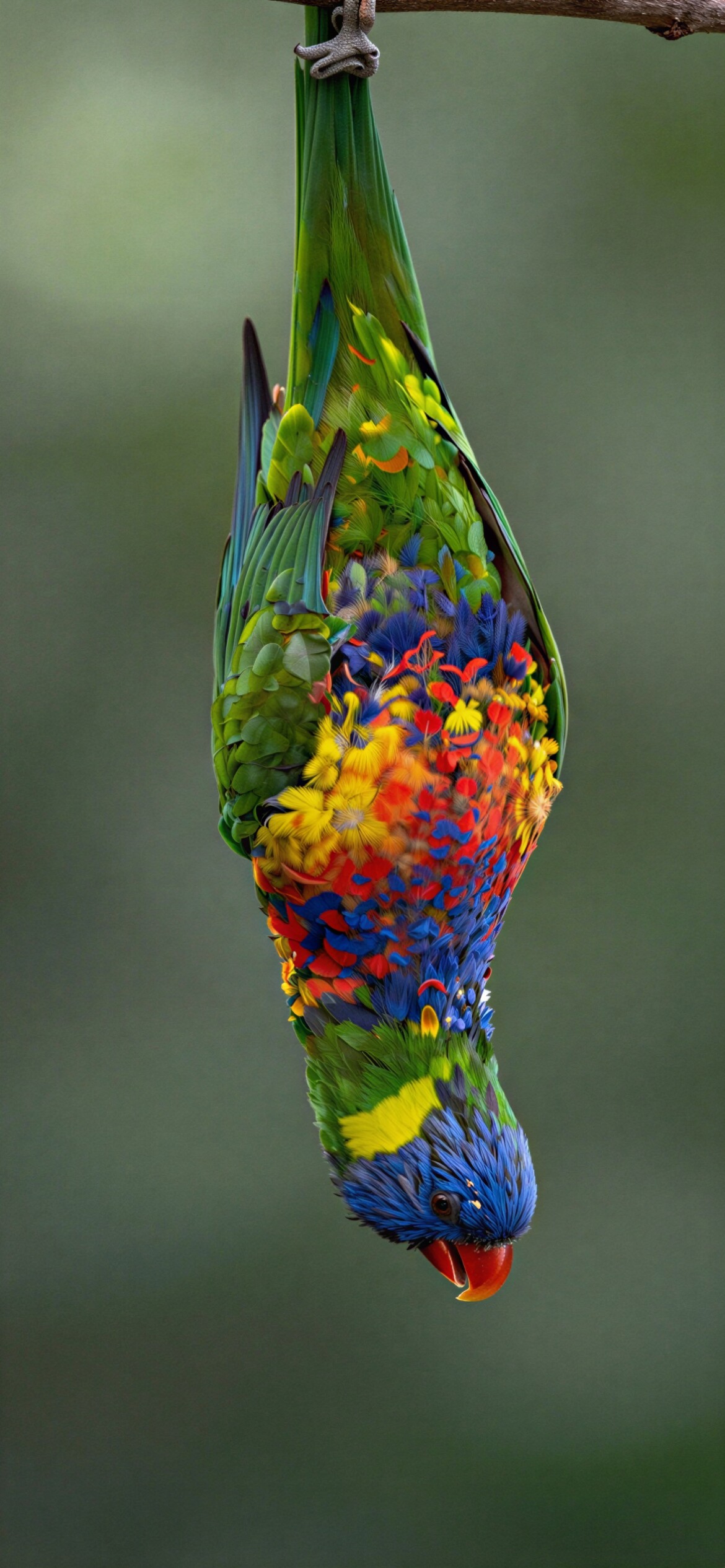
- 6. A rainbow lorikeet hanging upside down from a branch. The playful pose suits a home screen you look at all day.
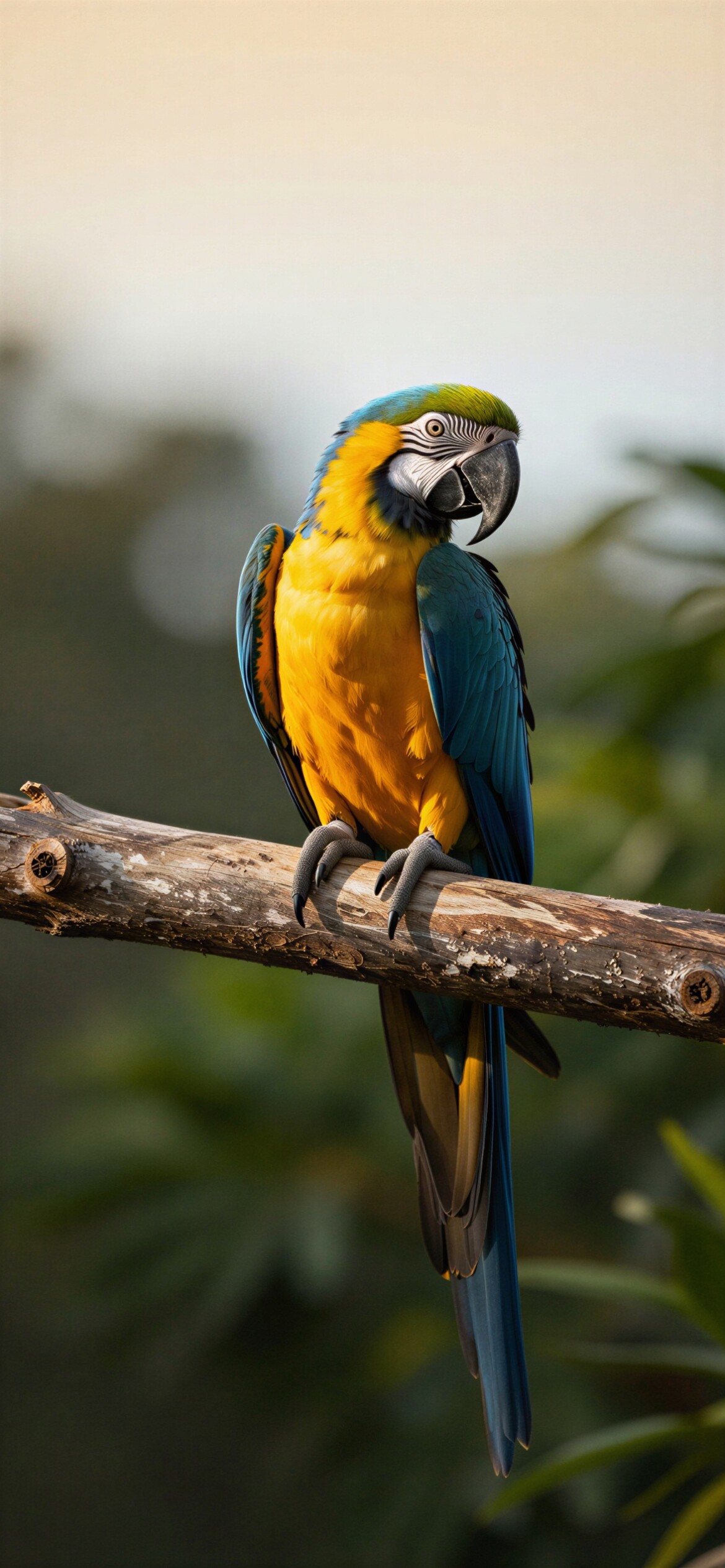
- 7. A blue and yellow macaw in profile on a thick branch, a clean side view with bold primary colours.
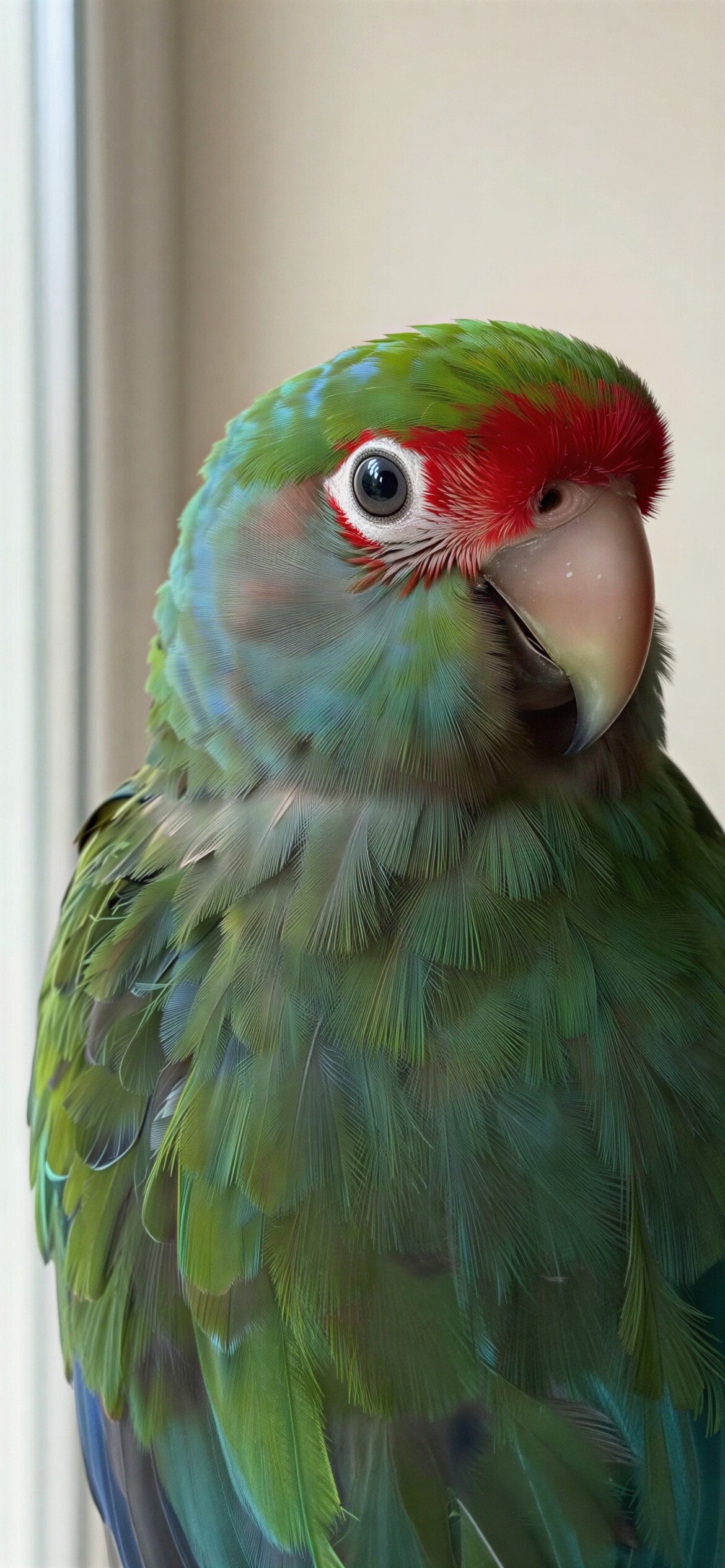
- 8. A close-up of a green and red parrot's face with an intense eye. Best on a lock screen, where the eye is not covered by icons.
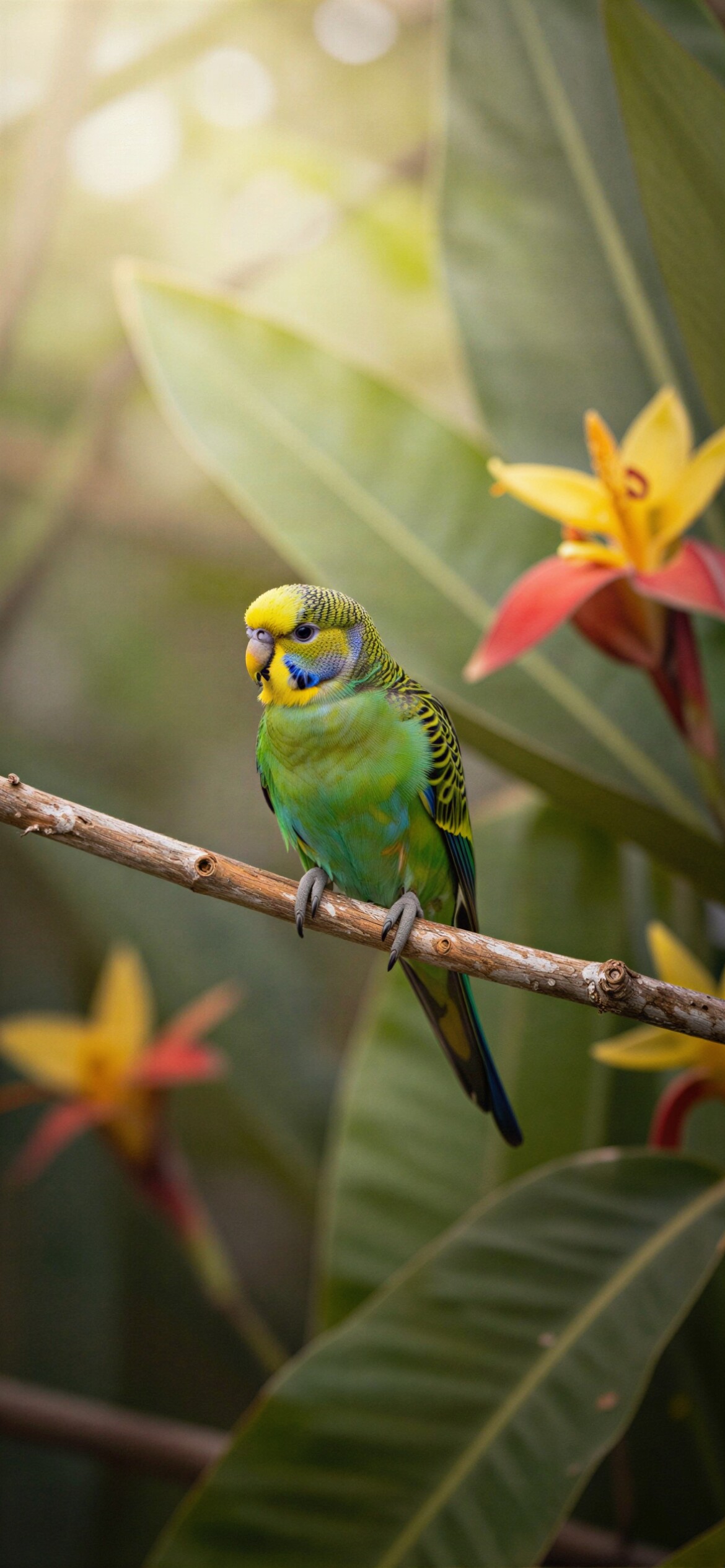
- 9. A small colourful parrot on a twig among tropical flowers, the most floral design in the set.
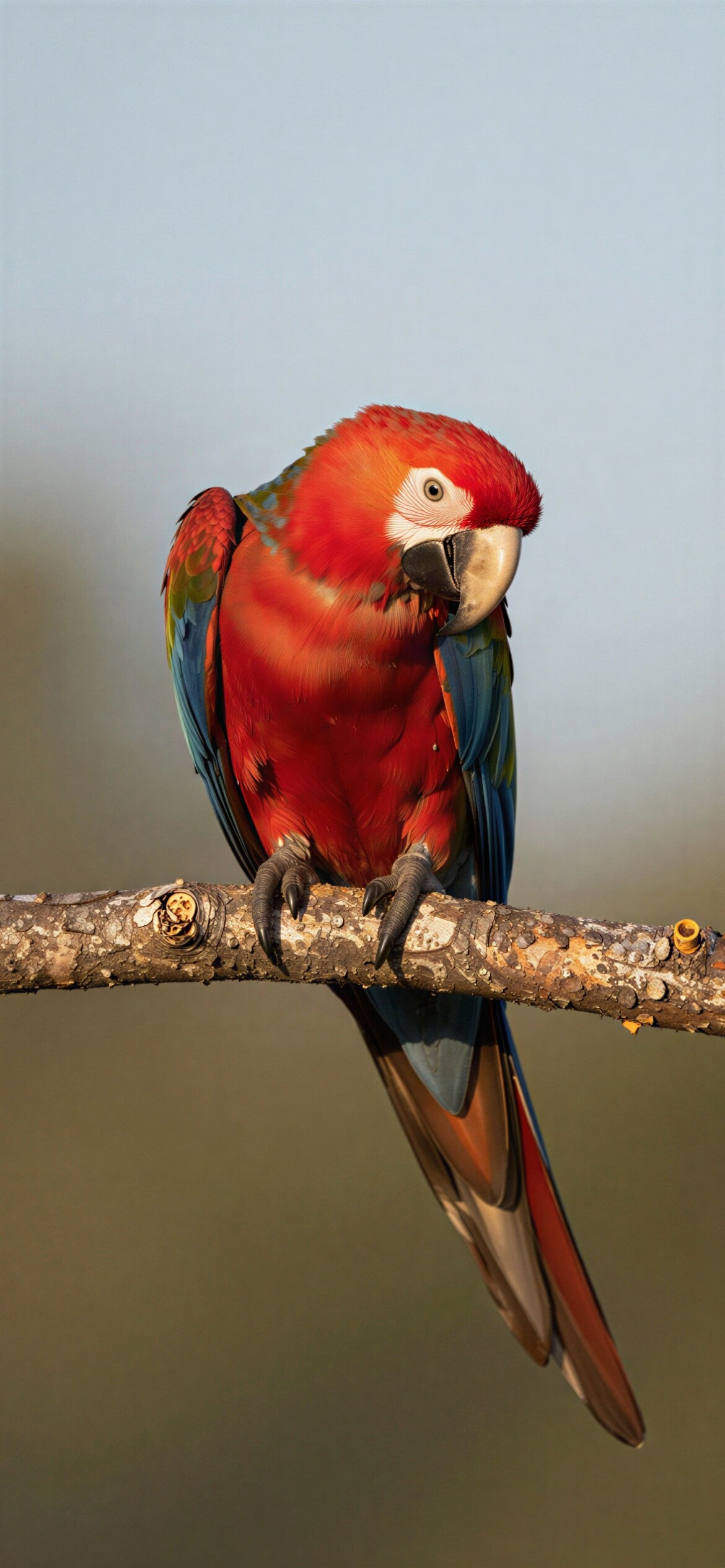
- 10. A red parrot with blue wings gripping a textured branch, showing off the feet and feathers in detail.
Toes, tongues and crests
Look closely at the grip in wallpapers 1, 5 and 10. Parrots have two toes pointing forward and two pointing back, which lets them hold a branch firmly and even pick up food like a hand. The lorikeet in 6 is a reminder of how acrobatic that grip makes them.
The birds also come from very different parts of the world. Macaws, like the ones in 1 and 7, and amazon parrots like the one in 2 are native to Central and South America. The grey parrot in 5 comes from the forests of central Africa and is famous for copying human speech. Cockatoos, such as the bird in 3, live in Australia and nearby islands and can raise or lower their crest to show excitement or alarm. Rainbow lorikeets are Australian too, and they have brush-tipped tongues for feeding on nectar and pollen, which makes the flowers in a scene like 9 feel right at home.
Leafy greens or bright skies
For a lush, forest feel, go with 1, 4, 6 or 9, where leaves, vines and blossoms fill the frame. If you want space and light, 2 and 3 have the airiest backgrounds. Number 5 is the quiet one, mostly grey with a single flash of red. And for pure colour up close, 7, 8 and 10 put bright feathers right at the front.
There are more feathered friends in our bird wallpapers, and if it is the rainforest setting you like, have a look at the tropical and jungle sets.
How to set it on your iPhone
- Tap Download and save the image to Photos.
- Open Settings, tap Wallpaper, then Add New Wallpaper, and choose Photos.
- Pick the wallpaper, pinch to position it, then tap Add and choose the lock screen, home screen or both.
Stuck on a step? The iPhone and iPad guide has screenshots for each one.
Questions
What size are these parrot wallpapers for iPhone?
All wallpapers in this set are 1170x2532 pixels, sized for iPhone lock screens and home screens. They are sized for modern iPhones, and some older models may crop slightly at the edges. Your phone will automatically adjust them to its exact dimensions when you set them as your wallpaper.
Can I use these parrot wallpapers for personal use?
Yes, these wallpapers are free to download and use on your own devices. You may not sell them, print them for sale, or repost them on other wallpaper sites or social media without permission. See our Terms page for the full license details.
Which parrot wallpapers work best for lock screens versus home screens?
Lock screen wallpapers have the parrot in the lower half to keep your time and notifications visible and readable. Home screen wallpapers can show parrots in any position but work best when you arrange your icons in the top third, leaving the bird visible. All designs work on both screens.
Do these parrot wallpapers work with both light and dark mode?
Yes, the natural colors and realistic lighting in these designs work well with both iOS light and dark modes. The warm tones and natural backgrounds complement most icon styles. Test a few on your home screen to see which pairs best with your icon layout and theme.