Rabbit Wallpaper iPhone
Rabbit iPhone wallpaper shows wild rabbits in natural settings, ready to download free for your phone. Each design features a real rabbit in its habitat, from meadows to woodland edges. The rabbit wallpaper set mixes close outdoor scenes with soft, natural light that suits any iPhone home screen or lock screen.
10 wallpapers at 1170 × 2532 px for iPhone. Checked by hand on 9 Oct 2026.
About this set
This rabbit wallpaper set captures wild rabbits in their natural habitats with soft, realistic outdoor lighting. Each design uses golden hour, overcast daylight or woodland shade to create calm, peaceful moods that work well on both lock screen and home screen. The vertical composition keeps the top quarter open and simple, so your iPhone status bar and app icons stay clear and readable.
These rabbit wallpapers pair well with minimal icon packs and work across light and dark mode. The natural green, brown and golden tones complement most app colors without overwhelming the screen. Choose the golden hour designs for warm, energetic lock screens, and the woodland or meadow scenes for quiet, grounded home screens.
Ten rabbits and where each one is sitting
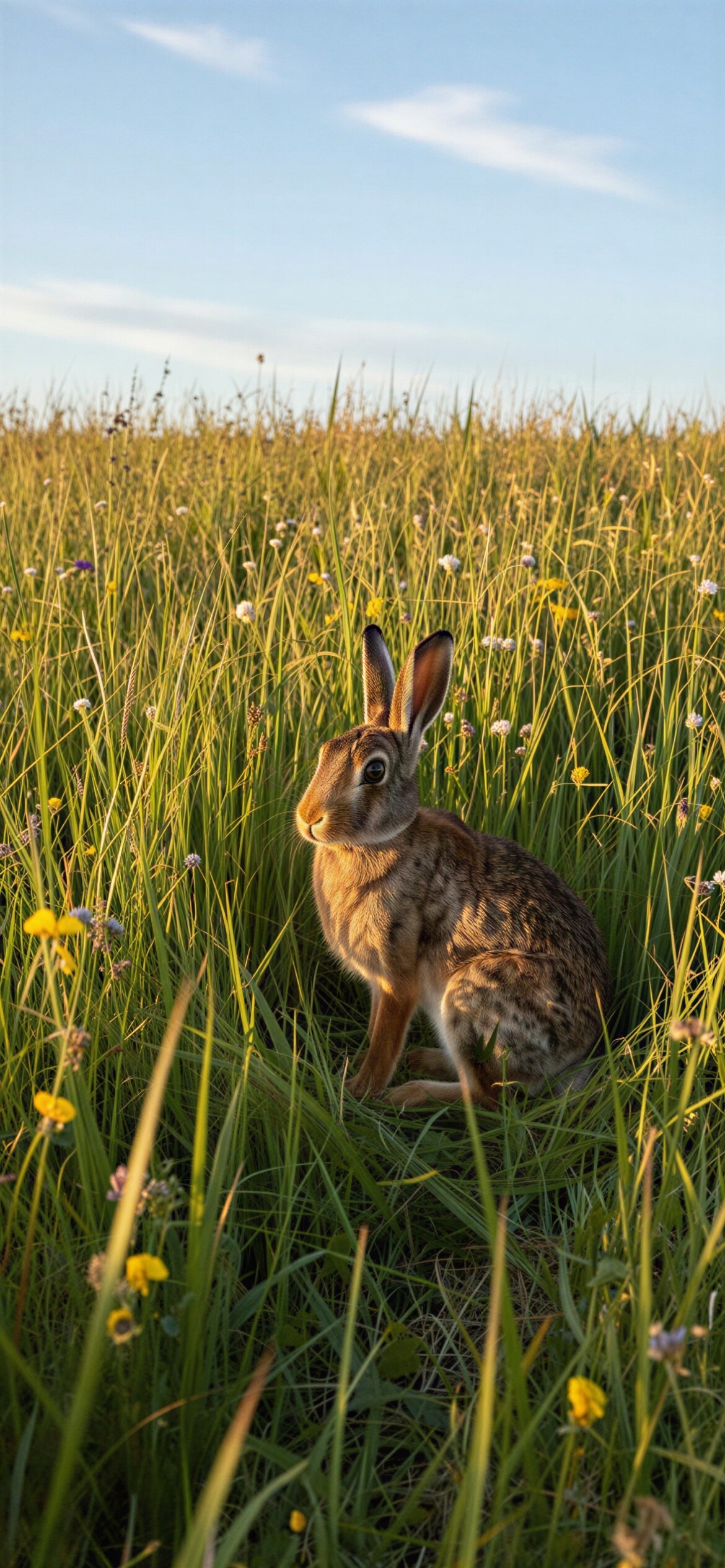
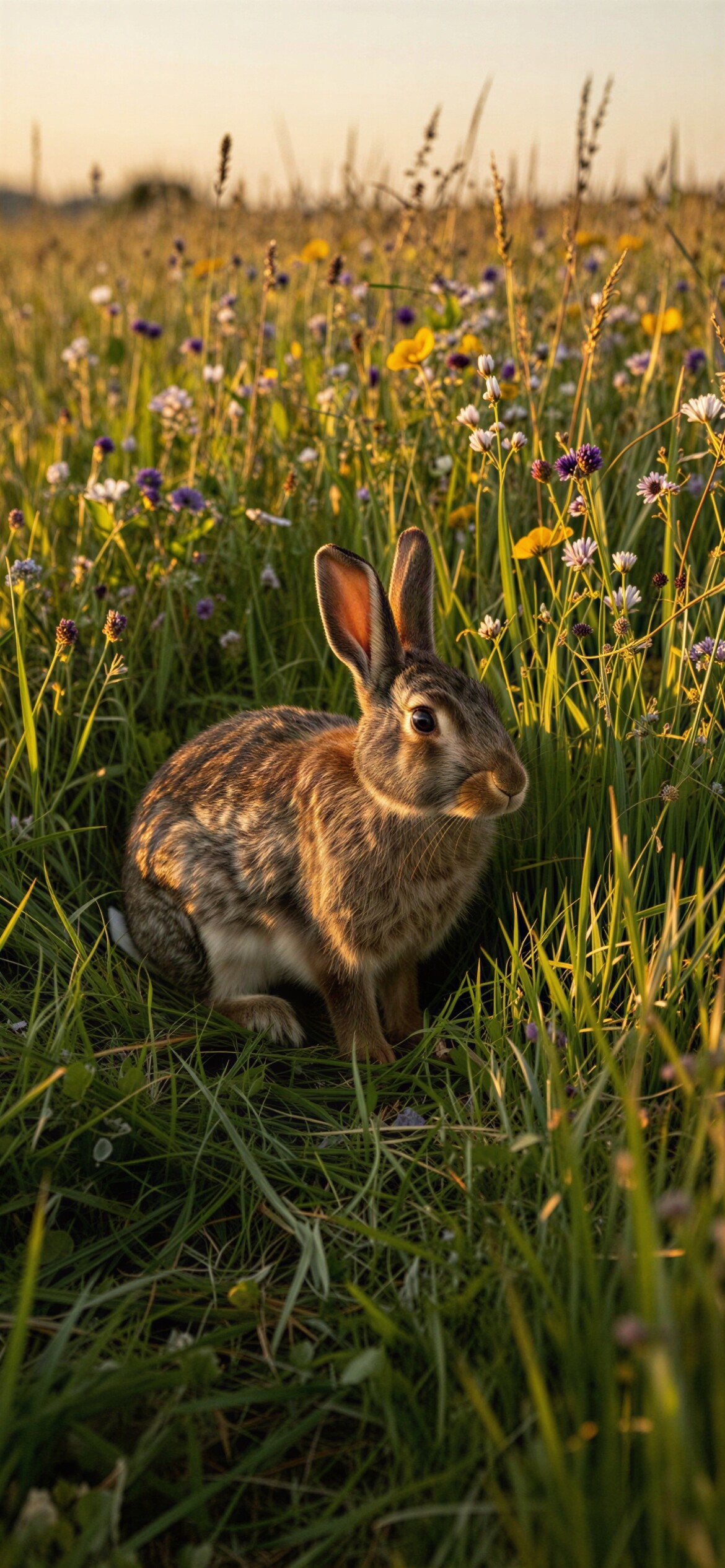
- 1. A brown rabbit sits upright and alert in sunny meadow grass. The bright, open field makes a cheerful lock screen.
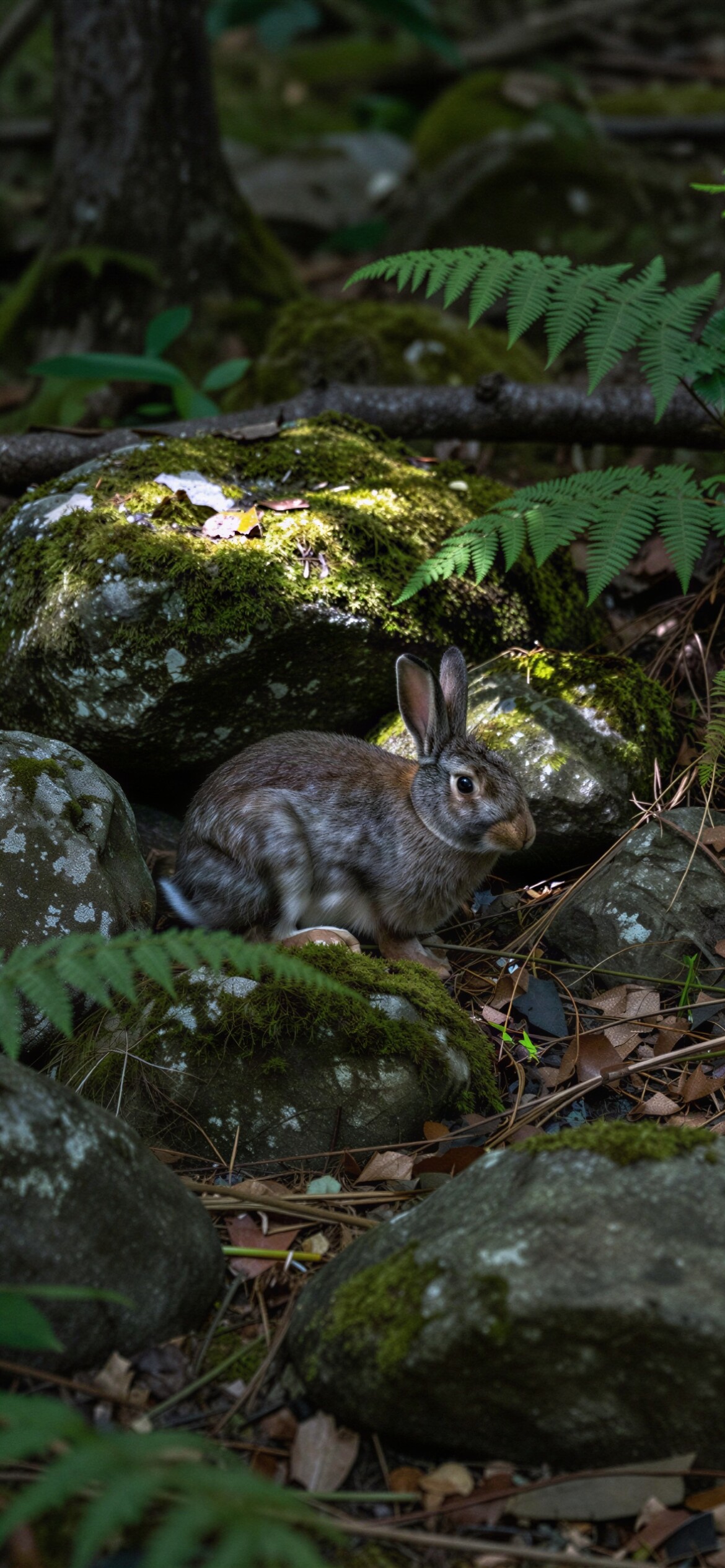
- 2. A grey-brown rabbit among mossy rocks, with light breaking through the woodland above. The textured rocks suit a home screen with fewer icons.
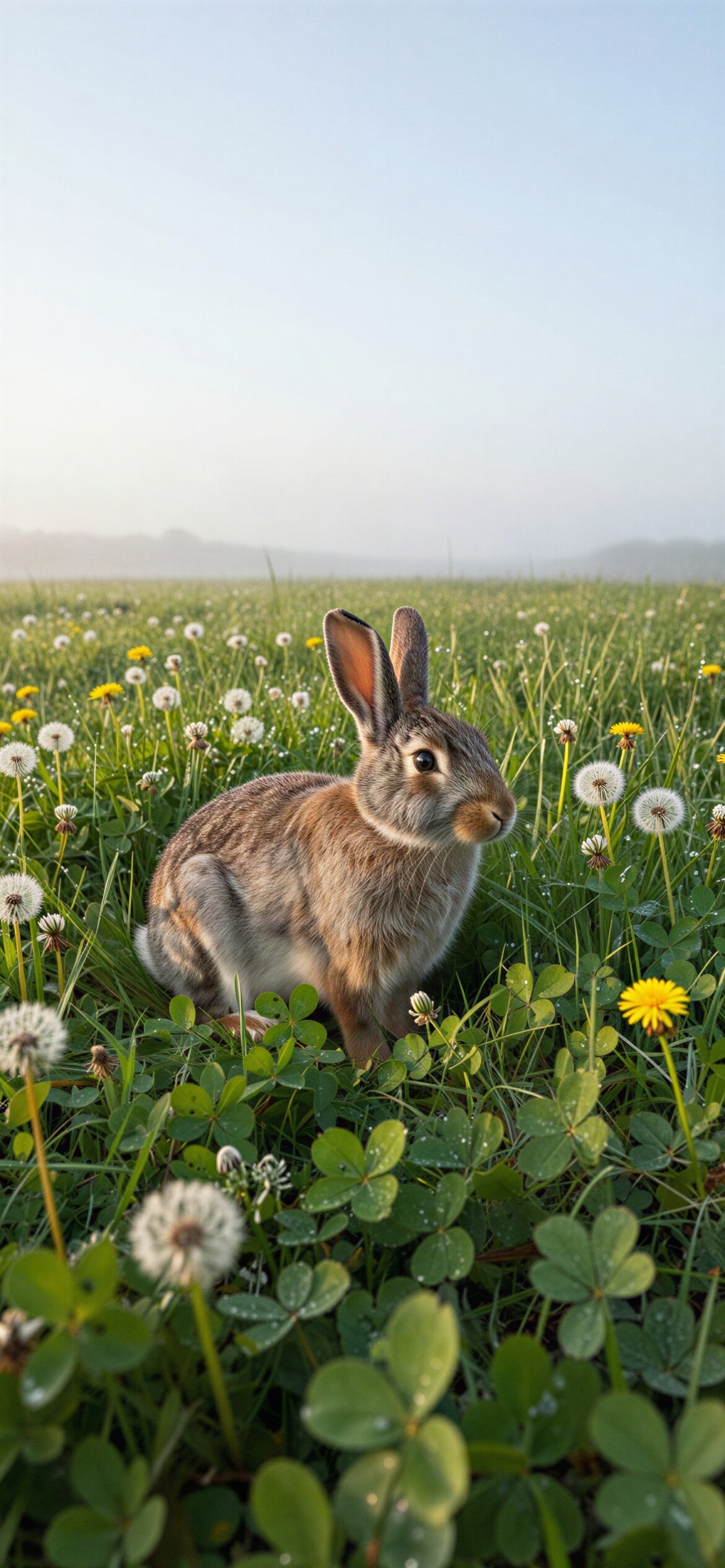
- 3. A young rabbit standing in clover and dandelions, still wet with morning dew. Nice if you like small details you only notice up close.
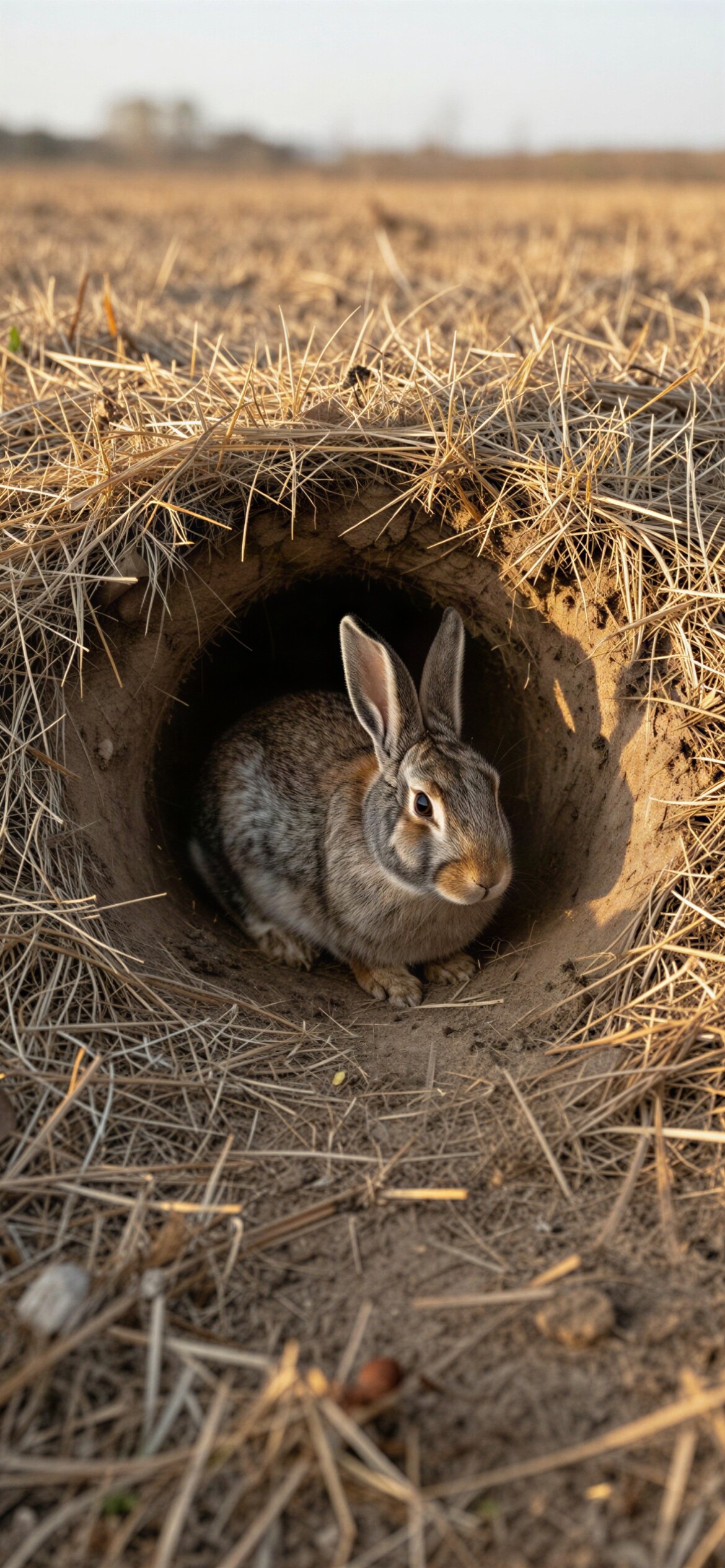
- 4. A rabbit resting at the mouth of its burrow, framed by dry grass. The muted straw tones sit quietly behind app labels.
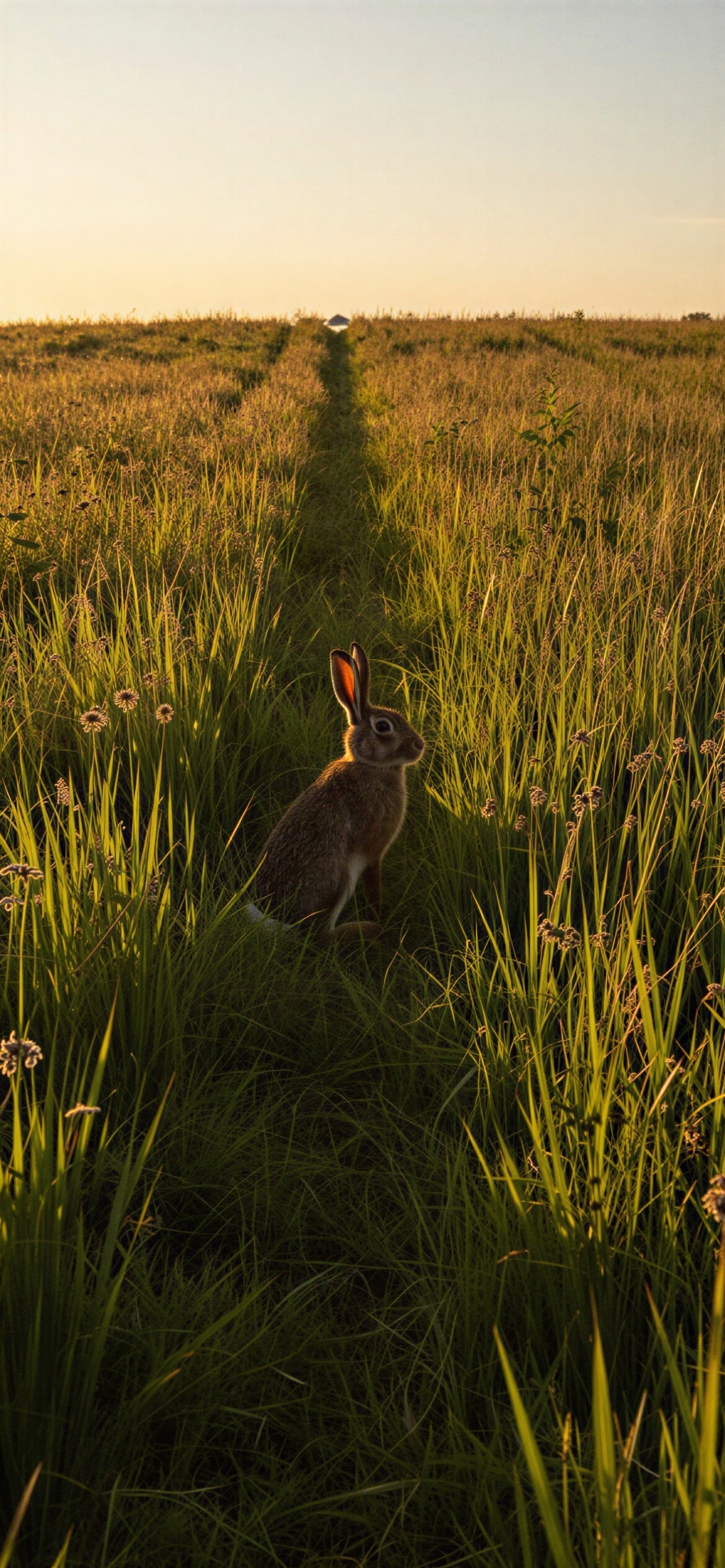
- 5. A wild rabbit in silhouette against a golden sunset, standing in tall grass. The dark shape against a bright sky reads well under the clock.
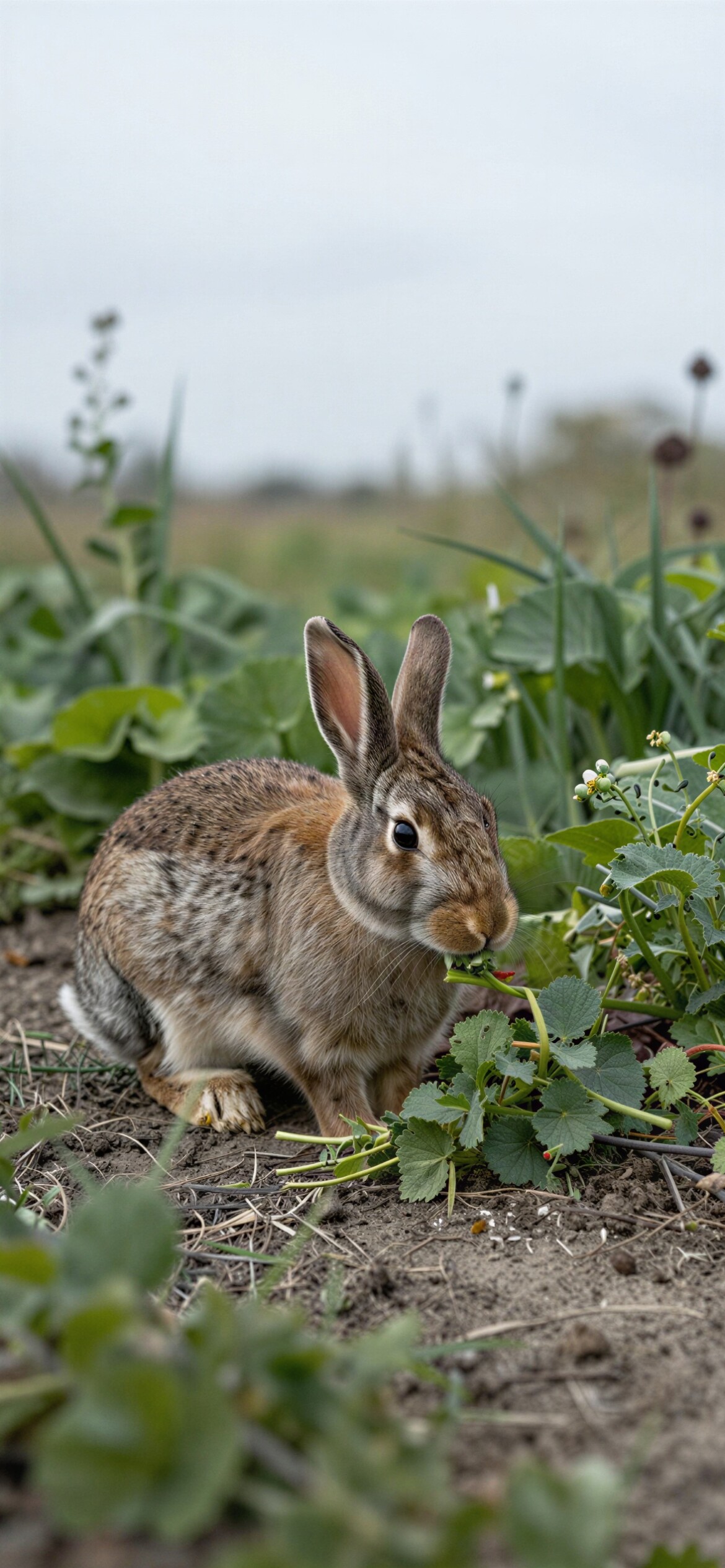
- 6. A brown rabbit nibbling plants in soft garden light, one of the calmer, everyday scenes here.
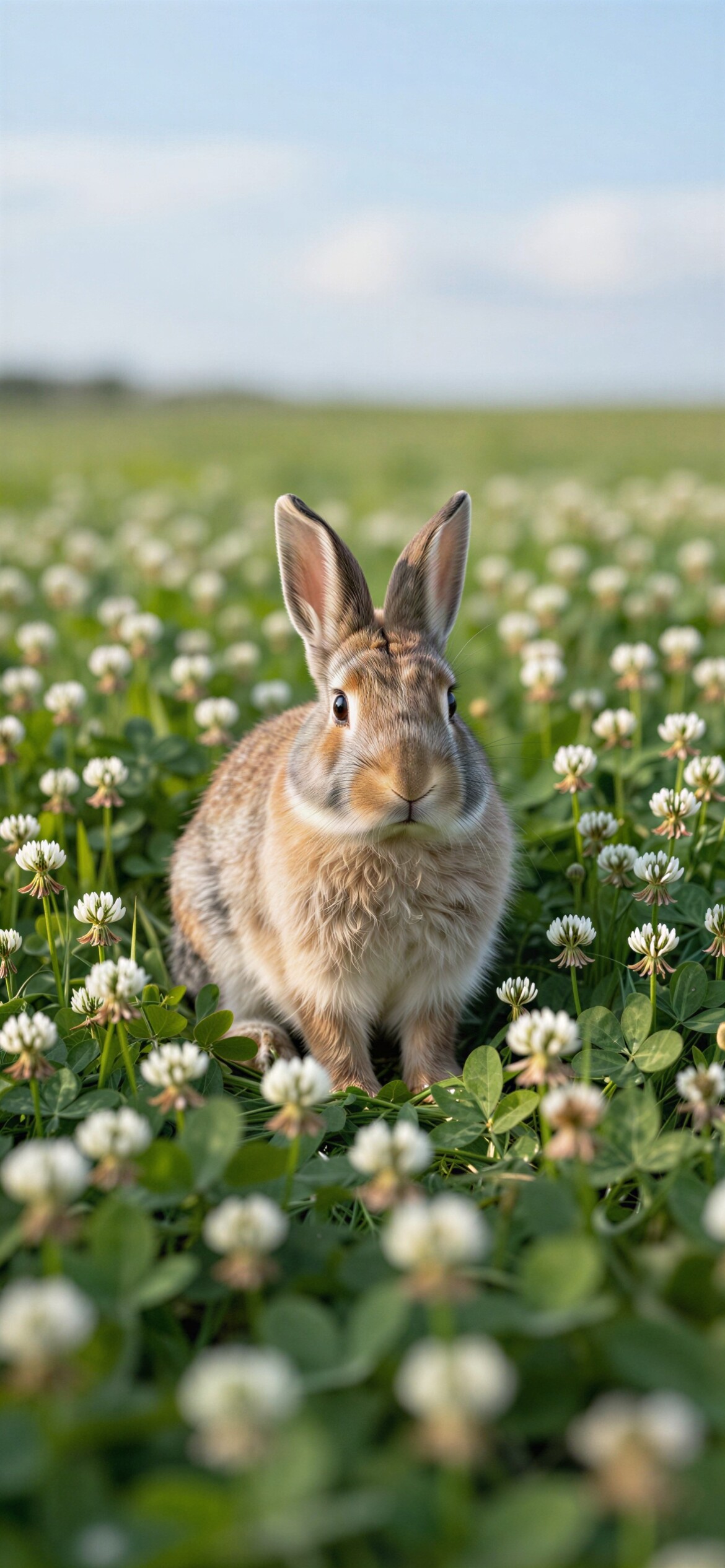
- 7. A young rabbit among white clover flowers in afternoon sun. The white blooms add brightness without harsh contrast.
- 8. A rabbit crouched low in wildflowers at golden hour, warm from edge to edge.
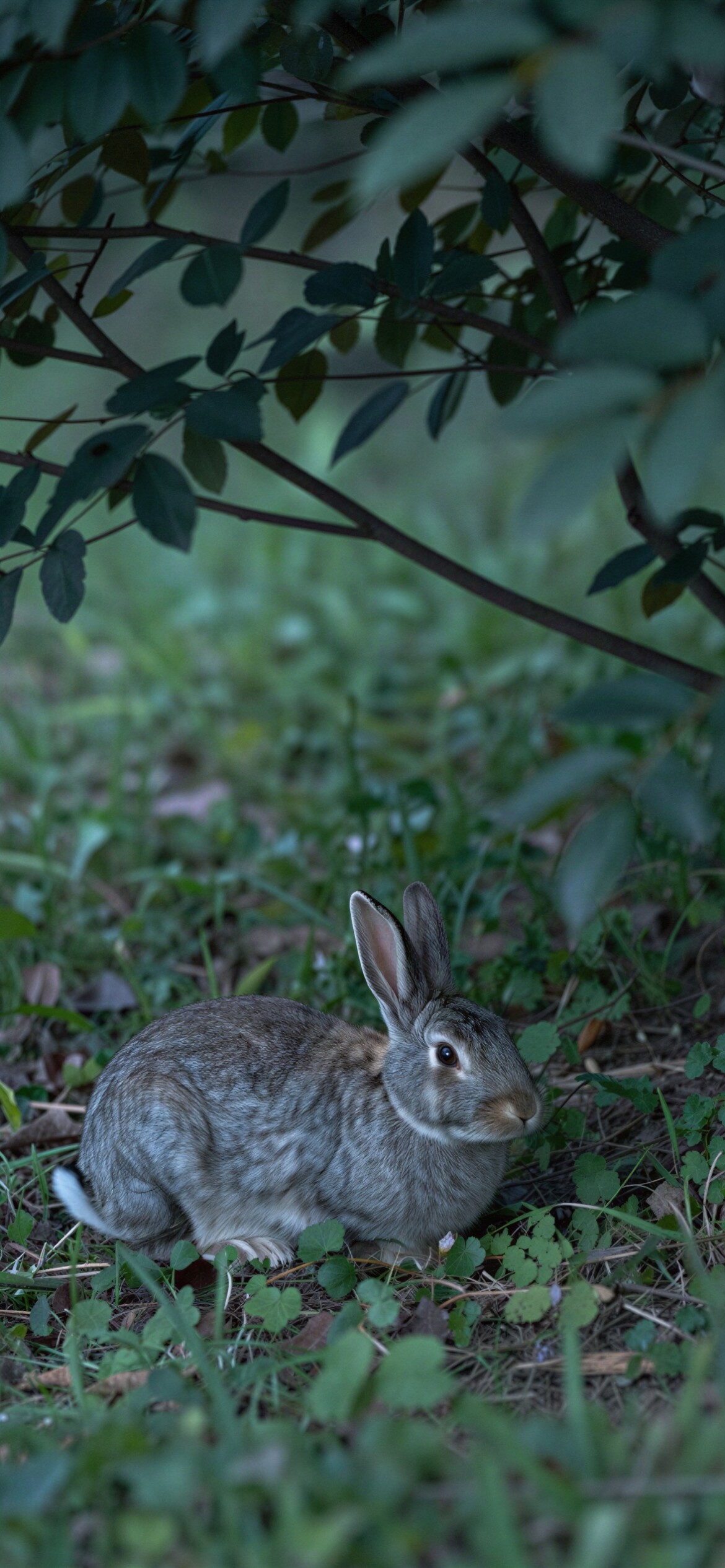
- 9. A grey rabbit tucked into the shade beneath branches and undergrowth. The darkest picture in the set, and a good match for dark mode.
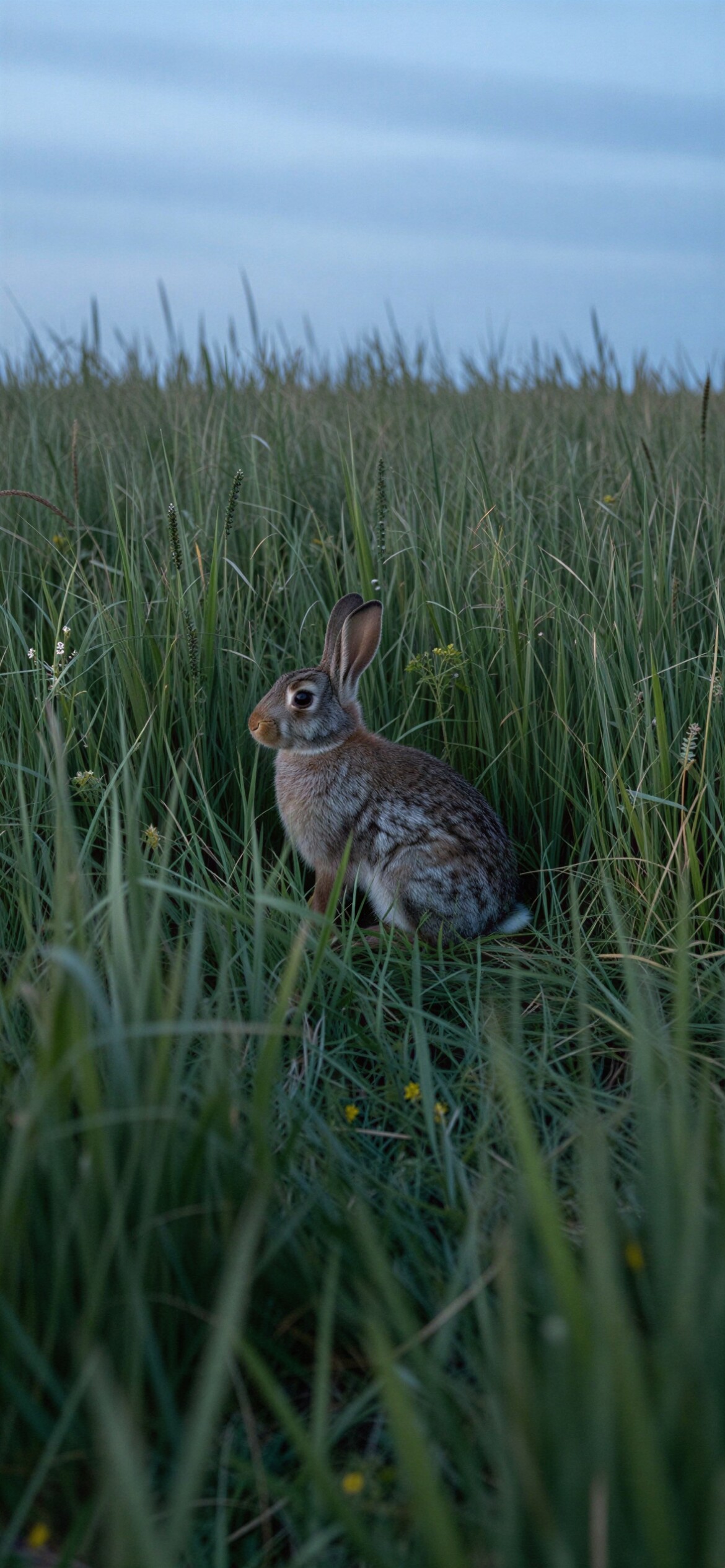
- 10. A young rabbit standing in tall grass at dawn, lit by cool blue light.
Why so many of these scenes happen at dawn and dusk
Wild rabbits are crepuscular, which means they are most active in the hours around sunrise and sunset. That is when they leave cover to feed, so it makes sense that wallpapers 5, 8 and 10 catch them in low, slanting light. Much of the rest of the day is spent close to home. The rabbit in wallpaper 4 sits at a burrow entrance, and European rabbits dig connected networks of tunnels called warrens, where they rest and raise their young.
Clover and dandelions, seen in wallpapers 3 and 7, are everyday food. Rabbits graze on grasses and leafy plants, and their front teeth keep growing all their lives, worn down by all that chewing. One thing people often get wrong: rabbits are not rodents. They belong to a separate group called lagomorphs, along with hares and pikas. Hares live above ground rather than in burrows, and their young are born furred with their eyes open, while newborn rabbits arrive hairless and blind.
Dew, shade or a warm evening glow
For warmth, go for 1, 5, 7 and 8, where sunlight turns the grass gold and lights up the edges of the fur. Wallpapers 3 and 10 feel cooler and fresher, with dew and early blue light, a calm thing to see when you first pick up your phone. The quietest group is 2, 4, 6 and 9: mossy rock, dry grass, garden greens and deep shade, all in soft earthy colours that let your icons stand out.
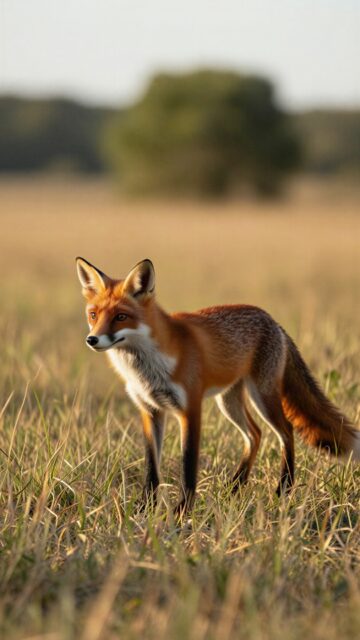
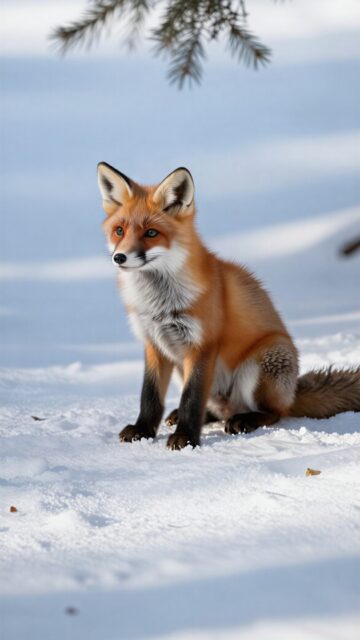
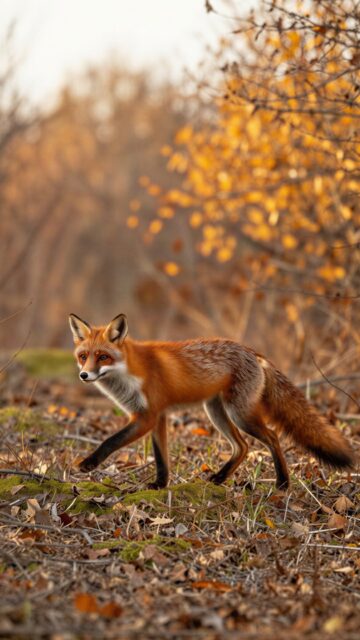
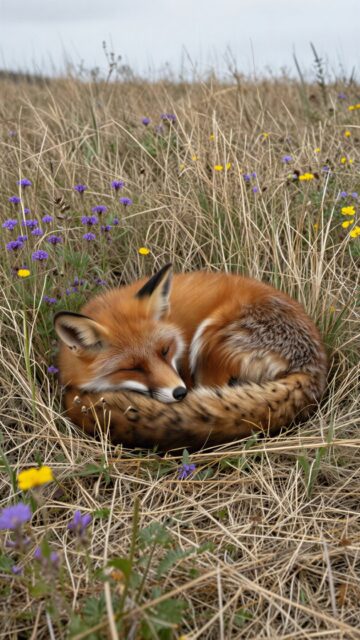
If you like animals in natural light, the fox wallpapers follow a similar style, while the woodland set and the garden wallpapers have the same kind of green, leafy backdrops.
How to set it on your iPhone
- Tap Download and save the image to Photos.
- Open Settings, tap Wallpaper, then Add New Wallpaper, and choose Photos.
- Pick the wallpaper, pinch to position it, then tap Add and choose the lock screen, home screen or both.
Stuck on a step? The iPhone and iPad guide has screenshots for each one.
Questions
Will these rabbit wallpapers fit my iPhone screen?
Yes. This set is designed for iPhones at 1170x2532 resolution. The vertical composition frames the rabbit in the middle or lower half, keeping your status bar and time display clear. Download any wallpaper and use your iPhone's native crop tool to adjust the fit to your exact screen size if needed.
Can I use these rabbit wallpapers commercially or share them elsewhere?
These wallpapers are free for personal use on your own devices only. Selling them, printing them for sale, or reposting them on other websites or wallpaper apps is not allowed. For full terms, visit the Terms page on Free Wallpaper Daily.
Which rabbit wallpapers work best for lock screen versus home screen?
The golden hour designs with warm lighting and strong shadows work well as lock screens, where the focused rabbit and simple top quarter frame your time and date beautifully. Save the woodland and meadow scenes for home screen, where their soft, neutral tones won't clash with your app icons and let them remain the visual focus.
Do these rabbit wallpapers work year-round?
Yes. These designs show rabbits in spring and summer meadows and woodlands, but the natural lighting and soft color palettes feel timeless rather than seasonal. The overcast and golden hour scenes work equally well in any season, so you can use them all year without changing your wallpaper.