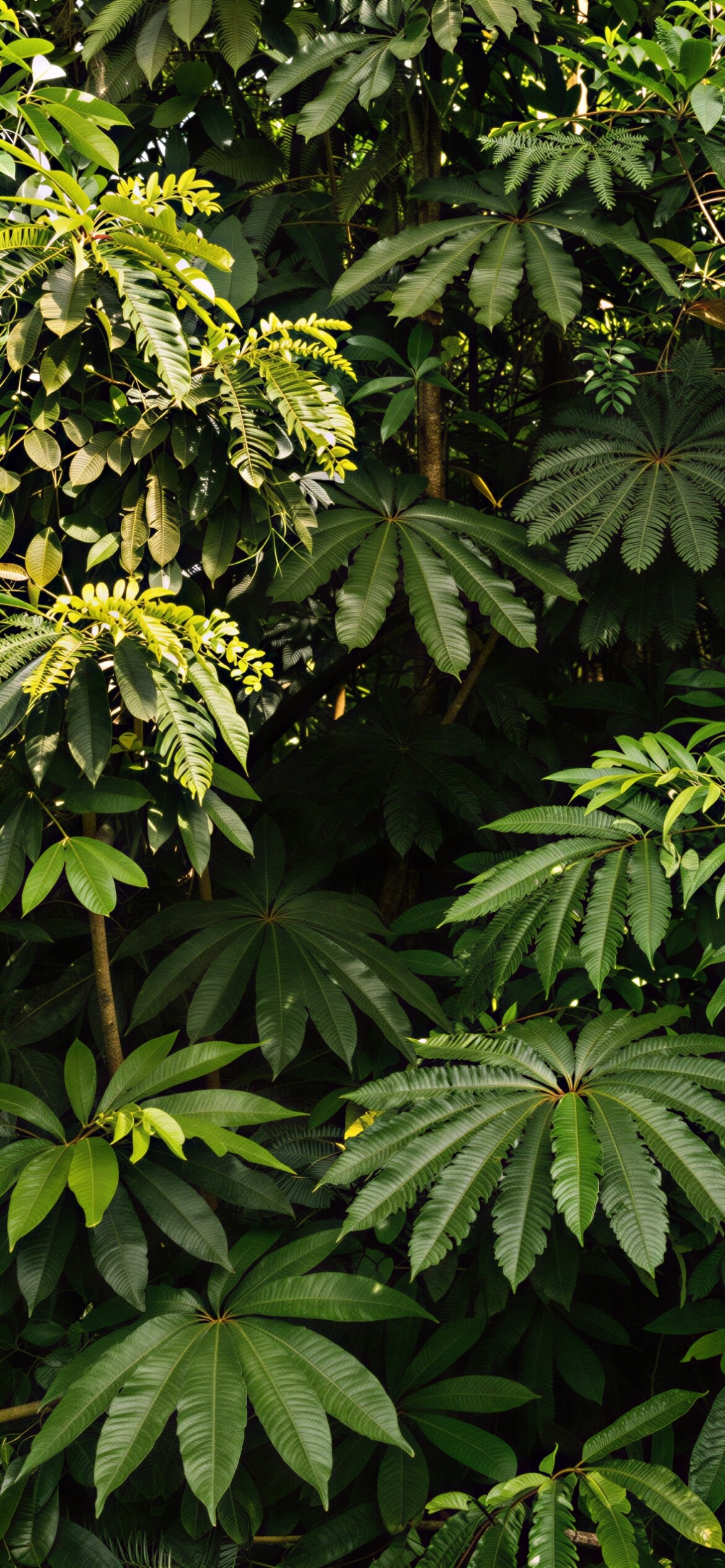
Jungle Wallpaper iPhone
Jungle wallpaper for iPhone brings dense tropical forests straight to your lock and home screens. These designs feature thick vines, layered canopies, exotic plants and rich greens that create an immersive natural escape. Each wallpaper captures the depth and mood of a real jungle environment, from misty understory scenes to bright canopy views. The set works year-round and suits any iPhone screen.
10 wallpapers at 1170 × 2532 px for iPhone. Checked by hand on 2 Oct 2026.
About this set
These jungle wallpapers capture the rich textures and layered depth of tropical forests through natural photography. The designs work well as lock screen backgrounds because they display clearly at smaller sizes and draw the eye inward. For home screens, choose the wider canopy views or brighter scenes that won’t hide your app icons behind too much shadow.
The palette ranges from deep forest greens to bright lime and golden highlights, so they pair well with warm or cool-toned app icons. Use these wallpapers year-round since jungle environments stay lush and green throughout the seasons. They suit anyone seeking a natural, immersive aesthetic that brings calm to daily screen time.
A word that once meant dry scrubland
Oddly enough, ‘jungle’ started out meaning almost the opposite of these pictures. It comes through Hindi from the Sanskrit jangala, a word for rough, dry, uncultivated land. English speakers in colonial India stretched it to cover any thick, tangled growth, and the steamy rainforest meaning stuck.
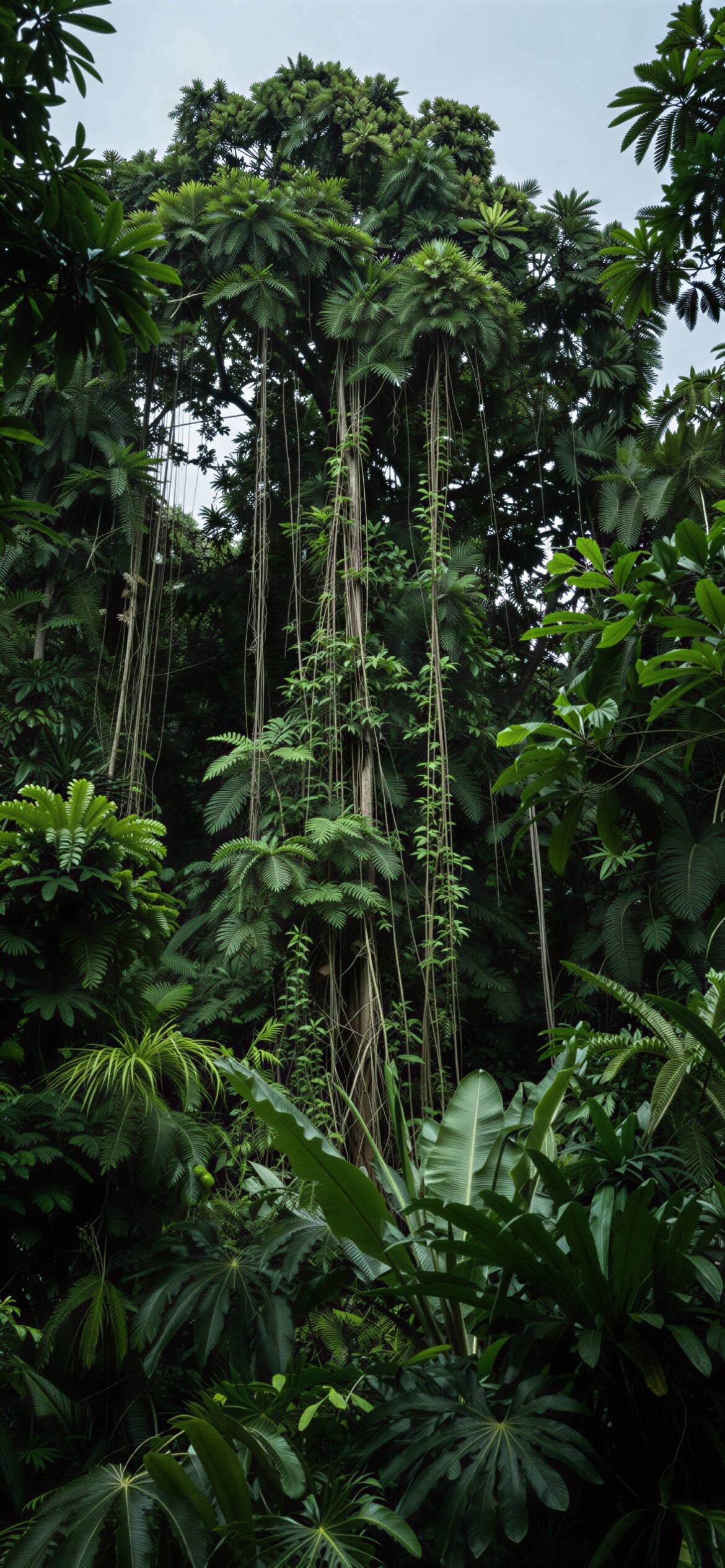
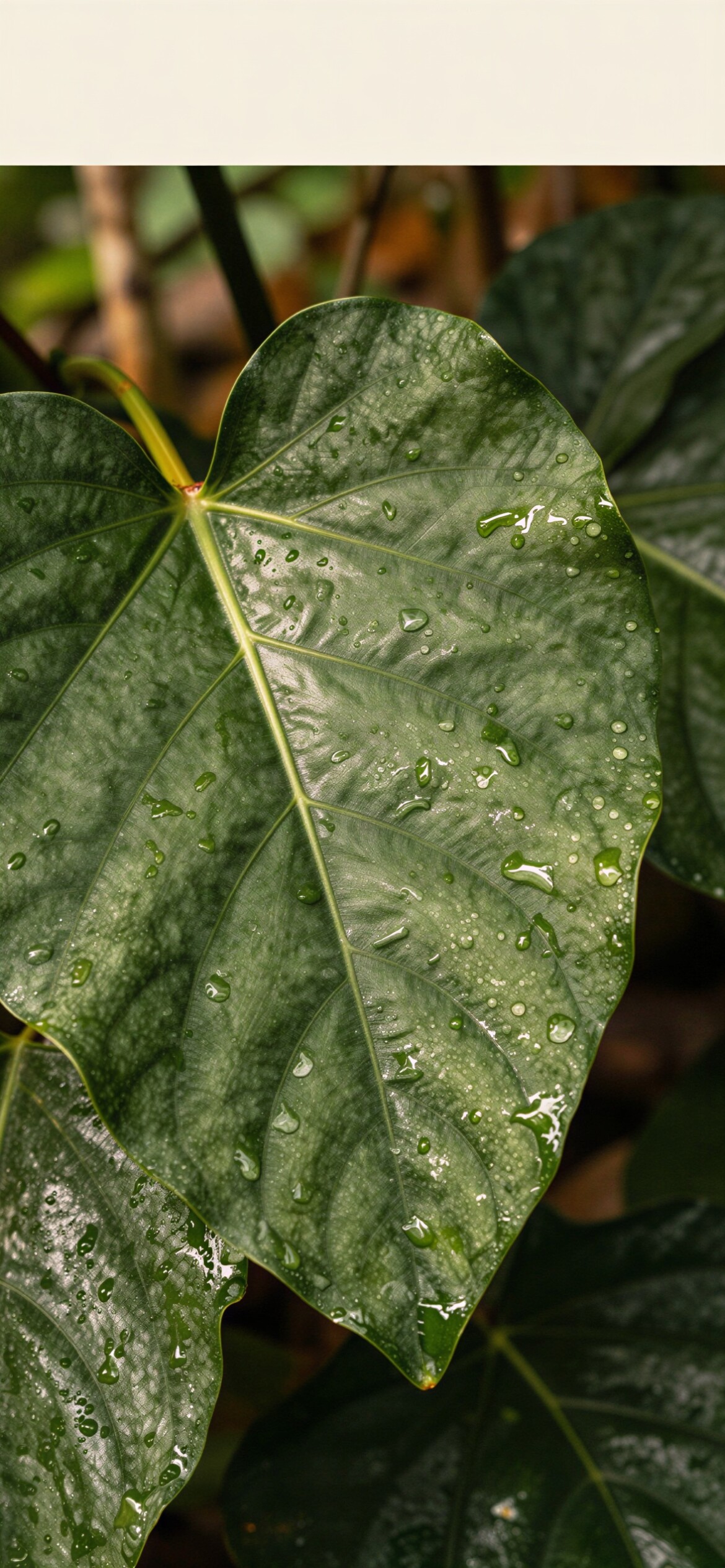
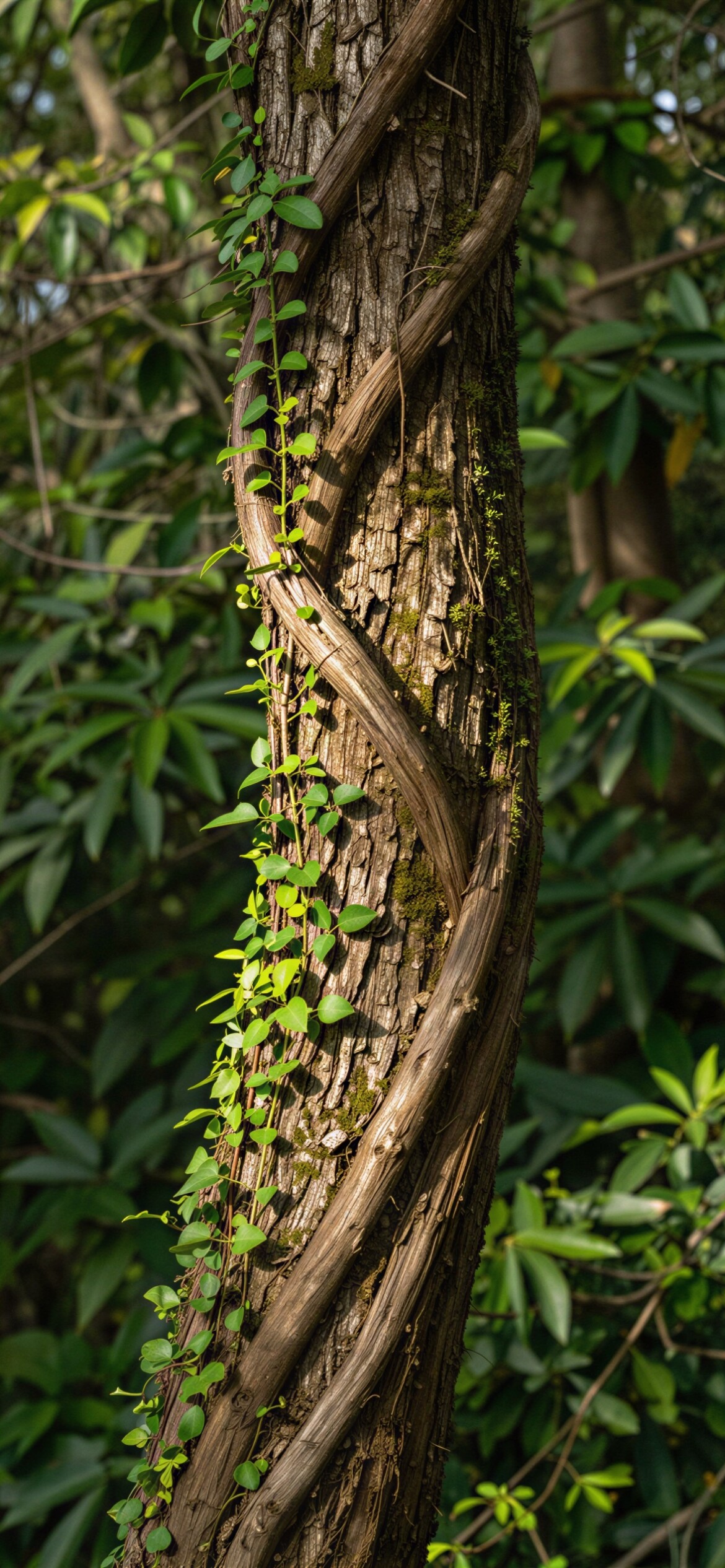
Real tropical forests grow in layers: tall emergent trees, a closed canopy, a shaded understory and the forest floor, where only a small share of the sunlight ends up. That is why so much here is climbing upward. In real rainforests, many of the hanging vines like those in wallpapers 1, 6 and 8 are lianas, woody climbers rooted in the soil that use tree trunks as a ladder to reach light. The moss on the trunk in 4 and the branch in 6 are epiphytes, plants that live on trees without feeding off them. The water beaded on the leaf in 2 is a reminder of how wet these forests are, and many rainforest leaves have a waxy surface and a pointed drip tip so heavy rain runs off quickly.
Top to bottom: where each picture sits
- 1 looks straight up through the canopy, with vines dangling and light filtering down. A strong lock screen, since the brightest part sits in the middle.
- 2 is a single big leaf beaded with water. Simple enough to sit behind a full home screen.
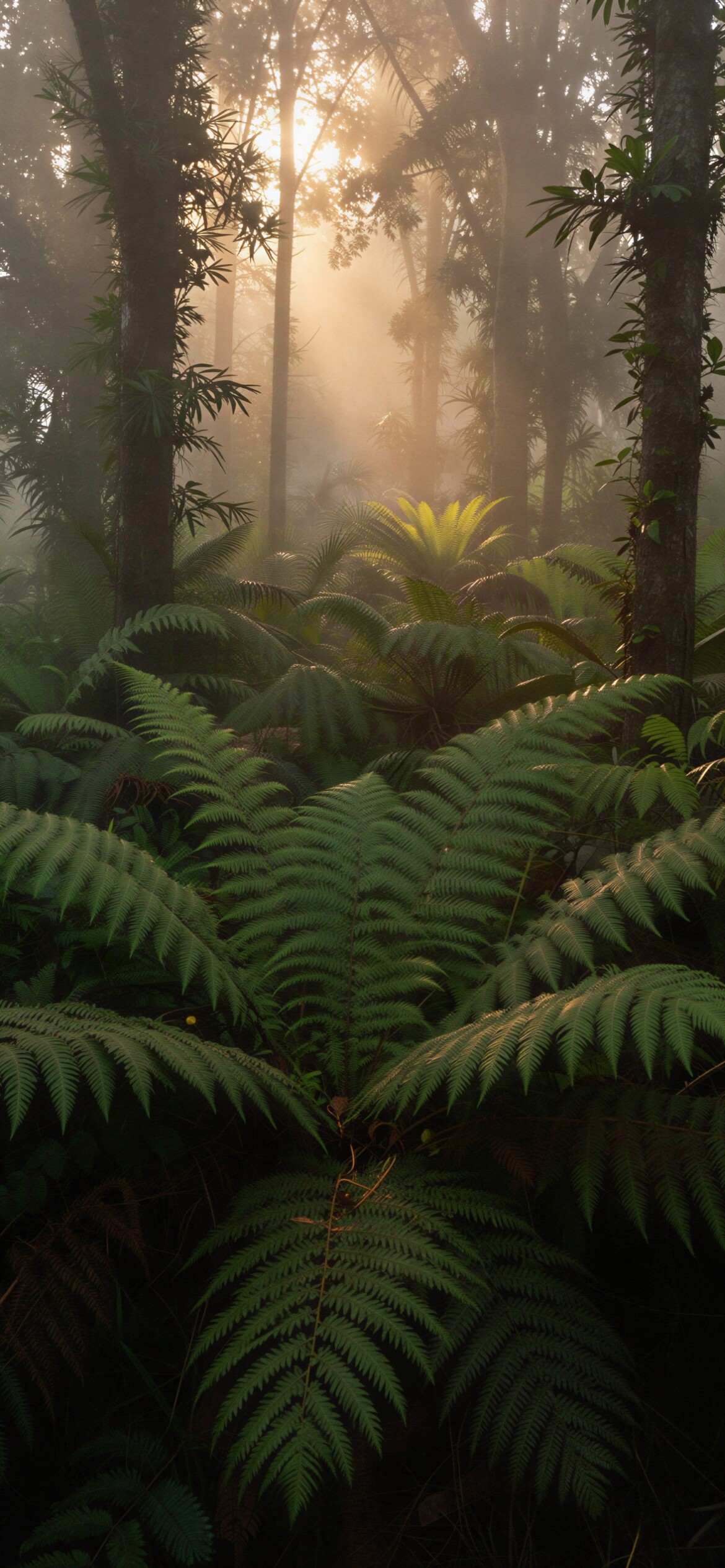
- 3 is the forest floor at dawn, ferns and mist lit gold between the trunks.
- 4 stays at eye level on one trunk wrapped in moss and climbers.
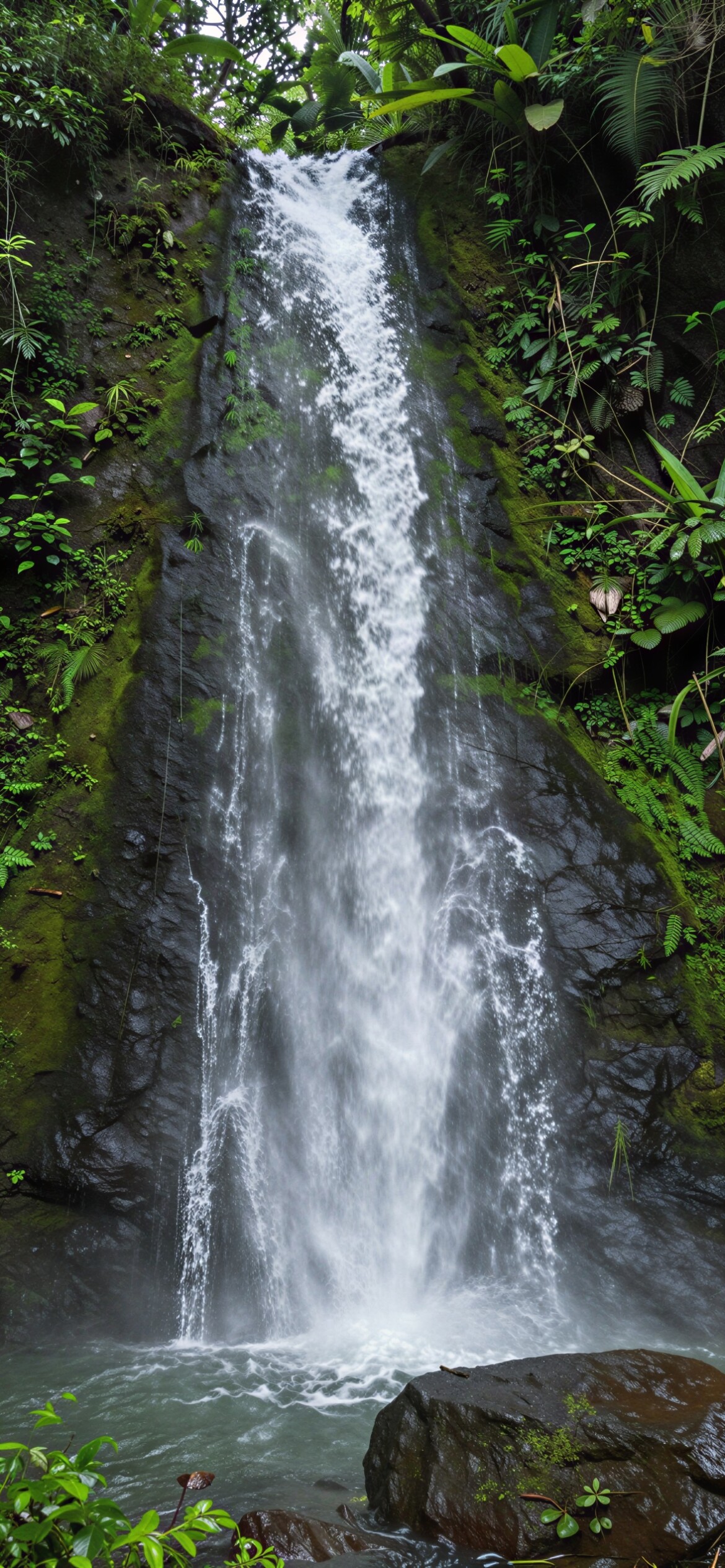
- 5 follows a waterfall past mossy rocks, the only scene here with moving water.
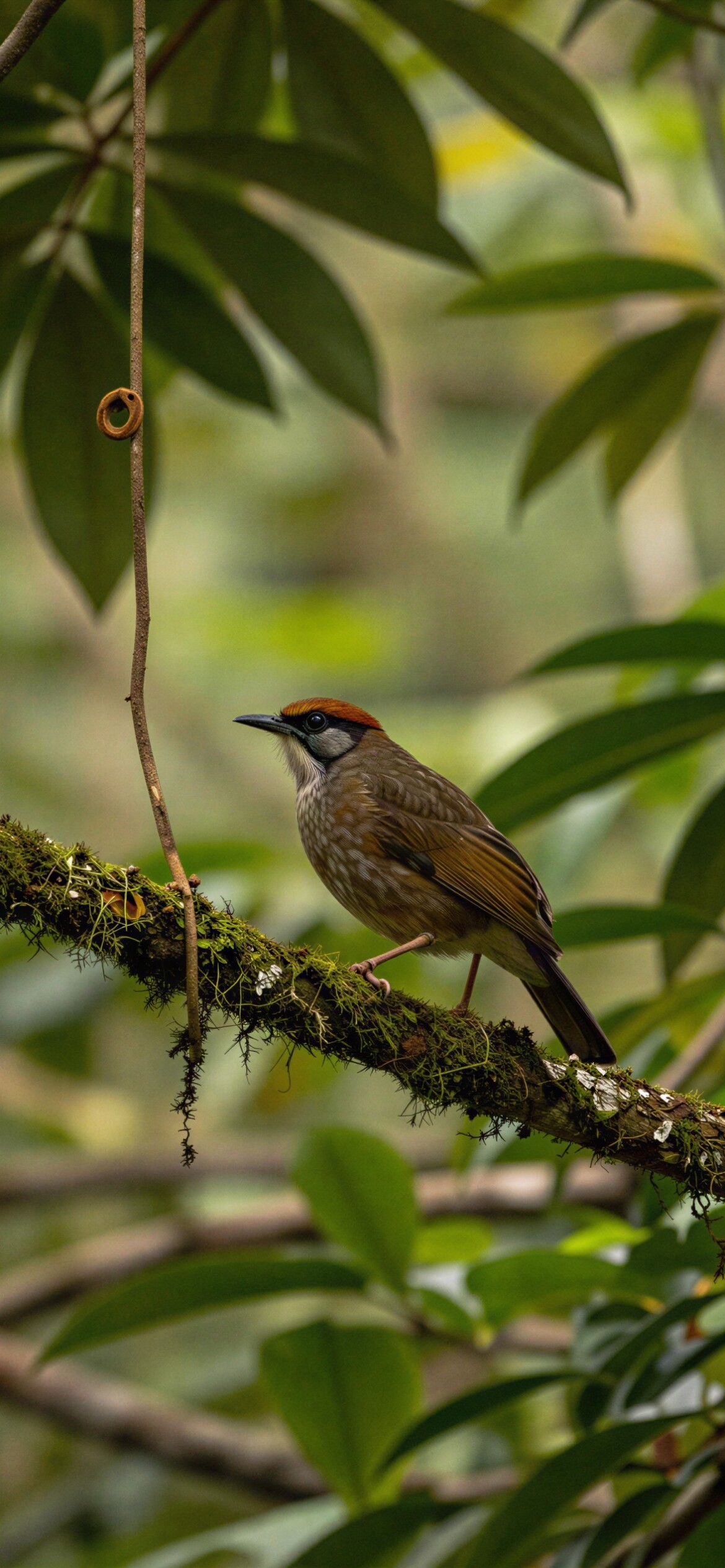
- 6 has a bird perched on a mossy branch with vines all around it. Keep this one for the lock screen so icons don't cover the bird.
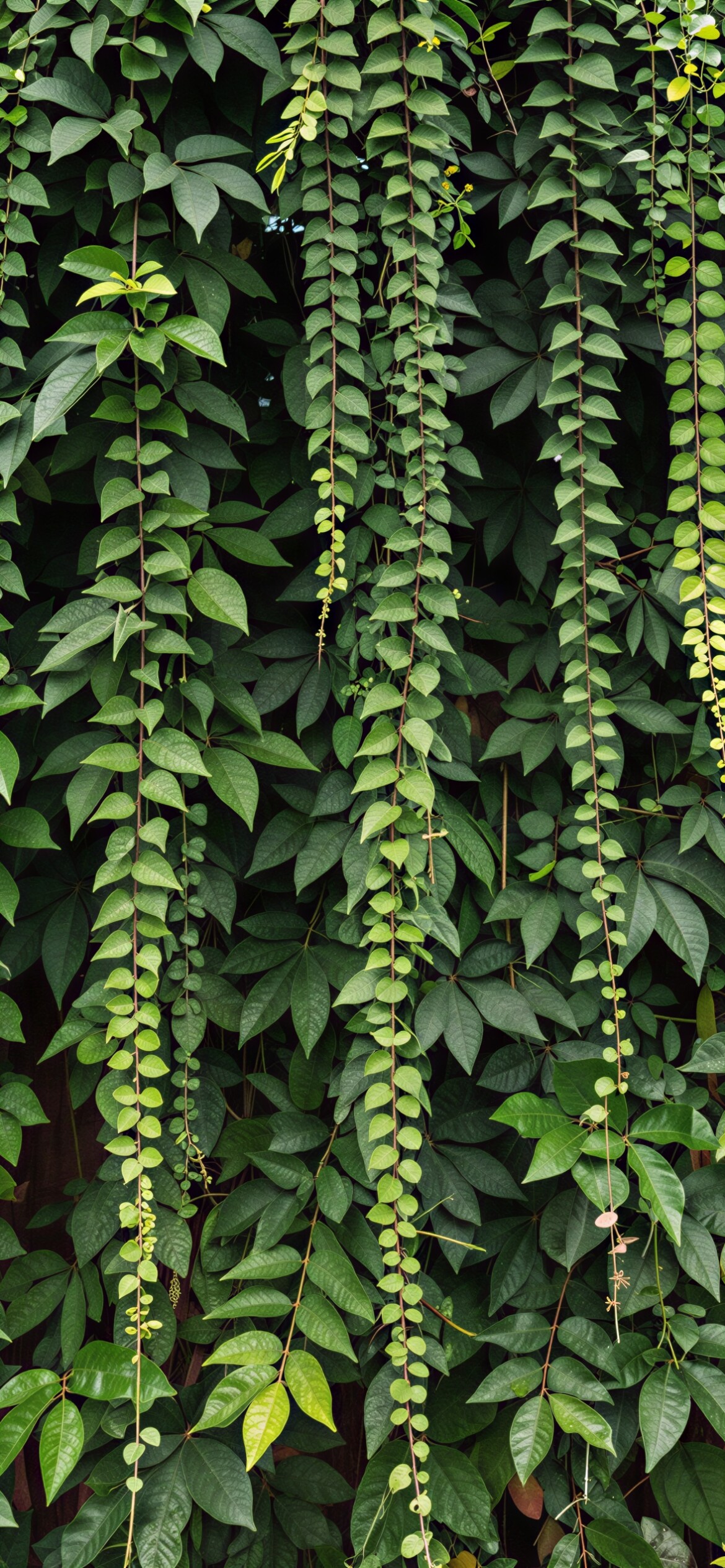
- 7 is a solid wall of vines from edge to edge, more texture than scene.
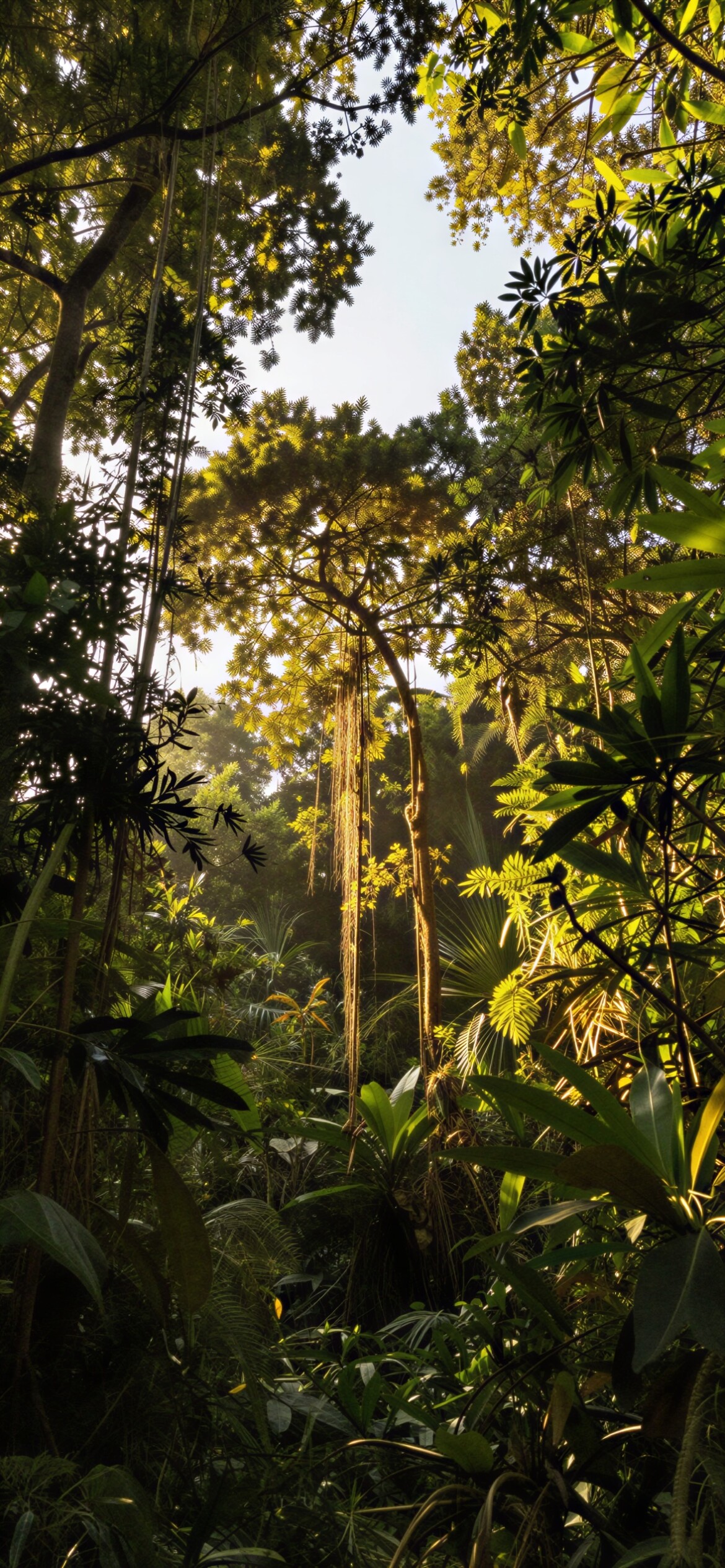
- 8 catches a gap in the canopy with sun pouring through.
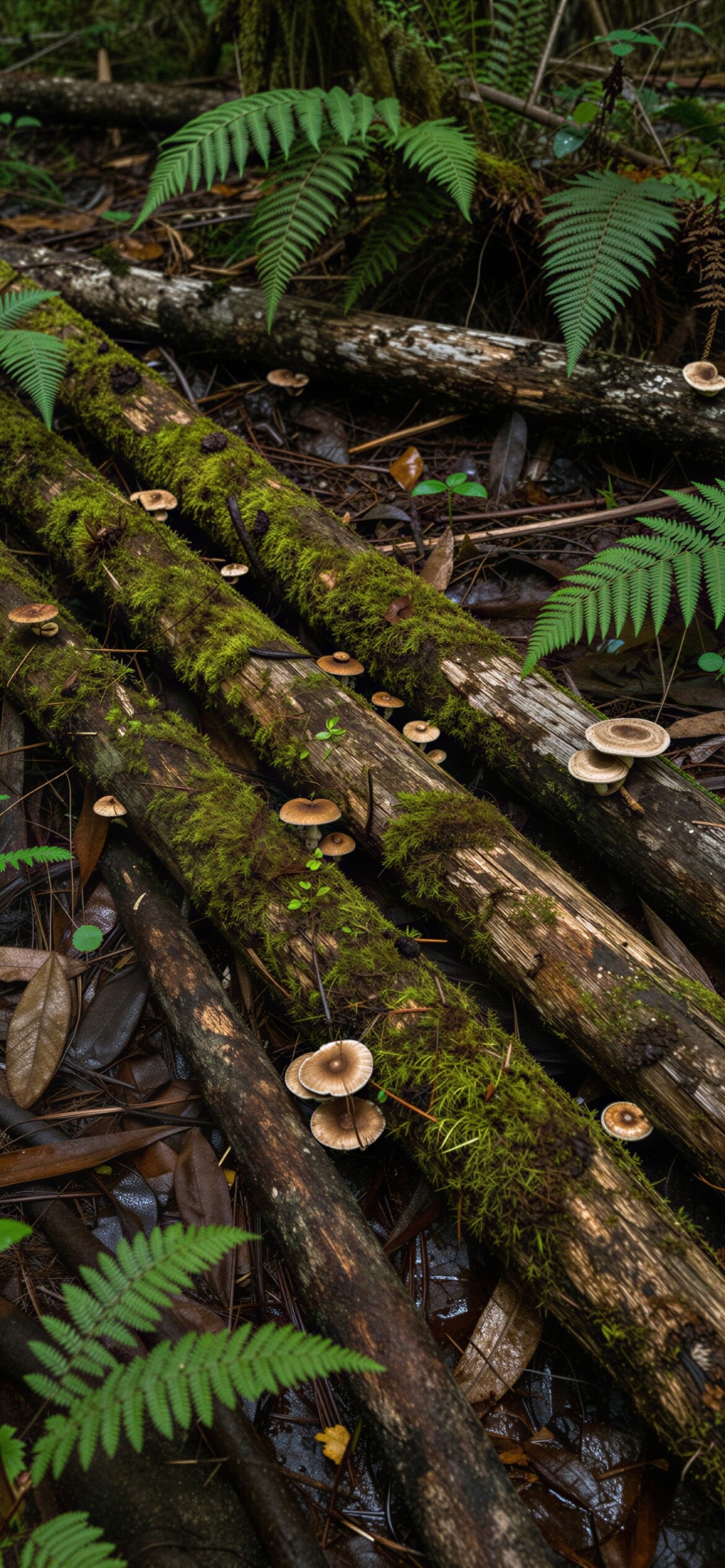
- 9 drops back to the ground for fallen logs, moss and ferns in soft light.
- 10 stacks leaves at several depths in different greens, a calm choice for a busy home screen.
Bright gaps or deep green shade?
If you like sunlight, go for 1, 3 and 8, where light breaks through and gives the green a warm edge. For something darker and quieter, 4, 7, 9 and 10 stay in the shade, with the darkest greens in the set. The fresh, wet-looking ones are 2, 5 and 6: droplets, falling water and damp moss. For more greenery, try the tropical wallpapers, the monkey set for more life in the treetops, or the cooler forest wallpapers.
How to set it on your iPhone
- Tap Download and save the image to Photos.
- Open Settings, tap Wallpaper, then Add New Wallpaper, and choose Photos.
- Pick the wallpaper, pinch to position it, then tap Add and choose the lock screen, home screen or both.
Stuck on a step? The iPhone and iPad guide has screenshots for each one.
Questions
Will these jungle wallpapers fit my iPhone screen?
Yes. Each wallpaper is sized at 1170x2532 pixels, which suits modern iPhones; some older models may crop slightly at the edges. You may need to adjust the position slightly when setting it as your lock or home screen depending on your device.
Can I use these wallpapers for personal use?
Yes. All wallpapers on Free Wallpaper Daily are free to download and use on your own devices for personal enjoyment. Selling them, printing them for commercial sale, or reposting them on other wallpaper sites is not allowed. See our Terms page for the full license details.
Which jungle wallpapers work best for my lock screen?
Choose designs with simpler top sections, like the misty dawn scene or the canopy opening, since your lock screen displays time and notifications there. Close-up leaf details and upward canopy views also work well because they draw focus to the center where your information appears.
Do these jungle wallpapers work with dark mode and light mode?
These wallpapers are optimized for standard light and dark displays since they use natural jungle colors. The rich greens and browns work well on any iPhone. If you prefer a darker overall look, select wallpapers with denser foliage and shadows. For a brighter feel, choose scenes with more open sky or golden light.