Dark Grey Wallpaper
Dark grey wallpaper offers a clean, neutral backdrop that works year-round on any device. These designs feature soft textures, subtle gradients and understated compositions in shades of charcoal, slate and stone. The dark grey color scheme suits both lock screens and home screens, pairing well with colorful app icons or matching minimalist themes. Download these wallpapers free for phones, tablets and computers.
10 wallpapers: 5 for phones at 1170 × 2532 and 5 for desktop at 3840 × 2160. Checked by hand on 2 Oct 2026.
For phones
For desktop and laptop
About this set
This set features understated textures and minimal compositions in dark grey, creating a professional and calming visual foundation for any device. The vertical designs work best as lock screen wallpapers, where the simple top quarter leaves space for time and notifications. Landscape designs suit desktop computers and tablets in home screen positions, sitting cleanly behind app icons without competing for attention.
Dark grey wallpapers pair naturally with bright colored app icons, keeping them readable and distinct. These designs work equally well in light mode or dark mode and complement both modern minimalist and classic aesthetics. Use them as a neutral backdrop that won’t distract from your content and adapts to seasonal changes without feeling out of place.
How wood, stone and pavement end up grey
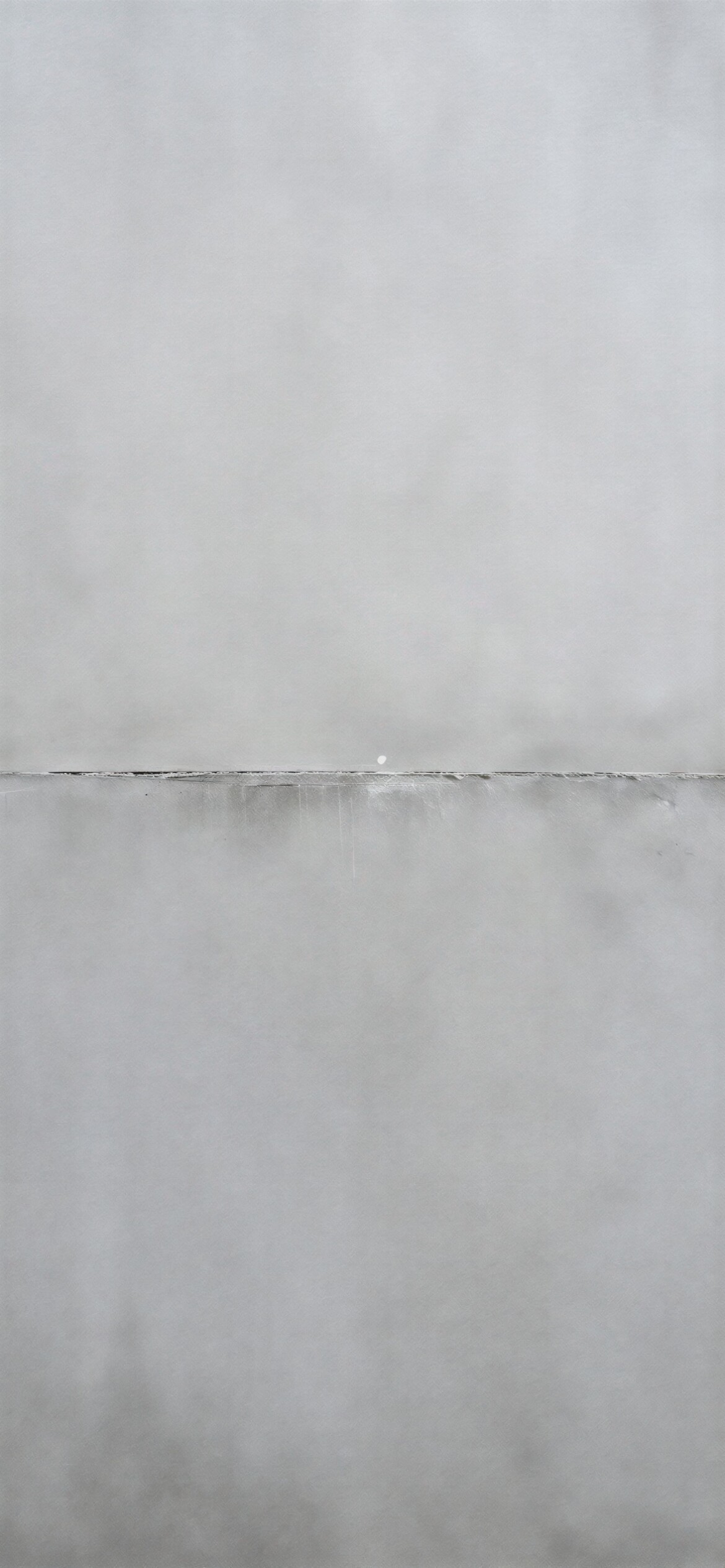
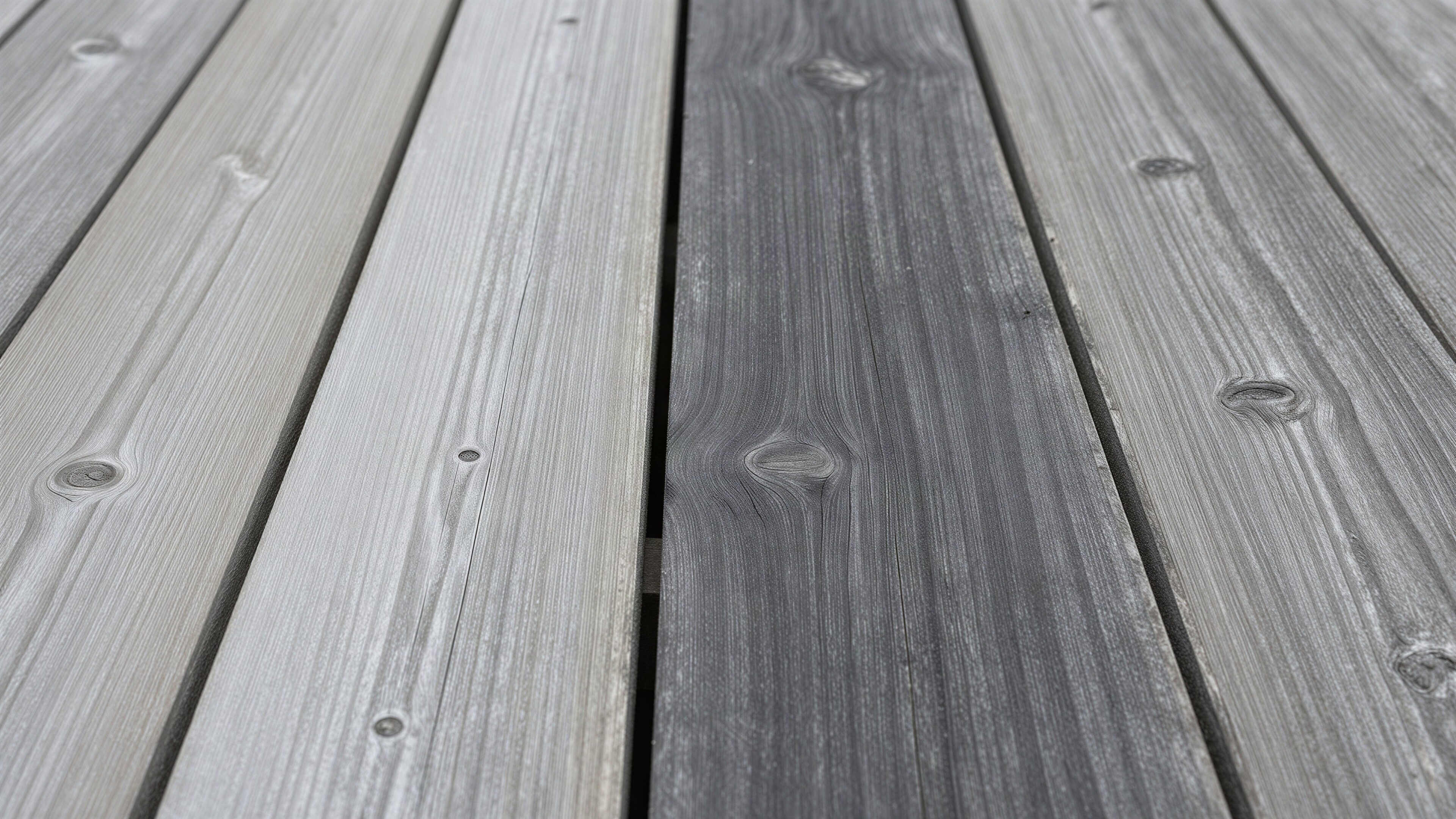
Almost every texture in this set got its colour from time and weather. Bare wood left outside, like the planks in wallpaper 9, turns silver-grey because sunlight breaks down the lignin near the surface and rain slowly washes it away. Concrete, as in wallpaper 1, often cracks as it dries and shrinks, which is where those fine lines come from. Asphalt, the surface in wallpaper 10, is crushed stone held together with bitumen, and it fades from near black to grey as the bitumen on top dries out in the sun and wears away.
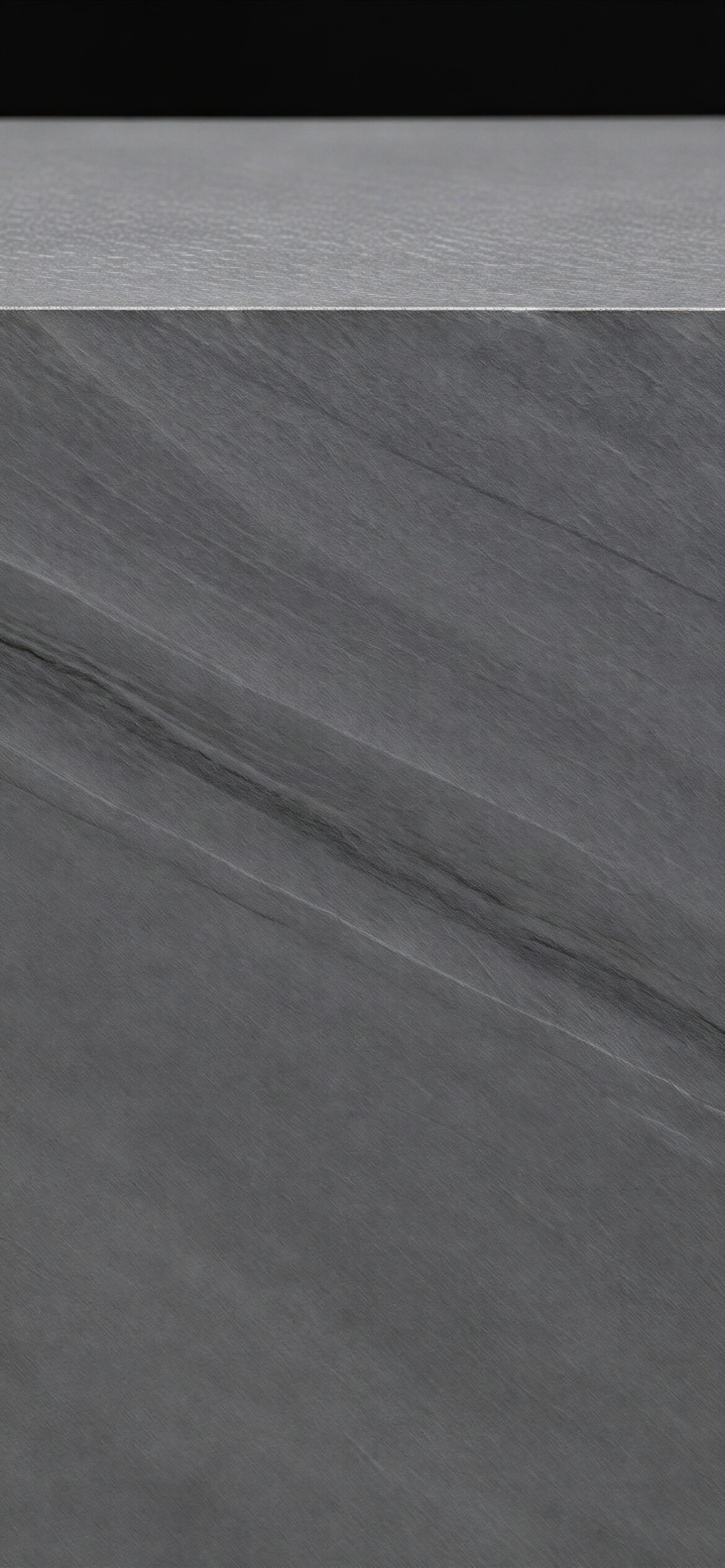
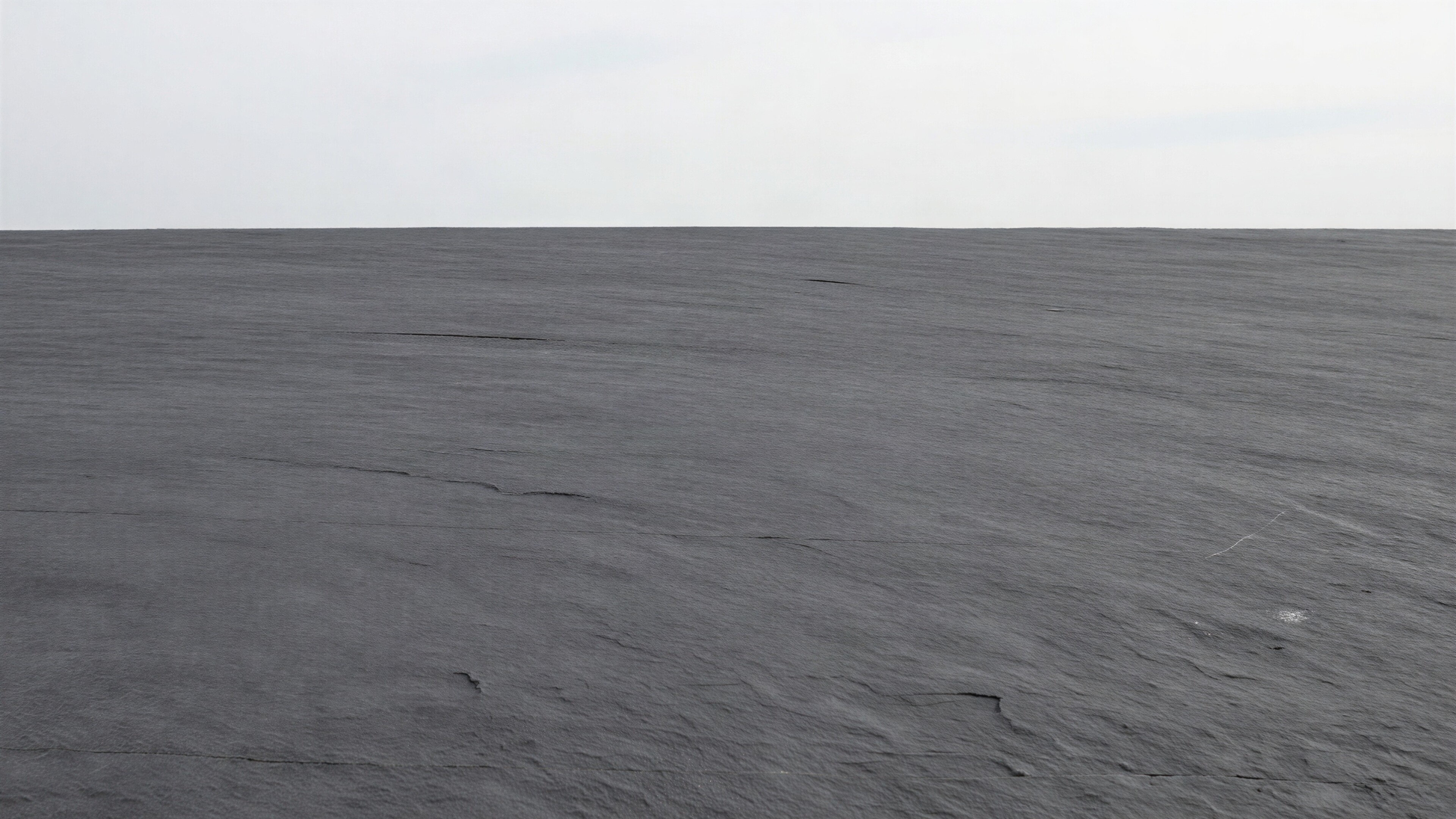
Slate, in wallpaper 3, is a rock that splits into thin, flat sheets. That is why it was used for roof tiles and for the small writing boards children carried to school before paper was cheap.
Five tall textures, five wide views
- Concrete with light weathering and a few cracks. Busy enough to look real, plain enough for widgets.
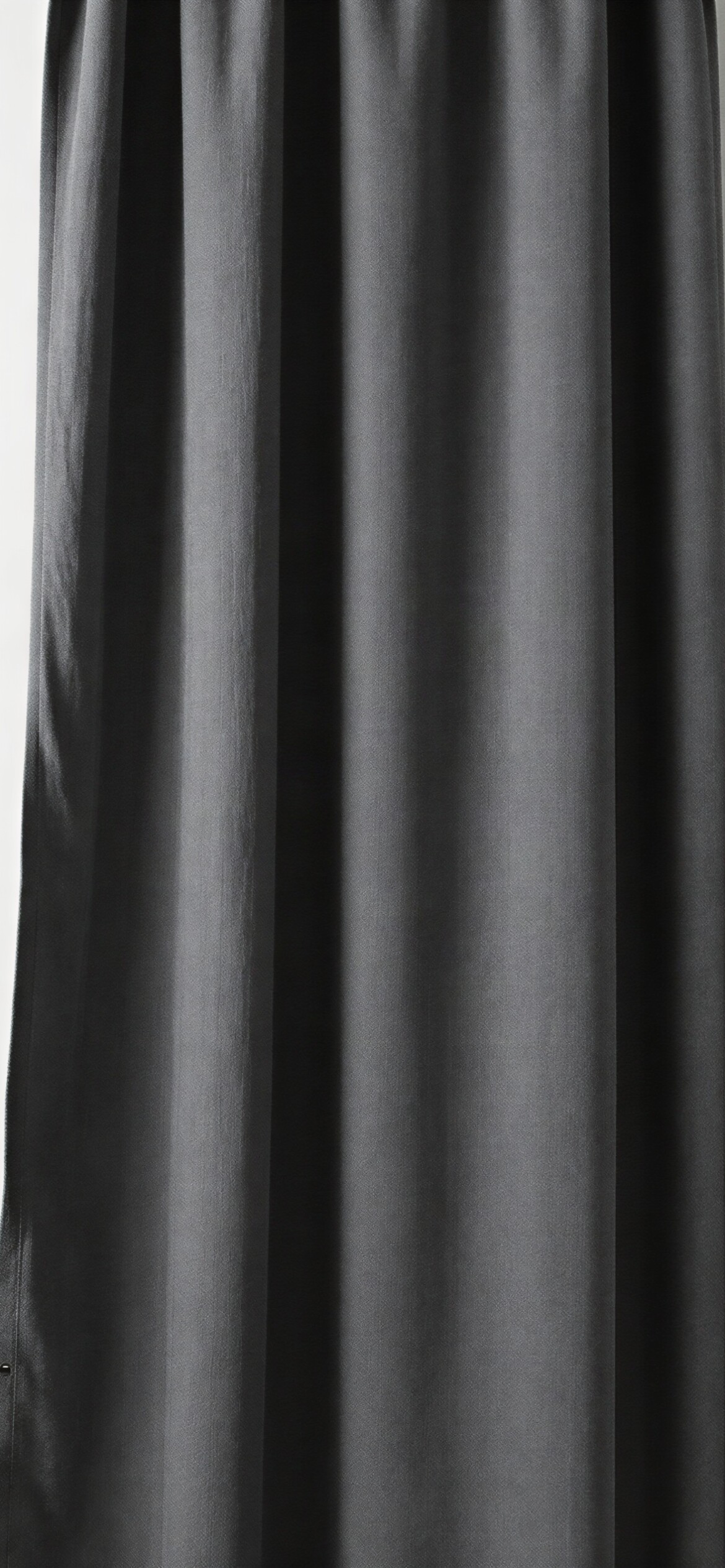
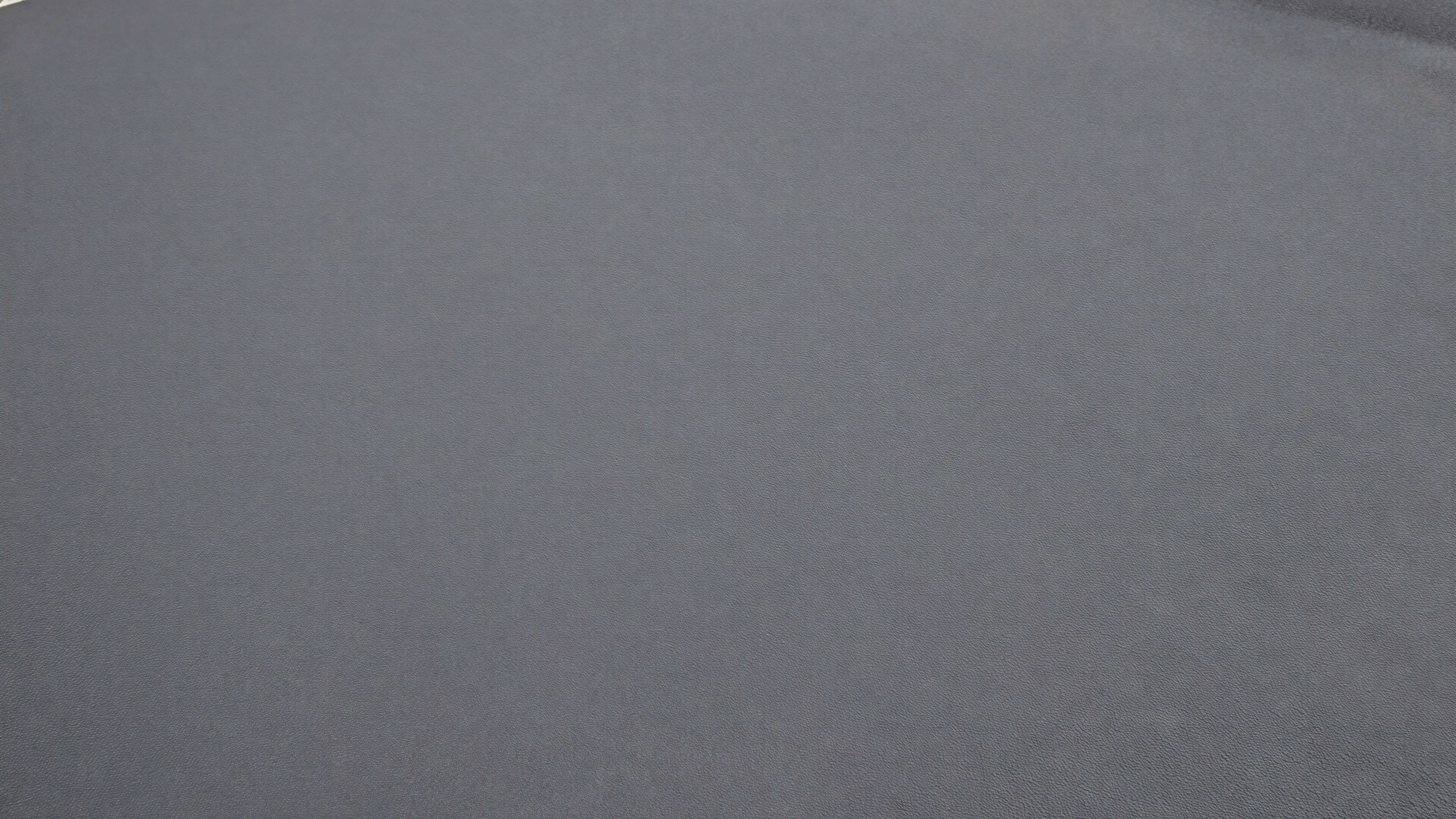
- Dark linen with a visible weave, the softest surface in the set.
- Polished slate with thin veins running through it.
- Old plaster in mixed greys, patchy in a way that hides wear on a busy lock screen.
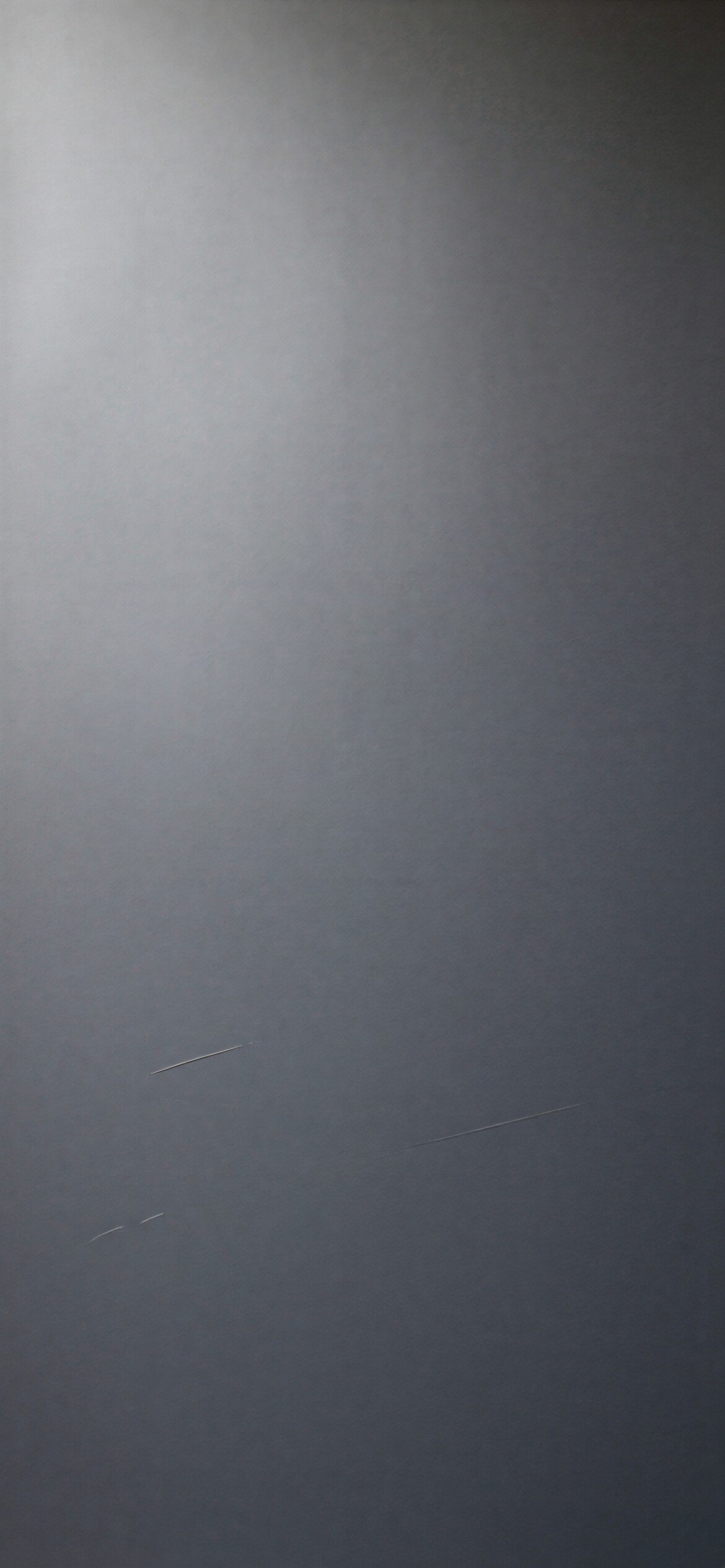
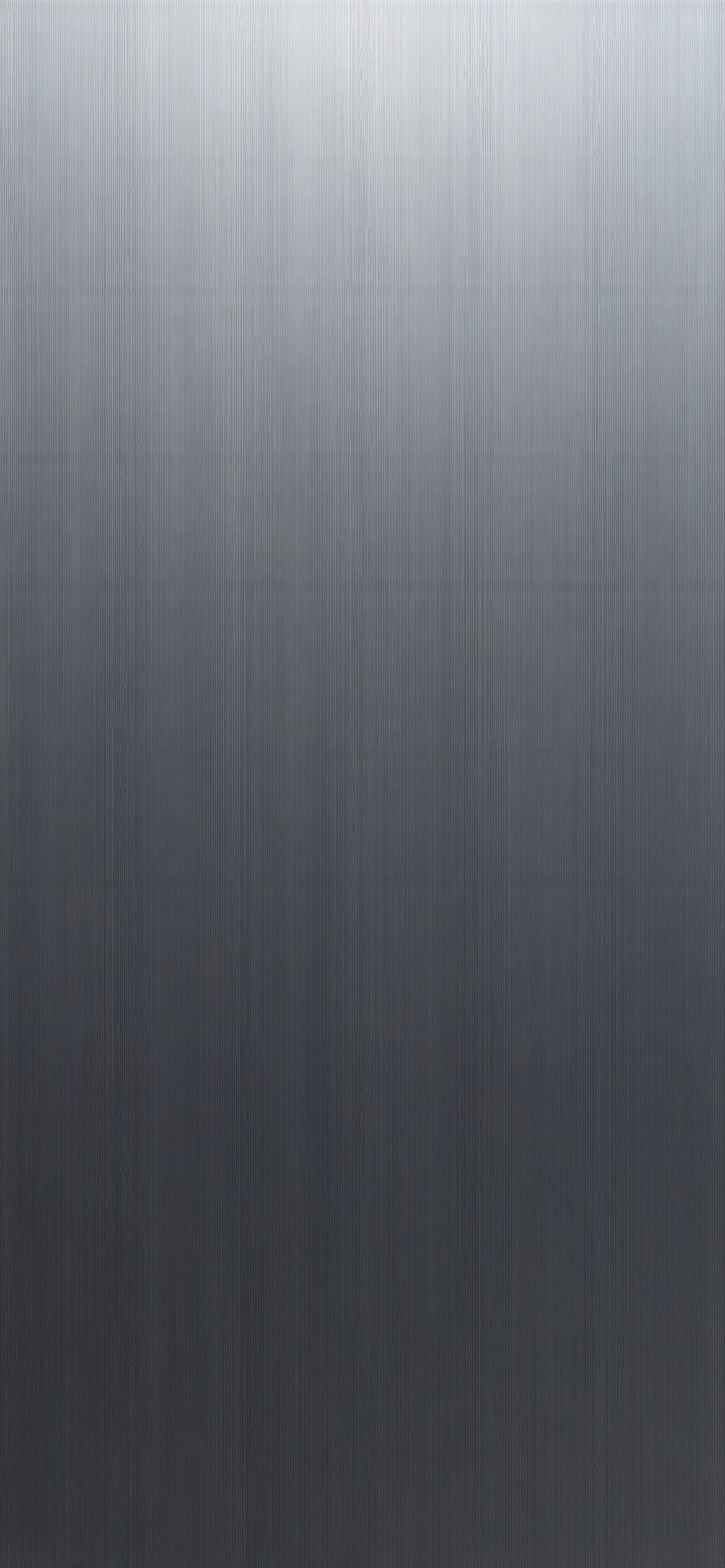
- Brushed metal with straight, parallel grain, which lines up neatly with a row of icons.
- A wide stone plain under an overcast sky, made for a desktop.
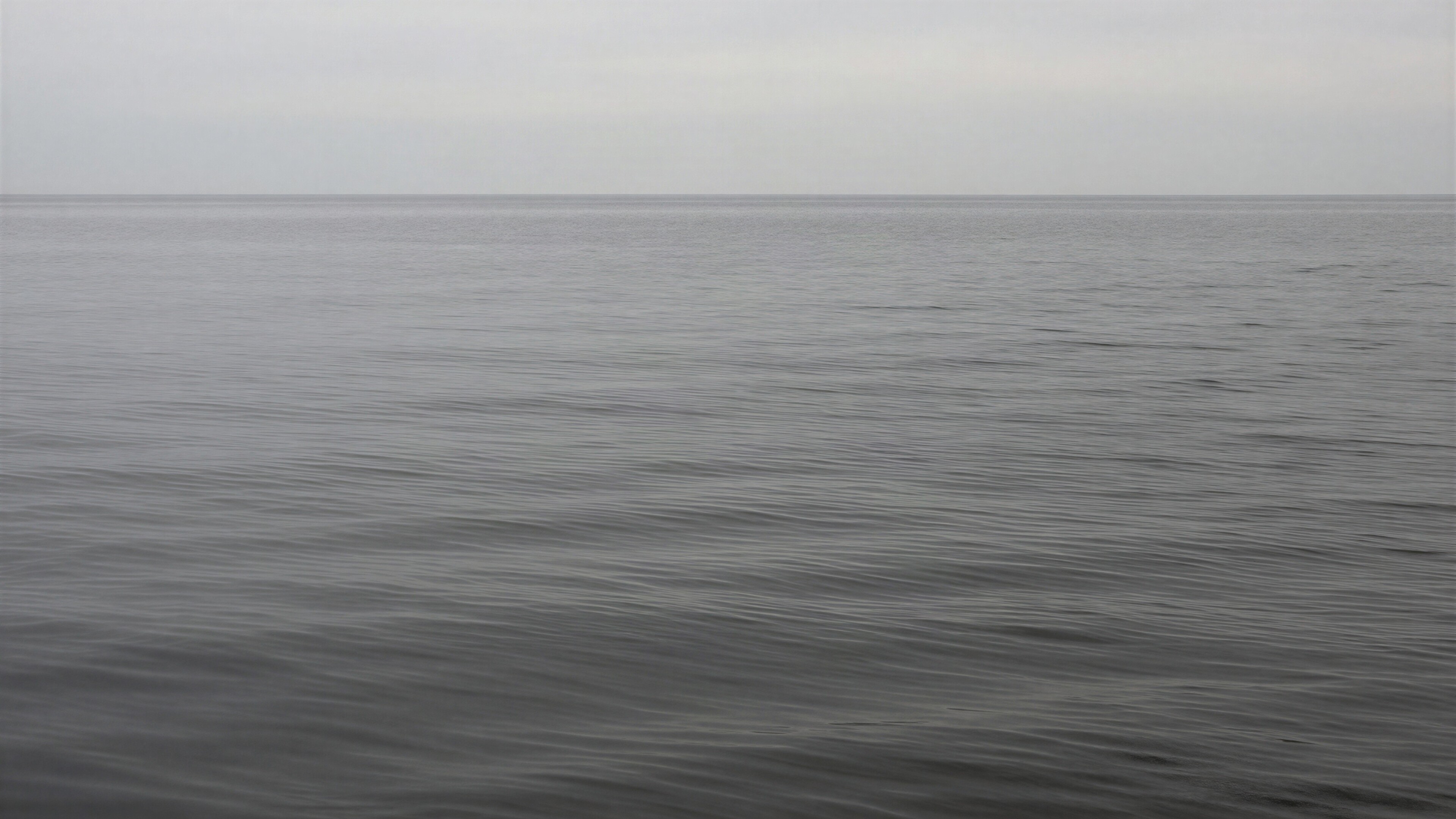
- Still, dark water with small ripples, another wide image.
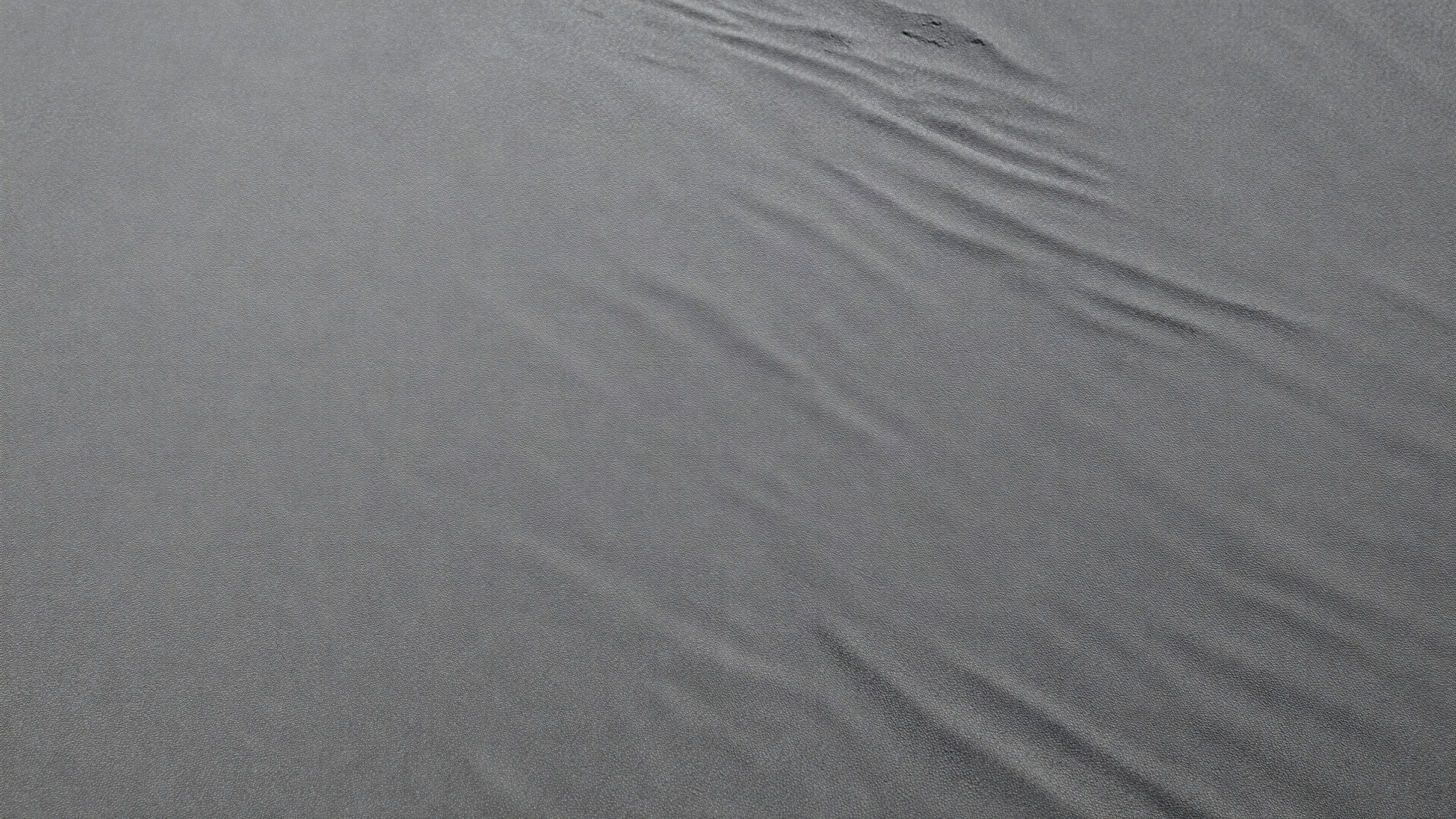
- Fine sand marked by the wind into low ridges.
- Weathered wooden planks laid side by side.
- Cracked asphalt seen up close, the roughest of the landscape set.
Smooth surfaces or soft ones?
Grey changes feel with the surface it sits on. Wallpapers 3, 5 and 7 are smooth and hard, stone, metal and water, and they come across as the coolest and sharpest; they look good on a silver or blue phone. Wallpapers 2, 8 and 9 are soft, natural materials, cloth, sand and wood, and feel warmer and more relaxed. Wallpapers 1, 4, 6 and 10 are the rough, built and weathered ones, which makes them the safest choice if your icons change colour often.
If you want to go darker still, look at the dark aesthetic set or the black aesthetic wallpapers, and for stone in lighter tones there is the marble collection.
How to set it on your screen
- Tap Download under the size that fits your screen.
- On a phone, open Settings, then Wallpaper, and choose the saved image from your photos.
- On a computer, right-click the saved image and choose Set as desktop background.
Step-by-step help: iPhone, Android, Windows and Mac.
Questions
What sizes are included in this set?
These wallpapers are available in two sizes: 1170x2532 pixels for phones and tablets, and 3840x2160 pixels for desktop computers and large monitors. Both sizes are included free with every download.
Can I use these wallpapers commercially or share them elsewhere?
These wallpapers are free for personal use on your own devices only. Selling them, printing them for sale, reposting them on other wallpaper sites or using them for commercial projects is not allowed. Please see our Terms page for full details.
Which designs work best for lock screens versus home screens?
The vertical designs are optimized for lock screens, with simple space at the top for time and notifications. The landscape designs work better on home screens and desktop, where they sit behind app icons without visual clutter. Both styles remain readable with any app color.
Will dark grey wallpapers work with both light and dark mode?
Yes. Dark grey is neutral enough to pair with light mode icons and text while being dark enough for dark mode interfaces. These wallpapers maintain readability and visual balance in either setting, making them practical for everyday use.