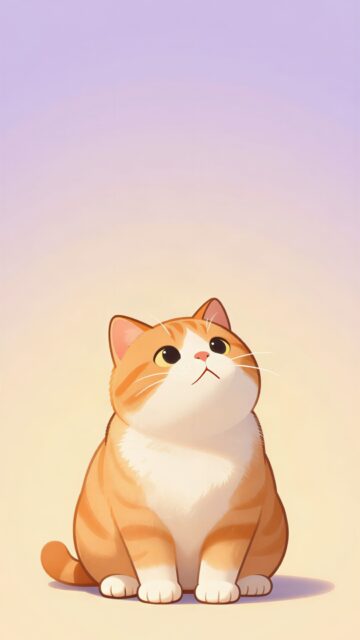
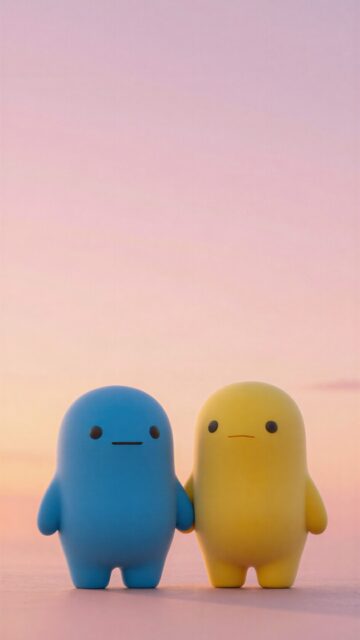
10 wallpapers in 1 collections · last added 3 Oct 2026 · sizes for iPhone, Android, desktop and tablet
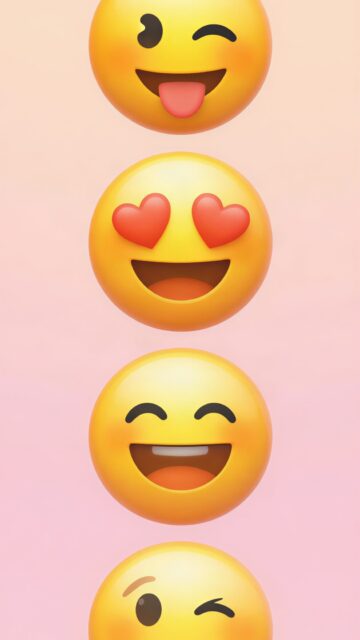
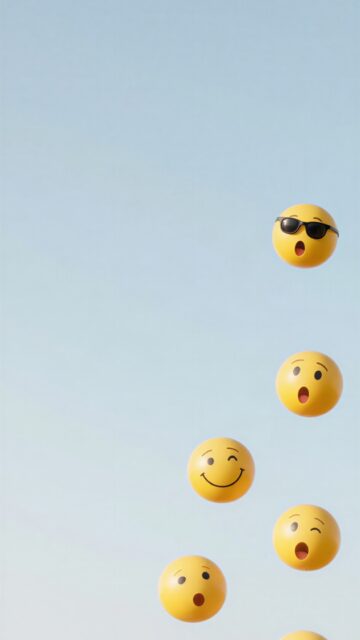
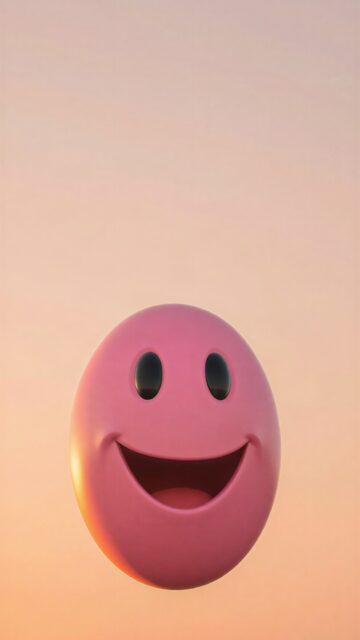
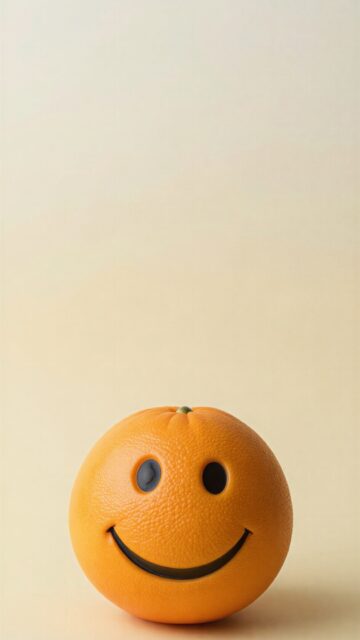
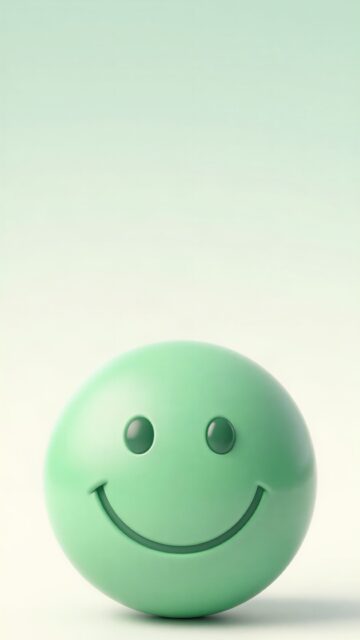
An emoji wallpaper turns the tiny icons you send every day into full-screen art. Here you'll find grids of smiling faces, giant single emoji on bold color, heart-eyes and laughing-crying faces, fire, stars and sparkles, plus mood-themed layouts that mix many icons into one cheerful pattern. Some emoji backgrounds go loud and bright, while others keep things clean with one character floating on a soft gradient. They all sit inside the larger cute collection along with characters and doodles.
You get 10 wallpapers in every collection, each made in one theme and one size. Phone files are 1170x2532 for iPhone and 1080x2400 for Android, and they work on the lock screen as well as behind your apps. Larger sets cover iPad at 2048x2732 and laptops at 1920x1080. The designs are our own original drawings in an emoji-like style rather than copies of any phone maker's icon set, and each one is checked by hand before it goes up. Downloads are free for personal use.

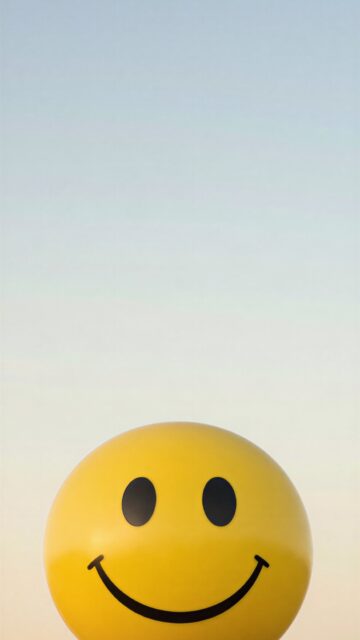
Think about the mood you want to send every time you unlock. A single huge face reads instantly and makes a strong lock screen, especially when it sits in the lower two-thirds. Busy collages of dozens of tiny faces are better as home screen backgrounds, where icons break up the pattern anyway. Contrast matters too: yellow faces pop on navy, purple or black, but disappear on pale yellow. If you love the classic yellow grin on its own, see smiley face wallpapers; for hand-drawn icons in a looser style, try doodles, and the yellow wallpapers page has backgrounds that match the emoji color. A few combinations that work well:
Yellow emoji faces need a darker or more saturated background to stand out, so for a clean look pair them with navy, purple or teal rather than white or cream.
Our iPhone emoji wallpapers are 1170x2532 and the Android versions are 1080x2400. Both are full-screen portrait images, so the icons stay crisp and round instead of blurry. On phones with other screen shapes, the system crops a little from the edges, so it is best to choose designs with the main emoji well inside the frame.
A pattern usually works better on the home screen. When one large face sits behind your apps, icons tend to land on its eyes or mouth and hide the expression. Small repeating emoji look fine even with icons on top. Save the oversized single face for the lock screen, where only the clock covers it.
They are free to download and use on your own devices, with no sign up and no watermark. Commercial use is not allowed, which means no reselling, merch, ads or reposting on other sites. See our Terms of Use for details. The designs are original artwork made in an emoji style.
New collections are published every day across the whole site, and fun themes like emoji are added on a regular rotation. Each set includes 10 wallpapers in one device size. Bookmark the latest wallpapers page to catch new ones as soon as they are released.
The word emoji comes from Japanese, combining e (picture) and moji (character); it is not related to the English word emotion. One of the best-known early sets was designed by Shigetaka Kurita for a Japanese mobile service in 1999. Emoji later became part of the Unicode standard, which is why they now show up on almost every phone.
People pick them the same way they pick emoji in texts. Heart-eyes and red hearts suggest love or a crush, laughing faces feel playful, sparkles and stars read as positive energy, and a calm smiling face gives a relaxed, friendly vibe. A wallpaper filled with one repeated emoji makes that mood the first thing you see.
Yes, emoji designs are a popular choice for children's phones and tablets because the faces are instantly recognizable and cheerful. Choose a cleaner layout with fewer icons so apps stay easy to spot. For tablets, look for iPad collections at 2048x2732 so the faces stay sharp on the larger screen.
Download a laptop (1920x1080) or Desktop 4K (3840x2160) collection, open your display settings and choose the image as your background. Our guide for Windows and Mac walks through each step. Use the fill option, and keep the main face away from where your desktop icons cluster on the left.
Every wallpaper is reviewed by a person before it goes live: we remove images with odd details or blur and check the crop for each device. How we check wallpapers
Something wrong with an image? Report an image · Free for personal use, see the Terms.