Teddy Bear Wallpaper iPhone
Teddy bear iPhone wallpaper with soft plush bears, warm pastels and cozy scenes is free to download for your phone, no sign up needed. These teddy bear wallpapers feature adorable bears in gentle settings that work year-round. The teddy bear designs use warm colors and simple backgrounds that keep your lock screen calm and your home screen charming.
10 wallpapers at 1170 × 2532 px for iPhone. Checked by hand on 14 Oct 2026.
About this set
These teddy bear wallpapers bring warmth and comfort to your iPhone with soft plush bears in gentle, cozy scenes. Each design uses warm pastels and simple backgrounds that feel calm and inviting. The bears are centered or positioned in the lower half of the screen, leaving plenty of breathing room at the top for your lock screen to stay readable and peaceful.
The lock screen designs work best with minimal text overlays since the bears and soft gradients fill the frame gently. Use these on your home screen to add a comforting touch behind your app icons, or pair them with warm-toned icon themes to match the cozy mood. The soft colors work well in both light and dark mode settings.
Solo bears, a pair and a little trio
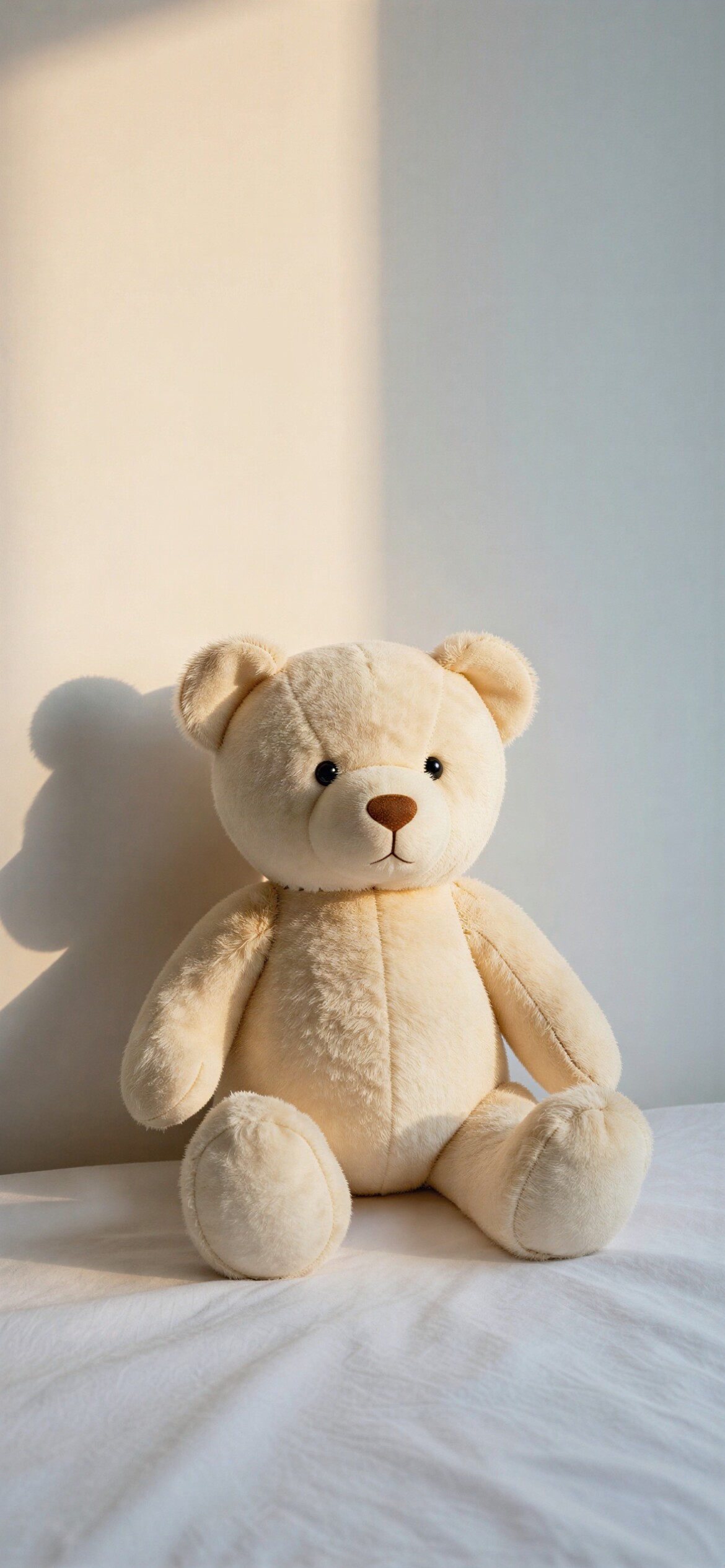
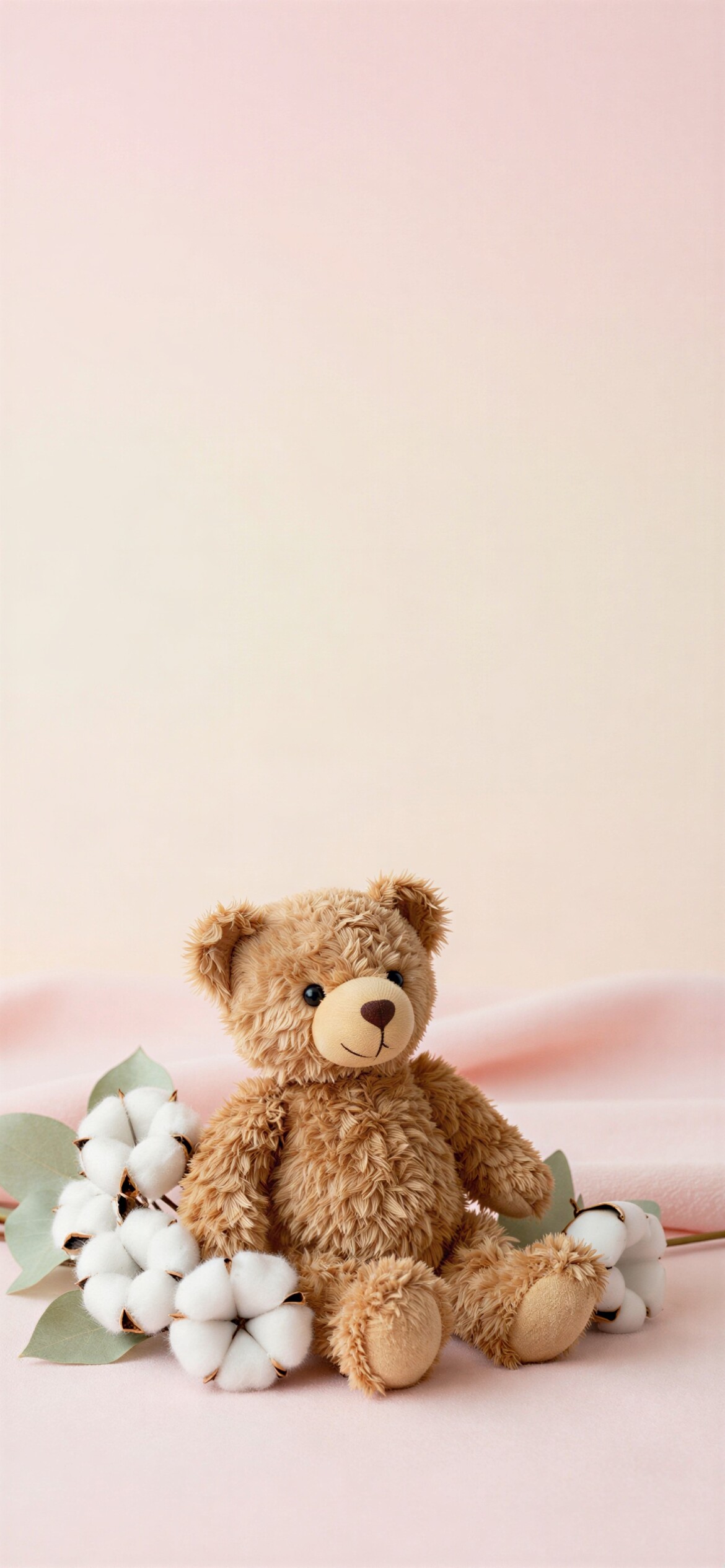
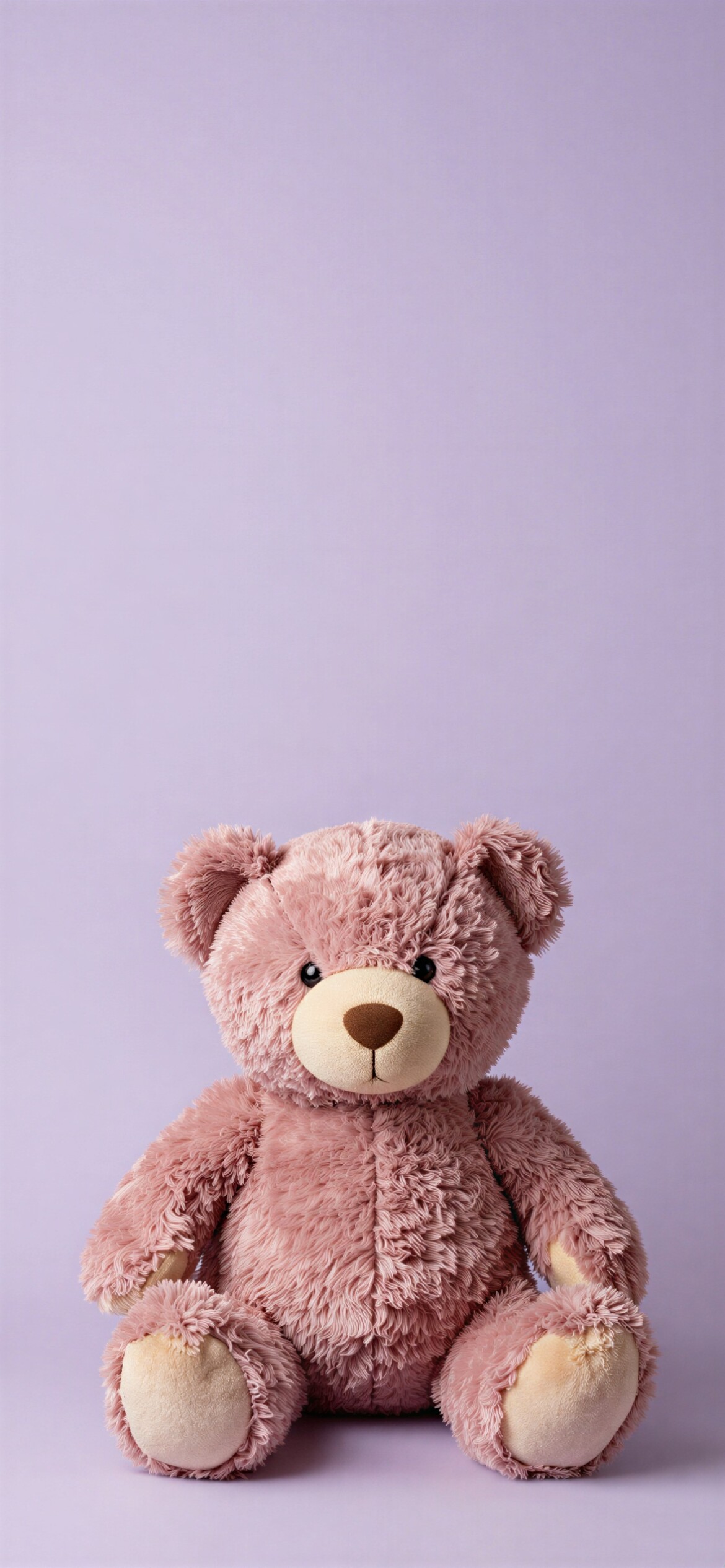
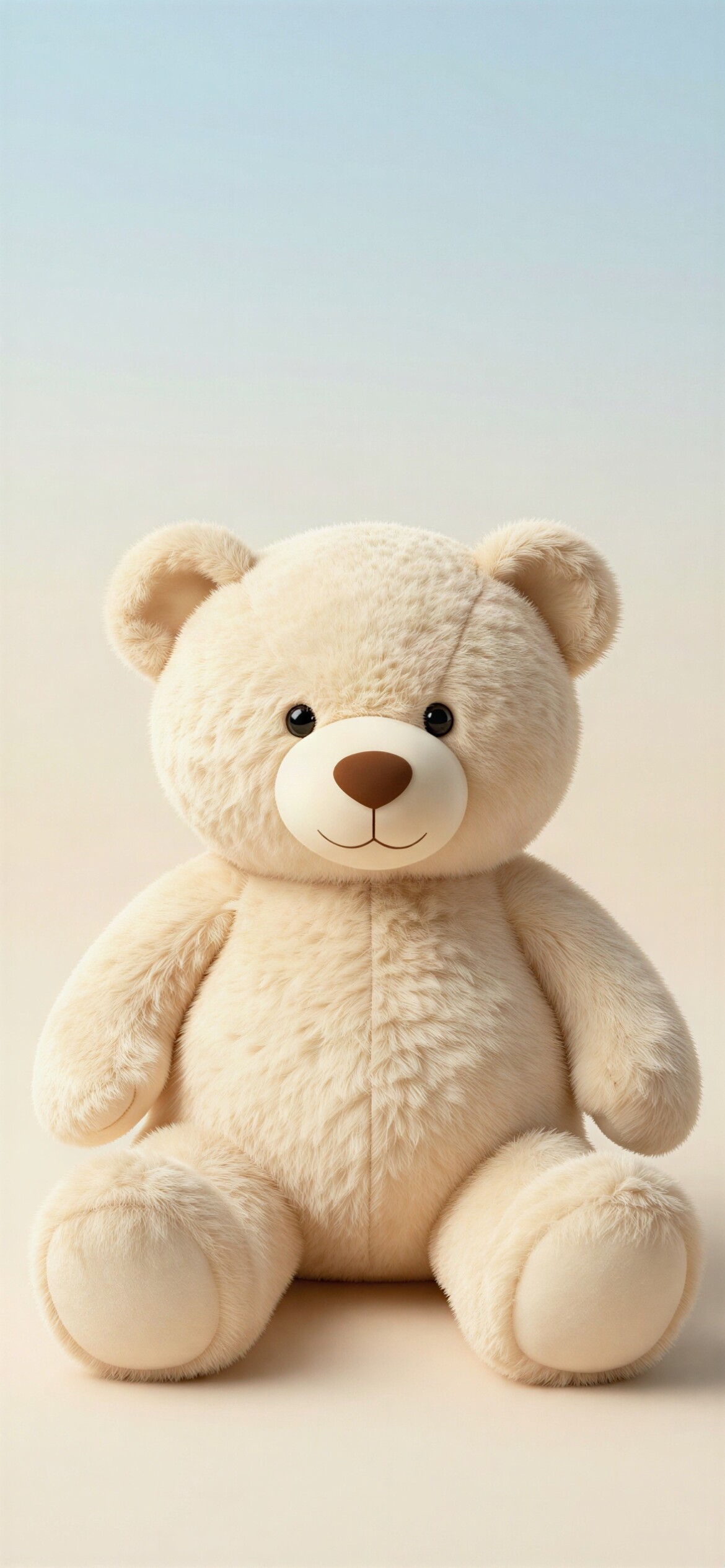
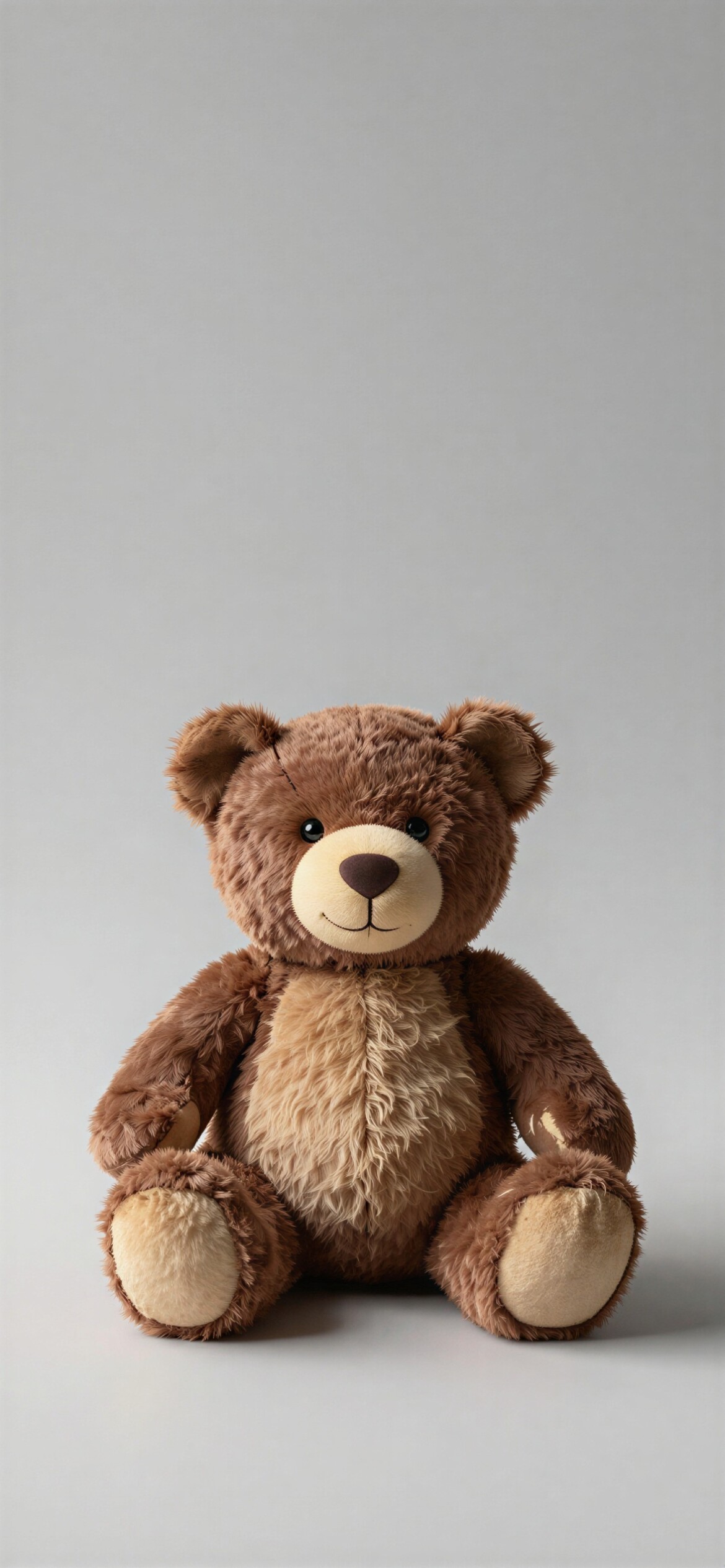
Most of the set gives one bear the whole frame. Wallpaper 1 has a cream bear on white bedding in warm golden light, 2 puts a brown bear on a pink blanket with cotton flowers, and 4 sets a dusty rose bear against a lavender gradient. Number 7 is the biggest bear of the lot, cream on a blue to cream fade, and 9 is a chocolate brown bear on plain warm grey, the simplest background here.
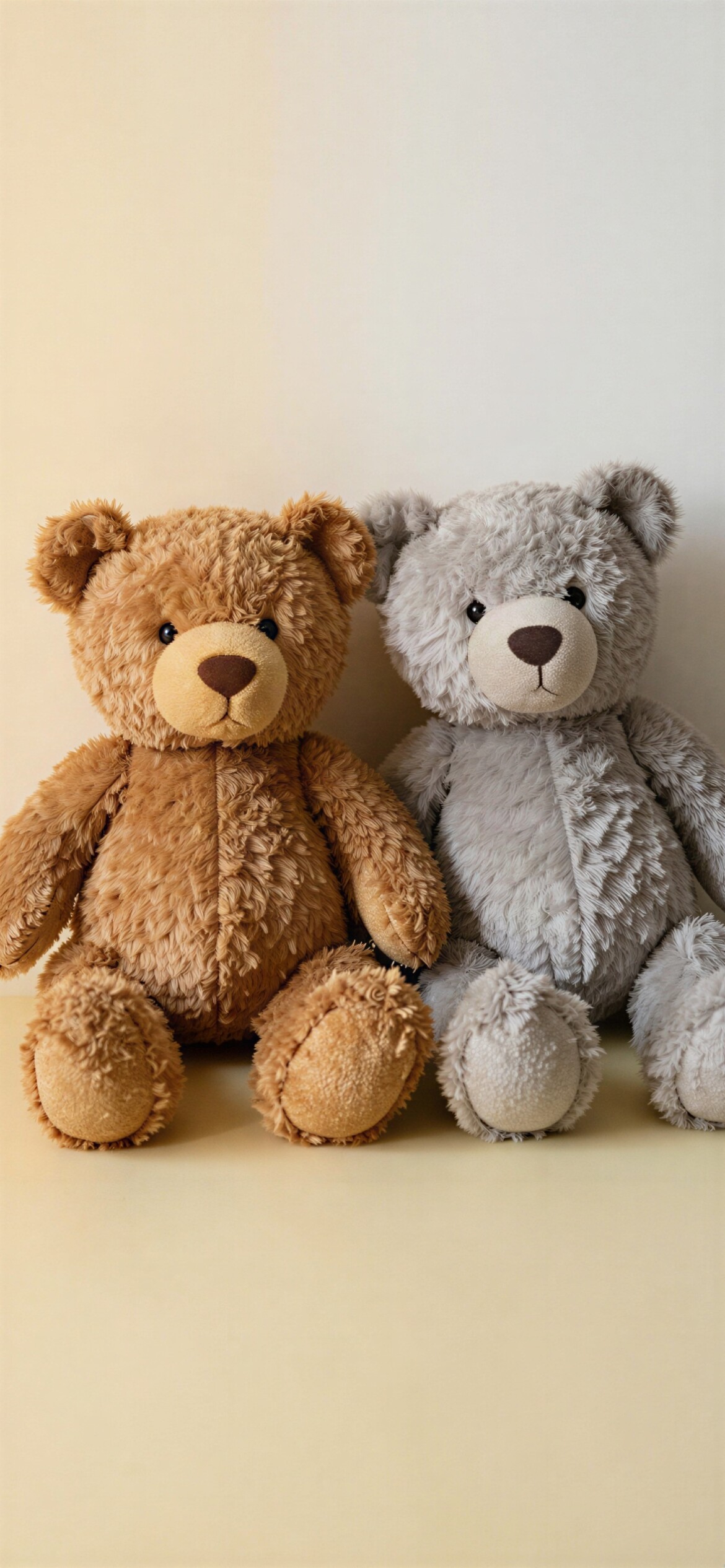
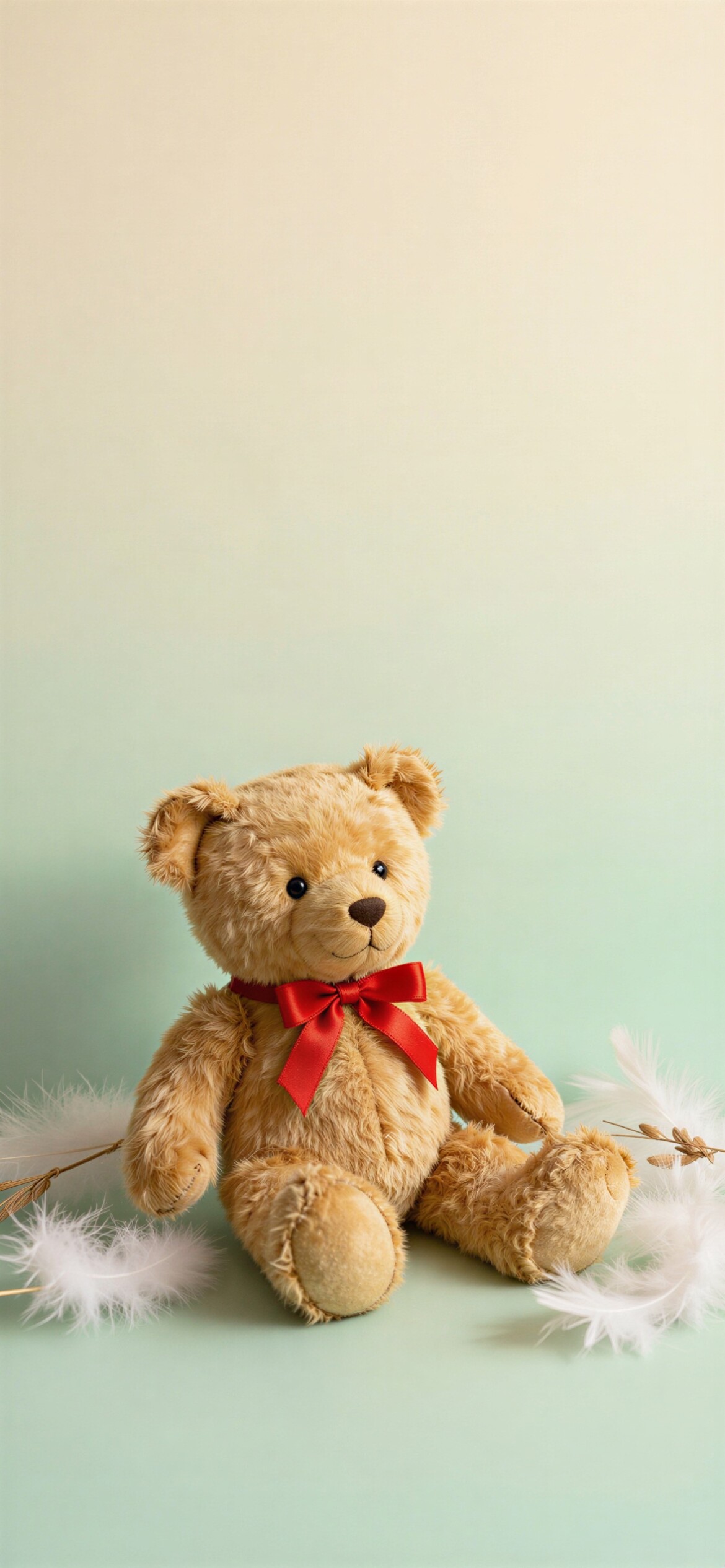
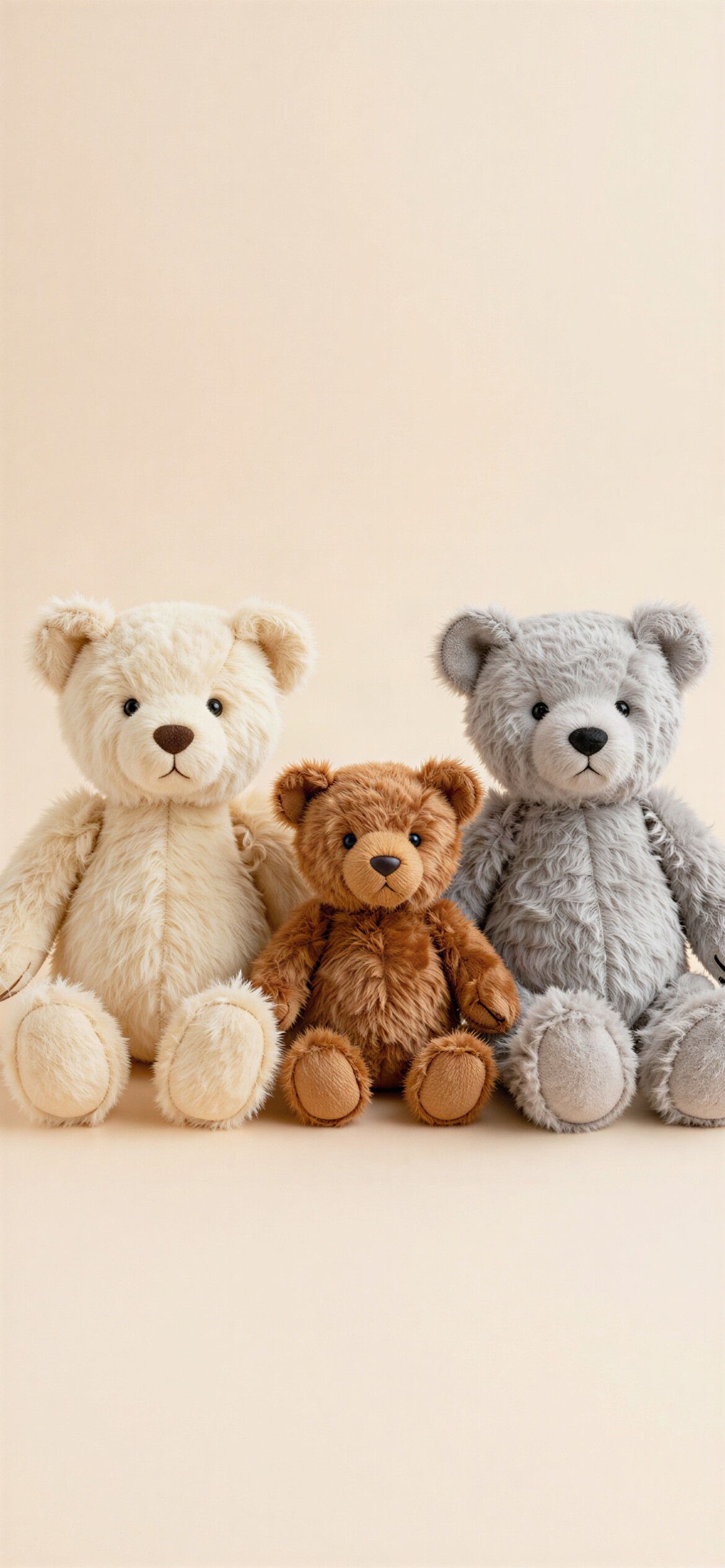
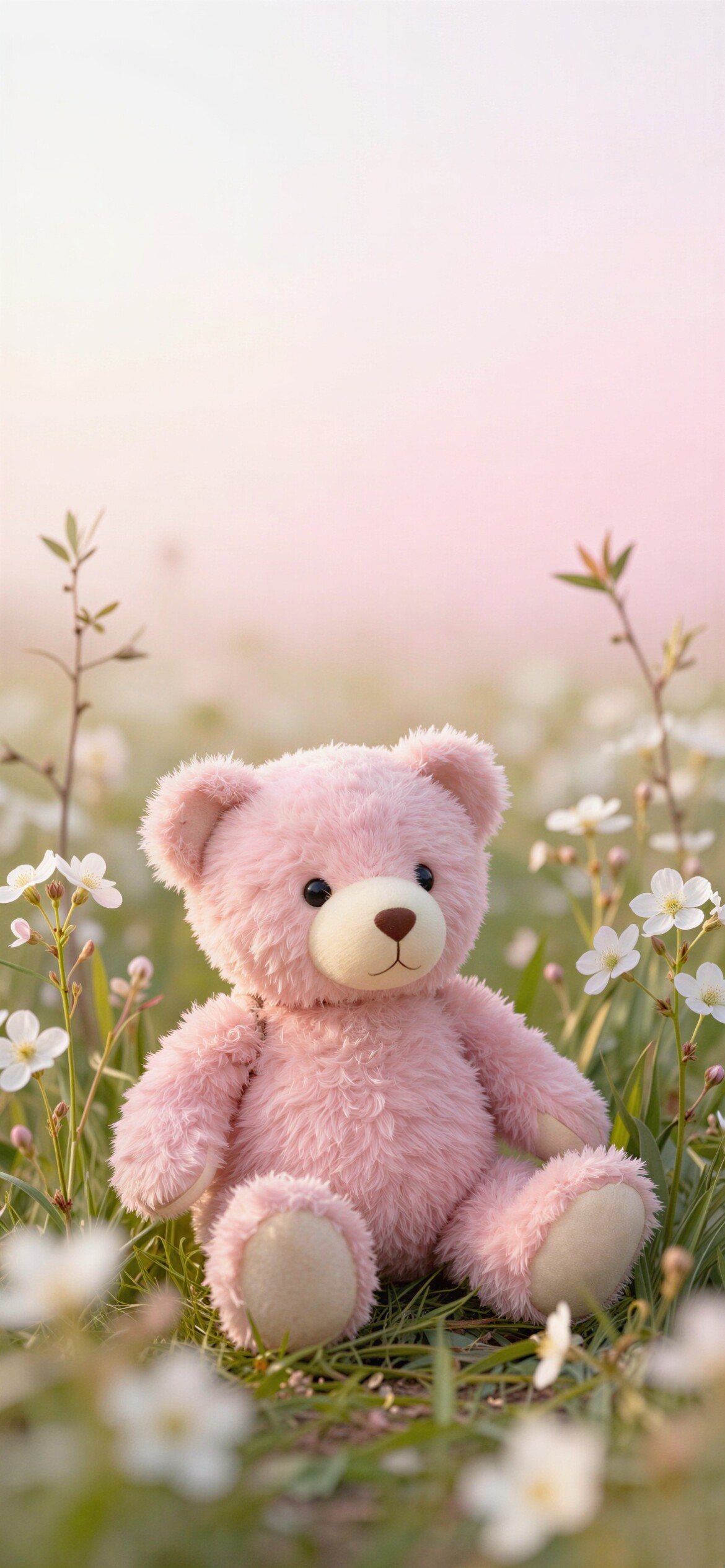
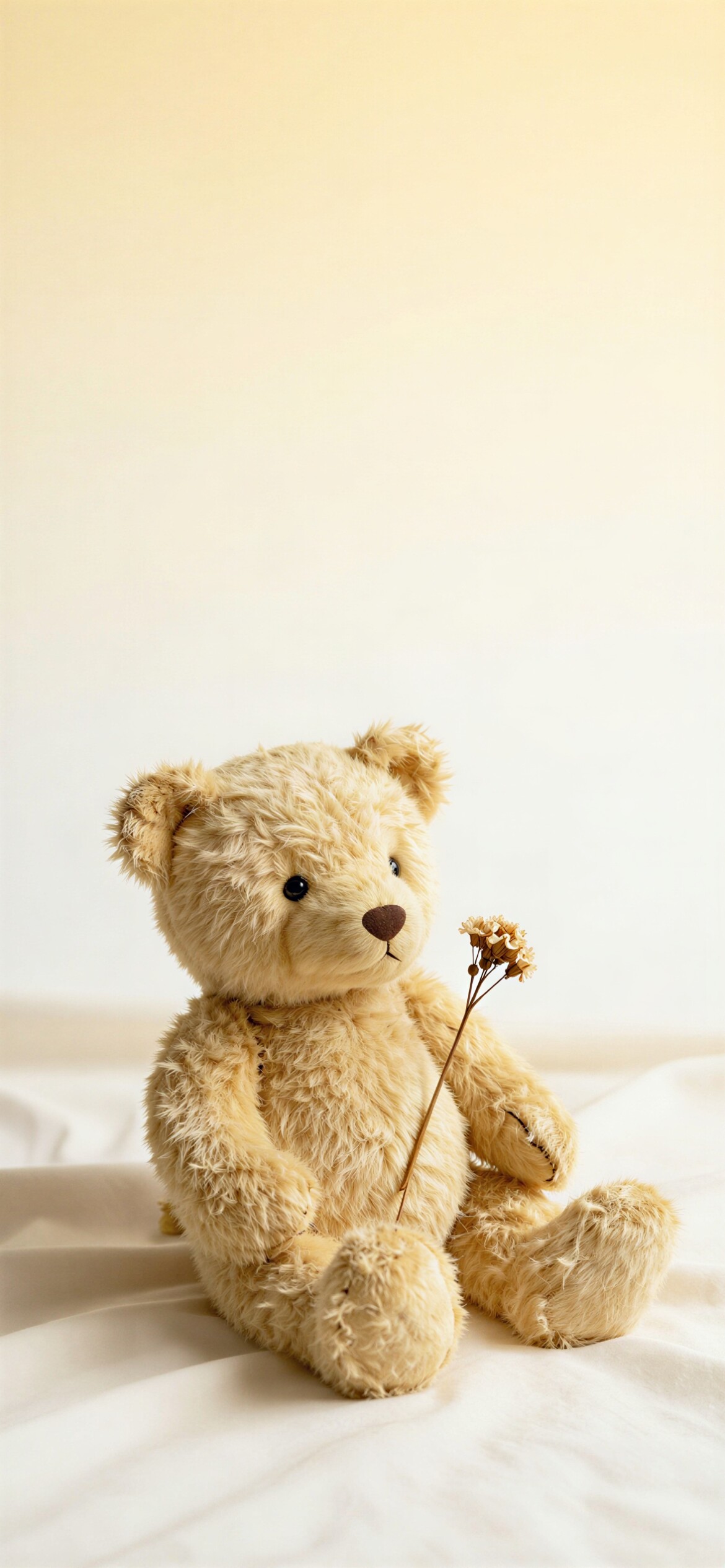
A few designs add props. Wallpaper 5 is the old-fashioned one, a tan bear with a red bow among loose feathers. Number 8 surrounds a soft pink bear with wildflowers and branches, and 10 shows a golden bear holding a dried flower on cream fabric. Then there are the groups: two plush bears leaning on each other on a yellow cushion in 3, and three small bears in cream and grey in 6. Those two make sweet picks to share with a sibling or a friend.
A president, a cartoon and a toy shop
The teddy bear is named after Theodore "Teddy" Roosevelt. On a hunting trip in Mississippi in 1902, he refused to shoot a bear that had been tied up for him, and a newspaper cartoon by Clifford Berryman made the story famous. A Brooklyn shopkeeper, Morris Michtom, soon sold a stuffed toy he called Teddy's bear. Around the same time the Steiff company in Germany was making jointed plush bears, and the two strands together turned the toy into a worldwide favourite. The tan fur and ribbon in wallpaper 5 are a nod to that early look.
Cream, rose or chocolate
The palest group, 1, 6, 7 and 10, keeps the screen light and suits dark text widgets. The pinks in 2, 4 and 8 feel the most playful, while 3, 5 and 9 carry the warmer browns and yellows, which look cosy behind gold or beige icons.
For more soft and sweet backgrounds, browse the cute pink wallpapers, the pastel kawaii set or the cute cat collection.
How to set it on your iPhone
- Tap Download and save the image to Photos.
- Open Settings, tap Wallpaper, then Add New Wallpaper, and choose Photos.
- Pick the wallpaper, pinch to position it, then tap Add and choose the lock screen, home screen or both.
Stuck on a step? The iPhone and iPad guide has screenshots for each one.
Questions
Will these wallpapers fit my iPhone screen without cropping?
Mostly, yes. These teddy bear wallpapers are sized at 1170x2532 pixels for modern iPhones, where they display edge to edge. Some older models may crop slightly at the edges.
Can I use these wallpapers for personal use?
Yes, you can download and use these wallpapers free on your own iPhone for personal use. Selling them, printing them for sale, or reposting them on other wallpaper sites is not allowed. See our Terms page for the full details.
Which teddy bear wallpapers work best for lock screen versus home screen?
All of these designs work for both, but the ones with the most empty space at the top are ideal for lock screens where your time and notifications display. The bears positioned lower suit home screens well, letting your app icons sit comfortably without overlapping the bear.
Do these teddy bear wallpapers work year-round?
Yes. These designs use timeless soft colors and cozy themes that feel right in any season. The warm pastels and gentle aesthetic work well whether you want comfort in winter or a soft, calm vibe during warmer months.