Kawaii Wallpaper iPhone
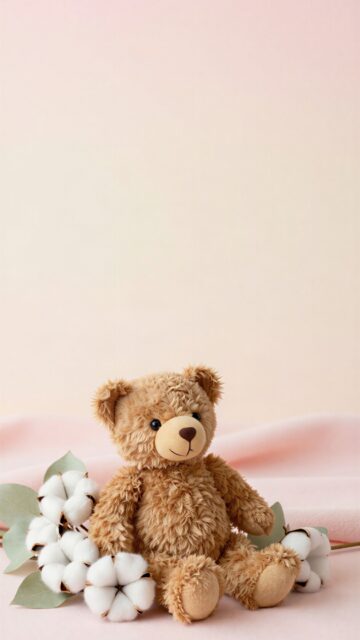
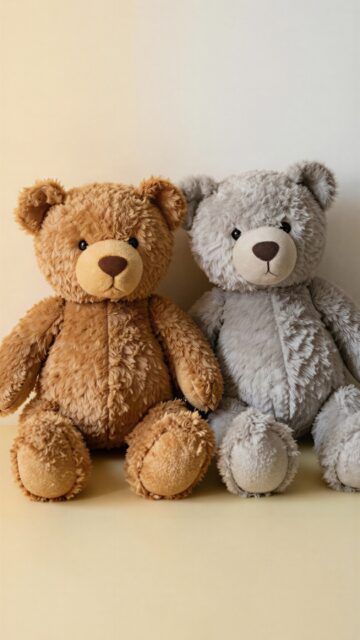
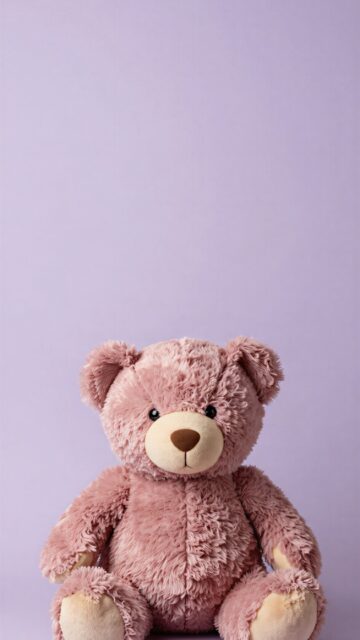
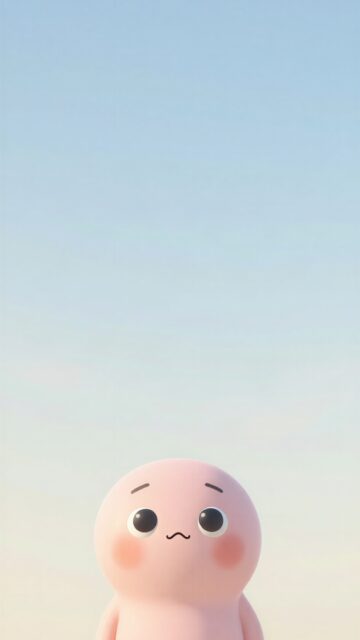
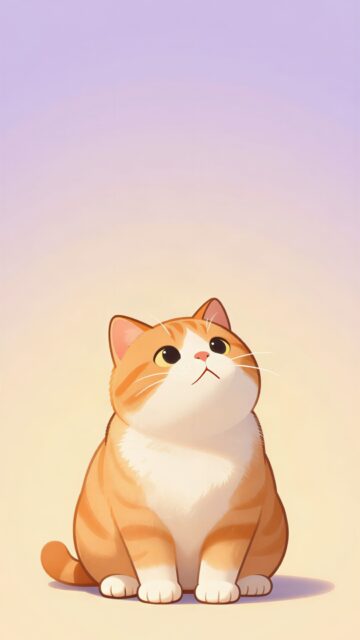
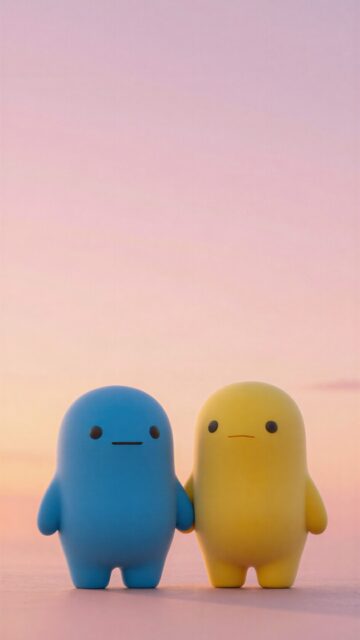
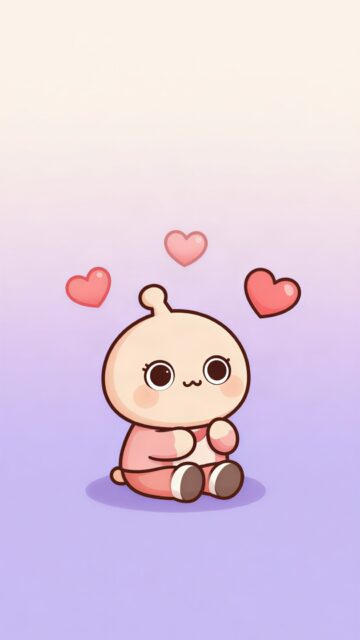
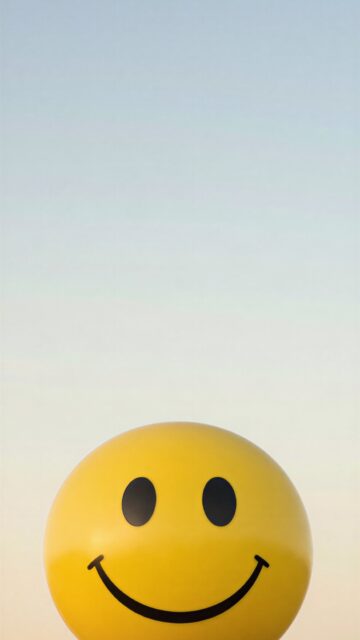
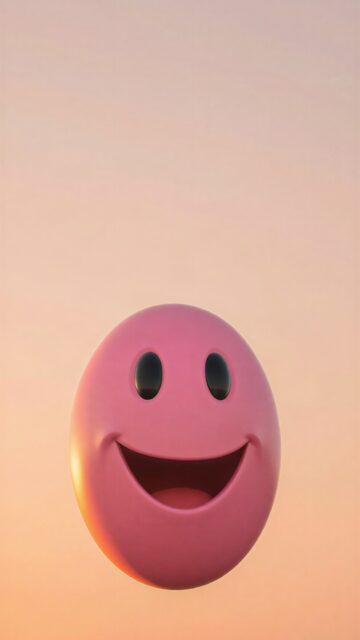
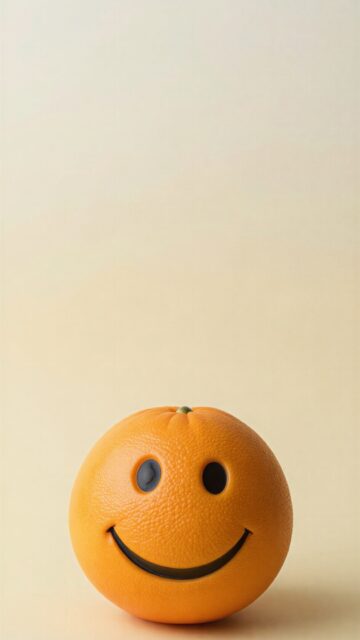
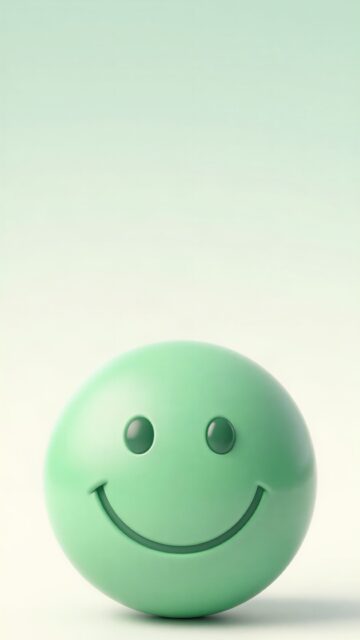
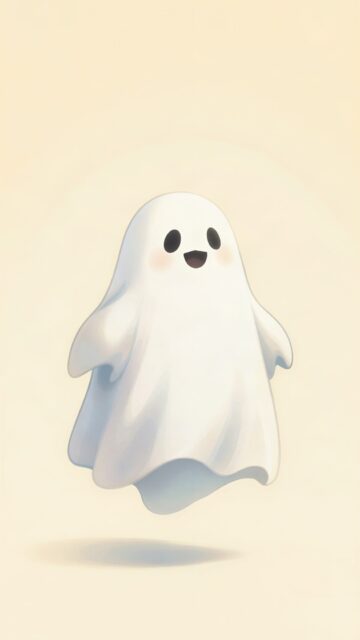
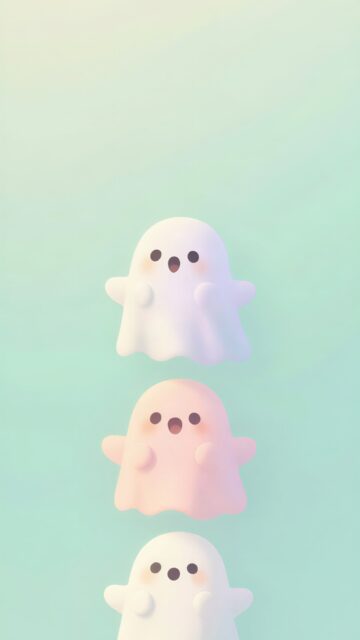
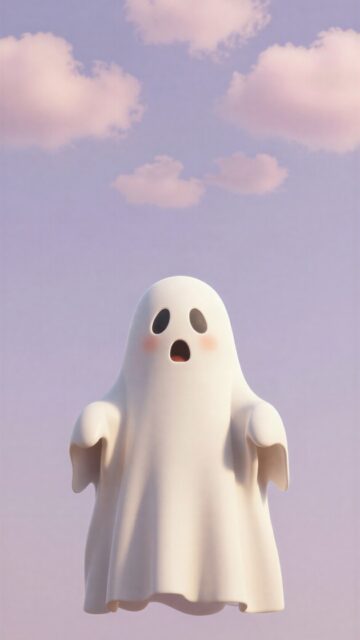
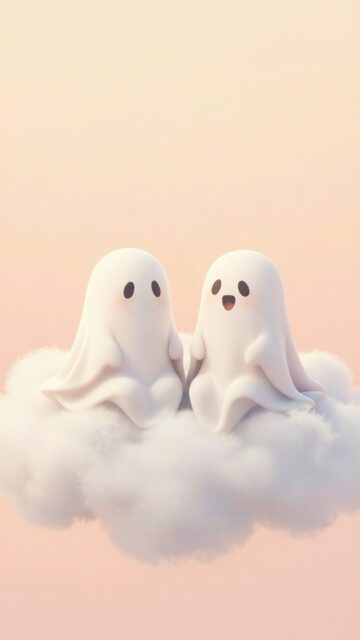
Kawaii wallpaper for iPhone brings cute characters, soft pastels and playful designs to your lock and home screens. These wallpapers feature charming illustrated subjects in cheerful, gentle colors that make every unlock feel a little brighter. The kawaii style keeps things lighthearted and fun, perfect for anyone who loves adorable details and whimsical artwork on their phone.
10 wallpapers at 1170 × 2532 px for iPhone. Checked by hand on 10 Oct 2026.
About this set
This kawaii collection is drawn in a cute cartoon style with soft pastel colors, rounded shapes and gentle expressions. Each design features a single charming character or small group centered in the lower half, leaving the top open for a simple sky or gradient background. The style works beautifully on both lock screens and home screens, since the simple top half keeps icons and widgets readable.
These wallpapers pair well with pastel or soft-color app icons and work across both light and dark mode themes. The playful mood suits anyone who enjoys whimsical, child-friendly artwork without being childish. Each design stands alone, so you can rotate them by mood or season.
Round faces, rosy cheeks and a cat with no mouth
Kawaii is simply the everyday Japanese word for cute, but since the 1970s it has also named a whole visual style. Part of it started on paper: teenage girls in Japan took up a rounded, bubbly handwriting decorated with little hearts and faces, and stationery makers soon followed. In 1974 Sanrio introduced Hello Kitty, a white cat with a bow and no mouth, and her plain, friendly face became a model for countless characters since.
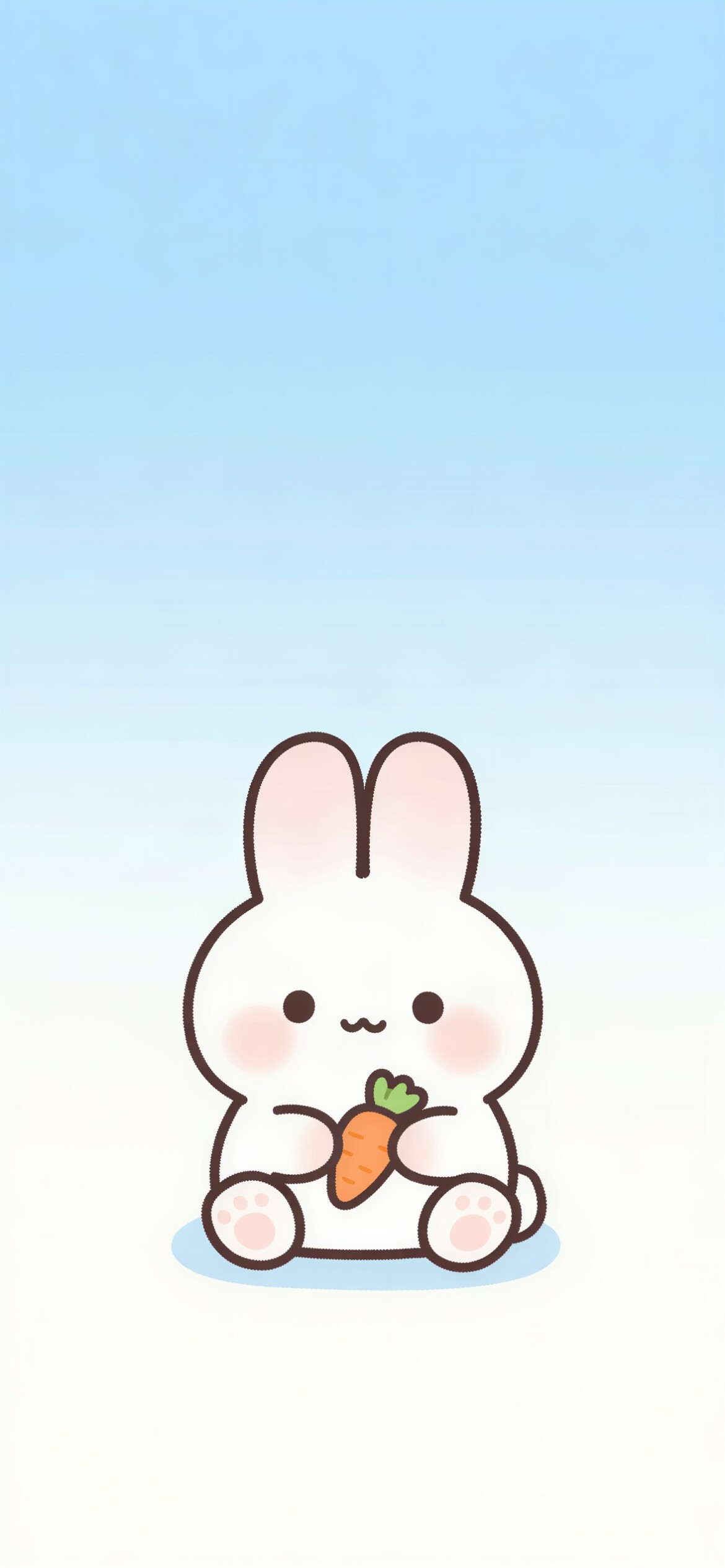
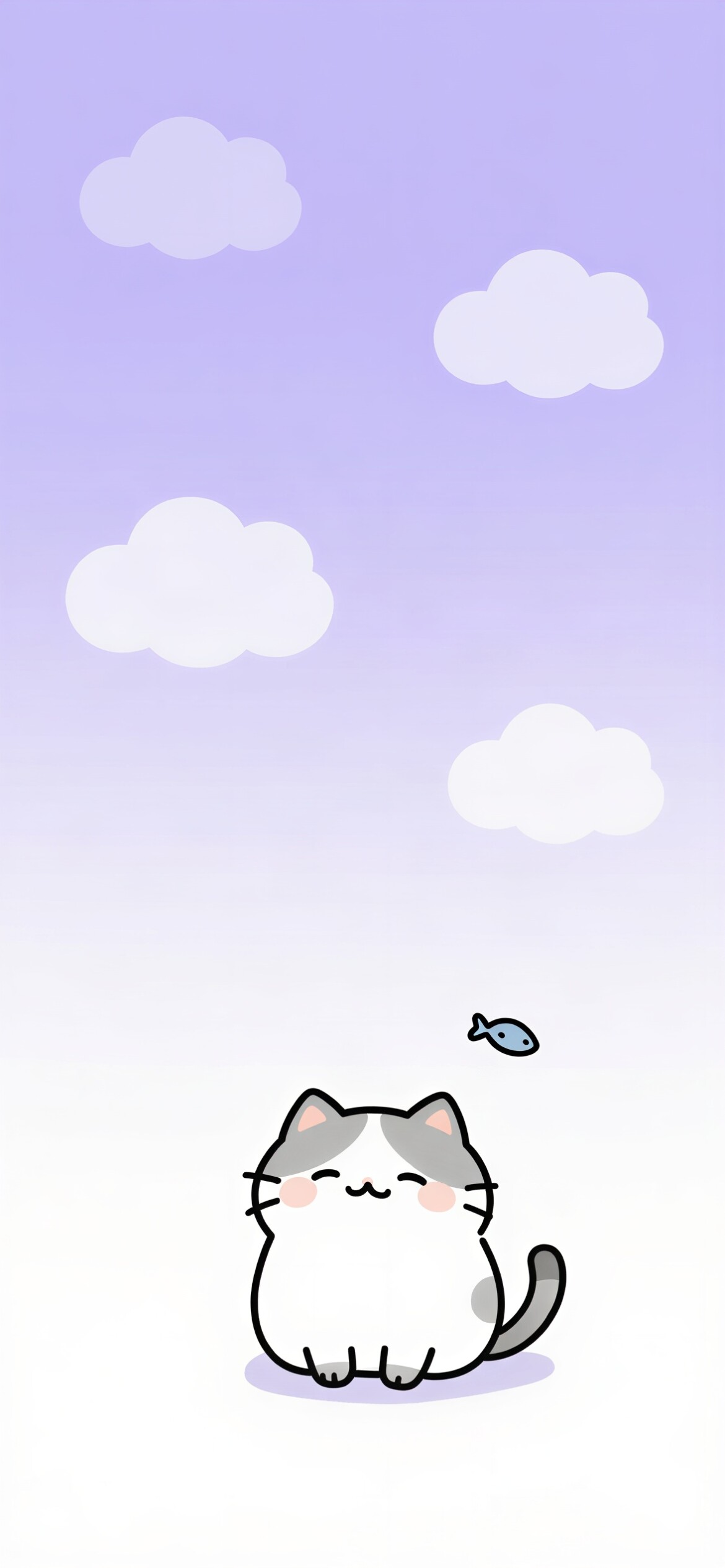
The shapes in this set follow rules that go back further. In 1943 the zoologist Konrad Lorenz described the "baby schema": a big round head, large eyes low on the face and a small body tend to make people feel warm and protective. The round bunny in #1, the cat with pink cheeks in #3 and the plump sheep in #9 all lean on that idea. Blush marks, tiny smiles and soft outlines do the rest.
Animals, snacks and one sleepy moon
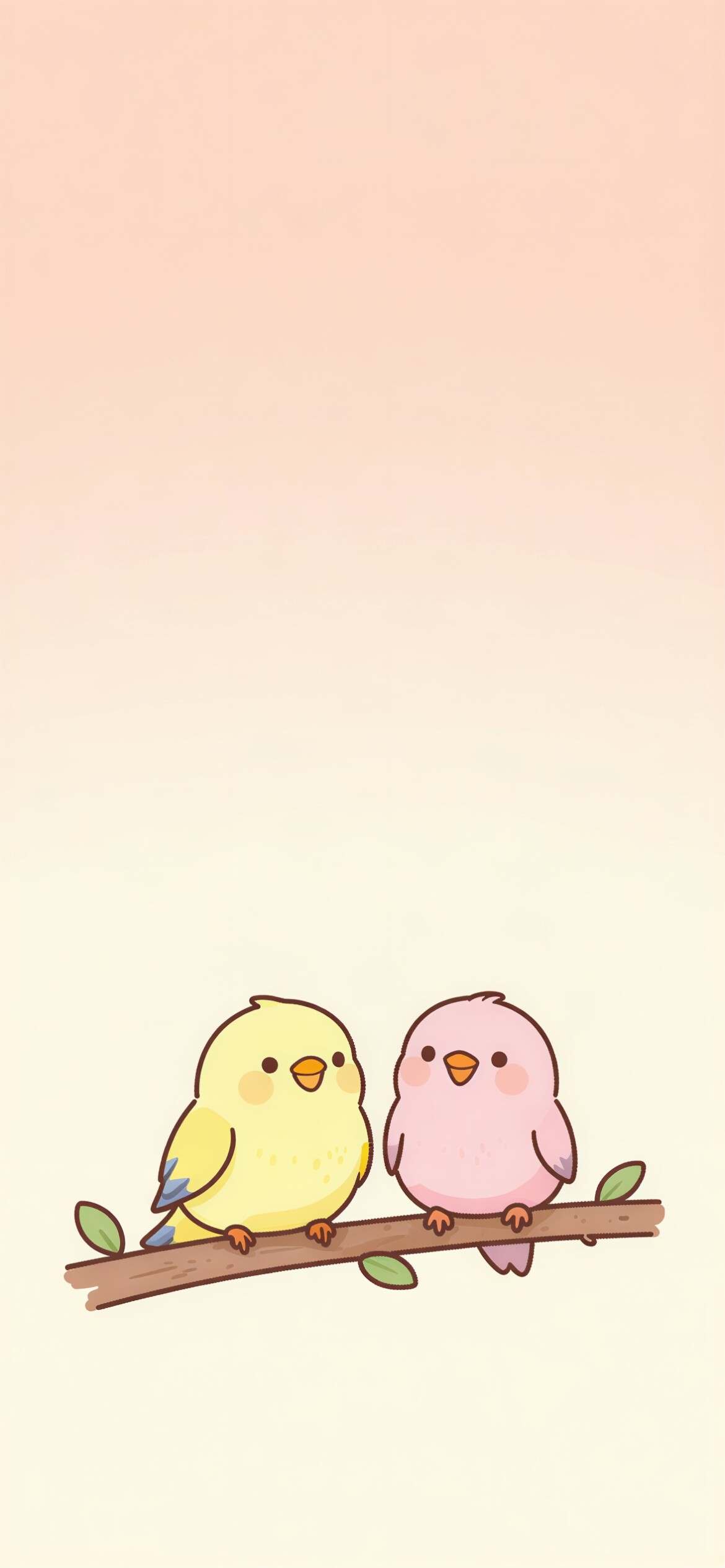
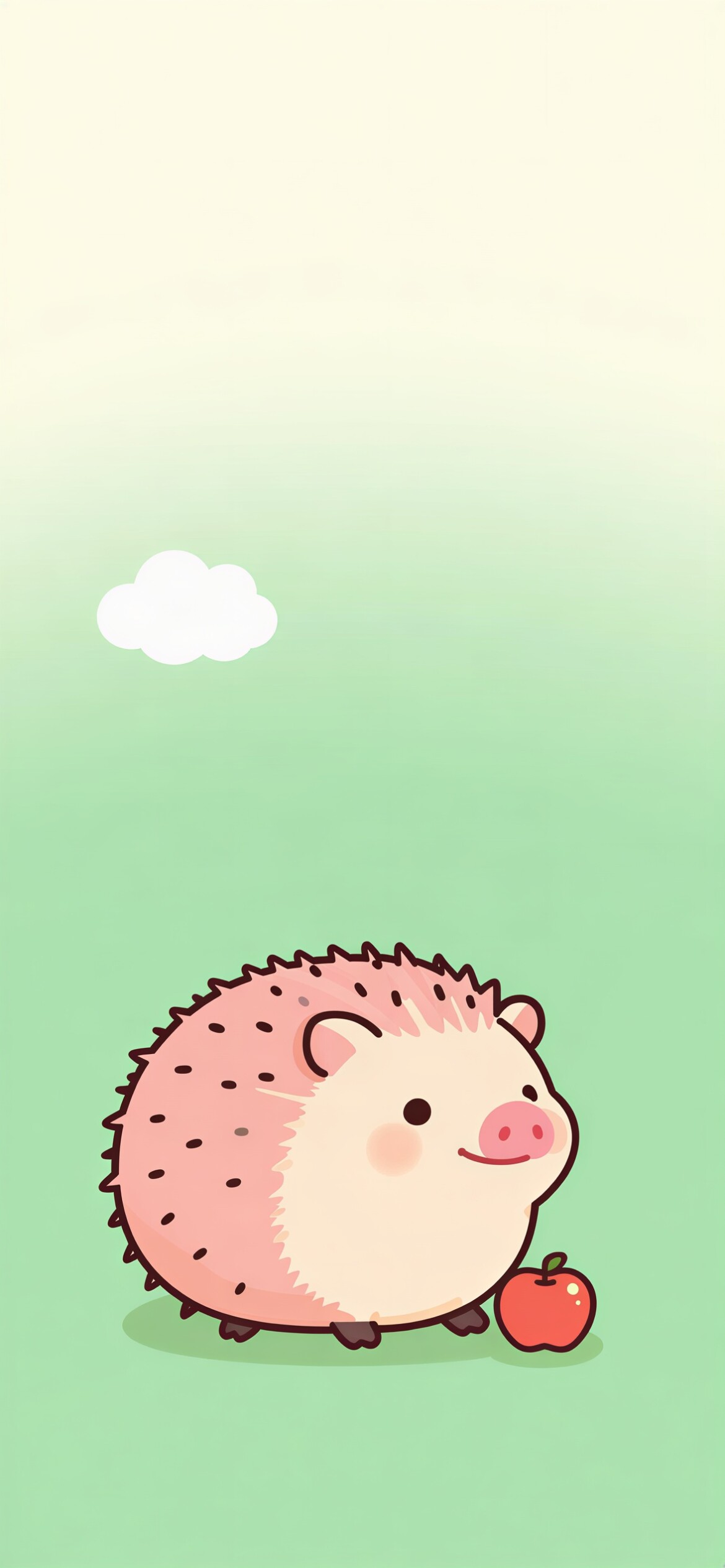
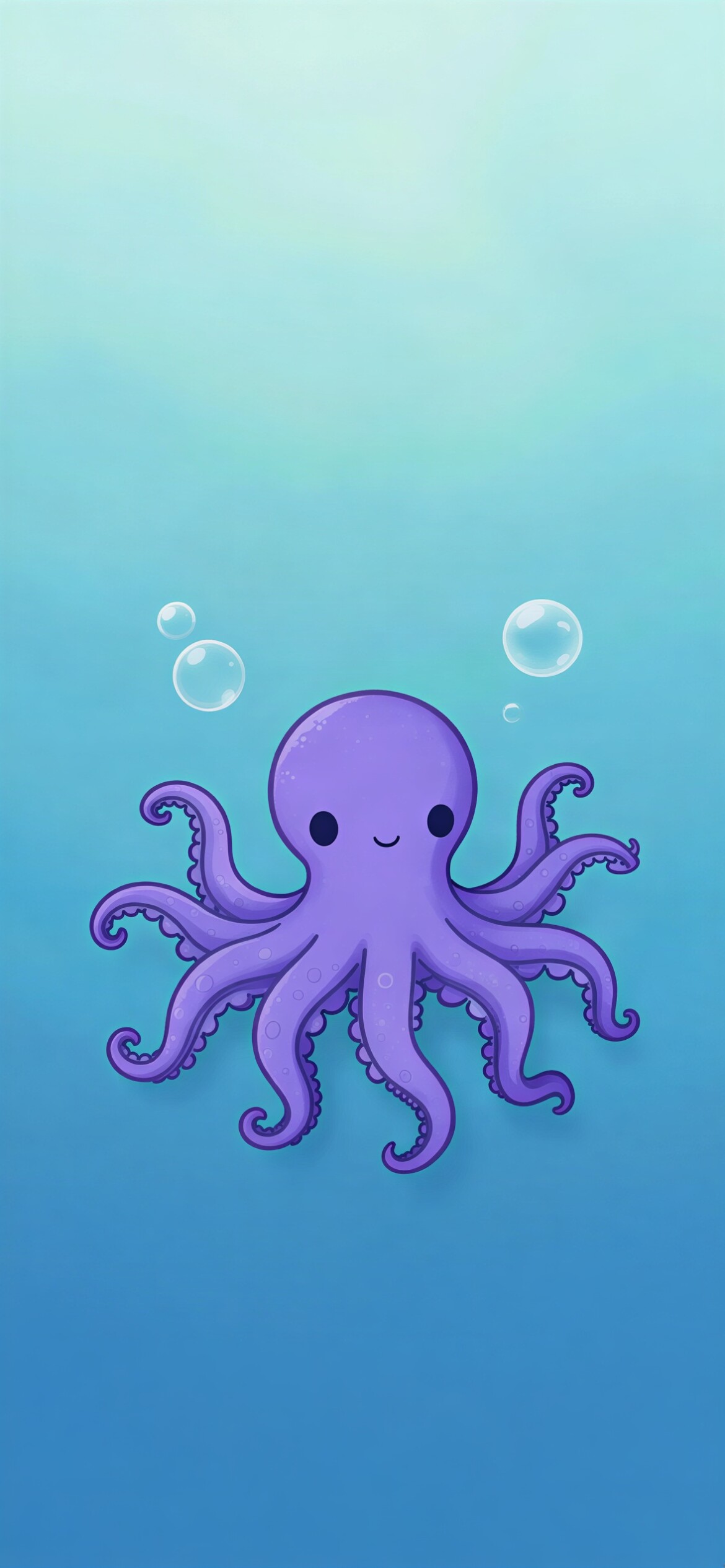
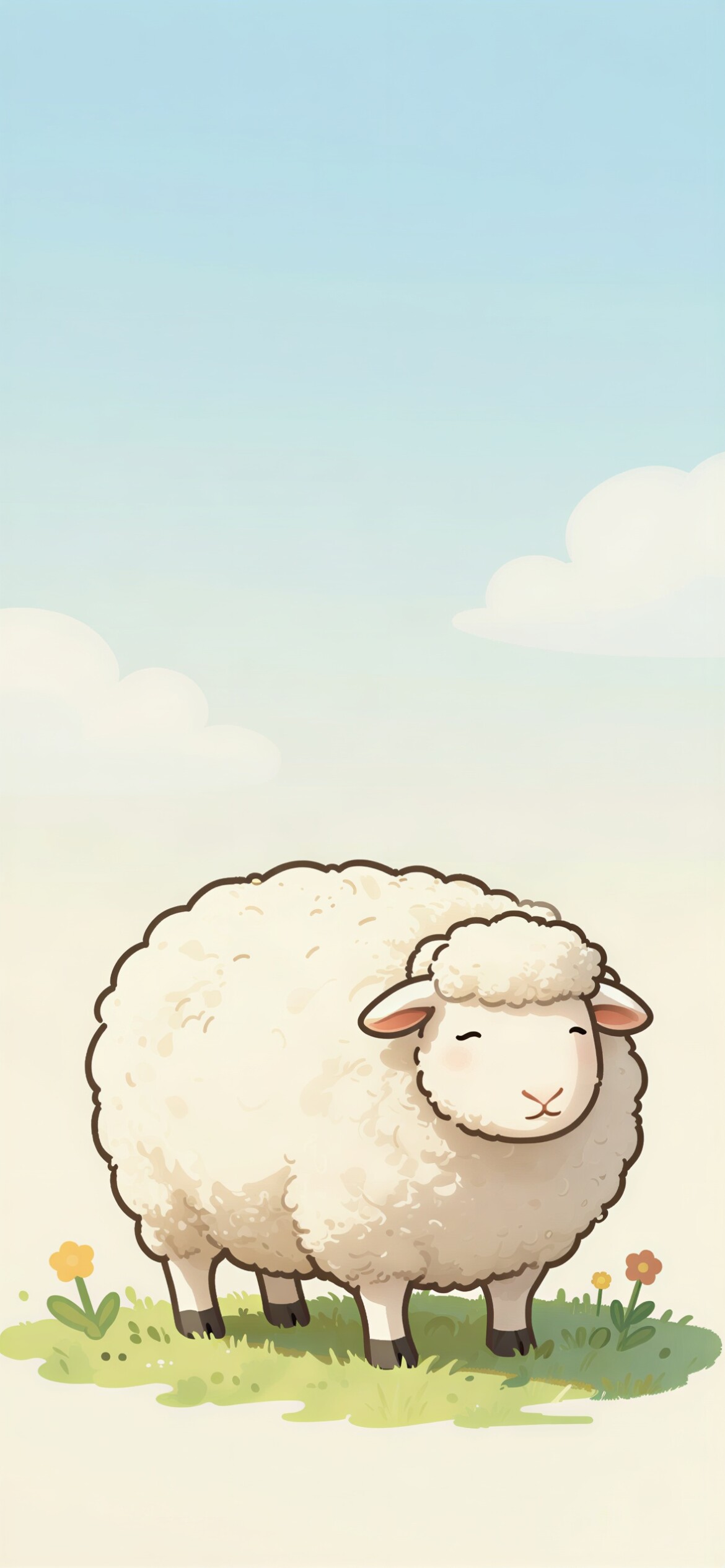
Six of the ten designs are animals. There is the bunny with its carrot (#1), the white cat (#3), a pair of colourful birds sharing a branch (#4), a hedgehog with striped spines (#6), a purple octopus blowing bubbles in blue water (#8) and a sheep wearing flowers (#9). The cat and the bunny are the most centred and simple, so they sit nicely under the clock.
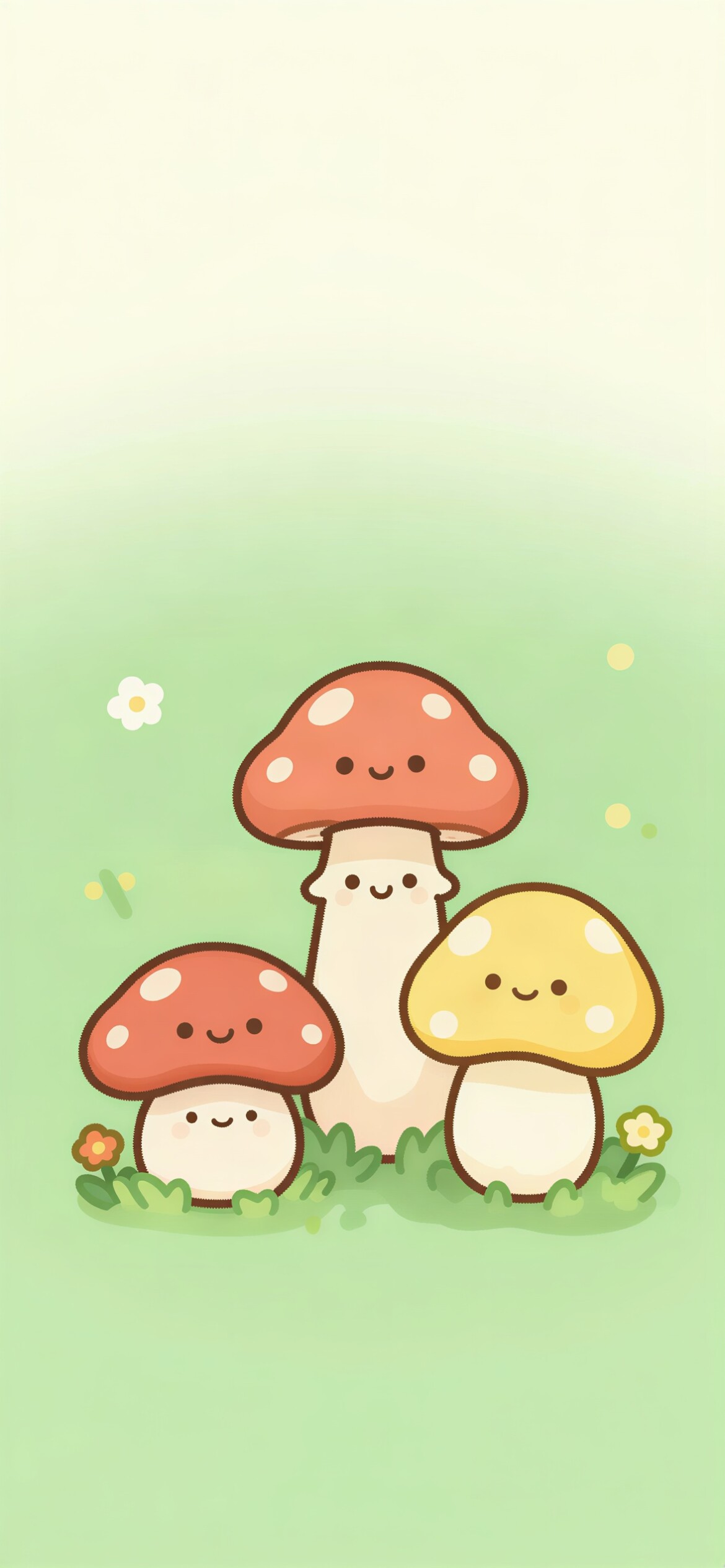
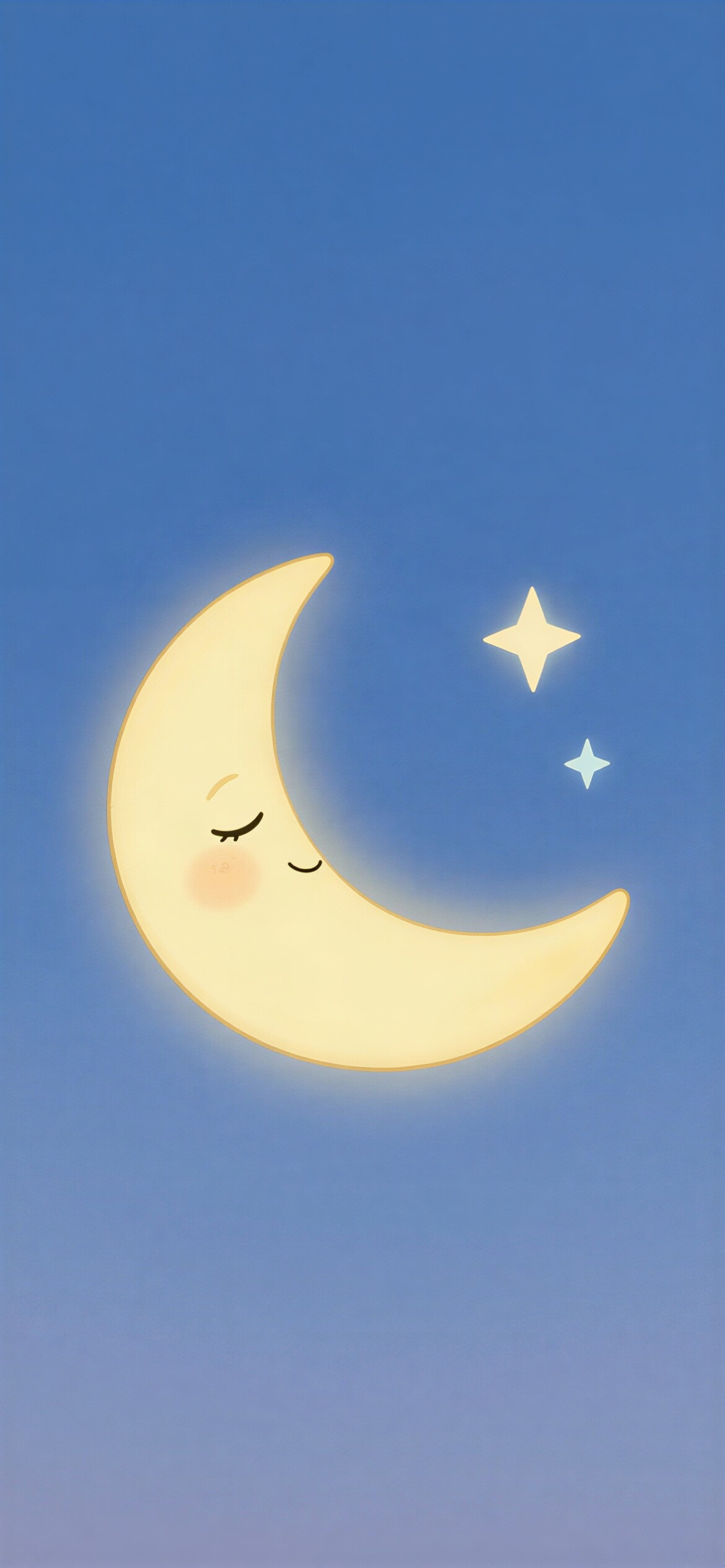
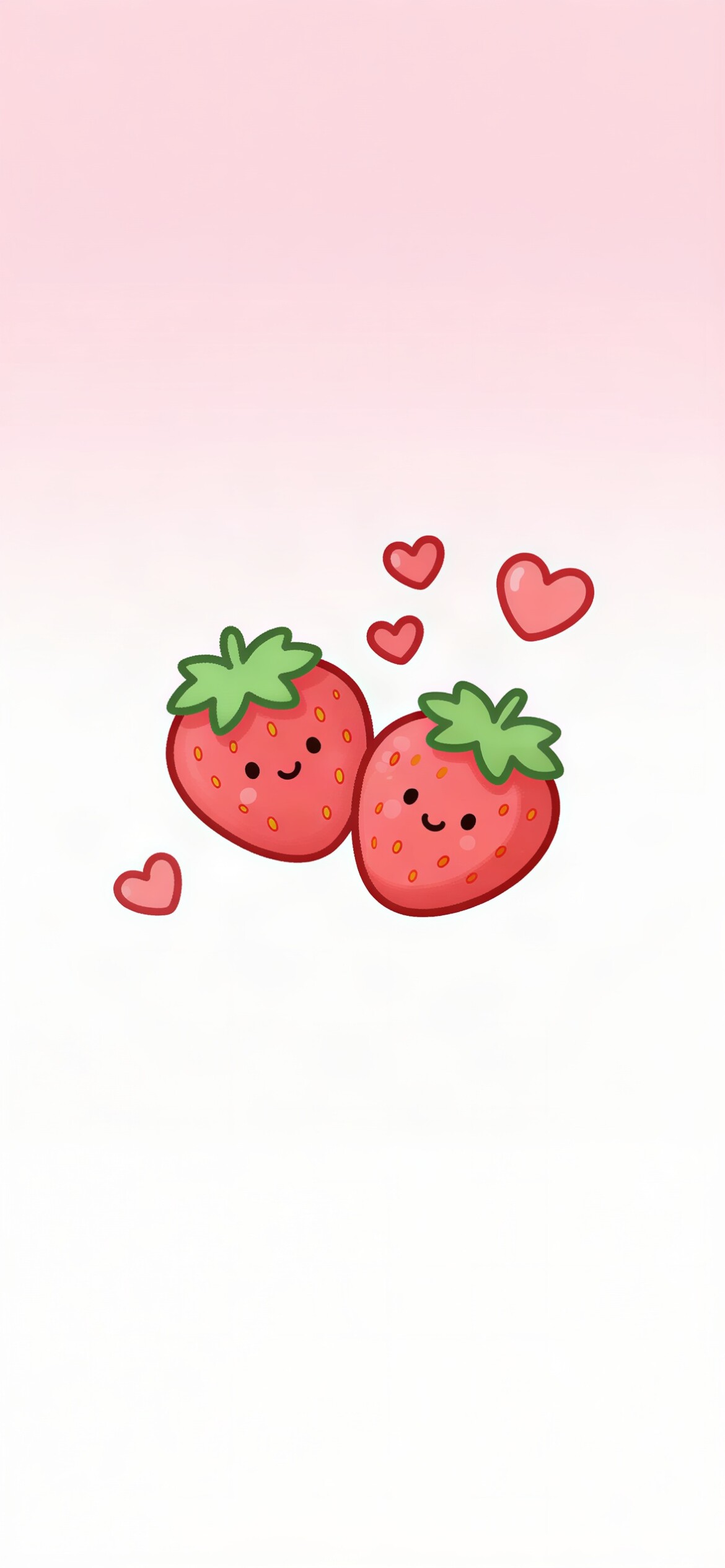
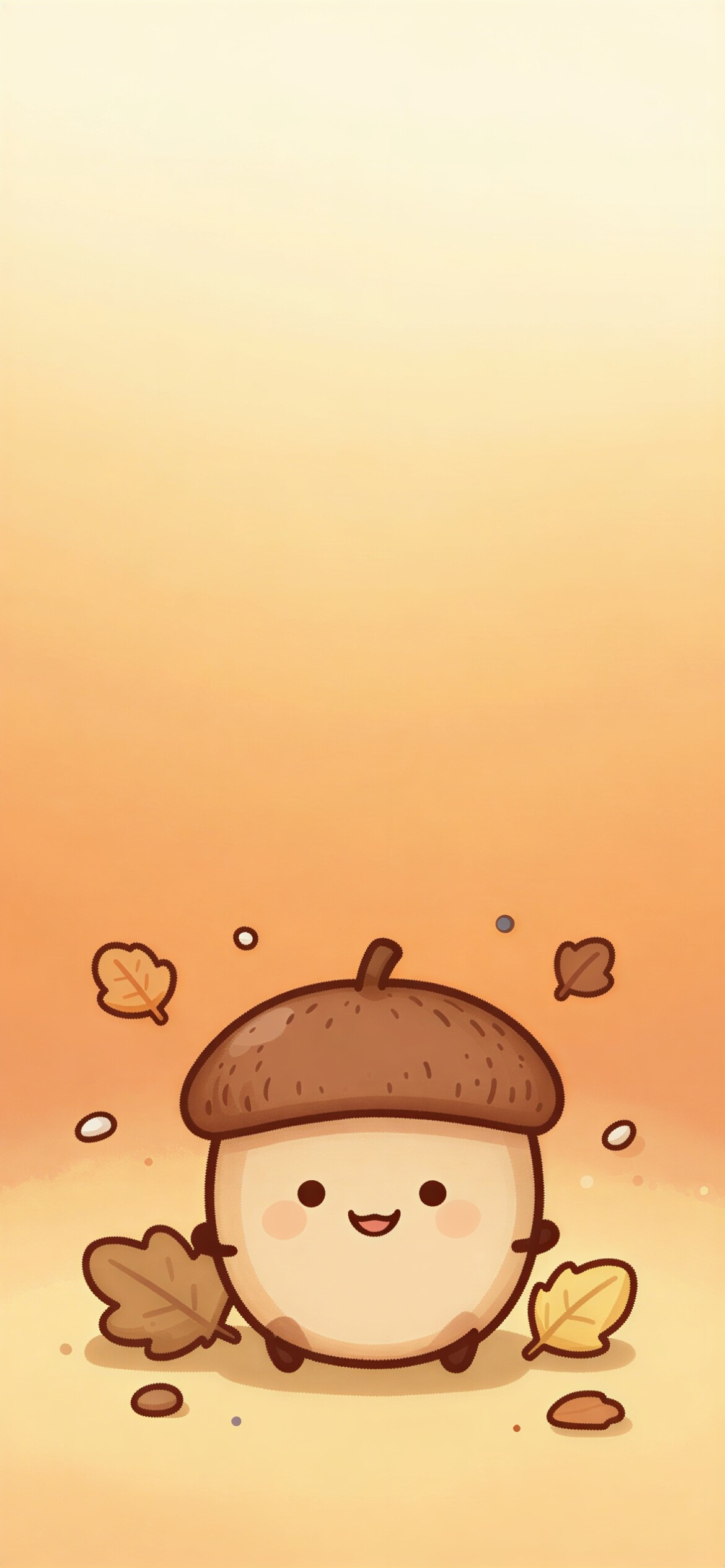
The other four swap animals for food, plants and the sky. #2 has three grinning mushrooms, #7 three strawberries with little hearts, and #10 a smiling acorn tucked among leaves. #5 is the odd one out: a crescent moon with a face, surrounded by stars on a twilight blue, a good pick for a night-time lock screen.
Blue, green, pink or peach?
- Cool blues: #1, #5, #8 and #9, calm backgrounds that suit white text and grey or blue widgets.
- Soft greens: #2 and #6, earthy and quiet, good with plant or nature icon packs.
- Lavender and pink: #3 and #7, the sweetest of the set.
- Warm peach and autumn tones: #4 and #10, the acorn being a natural choice for October and November.
If you like this style, the cute aesthetic set has more soft designs, the cute frog wallpapers share the same gentle greens, and the panda collection is full of round faces too.
How to set it on your iPhone
- Tap Download and save the image to Photos.
- Open Settings, tap Wallpaper, then Add New Wallpaper, and choose Photos.
- Pick the wallpaper, pinch to position it, then tap Add and choose the lock screen, home screen or both.
Stuck on a step? The iPhone and iPad guide has screenshots for each one.
Questions
Will these wallpapers fit my iPhone screen without cropping?
Yes. These wallpapers are sized at 1170x2532 pixels for modern iPhones, and some older models may crop slightly at the edges. The composition keeps important elements in view on both lock and home screens.
Can I use these wallpapers commercially or share them elsewhere?
These wallpapers are free for personal use on your own devices only. Selling them, printing them for sale, or reposting them on other wallpaper sites is not allowed. See our Terms page for the full license details.
Why is the top of each design left simple?
The simple top quarter keeps your lock screen text, time and notifications readable, and lets home screen icons stand out clearly against the background. The main cute character lives in the lower half, so you see it when you unlock or glance at your home screen without visual clutter.
Which designs work best for lock screens versus home screens?
All of these work on either screen, but designs with single centered characters like the bunny or cat suit lock screens best since they frame the time display nicely. Designs with multiple elements like the mushrooms or strawberries add cheerful color to home screens behind your app icons.