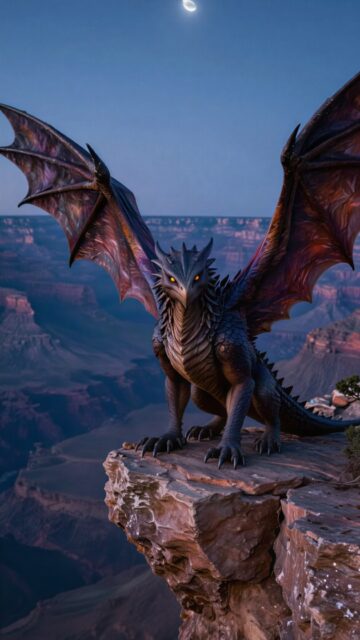
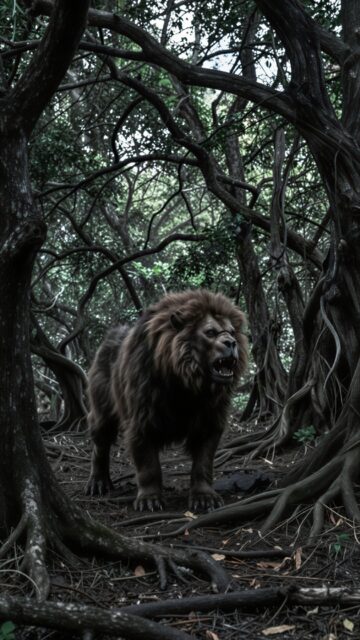
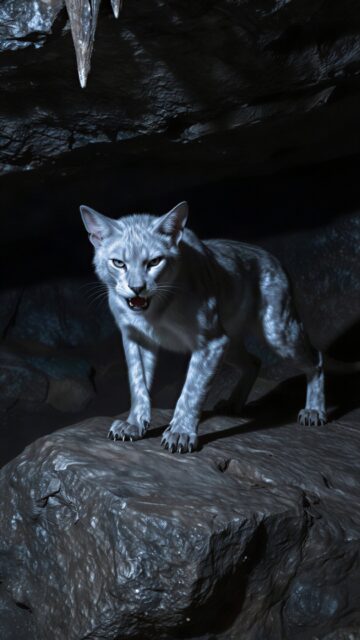
10 wallpapers in 1 collections · last added 13 Oct 2026 · sizes for iPhone, Android, desktop and tablet
A fantasy wallpaper turns your screen into a window onto somewhere that doesn't exist: misty castles on cliff tops, glowing enchanted forests, floating islands, ancient ruins, wizard towers and dragons circling over mountain passes. This collection gathers epic, story-like scenes that feel lifted from a novel or a tabletop campaign, from bright heroic landscapes to darker, moonlit fantasy backgrounds full of mood and mystery.
Collections come in every size the site offers, each one with 10 wallpapers in a single theme and size. Wide scenes really open up on a desktop 4K wallpaper at 3840x2160 or a dual monitor at 5120x1440, while tall compositions with a lone tower or a dragon in flight suit iPhone at 1170x2532 and Android at 1080x2400. iPad, laptop and smartwatch sizes are added when a design fits them. Every image is an original design that is checked by hand before it is published, and weak images are removed, so the details in each fantasy world hold up when you look closely.
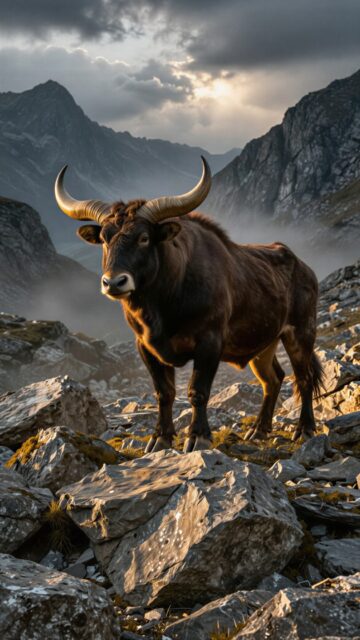
Fantasy art covers a wide range of moods, so it helps to know what you're after. High fantasy leans bright and heroic, with golden light, sweeping valleys, banners on the walls and shining citadels on distant hills. Dark fantasy goes the other way, with ruined keeps, storm clouds and cold blue moonlight. Whimsical scenes sit in between, closer to storybook illustrations than battle maps, with mushroom cottages, lantern-lit bridges and friendly creatures tucked into the corners. If creatures are your favorite part, the dragon wallpapers focus on them, while fairy and magic designs bring in softer glowing details.
For a fantasy scene on your desktop, turn off any "fit" or "stretch" option and use "fill" with the 4K size, so the castle and sky keep their proportions instead of being squashed.
For iPhone, use the 1170x2532 version, and for Android, use 1080x2400. Both are tall portrait sizes, so the scene is composed for a vertical screen instead of being cropped from a wide painting. If your phone trims a bit from the sides, a picture with the castle or dragon near the center will still look right.
Download the dual monitor size, which is 5120x1440, and set it to span across both screens rather than repeat on each one. Panoramic castles and long mountain ranges work best because the scene continues across the gap. Our dual monitor wallpaper guide walks through the settings on Windows and Mac.
Detailed scenes with a clear focal point, like a lone tower or a dragon against the moon, usually look best on the lock screen, where icons don't hide anything. On the home screen, pick a calmer landscape with an open sky or a soft forest, since a busy battle scene can make icon labels hard to read.
High fantasy shows whole invented worlds with clear heroes, bright skies, grand castles and a hopeful tone. Dark fantasy keeps the magic but adds danger and decay, with gloomy ruins, twisted forests, cold color palettes and a sense that something is watching. Both appear in this category, so you can switch between them depending on your mood.
Deep teals, midnight blues and violets give a magical, night-time feel, while warm gold and amber highlights suggest torchlight, sunsets or treasure. Many fantasy scenes pair a cool background with one warm glowing point, such as a window, a crystal or dragon fire, because that contrast pulls your eye straight to the story in the picture.
Most are. Bright castles, friendly dragons and glowing forests are a good fit for younger users, while some dark fantasy scenes feel more intense. If you're picking for a child, look for lighter skies and storybook scenes, or browse the unicorn wallpapers and fairy wallpapers for softer options.
Yes, they're free for personal use on your own devices, with no sign up and no watermark. You may not sell them, print them on products, use them in commercial projects or redistribute them on another site. The Terms of Use explain exactly what is and isn't allowed.
New collections go up on the site every day, and fantasy sets are added regularly in different sizes and moods. The quickest way to see them is the latest wallpapers page. If you'd like a specific scene, such as an elven city or a frozen kingdom, you can suggest it through the contact page.
Every wallpaper is reviewed by a person before it goes live: we remove images with odd details or blur and check the crop for each device. How we check wallpapers
Something wrong with an image? Report an image · Free for personal use, see the Terms.