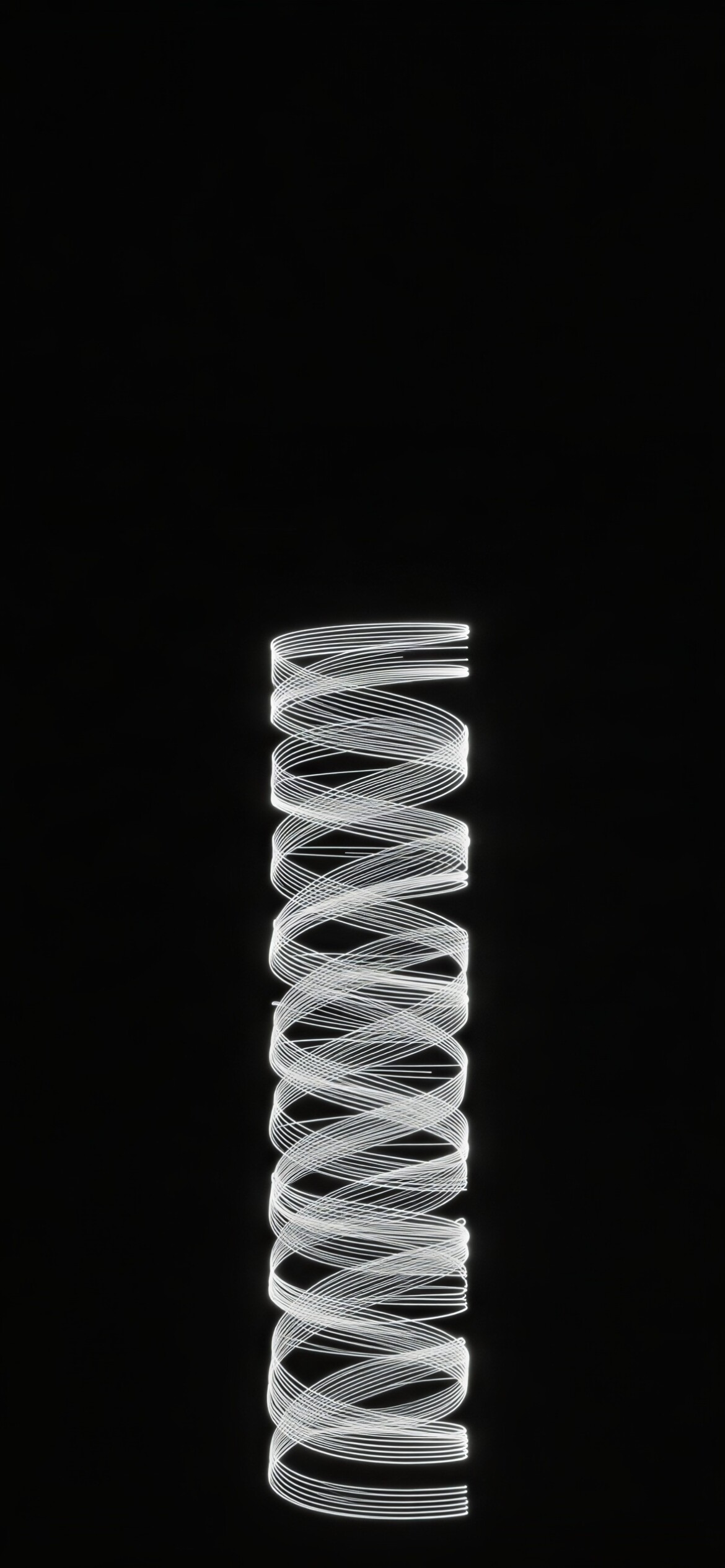
Black iPhone Wallpaper
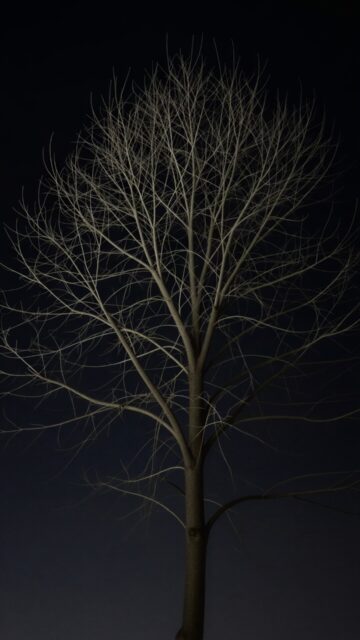
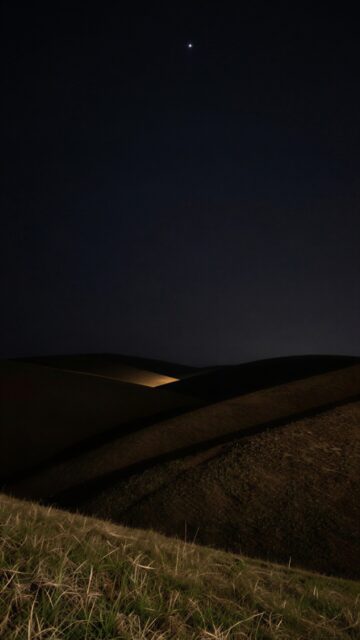
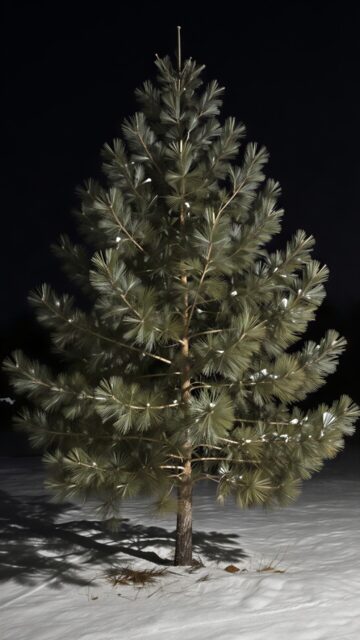
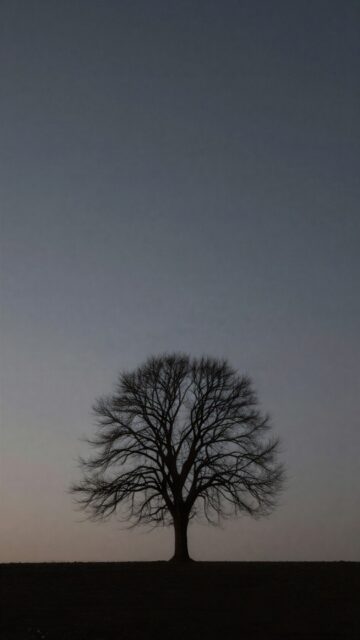
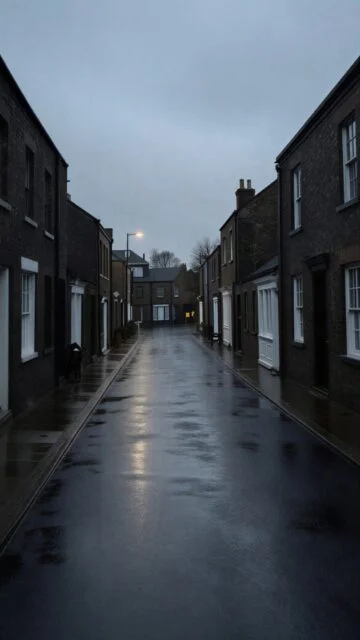
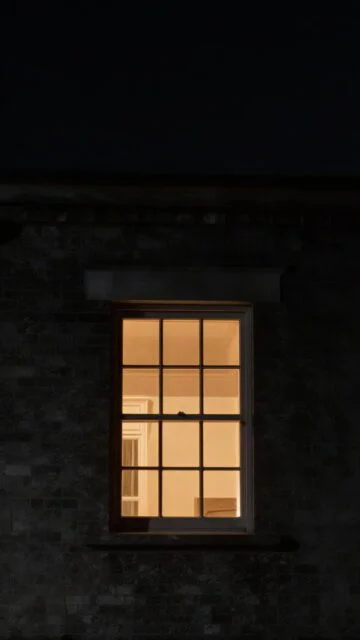
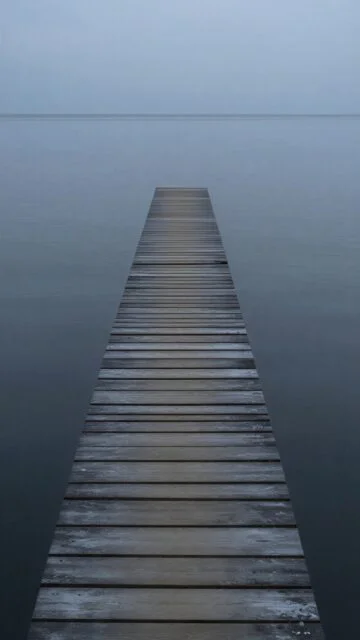
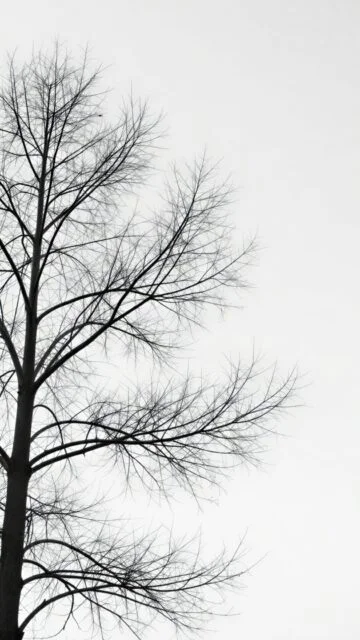
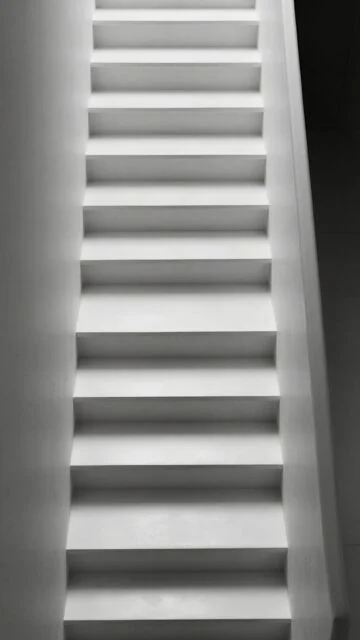
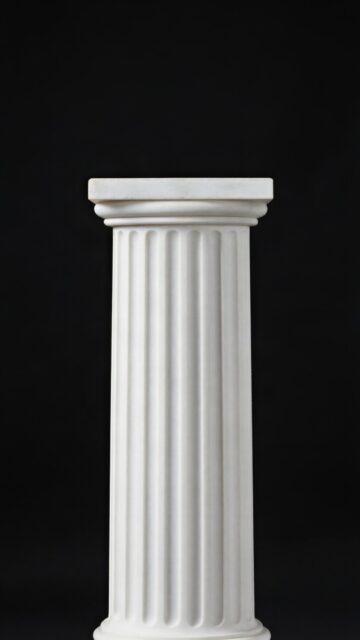
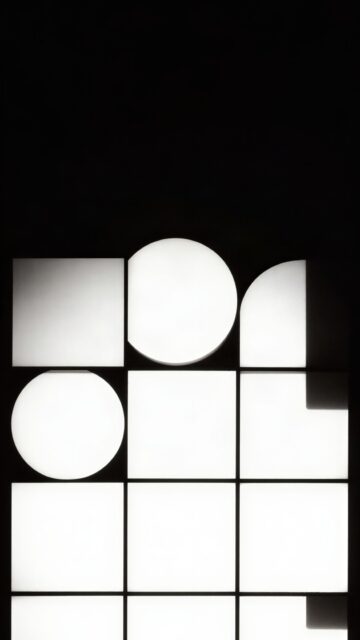
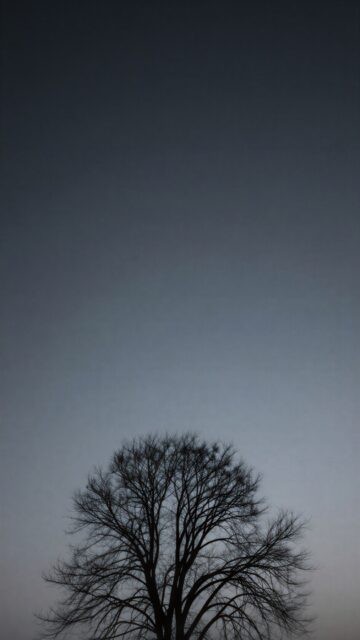
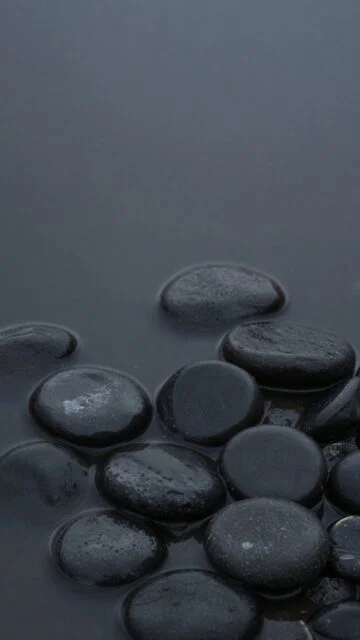
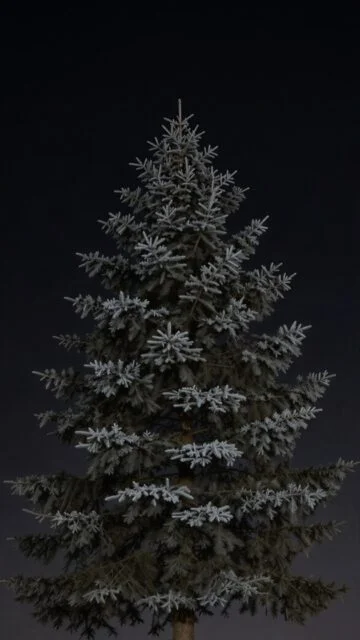
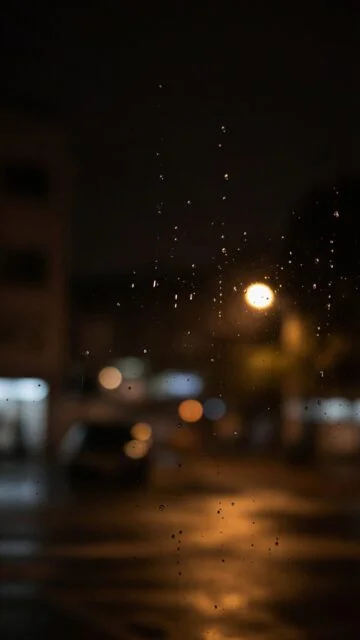
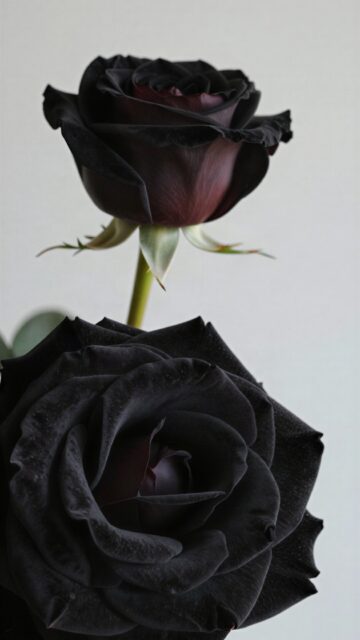
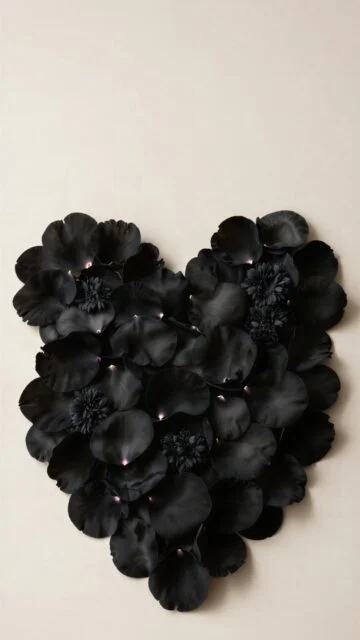
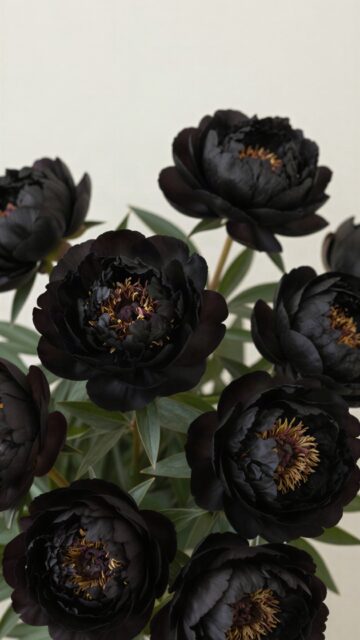
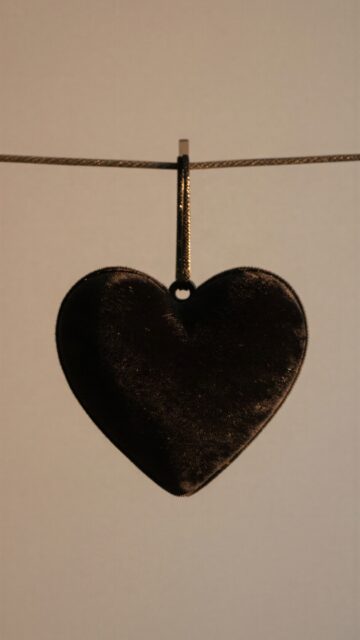
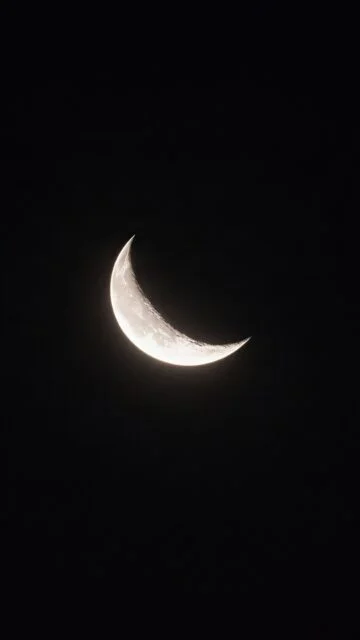
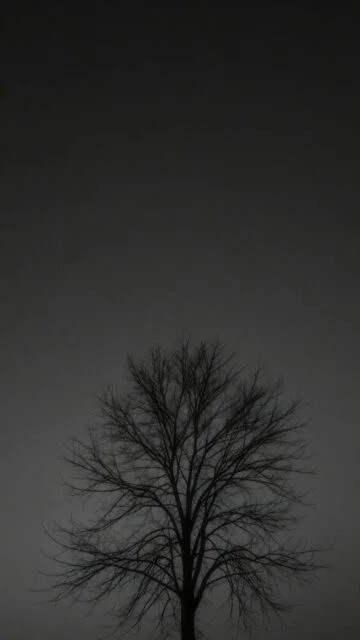
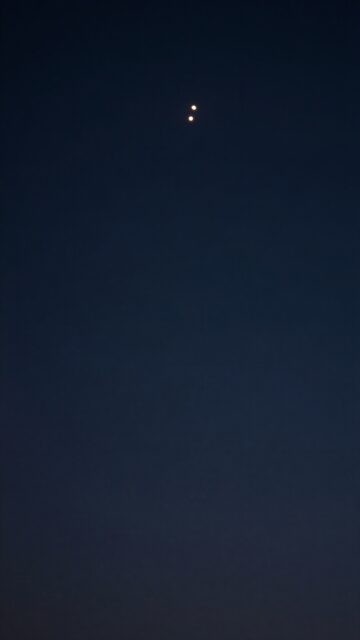
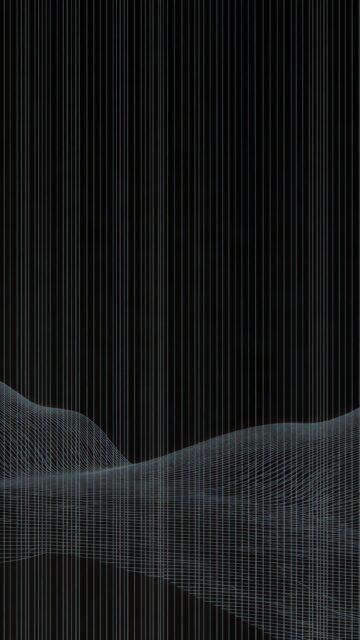
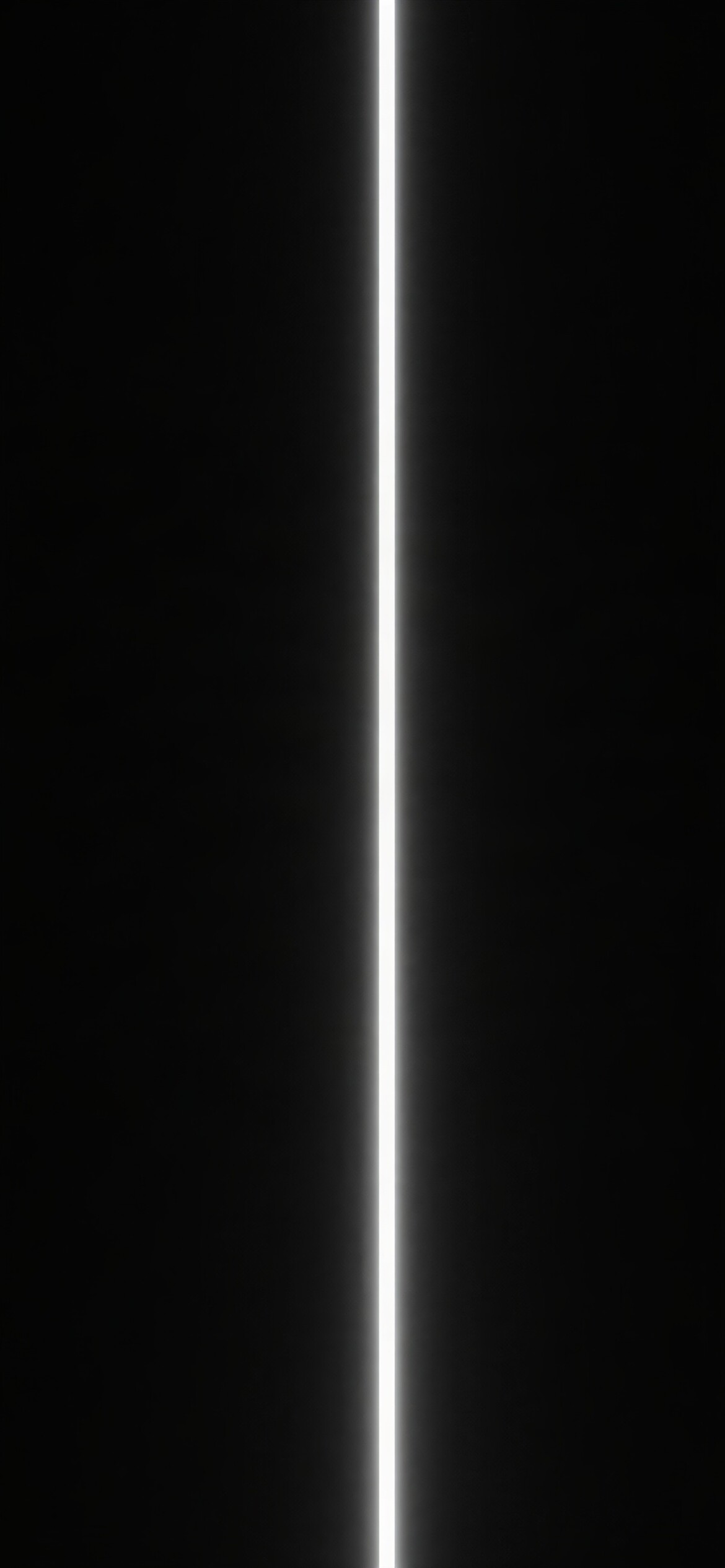
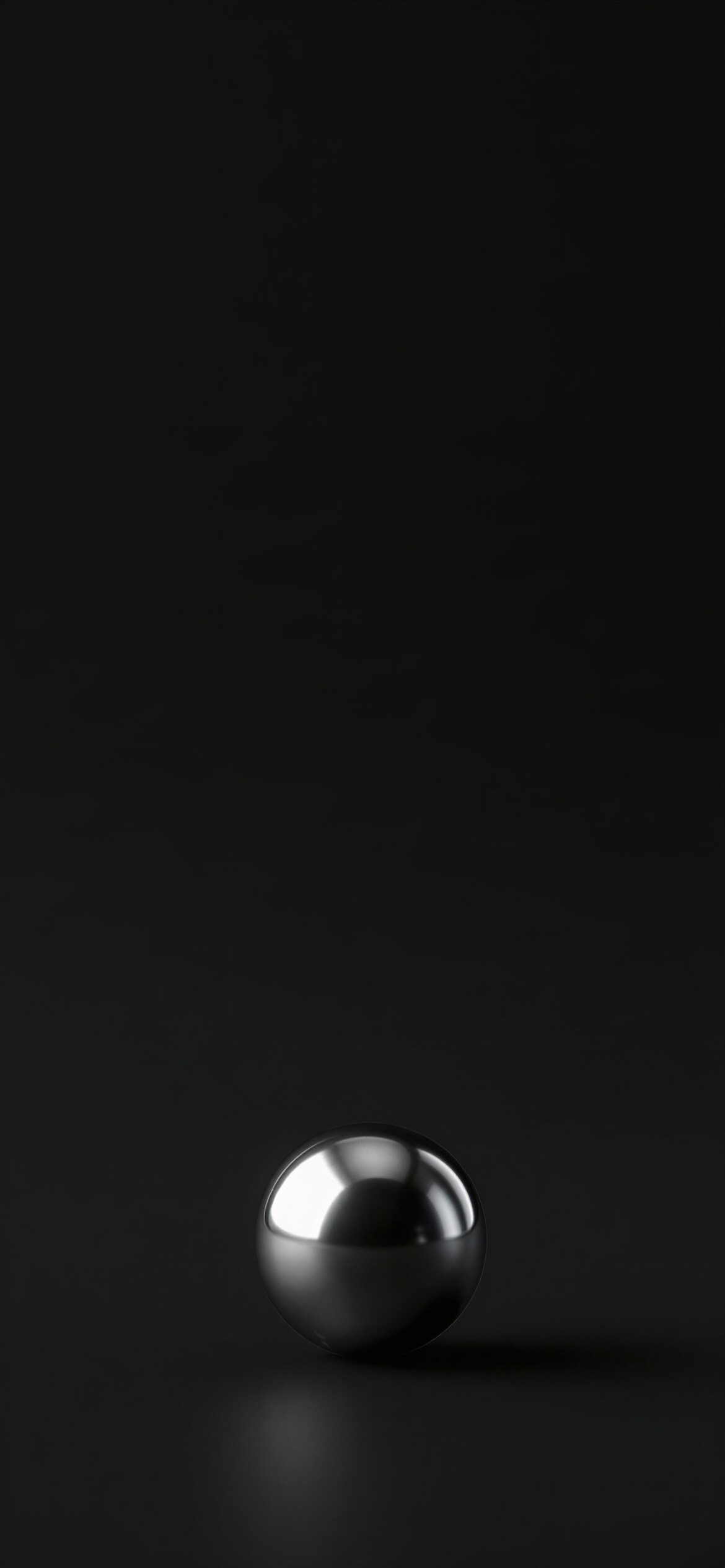
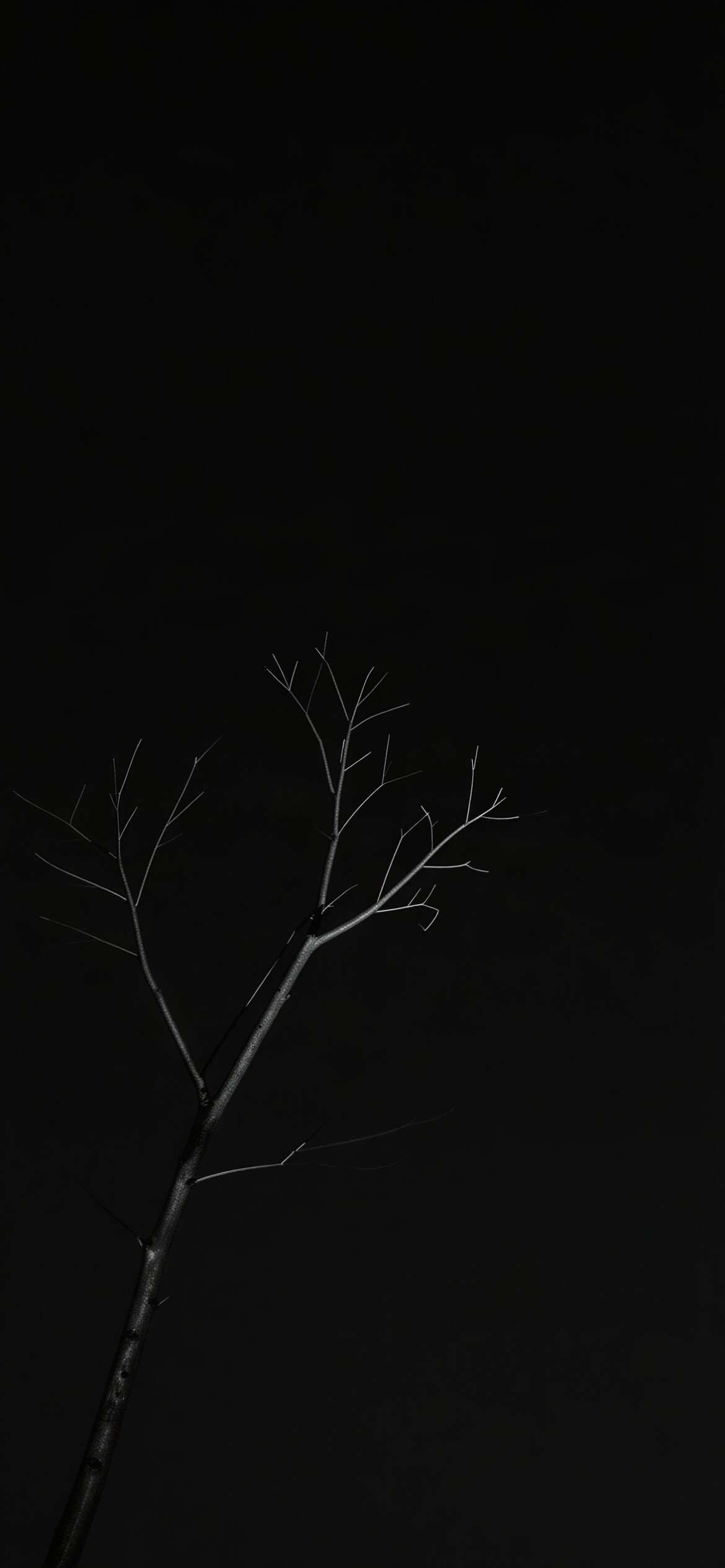
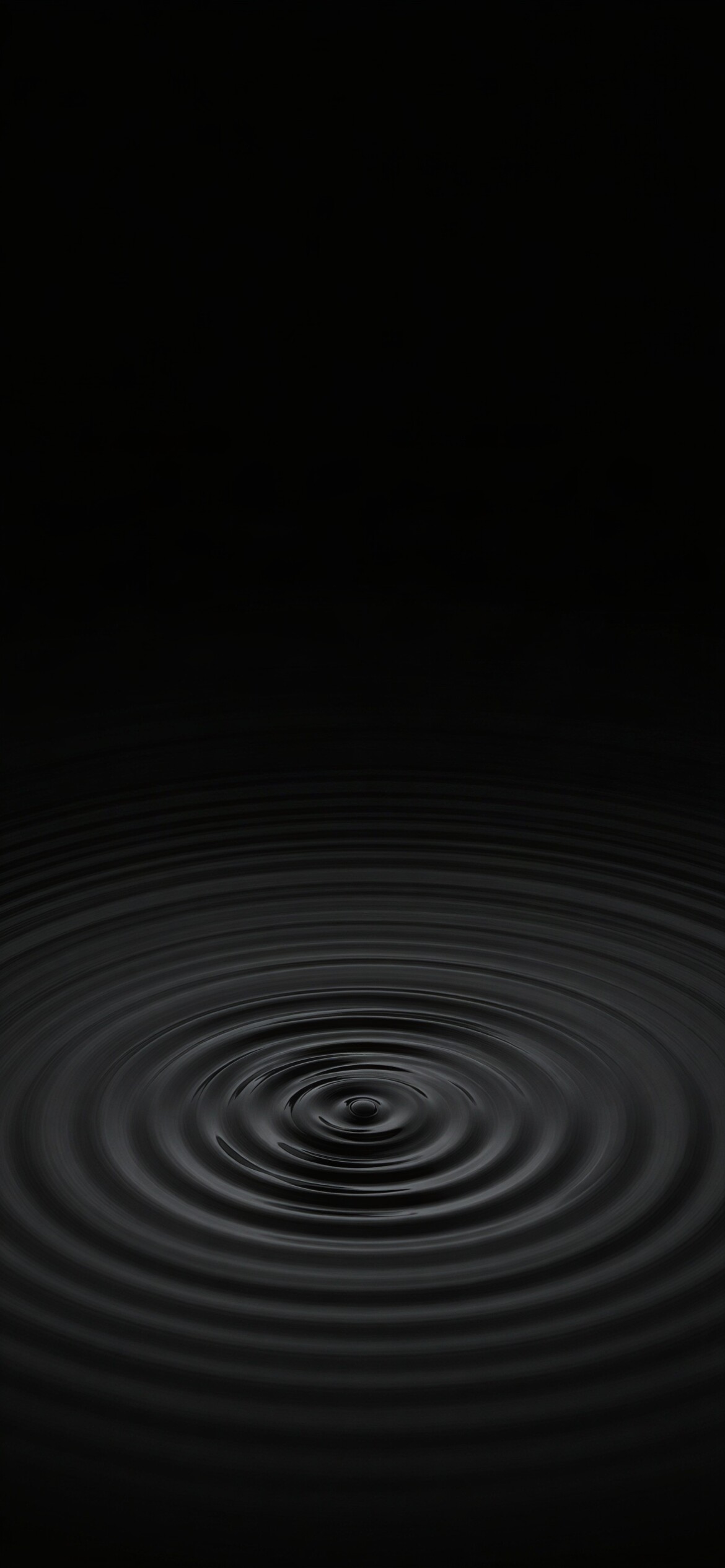
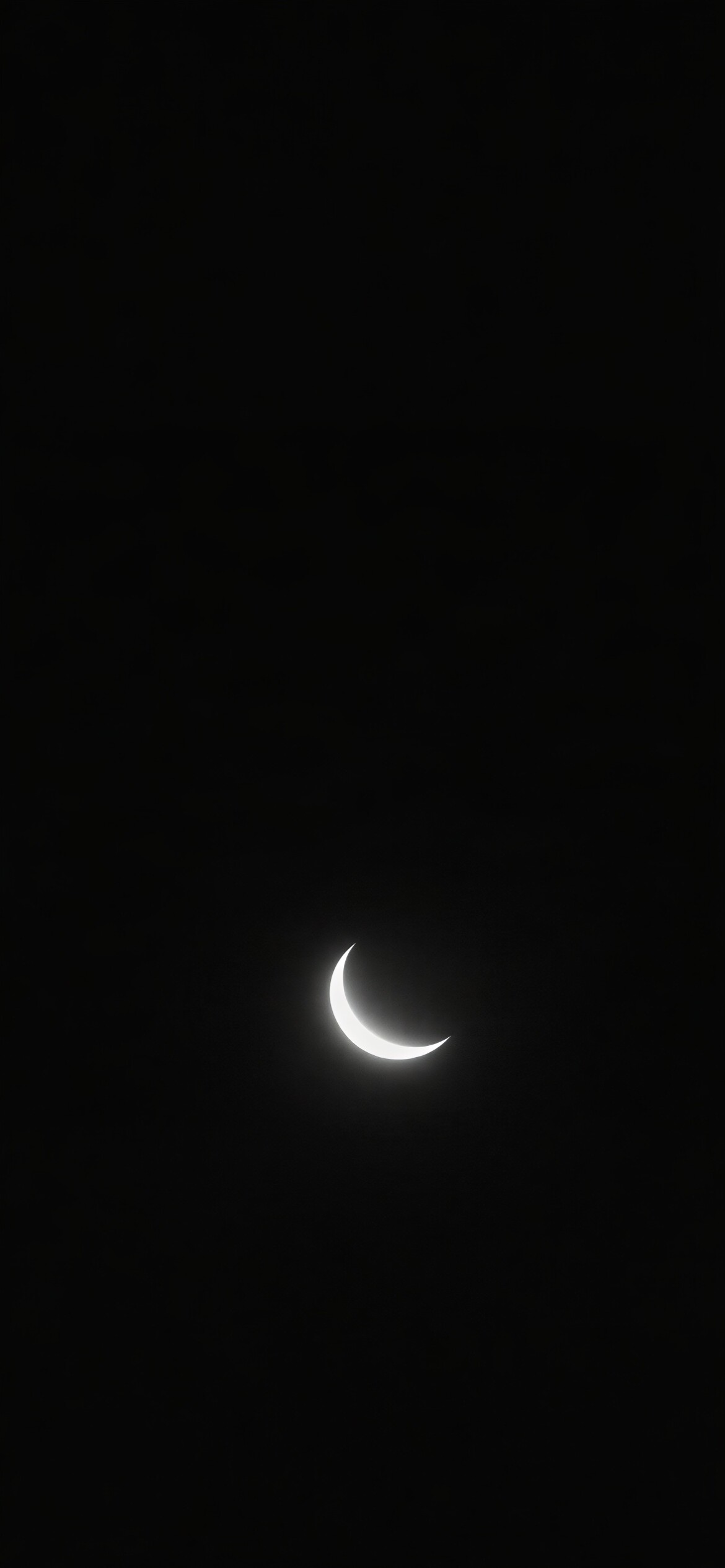
Black iPhone wallpaper offers minimalist designs and sleek aesthetics for your home screen or lock screen. These original wallpapers feature dark moods, soft lighting and simple compositions that work year-round. The black wallpaper for iPhone in this set ranges from abstract geometry to nature silhouettes, all designed to keep your screen clean and focused while complementing any icon style or theme.
10 wallpapers at 1170 × 2532 px for iPhone. Checked by hand on 8 Oct 2026.
About this set
This set of black wallpapers emphasizes simplicity and focus. Each design uses minimal subjects—a line, a sphere, a silhouette—against pure black, creating a calm and refined look. The soft lighting and subtle glows prevent the designs from feeling flat while maintaining a dark, sleek aesthetic.
Lock screen wallpapers in this set work best with designs that sit low and leave the top clear for notifications and the time. Home screen wallpapers suit the minimalist designs that won't compete with your apps. All of these black wallpapers pair well with light-colored icons or any monochrome theme, and they work equally well in light mode or dark mode settings.
How to set it on your iPhone
- Tap Download and save the image to Photos.
- Open Settings, tap Wallpaper, then Add New Wallpaper, and choose Photos.
- Pick the wallpaper, pinch to position it, then tap Add and choose the lock screen, home screen or both.
Stuck on a step? The iPhone and iPad guide has screenshots for each one.
Questions
Will these black wallpapers fit my iPhone without cropping?
Yes. These wallpapers are sized at 1170x2532 pixels, which is the standard resolution for iPhone screens. They will fit your entire display without cropping or stretching, whether you use them on your lock screen or home screen.
Can I use these black wallpapers commercially or share them elsewhere?
These wallpapers are free for personal use on your own devices only. You cannot sell them, print them for sale, or repost them on other wallpaper sites or social media. For more details, see our Terms page.
Which black wallpapers work best for lock screens versus home screens?
Lock screen designs with subjects in the lower half work best since your time and notifications sit at the top. Home screen wallpapers can use any design since your apps cover most of the space. All of these designs work for both, but pair lock screen picks with minimal subjects and home screen picks with geometric or nature elements.
Do these black wallpapers work with light mode, or only dark mode?
These wallpapers are optimized for dark mode and look best in Dark Appearance. However, they can work in light mode too if you prefer a high-contrast, minimal aesthetic. Pair them with light-colored app icons for readability in light mode settings.