Winter Apple Watch Wallpaper
Winter Apple Watch wallpaper with bold, centered winter subjects on deep black backgrounds, sized 410x502 for your watch face and free to download. These designs feature bold, centered subjects set against deep black backgrounds, perfect for OLED screens. Each winter smartwatch wallpaper uses clean lines and minimal details so the image stays sharp and legible on your watch face. The winter watch face wallpaper set pairs frost-touched landscapes, falling snow, icy branches, and seasonal geometry with dark, cool tones that complement any watch band.
10 wallpapers at 410 × 502 px for Smartwatch. Checked by hand on 8 Oct 2026.
About this set
These winter smartwatch wallpapers use a clean, bold approach: one centered subject on pure black. The OLED screen makes black disappear entirely, so your subject floats on your wrist with no frame or edge. Snowflakes, branches, crystals, and mountains stand out clearly without any competing details or small textures that blur on a tiny screen.
All of these designs work best as your watch face itself, replacing the default clock or complications. The centered composition gives you space to add a small time display or activity ring without crowding the image. Pair any of these with minimal watch bands in silver, white, or charcoal for a cohesive winter look. They work year-round if you love cool tones, but shine most during the cold months.
Ten small winter subjects, one by one
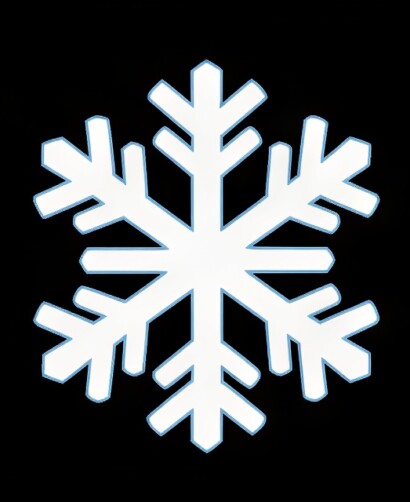
- A single white snowflake in the centre, the simplest face in the set.
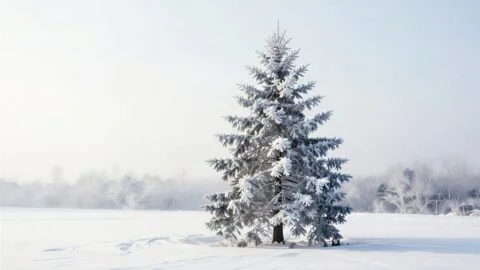
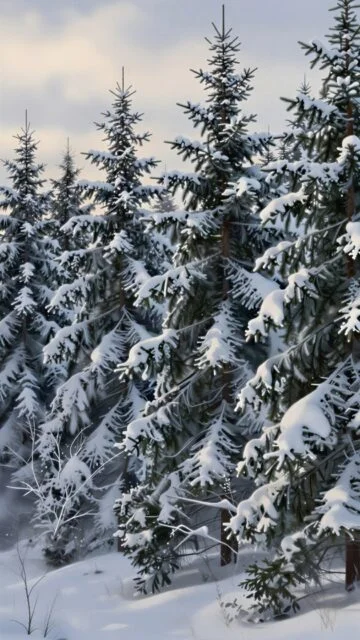
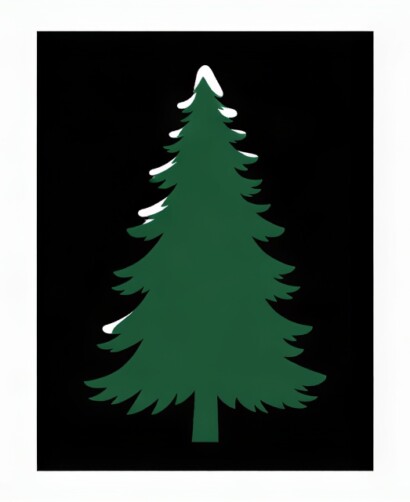
- An evergreen tree silhouette with snow on its branches.
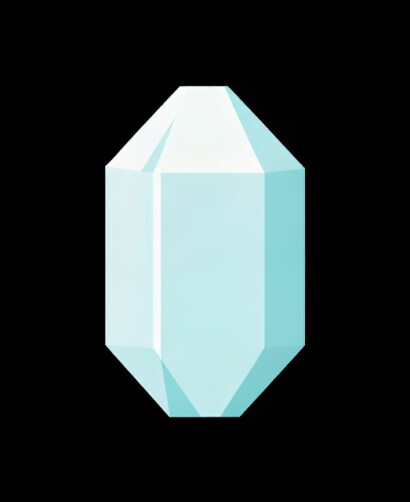
- A pale cyan ice crystal, a cooler take on the first design.
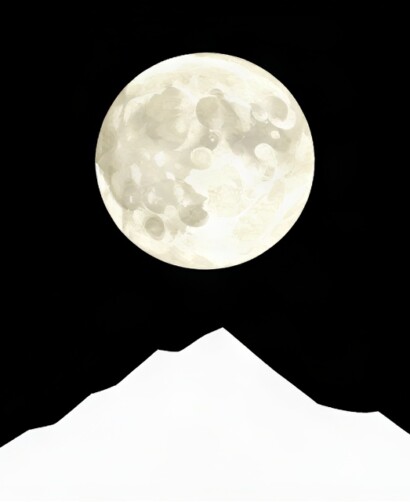
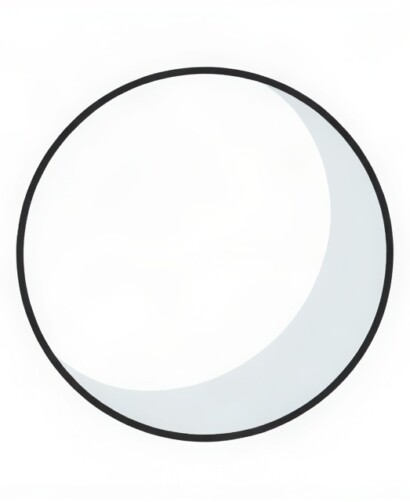
- A full moon with a mountain silhouette below it.
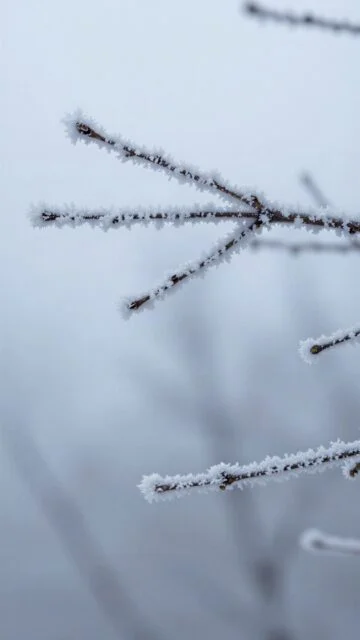
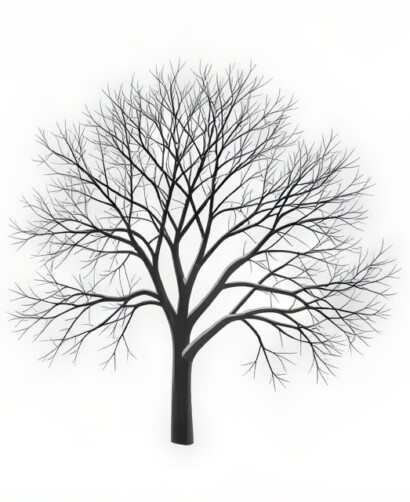
- A frosted tree branch, thin lines that still read clearly on a small screen.
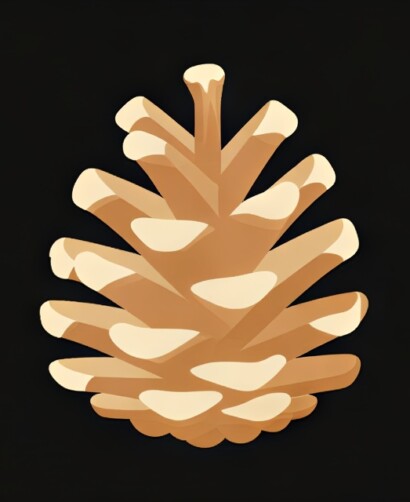
- A pine cone in warm tan, the one warm-coloured subject here.
- A large white snowball with a soft shadow under it.
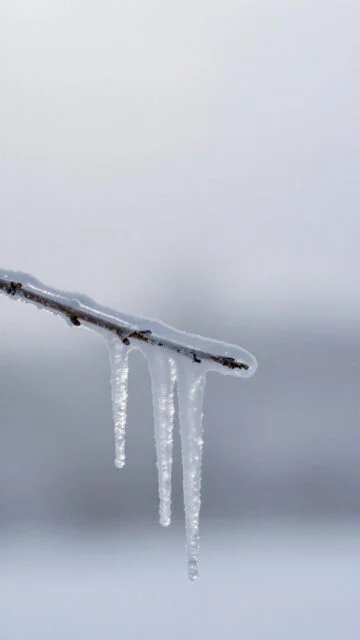
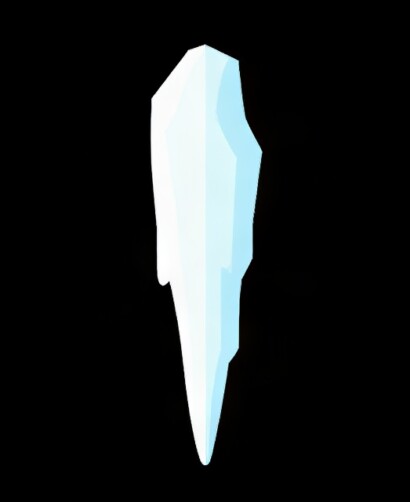
- A pale blue icicle hanging down the middle of the face.
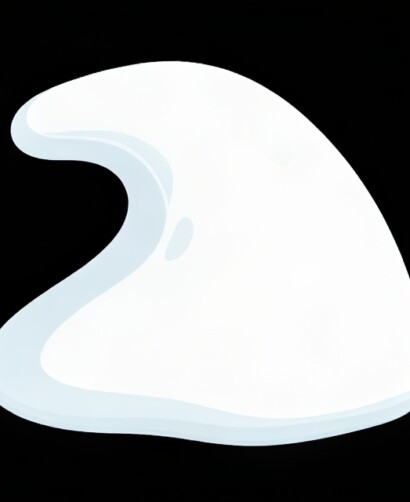
- A snow drift shape, low and rounded like a dune.
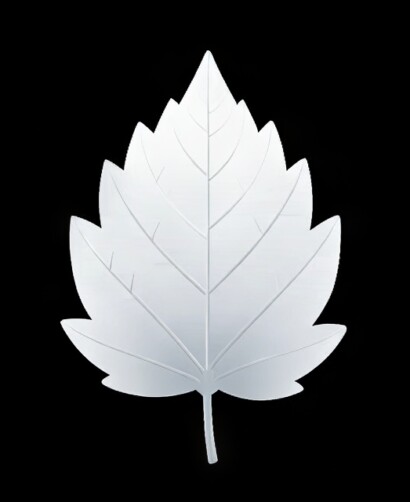
- A silver leaf covered in frost.
Pine cones, high moons and snow that packs
A few of these subjects behave in ways worth knowing. Pine cones open their scales in dry air to let seeds fall, then close again when it turns damp, which is why a cone on a windowsill can change shape from one day to the next. A winter full moon climbs higher in the night sky than a summer one in the Northern Hemisphere: the full moon sits opposite the Sun, so when the Sun stays low the Moon rides high. Snowballs pack best when the snow is close to melting, because a thin film of water helps the grains stick together. Very cold, dry powder just falls apart in your hands. Drifts like the one in number 9 build up wherever wind slows down behind an obstacle and drops the snow it was carrying.
Pure white, ice blue or one warm note
- Bright white: 1, 7 and 9. These show up best on a dim wrist.
- Ice blue: 3 and 8, the coolest colours in the set.
- Night silhouettes: 2 and 4, darker and calmer.
- Frosted silver: 5 and 10, finer detail for a closer look.
- Warm: 6, the pine cone, if you want a touch of brown against the cold tones.
To use one, save it to your iPhone and set it from the Photos face in the Watch app. Looking for something bigger to match? Try the dark winter set for iPhone, our snowy winter wallpapers or the winter desktop wallpapers in 4K.
How to set it on your watch
- Download the image on your phone.
- Open your watch app on the phone and go to the watch faces.
- Choose a photo face and pick the wallpaper.
Questions
Will these wallpapers fit my smartwatch screen?
Yes. These designs are made for 410x502 pixel screens and fit most modern smartwatches without cropping or stretching. The centered composition means the main subject stays in view even if your watch face adds time, date, or activity information around the edges.
Can I use these wallpapers for anything other than my personal smartwatch?
These wallpapers are free for personal use on your own devices only. You cannot sell them, print them for sale, or post them on other wallpaper sites or social media. See our Terms page for full details on acceptable use.
Why is the background so dark on these designs?
The black background is intentional for OLED smartwatch screens. OLED pixels that display black actually turn off, saving battery power and creating a true black void. Your subject appears to float on your wrist with no visible frame. This works best with minimal, bold subjects that read clearly at small sizes.
Which of these wallpapers work best as a lock screen versus a watch face?
All of these are designed as active watch faces, not lock screens. The centered subject with time display works well for daily wear. If you want to use one as a lock screen on your phone instead, choose the snowflake or crystal designs because they have the most visual interest in the center where a clock would sit.