Beach Wallpaper iPhone
Beach wallpaper for iPhone shows sandy shores, clear water and coastal views, free to download for all iPhone models. These designs capture the calm and warmth of seaside settings, from quiet coves to wide open beaches. Each wallpaper suits iPhone screens and brings a relaxed, tropical mood to your lock screen or home screen.
10 wallpapers at 1170 × 2532 px for iPhone. Checked by hand on 8 Oct 2026.
About this set
These beach wallpapers capture the relaxed, coastal mood in warm golden light, cool blues and soft pastels. The designs work well on lock screens where a simple, calm image draws the eye without distraction. For home screens, choose wallpapers with clear sky in the top quarter so your app icons remain readable against lighter backgrounds.
Pair these with minimal icon themes or neutral app layouts to keep the peaceful beach mood intact. The soft lighting and natural colors suit both light and dark mode, though scenes with bright sky work best on standard displays while darker blue hour designs pair nicely with OLED screens.
Why wet sand looks darker and holds its shape
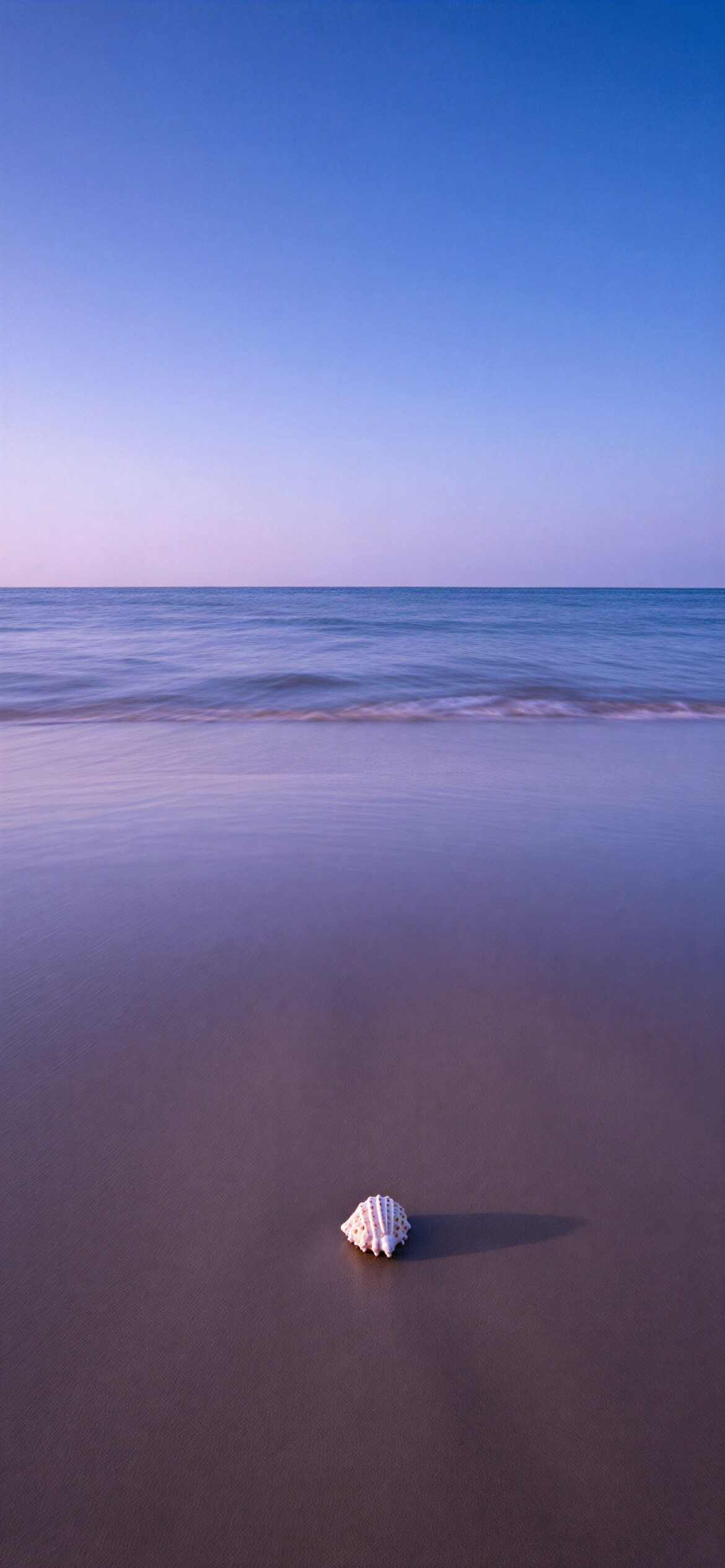
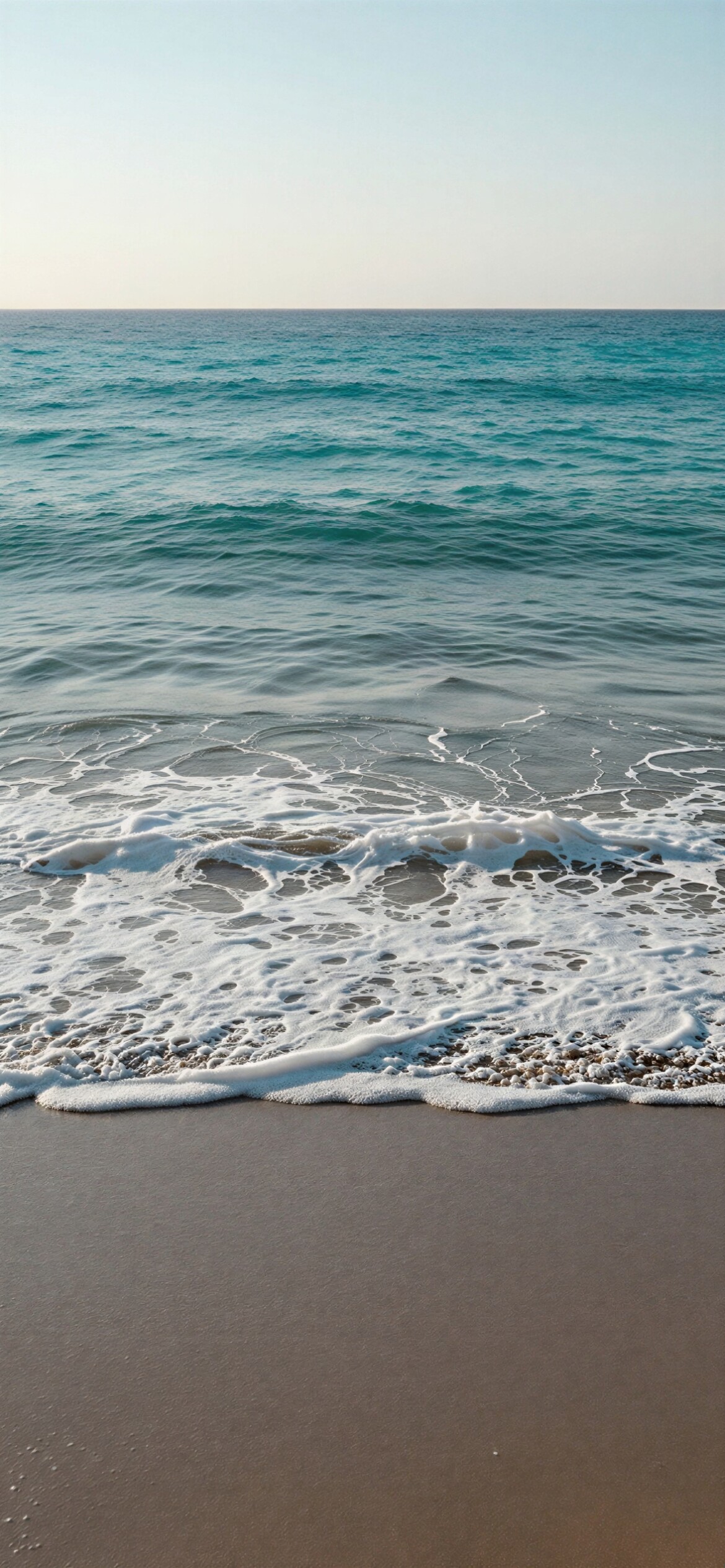
Look at the shoreline in wallpapers 3 and 9 and the band of sand nearest the water is darker and shinier than the dry beach above it. Water fills the tiny gaps between the grains, so less light bounces back to your eye, and the thin film on top reflects a little of the sky. That same water is why damp sand is firm enough to walk on or build with: it forms small bridges between the grains that hold them together, while dry sand just pours.
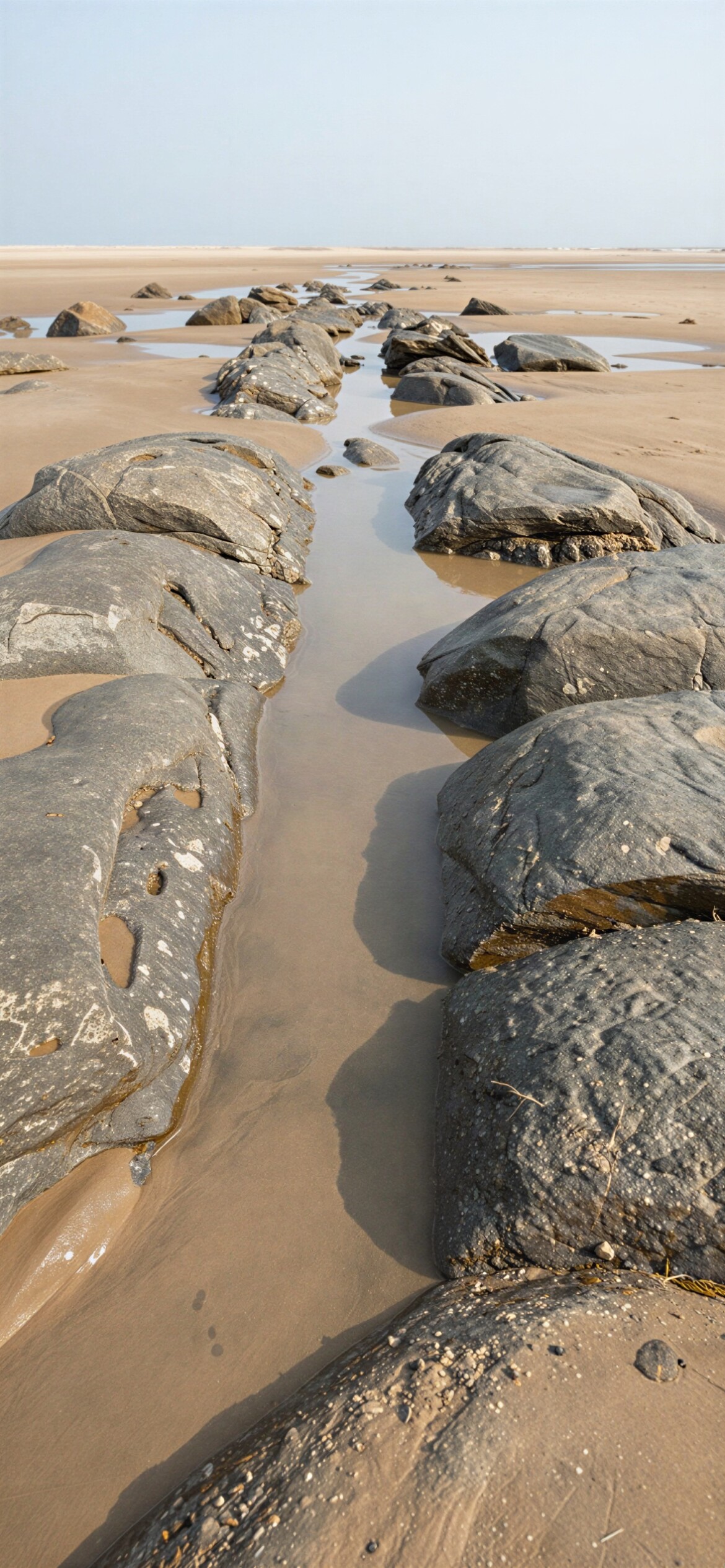
The rock pools in wallpaper 6 depend on the tide, which comes in and goes out roughly twice a day. The lowest tides arrive around the new and full moon, when the Sun and Moon pull in line, and that is when the most pools are left behind on the rocks. Coconut palms, like the ones framing wallpapers 5 and 10, are common on tropical shores partly because the nut floats and can drift a long way at sea before sprouting on a new beach.
Ten shores, from misty dawn to orange sky
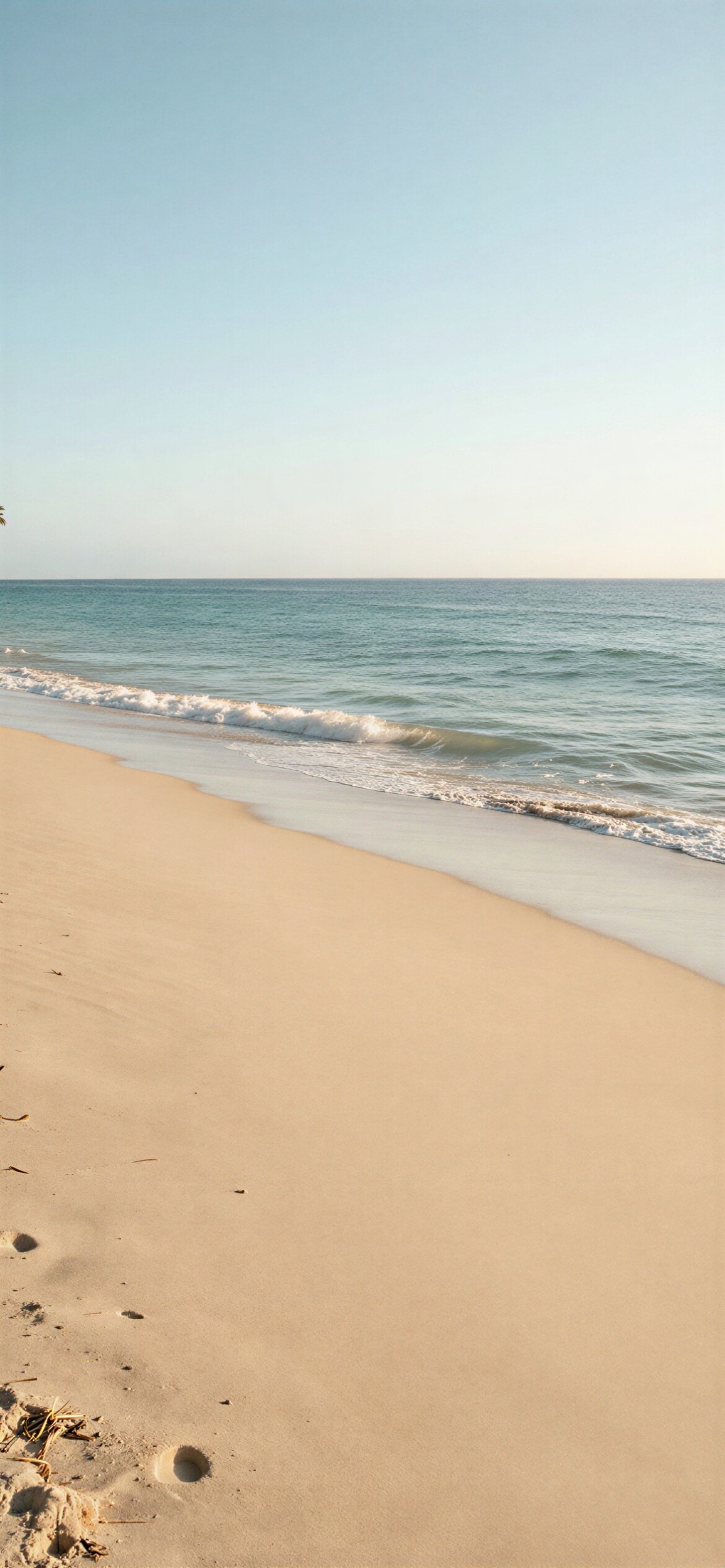
- Golden hour shore (1): sand and turquoise waves under warm, low light. A good lock screen if you like some colour behind the clock.
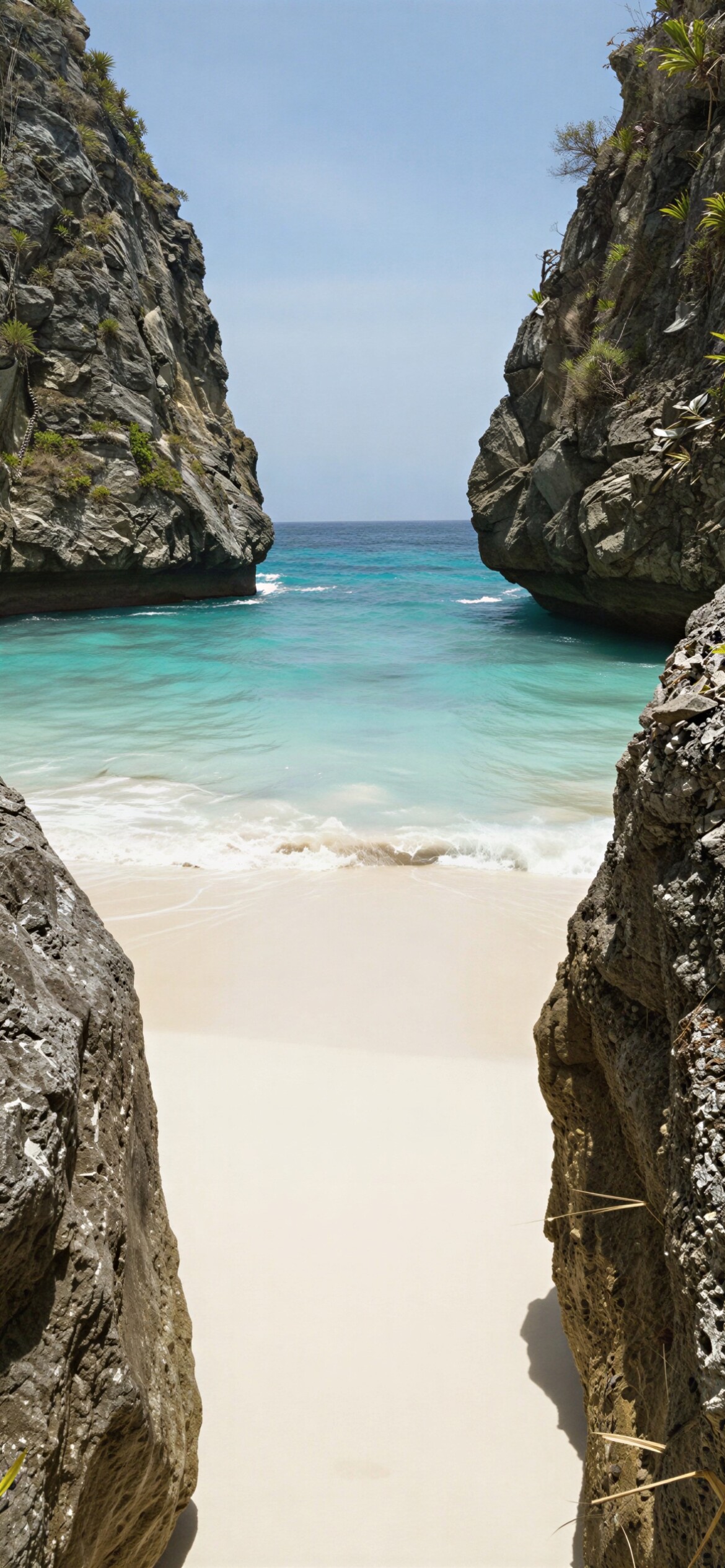
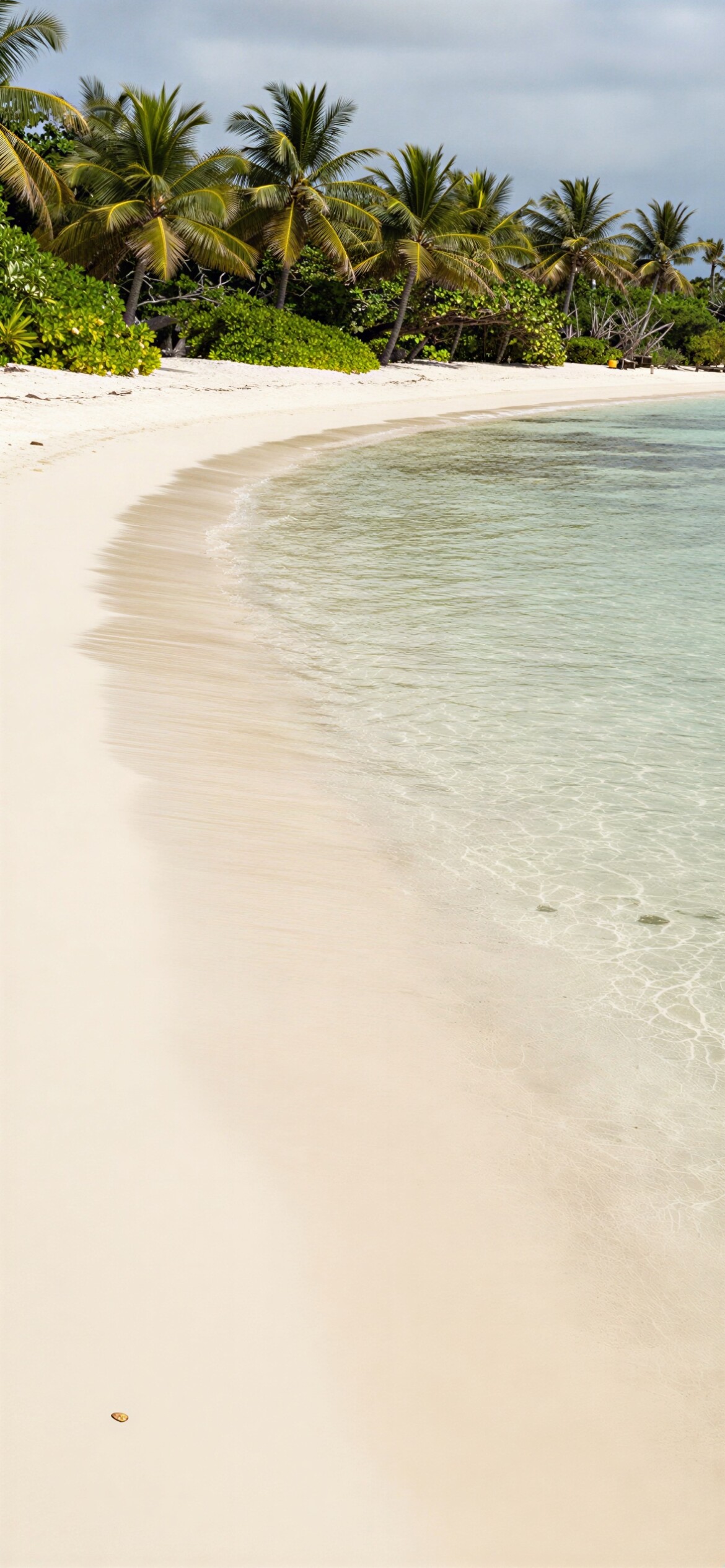
- Tropical cove (2): white sand tucked between rocky cliffs. The cliffs act as a frame, so it sits well behind a centred clock.
- Blue hour (3): wet sand and a calm sea after the light has softened. Quiet enough for a home screen full of icons.
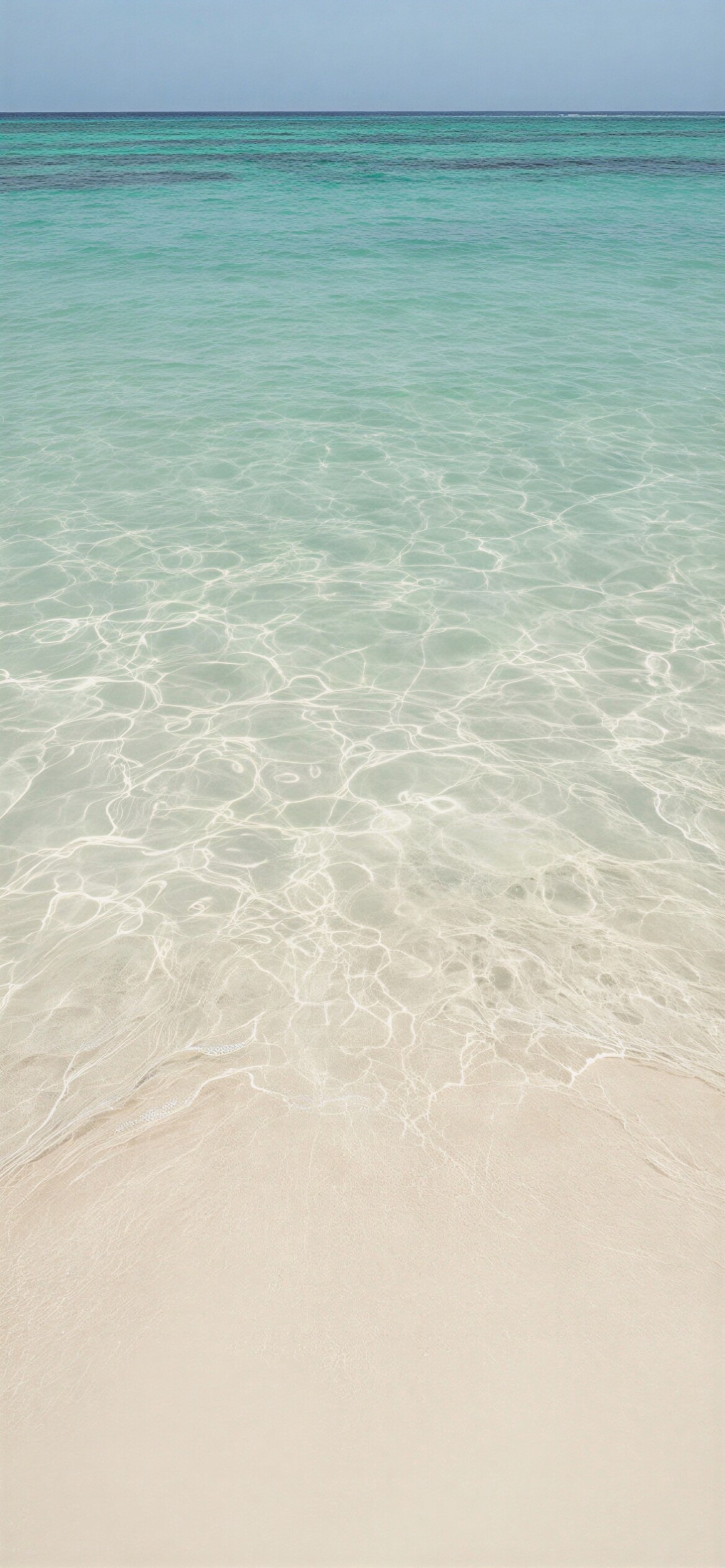
- From above (4): an overhead view of shallow turquoise water meeting white sand. The flat, almost map-like look keeps widgets easy to read.
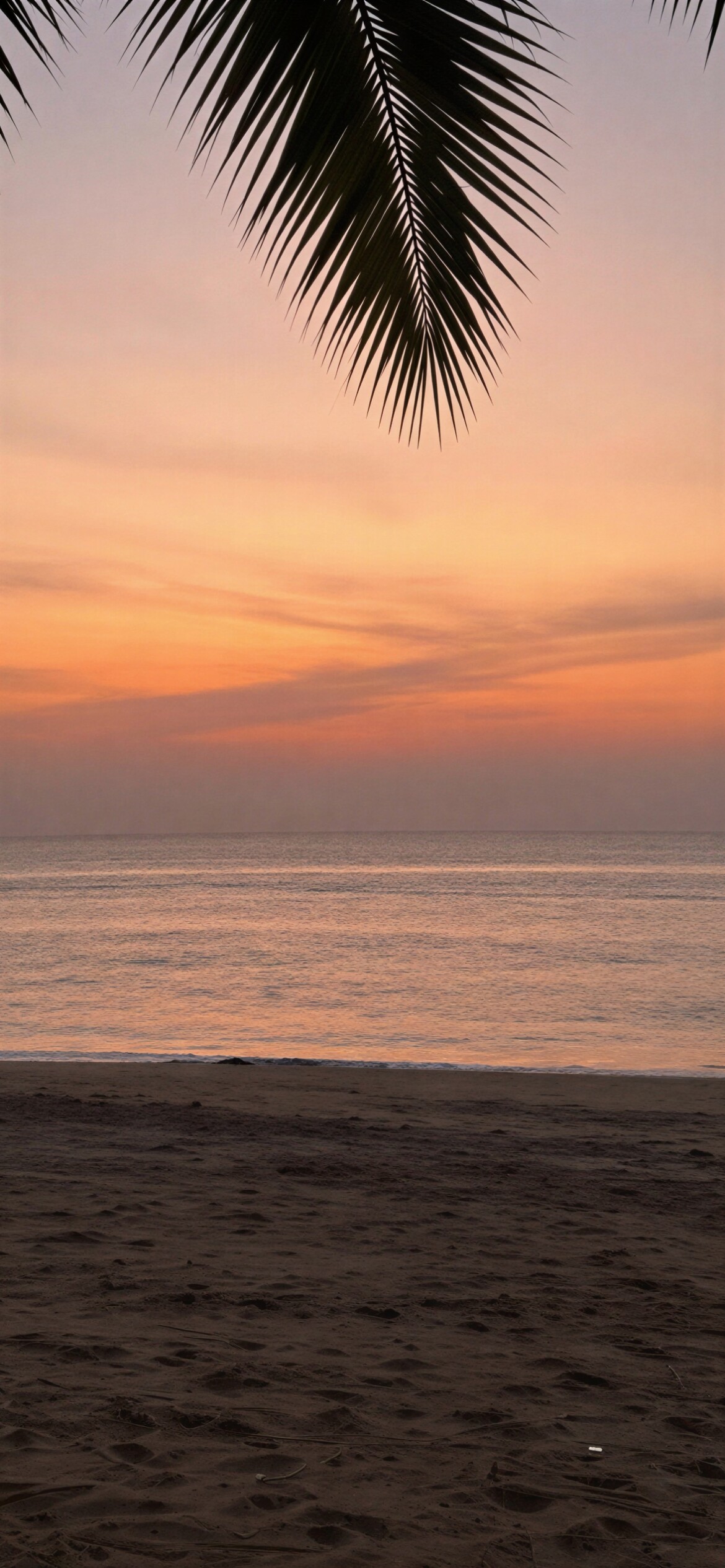
- Sunset under the palms (5): palm fronds against an orange sky, the warmest picture in the set.
- Low tide (6): smooth rocks and tide pools. It has more texture than the others, so it suits a lock screen better than a crowded home screen.
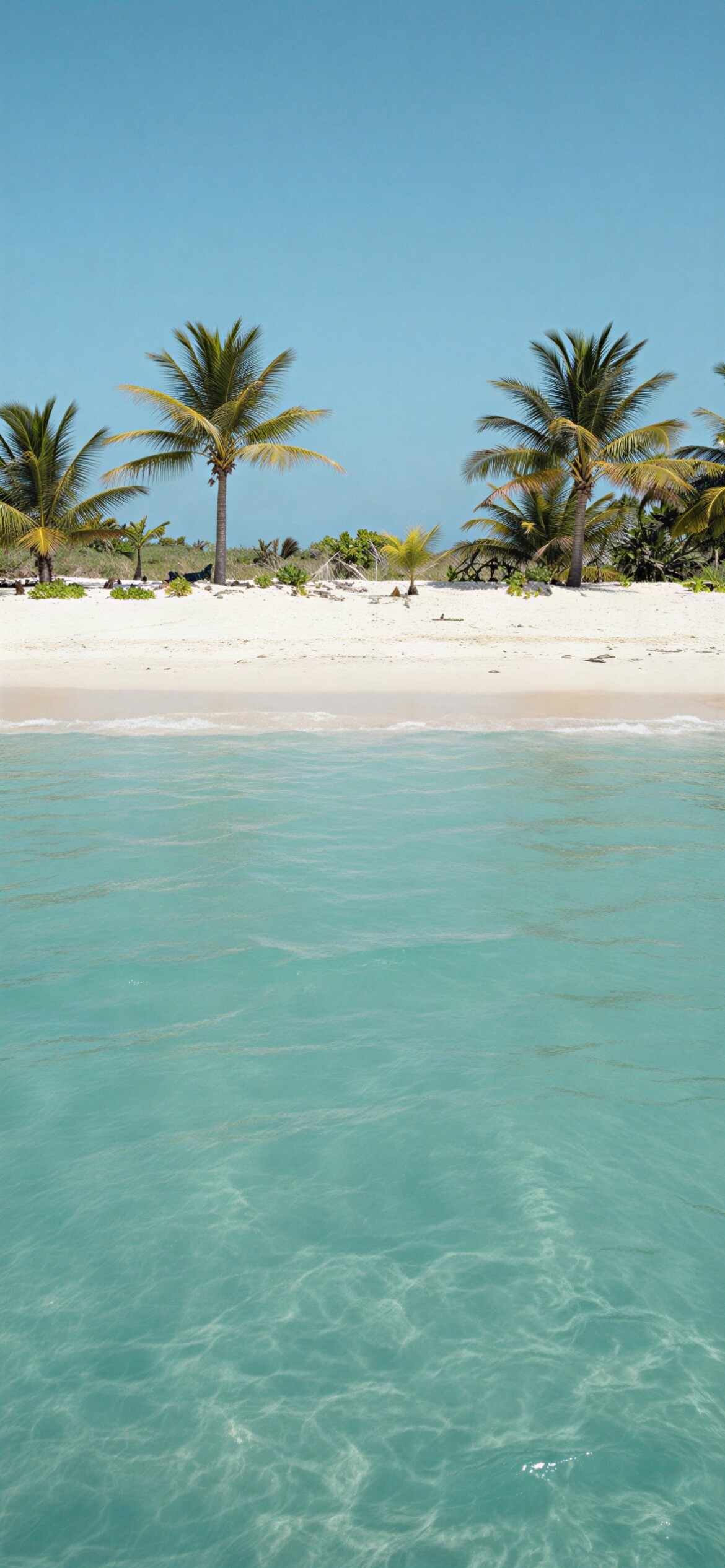
- Midday (7): turquoise water under a high sun, bright and clean.
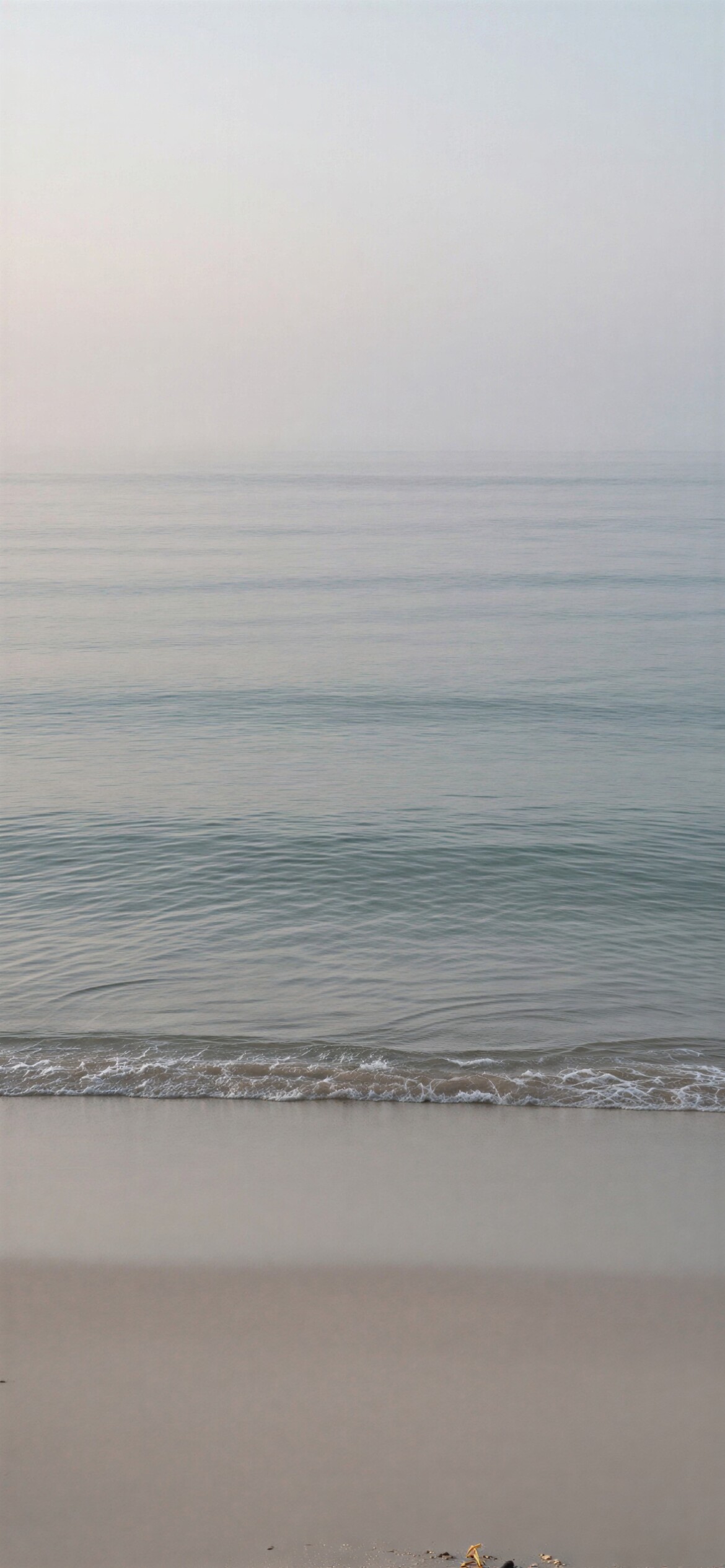
- Dawn (8): misty water and an empty shore, the softest image here.
- Gentle waves (9): wet sand, small waves and a clear sky, simple from top to bottom.
- Pebbles and palms (10): a tropical beach with pebbles in front and palm trees behind.
Warm, hushed, bright or rocky?
For warmth, go for 1 or 5, both lit by a low orange sun. For something hushed, 3 and 8 stay in greys and pale blues with very little going on. Wallpapers 2, 4, 7 and 9 are the bright daytime scenes, all clear water and pale sand. And 6 and 10 bring stones and pebbles into the foreground, which gives them a more textured, rugged feel than the open sandy shots.
If you want more of the coast, have a look at our ocean wallpapers, the palm tree set or these sunset wallpapers.
How to set it on your iPhone
- Tap Download and save the image to Photos.
- Open Settings, tap Wallpaper, then Add New Wallpaper, and choose Photos.
- Pick the wallpaper, pinch to position it, then tap Add and choose the lock screen, home screen or both.
Stuck on a step? The iPhone and iPad guide has screenshots for each one.
Questions
Do these wallpapers fit all iPhone models?
Yes for modern iPhones. These wallpapers are 1170x2532 pixels, sized for modern iPhones, and some older models may crop slightly at the edges. Even then, the main subject stays centered in the frame.
Can I use these wallpapers for anything other than my phone?
These wallpapers are free for personal use on your own devices only. You may not sell them, print them for sale, or repost them on other wallpaper sites or apps. For complete terms, visit our Terms page.
Which wallpapers work best for lock screens versus home screens?
Designs with simple sky and calm subjects work well for lock screens where you want minimal visual noise. For home screens, choose wallpapers where the main subject sits in the lower half, leaving the top quarter clear for your app icons and status bar to remain readable.
Are these beach wallpapers seasonal or can I use them year-round?
These are evergreen beach wallpapers with no seasonal elements, so they work perfectly any time of year. The soft lighting and tropical mood bring a sense of calm and escape no matter the season. Many people use them during winter months for a mental getaway.