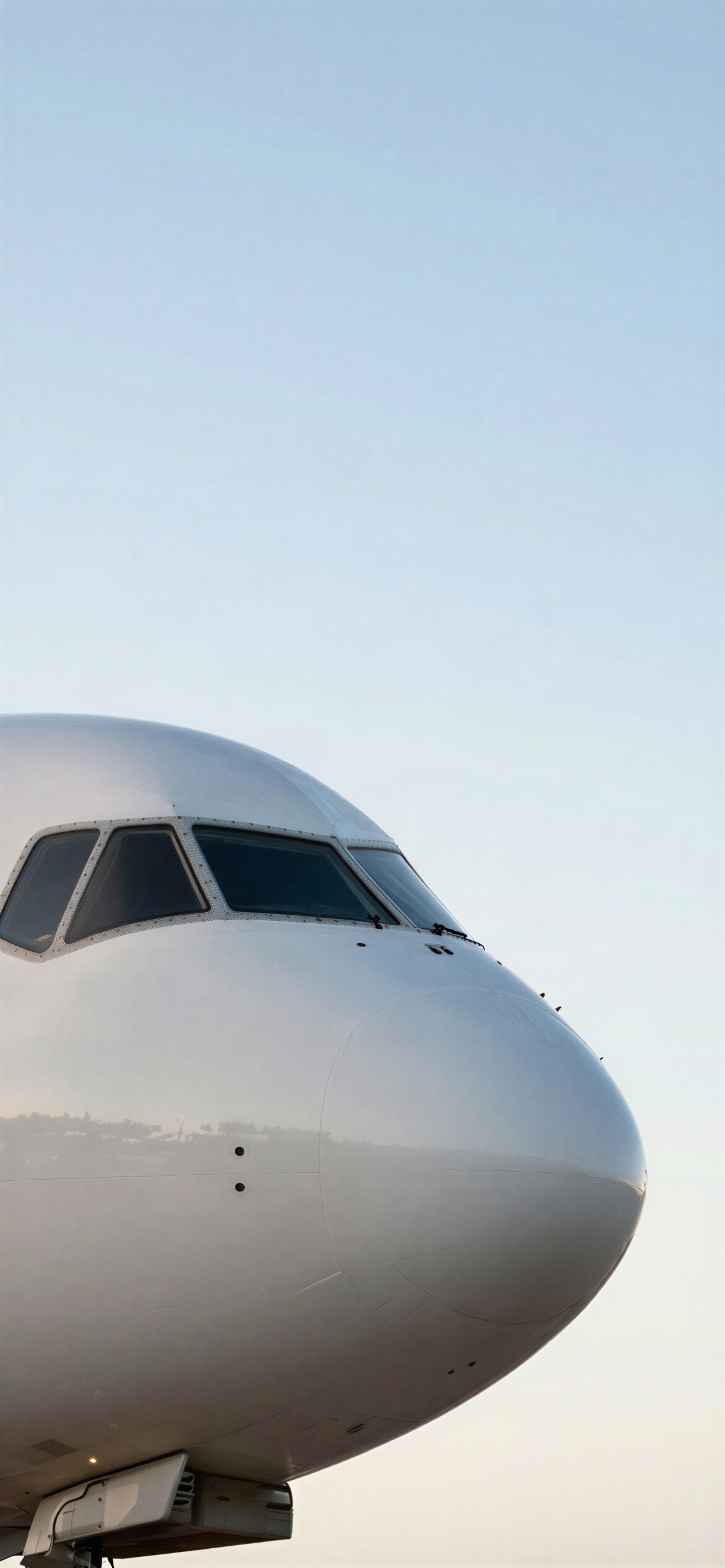
Airplane Wallpaper iPhone
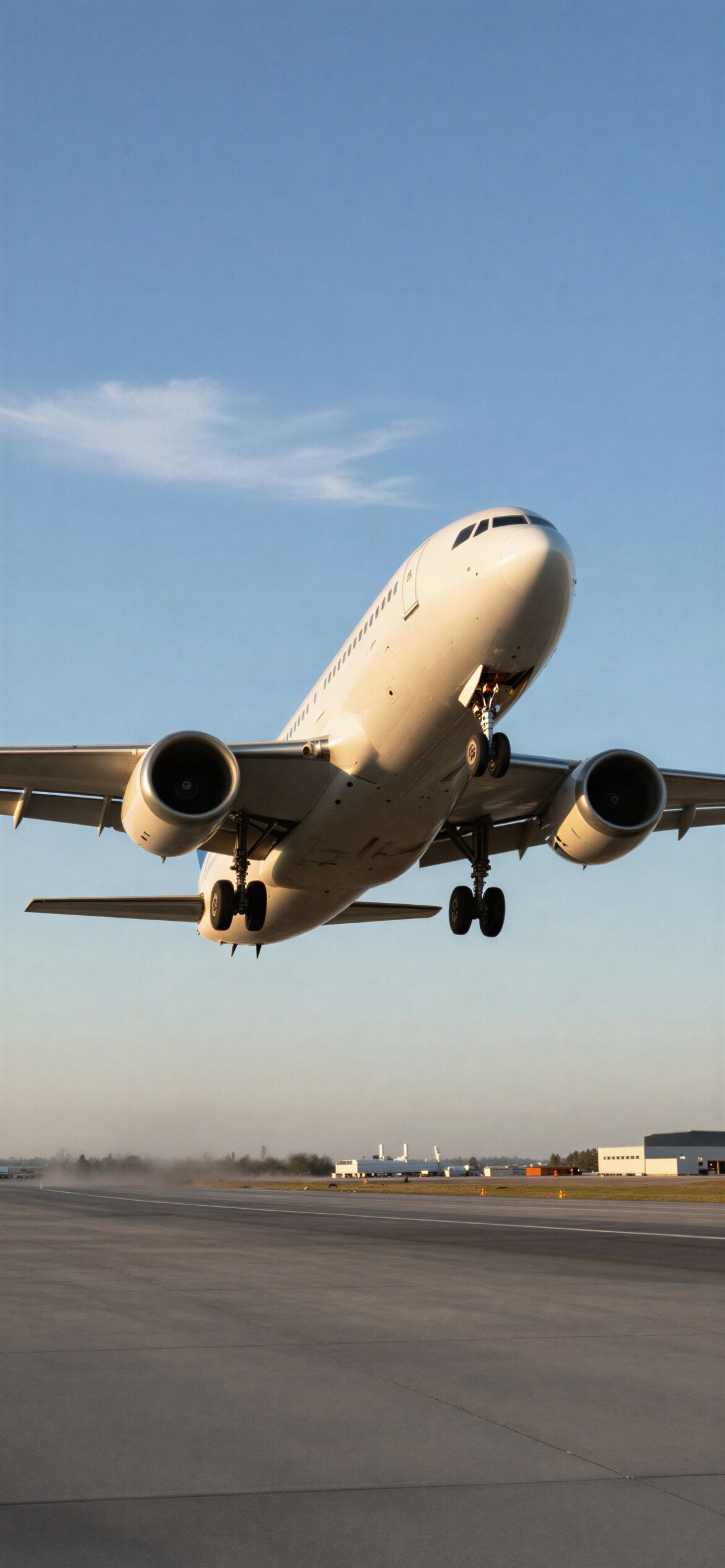
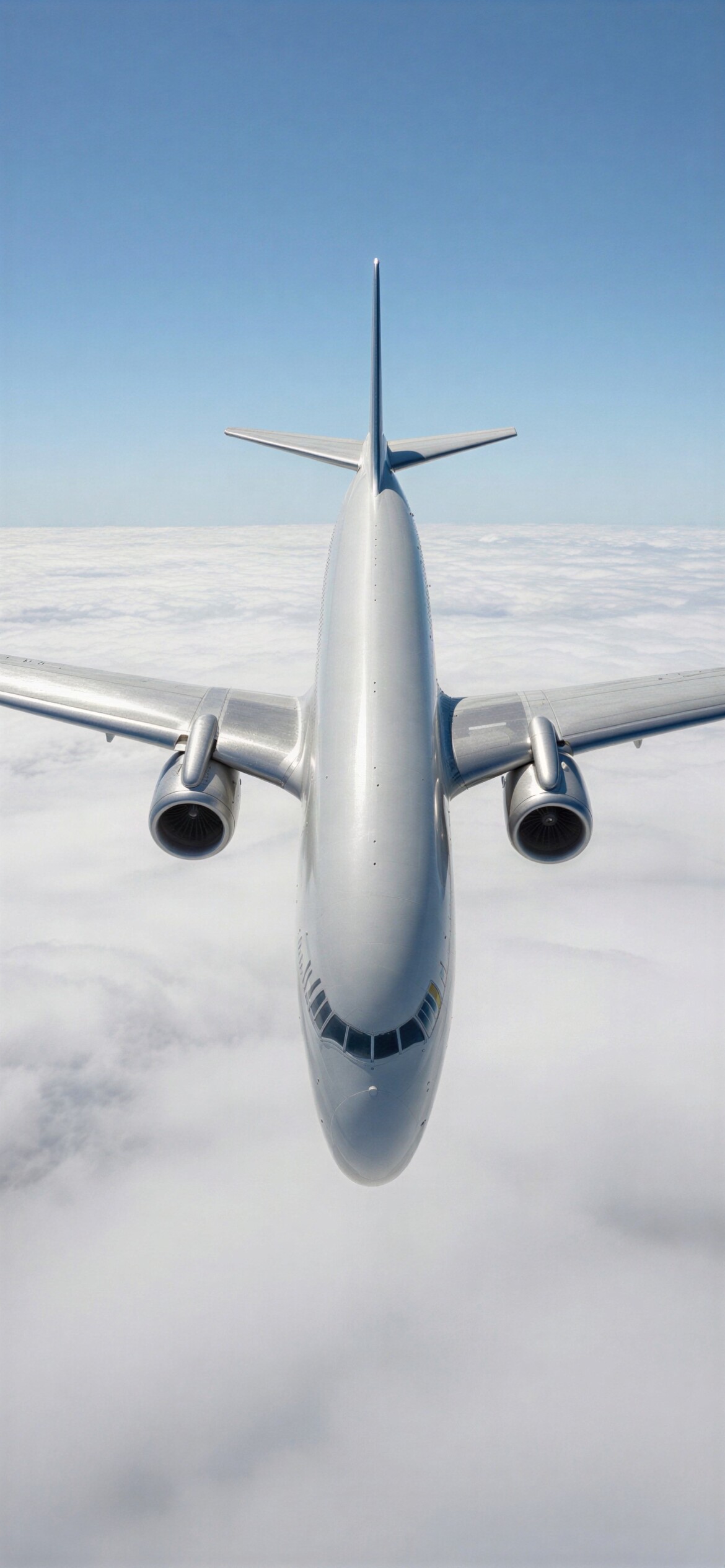
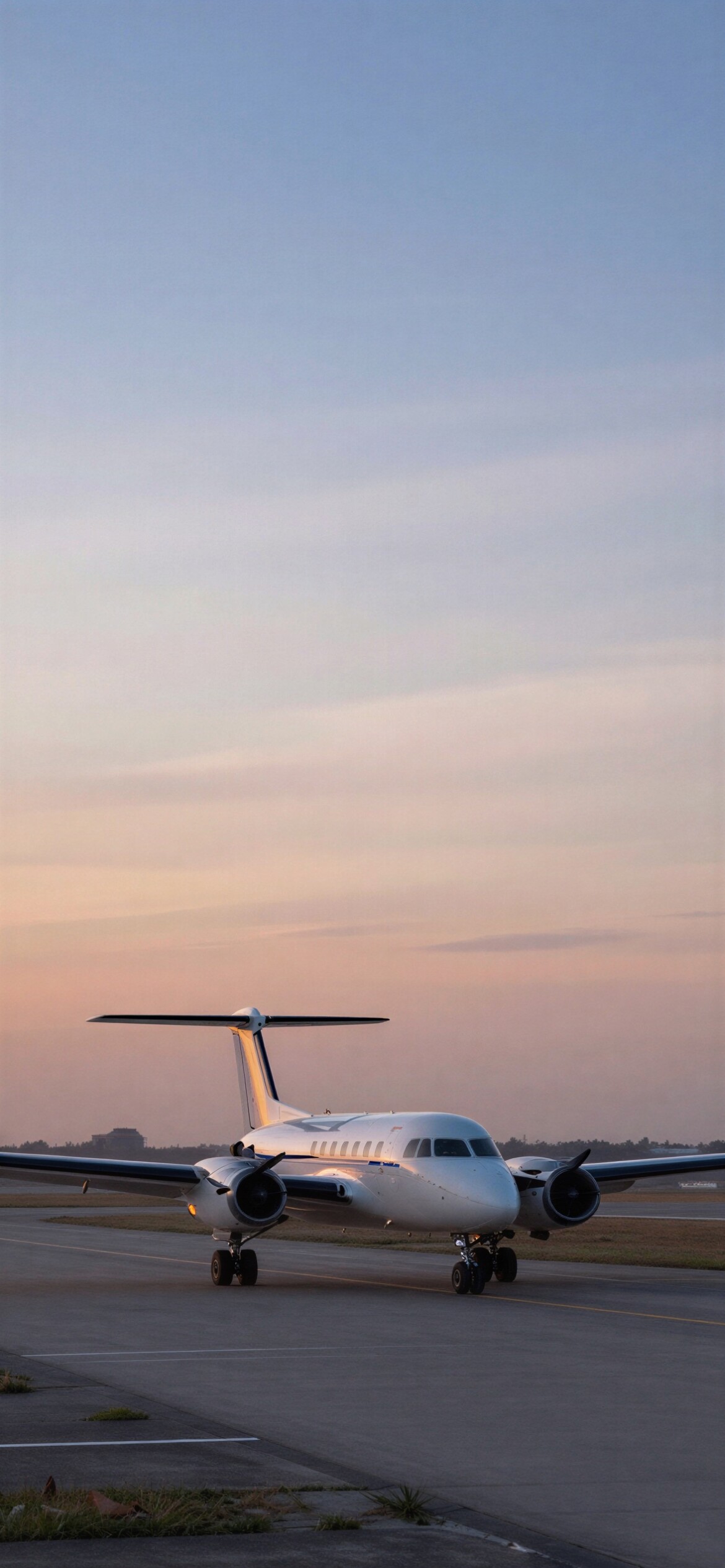
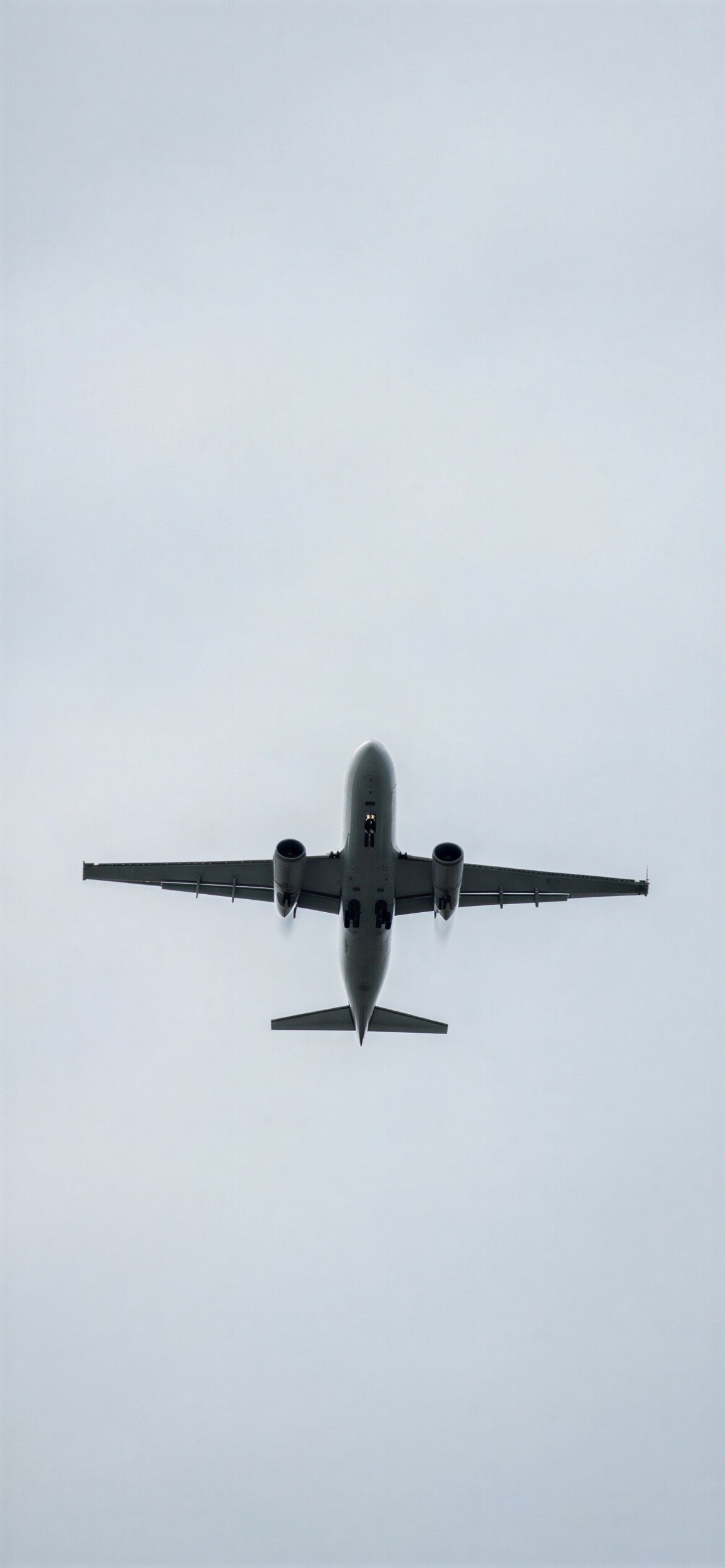
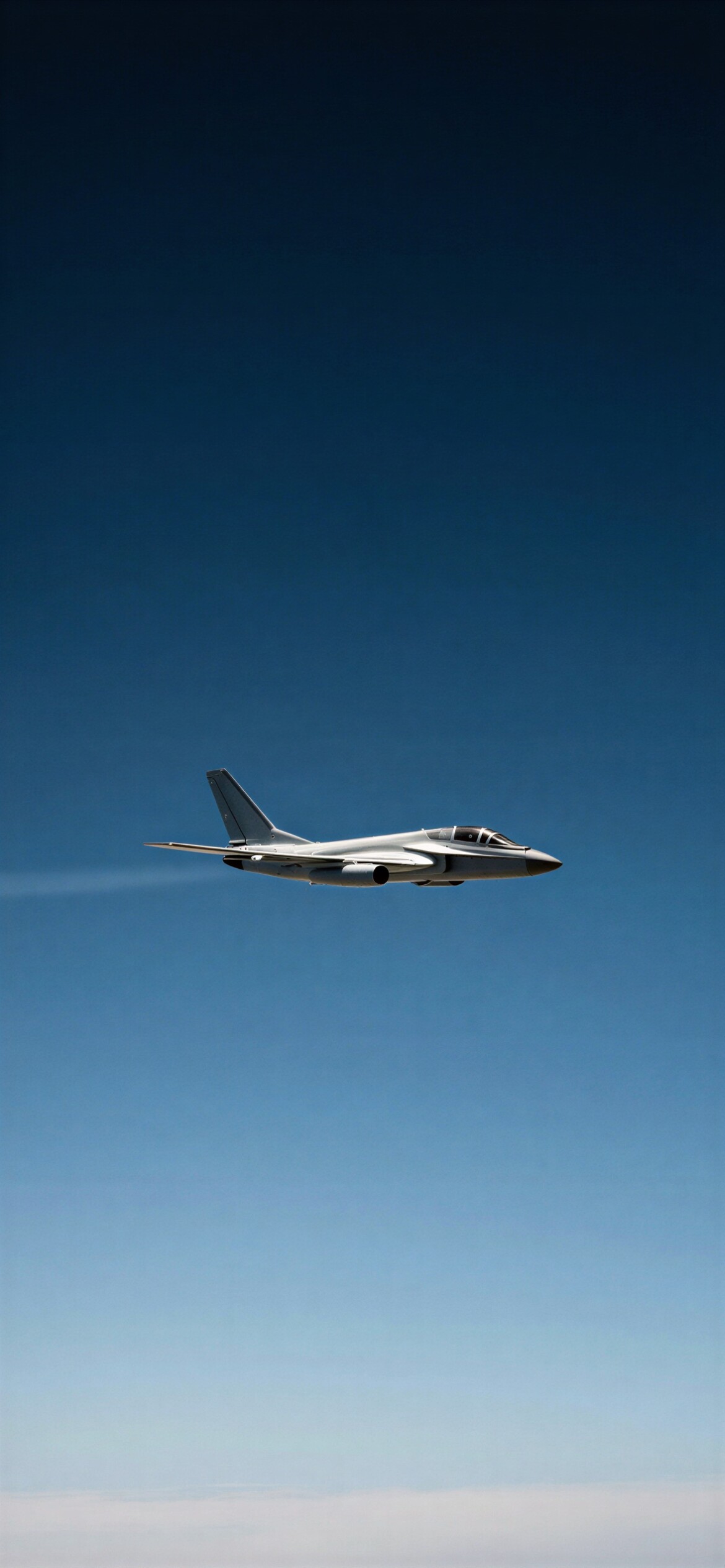
Airplane iPhone wallpaper features jets, takeoffs and aerial views perfect for your phone. These designs show aircraft in flight, on runways and against bright skies. The set includes close-up shots of wings catching sunlight, planes climbing through clouds, and views from the air looking down at the world below. Each wallpaper suits iPhone screens and pairs well with minimal icon layouts.
10 wallpapers at 1170 × 2532 px for iPhone. Checked by hand on 13 Oct 2026.
About this set
This set captures aircraft in motion and at rest, from dramatic takeoffs to peaceful high-altitude cruising. The designs use natural lighting, clear skies and cloud formations to create calm, expansive moods that work well as lock screen or home screen backgrounds. Most wallpapers feature bright blues and whites, making them versatile with light mode and adding visual depth to your home screen without overwhelming your apps and icons.
The cleaner, simpler compositions with planes centered or in the lower frame work best as lock screens where they won't interfere with time and notifications. The more detailed cloud scenes pair well with home screens, especially with minimal icon layouts. These wallpapers suit anyone who loves aviation, travel, or simply enjoys open skies and the sense of freedom that flight brings.
From a sand dune at Kitty Hawk to seven miles up
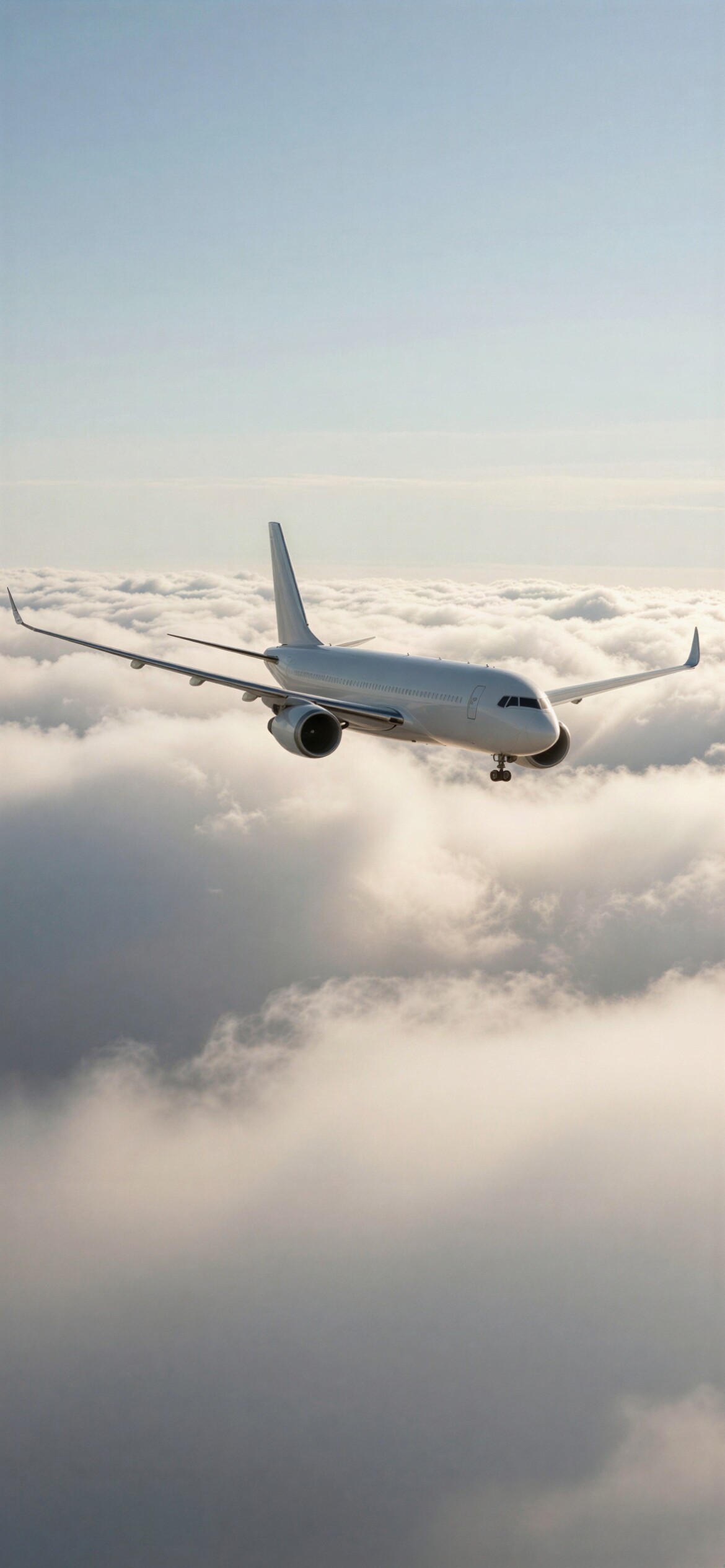
The first powered, controlled airplane flight lasted just 12 seconds. Orville and Wilbur Wright made it on 17 December 1903 near Kitty Hawk, North Carolina, and covered about 120 feet. Today a typical airliner cruises somewhere around 35,000 feet, which is the kind of height shown in wallpapers 4 and 9, where the plane sits above or among the clouds instead of under them.
Two other details in the set have a simple explanation. The white streaks in wallpaper 8 are contrails: water vapour from the engines freezes into ice crystals in the very cold air at altitude. And the tilted plane in wallpaper 6 is doing what every aircraft does to change direction. Pilots turn by banking, rolling the wings so the lift pulls the plane around the curve, which is why that picture shows the full wing span.
On the runway, in the climb, at cruise
Three of the pictures stay close to the ground. Wallpaper 1 is a jet lifting off a runway in golden morning light, and wallpaper 7 shows a twin-engine aircraft waiting on the runway at dawn under a pink and orange sky. Wallpaper 3 picks up the next moment, a commercial jet climbing steeply through white clouds at sunrise. These three have the most going on near the bottom of the frame, so they read well as lock screens with the clock floating over open sky.
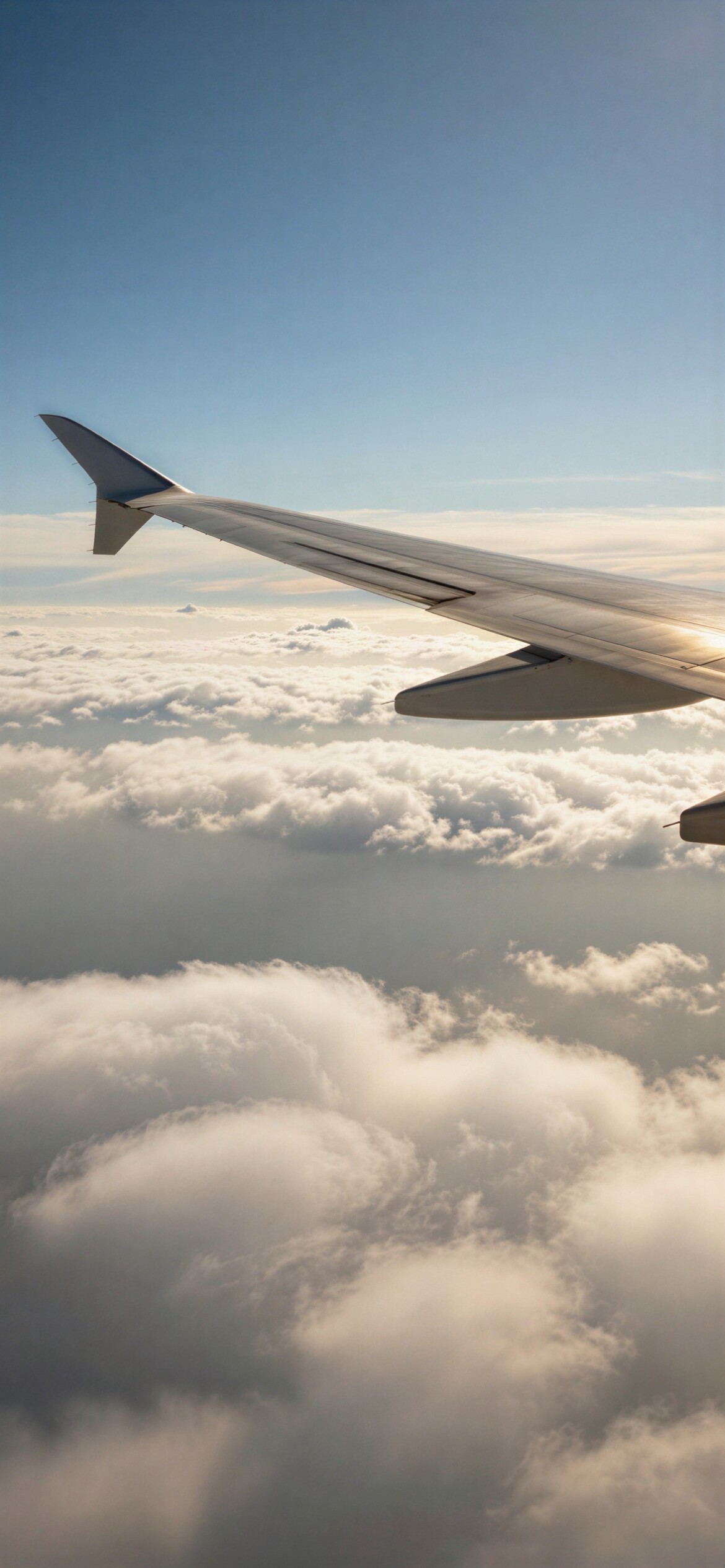
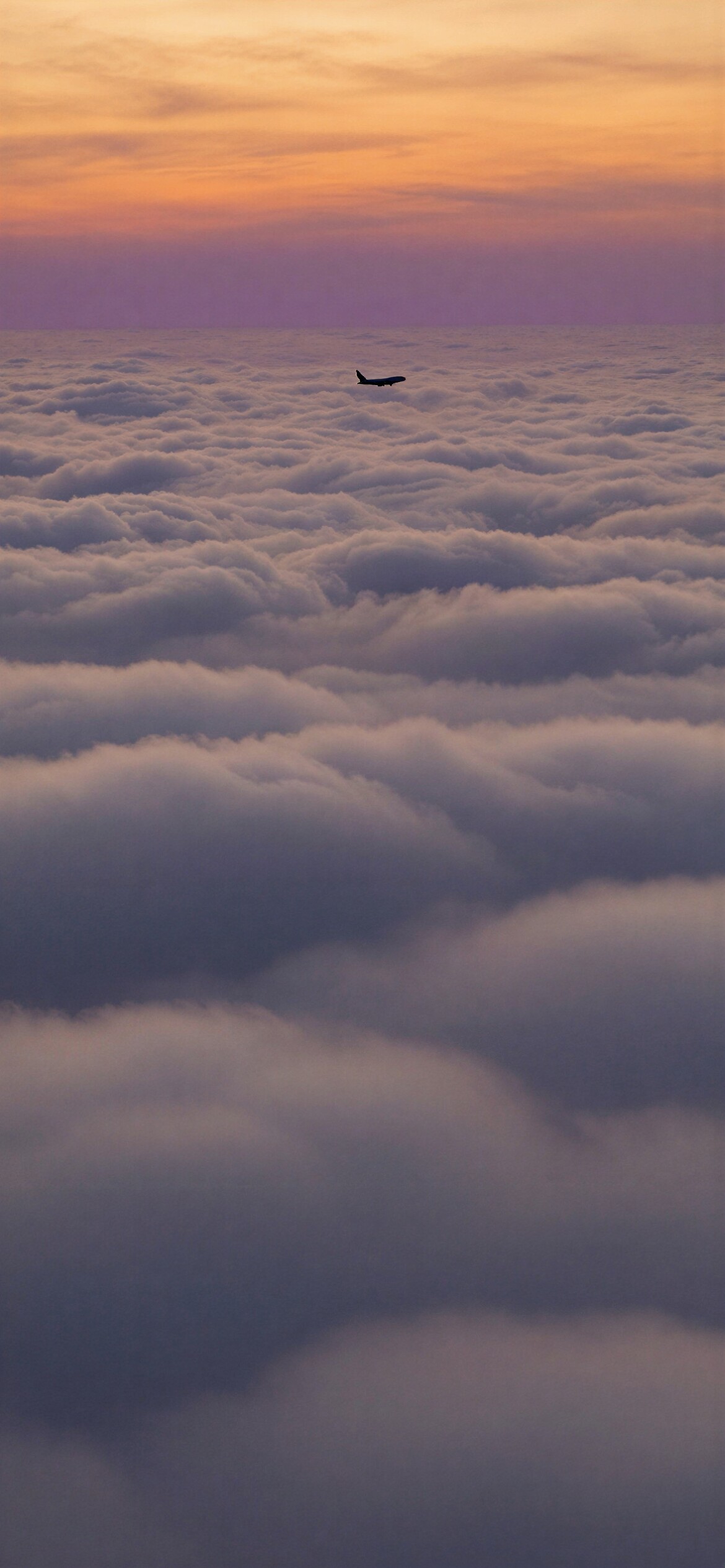
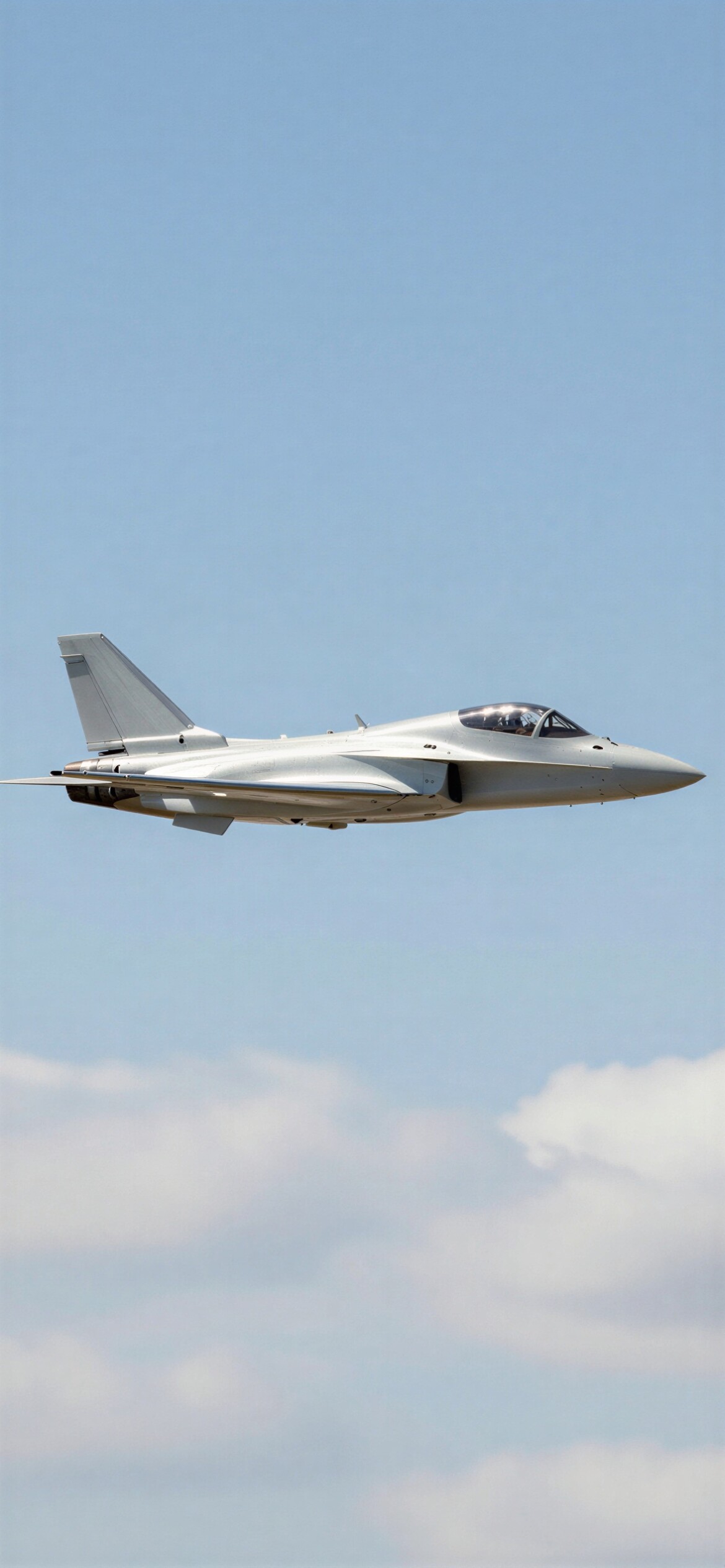
The rest are about the air itself. Wallpaper 2 zooms in on a wing catching sunlight, and wallpaper 10 is a close view of the nose and cockpit window against a soft blue gradient, both good choices if you want a plane without a busy background. Wallpapers 5 and 9 show jets in side profile, one against pale blue with a few clouds and one cruising through clear air. Wallpaper 4 looks down on a silhouette crossing the clouds at sunset, wallpaper 6 catches the banking turn, and wallpaper 8 looks straight up as a jet passes overhead under a bright, overcast sky.
Dawn colours or plain blue sky?
- Warm sunrise and sunset light: 1, 3, 4 and 7. These carry gold, pink and orange and look richer in dark mode.
- Clean blue sky: 2, 5, 9 and 10. The calmest of the set, easy to pair with white or light grey icons.
- White cloud and overcast light: 6 and 8. Bright and soft, best with darker icons so labels stay readable.
If you like big open skies, the sky wallpapers make a good match for these, and the sun set picks up the same warm sunrise tones. For a trip much higher than any airliner goes, try the astronaut wallpapers.
How to set it on your iPhone
- Tap Download and save the image to Photos.
- Open Settings, tap Wallpaper, then Add New Wallpaper, and choose Photos.
- Pick the wallpaper, pinch to position it, then tap Add and choose the lock screen, home screen or both.
Stuck on a step? The iPhone and iPad guide has screenshots for each one.
Questions
Will these wallpapers fit my iPhone screen?
Yes. This set is designed for iPhone at 1170x2532 pixels, which matches current iPhone models. The tall vertical composition keeps the main subject in the lower half of the screen, leaving space at the top for the status bar and notifications without cutting off the airplane or sky.
Can I use these wallpapers for personal use?
Yes, you can download and use these wallpapers for free on your own iPhone. Selling them, printing them for sale, or reposting them on other wallpaper sites is not allowed. See our Terms page for full details on personal use rights.
Which wallpapers work best as lock screens versus home screens?
The simpler compositions with centered aircraft and open sky work better as lock screens since they won't be hidden by apps. The more detailed cloud scenes and aerial views are ideal for home screens, where you can enjoy the layered depth behind your icons while keeping the plane and sky visible.
Do any of these wallpapers show specific airplane models or airline logos?
No. This set features generic aircraft designs without recognizable brands, airline logos, or specific real-world airplane models. The focus is on the universal experience of flight, clean aircraft silhouettes, and natural sky scenes that remain timeless and work with any iPhone setup.