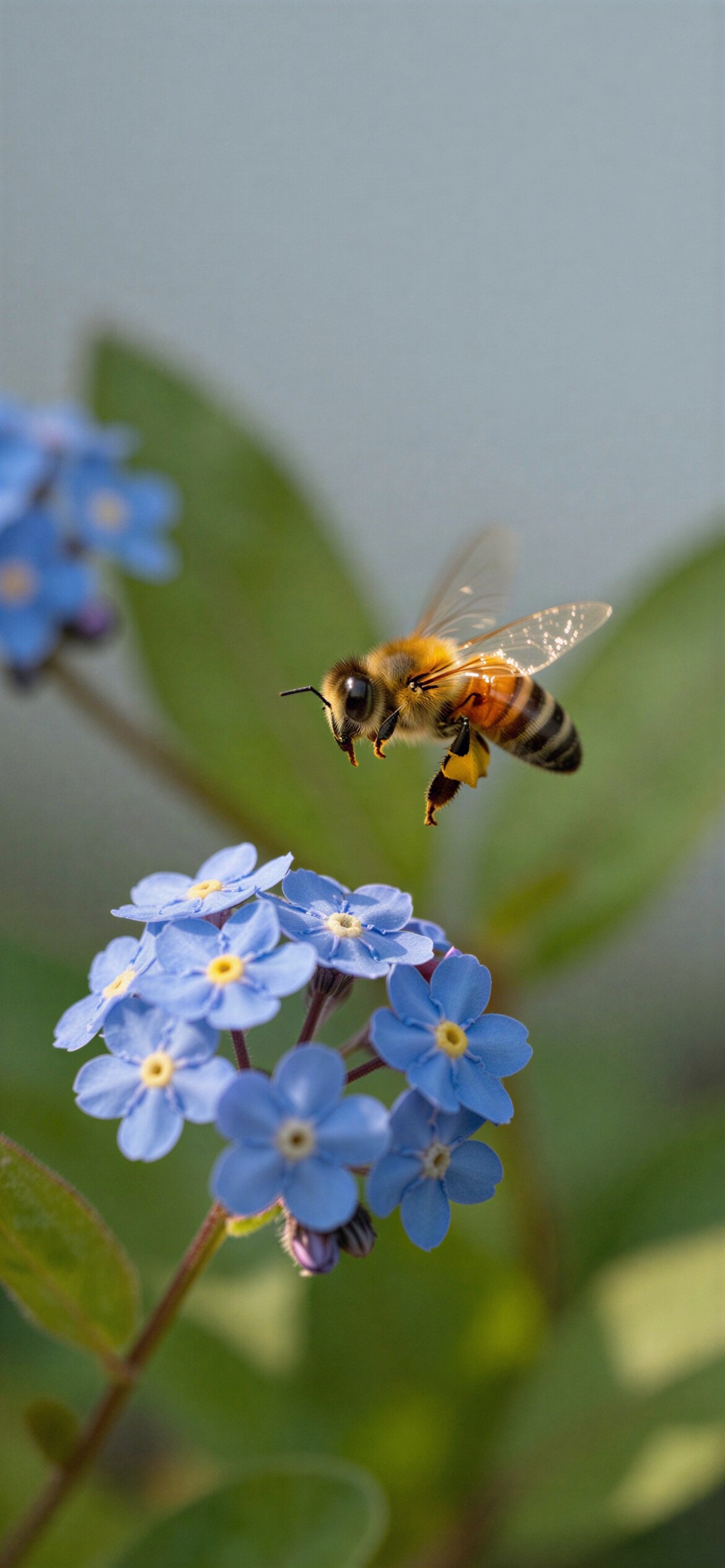
Bee Wallpaper iPhone
Bee iPhone wallpaper brings close-up views of these insects on flowers, in gardens and natural settings to your lock screen. These designs feature bees at work and rest, with soft natural light and real textures like pollen, petals and garden foliage. Each wallpaper suits portrait orientation and works year-round on any iPhone model. The bee wallpaper collection captures quiet moments in nature with warm, earthy tones and plenty of green.
10 wallpapers at 1170 × 2532 px for iPhone. Checked by hand on 10 Oct 2026.
About this set
This set captures bees in their natural habitat with soft, natural daylight and real garden textures. Each design focuses on the insect and a single flower or small bloom cluster, with simple sky at the top and blurred green foliage below. The colors are warm golds, soft greens, and delicate flower tones that feel calm and grounded.
These wallpapers work best as lock screen backgrounds where the simple top area keeps your time and notifications clear. The bee and flower stay visible even behind widgets. Pair them with earth-tone app icons or a minimal home screen for a cohesive nature theme. The evergreen designs work year-round without seasonal updates.
What a bee sees that we don't
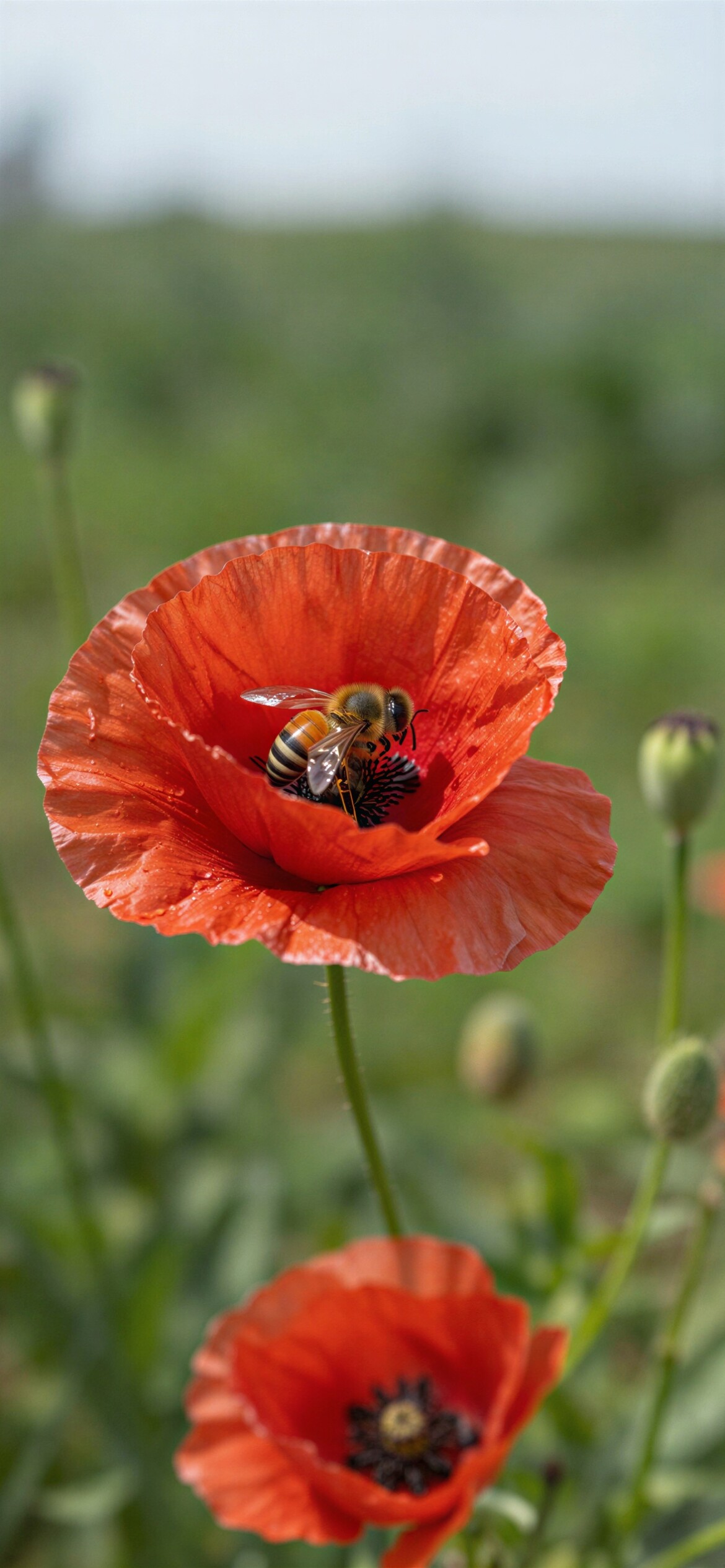
Bees can see ultraviolet light, which is invisible to us, and many flowers carry ultraviolet markings that guide them toward the nectar. Red works the other way: bees see it poorly, so a red poppy like the one in wallpaper 6 relies on the ultraviolet its petals reflect. When a honey bee finds a good patch of flowers, it tells the hive with the waggle dance, a looping run that signals direction and distance. The Austrian scientist Karl von Frisch worked out what the dance means and shared the 1973 Nobel Prize in Physiology or Medicine for his research on bee behaviour.
Flower by flower
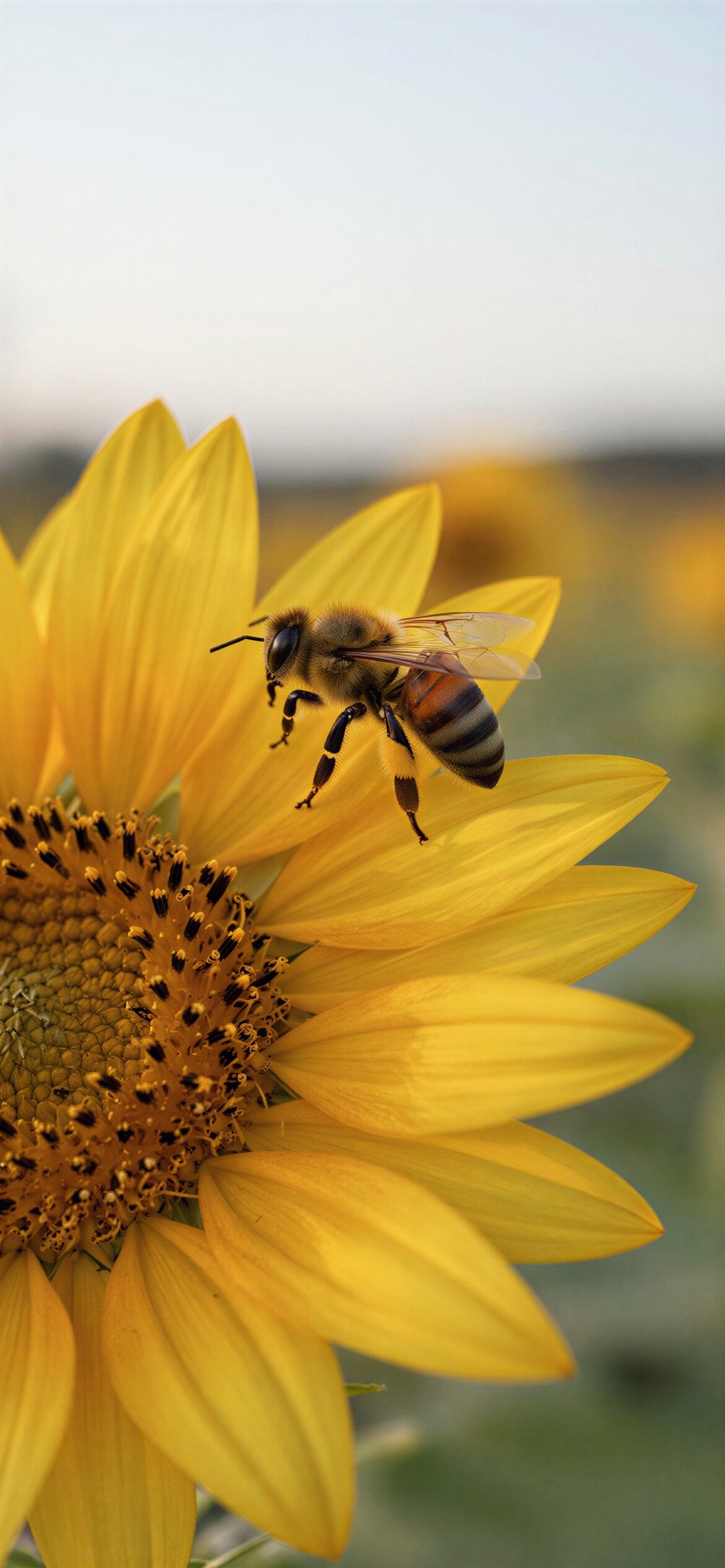
- A honey bee resting on a yellow sunflower, with the garden blurred behind it. The large yellow head fills the lower half, so it reads well under a big clock.
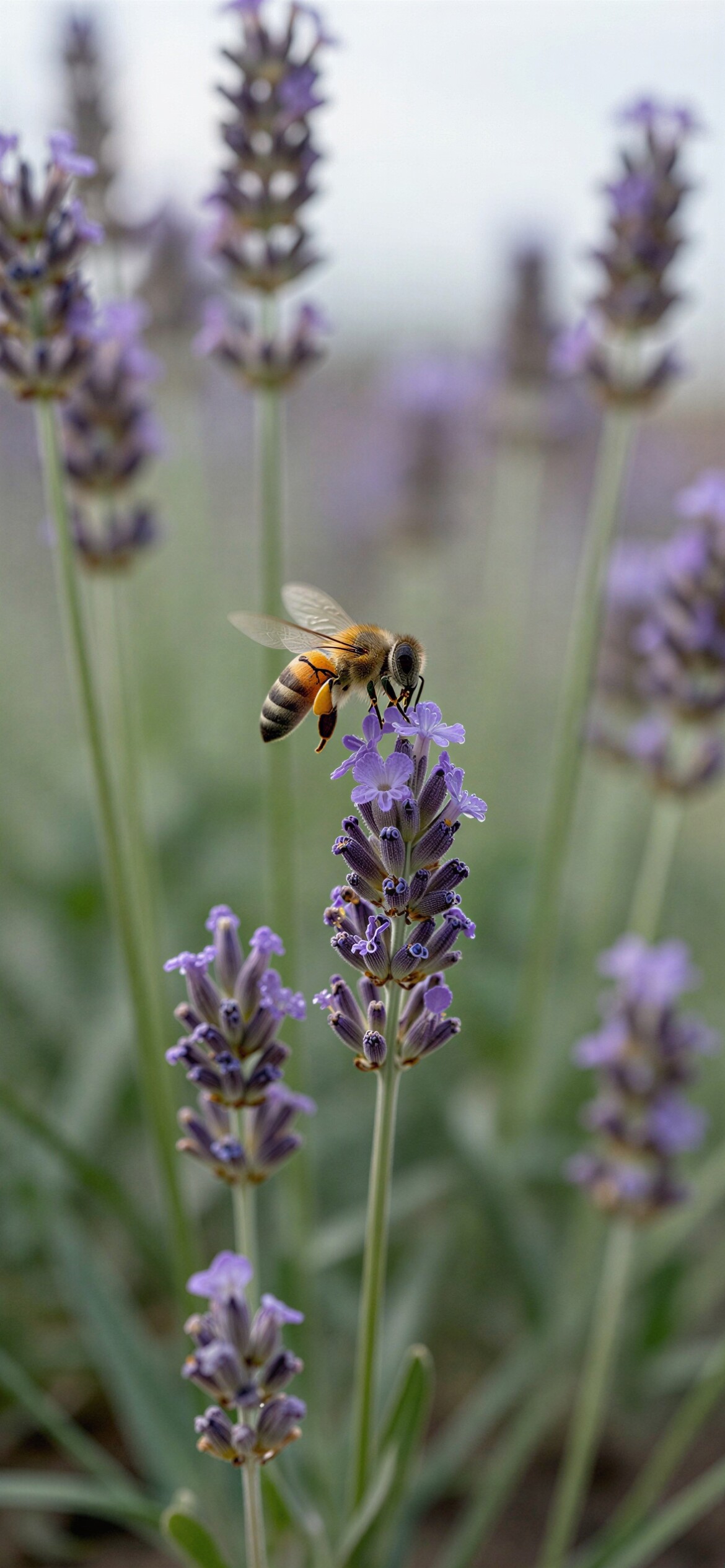
- A bee hovering by purple lavender with dewdrops and a pale sky. The open sky gives widgets room to breathe.
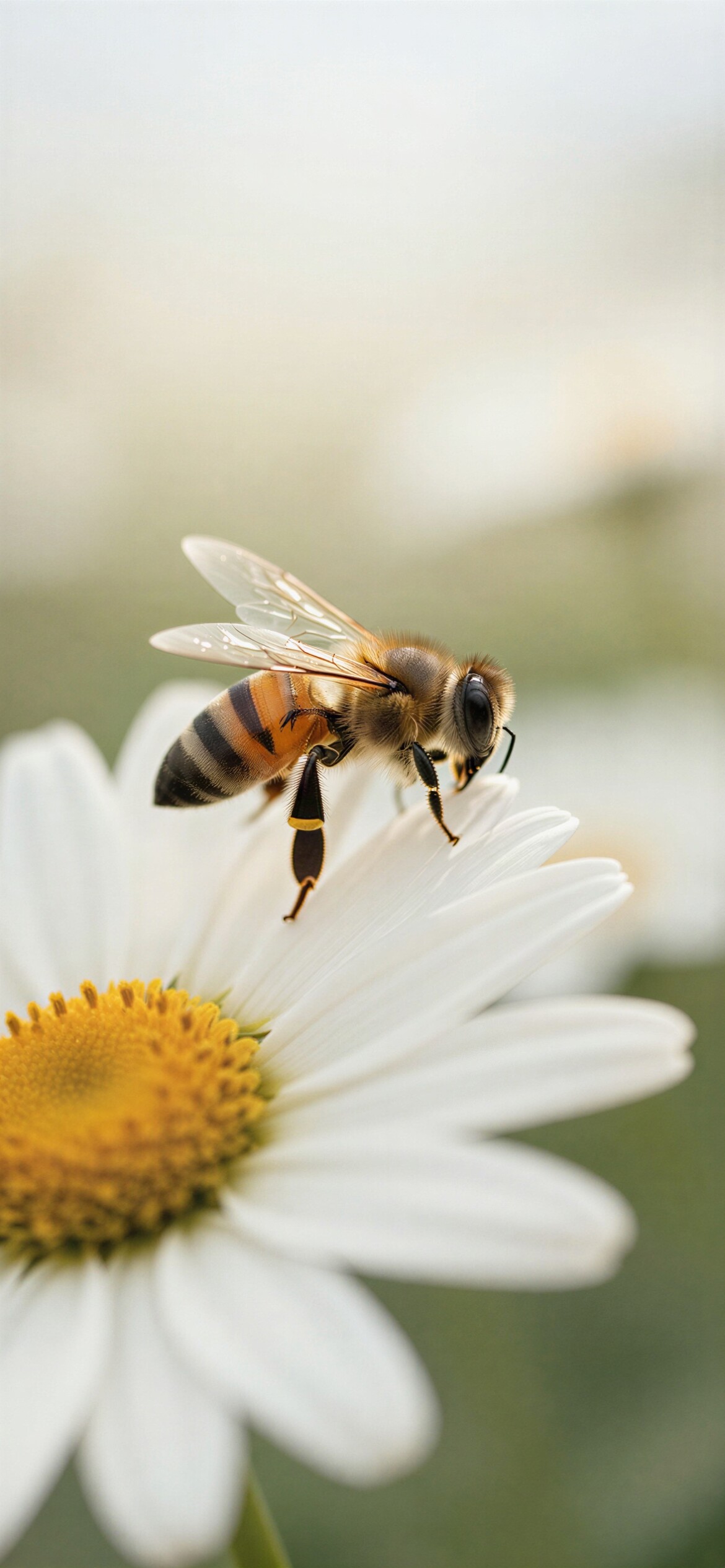
- A close-up on a white daisy in soft window light against a green blur. This is the quietest background here and a good home screen pick.
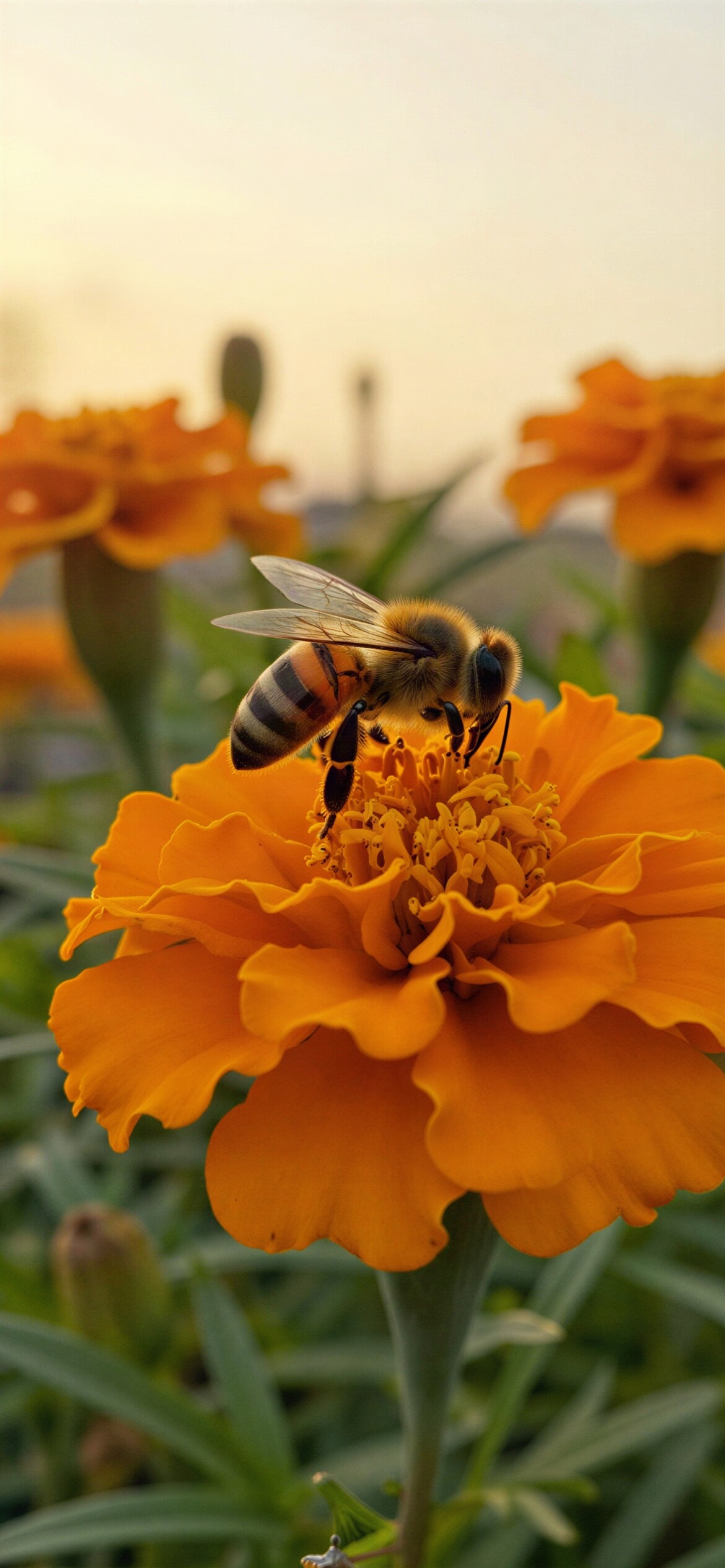
- A bee landing on an orange marigold in golden hour light, warm from edge to edge.
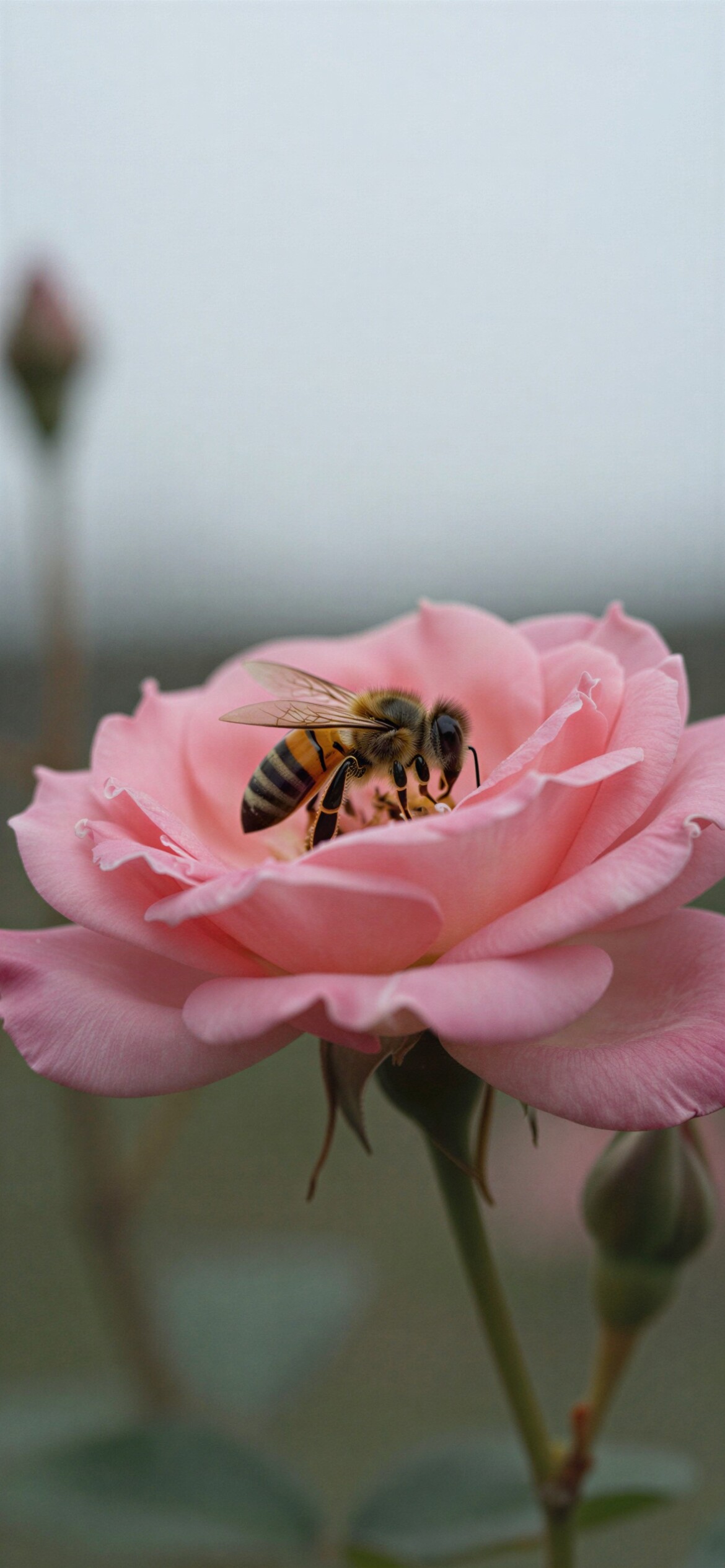
- A bee crawling over a pink rose petal under overcast daylight, gentle and low in contrast.
- A bright red poppy with green leaves and sky, the boldest colour in the set.
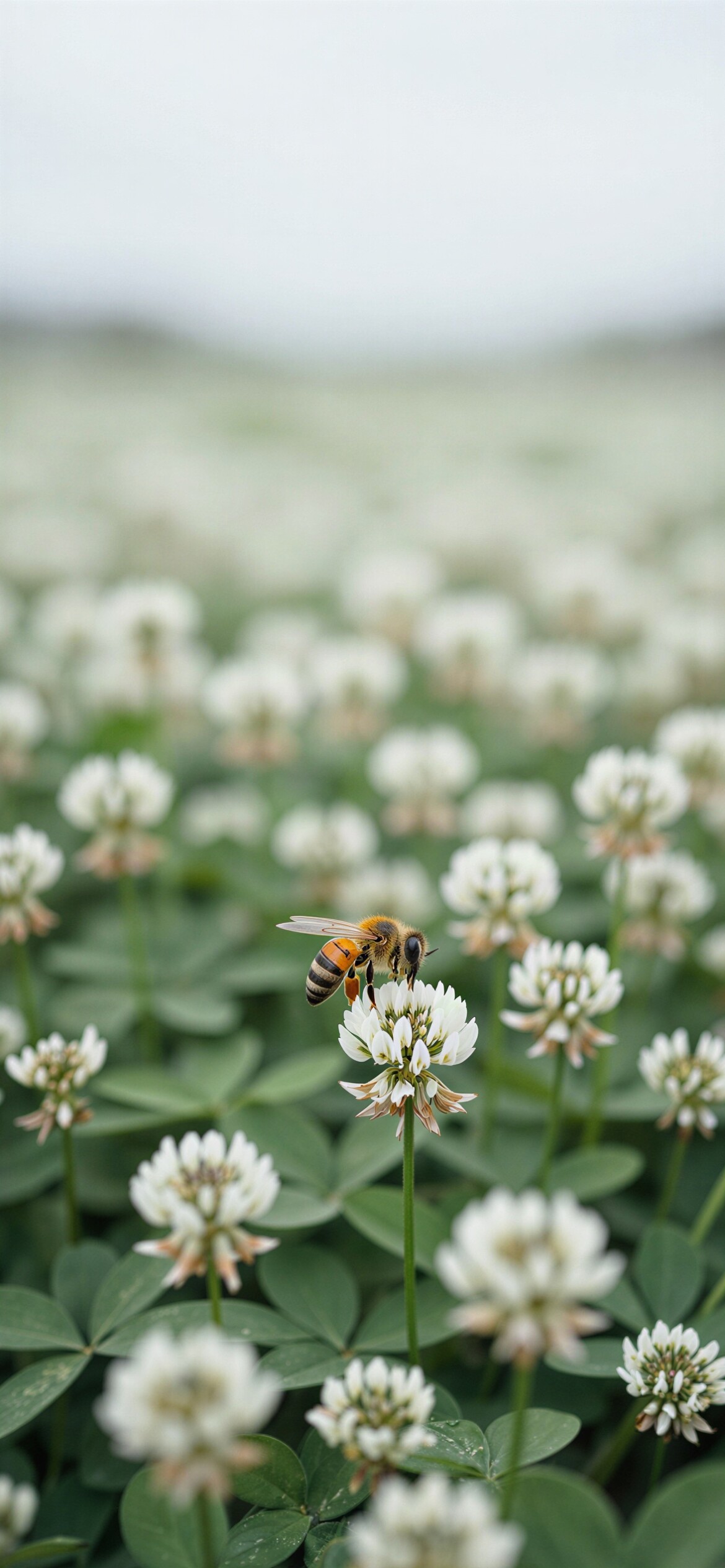
- A bee heading for white clover in a meadow under a pale sky. Clover is a classic honey plant, so this is a very ordinary bee moment.
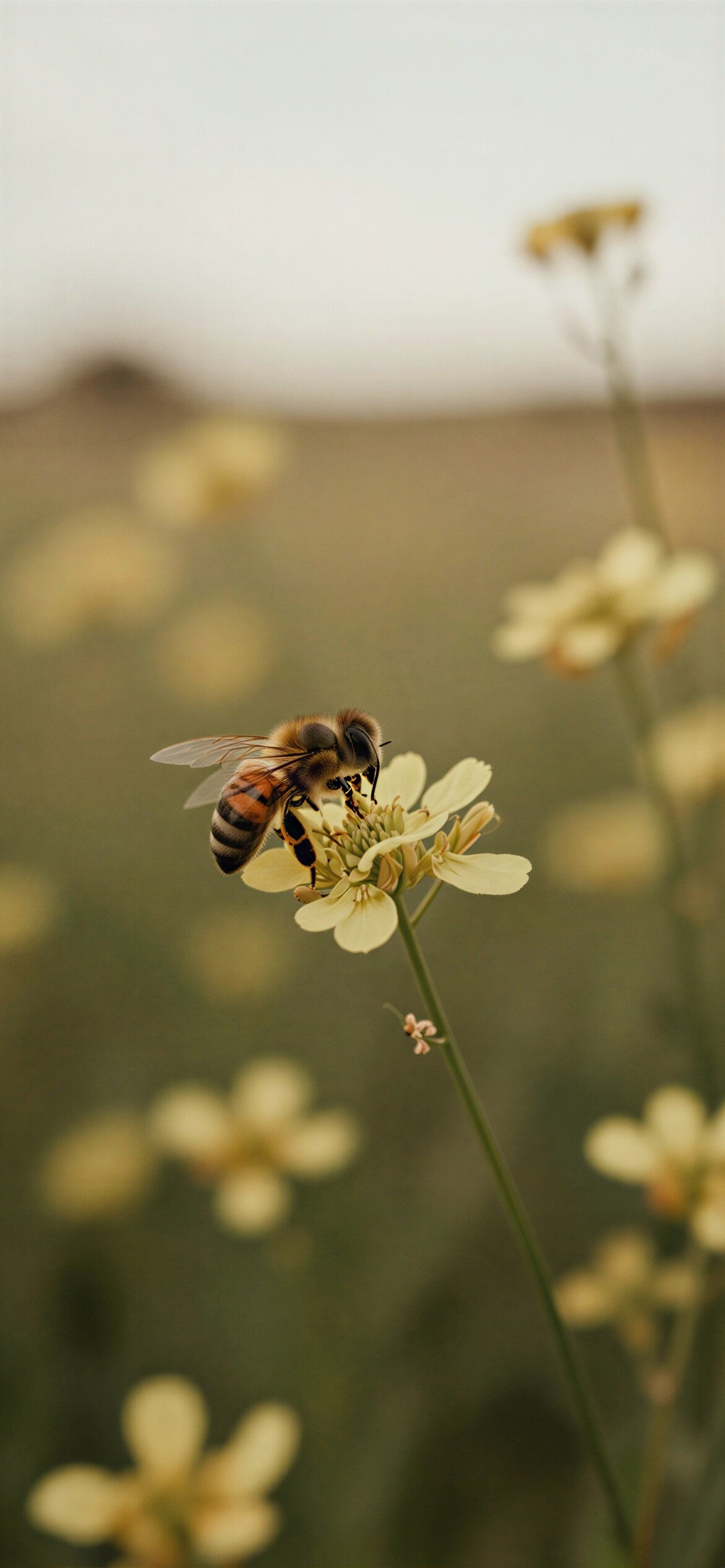
- A bee on a pale yellow wildflower with golden light catching the green stems.
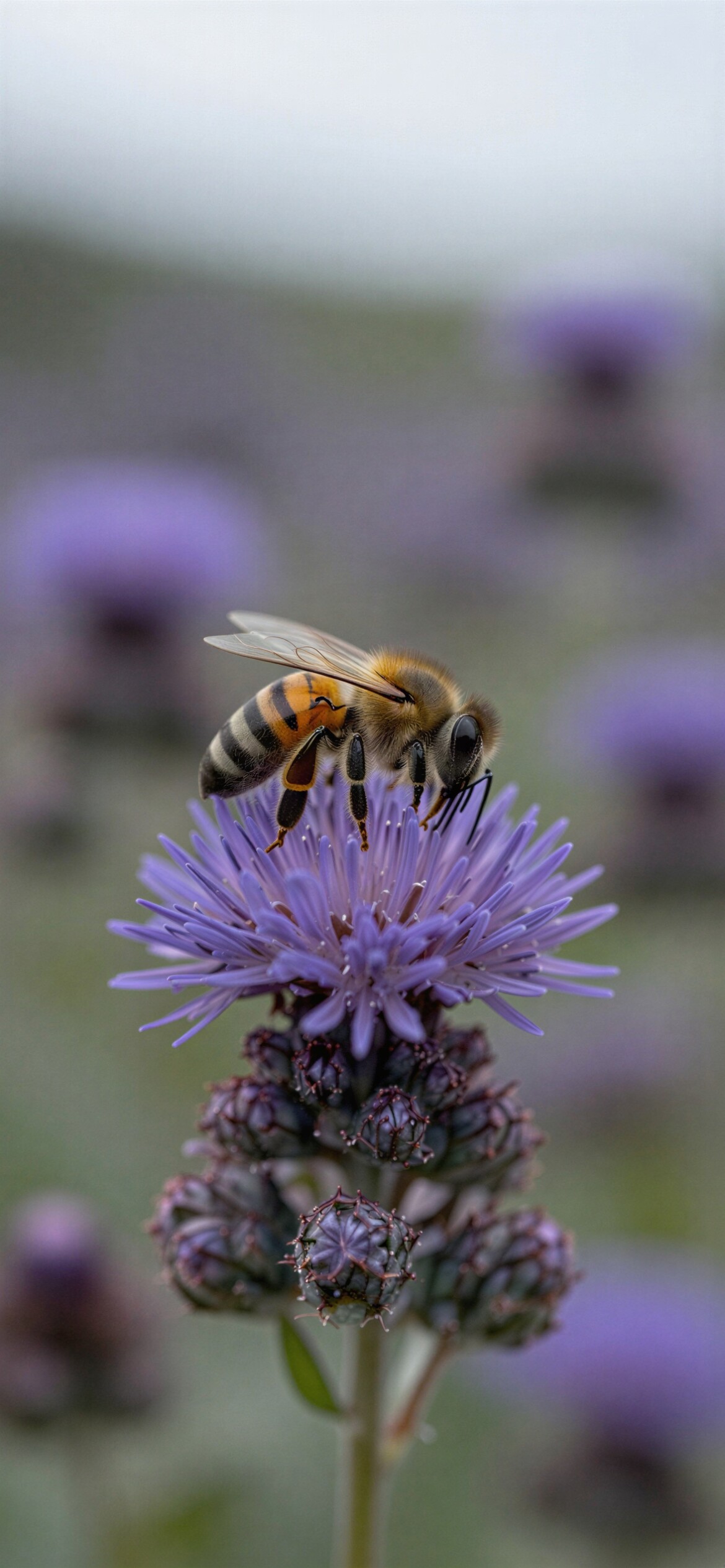
- A bee on a deep purple thistle in muted daylight, darker and moodier than the rest.
- A bee beside a bright blue forget-me-not in warm afternoon light. Blue flowers are rarer in the set, which makes this one stand out.
Warm light or cool petals
If you like a sunny screen, wallpapers 1, 4, 8 and 10 all glow with golden or afternoon light. For something cooler, 2, 7 and 9 lean on purple, white and pale sky. The remaining three, 3, 5 and 6, sit in soft daylight and let a single petal colour do the work: white, pink and red.
For more garden colour, have a look at the sunflower wallpapers, the pink flower set or the calm pond scenes in our lotus collection.
How to set it on your iPhone
- Tap Download and save the image to Photos.
- Open Settings, tap Wallpaper, then Add New Wallpaper, and choose Photos.
- Pick the wallpaper, pinch to position it, then tap Add and choose the lock screen, home screen or both.
Stuck on a step? The iPhone and iPad guide has screenshots for each one.
Questions
Will these wallpapers fit my iPhone screen?
Yes. These designs are created at 1170 by 2532 pixels, which is the standard size for current iPhone models in portrait orientation. They fit perfectly without cropping or distortion. If you have an older iPhone model, the image may crop slightly at the top or bottom, but the bee and flower in the lower half will remain centered and visible.
Can I use these wallpapers personally?
Yes, these wallpapers are free to download and use on your own iPhone and personal devices. You can't sell them, print them for sale, or post them on other wallpaper websites. For full terms on personal use, see our Terms page.
Which wallpapers work best for my lock screen?
All of them work on your lock screen since the top quarter is kept simple and open for your time and notifications. The bee and flower are positioned in the lower half so they stay visible and uncluttered. Choose whichever flower and bee combination matches your favorite colors.
Do these designs have a specific season or occasion?
No, these are evergreen designs that work year-round. Bees are active from spring through fall, but these wallpapers capture timeless garden moments with natural light and colors that feel appropriate any time of year. They're perfect if you love nature, gardens or insects.