Smiley Face Wallpaper iPhone
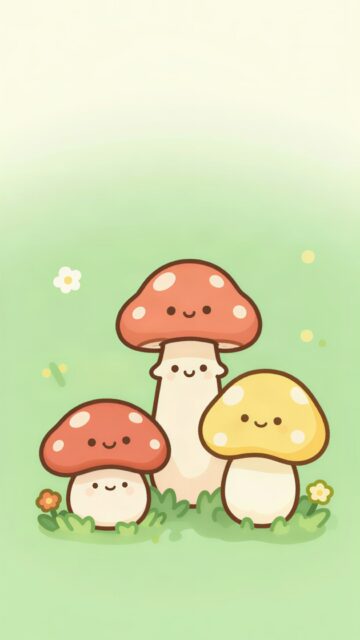
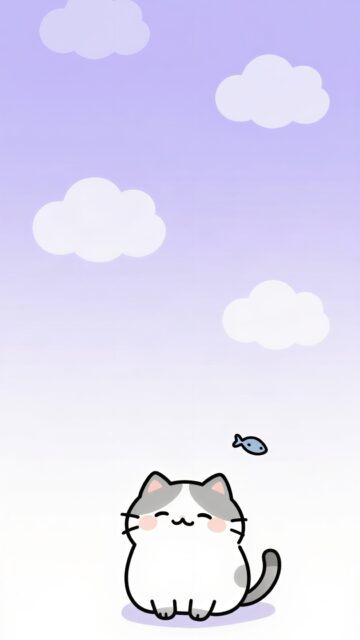
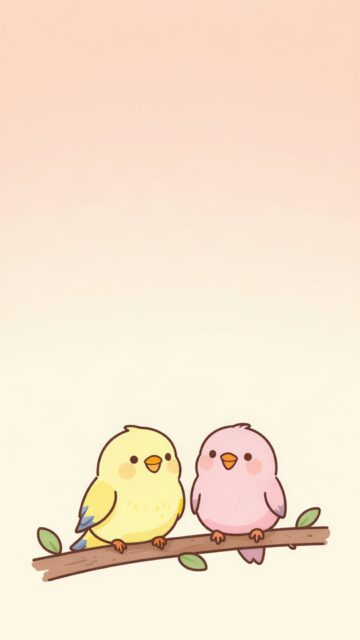
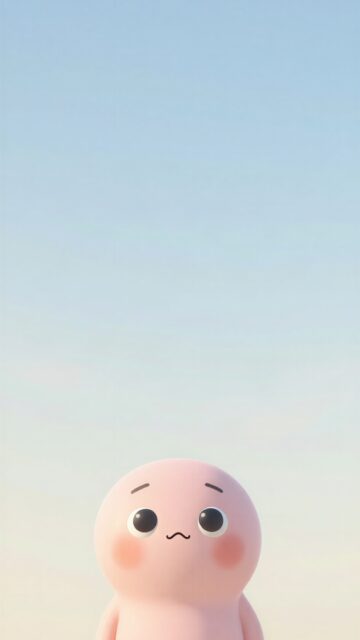
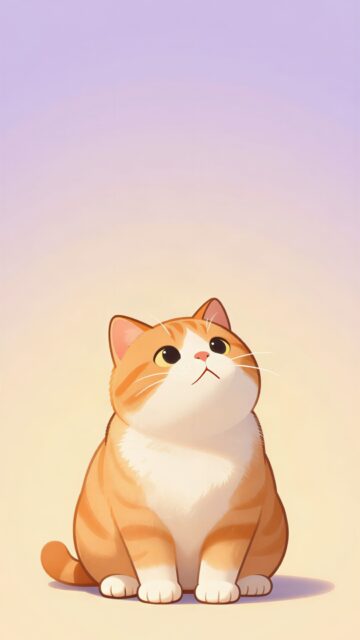
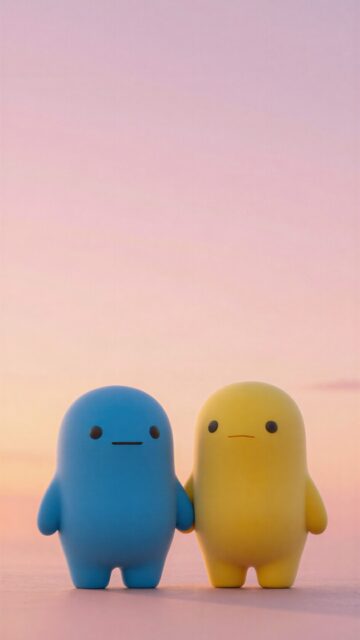
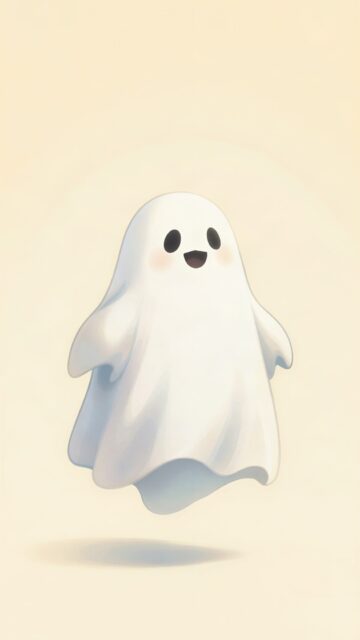
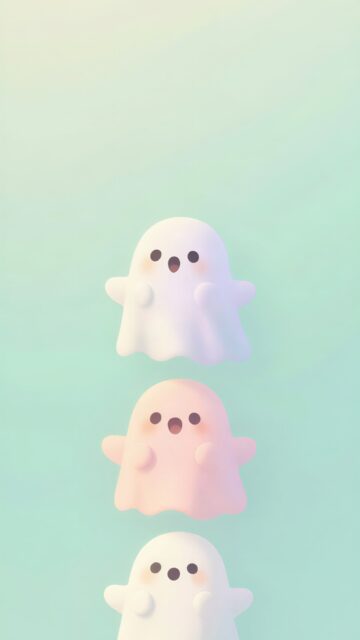
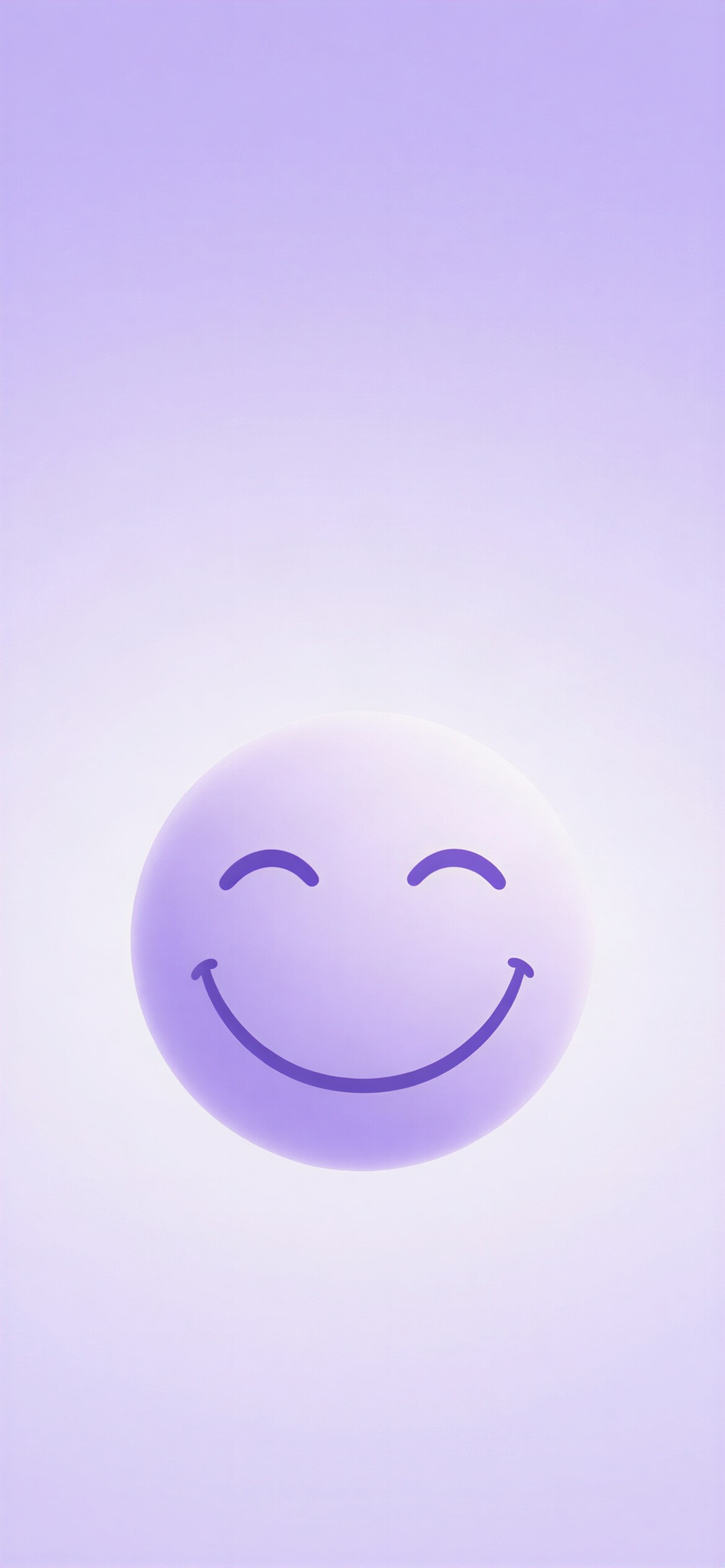
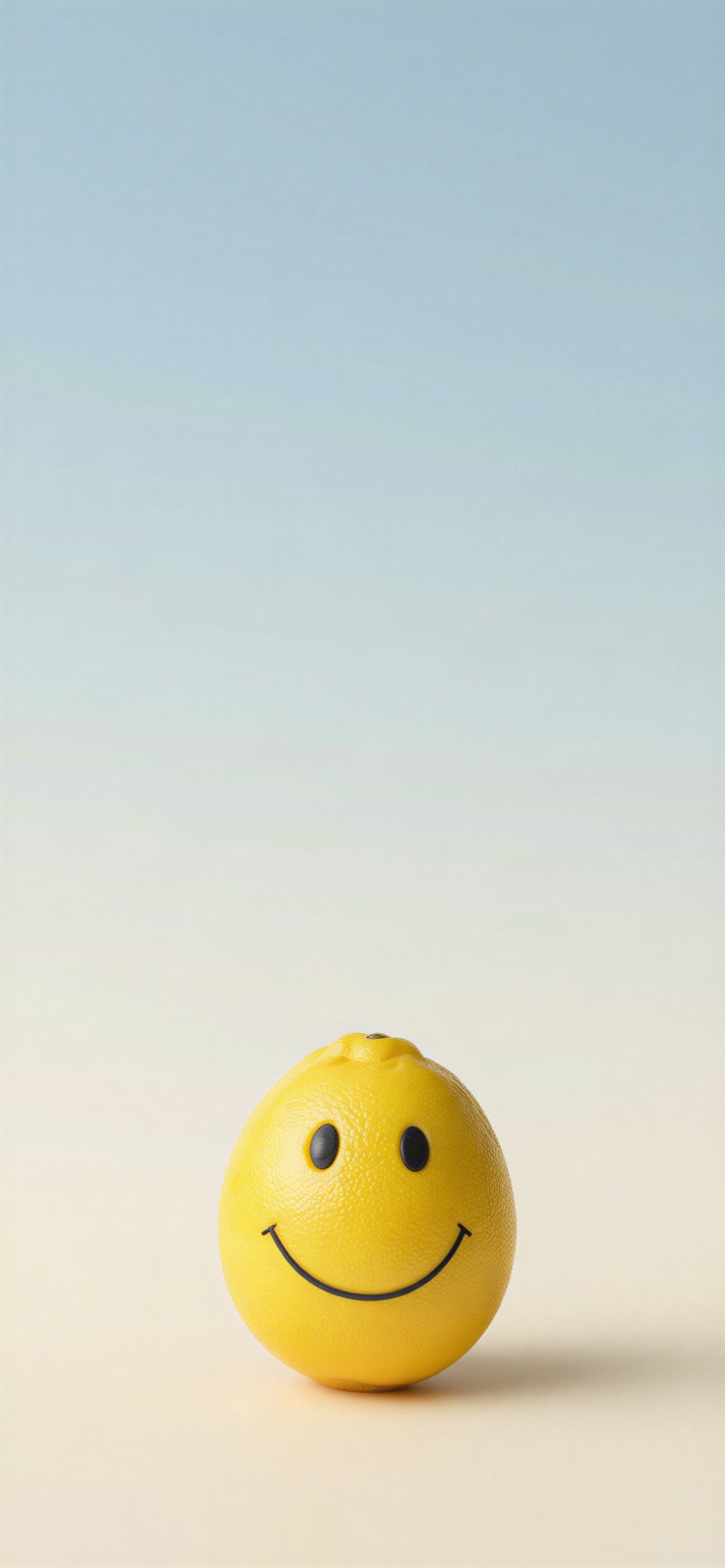
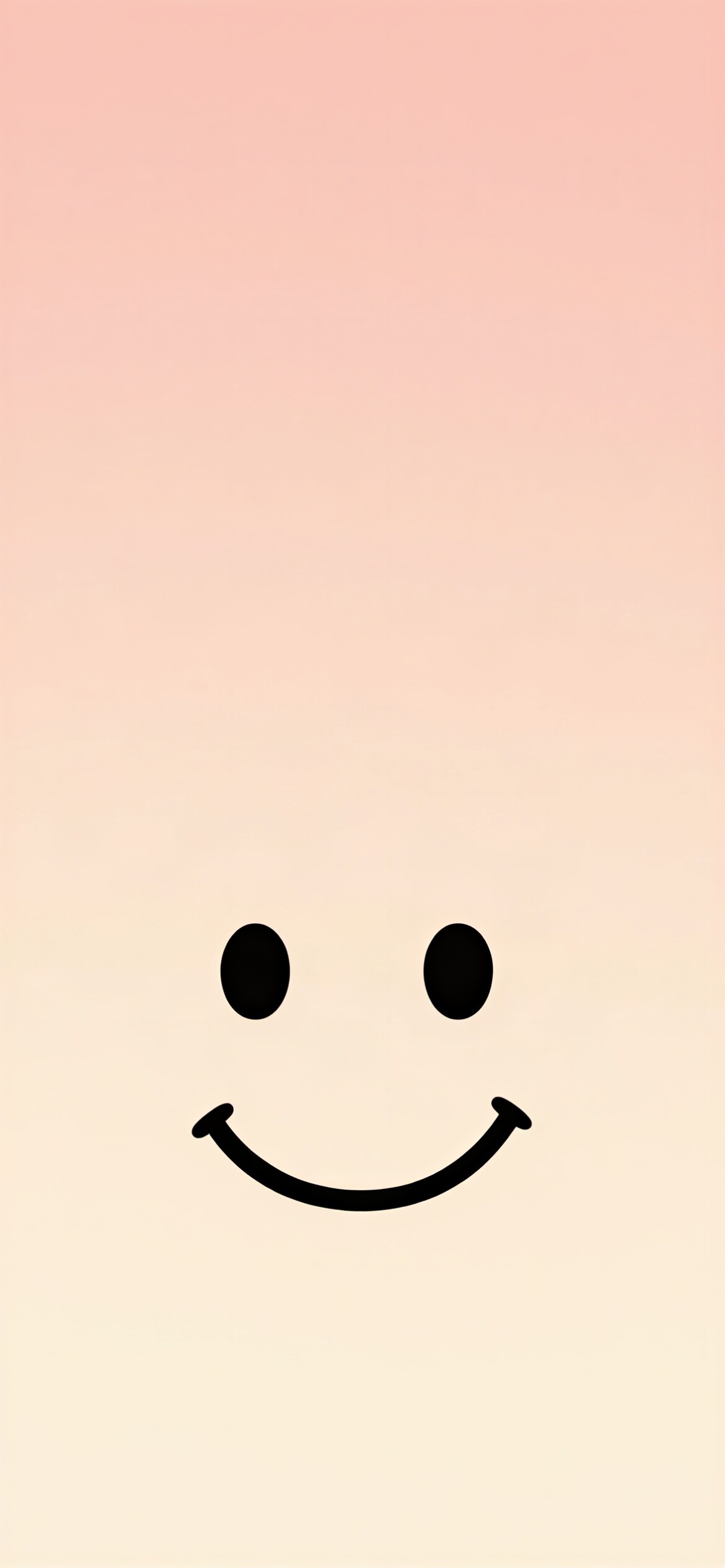
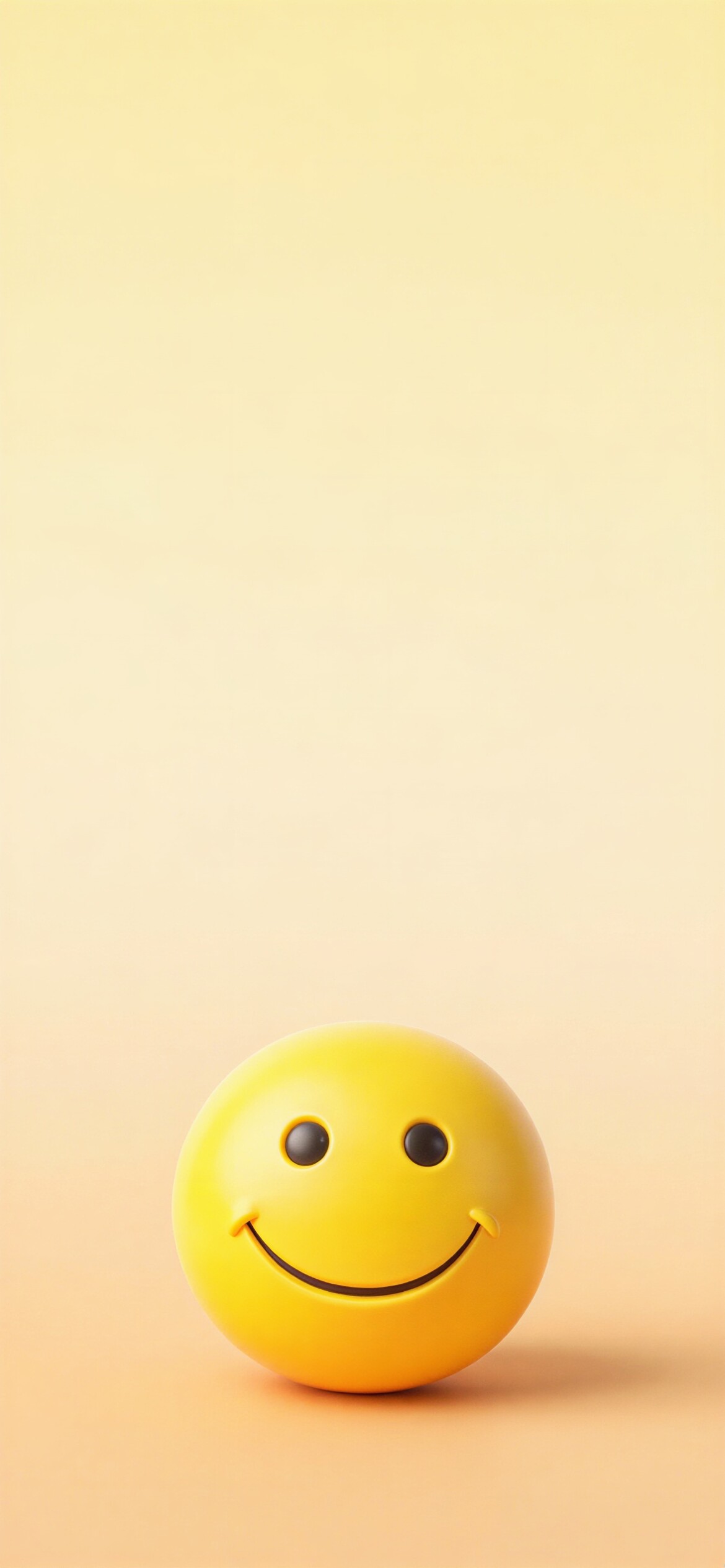
Smiley face wallpaper for iPhone brings a cheerful mood to your lock and home screens with bright, friendly designs. Each smiley face wallpaper is original artwork, hand-checked before publishing. The set includes soft pastels, bold colors and playful compositions that work year-round. Pick a smiley face design that matches your style and brighten your phone.
10 wallpapers at 1170 × 2532 px for iPhone. Checked by hand on 7 Oct 2026.
About this set
This set of smiley face designs brings a simple, uplifting mood to your phone with cheerful expressions in soft pastels and bright colors. Each wallpaper uses a clean gradient background that keeps the focus on the friendly face itself, making them work well on both lock and home screens without competing with your icons or widgets.
The minimalist style pairs well with light-colored icon packs and works on any iPhone home screen setup. Use a smiley face wallpaper on your lock screen to start your day with a smile, or choose one for your home screen where the simple design keeps your apps readable and organized. The vertical composition leaves plenty of breathing room so your home screen content stays clear and uncluttered.
Classic yellow, sorbet pinks and two cool pastels
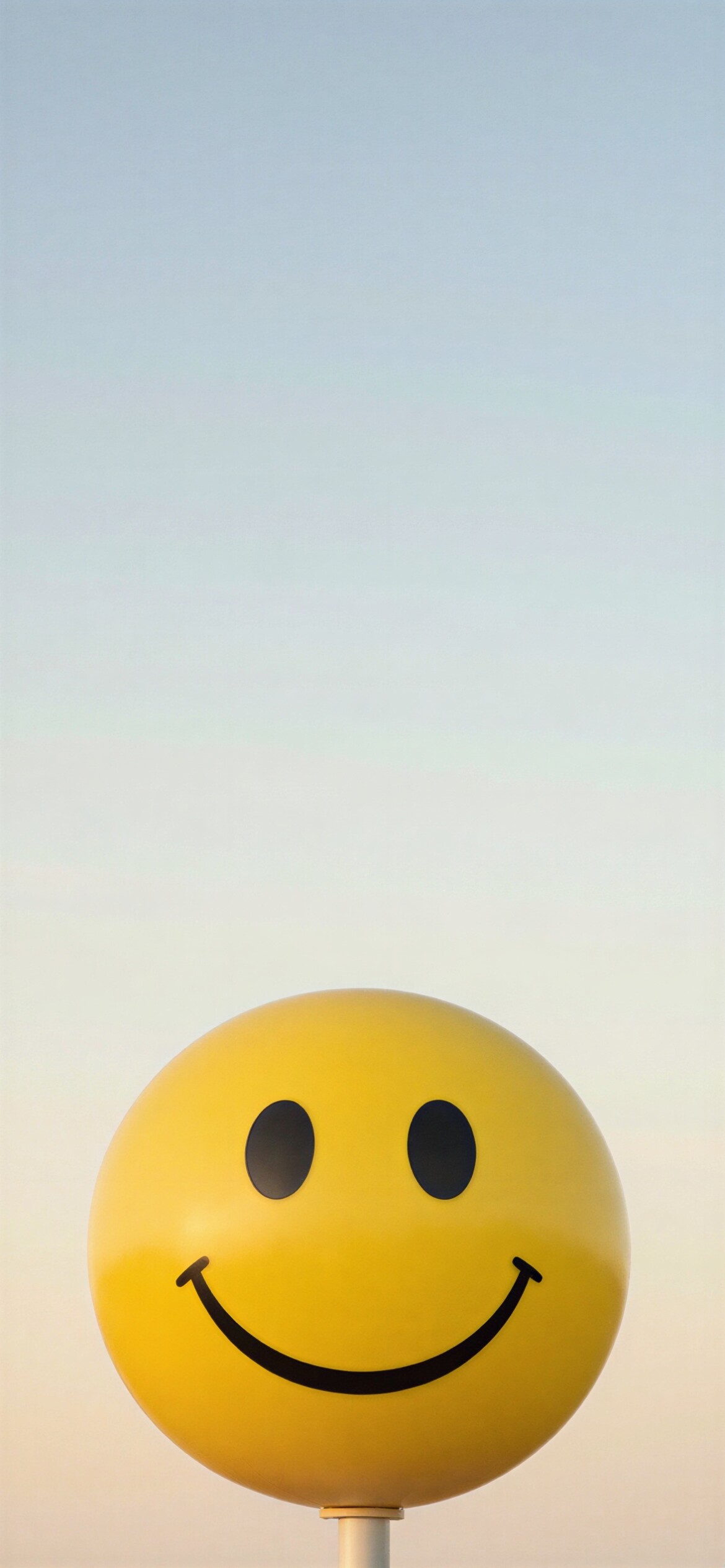
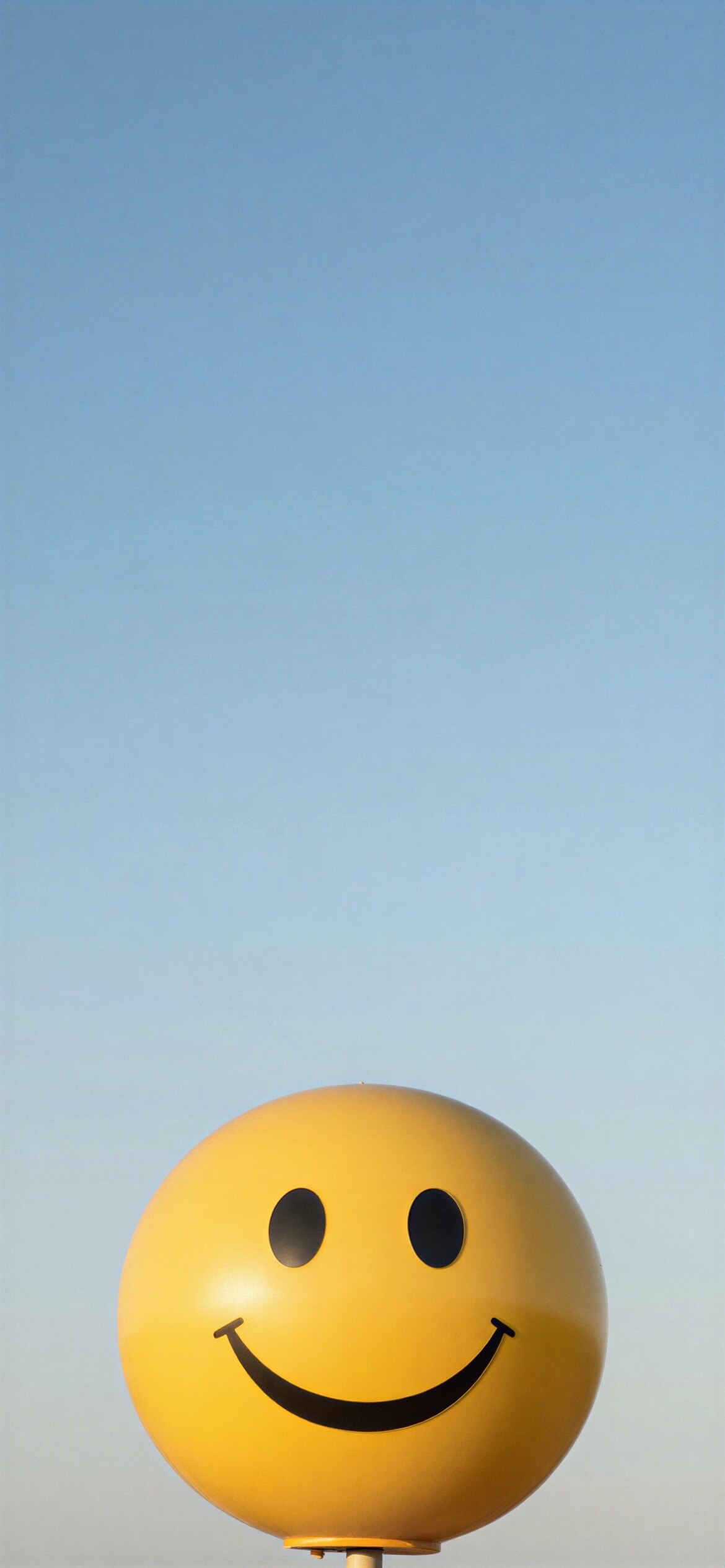
Three of the faces stick closest to the original badge look: yellow against blue. #1 sets a plain yellow smile on a soft blue that fades into cream, #6 uses a deeper golden yellow on a sky gradient, and #8 goes lighter with lemon yellow on sky blue. If you want the face to read clearly from across a table, start with these.
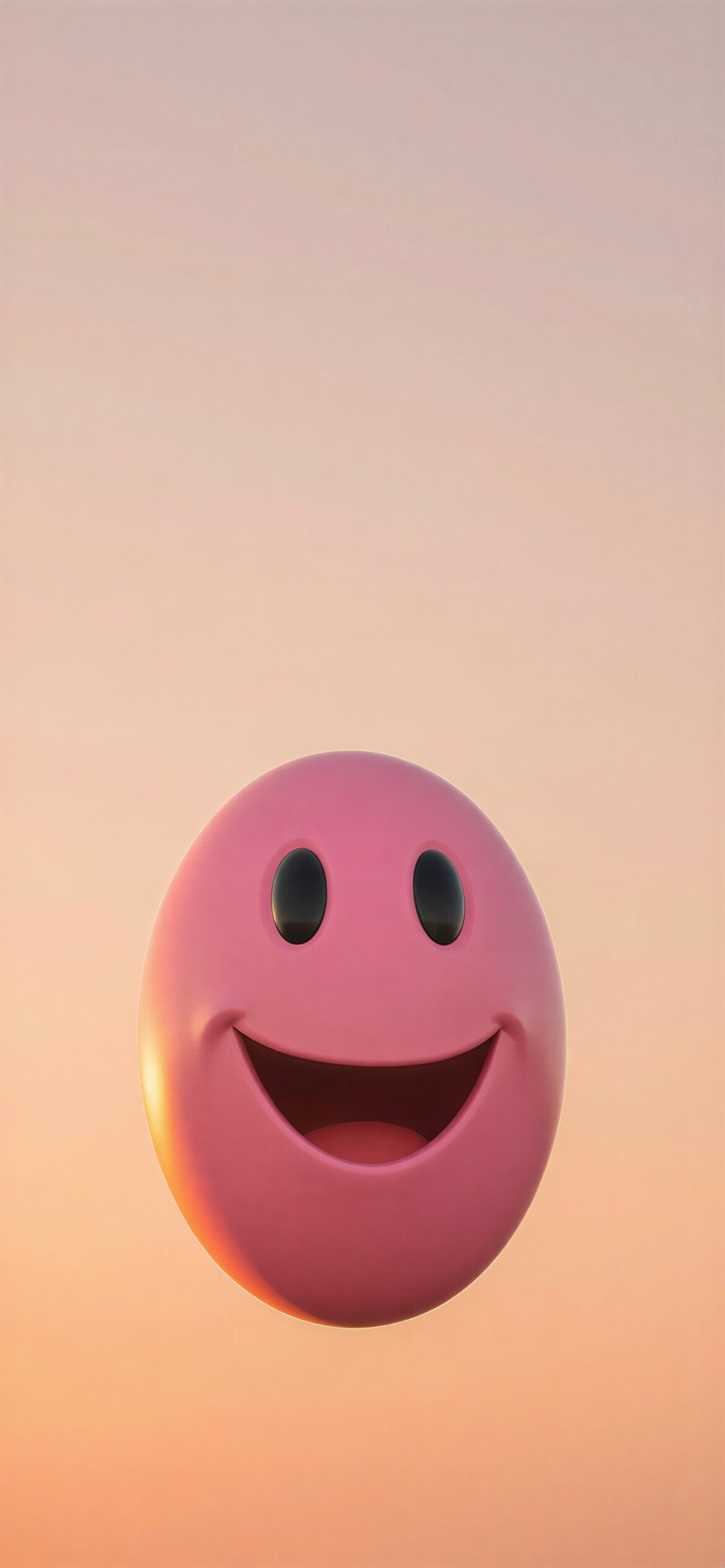
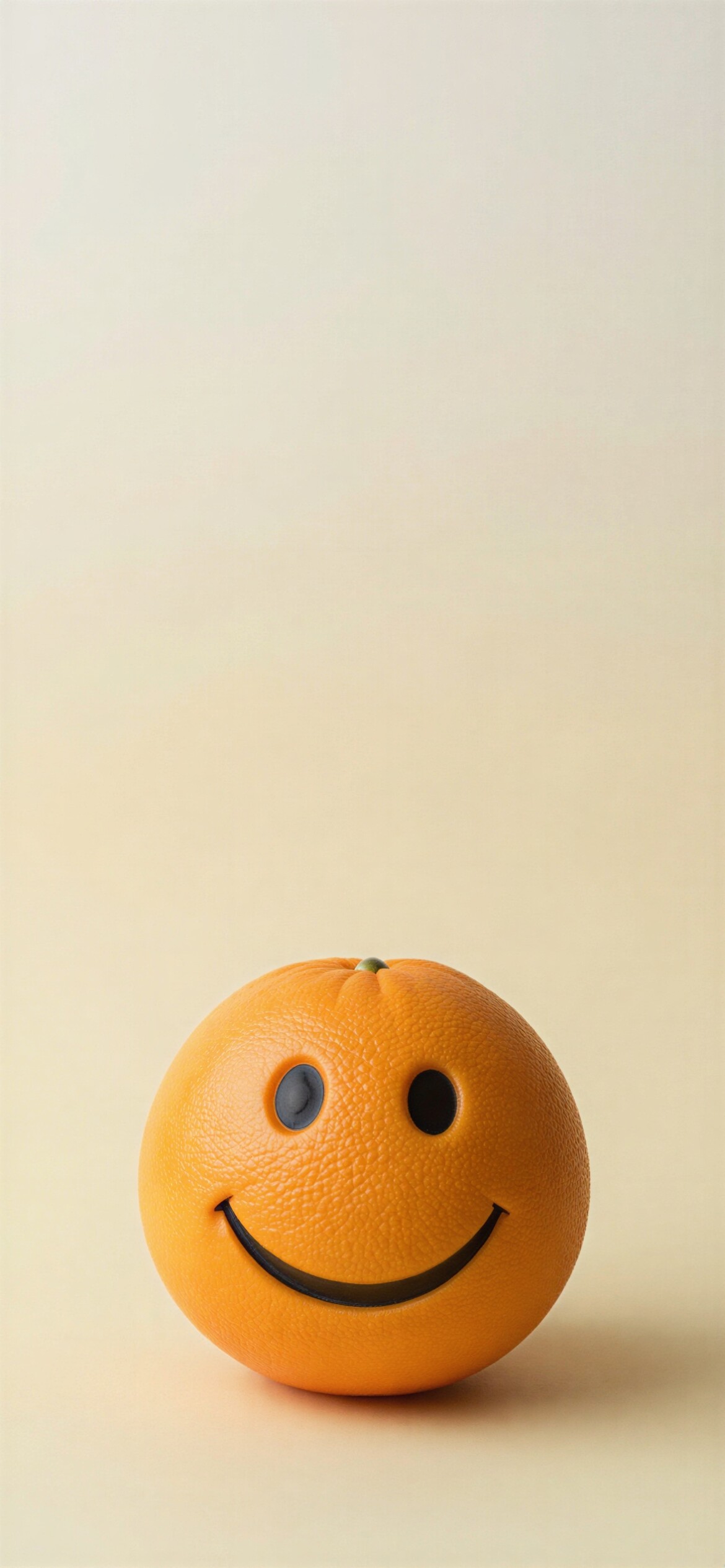
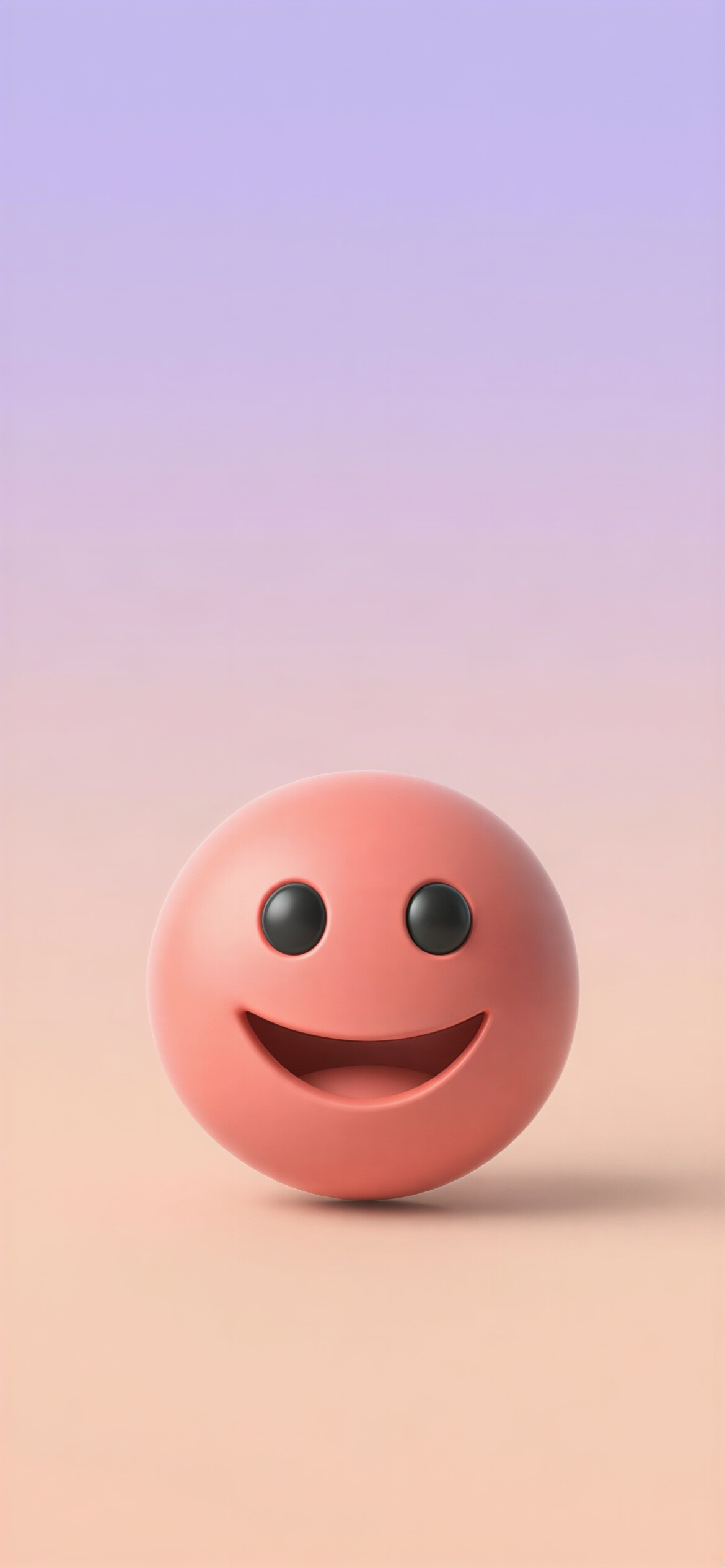
The warm group trades contrast for softness. #2 is a pink face on peach, #5 a coral face on lavender and peach, and #9 a peachy beige face on blush pink, so the smile almost melts into its background. #3 and #10 sit in between, with an orange face on pale yellow and white and a sunny yellow face on a warm gradient. They feel like morning light more than a cartoon.
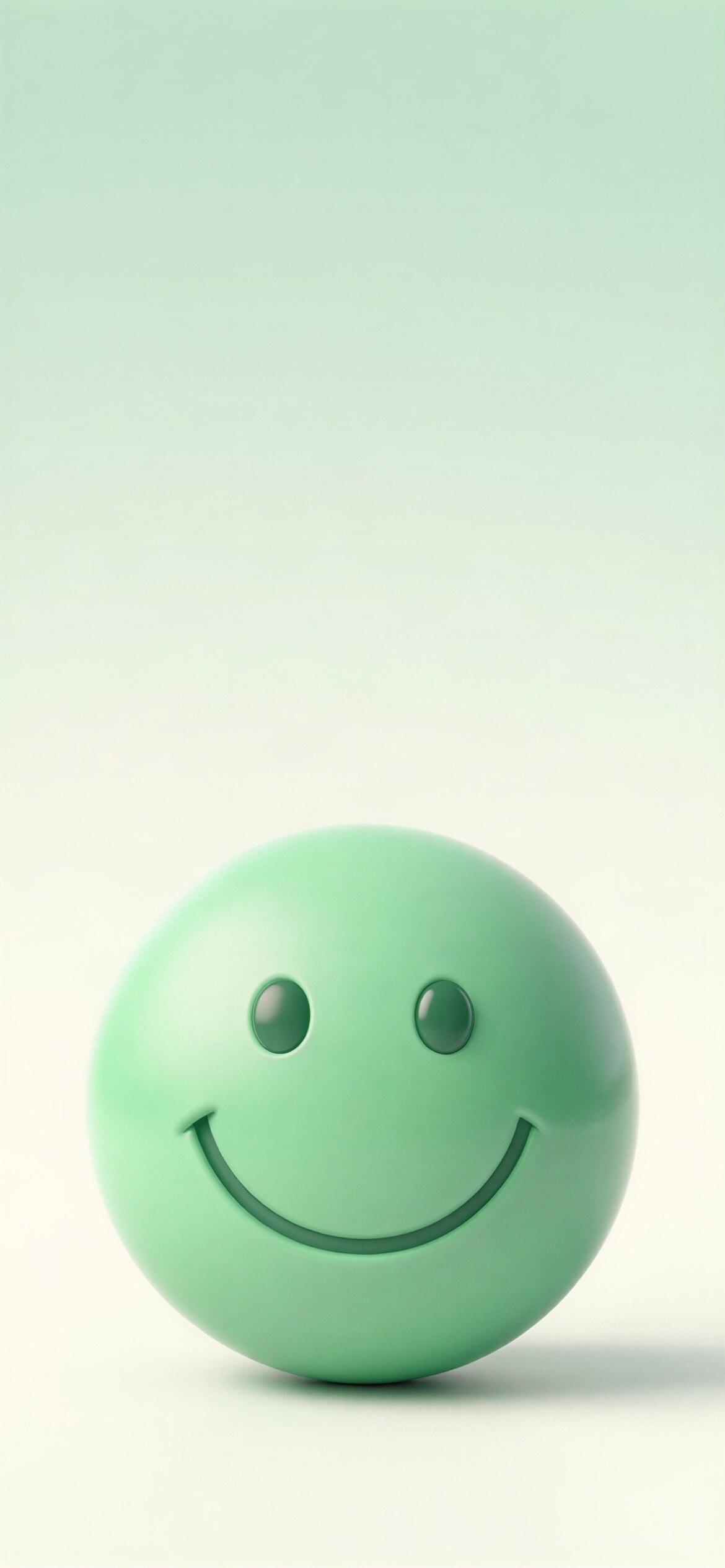
Then there are the two cool ones. #4 is a mint face on sage and cream, and #7 is a lilac face on purple and white. Both are calm enough for a home screen you look at all day.
A morale button from 1963
The yellow smiley started as an office job. In 1963 the State Mutual Life Assurance Company in Worcester, Massachusetts, asked local commercial artist Harvey Ball for something to cheer up staff after a difficult merger. He drew a yellow circle with two oval eyes and a curved smile, was paid $45, and never trademarked it. The company handed out buttons, and the face spread far beyond Worcester.
In the early 1970s the image turned up everywhere, from Philadelphia novelty buttons paired with the line "Have a nice day" to a French version registered as a trademark by Franklin Loufrani in 1972. Ball later started World Smile Day, held on the first Friday of October since 1999. The faces in this set keep his recipe of two eyes and one curve and only change the colours around it.
Why the yellow-on-blue ones stand out
Yellow is one of the lightest colours there is, and sky blue sits well away from it in hue, so a yellow face on blue pops even at a small size. That makes #1, #6 and #8 the safest picks under a lock screen clock. The pastel-on-pastel designs like #4, #7 and #9 are lower contrast, which is exactly why they work behind rows of app icons.
For more faces, try the emoji wallpapers, the softer kawaii set, or the warm tones in our yellow aesthetic wallpapers.
How to set it on your iPhone
- Tap Download and save the image to Photos.
- Open Settings, tap Wallpaper, then Add New Wallpaper, and choose Photos.
- Pick the wallpaper, pinch to position it, then tap Add and choose the lock screen, home screen or both.
Stuck on a step? The iPhone and iPad guide has screenshots for each one.
Questions
Will this smiley face wallpaper fit my iPhone without cropping?
Yes. Each wallpaper is sized at 1170x2532 pixels for modern iPhones; some older models may crop slightly at the edges. The composition keeps the smiley face in the lower half so it works well with your lock screen clock and notifications.
Can I use these smiley face wallpapers for personal use?
Yes, all wallpapers are free to download and use on your own devices for personal enjoyment. Selling them, printing them for sale or reposting them on other sites is not allowed. See our Terms page for the full details.
Which smiley face wallpapers work best for a lock screen?
Any of the designs work on a lock screen, but the ones with the simplest backgrounds and faces positioned low let your time and notifications stay clearly visible. The soft gradient backgrounds don't interfere with readability or focus mode indicators.
Do these smiley face wallpapers work with dark mode?
These are designed for light mode, where the bright colors and soft gradients show their full charm. On dark mode, the lighter elements may appear washed out. If you prefer dark mode, look for smiley face designs with darker backgrounds or neon accents.