Butterfly Wallpaper iPhone
Butterfly wallpaper for iPhone features delicate wings, colorful garden scenes and soft natural light, free to download for your lock and home screens. These vertical designs bring movement and color to your phone without clutter. Each butterfly wallpaper captures real insects in their habitat, from perched moments to flight, with warm or cool tones depending on the scene. Pick a design that matches your mood and watch your screen come alive.
10 wallpapers at 1170 × 2532 px for iPhone. Checked by hand on 7 Oct 2026.
About this set
These butterfly wallpapers bring gentle movement and color to your iPhone with soft natural lighting and real garden settings. The designs use a tall vertical layout that keeps the top of your screen clear for the time and status icons, while the butterfly and flowers occupy the lower half where they won't be hidden by notifications or widgets.
Use any of these as your lock screen without worry about text overlap. For your home screen, pick designs with simpler backgrounds that won't make your app icons hard to read. The warm-toned butterflies work well in bright modes, while cooler blue and green versions pair nicely with dark mode for evening use.
Scales, tails and a very long journey
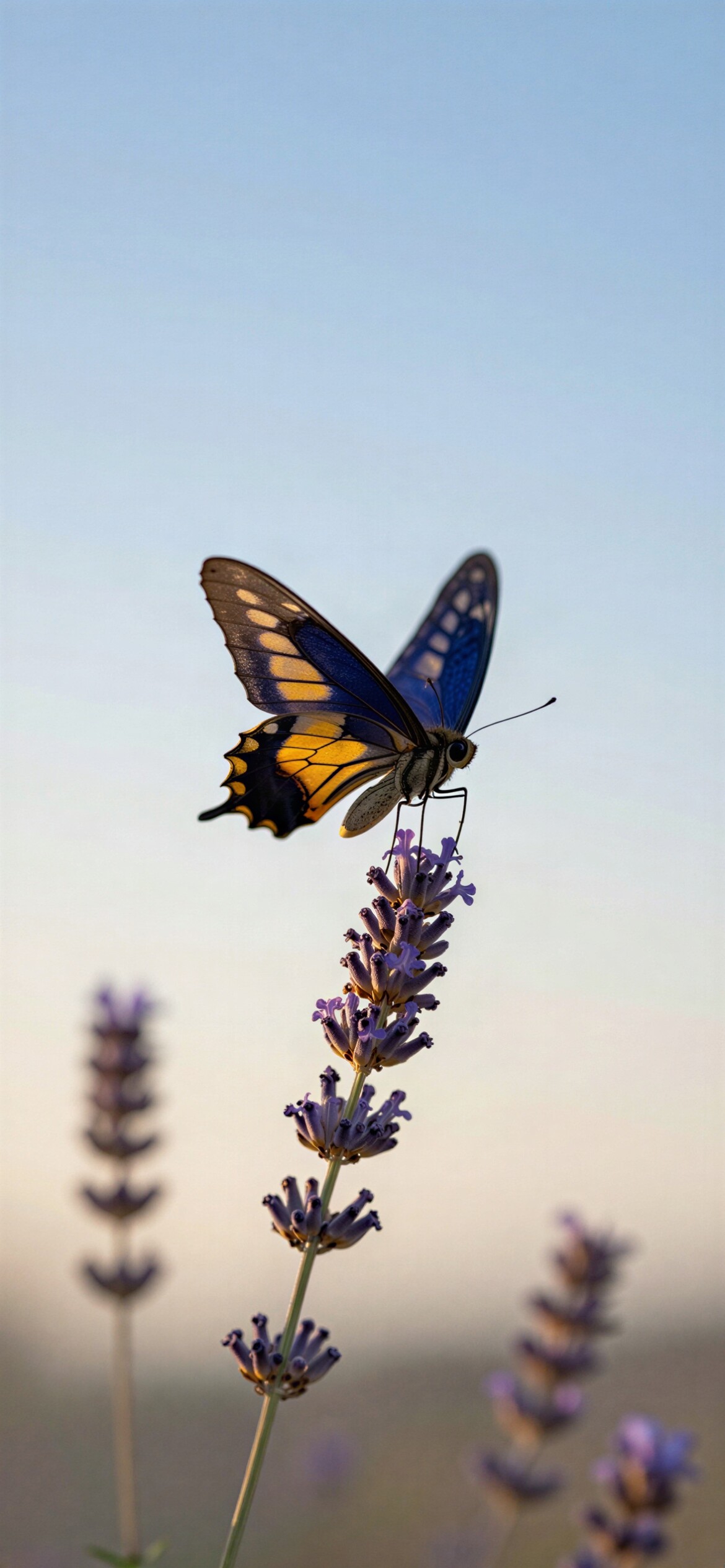
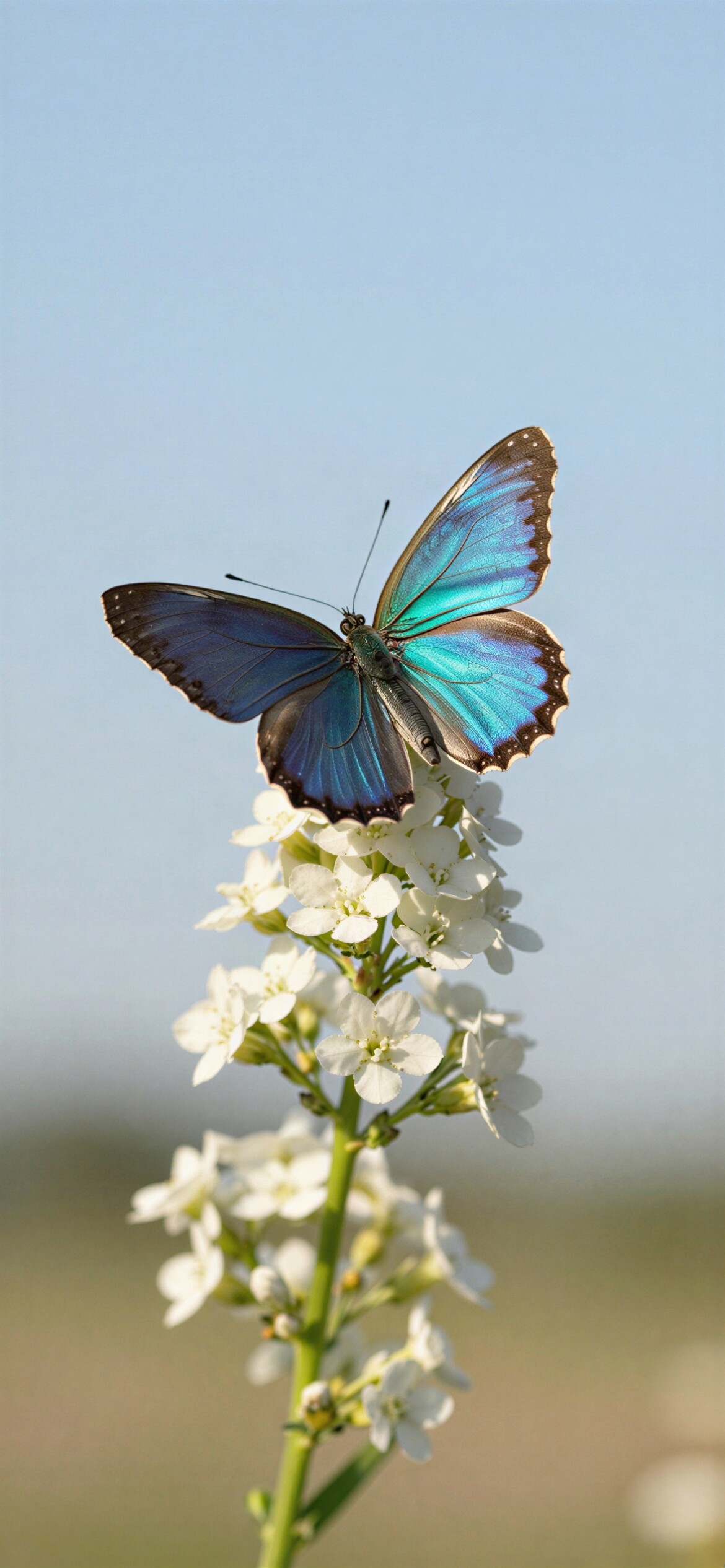
Butterflies belong to the order Lepidoptera, a name made from the Greek words for scale and wing. The colour on a wing comes from thousands of tiny overlapping scales, which is why it rubs off as dust if you touch one. Some blues and greens are not pigment at all but come from the way the structure of those scales bends light, which gives wings like the ones in 5 and 7 their shine.
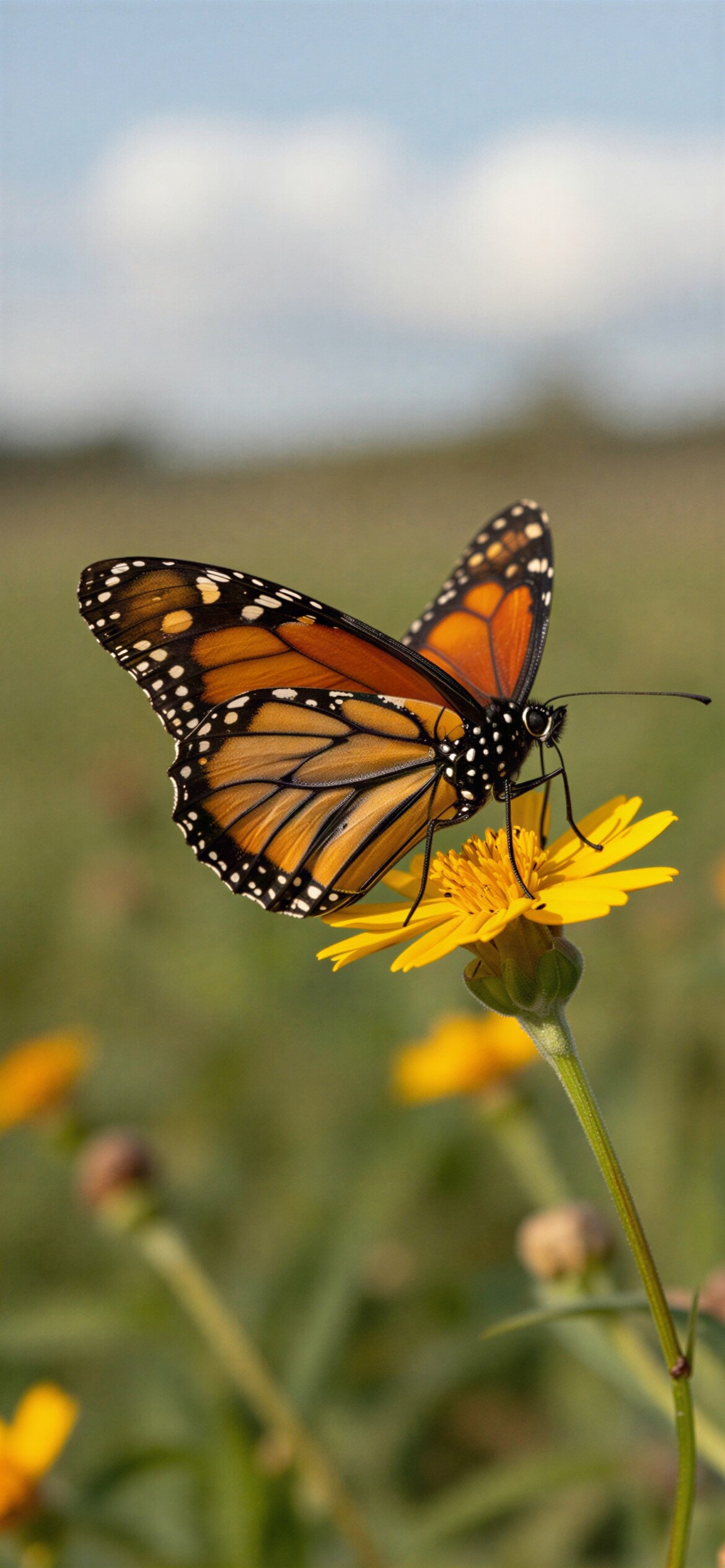
The monarch in wallpaper 1 is known for its migration: monarchs from eastern North America fly thousands of kilometres each autumn to spend the winter in the mountain forests of central Mexico. The swallowtail in wallpaper 2 is named for the long points on its hindwings, which look a little like a swallow's tail.
Where each butterfly landed
- A monarch on a yellow wildflower, with clear blue sky above.
- A swallowtail in flight over purple lavender.
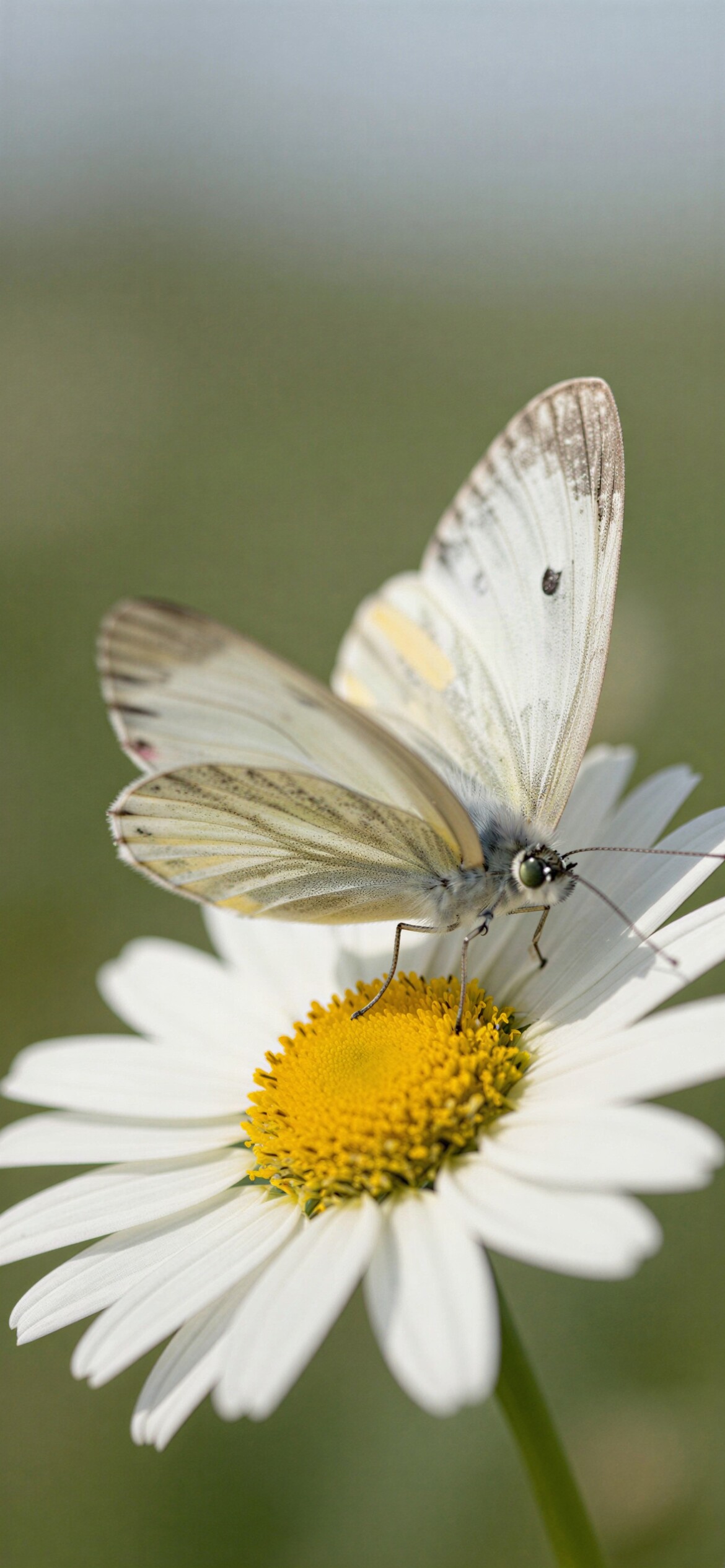
- A cream butterfly on a white daisy, the palest and quietest design here.
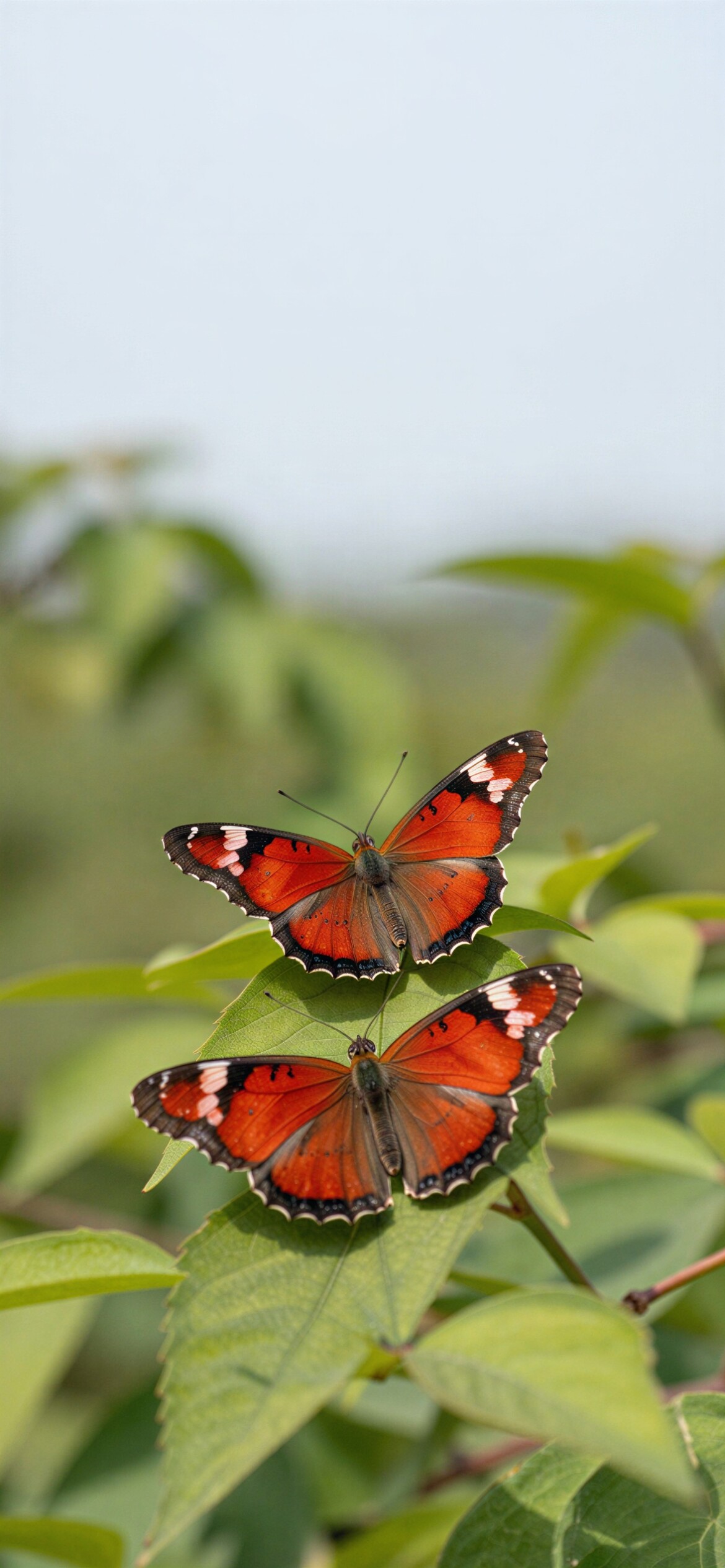
- A red butterfly on a green leaf, the strongest colour contrast in the set.
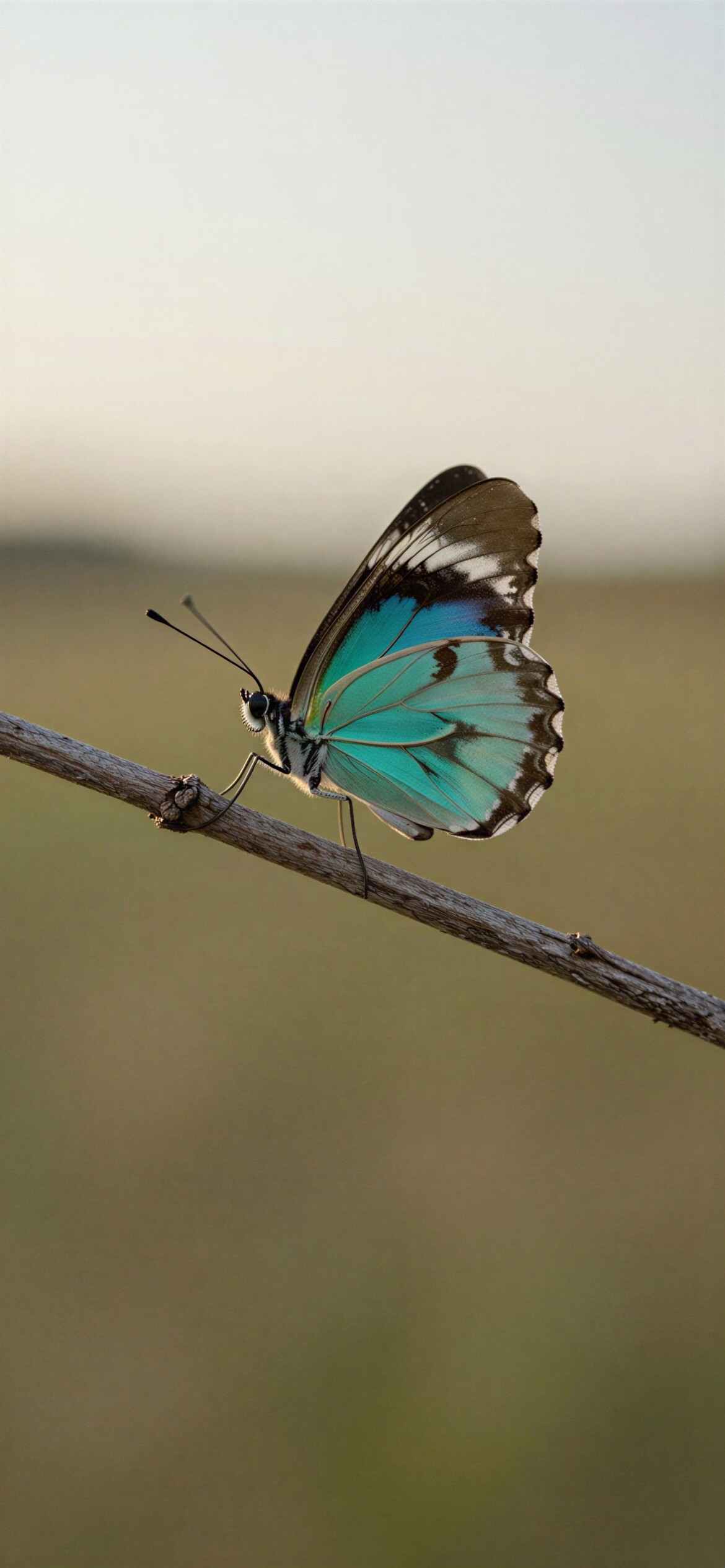
- A turquoise butterfly on a bare brown twig, very minimal with lots of empty space.
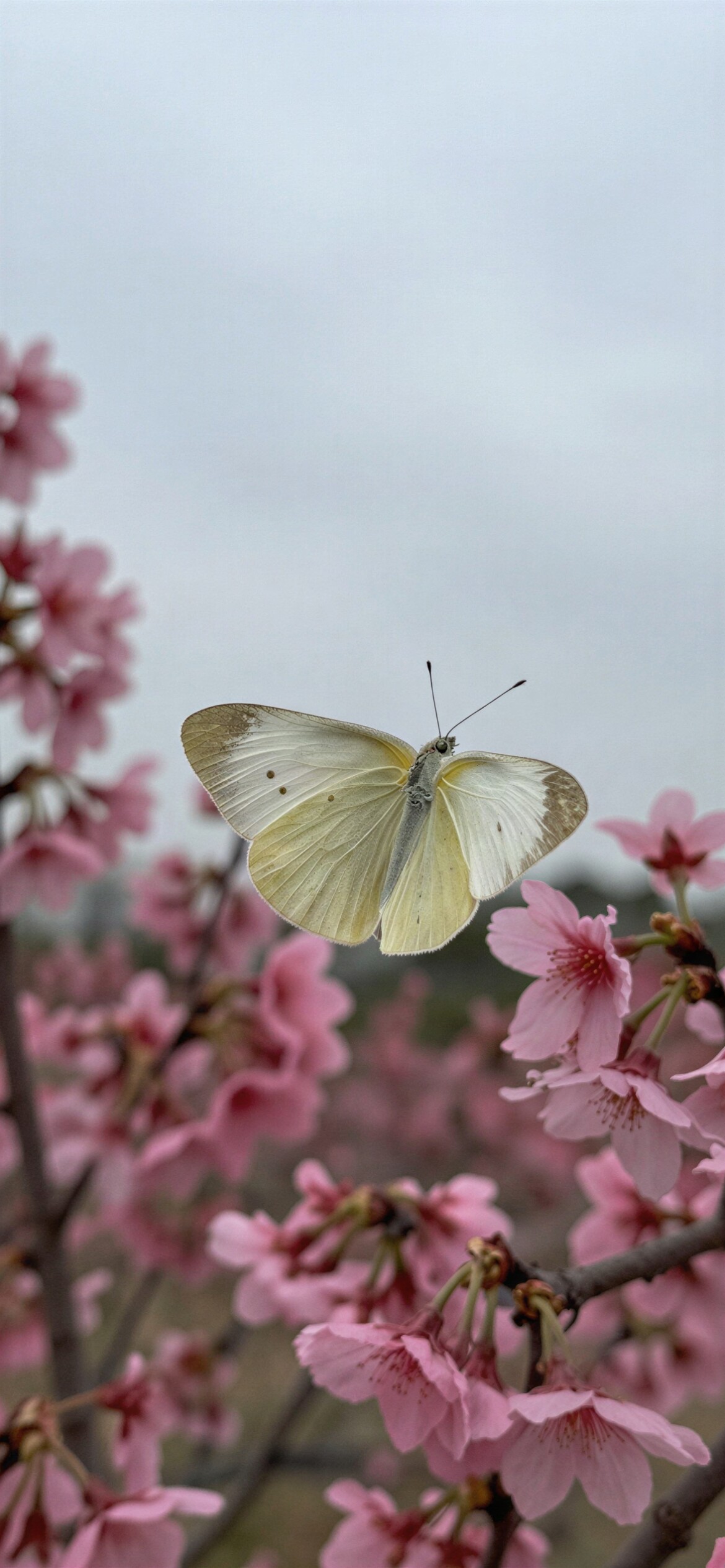
- A yellow butterfly hovering over pink cherry blossoms, a natural springtime pick.
- A blue-green butterfly on white flowers in bright light.
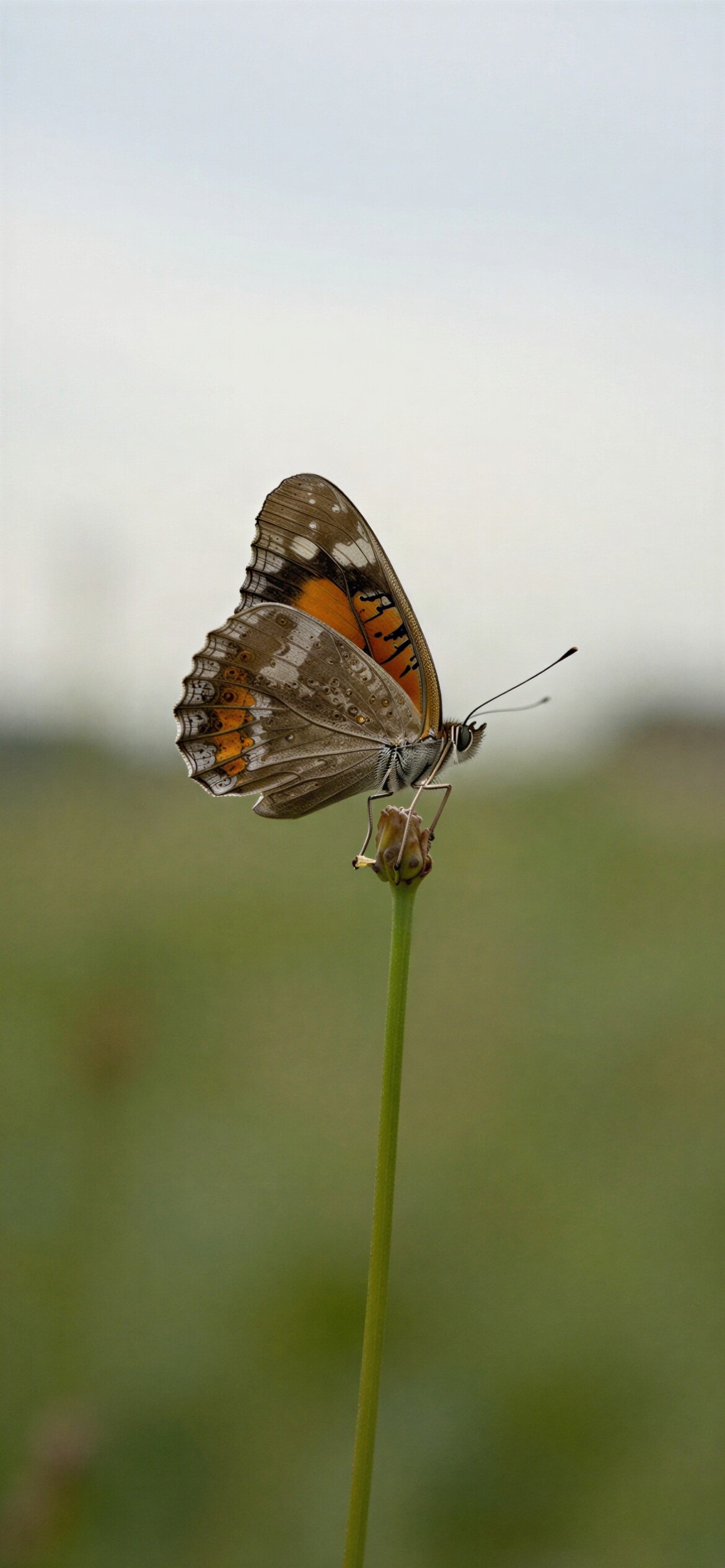
- A brown and orange butterfly on a green stem, soft and earthy.
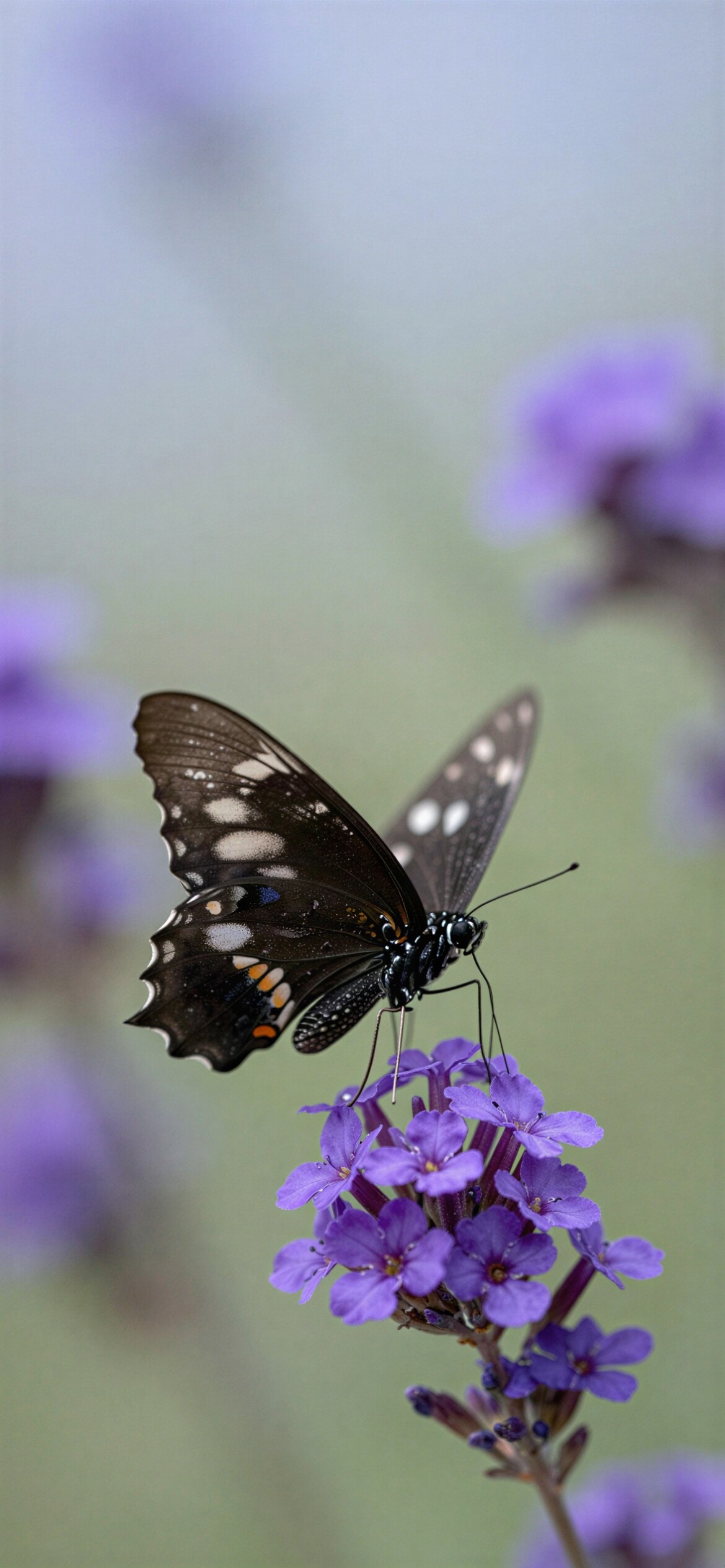
- A black, spotted butterfly in flight over purple flowers, the darkest of the ten.
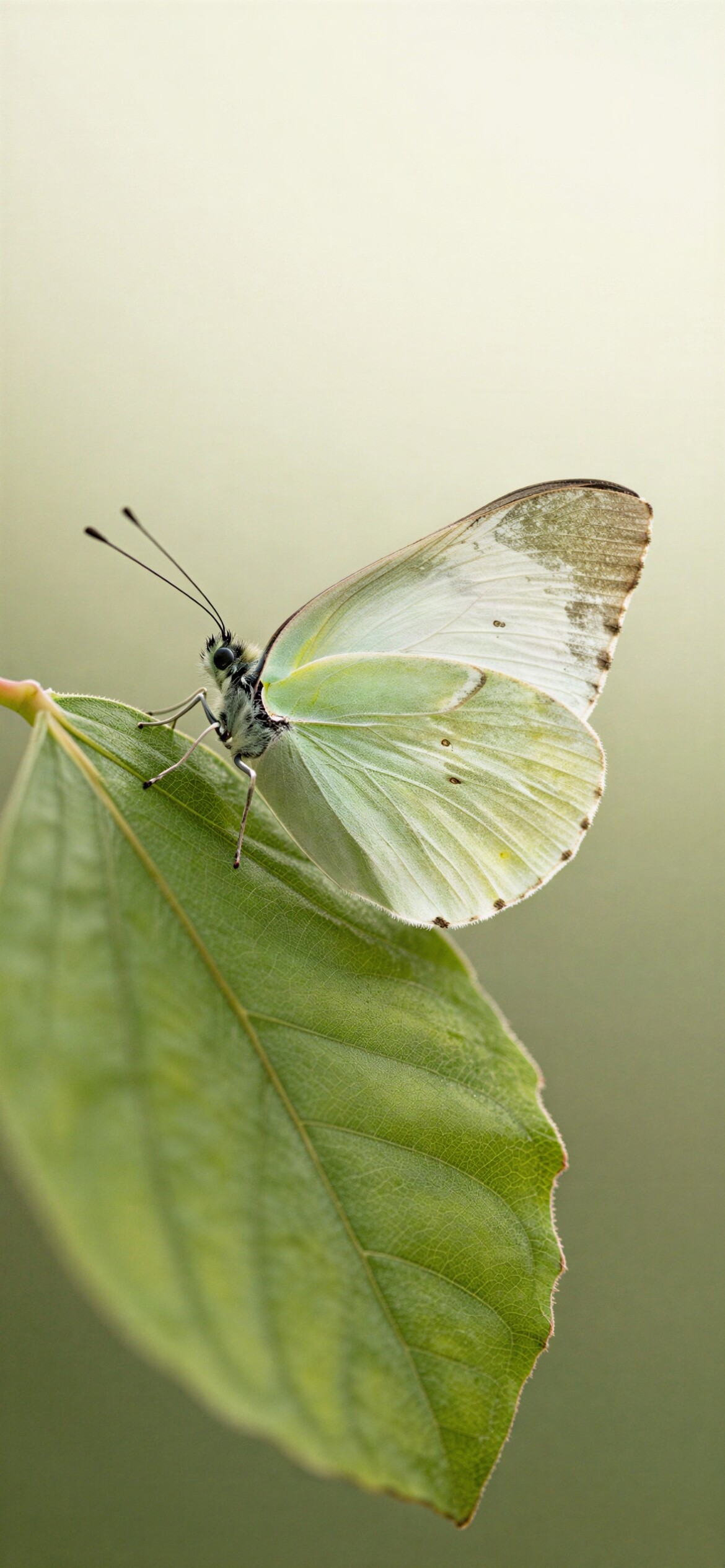
- A pale green butterfly on a leaf in window light, delicate and low in contrast.
Picking one by colour
For warm tones, look at 1, 4, 6 and 8, where orange, red, yellow and brown lead. For something cooler, 2, 5, 7 and 9 bring in lavender, turquoise, blue-green and deep purple. Numbers 3 and 10 sit in between, cream and pale green on soft backgrounds, and they are the easiest to keep app labels readable on.
If you like these, the garden wallpapers are a close match, and there are more blooms in the pink flower set and the sunflower collection.
How to set it on your iPhone
- Tap Download and save the image to Photos.
- Open Settings, tap Wallpaper, then Add New Wallpaper, and choose Photos.
- Pick the wallpaper, pinch to position it, then tap Add and choose the lock screen, home screen or both.
Stuck on a step? The iPhone and iPad guide has screenshots for each one.
Questions
What size are these butterfly wallpapers for iPhone?
Each wallpaper is 1170x2532 pixels, sized for modern iPhones in portrait mode. They fill the lock screen and home screen edge to edge, though some older models may crop slightly at the edges. Download any design and set it directly as your background.
Can I use these wallpapers commercially or share them elsewhere?
These wallpapers are free for personal use on your own devices only. You may not sell them, print them for sale, repost them on other wallpaper sites, or use them in commercial projects. For full terms, please see our Terms page.
Which butterfly designs work best for a lock screen versus a home screen?
Any of these work well as a lock screen since your wallpaper is fully visible. For your home screen, choose designs with simpler top sections so your app icons remain readable. The pale and cool-toned butterflies show good contrast with white app icons, while darker designs pair better with light-colored icons.
Do these butterfly wallpapers work in both light and dark mode?
Yes, these designs feature natural outdoor lighting and balanced colors that work across both modes. The cooler blue and green butterfly designs tend to look fresh in light mode, while the warm golden-hour versions add coziness in dark mode. Try a few to see which mood suits your daily routine.