Black Aesthetic Wallpaper iPhone
Black aesthetic wallpaper for iPhone features minimalist scenes with moody lighting, dark tones and clean compositions. These free wallpapers work on any iPhone and suit both lock and home screens. Each design uses soft gradients, empty space and simple subjects to create a calm, understated look. The black aesthetic style pairs well with dark mode and minimal icon layouts.
10 wallpapers at 1170 × 2532 px for iPhone. Checked by hand on 6 Oct 2026.
About this set
This set uses minimal subjects, empty space and cool or warm accents to create a calm, understated aesthetic. Black and charcoal tones dominate every design. Each wallpaper suits both lock and home screens, though the simpler scenes with more empty sky work best as lock screen backgrounds where widgets or time displays sit. The designs pair naturally with dark mode and minimal icon layouts.
These wallpapers look strongest when your home screen icons are organized in a single row or clustered in one corner, leaving black space visible. They also work well paired with simple watch faces, dark widgets or monochrome app icons. The consistent dark palette makes them stable across seasons and screen time.
A little black dress and a painter who worked "beyond black"
Black has not always been the quiet, modern choice it is now. For centuries it was tied closely to mourning dress. That started to shift in 1926, when American Vogue printed a simple black dress by Coco Chanel and compared it to Ford's Model T: plain, practical and meant for everyone. The little black dress turned the colour into a sign of good taste instead of grief.
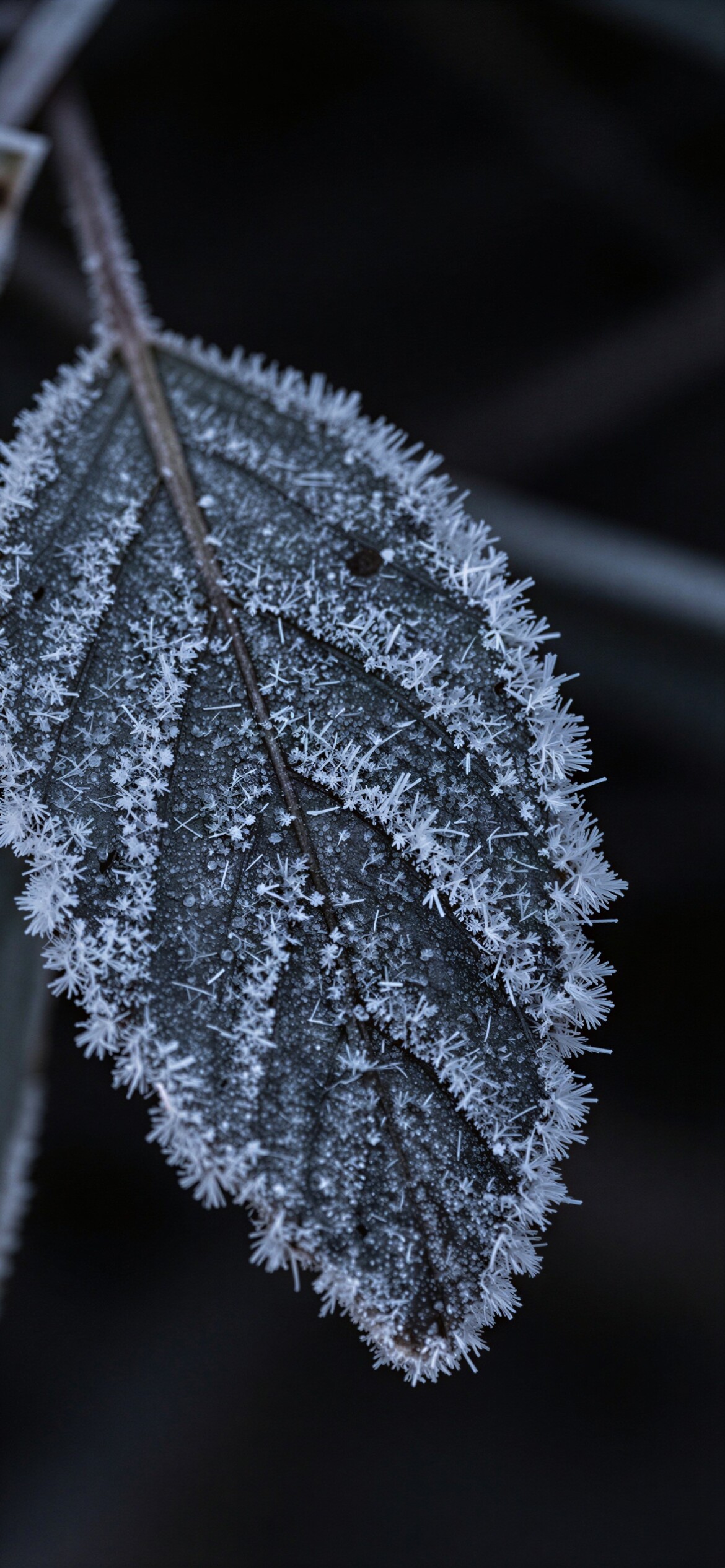
The French painter Pierre Soulages went further. From 1979 he made canvases covered almost entirely in black paint and called the idea "outrenoir", meaning beyond black. His point was that black is not empty: ridges and smooth patches in the paint catch light in different ways, so the picture changes as you move. You can see the same thing in a few of these wallpapers, where the only real colour is a thin edge of light on wet stone or a frosted leaf. At the other extreme sits Vantablack, a coating of tiny carbon tubes introduced by Surrey NanoSystems in 2014 that swallows more than 99.9% of the light that hits it, so a shape painted with it looks flat as a hole.
Shapes against the sky, things up close
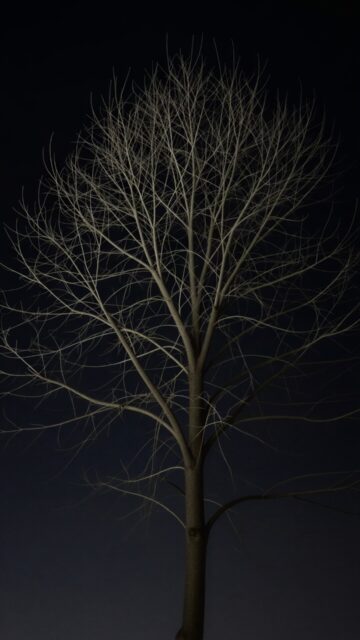
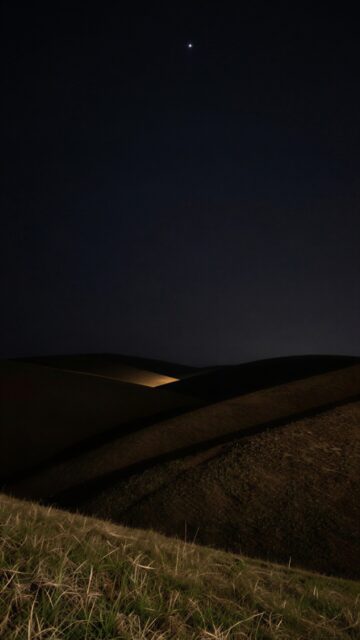
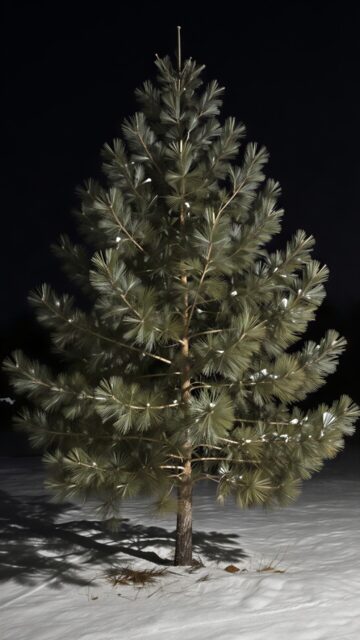
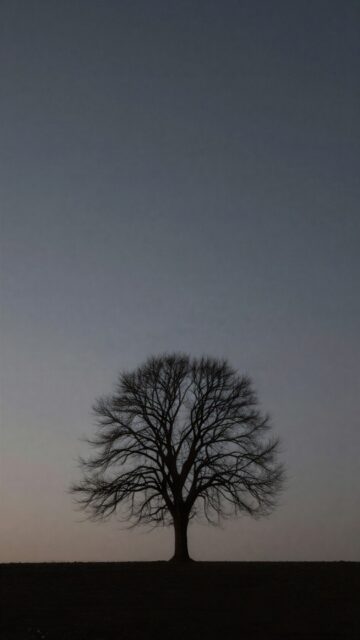
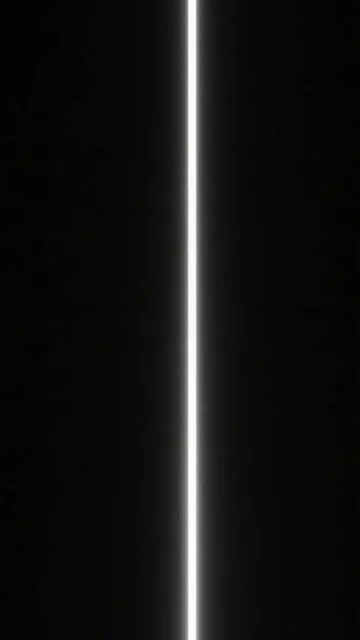
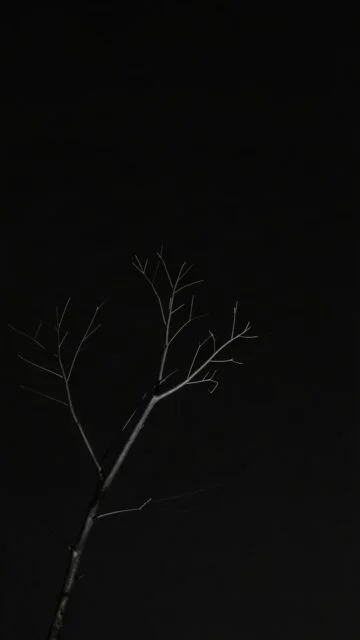
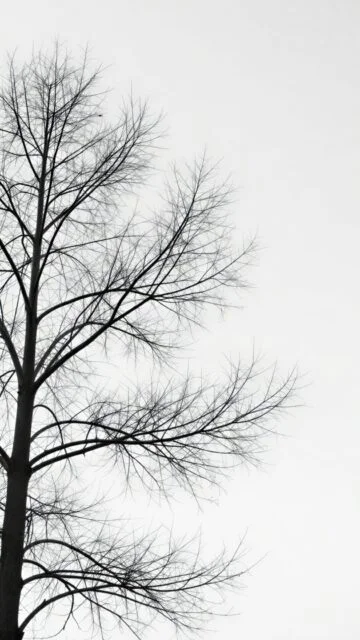
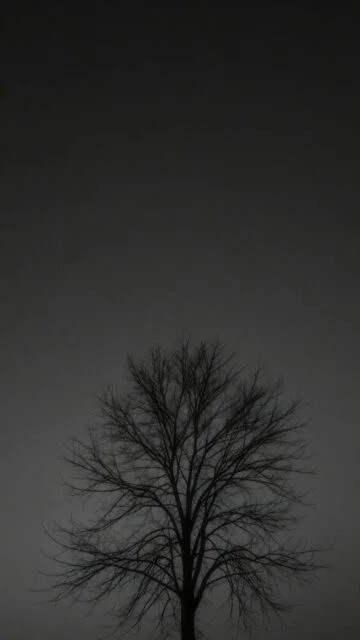
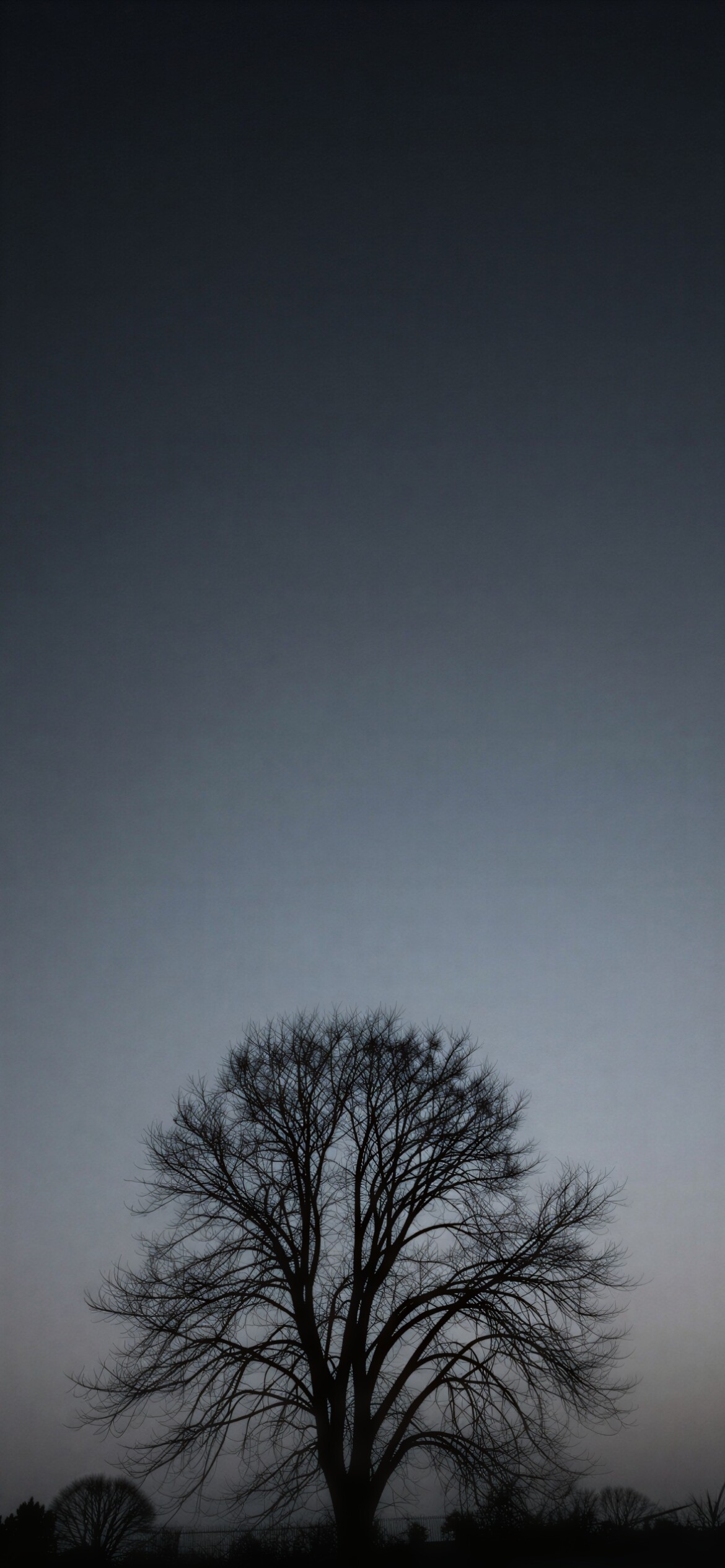
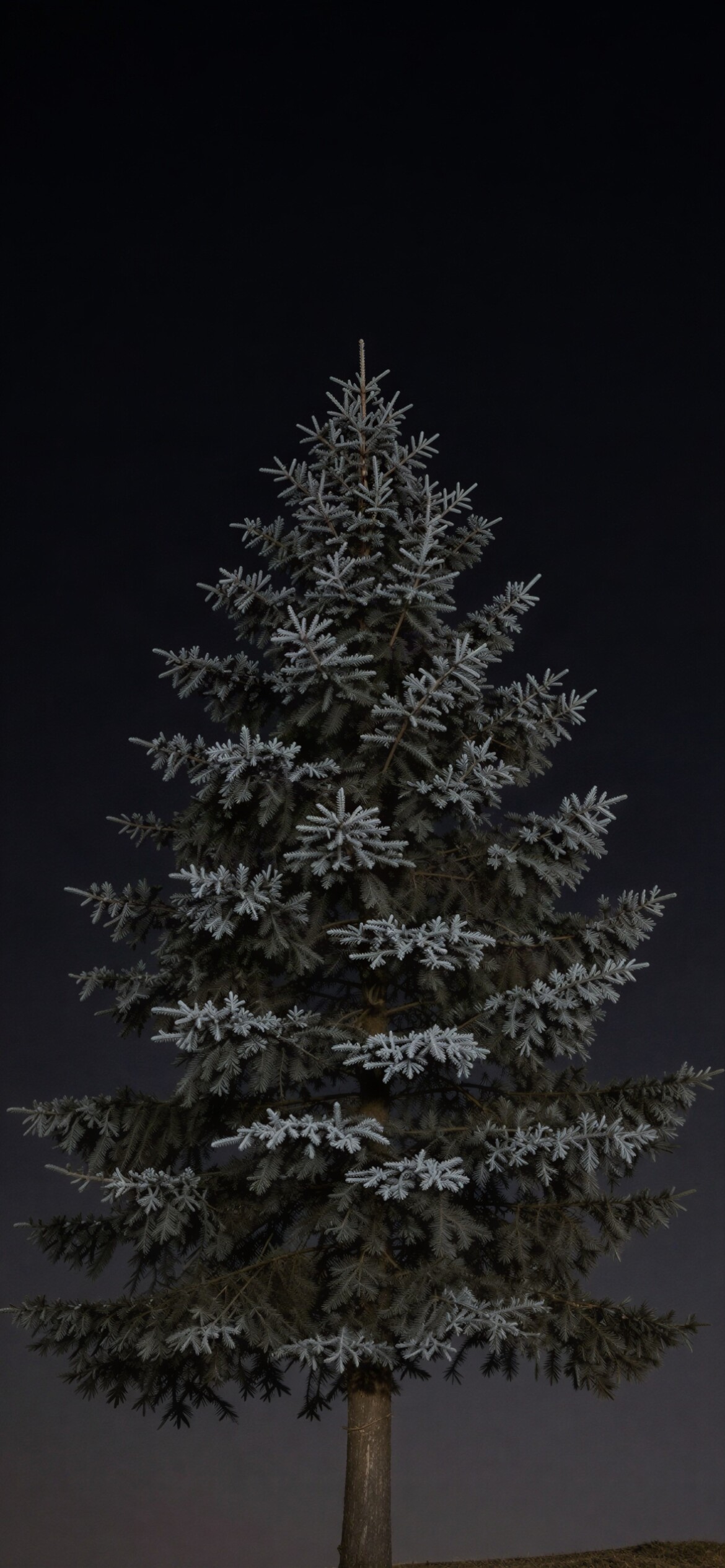
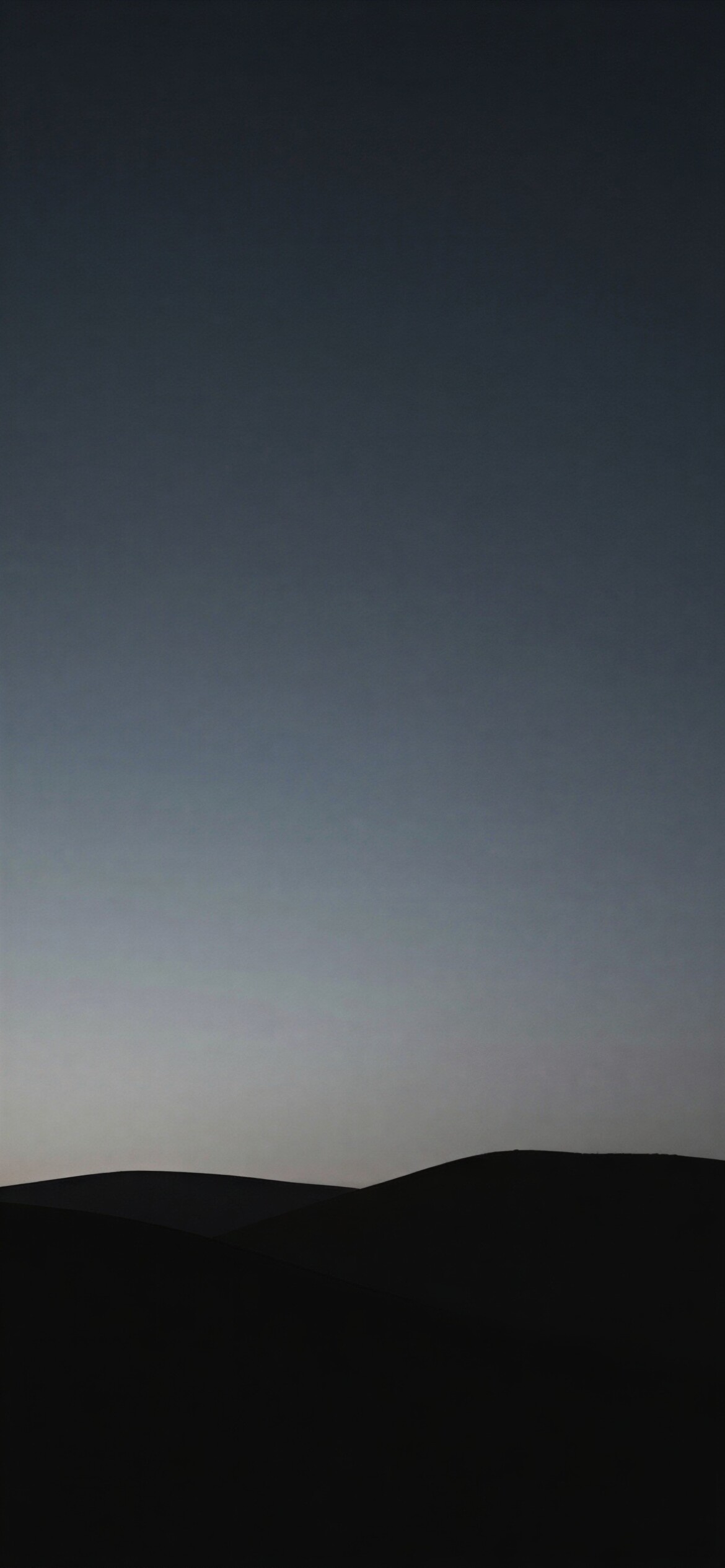
Three designs are all outline. Wallpaper 1 is a bare tree against a charcoal gradient, 3 is a tall evergreen under a moonlit sky, and 5 lays rolling hills across the bottom of a twilight scene. With so much open sky above, these leave the most room for the clock.
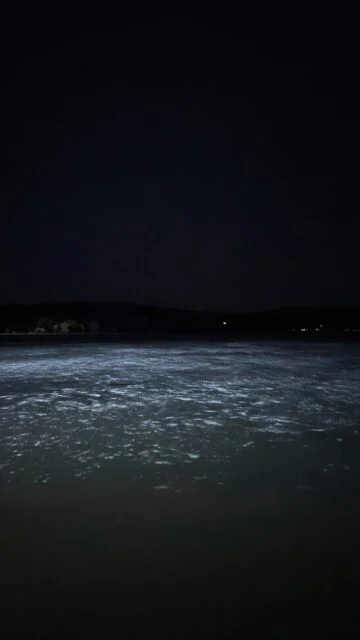
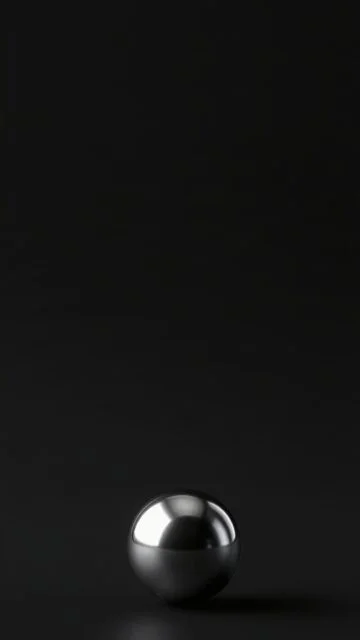
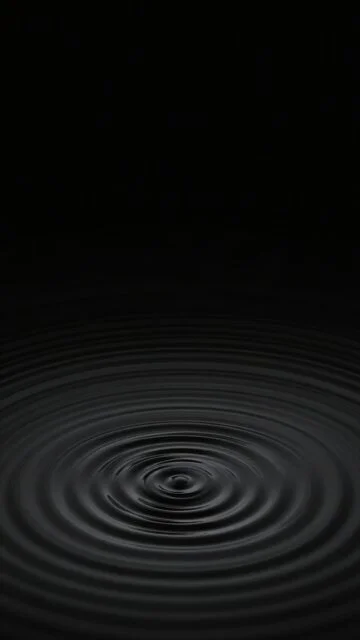
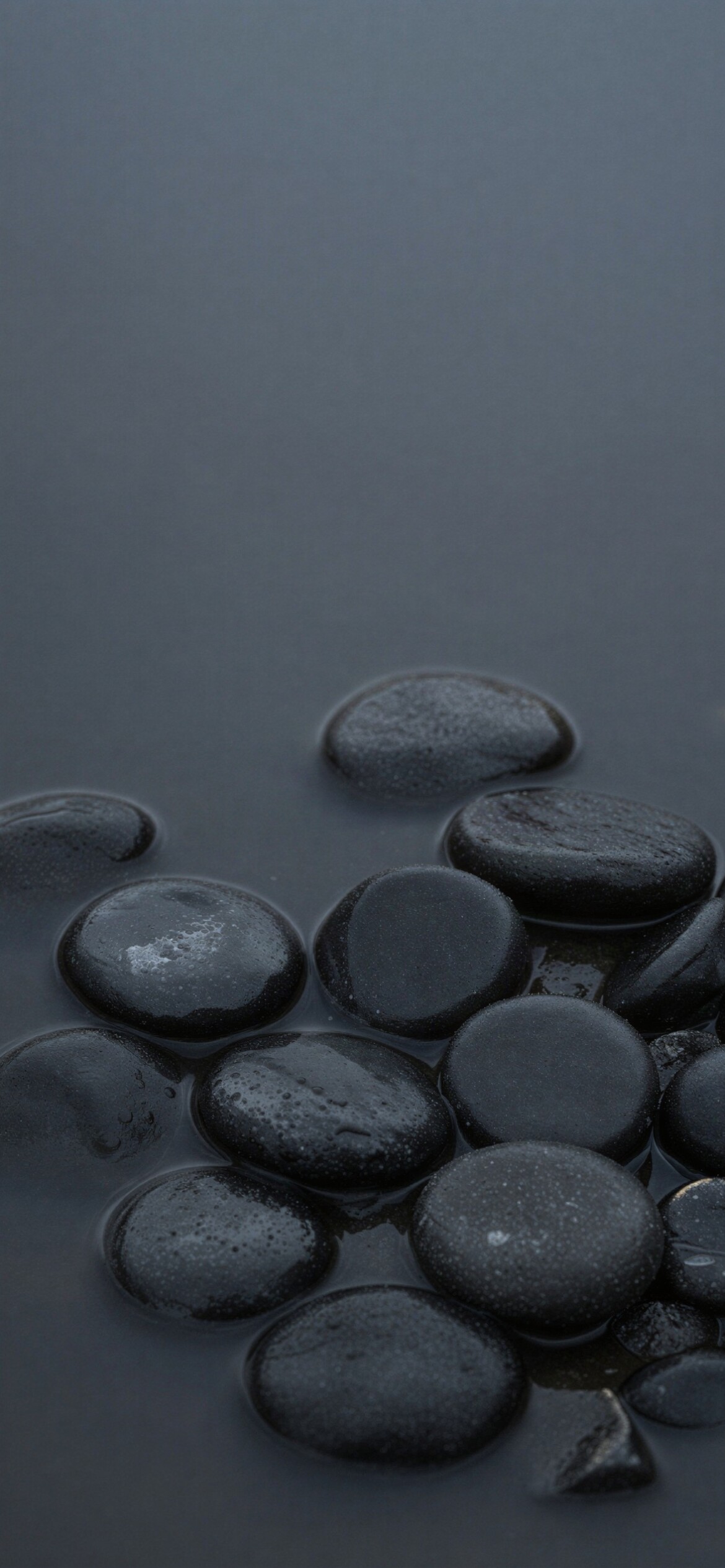
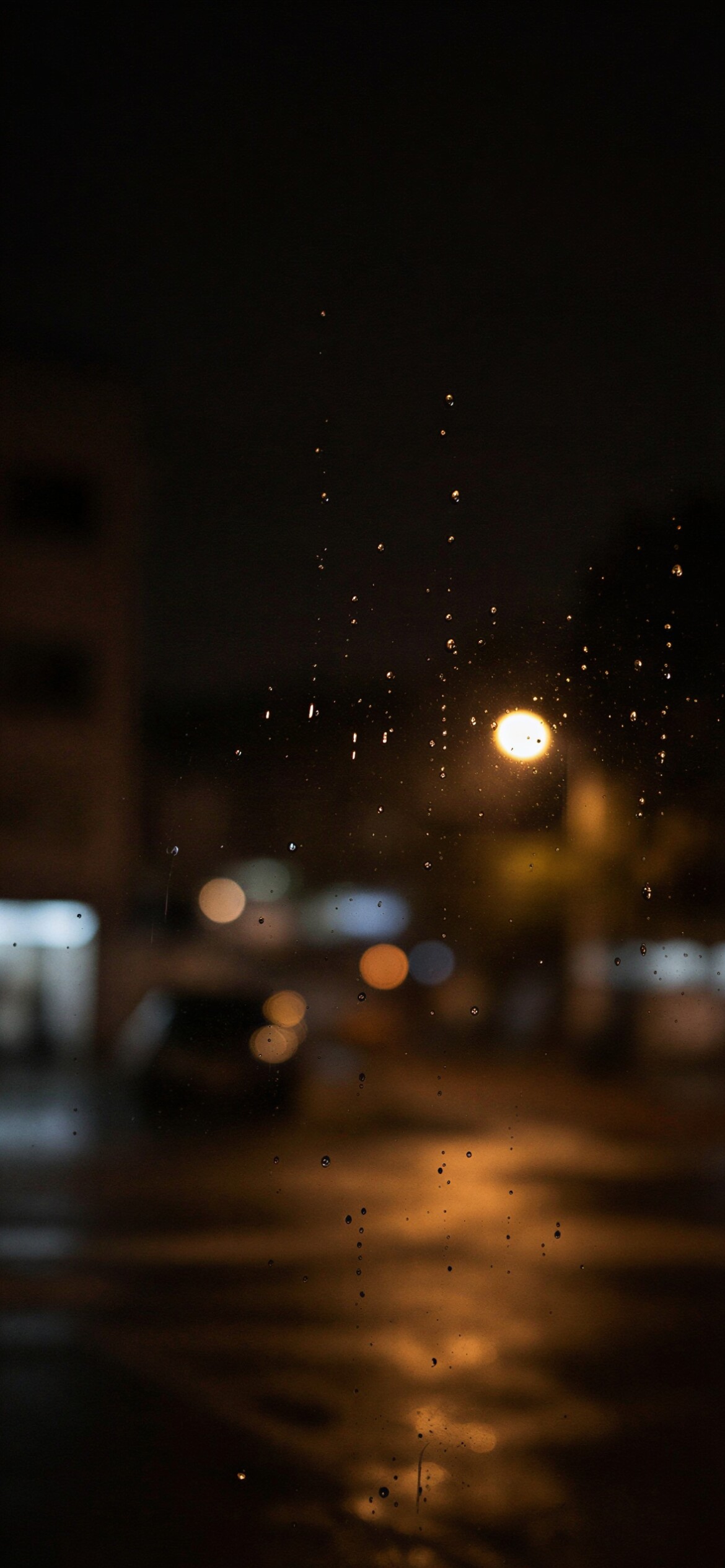
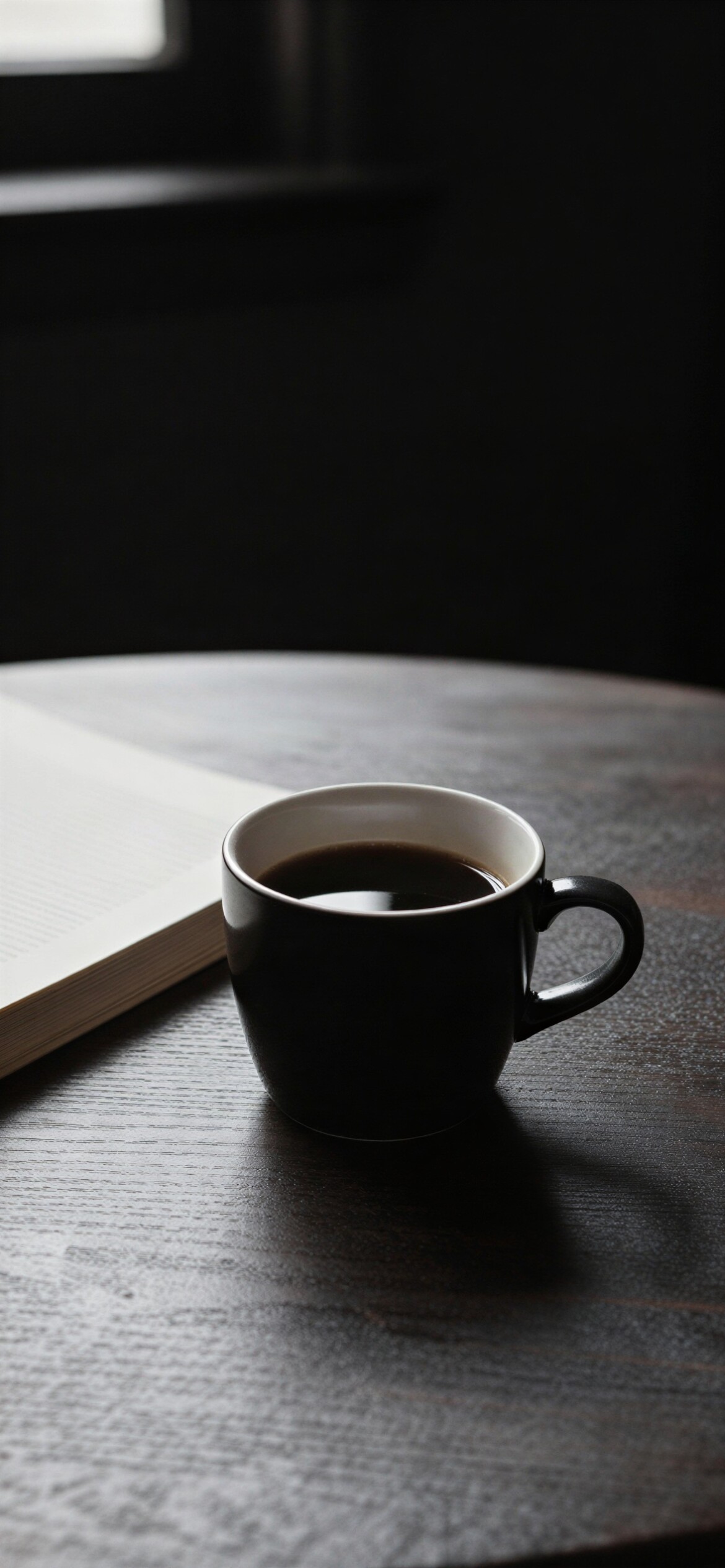
Four more come in close. Number 2 shows black river stones sitting in dark water with a soft reflection, 4 looks through raindrops on a window toward blurred city lights, 6 picks out frost crystals on a dark leaf in cool morning light, and 9 is a still life of a black coffee cup and a closed book on a dark table.
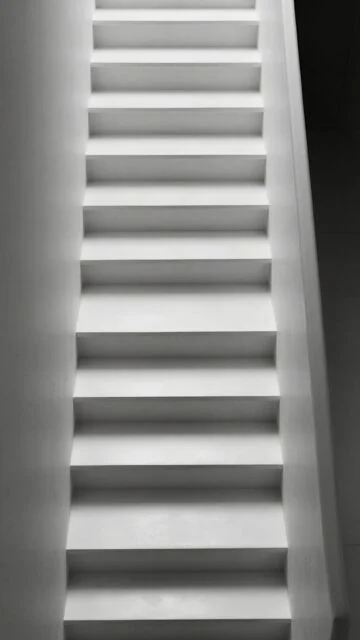
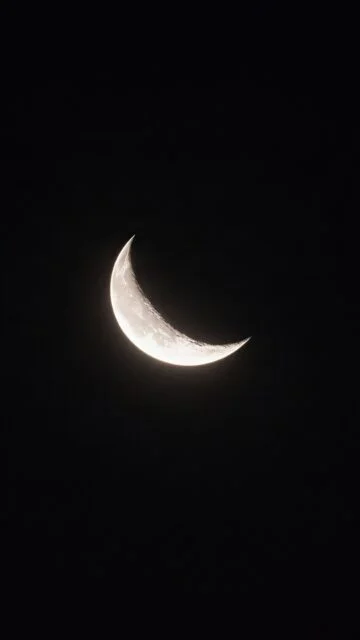
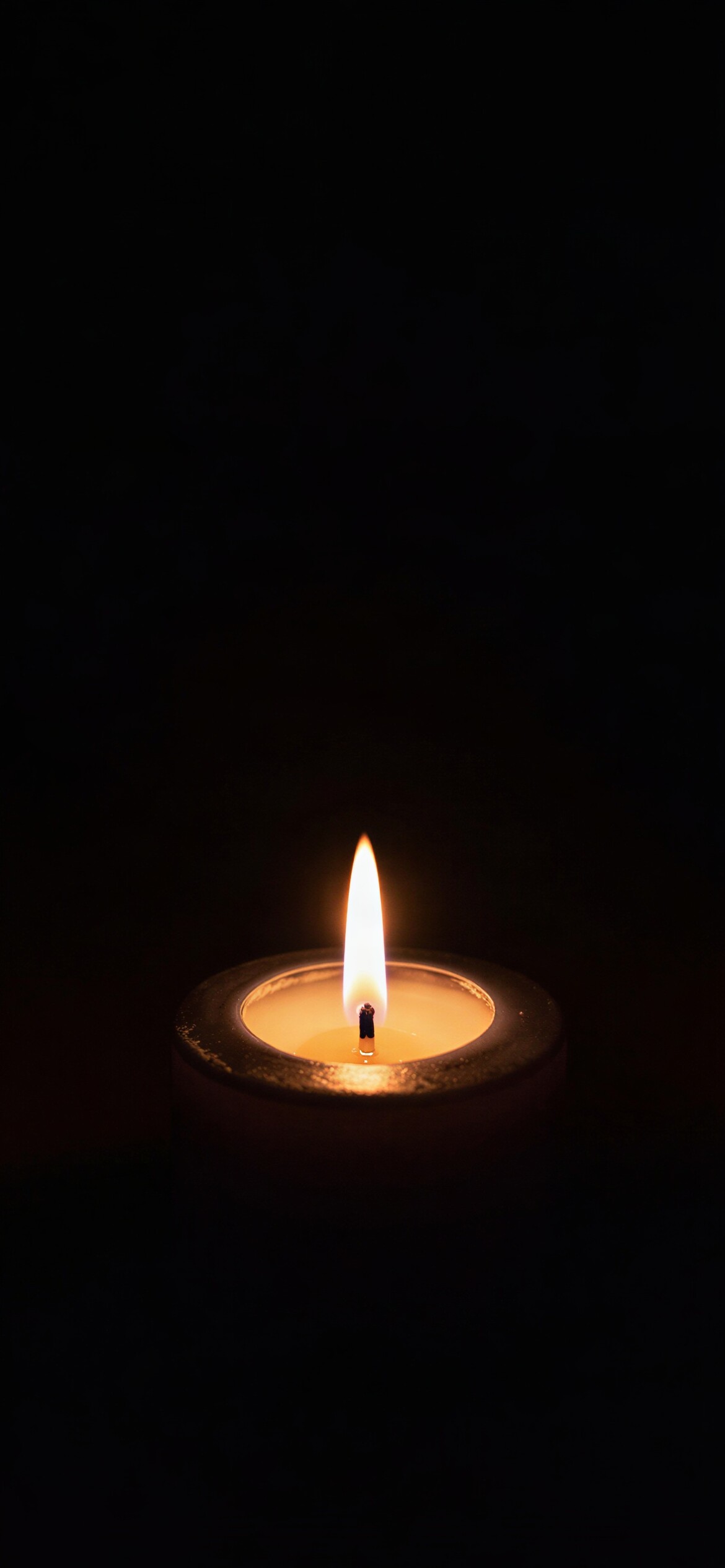
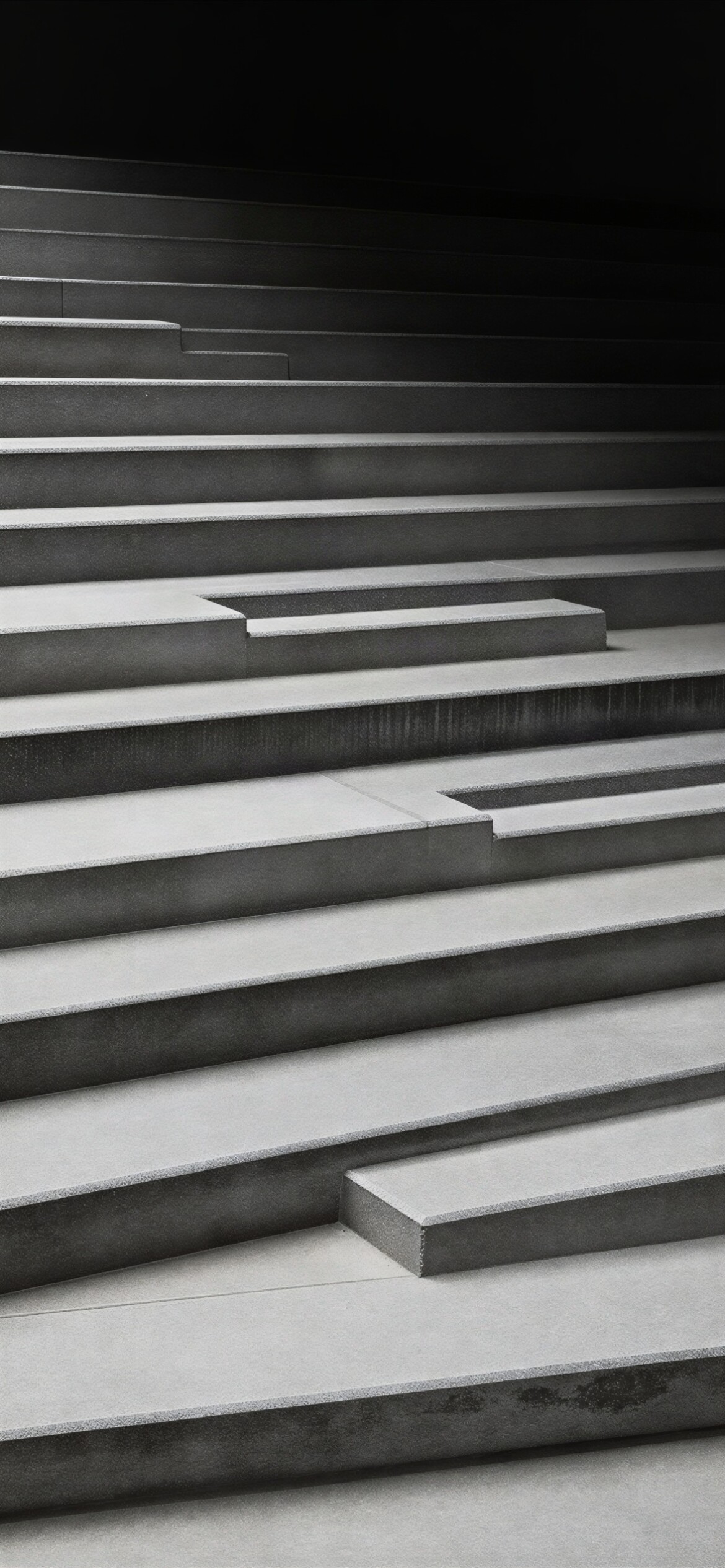
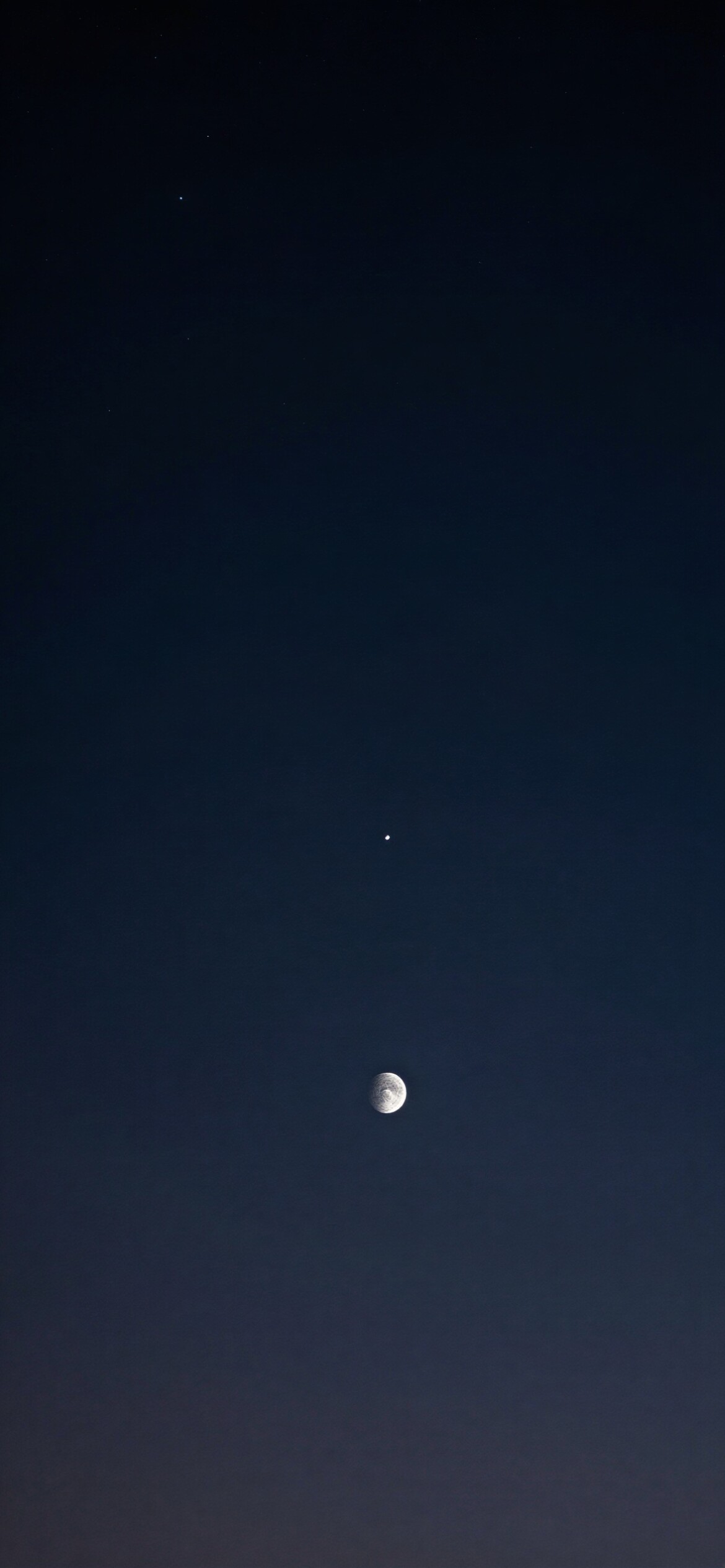
The last three are about light and depth. Wallpaper 7 is a single candle flame on pure black, 8 is an empty concrete staircase dropping away into shadow, and 10 is a crescent moon with a scattering of stars.
Charcoal, moonlit or almost pure black?
- Soft charcoal gradients: 1, 5 and 8, for a screen that feels dark but not heavy.
- Cool, silvery light: 2, 3, 6 and 10, where moonlight, morning light or a reflection does the work.
- Warm and close by: 4, 7 and 9, the indoor-feeling ones with city lights, a flame or a cup on a dark table.
For more in this direction, the dark aesthetic set has night scenes with a little more colour, the black and white aesthetic wallpapers trade the shadows for clean contrast, and the dark grey collection keeps things one step lighter.
How to set it on your iPhone
- Tap Download and save the image to Photos.
- Open Settings, tap Wallpaper, then Add New Wallpaper, and choose Photos.
- Pick the wallpaper, pinch to position it, then tap Add and choose the lock screen, home screen or both.
Stuck on a step? The iPhone and iPad guide has screenshots for each one.
Questions
Will these wallpapers fit my iPhone screen without cutting off the image?
Yes. These wallpapers are 1170x2532 pixels, sized for modern iPhones; some older models may crop slightly at the edges. When you set a wallpaper, your iPhone shows a preview where you can pinch to zoom and move the image to frame it how you like. Use the preview to make sure the main subject sits in the safe zone below the time display and notch.
Can I use these wallpapers commercially or share them on other sites?
These wallpapers are free for personal use on your own devices only. You cannot sell them, print them for sale, repost them on other wallpaper sites or use them for commercial projects. For full terms, visit our Terms page.
Which wallpapers work best as lock screen backgrounds?
The designs with more empty sky in the top half work best as lock screens, since your time display and notifications sit there. Try the gradient skies, the night sky with stars, or the minimalist landscapes. Save the detailed close-ups like frost crystals or raindrops for your home screen, where they won't be hidden by widgets.
Do these black aesthetic wallpapers help save battery on my iPhone?
Standard iPhones with LCD screens use the same power regardless of wallpaper color. However, if you have an iPhone with an OLED screen, using pure black backgrounds can slightly reduce power consumption since OLED pixels turn off to display black. These designs use deep blacks and dark tones, so they are battery-friendly on OLED models.