Chess Wallpaper iPhone
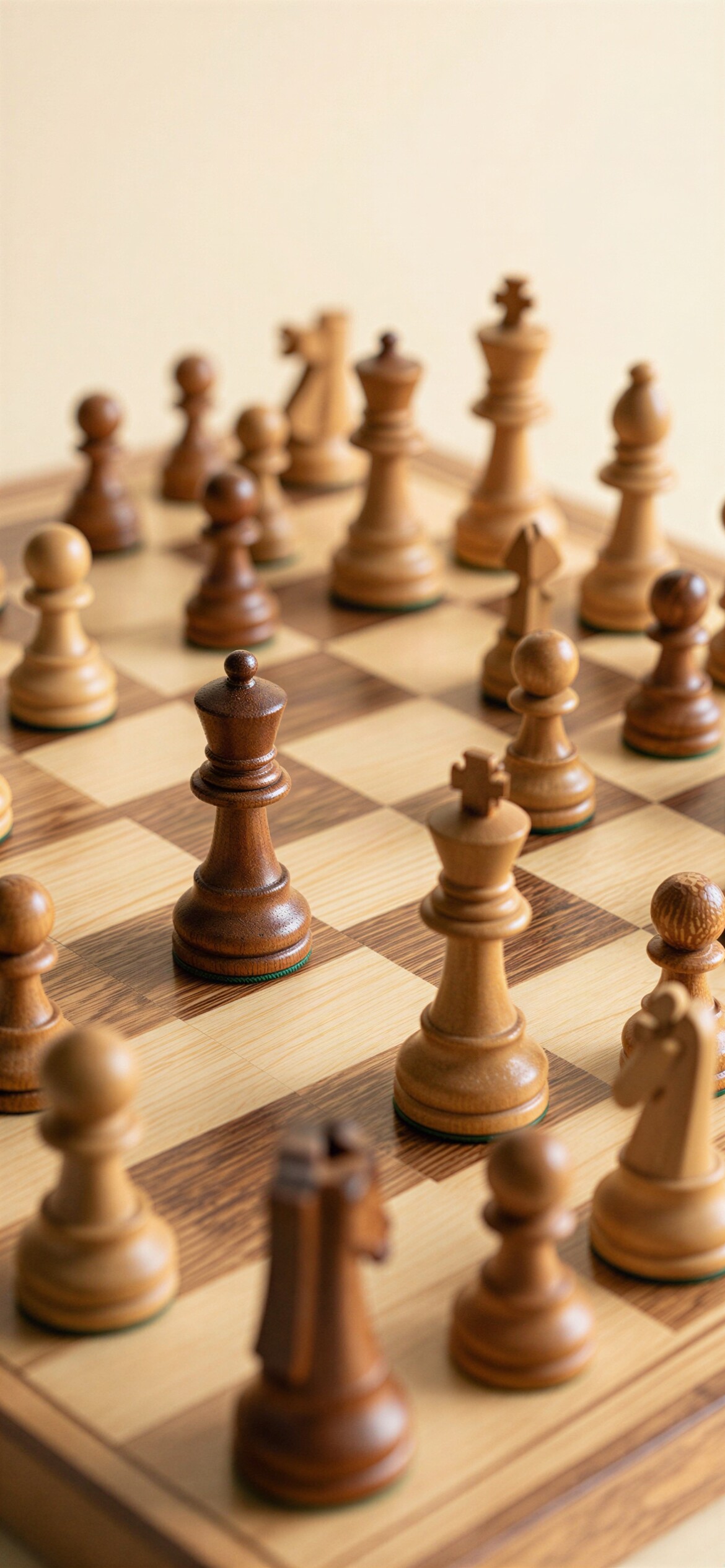
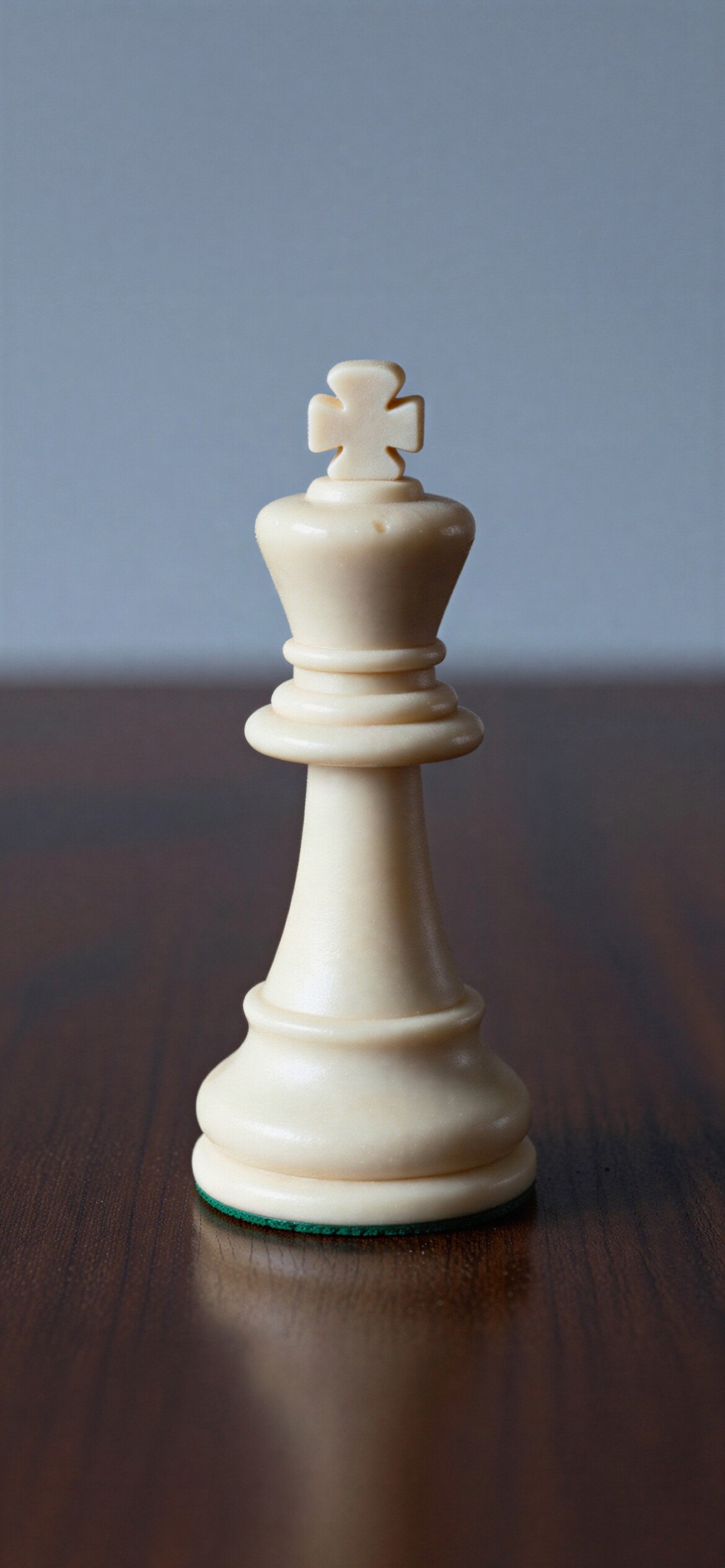
Chess wallpaper for iPhone features classic boards, carved pieces and strategic game moments in rich detail. These free designs bring the timeless appeal of chess to your phone screen. Each wallpaper captures the elegance and focus of the game through different angles and lighting styles. Whether you prefer close-ups of wooden pieces or wide shots of complete boards, this set works well for lock screens and home screens alike.
10 wallpapers at 1170 × 2532 px for iPhone. Checked by hand on 6 Oct 2026.
About this set
This collection captures the elegance and strategy of chess through carefully lit scenes of boards and pieces. The designs use natural photography lighting, from warm golden hour tones to cool studio light, bringing depth and texture to carved wood, polished stone and marble surfaces. Each wallpaper emphasizes the classic beauty of the game without showing active play or competition.
Lock screen wallpapers work best when the main pieces or board detail sits in the lower half, leaving the top quarter simple for clock and notification display. Home screen wallpapers can feature fuller board views or close-up piece details. The neutral tones and balanced compositions pair well with any app icon style and work equally well in light and dark mode.
From chaturanga to the modern queen
Chess grew out of chaturanga, a game played in India around the sixth century. It travelled through Persia and the Arab world into Europe, and the rules most players know today settled in the late 1400s. The biggest change was the queen: she went from a weak piece that moved a single square diagonally to the strongest piece on the board. Keep that in mind when you look at wallpaper 10, where the white queen has the dark board to herself.
Today's tournament pieces follow the Staunton pattern, introduced in 1849 and named after the English player Howard Staunton, who promoted it. It was designed so each piece is easy to recognise at a glance, which is also why single pieces make such clear wallpapers.
Meet the pieces, one board at a time
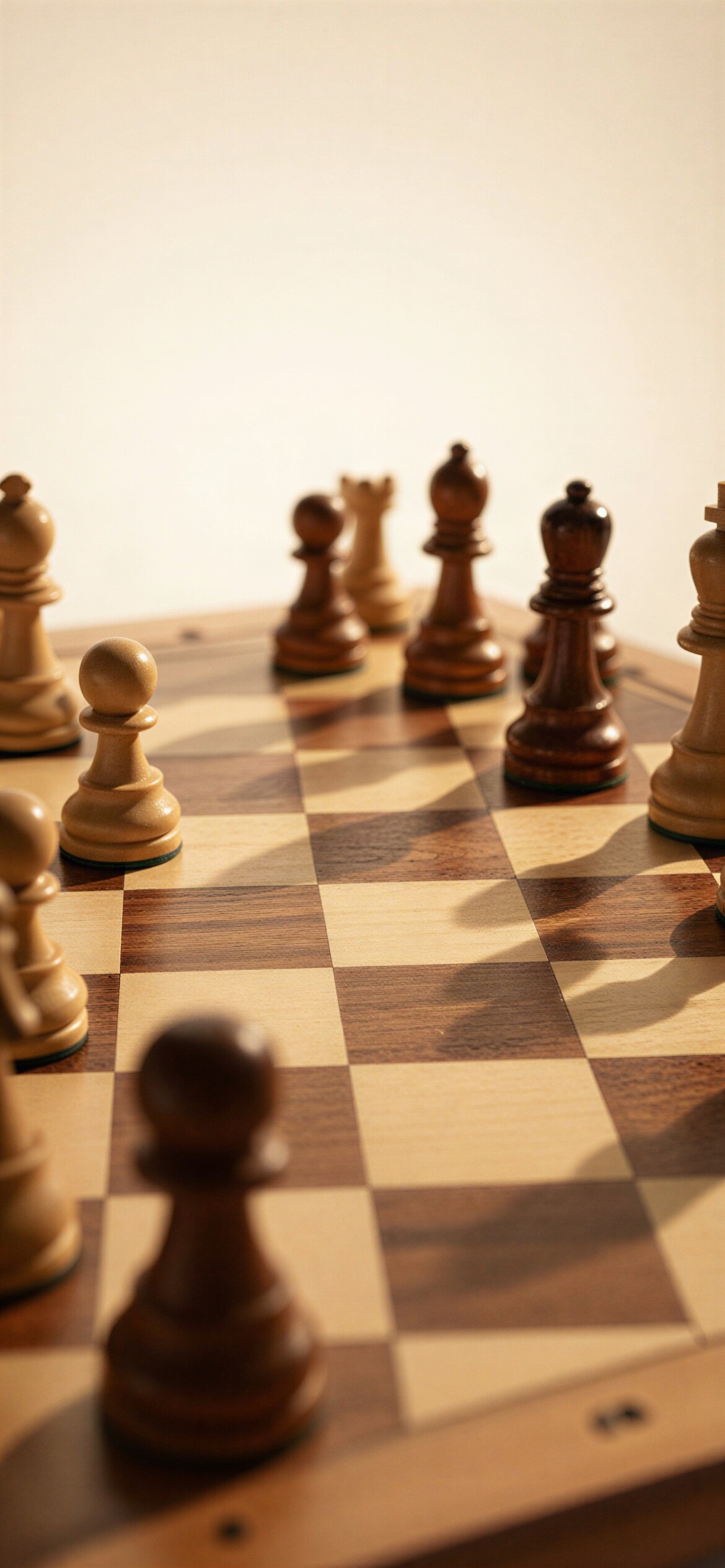
- Wallpaper 1: a wooden board and carved pieces in warm golden hour light. An easy all-rounder for the home screen.
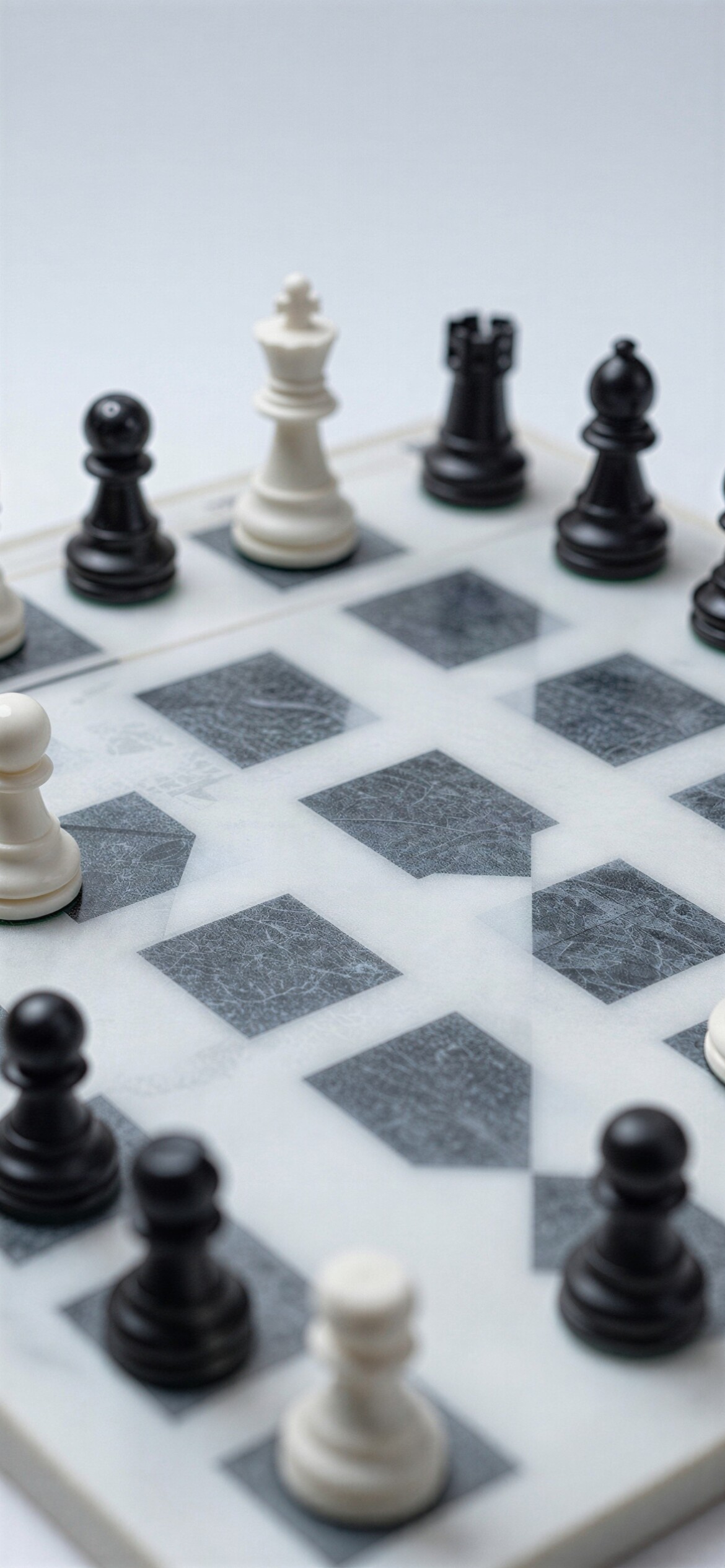
- Wallpaper 2: a polished marble set seen from straight above, so the black and white squares form a neat grid behind your icons.
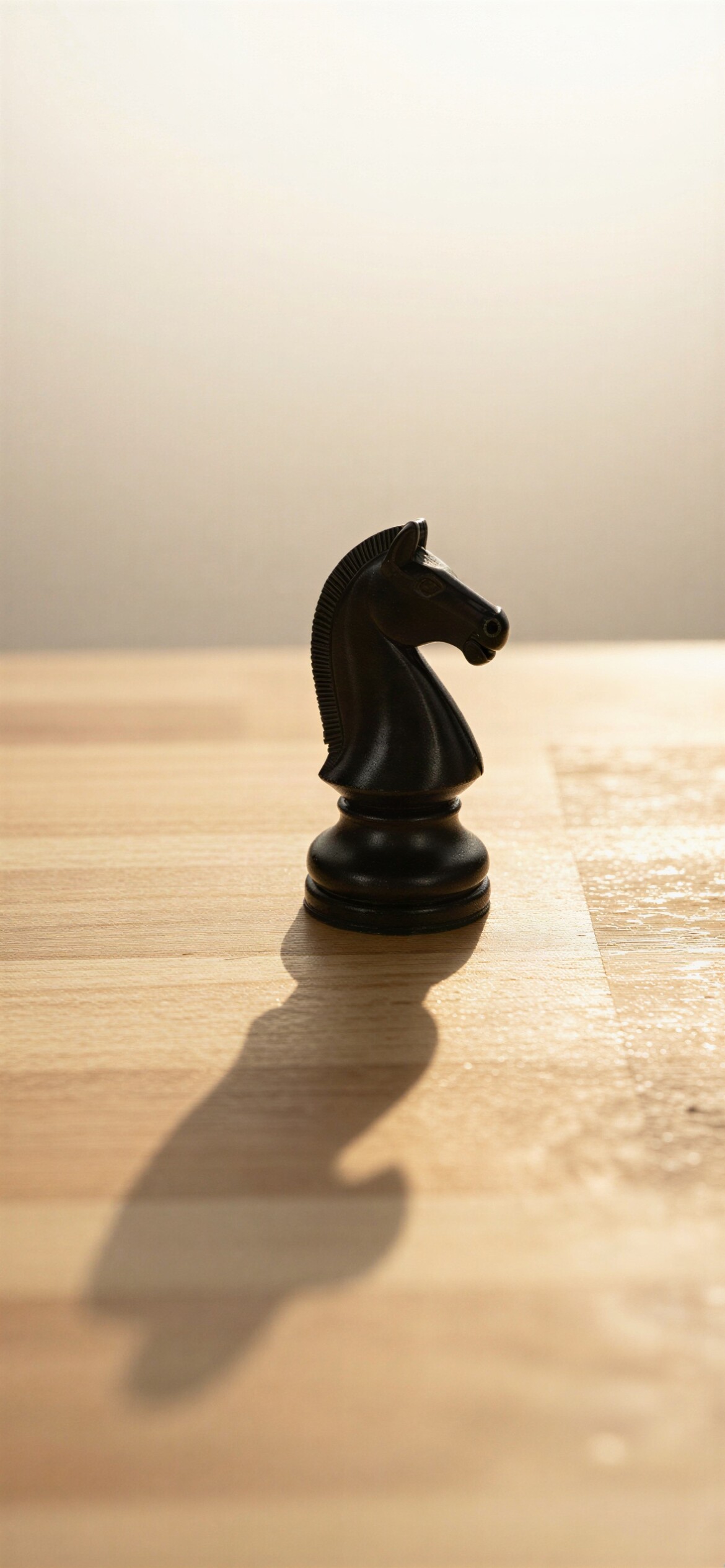
- Wallpaper 3: a black knight throwing a long shadow across light wood. The knight is the only piece that can jump over others, and the shadow gives it some drama on a lock screen.
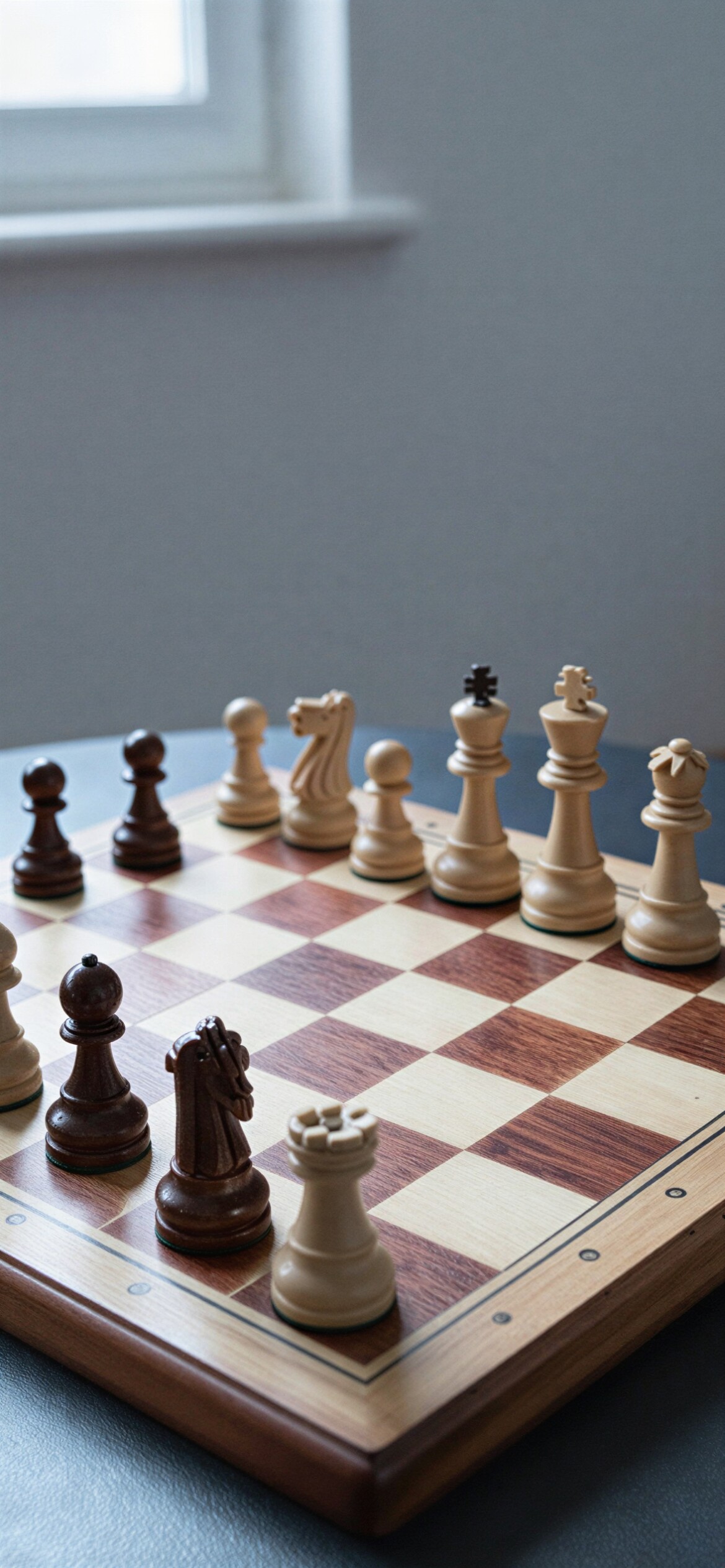
- Wallpaper 4: a game in progress on a red-tinted board by soft window light, the warmest colour in the set.
- Wallpaper 5: an ornate bishop lit by candlelight on dark wood. Made for dark mode.
- Wallpaper 6: every piece in its starting position on an inlaid stone board, for anyone who likes things tidy.
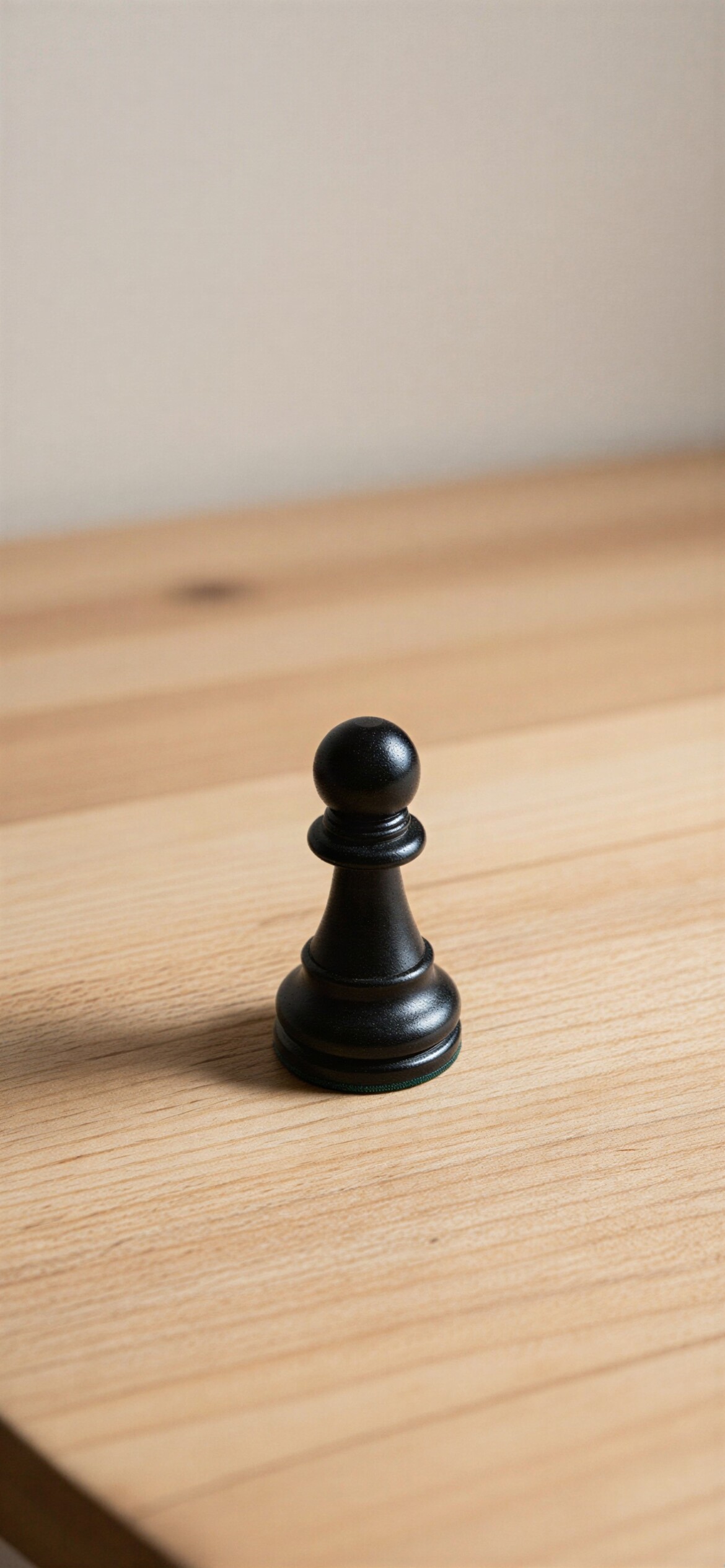
- Wallpaper 7: one black pawn with a strong directional shadow. Minimal, and very readable under the clock.
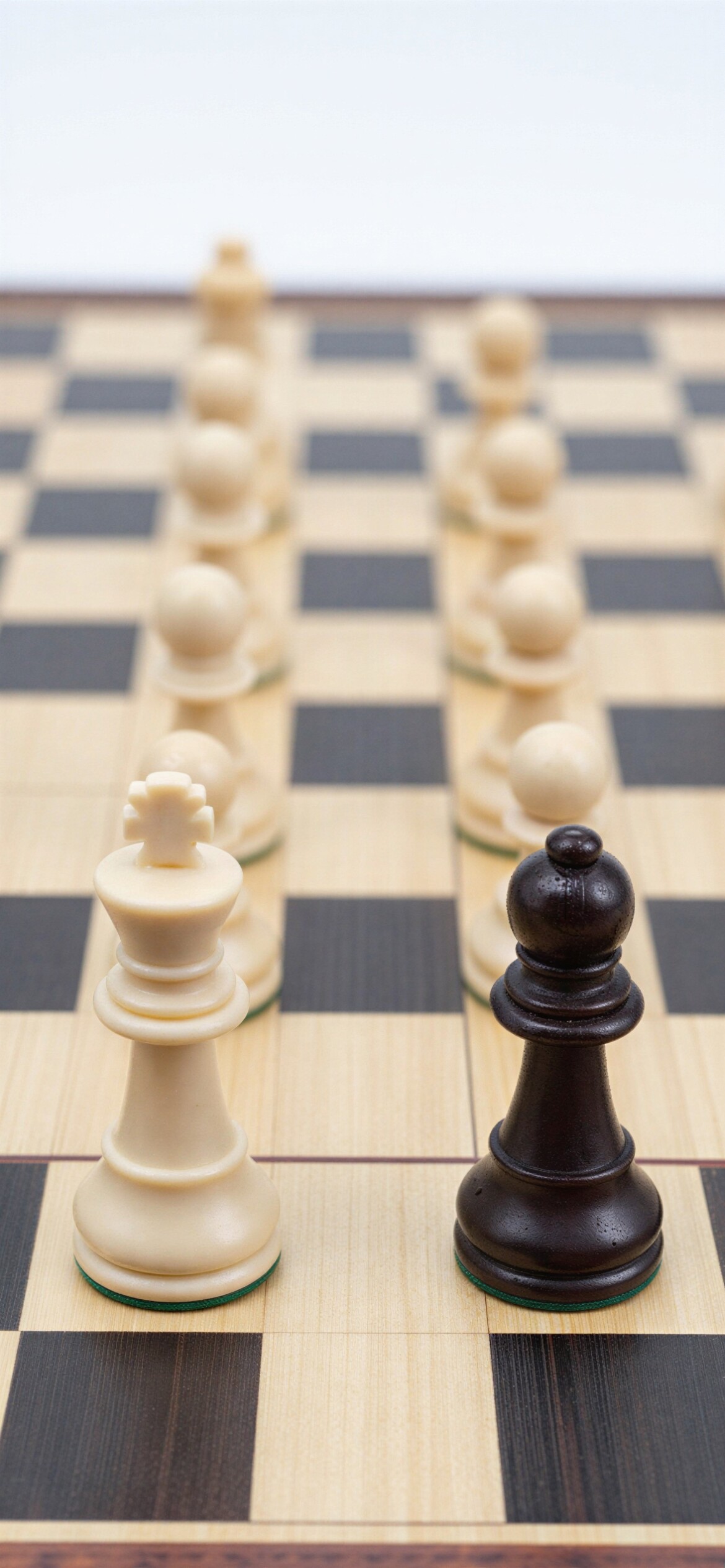
- Wallpaper 8: two opposing pieces facing each other across the squares, like the moment before a capture.
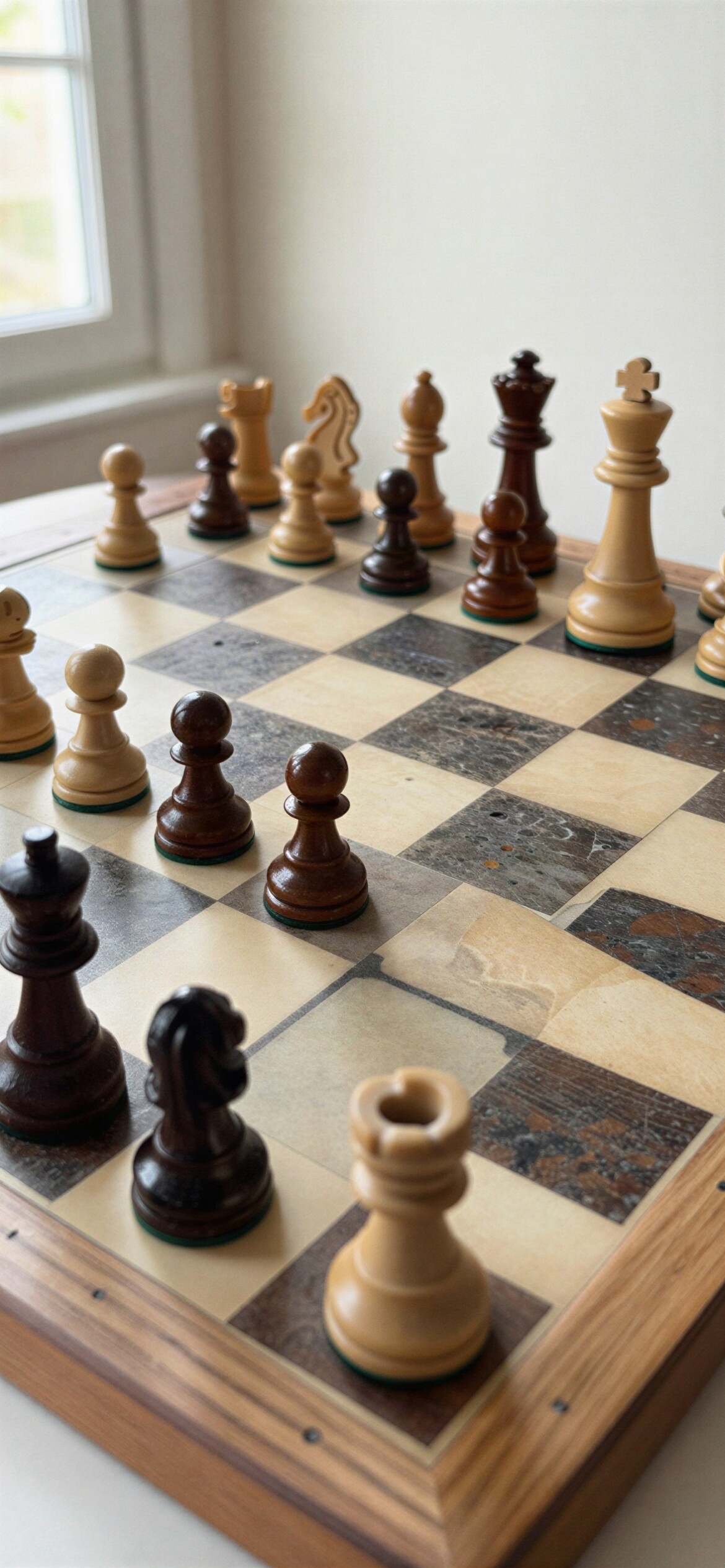
- Wallpaper 9: a complete game seen from a corner in golden light, which gives the board real depth.
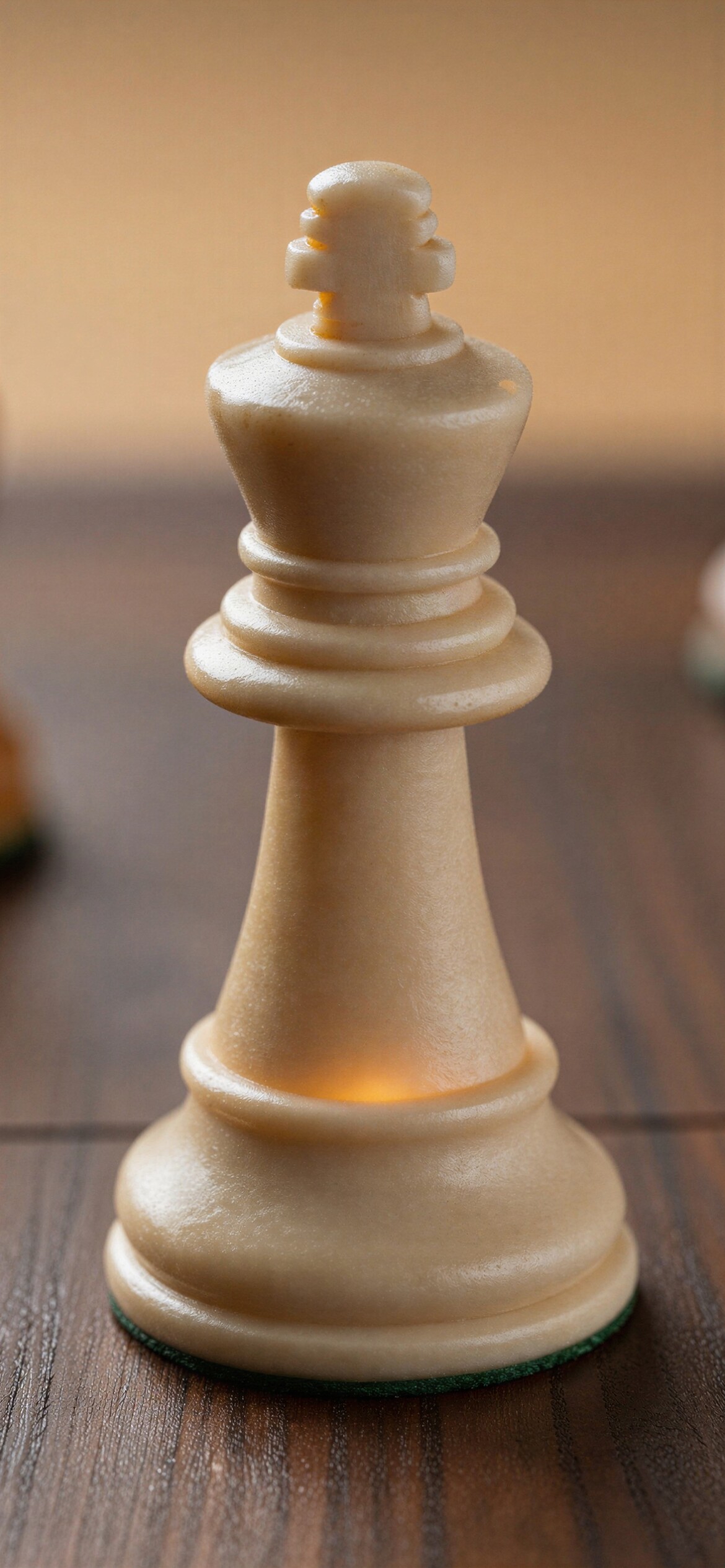
- Wallpaper 10: the white queen on dark wood under soft overhead light.
Light squares, dark squares
Sorted by mood, the set splits three ways. Wallpapers 1, 4 and 9 are warm and golden. Wallpapers 5 and 10 are dark and quiet, with most of the screen in shadow. The rest, 2, 3, 6, 7 and 8, are lighter and more graphic, built on clean squares and sharp shadows.
For more black and white looks, see our black and white aesthetic wallpapers, or carry the royal theme on with the king and queen collections.
How to set it on your iPhone
- Tap Download and save the image to Photos.
- Open Settings, tap Wallpaper, then Add New Wallpaper, and choose Photos.
- Pick the wallpaper, pinch to position it, then tap Add and choose the lock screen, home screen or both.
Stuck on a step? The iPhone and iPad guide has screenshots for each one.
Questions
Will these wallpapers fit my iPhone screen?
Yes. This set is designed for 1170x2532 resolution, which is sized for modern iPhones, including the current Pro and standard models. The tall vertical format fills your screen edge to edge. Some older iPhone models may crop slightly at the edges.
Can I use these wallpapers commercially or repost them elsewhere?
These wallpapers are free for personal use on your own devices only. You may not sell them, print them for sale, or repost them on other wallpaper sites or social media. For full details on what is and is not allowed, please read our Terms page.
Which wallpapers work better for lock screen versus home screen?
Lock screen wallpapers feature main subjects in the lower half with simple backgrounds at the top, so your time and notifications stay visible. Home screen wallpapers can show fuller boards or close-up details since icons will cover the lower portion. Choose based on where you want the focus and what matters most to see on each screen.
What style of chess sets are shown in this collection?
This set features classic carved wooden pieces, polished marble boards and stone inlay designs. Each wallpaper emphasizes the craftsmanship and natural textures of traditional chess sets through realistic lighting and photography. You'll see different angles, from close-ups of individual pieces to full board views, all celebrating the timeless design of the game.