Queen Wallpaper iPhone
Queen iPhone wallpaper designs show thrones, crowns, jewels and ornate palace rooms ready to download free for your phone. Each original artwork features rich royal colors, intricate details and stately settings. Whether you prefer a majestic throne room, a gleaming crown on velvet, or an elaborate garden pavilion, these queen wallpapers bring elegance to your lock screen and home screen.
10 wallpapers at 1170 × 2532 px for iPhone. Checked by hand on 13 Oct 2026.
About this set
These queen wallpapers blend classical royal imagery with refined artistic detail. Rich jewel tones of gold, crimson, sapphire and emerald create a sophisticated backdrop for any iPhone. The ornate thrones, crowns and palace interiors work especially well on lock screens where their centered composition draws the eye, while the garden and courtyard scenes suit home screens that need breathing room around icons.
Pair these regal designs with minimal app layouts or organize your icons by color to complement the gold and jewel tones. They work equally well in light and dark modes, though the warmer versions enhance the palace glow while cooler variations suit a more modern aesthetic. Use them year-round for a timeless sense of elegance and luxury.
Throne rooms, staircases and a view from the window
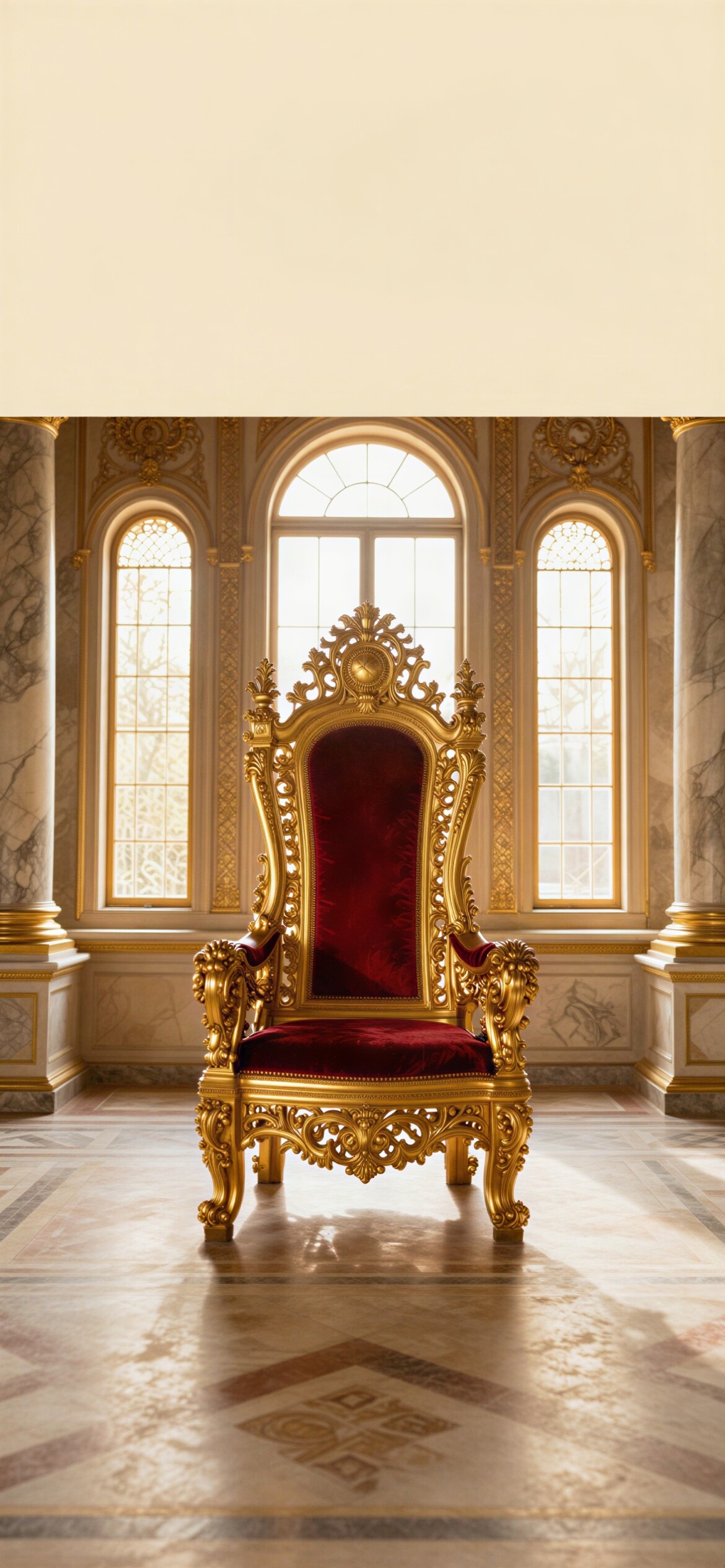
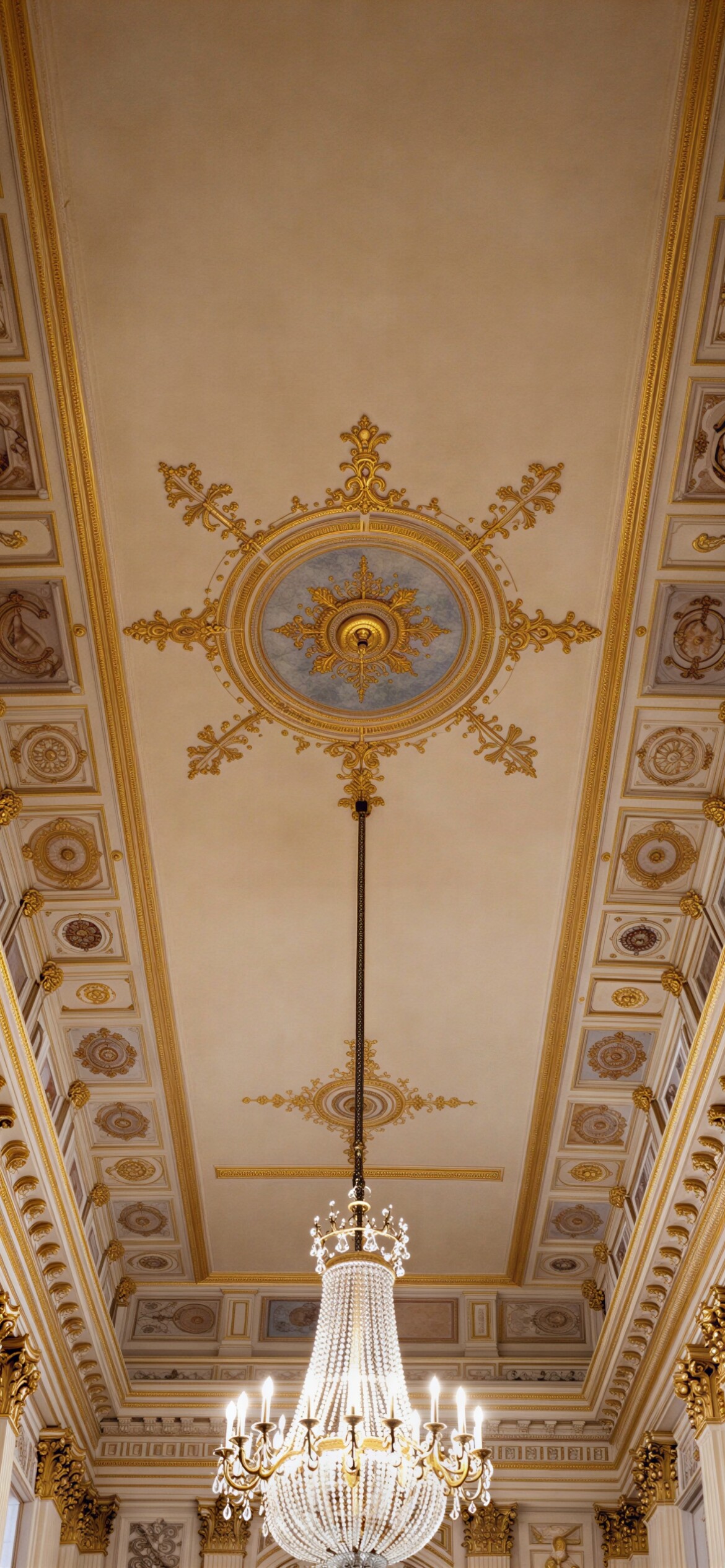
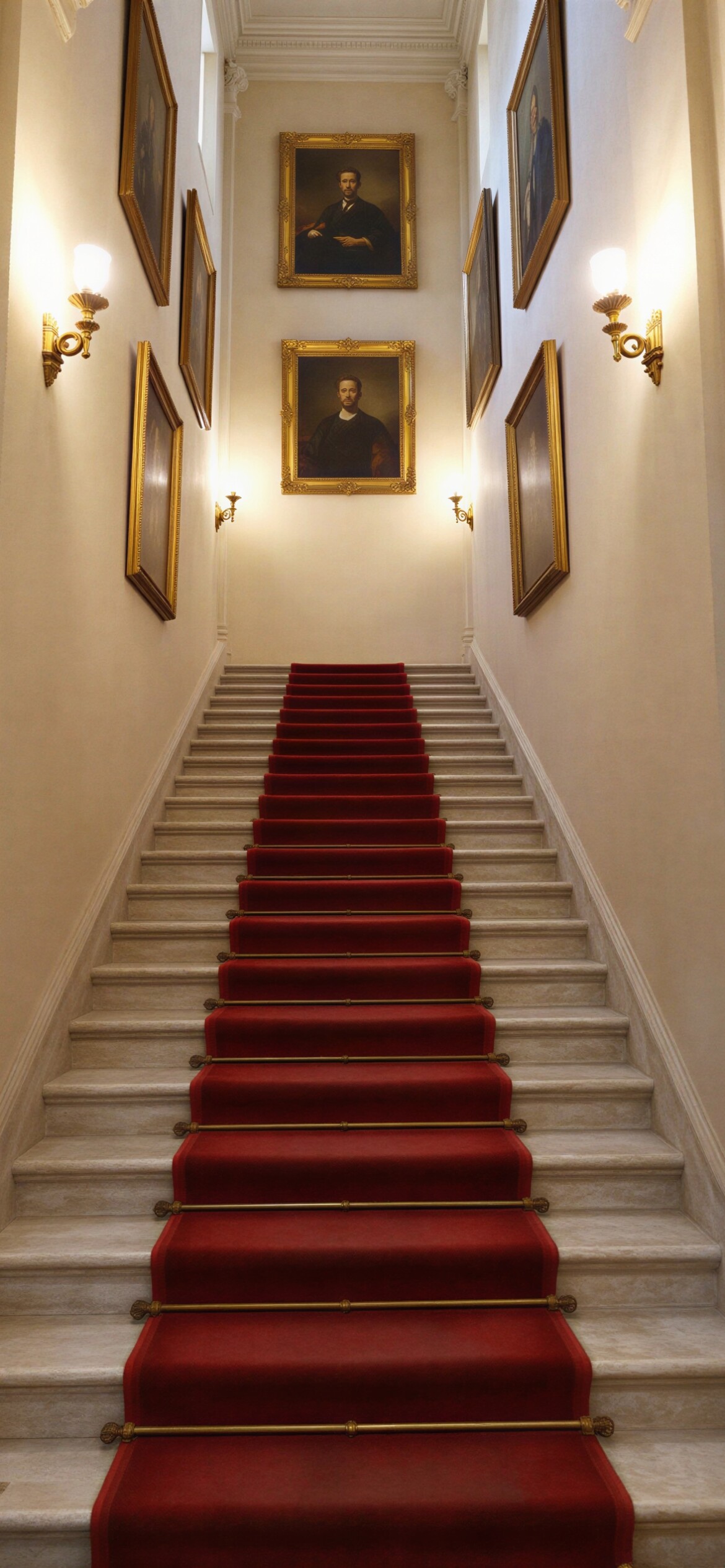
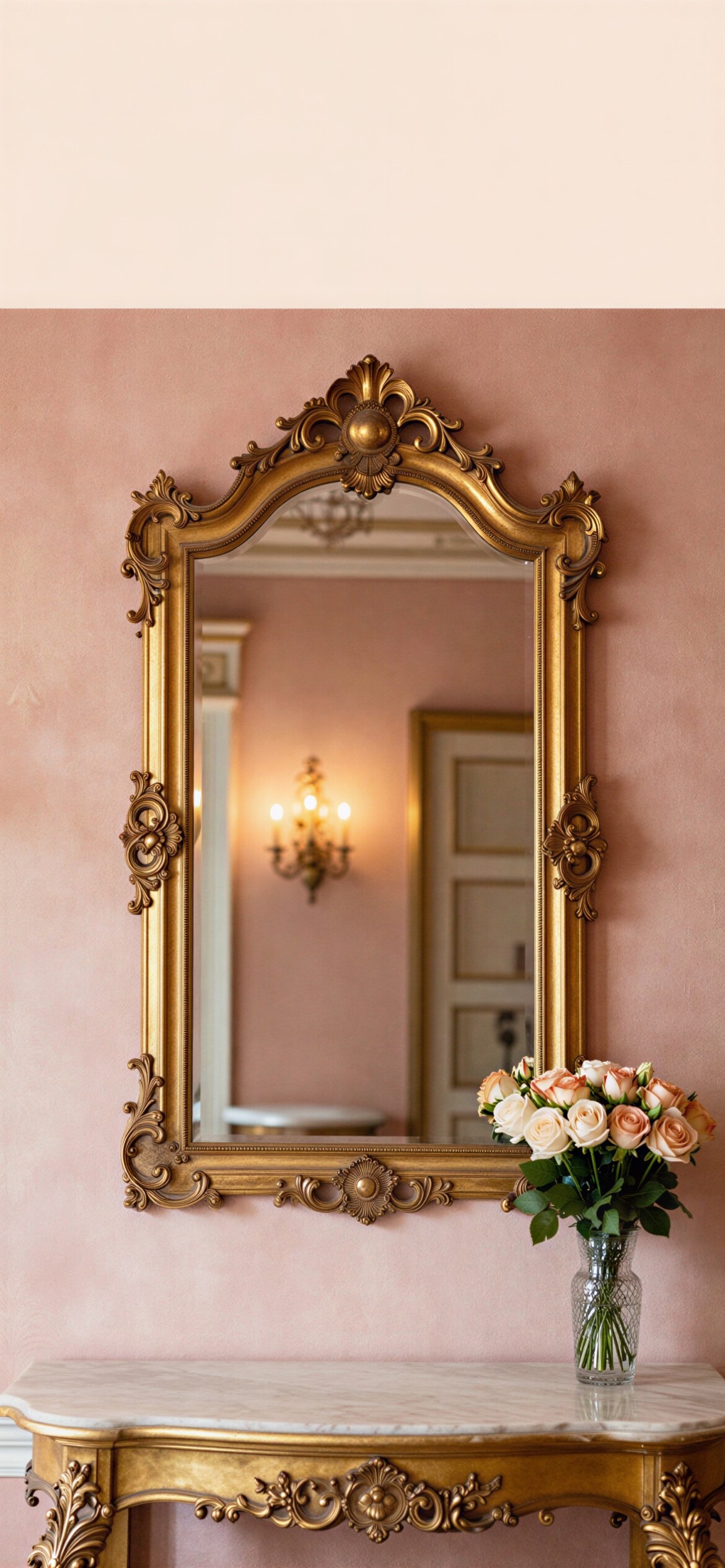
Four of the ten designs stay indoors and show the palace itself. Wallpaper 1 puts a golden throne at the end of a hall lined with arched windows and marble columns, and 5 climbs a grand staircase with a red velvet runner and golden sconces on the walls. Wallpaper 4 looks straight up at a painted ceiling with gilded mouldings and a crystal chandelier, which makes it a busy but rewarding lock screen. Number 7 is quieter: a gilded mirror on a silk damask wall, with roses in a crystal vase below it.
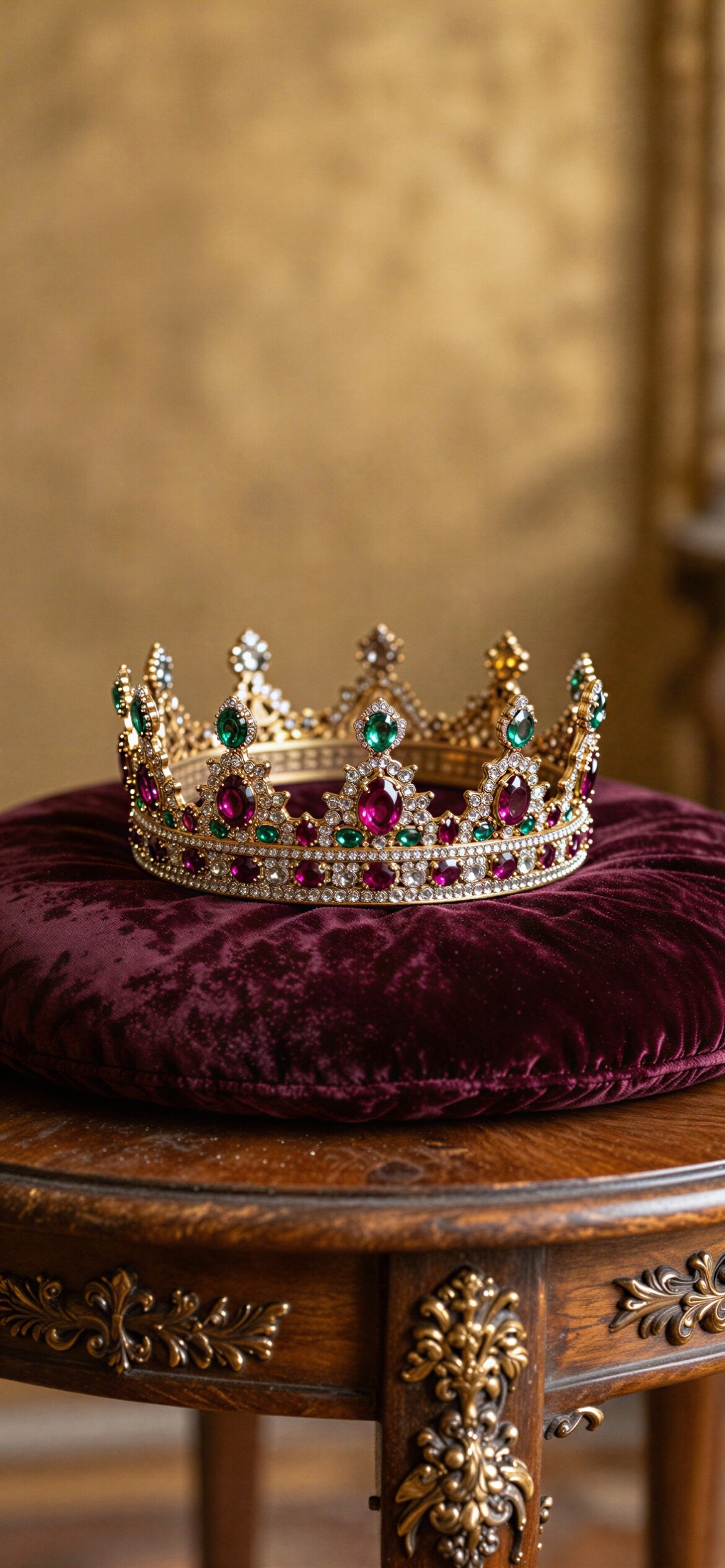
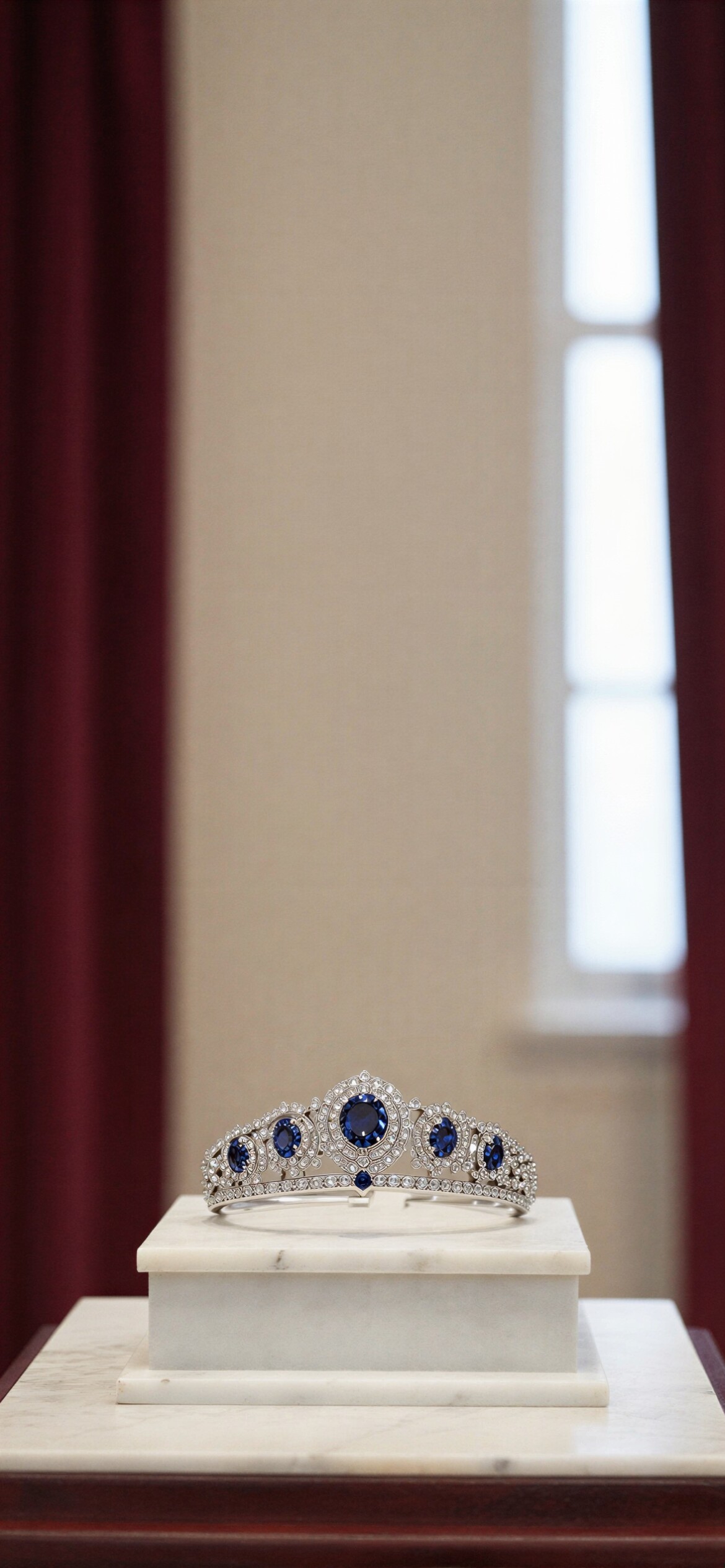
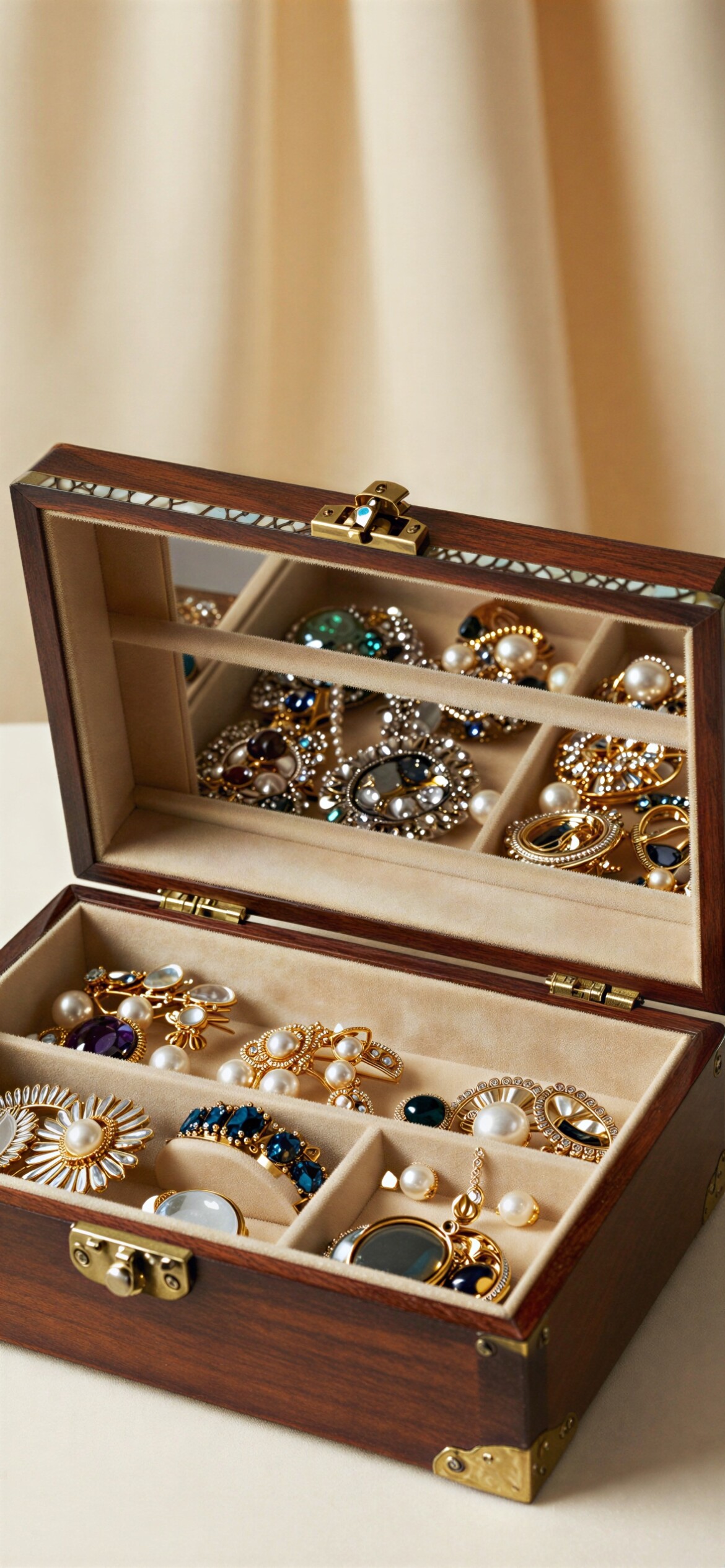
Three more zoom in on the royal treasures. A jewelled crown sits on dark velvet by candlelight in 2, a tiara rests on a white marble pedestal against burgundy drapes in 6, and 9 opens a mahogany jewellery box full of pearls and glittering stones.
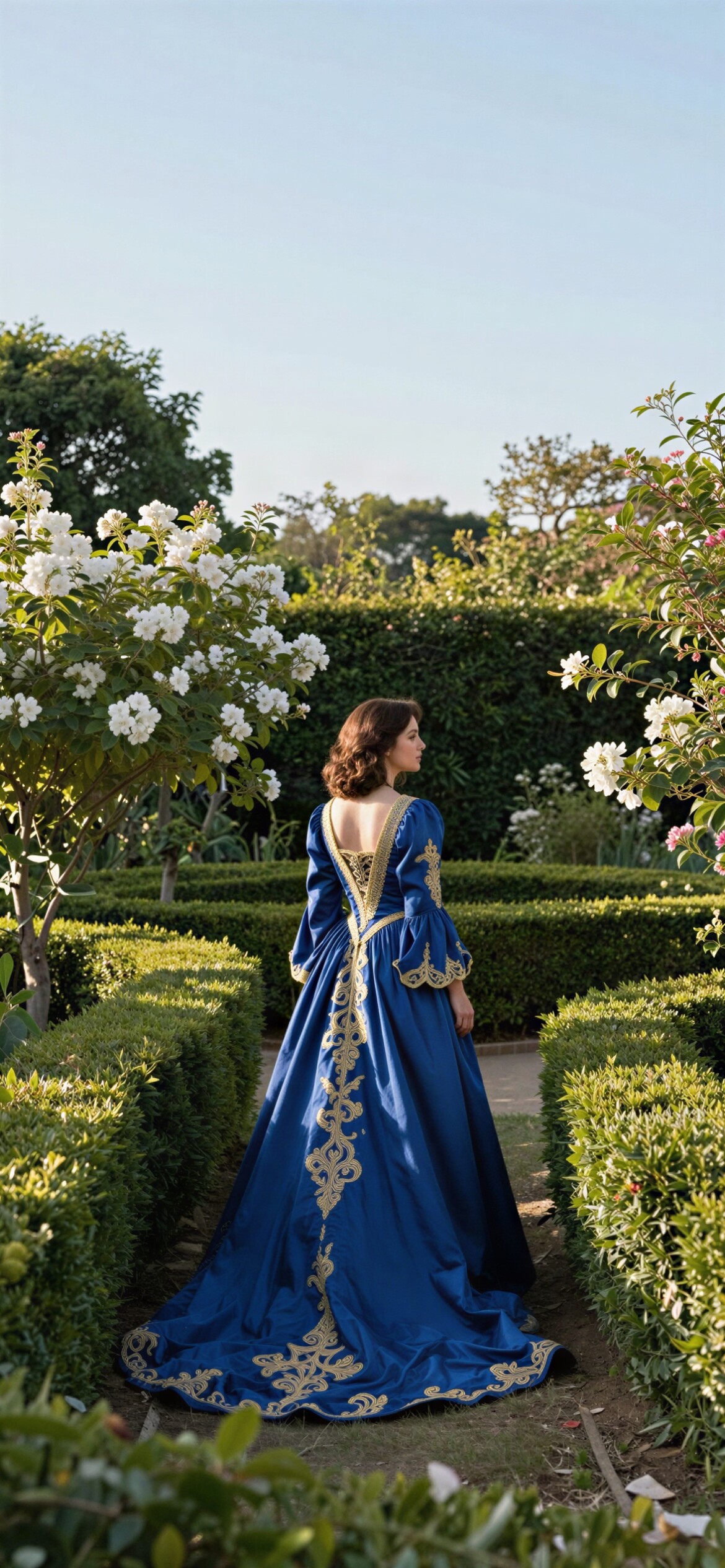
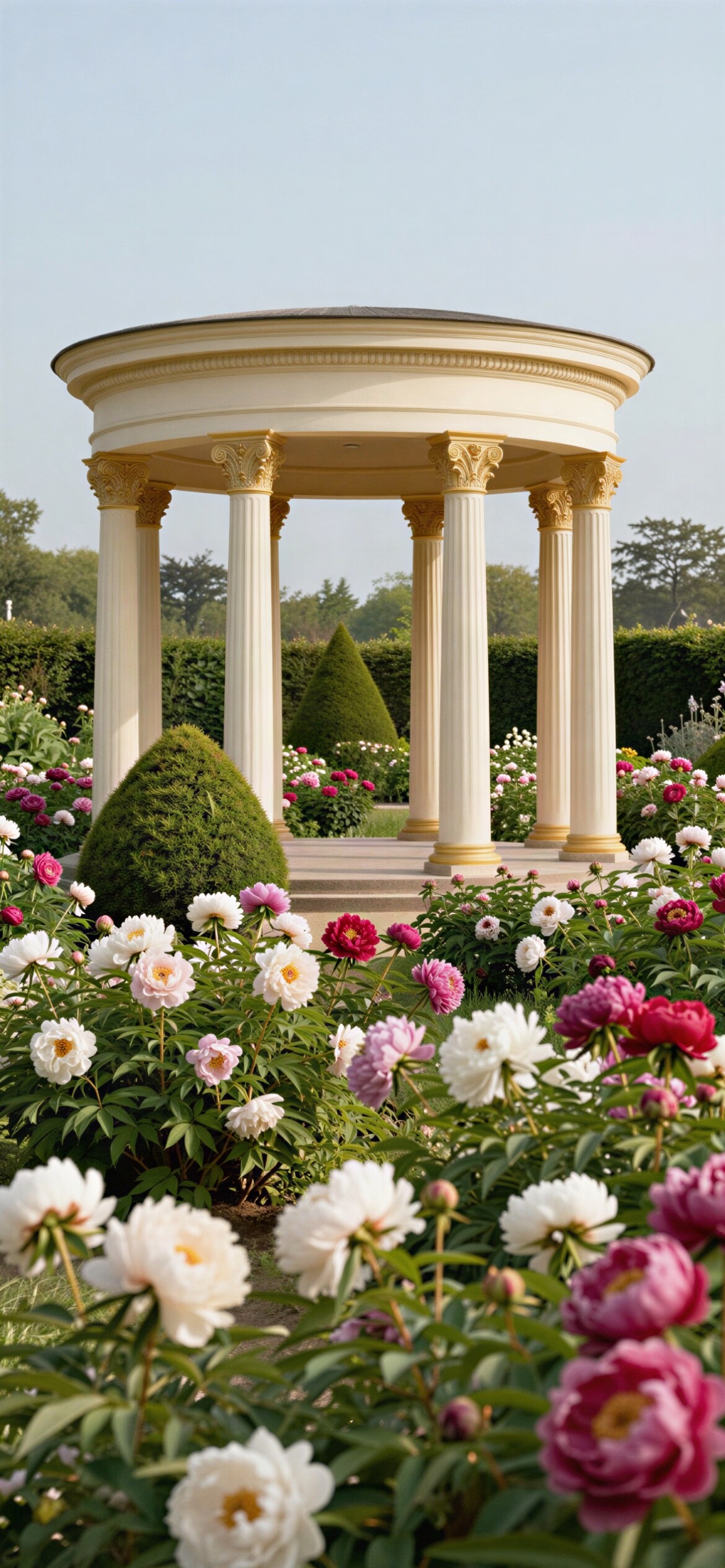
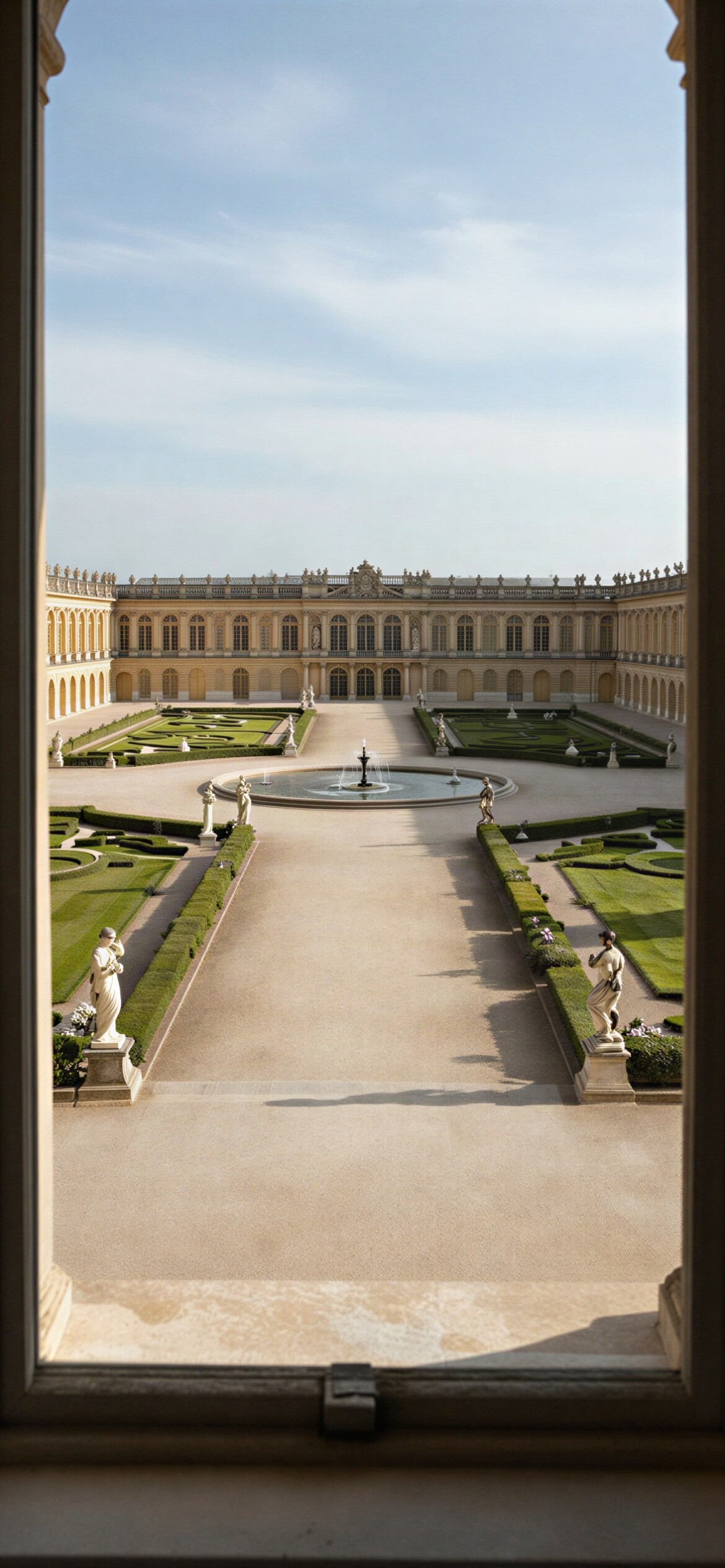
The last three step outside. Wallpaper 3 shows a woman in a sapphire gown, seen from behind, standing in a sunlit palace garden. Number 8 is a columned garden pavilion ringed with peonies and clipped topiaries, and 10 looks down from an upper window onto a courtyard with a fountain, statues and hedges.
Gold leaf, mirrors and the queens who ruled alone
Not every queen ruled. A queen consort is married to a reigning king, while a queen regnant holds the crown in her own right, as Elizabeth I and Victoria did in England. The throne in wallpaper 1 recalls a real survivor: the Coronation Chair in Westminster Abbey was made around 1300 for Edward I and has been used at English and British coronations ever since.
The gilded surfaces in 1, 4 and 7 come from an old technique. Gold can be hammered into leaf far thinner than paper, then laid over carved wood or plaster so a frame or moulding looks solid gold at a fraction of the cost. Large mirrors like the one in 7 were once a luxury in their own right. Venice guarded its glassmaking secrets for centuries, and France set up a royal mirror works in 1665; the Hall of Mirrors at Versailles, finished in 1684, used 357 of them. The clipped hedges and topiaries in 8 and 10 follow the same formal garden tradition that shaped Versailles, with plants trimmed into neat geometric shapes.
Candlelit reds or garden daylight?
- Warm and rich: 1, 2, 5, 6 and 9, with gold, burgundy and velvet against darker backgrounds.
- Light and gilded: 4 and 7, where frescoes, mirror glass and crystal catch the light.
- Fresh air and colour: 3, 8 and 10, with greens, blues and blossom from the palace grounds.
For more in a similar spirit, the princess wallpapers share the tiaras and gowns, the diamond set goes deeper into gemstones, and the rose gold collection keeps the warm metallic shine.
How to set it on your iPhone
- Tap Download and save the image to Photos.
- Open Settings, tap Wallpaper, then Add New Wallpaper, and choose Photos.
- Pick the wallpaper, pinch to position it, then tap Add and choose the lock screen, home screen or both.
Stuck on a step? The iPhone and iPad guide has screenshots for each one.
Questions
What size are these queen wallpapers for iPhone?
All wallpapers in this set are 1170x2532 pixels, sized for modern iPhone screens. This vertical format fills the display on recent models for both the lock screen and home screen, though some older models may crop slightly at the edges.
Can I use these wallpapers commercially or share them elsewhere?
These wallpapers are free for personal use on your own devices only. Selling them, printing them for sale, or posting them on other wallpaper sites is not allowed. For details on usage rights, please visit our Terms page.
Which queen wallpapers work best for lock screens versus home screens?
The throne room and tiara designs with centered subjects suit lock screens beautifully, as the composition draws focus to the middle. The garden pavilion and courtyard scenes work better on home screens where you need space around your app icons without overlapping the royal details.
How do I choose between the different queen wallpaper styles?
If you prefer interiors and ornate details, select the throne, ceiling or mirror designs. For a lighter feel, choose the garden pavilion or courtyard scenes. The jewelry and crown images offer a close-up luxury aesthetic. Mix and match across lock and home screens to create a complete royal theme.