Van Gogh Wallpaper iPhone
Van Gogh wallpaper for iPhone brings the artist's swirling brushstrokes and bold color to your home and lock screens. These designs capture the emotional intensity and movement of Van Gogh's style, with dramatic skies, expressive landscapes and glowing stars. The vertical compositions fit iPhone screens perfectly, with simple backgrounds at the top and detailed scenes below. Each wallpaper works as a lock screen or home screen backdrop.
10 wallpapers at 1170 × 2532 px for iPhone. Checked by hand on 4 Oct 2026.
About this set
These wallpapers bring Van Gogh's iconic painting style to your iPhone with swirling brushstrokes, bold color contrasts and emotional intensity. The vertical compositions fit iPhone screens perfectly, with open sky at the top and detailed scenes filling the lower half. Most designs work beautifully as lock screen backdrops, where the simple upper portion leaves room for the time and notifications, while busier scenes with flowers and landscapes suit home screens behind your app icons.
The expressive, textured brushwork of Van Gogh's style pairs well with minimalist icon layouts and clean home screen designs. These wallpapers bring energy and personality to any iPhone, whether you prefer the drama of starry nights, the warmth of sunflowers or the movement of landscape scenes. The rich color palettes complement both light and dark mode interfaces.
The places behind these scenes
Vincent van Gogh, the Dutch painter who lived from 1853 to 1890, made most of his best-known work in his last few years in the south of France, and sold very little of it while he was alive. Many of the subjects in this set point back to that time. In Arles in 1888 he painted his sunflowers, partly to decorate a room for his friend Paul Gauguin, along with blossoming orchards in spring, a café lit up at night and the sea at Saintes-Maries-de-la-Mer. In 1889, while staying at the asylum in Saint-Rémy, he painted The Starry Night, his irises and many cypress trees. These designs are new artwork in his manner, not copies, but you will spot the echoes.
From village nights to orchard mornings
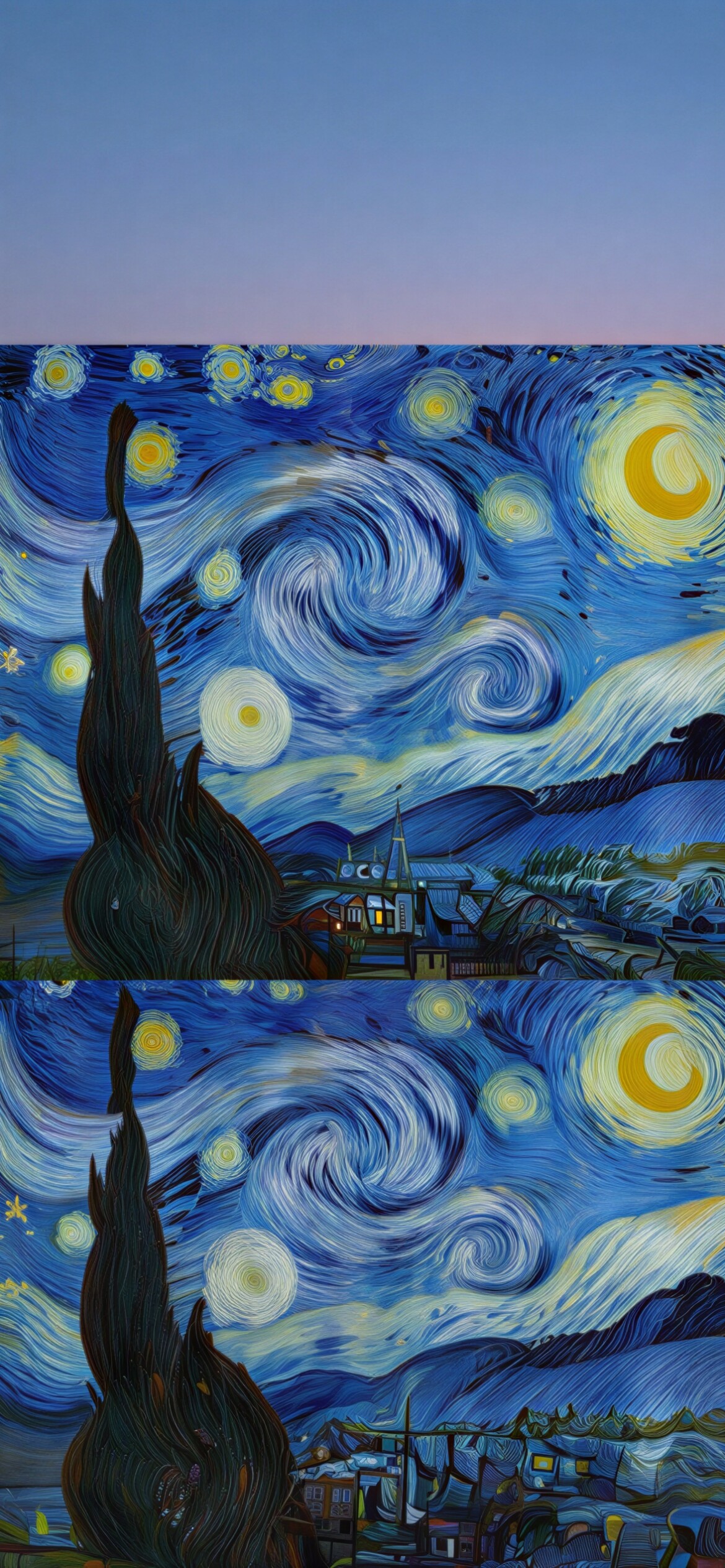
- A swirling night sky with stars and a moon over a small village and church steeple. The obvious lock screen choice.
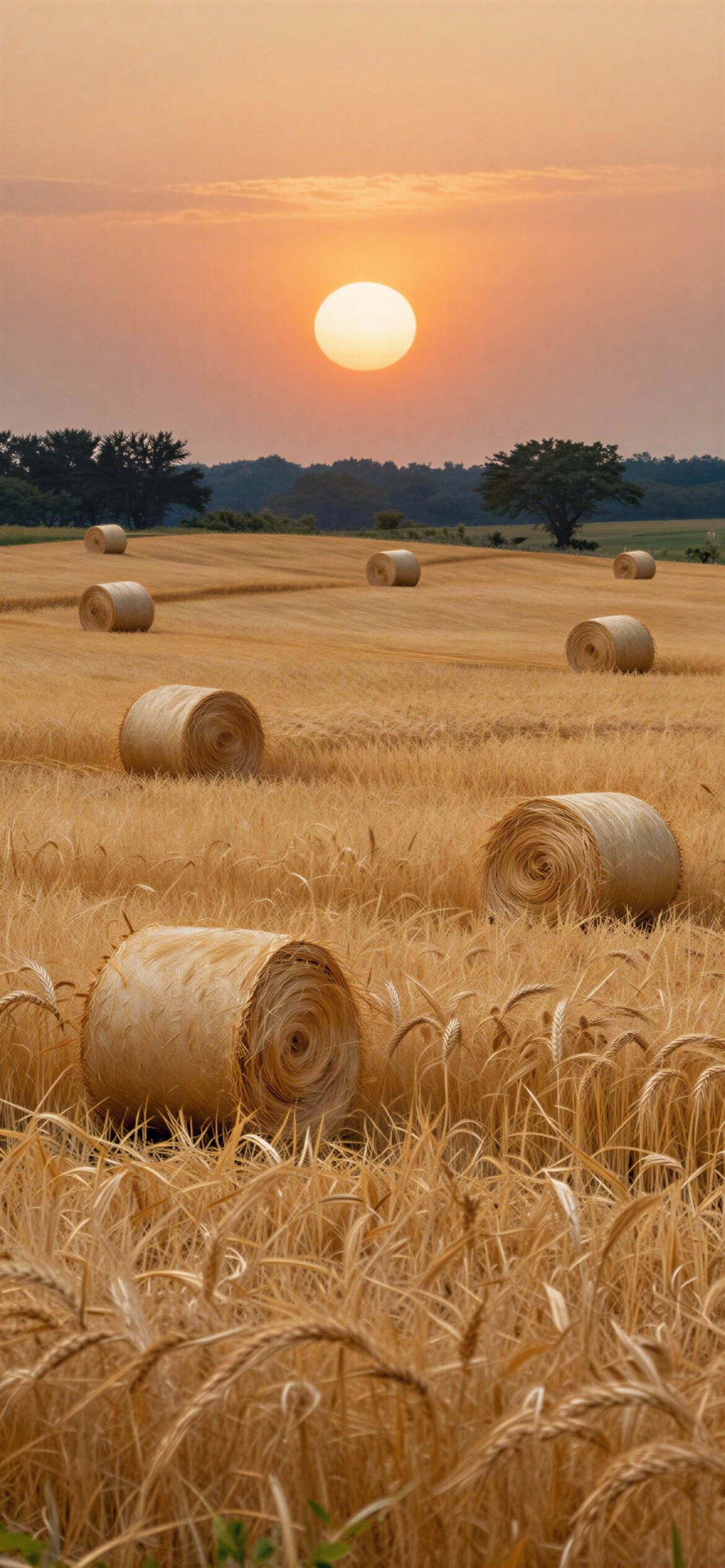
- A golden wheat field under a bright sun with rolling hills, warm and open.
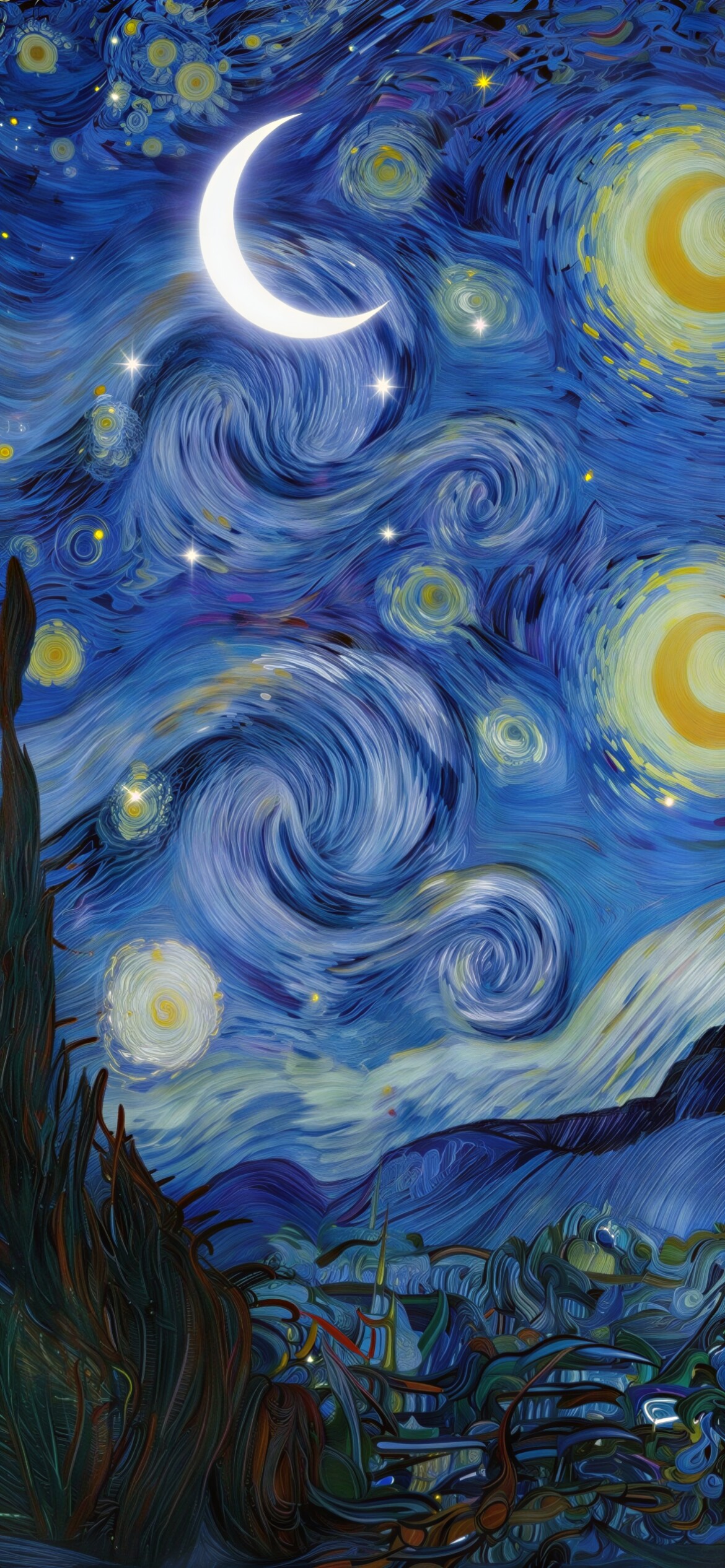
- A crescent moon and swirling clouds over a dark land silhouette, darker and simpler than 1.
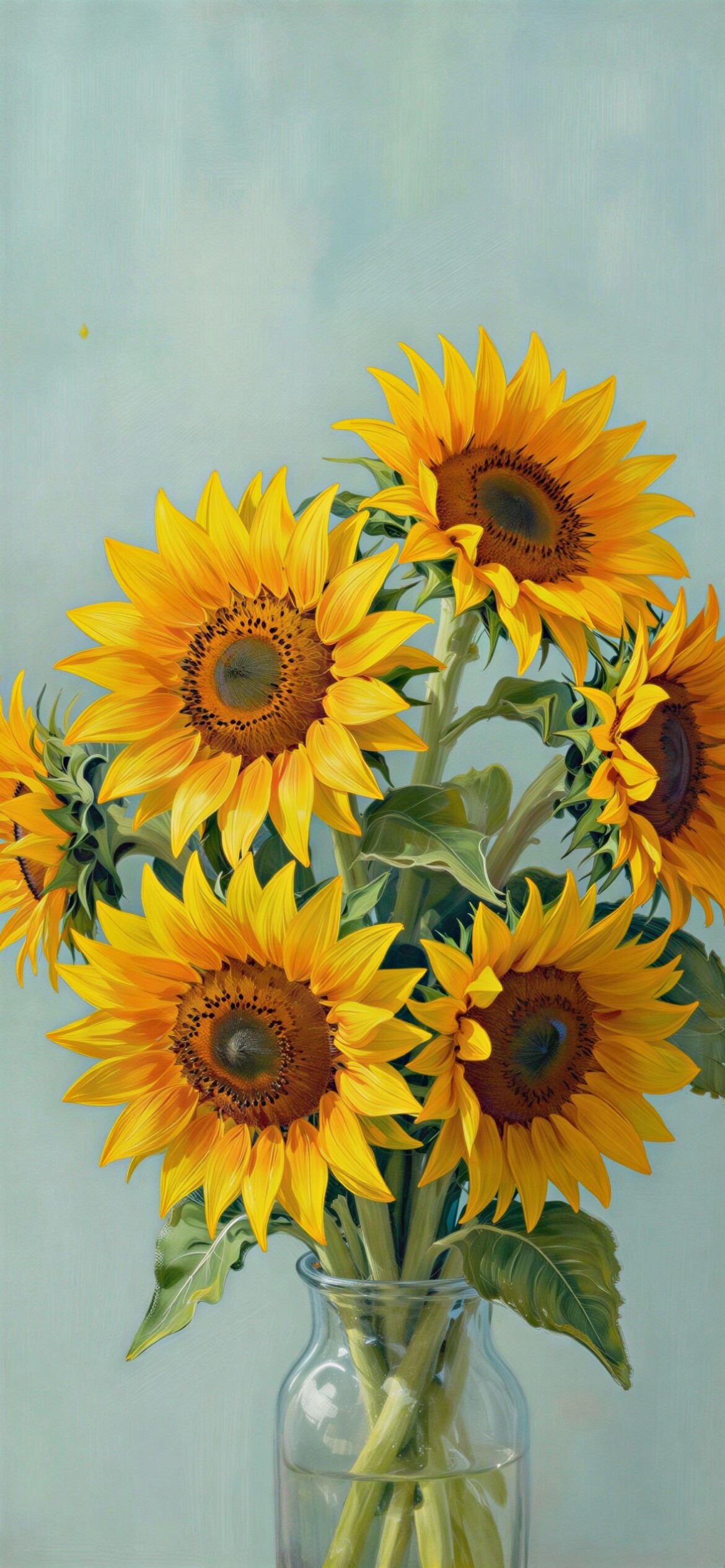
- Sunflowers in a vase against a blue-green background, a busy design that fills a home screen.
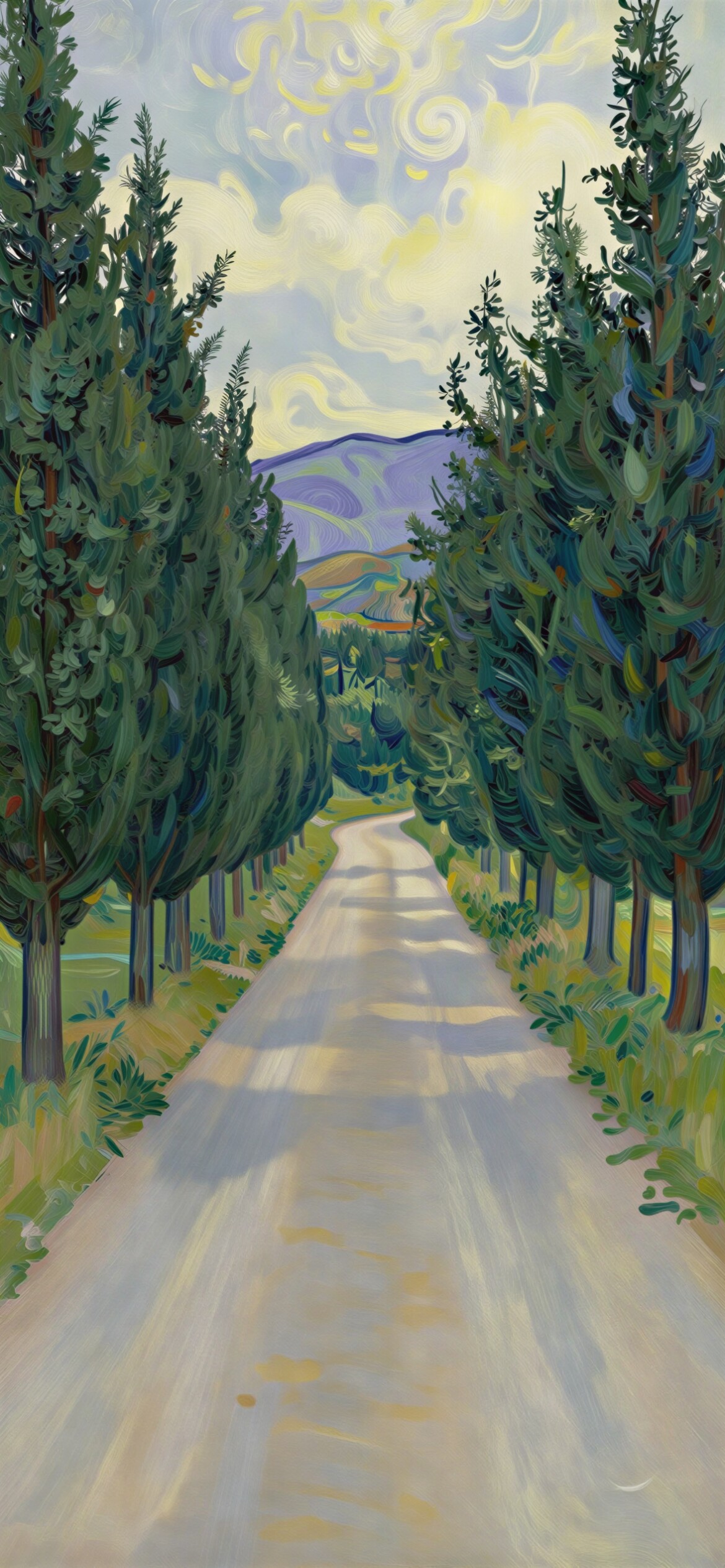
- A winding road between tall cypress trees, leading to purple hills.
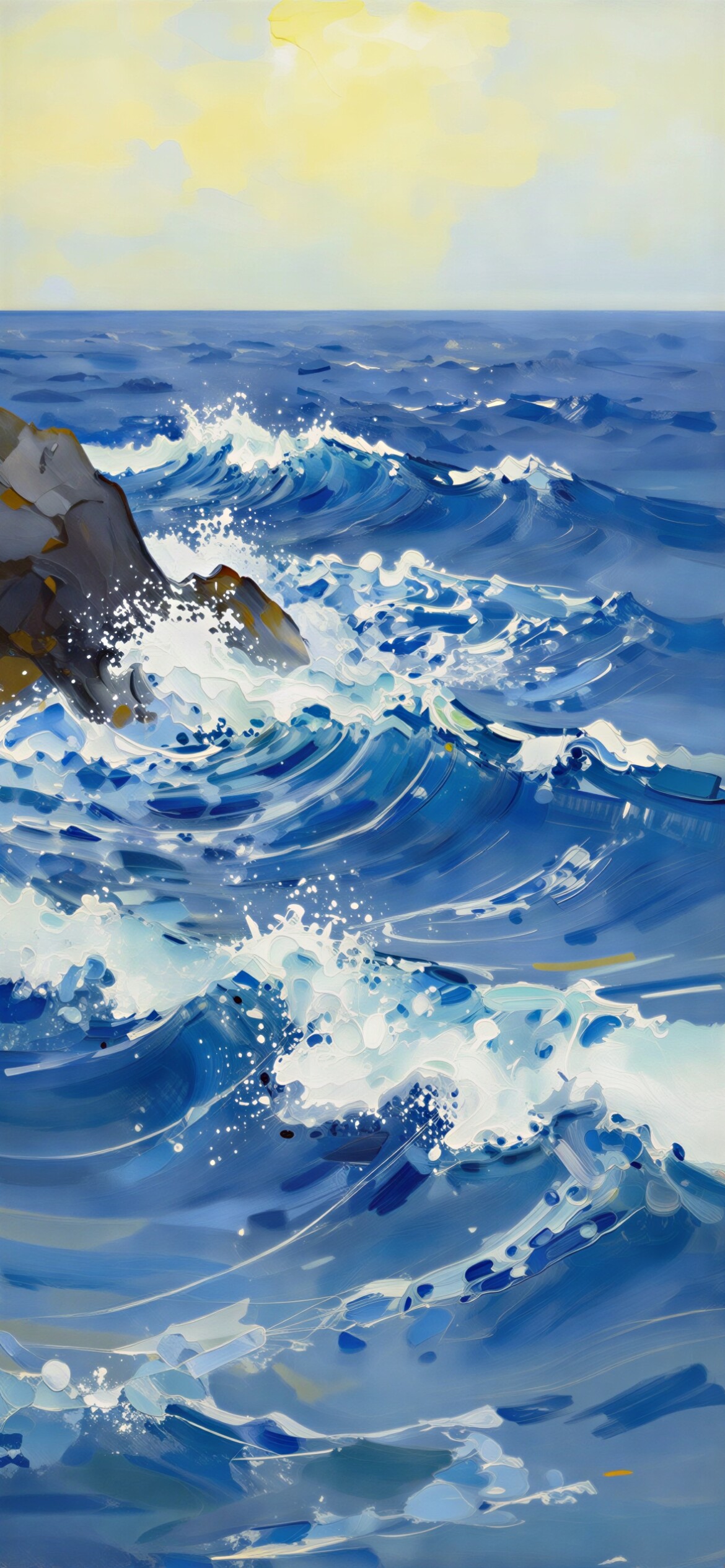
- A rough sea with churning waves under a pale yellow sky.
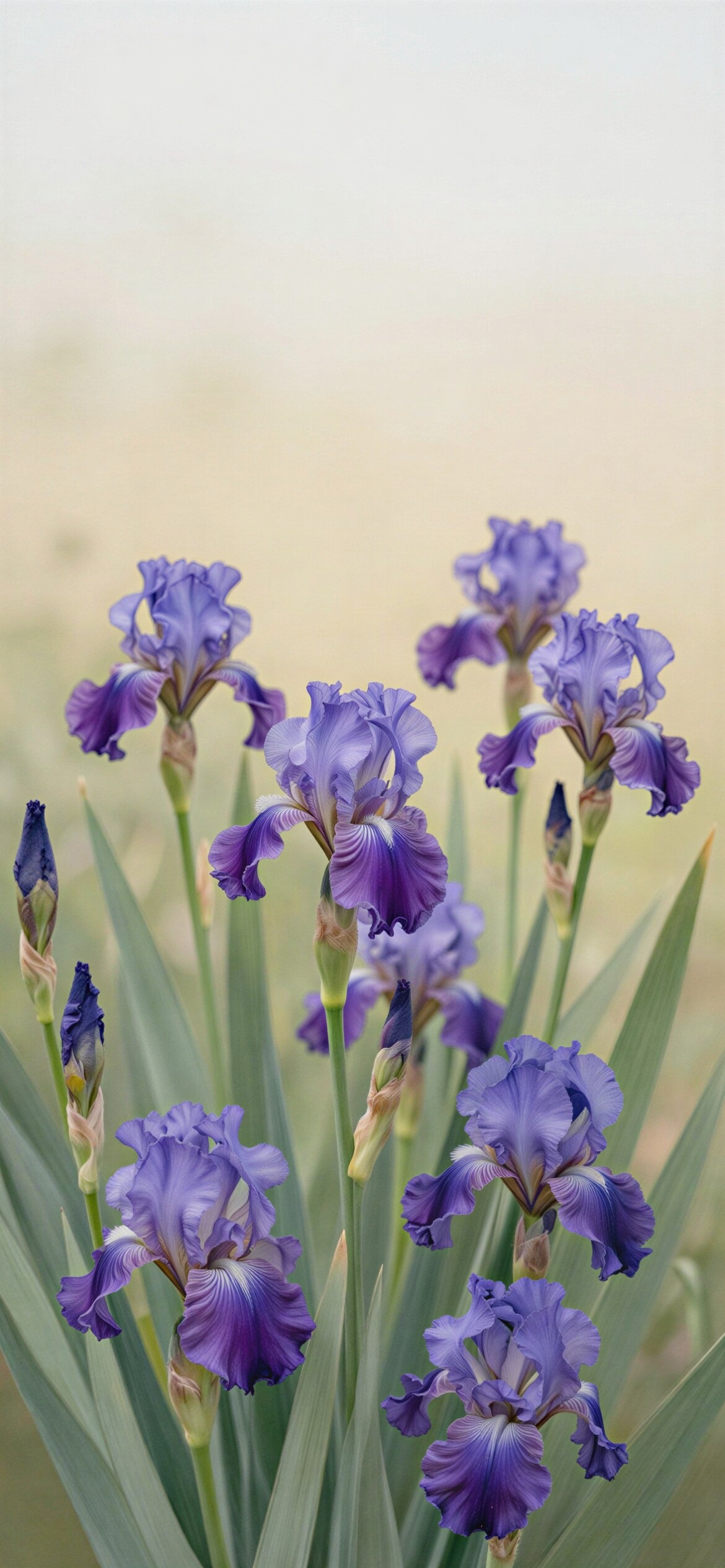
- Purple and blue irises in a garden on a yellow ground.
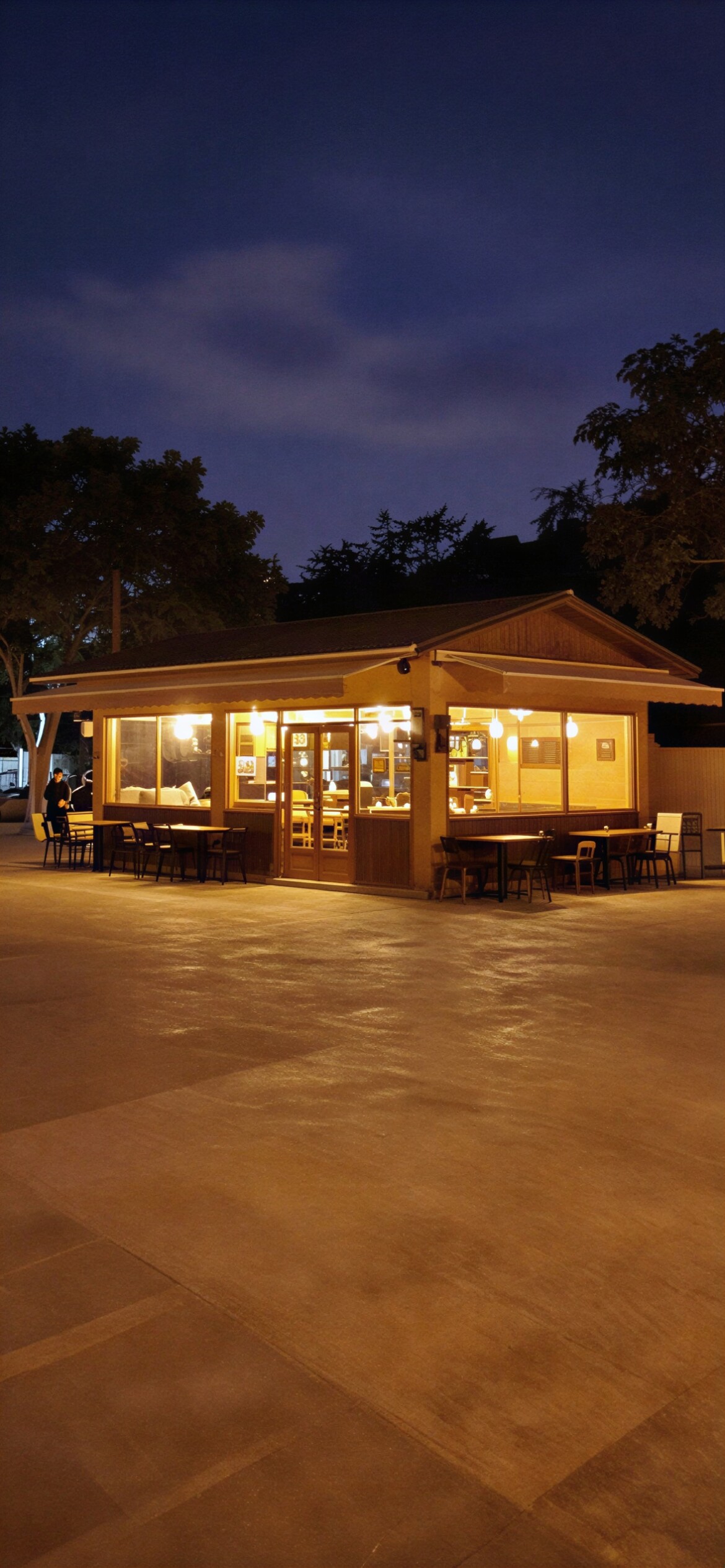
- A café building glowing in warm colours under a deep blue starry sky.
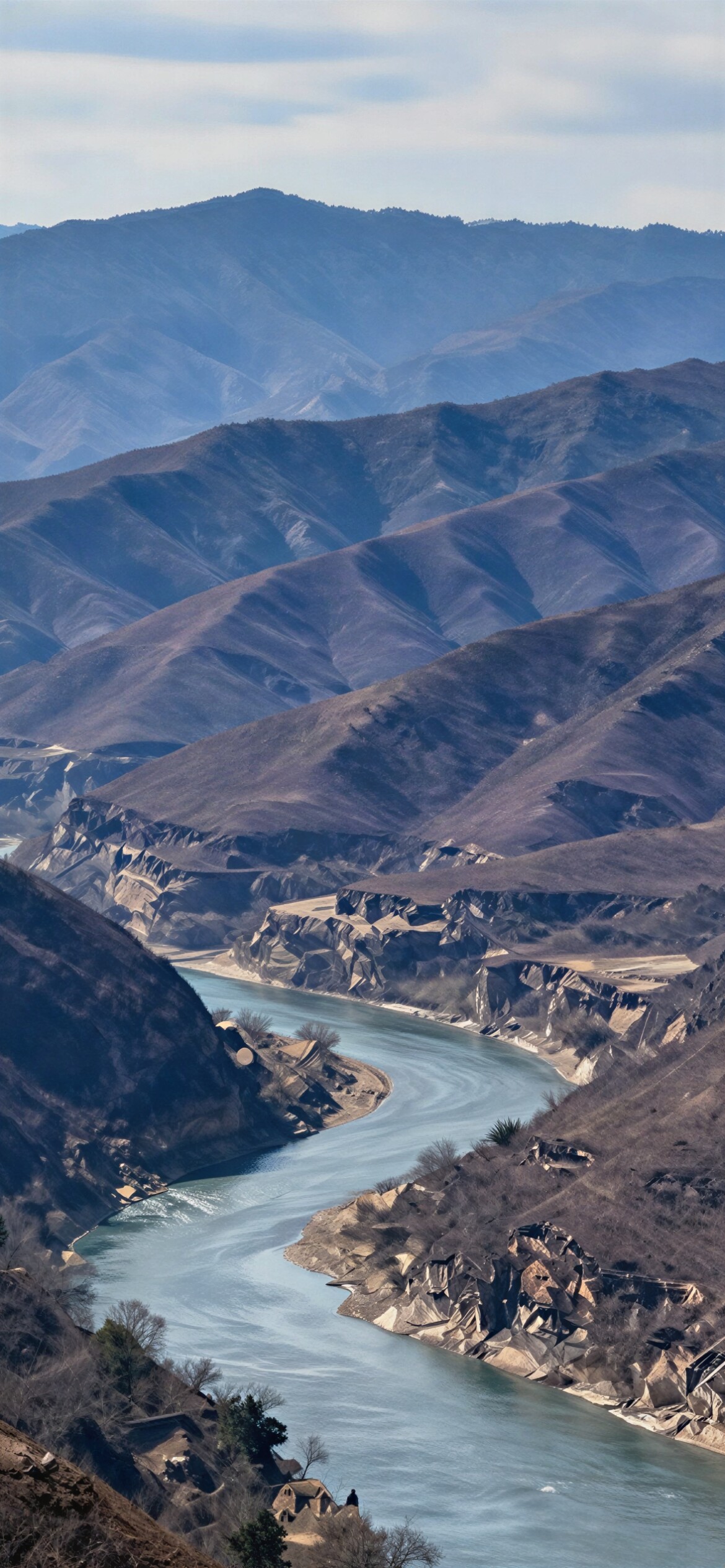
- Layered blue and purple mountains with a winding river at the front.
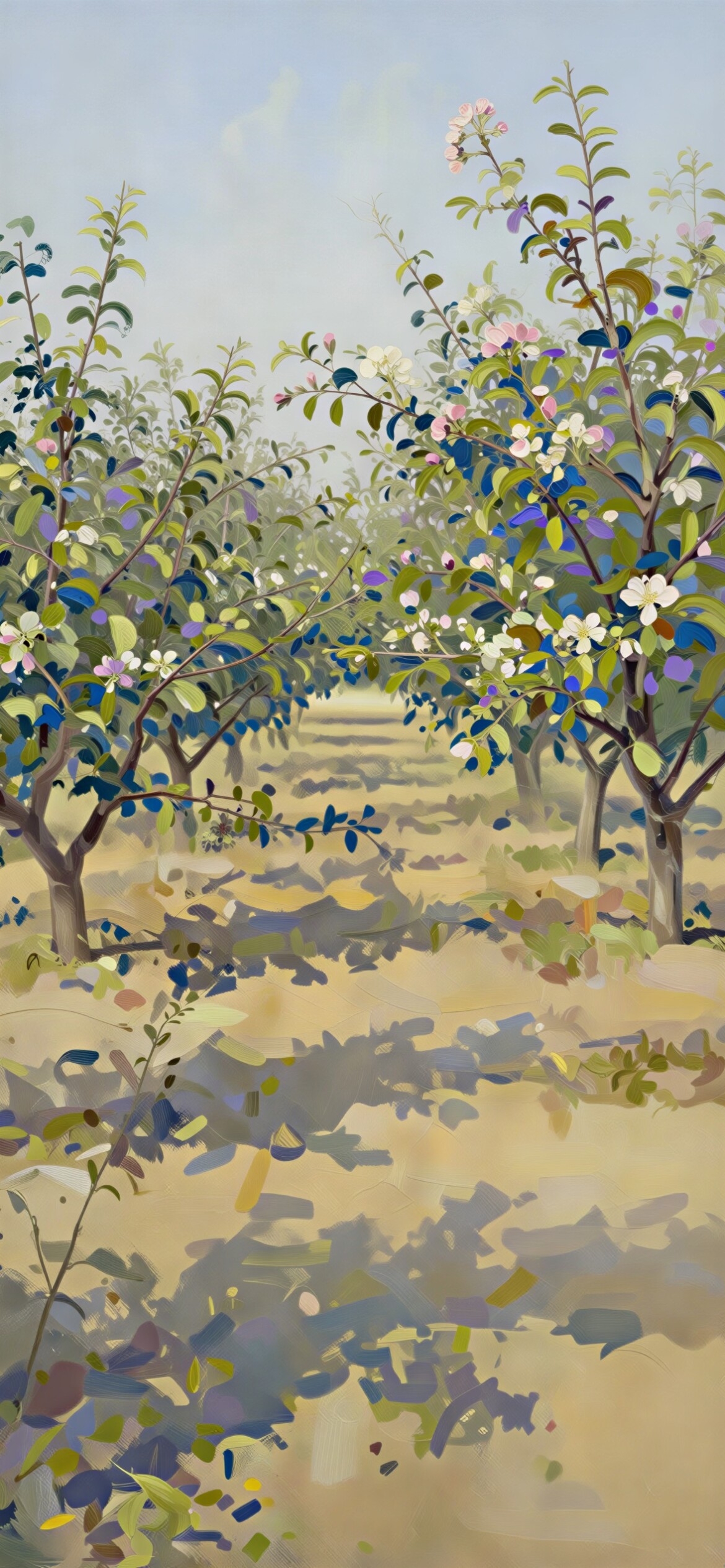
- A spring orchard with blossoms and fruit trees in loose, expressive strokes.
Warm yellows or night blues
Van Gogh liked to set yellow against blue, and the set splits along that line. The night pictures, 1, 3 and 8, are deep blue with small points of warm light. Wallpapers 2, 4 and 7 are the sunny ones, with yellow doing most of the work. Numbers 5, 6, 9 and 10 are landscapes that mix the two, with purples, greens and pale skies. Because the brushwork is thick and full of movement, these look best behind fewer icons, so a sparse home screen page or the lock screen lets the strokes show. Flower fans might also like our sunflower set and floral wallpapers, and the night sky collection goes well with designs 1 and 3.
How to set it on your iPhone
- Tap Download and save the image to Photos.
- Open Settings, tap Wallpaper, then Add New Wallpaper, and choose Photos.
- Pick the wallpaper, pinch to position it, then tap Add and choose the lock screen, home screen or both.
Stuck on a step? The iPhone and iPad guide has screenshots for each one.
Questions
Will these wallpapers fit my iPhone screen?
Yes. These wallpapers are designed for the standard iPhone vertical format at 1170x2532 pixels. They are sized for modern iPhones and auto-scale to your specific model, though some older models may crop slightly at the edges. The simple top quarter ensures the time and notifications stay visible on your lock screen.
Can I use these wallpapers commercially or share them elsewhere?
These wallpapers are free for personal use on your own devices only. Selling prints, using them in commercial projects, or posting them on other websites and wallpaper apps is not allowed. See the Terms page on our site for the full usage agreement.
Which Van Gogh designs work best for lock screens versus home screens?
Lock screens work best with the starry night and moon designs, where the simple upper sky leaves room for time and notifications. Home screens benefit from the busier compositions like sunflowers, irises and wheat fields, which add visual richness behind your app icons and look great at a glance.
Are these real Van Gogh paintings?
No. These are original designs inspired by Van Gogh's style, curated and checked by hand before publishing. They are not copies of his actual paintings, but new artwork inspired by his swirling brushstrokes, color choices and emotional approach to landscapes and still life.