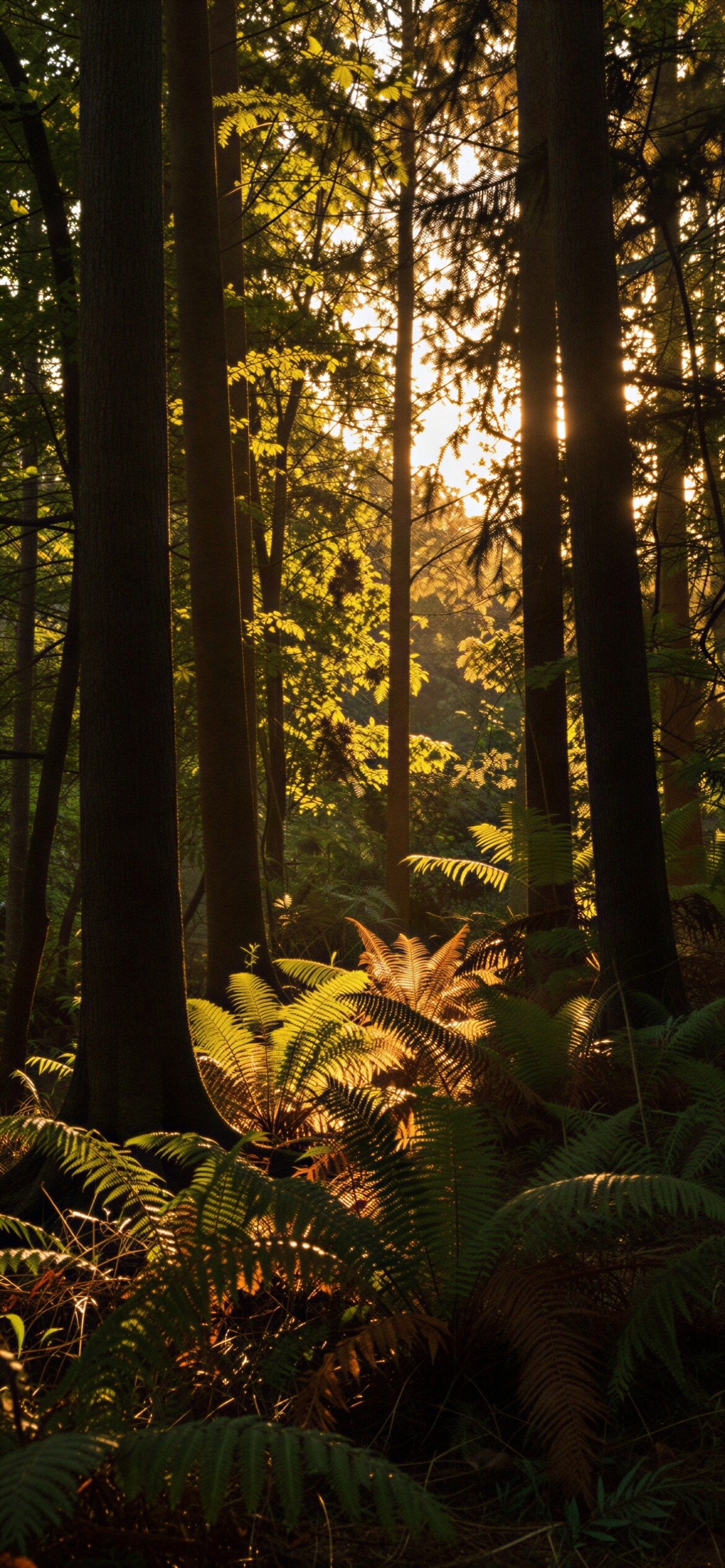
Woodland Wallpaper iPhone
Woodland iPhone wallpaper features forest scenes with ancient trees, winding paths and natural light for your lock and home screens. These designs bring quiet woodland moments to your phone, from misty mornings among tall pines to sunlit clearings with moss-covered ground. Each woodland wallpaper is original artwork, checked by hand before publishing. The collection suits any season and pairs well with minimal icons.
10 wallpapers at 1170 × 2532 px for iPhone. Checked by hand on 3 Oct 2026.
About this set
These woodland wallpapers capture the quiet mood of forest scenes in natural light, from misty mornings to golden afternoon clearings. The vertical composition works best with the lock screen, keeping important details in the lower half so time and notifications stay readable. Home screen placement works well with minimal icon layouts that don’t cover the tree trunks and path details.
The collection pairs naturally with earthy icon colors, muted greens and warm wood tones. These designs work year-round and suit both dark and light mode depending on which wallpaper you choose. Misty and shaded scenes work better with dark mode, while sunlit paths complement light mode interfaces.
Ten walks through the trees
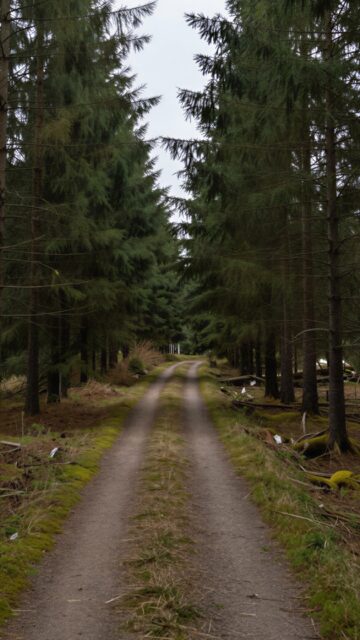
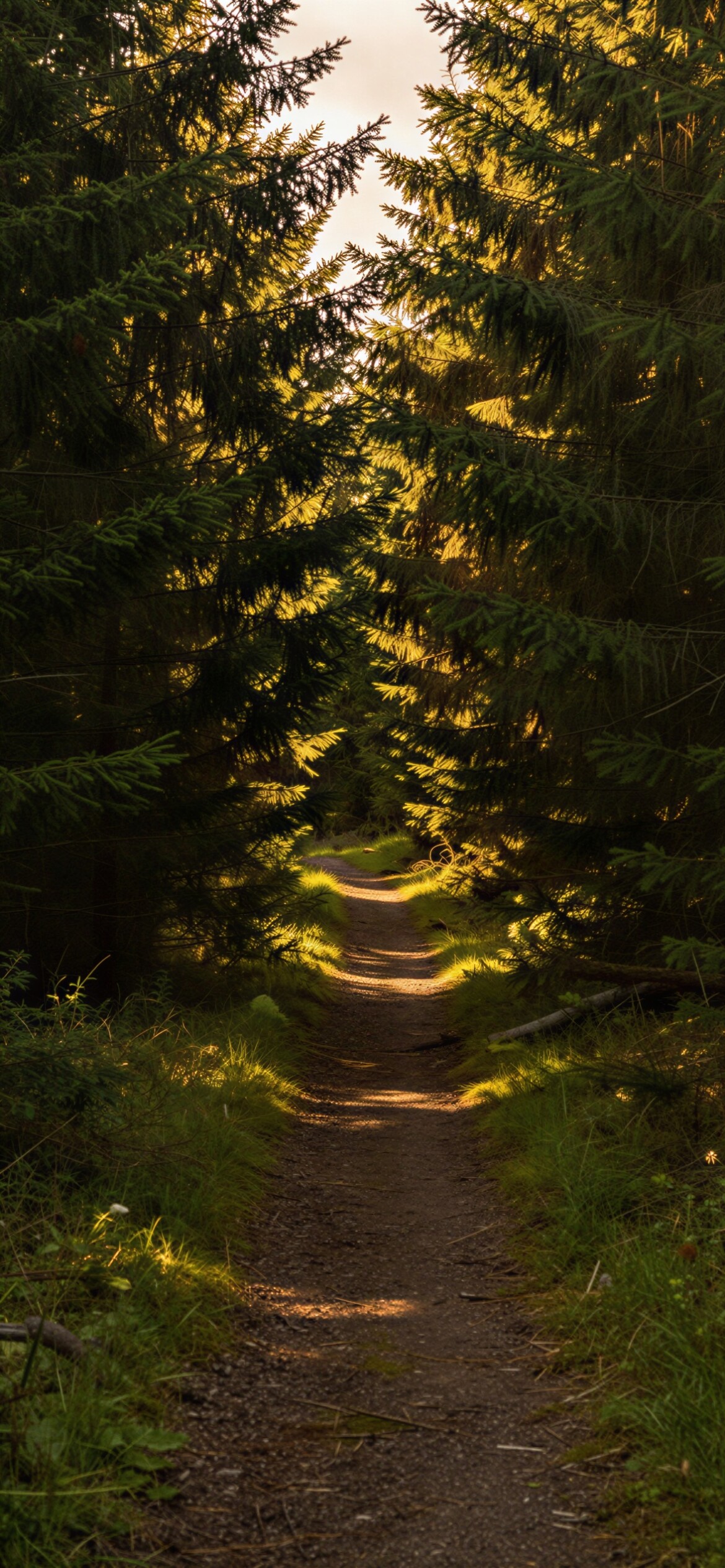
- Winding path (#1): tall evergreens line a path, and golden light lands in patches on the moss. The path pulls the eye up toward the clock, which makes it a natural lock screen.
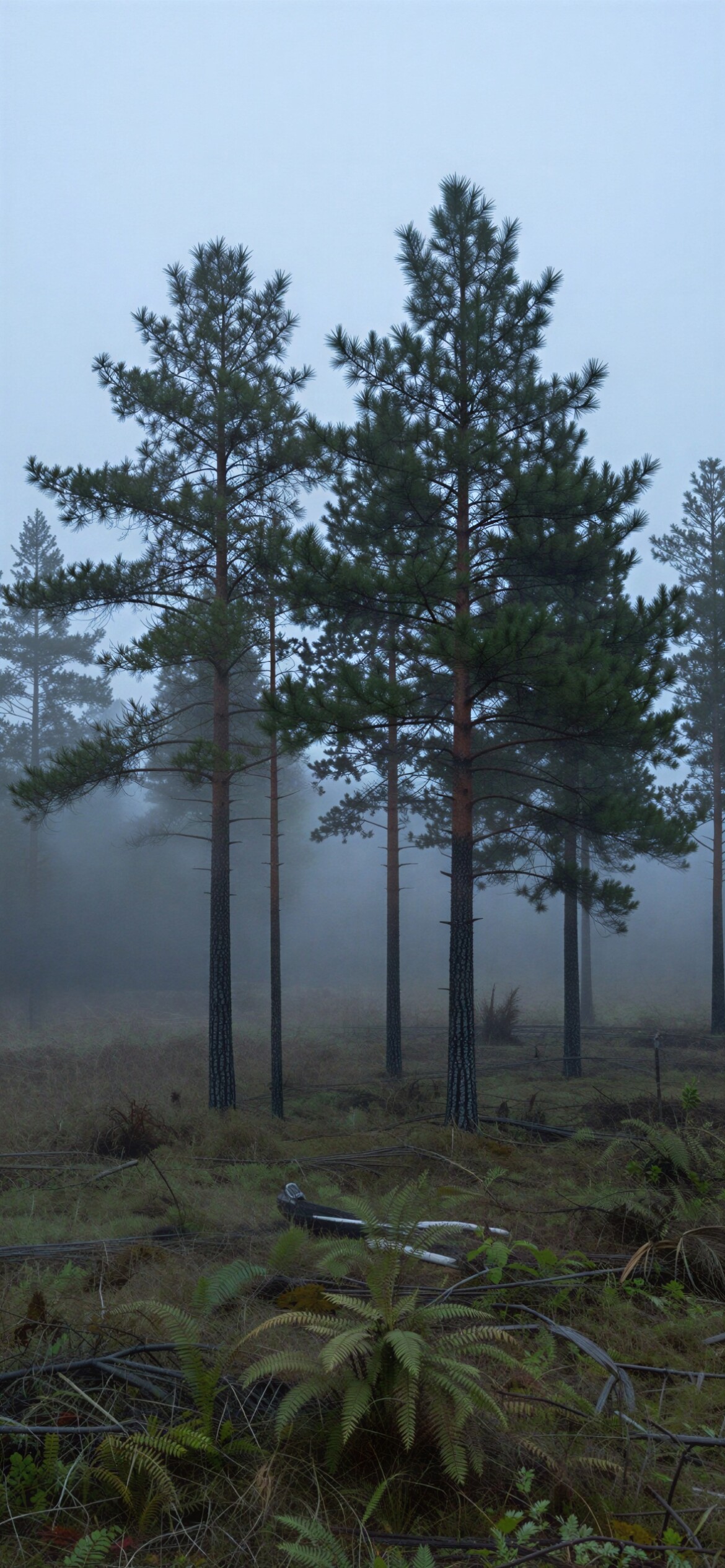
- Dawn clearing (#2): pines fade back into soft fog. Very little detail competes with your icons here.
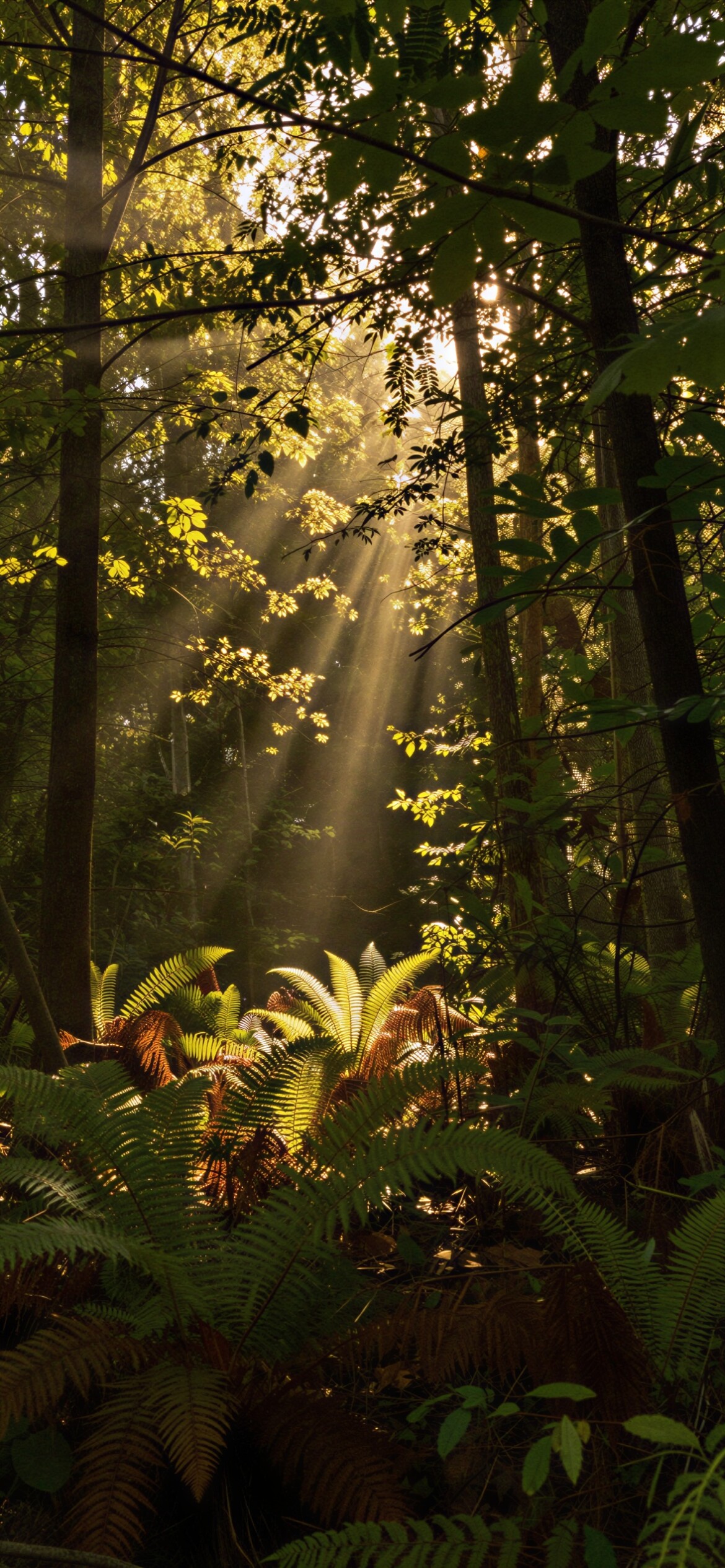
- Looking up (#3): the canopy seen from below, with sunbeams pouring through the leaves. It is bright in the middle, so it suits a lock screen more than a full home screen.
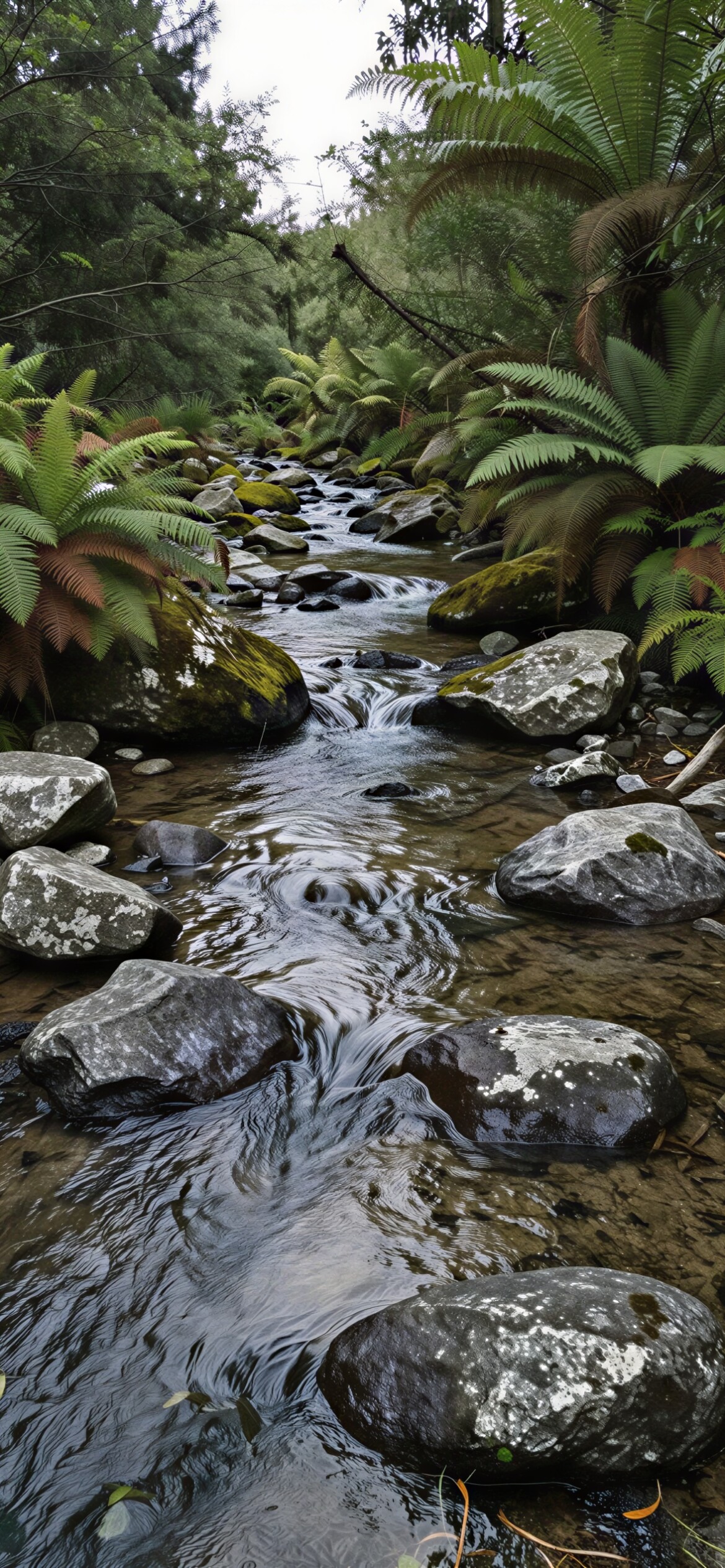
- Stream (#4): water runs over stones between ferns and mossy banks.
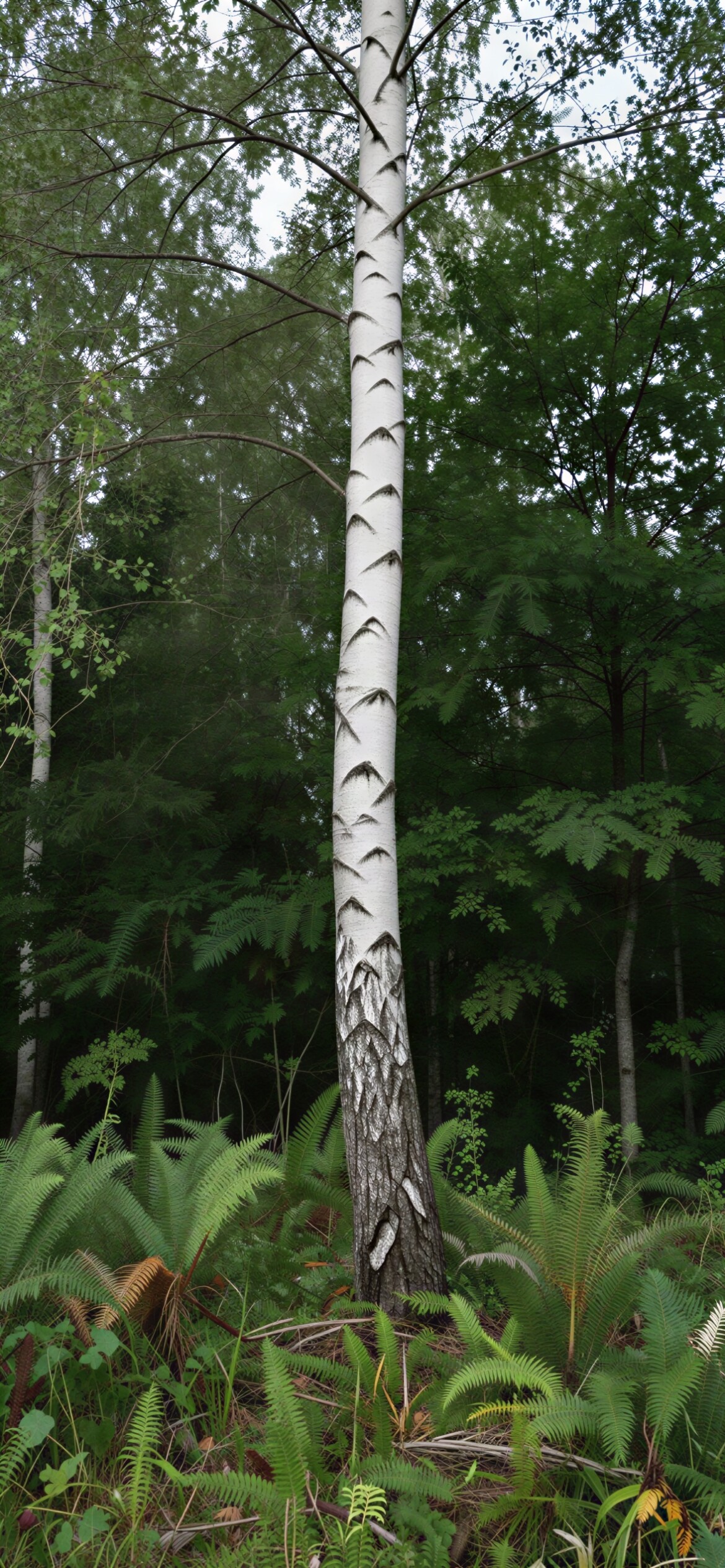
- Lone birch (#5): one tall birch stands in a quiet glade under soft light, with open space on both sides of the trunk.
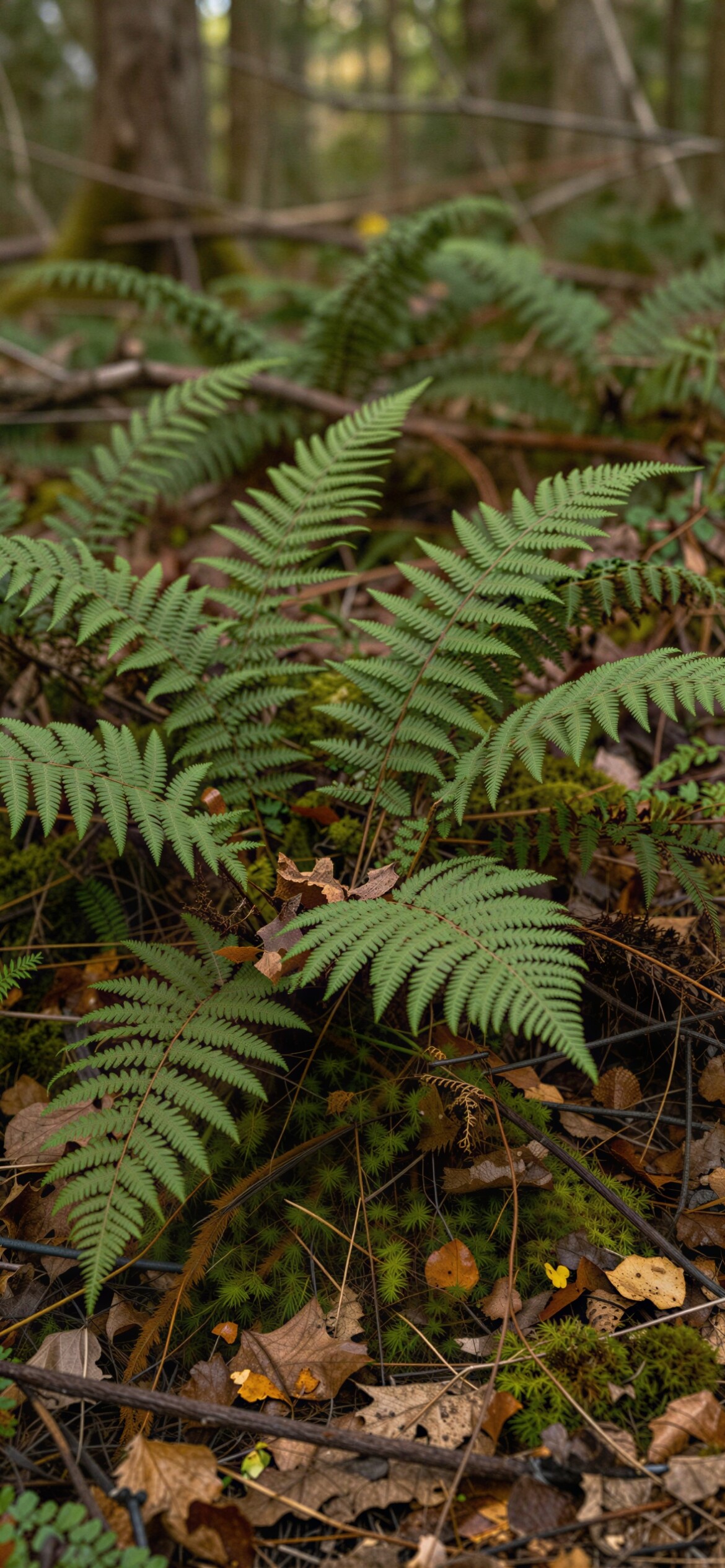
- Forest floor (#6): a close view of ferns, moss and fallen leaves. The texture is busy, so it works best with a light scattering of icons.
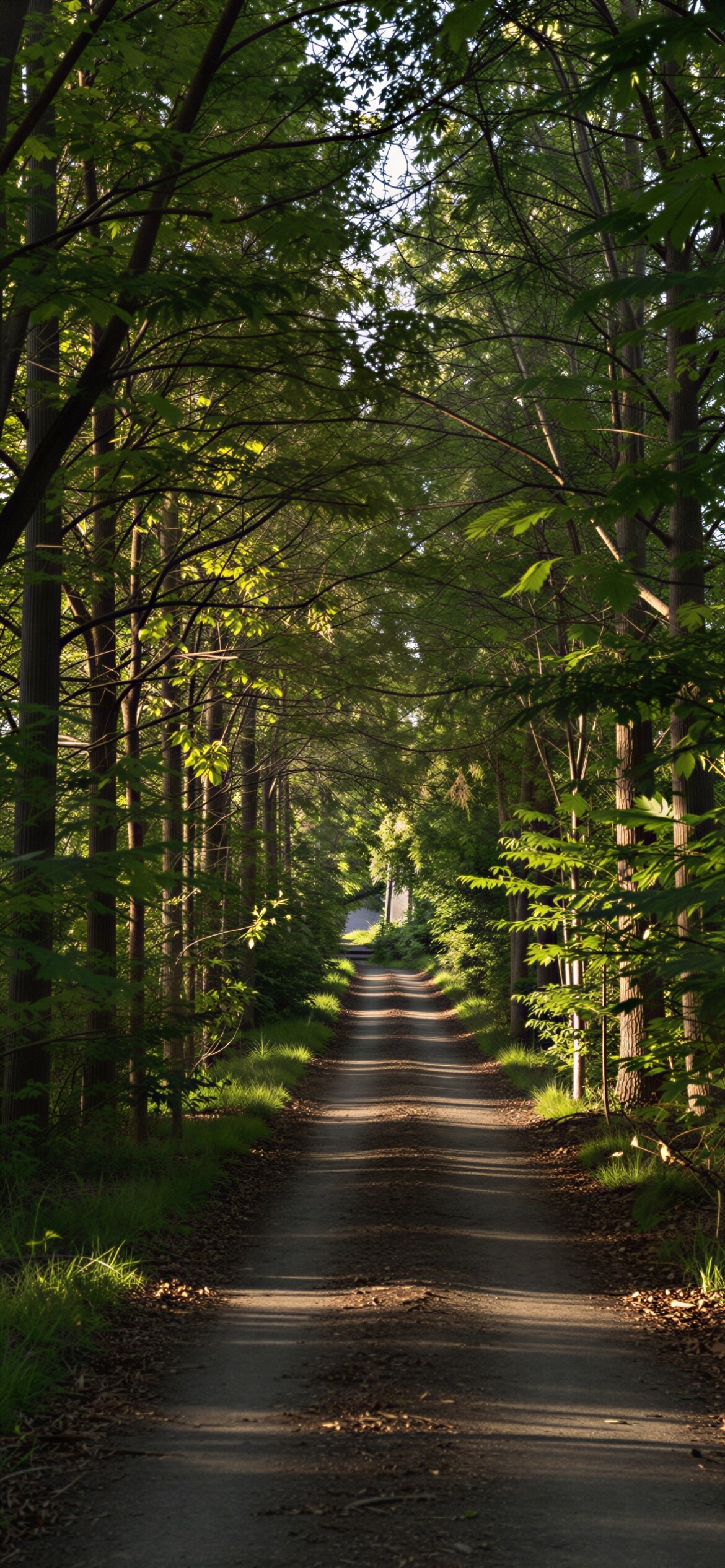
- Tree tunnel (#7): mature trees arch over a path in morning light.
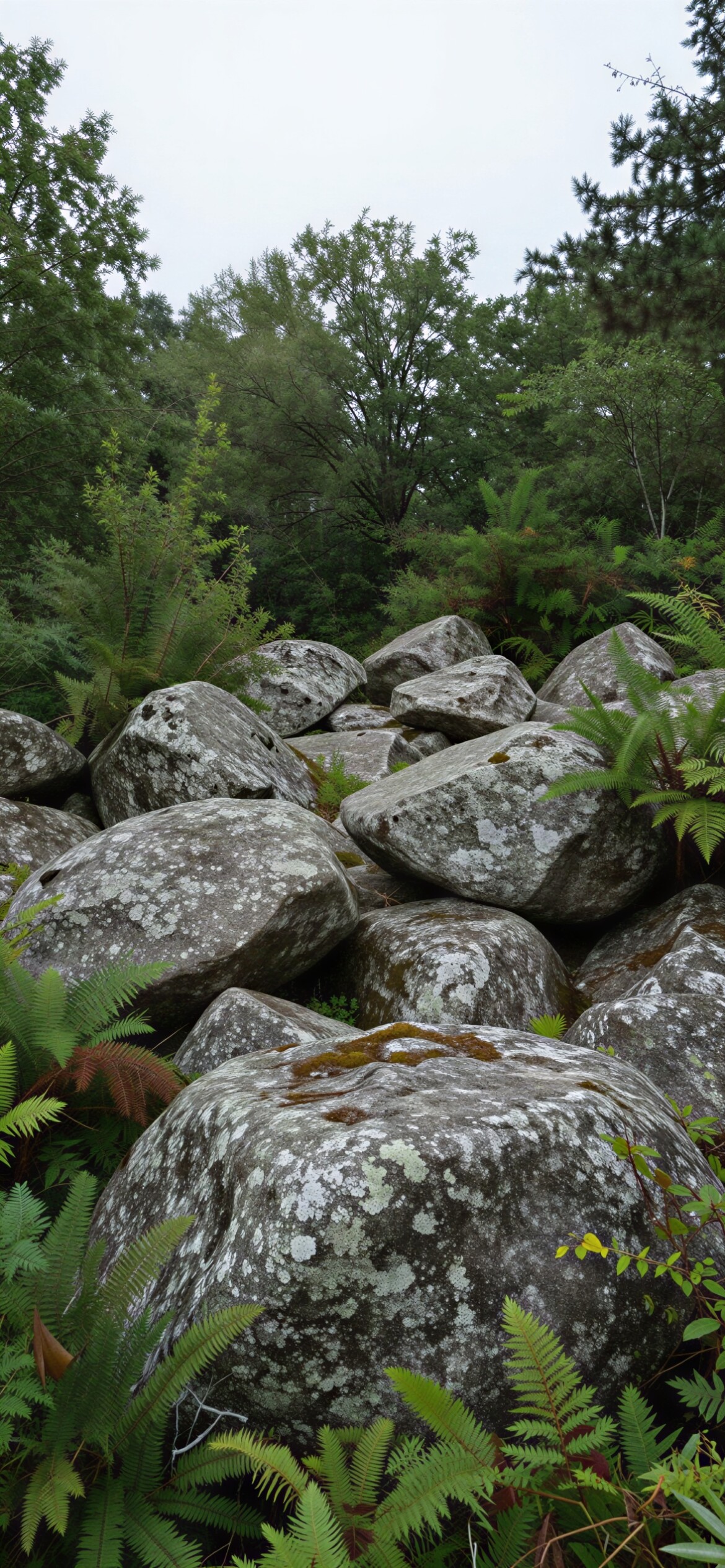
- Mossy boulders (#8): a clearing dotted with moss-covered rocks and low plants in diffused light.
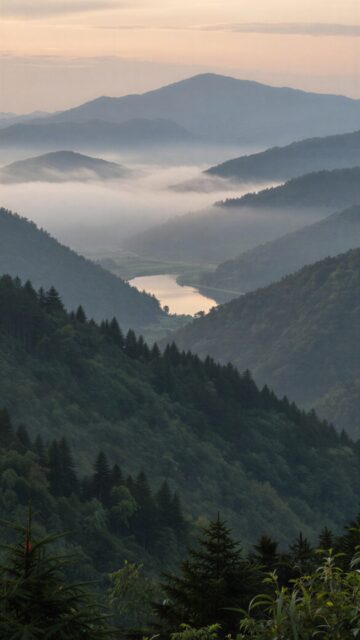
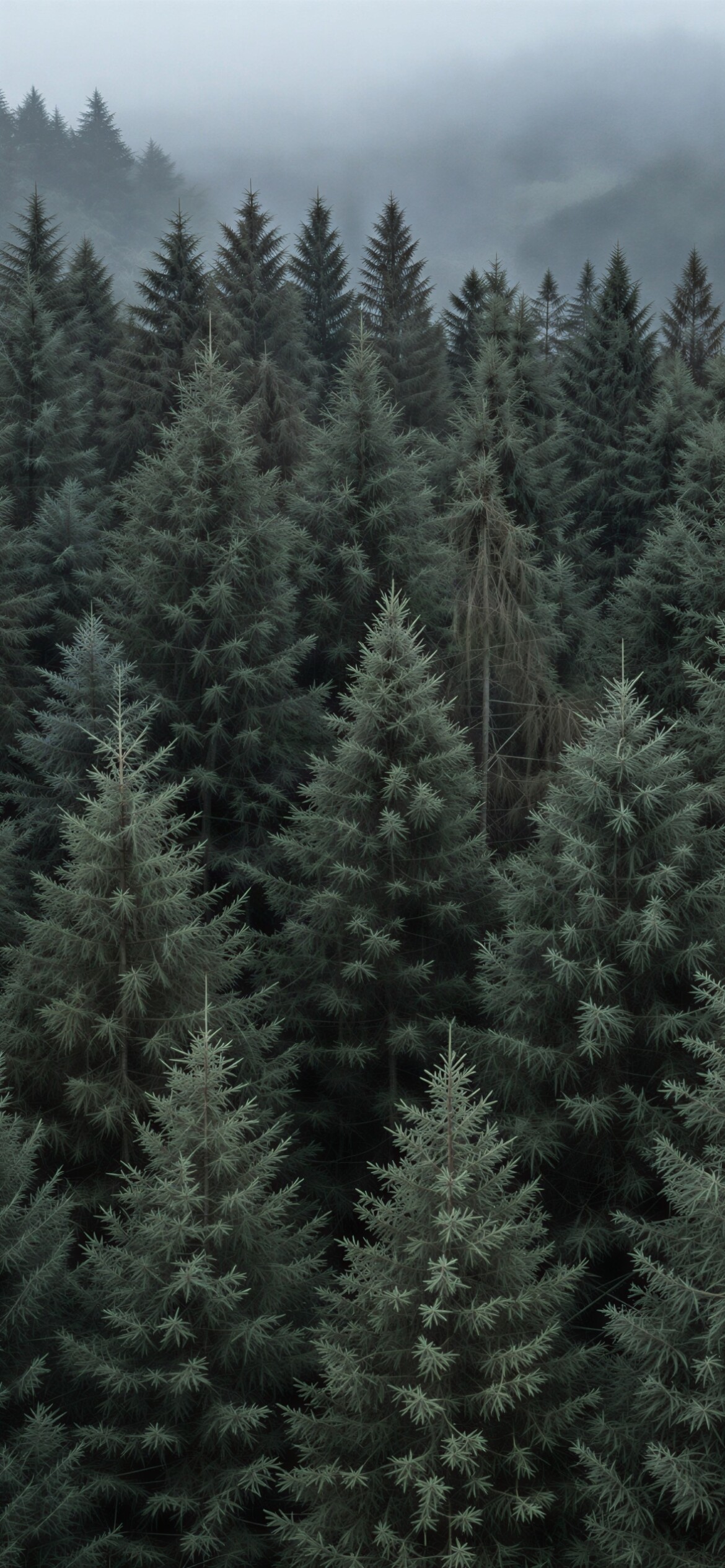
- Evergreen layers (#9): layer after layer of evergreens fades into mist in cool grey-green.
- Golden hour (#10): late light streams between tall trunks and throws long, warm shadows.
Moss, ferns and the slow work of the forest floor
Ecologists often separate woodland from forest by how open it is: in woodland the trees stand far enough apart that light still reaches the ground. You can see that in #1, #5 and #8, where sun or open sky gets all the way down to the moss. In England and Wales, a wood counts as ancient woodland if it has been wooded continuously since 1600, and many of those places look a lot like these scenes, with old trunks, mossy stones and ferns.
The ferns edging the stream in #4 and covering the ground in #6 were around long before flowering plants. They have no flowers or seeds and spread by spores, which form in small clusters on the undersides of the fronds. Moss has no true roots and takes in water across its whole surface, so it does best on damp, shaded stone, the way it coats the boulders in #8. The fallen leaves in #6 won't last long either: fungi and tiny animals break them down into the dark soil that feeds the next year's growth.
Gold light or grey mist?
Warm gold runs through #1, #3 and #10, the three with direct sunlight. #4, #5, #6, #7 and #8 sit in the middle, with soft daylight and plenty of moss green. For something cool and hushed, #2 and #9 are the misty ones.
For more trees, the Forest set heads deeper into the woods, while the Fox and Owl collections bring in two of the animals that live there.
How to set it on your iPhone
- Tap Download and save the image to Photos.
- Open Settings, tap Wallpaper, then Add New Wallpaper, and choose Photos.
- Pick the wallpaper, pinch to position it, then tap Add and choose the lock screen, home screen or both.
Stuck on a step? The iPhone and iPad guide has screenshots for each one.
Questions
What size are these woodland wallpapers for iPhone?
All wallpapers in this set are 1170 by 2532 pixels, the standard resolution for iPhone lock and home screens. They are sized for modern iPhones, and some older models may crop slightly at the edges. Download the full-size file and set it directly in your phone's wallpaper settings.
Can I use these woodland wallpapers commercially?
These wallpapers are free for personal use on your own devices only. You may not sell them, print them for sale, or repost them on other wallpaper sites. For full terms and permitted uses, visit our Terms page.
Which woodland wallpapers work best for lock screen vs home screen?
Designs with the main trees and path in the lower half suit lock screens best, keeping your time readable at the top. For home screen, choose wallpapers with less busy detail in the icon area, or pair them with a dark icon set that contrasts well against the forest greens and browns.
Do these woodland designs work with dark and light mode?
Some do and some don't depending on the specific wallpaper. Misty, shaded forest scenes with cool grey-green tones pair better with dark mode. Sunlit path designs with warm golden light and lighter greens work better with light mode. Try a few to see which matches your interface preference.