Princess Wallpaper iPhone
Princess wallpaper for iPhone brings royal elegance to your lock and home screens with designs featuring flowing gowns, ornate tiaras and palace settings. These original artworks showcase the timeless appeal of princess aesthetics through rich fabrics, jewel tones and regal details. Each wallpaper is hand-curated and ready to download for all iPhone models. The princess theme works year-round and pairs well with gold or silver accent colors on your home screen.
9 wallpapers at 1170 × 2532 px for iPhone. Checked by hand on 3 Oct 2026.
About this set
This princess wallpaper set captures royal elegance through rich jewel tones, flowing fabrics and ornate details. Each design features palace settings, elaborate gowns and regal accessories like tiaras and scepters. The warm lighting and soft backgrounds create a timeless, dreamy quality that works well on both lock and home screens.
Lock screen picks feature simpler compositions or single focal points, like close-ups of a tiara or glove. Home screen designs with more complex scenes and larger subjects work best when your app icons are arranged around the edges. These wallpapers pair beautifully with gold or rose-gold icon themes and complement classical or vintage app icon packs.
Tiaras, long gloves and a white gown
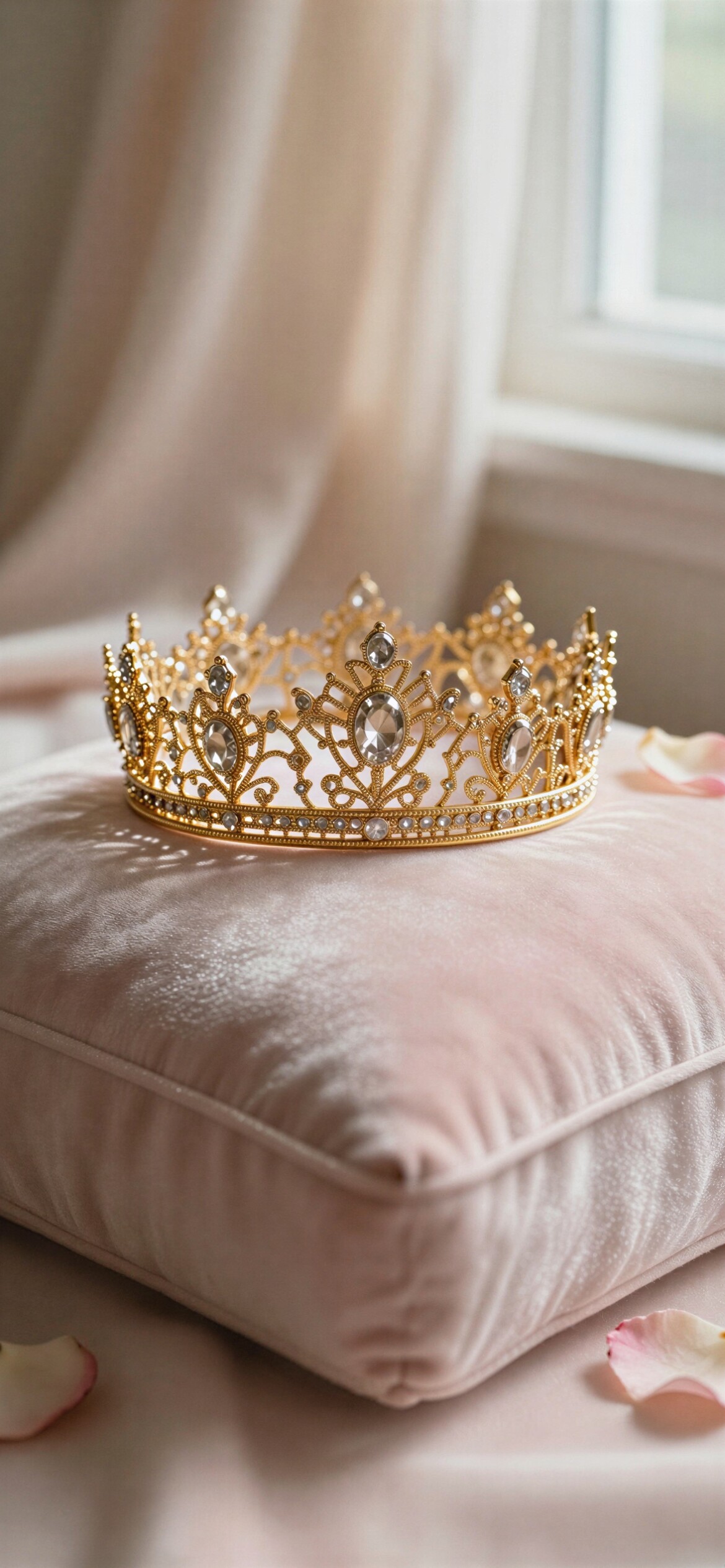
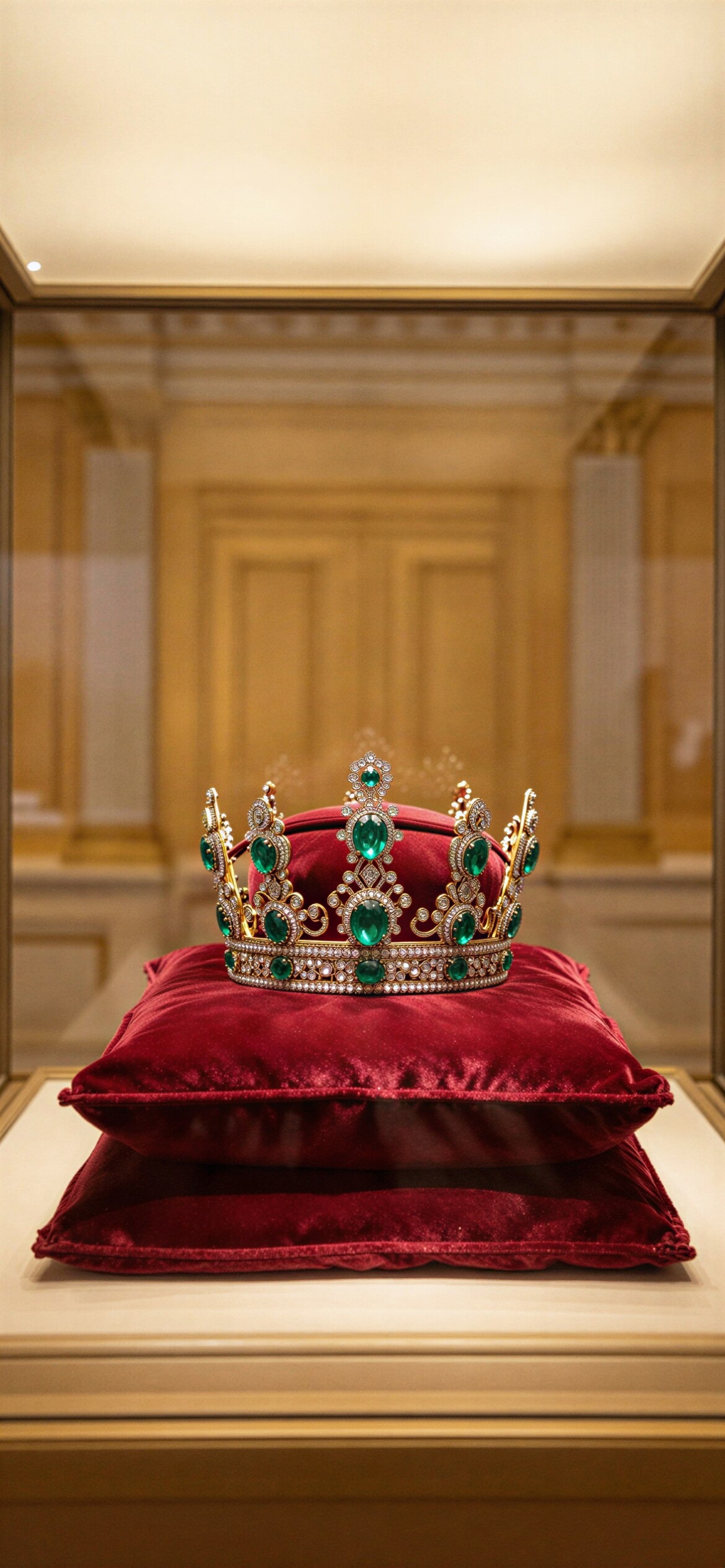
Several objects in this set have a real history behind them. A crown and a tiara are not the same thing: a crown is a full circle, tied to a reigning monarch and used at coronations, while a tiara is an open band worn at the front of the head for formal evening events. That is why the crown in #8 sits on a velvet cushion, the way crowns have long been carried and displayed, and the tiara in #2 looks more like something you could actually wear.
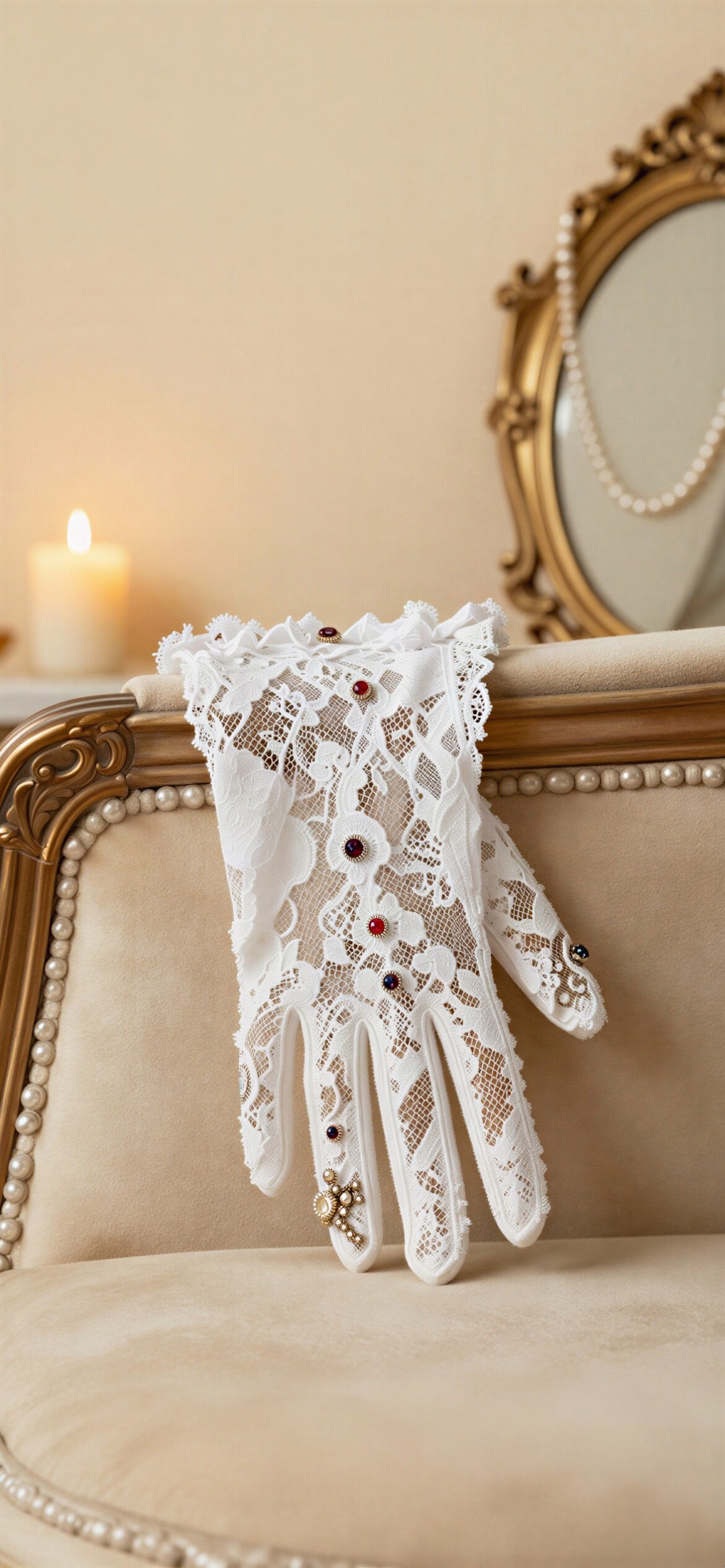
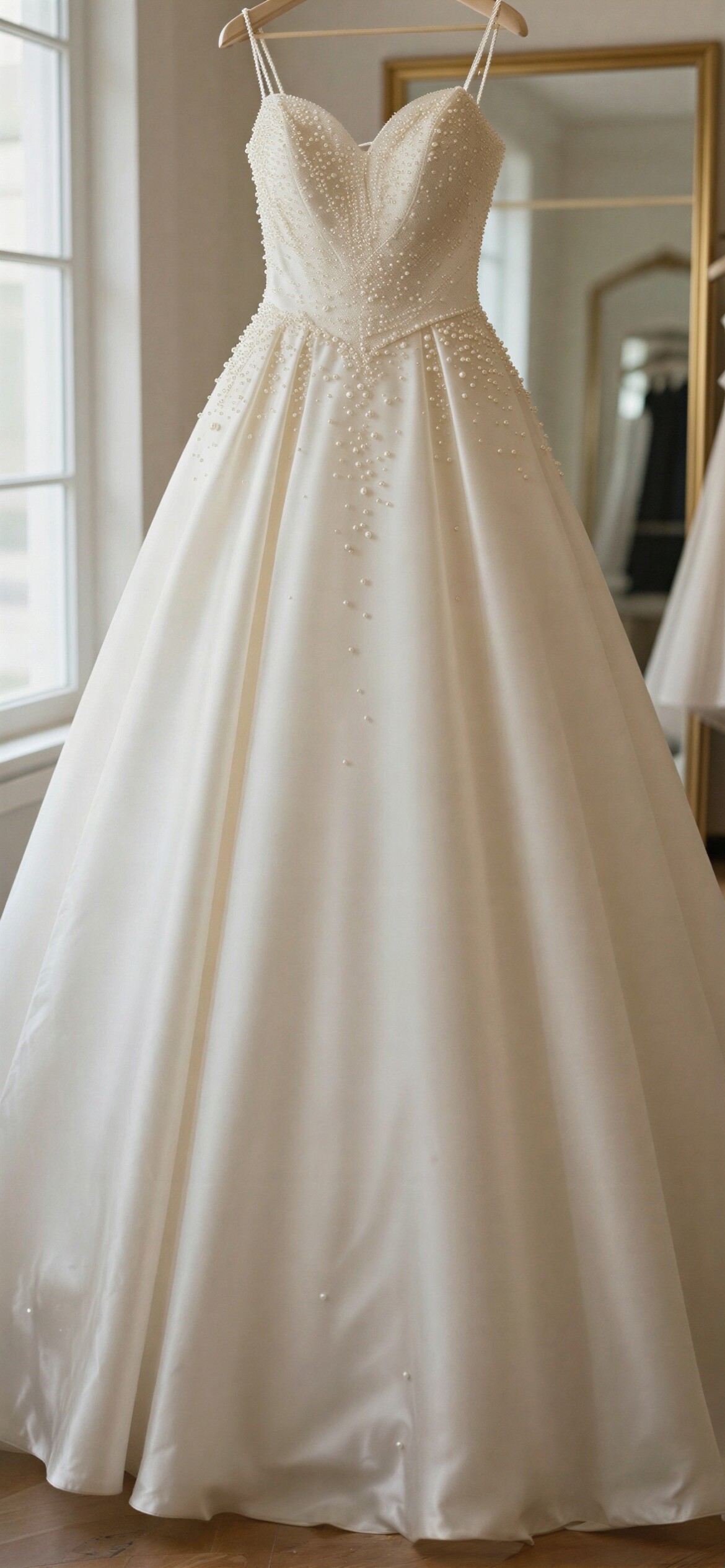
The ivory gown in #6 points to another story. White wedding dresses became fashionable after Queen Victoria wore one to marry Prince Albert in 1840; before that, brides often wore their best dress in any colour. Long lace or silk gloves like the one in #4 were part of formal dress for women at court and at balls through the 1800s.
Who is wearing what, and where
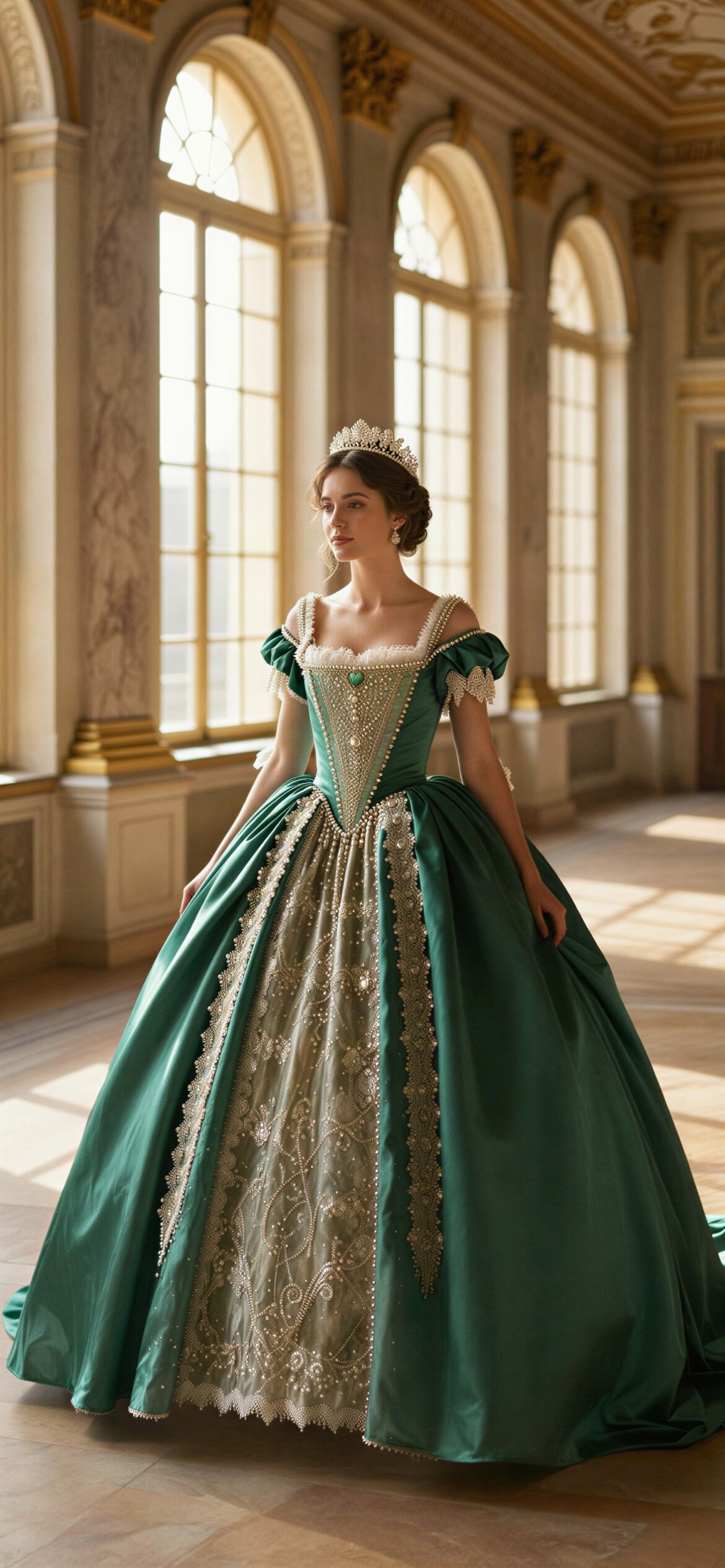
- #1 An emerald ball gown in a sunlit palace hallway. The long corridor gives the picture depth, so it holds up well with a full home screen.
- #2 A golden tiara set with rhinestones on a velvet cushion. A clean, centred subject for the lock screen.
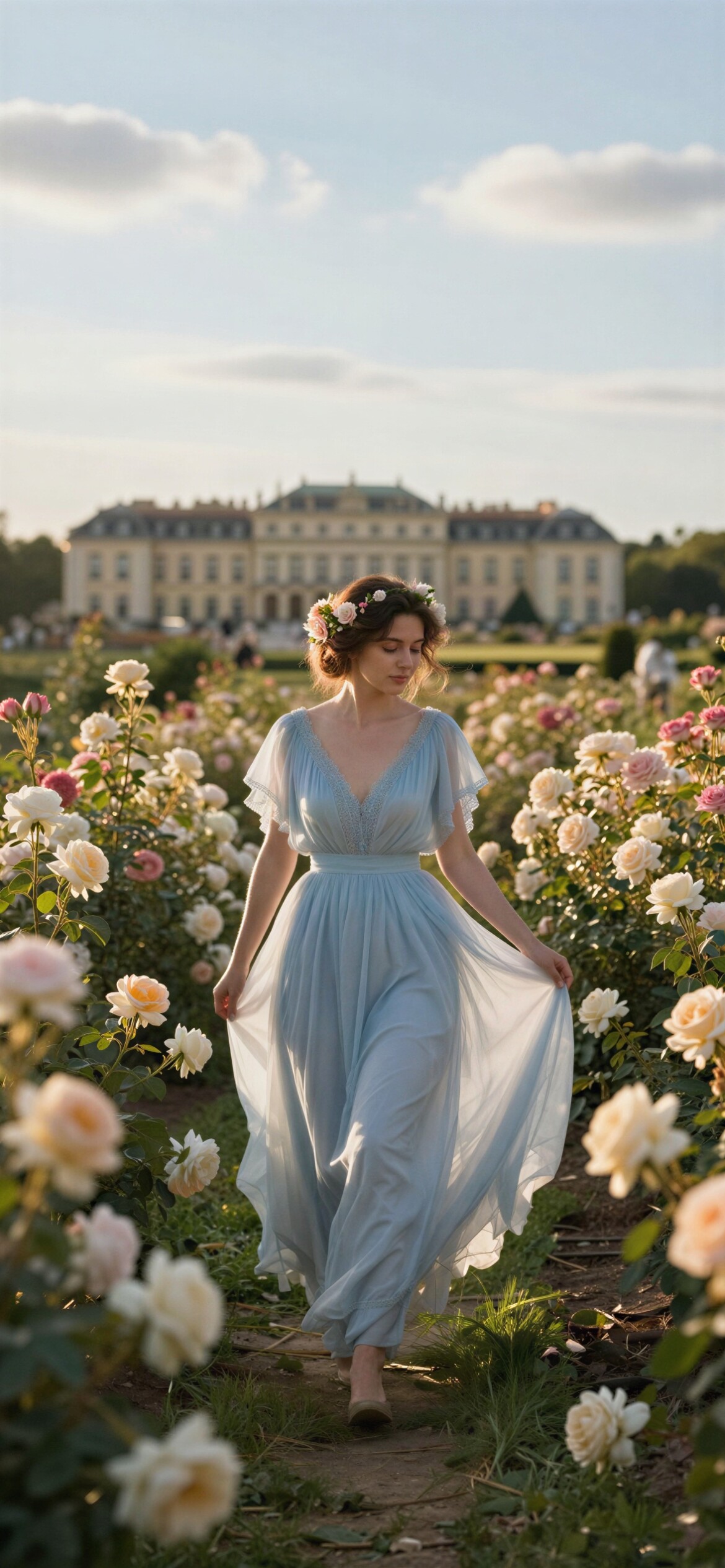
- #3 A powder-blue gown moving through a rose garden at sunset. The softest scene in the set.
- #4 A white lace glove with jeweled rings, draped on a velvet chair. Small and quiet, good if you want something less obvious.
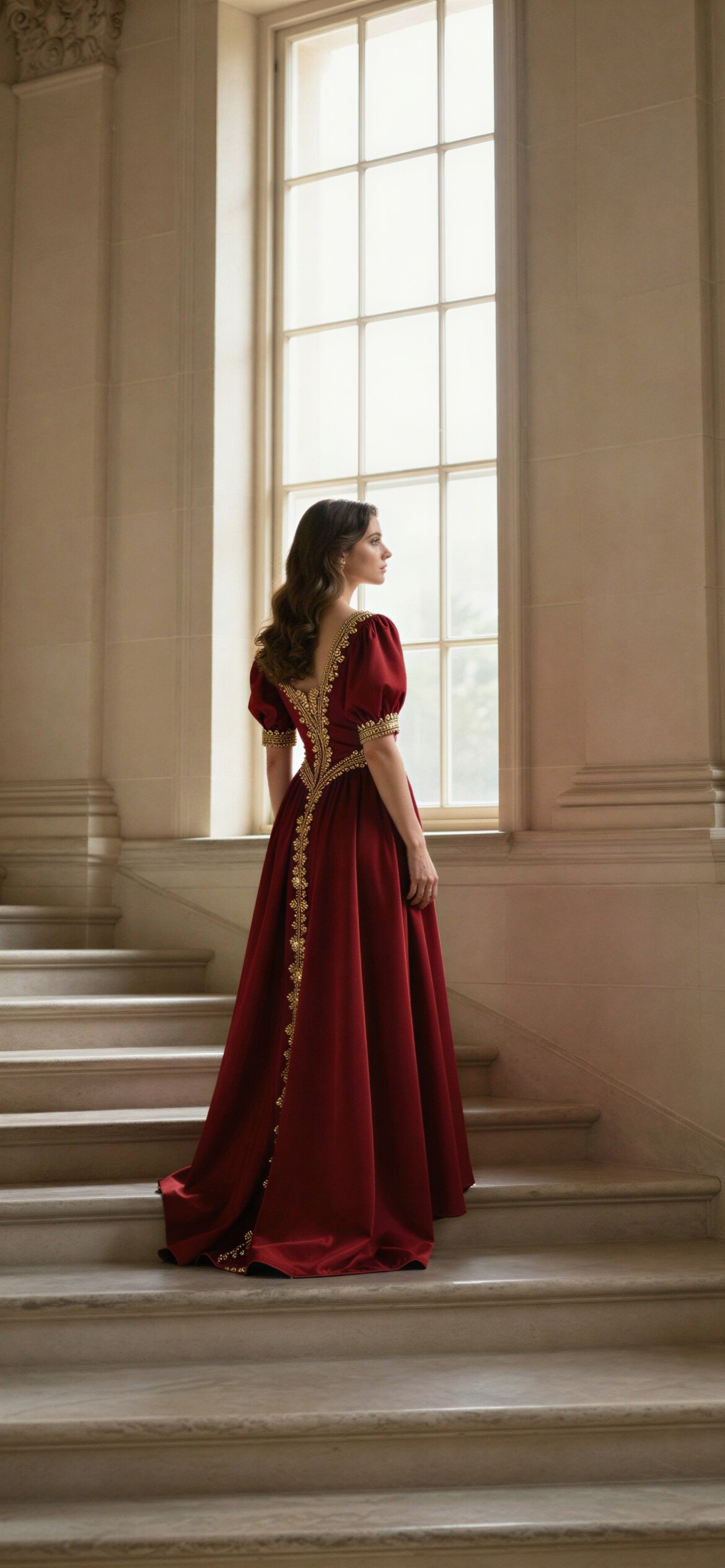
- #5 A crimson gown with gold embroidery on a palace staircase. The tall staircase suits the narrow phone frame.
- #6 An ivory, pearl-beaded gown hanging in window light, with no one wearing it.
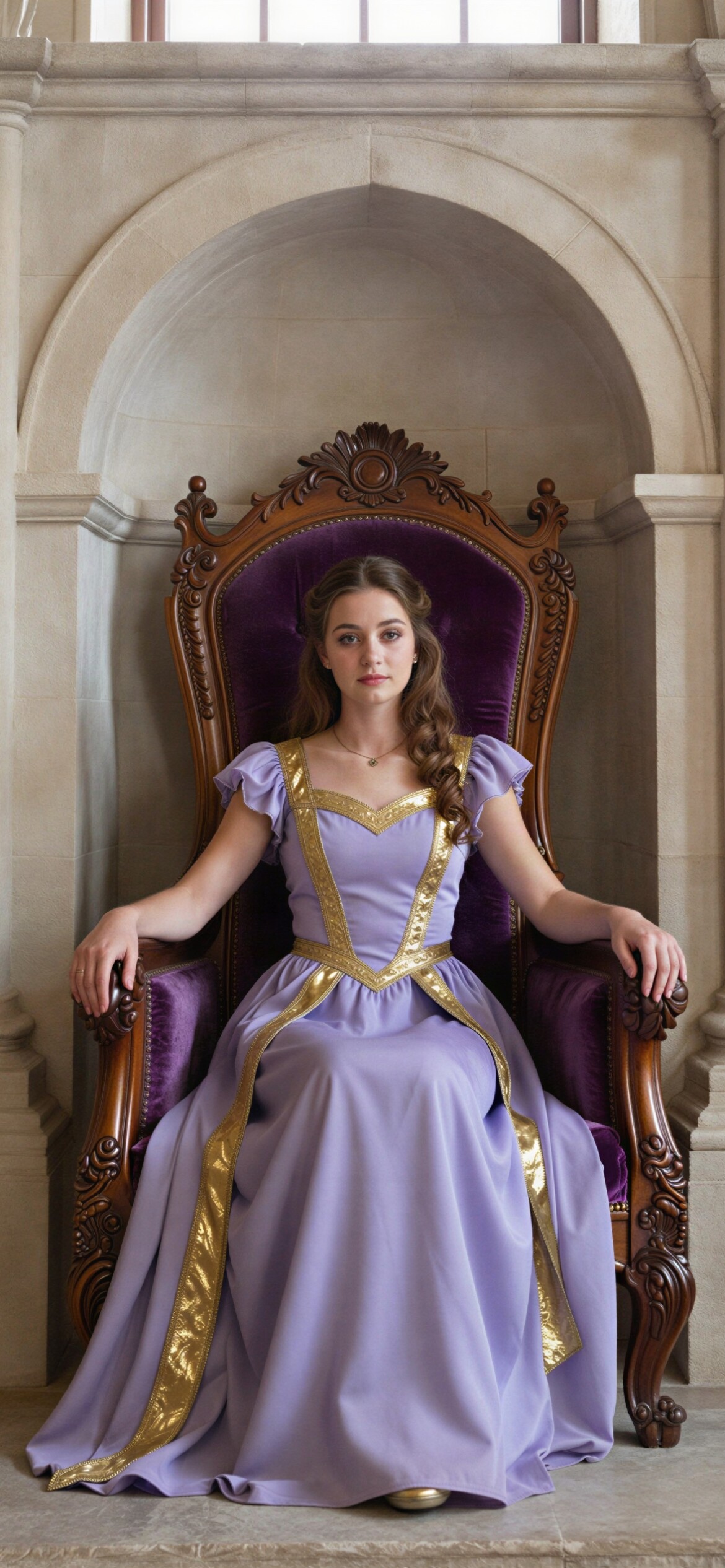
- #7 A lavender gown trimmed in gold, seated on an ornate throne. The most formal portrait here.
- #8 An emerald and diamond crown on crimson velvet under palace lighting.
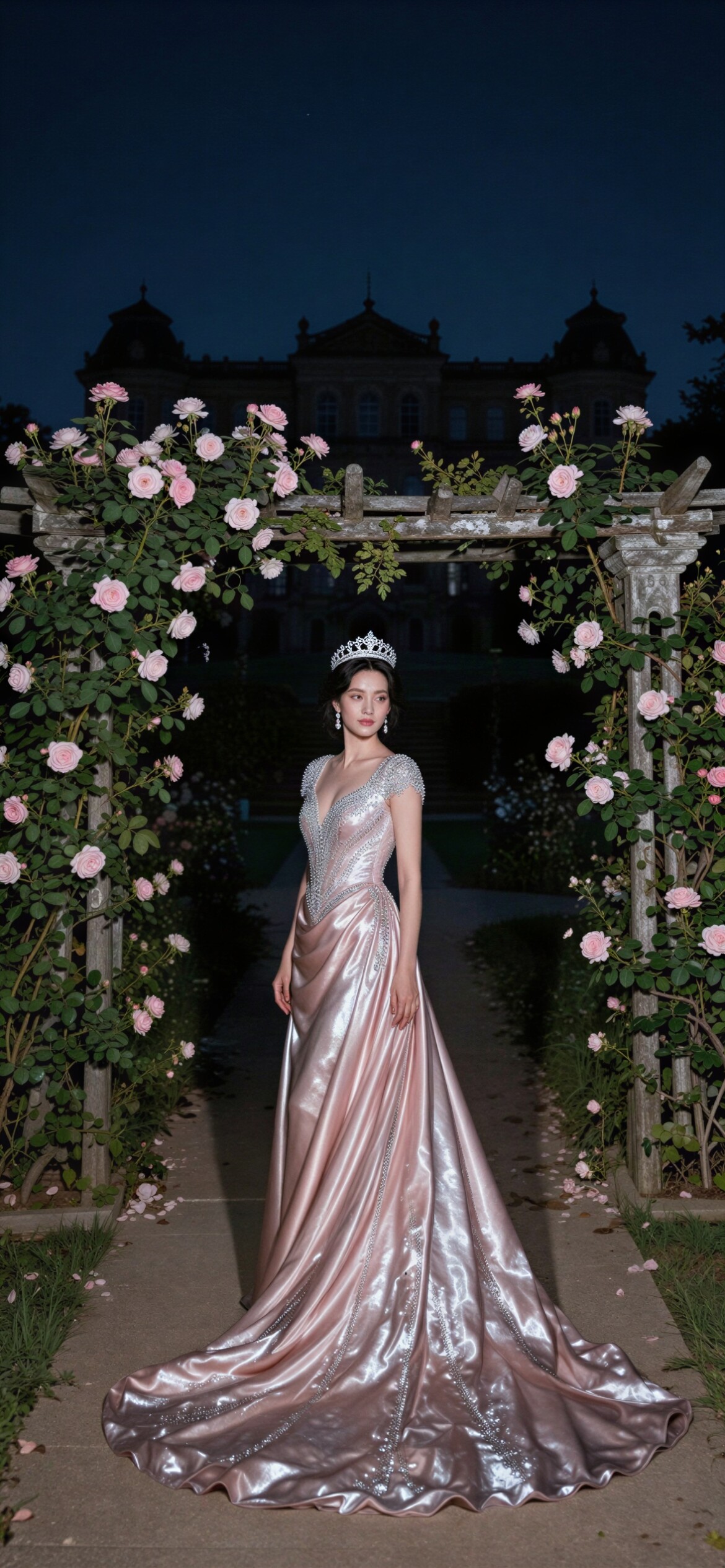
- #9 A blush-pink gown in a moonlit garden with the palace behind. The only night scene.
There are nine wallpapers in this set rather than ten.
Daylight pastels or deep palace colours?
If you like a lighter screen, start with #1, #3 and #6, where sunlight or window light does most of the work. For richer colour, #2, #4, #5, #7 and #8 lean on velvet, gold and jewel tones. #9 stands alone with its cool moonlight and pink gown, a good pick if your phone stays in dark mode.
If you enjoy the royal side of this set, the queen wallpapers go further with crowns and thrones, while the fairy wallpapers and unicorn wallpapers keep the fairytale mood.
How to set it on your iPhone
- Tap Download and save the image to Photos.
- Open Settings, tap Wallpaper, then Add New Wallpaper, and choose Photos.
- Pick the wallpaper, pinch to position it, then tap Add and choose the lock screen, home screen or both.
Stuck on a step? The iPhone and iPad guide has screenshots for each one.
Questions
Will these wallpapers fit my iPhone screen size?
Yes. All wallpapers in this set are sized at 1170x2532 pixels, which suits modern iPhones. They work on your lock screen, home screen or both, though some older models may crop slightly at the edges.
Can I use these wallpapers for personal use?
Yes, these wallpapers are free to download and use on your own devices. Selling them, printing them for sale, or reposting them on other wallpaper sites is not allowed. See our Terms page for full details on personal use rights and restrictions.
Which wallpapers work best for the lock screen versus the home screen?
Lock screen picks include the tiara close-up, glove detail and scepter designs, since they have clear focal points and simple top quarters that won't hide your clock. Home screen designs feature the full-figure gowns and palace scenes; these sit nicely behind app icons and won't compete for attention.
What icon colors pair well with this princess wallpaper set?
Gold, rose gold and soft cream icon colors complement the royal palette beautifully. Vintage or classical app icon packs with ornate designs match the theme well. Avoid bright neon or monochrome black icons, which can clash with the rich jewel tones and warm lighting in these designs.