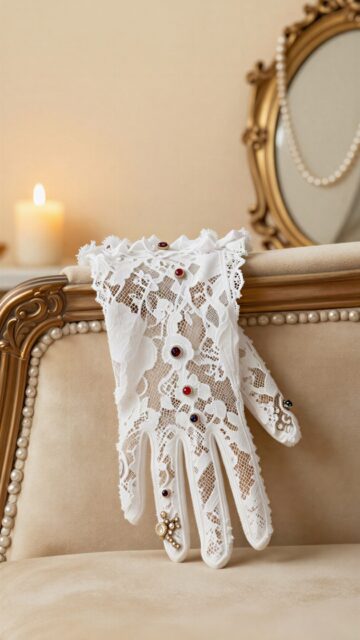
Princess Wallpapers

10 wallpapers in 1 collections · last added 3 Oct 2026 · sizes for iPhone, Android, desktop and tablet

A princess wallpaper brings a touch of fairy tale magic to any screen, with sparkling crowns, castles and flowing gowns. The princess wallpapers in this collection include tiaras on velvet, glittering castle silhouettes, enchanted gardens, starry ballroom skies, carriage and rose motifs, and soft storybook scenes in pinks, lilacs and golds. Designs range from sweet and simple for young kids to elegant and dreamy for older fans of the royal look, all original characters and scenes rather than movie figures.

Each collection holds 10 wallpapers made in one size. Phone sets come in 1170x2532 for iPhone and 1080x2400 for Android, and the iPad size at 2048x2732 is a favorite for kids' tablets. There are also laptop, 4K desktop and dual monitor versions. Castle scenes with open sky look lovely on a lock screen. Every design is original and checked by hand, and weak images are removed before publishing, so each set feels polished.
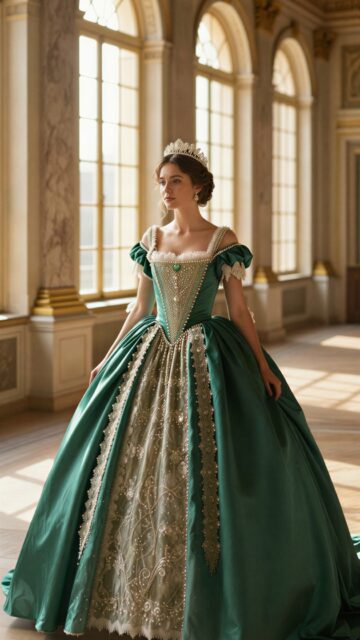
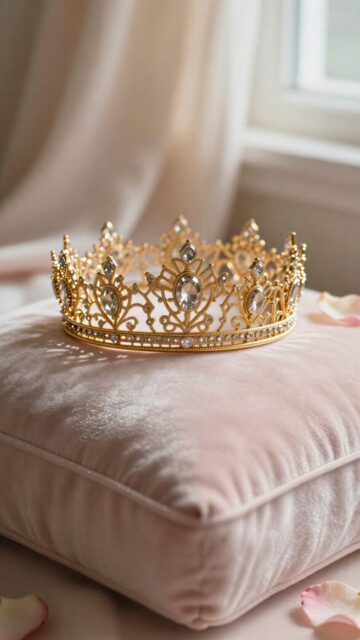
Princess themes cover more than pink. Lavender and silver lean toward an icy, wintry palace; deep blue with gold stars feels like a midnight ball; soft rose with green vines suits a garden princess. For little ones, simple crowns and castles with bright colors are easy to recognize, while teens and adults often prefer subtle details like a tiara on satin or a glowing castle far in the distance. Keep detailed scenes for the lock screen and use a sparkle texture behind apps. For more storybook magic, visit fairy wallpapers, the crowns in queen designs, or the rainbow fantasy of unicorns. Gold widgets add a final royal touch.

  • Lilac and silver: ice palace
  • Navy and gold: midnight ball
  • Rose and green: garden princess

Expert tip

On a kids' iPad, turn on Guided Access or Screen Time limits before handing it over, and pick a princess wallpaper with a plain lower half so the app icons they need stand out clearly.

Color palette

#5B2A86#B07CC6#F2A7C3#F6D68A#FFF6FB

Princess wallpaper FAQ

What size princess wallpaper is best for iPhone?

Choose the iPhone collection at 1170x2532 pixels, which fills recent iPhone screens without stretching. Castle and tiara designs keep their sparkle and fine details at this size. On older iPhones the image scales down, and you can pinch to move a crown or castle into the spot you like best.

Is there a princess wallpaper size for Android tablets and phones?

Android phone sets are 1080x2400, which fits most current Android phones. For Android tablets, the iPad size of 2048x2732 or the laptop size usually works well, depending on whether you hold the tablet upright or sideways. Crop gently in the wallpaper picker so the main castle or crown stays in view.

Are princess wallpapers suitable for young children?

Yes. The designs are gentle, colorful and family-friendly, with no scary or grown-up content. For a small child's tablet, choose a wallpaper with a clear, simple subject and calm background so app icons are easy to spot, and save busier sparkle scenes for the lock screen.

What colors go with a princess wallpaper?

Classic princess palettes use pink, lilac, gold and white, but silver and pale blue suit a winter castle, and deep navy with gold suits a nighttime ball. For widgets and icons, white or soft gold keeps the look elegant without competing with the sparkle in the image.

Do you have princess wallpapers with characters from movies?

No. Every princess wallpaper on the site is an original design, so you won't find characters from films or shows. Instead you'll see crowns, castles, gowns, gardens and storybook scenery that capture the same royal, magical feeling without copying anyone's characters.

Are princess wallpapers free?

Yes, they're free for personal use on your own devices, including a child's tablet or phone. There's no sign up and no watermark. They can't be used for party invitations sold to others, merchandise, resale or reposting. See the terms of use for full details.

How do I set a princess wallpaper on a desktop computer?

Download the 4K desktop version, 3840x2160, which also looks great on 1080p and 1440p monitors. On Windows, right-click the image and choose Set as desktop background; on a Mac, open System Settings and then Wallpaper. Our desktop wallpaper guide explains every step.

How often are princess wallpapers added to the site?

New collections go up every day across the site, and princess sets are added regularly, with holiday versions such as winter castles appearing a few weeks before the season. To see what's new, visit the latest page or check the daily pick each morning, US time.

Curated and checked by the FreeWallpaperDaily experts

Every wallpaper is reviewed by a person before it goes live: we remove images with odd details or blur and check the crop for each device. How we check wallpapers

Something wrong with an image? Report an image · Free for personal use, see the Terms.