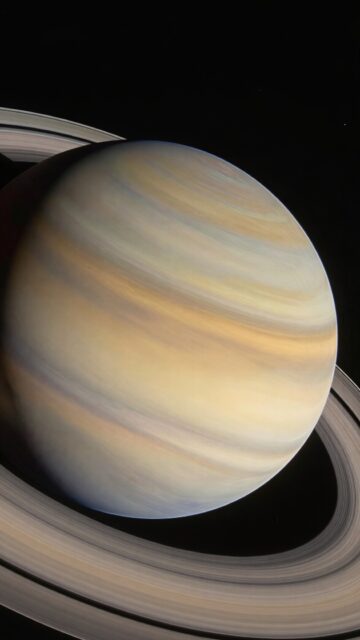
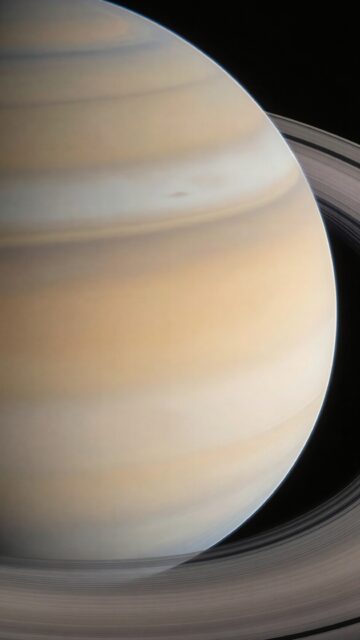
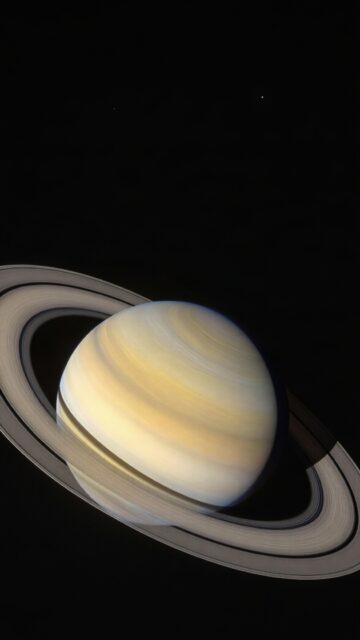
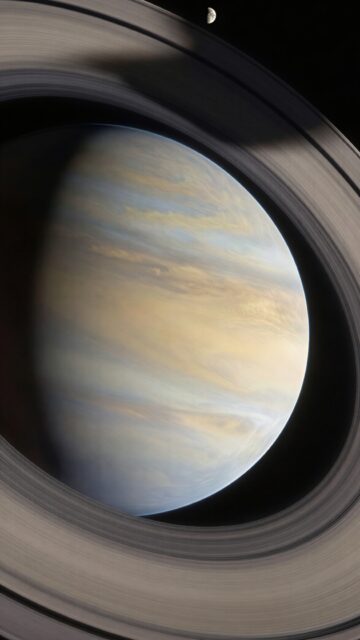
Earth Wallpaper iPhone
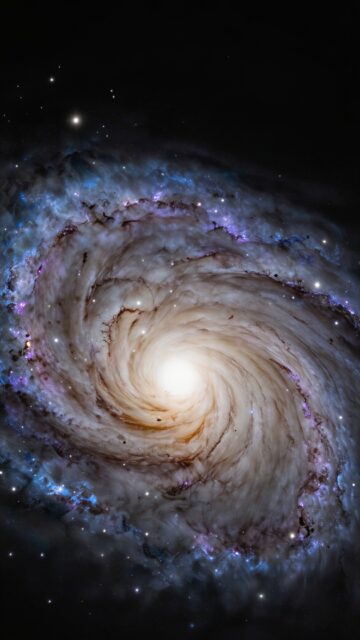
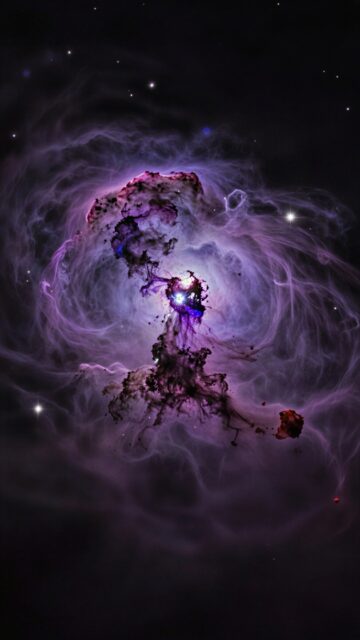
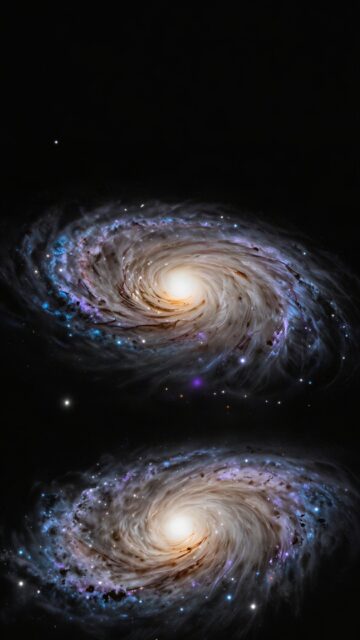
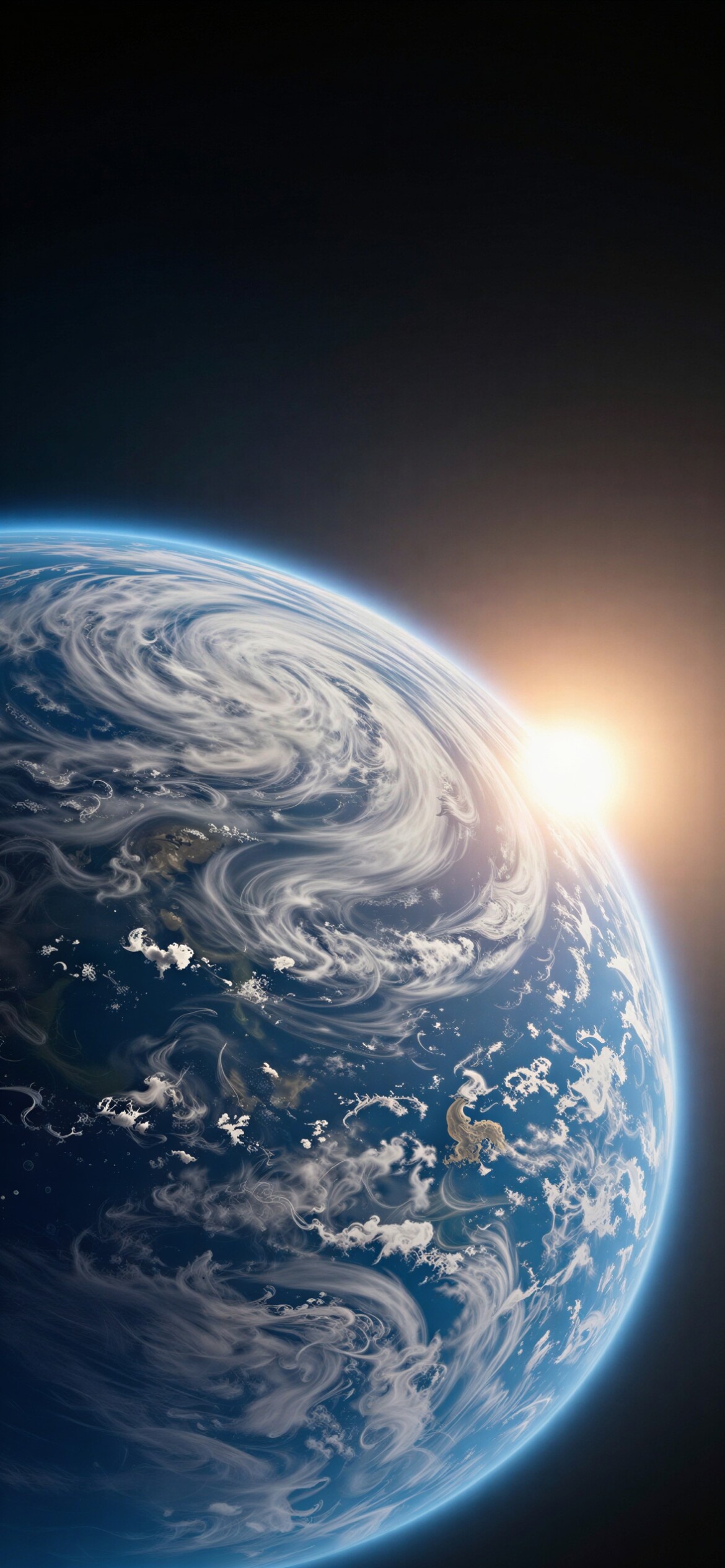
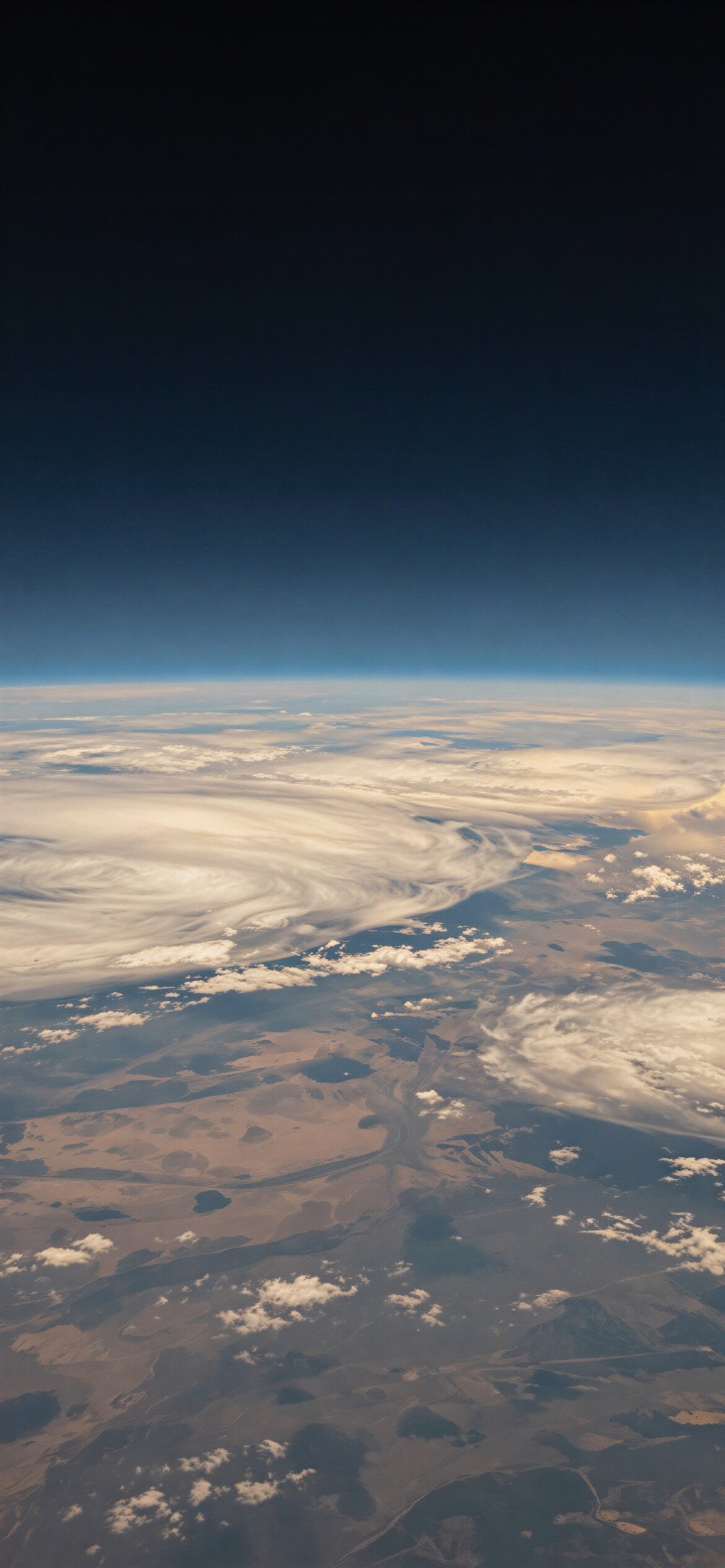
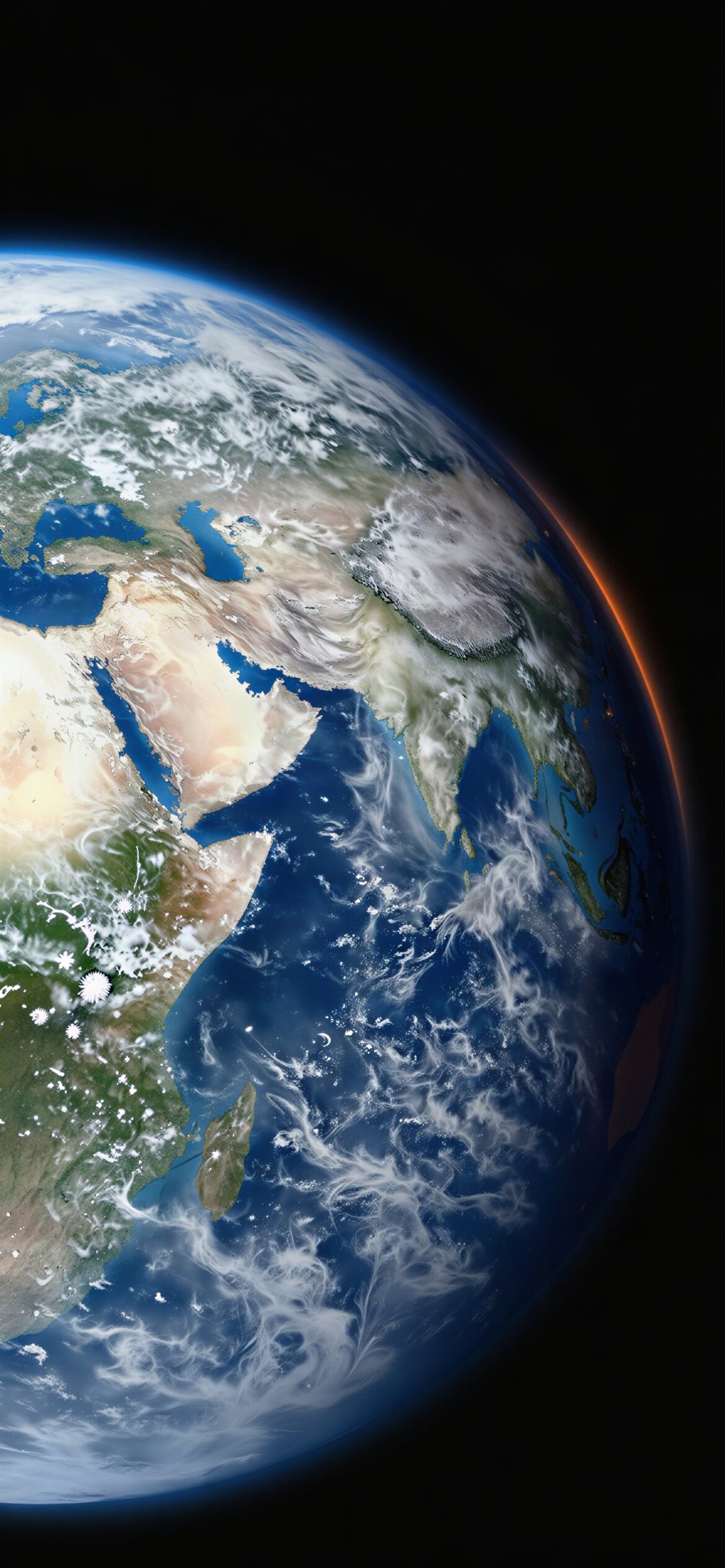
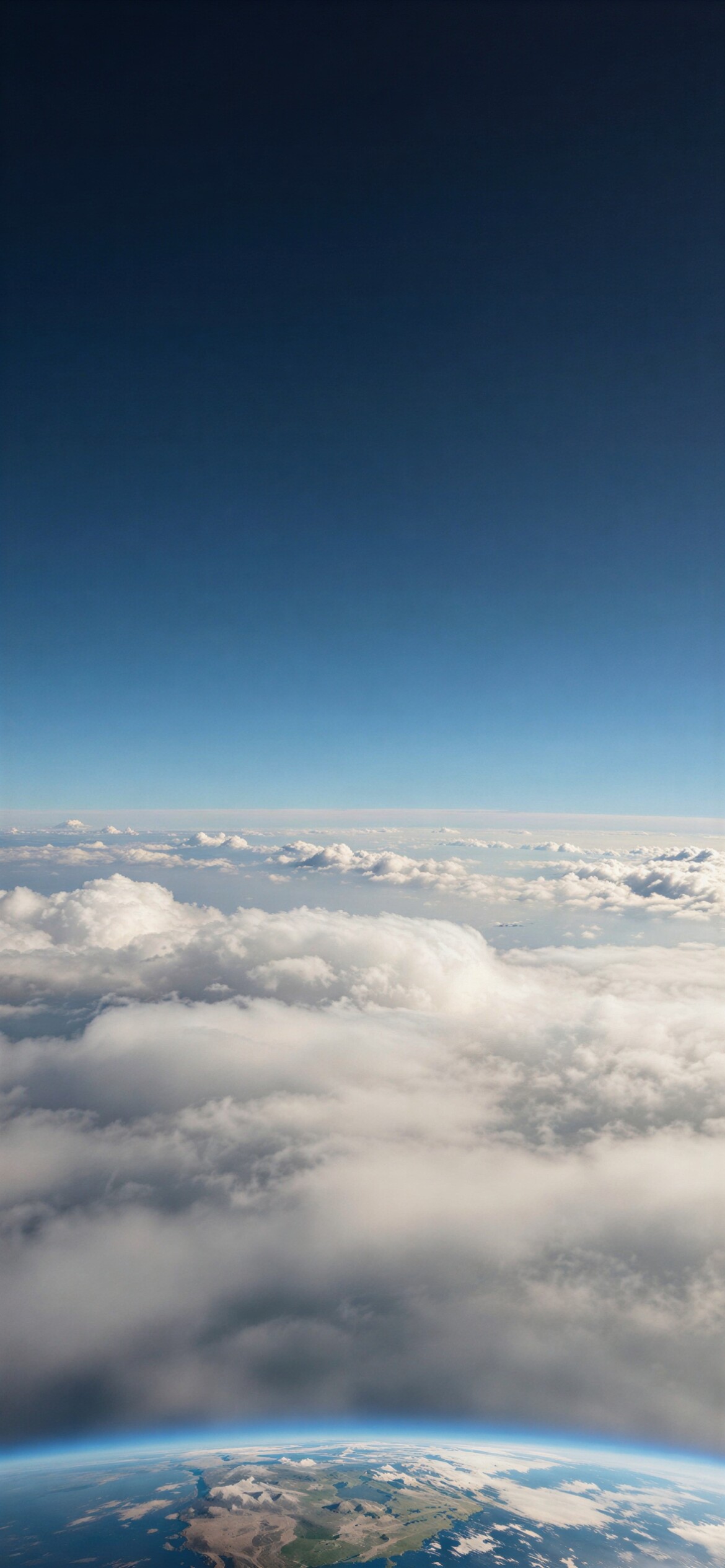
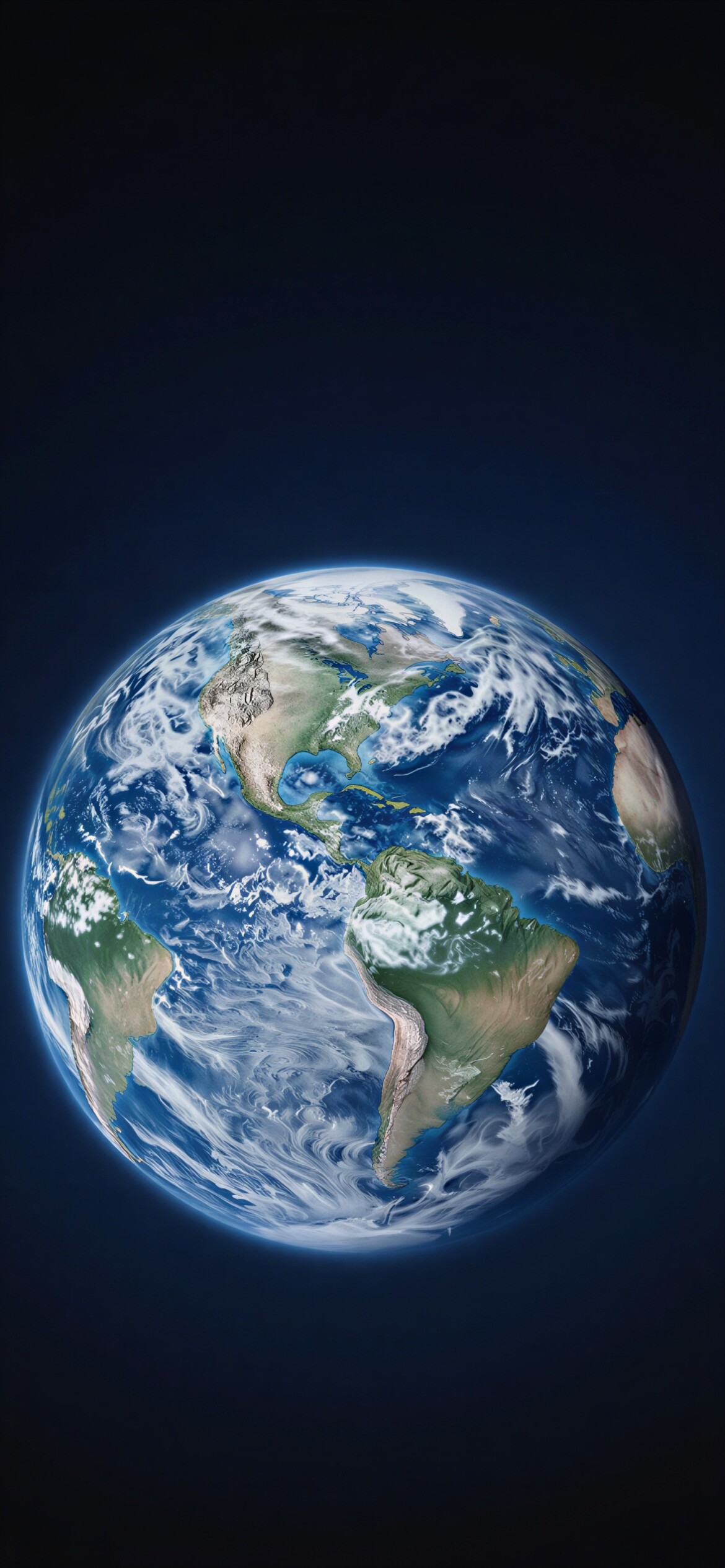
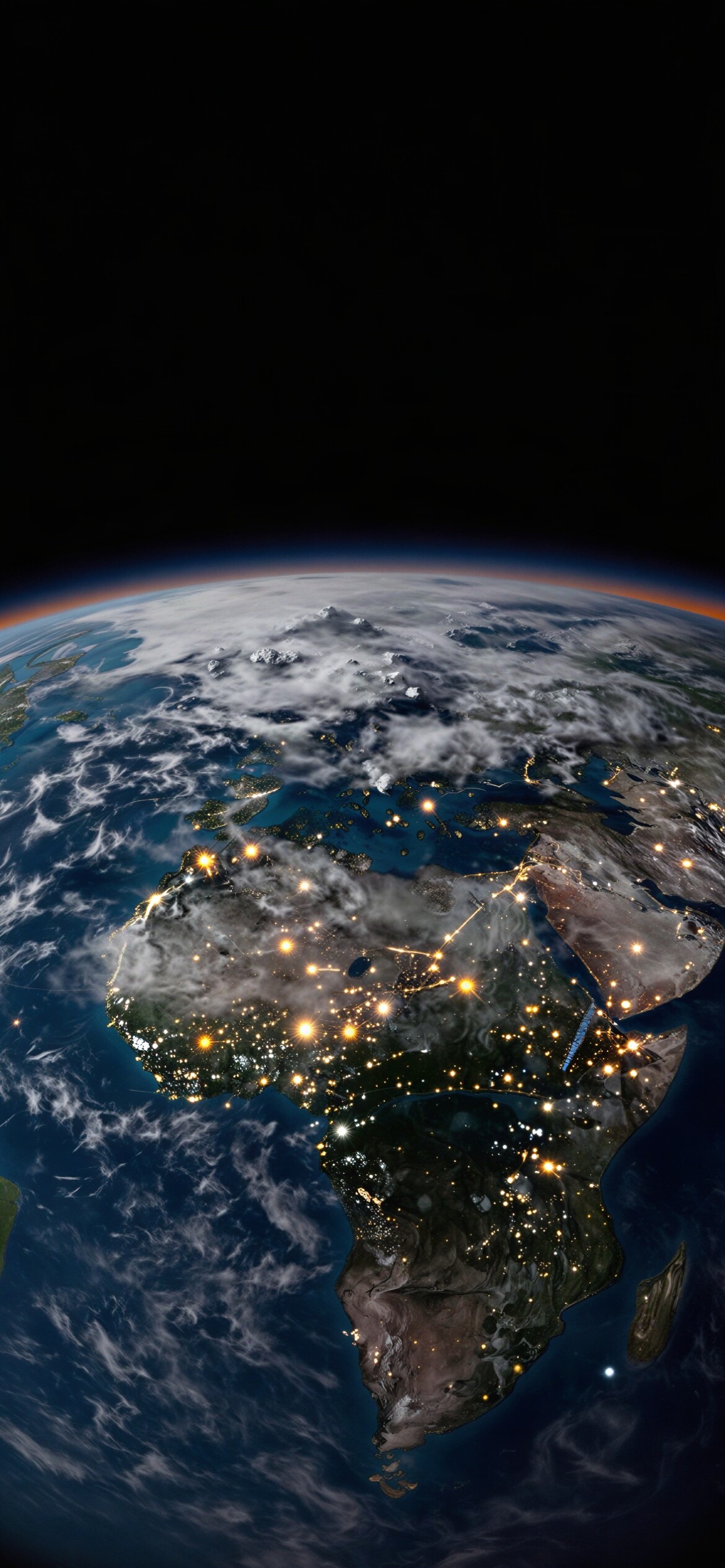
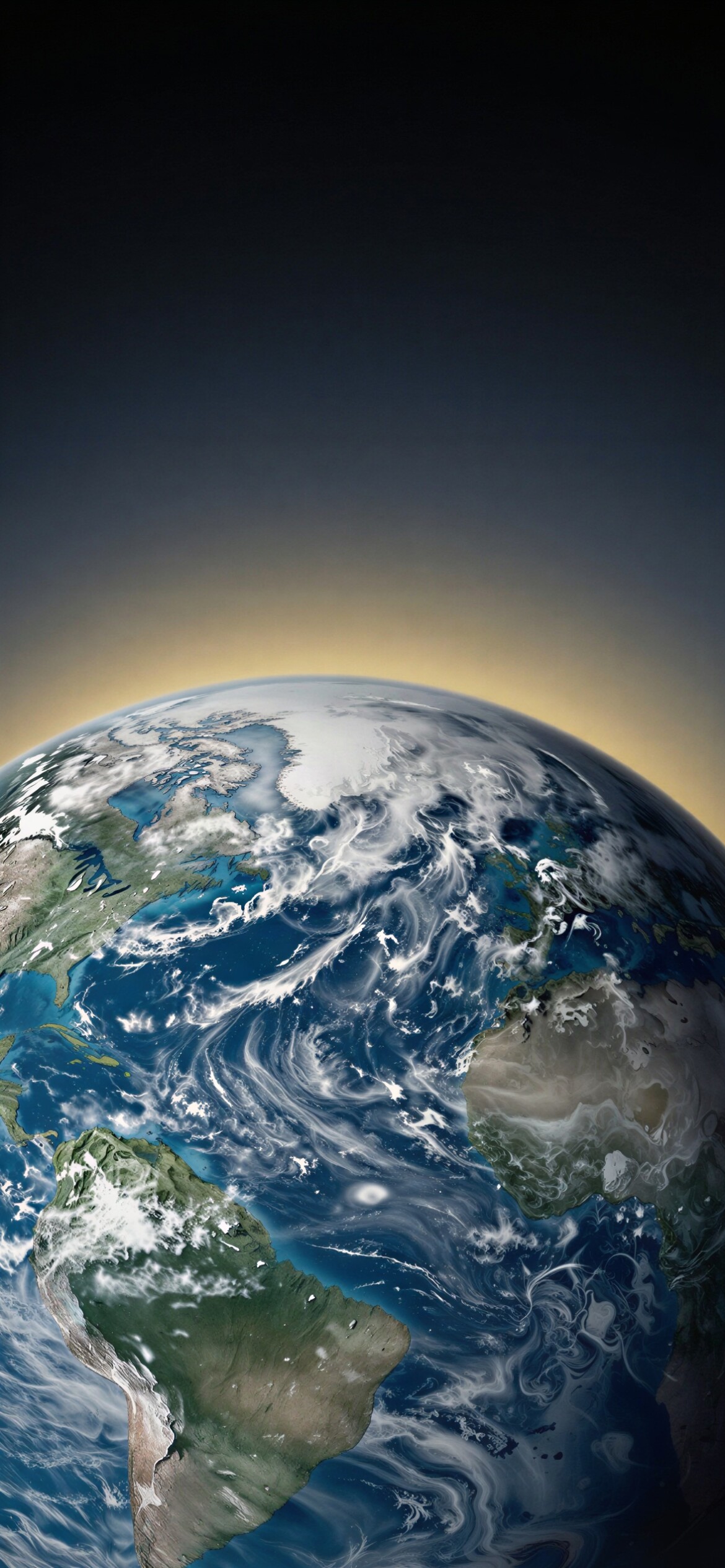
Earth wallpaper for iPhone brings views of our planet from space directly to your lock screen. These designs show Earth from different angles, with swirling clouds, blue oceans, green continents and soft atmospheric light. Each wallpaper suits any season and works well on both lock and home screens.
8 wallpapers at 1170 × 2532 px for iPhone. Checked by hand on 3 Oct 2026.
About this set
These wallpapers show Earth from space in soft, realistic light. Each design uses a tall vertical layout with plenty of simple sky at the top, so your lock screen time and date display stays clean and readable. The planet sits low in the frame, creating a sense of depth and scale.
For your home screen, these pair well with icon layouts that keep the center and lower area clear. The soft lighting and natural colors work with both light and dark mode. Layer them with minimal icon sets to let Earth remain the focus without visual clutter.
Two photos that changed how people saw home
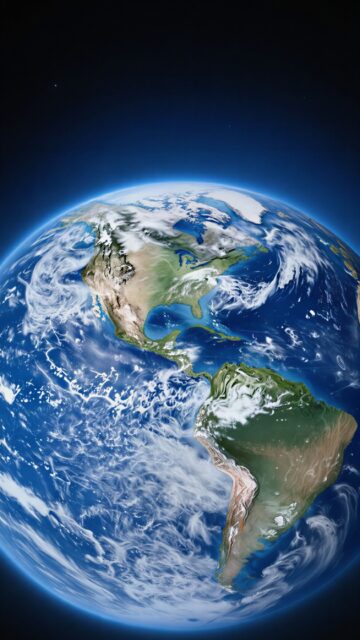
For most of history nobody had seen the whole planet at once. That changed in December 1968, when the Apollo 8 crew photographed Earth rising over the Moon's horizon, a picture now known as Earthrise. Four years later the Apollo 17 crew took The Blue Marble, a full, sunlit Earth with Africa and the Antarctic ice in view. Wallpaper 5, the round planet with oceans and continents, is the closest to that famous view. Water covers roughly 71 percent of the surface, which is why blue takes up so much of every frame here.
Sunrise, night lights and storms
Three of the designs sit right on the edge of the planet as the Sun comes up. Wallpaper 1 shows sunrise over the curved horizon with a band of clouds, wallpaper 2 lights the atmosphere and surface in gold, and wallpaper 4 is mostly white cloud tops piling up above the horizon. Astronauts on the International Space Station see a sunrise like this about every 90 minutes, since that is how long one orbit takes.
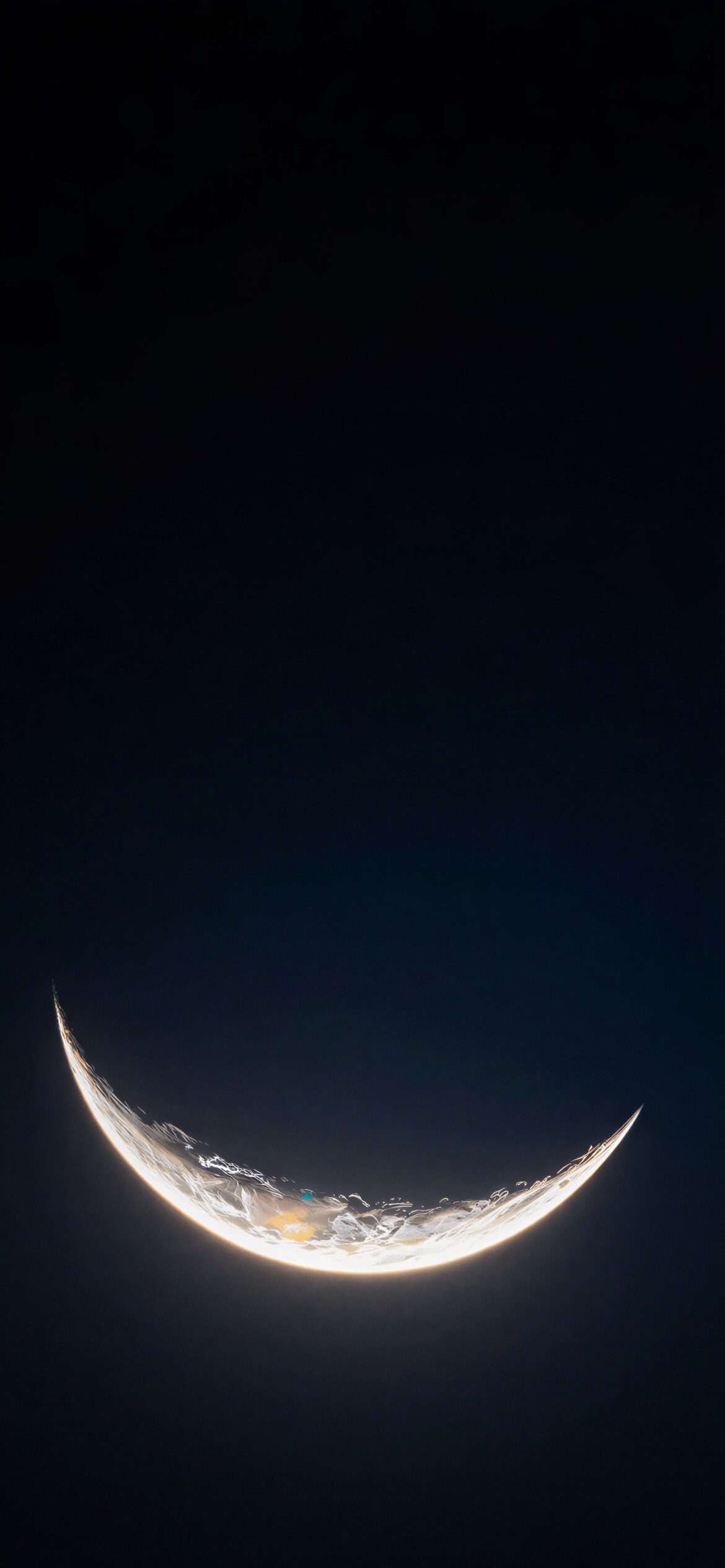
Wallpapers 3 and 6 are about the dark side. Number 3 sits on the terminator, the line where day turns into night, with city lights starting to show on the shadowed half. Number 6 is fully on the nightside, so the only colour comes from cities glowing below. Wallpaper 7 turns the planet into a thin crescent with the Sun behind it, and wallpaper 8 pulls back to show storm systems and swirling ocean patterns across the globe.
Which side of the planet suits your phone
- Warm and bright: 1, 2 and 4, with gold light and white clouds.
- Calm blue: 5 and 8, the full-planet views where ocean and weather fill most of the screen.
- Dark and quiet: 3, 6 and 7. These have the most black space, and on iPhones with OLED screens the black pixels are switched off, so they look deep and clean, especially on an always-on lock screen.
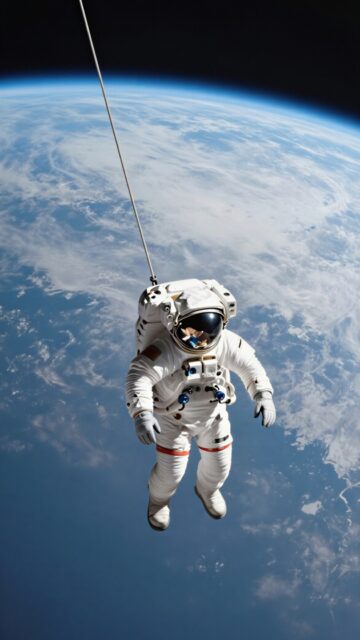
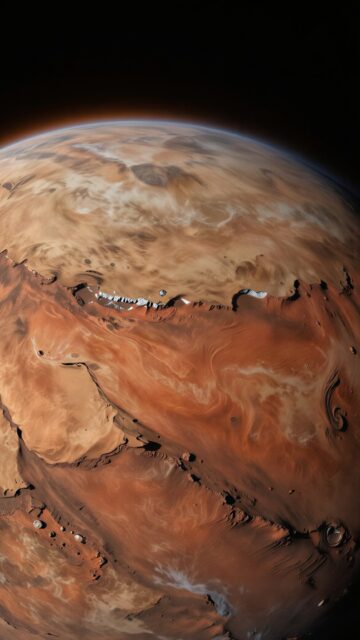
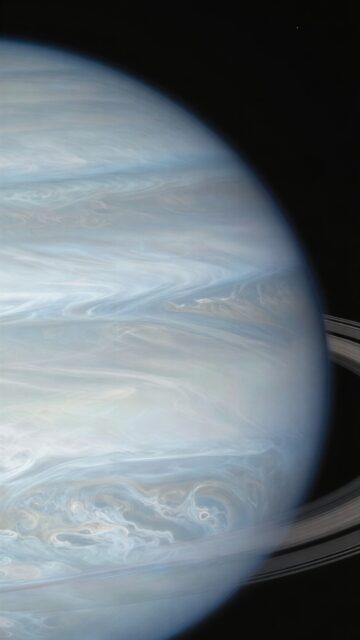
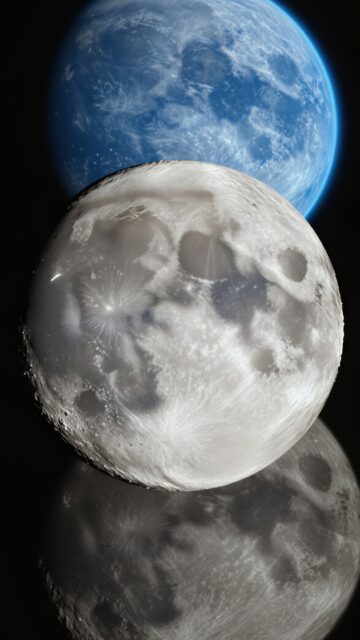
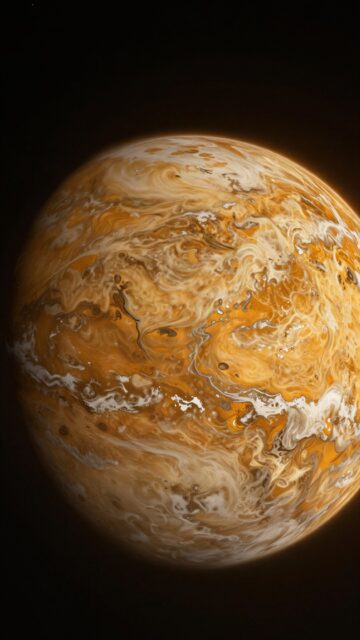
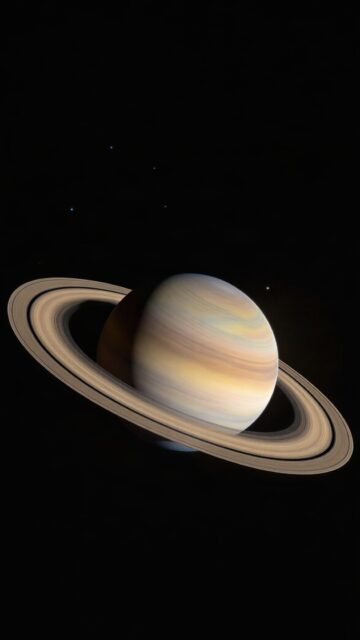
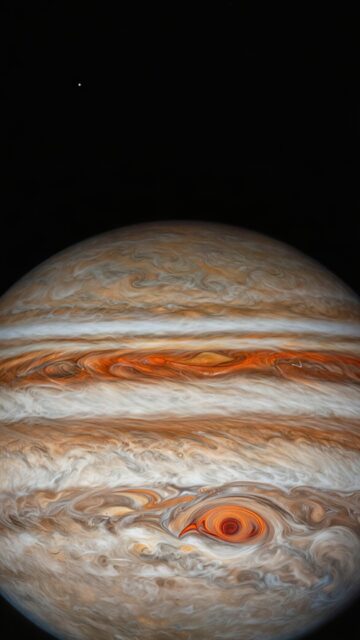
If you want to keep going past our planet, the solar system wallpapers line up the other worlds, the planet set has close views of them, and the astronaut wallpapers put a person back in the picture.
How to set it on your iPhone
- Tap Download and save the image to Photos.
- Open Settings, tap Wallpaper, then Add New Wallpaper, and choose Photos.
- Pick the wallpaper, pinch to position it, then tap Add and choose the lock screen, home screen or both.
Stuck on a step? The iPhone and iPad guide has screenshots for each one.
Questions
Do these wallpapers fit my iPhone screen size?
Yes. These wallpapers are designed for iPhone at 1170x2532 pixels, which is sized for modern iPhones; some older models may crop slightly at the edges. If your iPhone crops the image slightly, adjust the position in your phone's wallpaper settings.
Can I use these wallpapers for personal use?
Yes. All wallpapers on Free Wallpaper Daily are free for personal use on your own devices. You cannot sell them, print them for sale, or repost them on other wallpaper sites or social media as your own work. See our Terms page for full details.
Which wallpapers work best for my lock screen versus home screen?
The designs with simple, empty sky at the top work best for your lock screen, since your time and date display there. For your home screen, choose any design you prefer. The lower-positioned planets leave room for your app icons without obstruction.
Do these Earth wallpapers work in any season?
Yes. Earth from space looks the same year-round, so these designs work as evergreen wallpapers. You can use them in any season without needing to change. They pair well with any other apps or themes on your phone.