Islamic Wallpaper iPhone
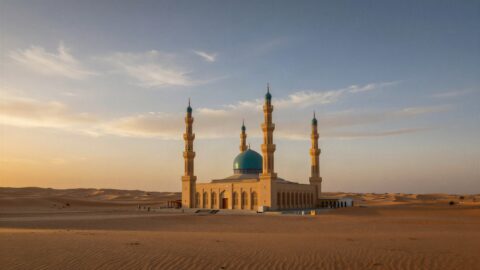
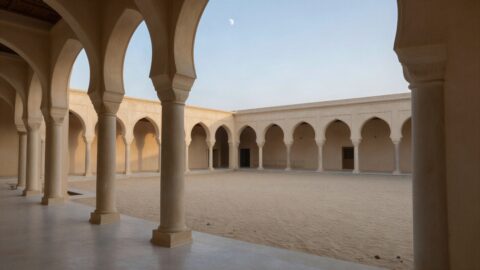
Islamic wallpaper for iPhone features mosques with domes and minarets, intricate geometric tile patterns and peaceful desert scenes, all free to download for iOS. Each islamic iPhone wallpaper in this set was curated by hand and designed for vertical display. The designs blend architectural beauty with spiritual calm, showing arches, courtyards, prayer beads and crescent moons against soft skies and warm evening light. These wallpapers work well on lock screens and home screens alike.
10 wallpapers at 1170 × 2532 px for iPhone. Checked by hand on 2 Oct 2026.
About this set
This set of Islamic wallpapers celebrates the calm beauty of Islamic architecture and spiritual imagery. The designs feature soft, natural lighting that works well on both lock screens and home screens. The geometric patterns and architectural details remain clear and visible behind your app icons.
These wallpapers pair well with minimal icon arrangements or apps that use warm and neutral tones. The peaceful mood suits any time of year and complements both light and dark mode settings on your phone.
The ten scenes, from dome to lattice
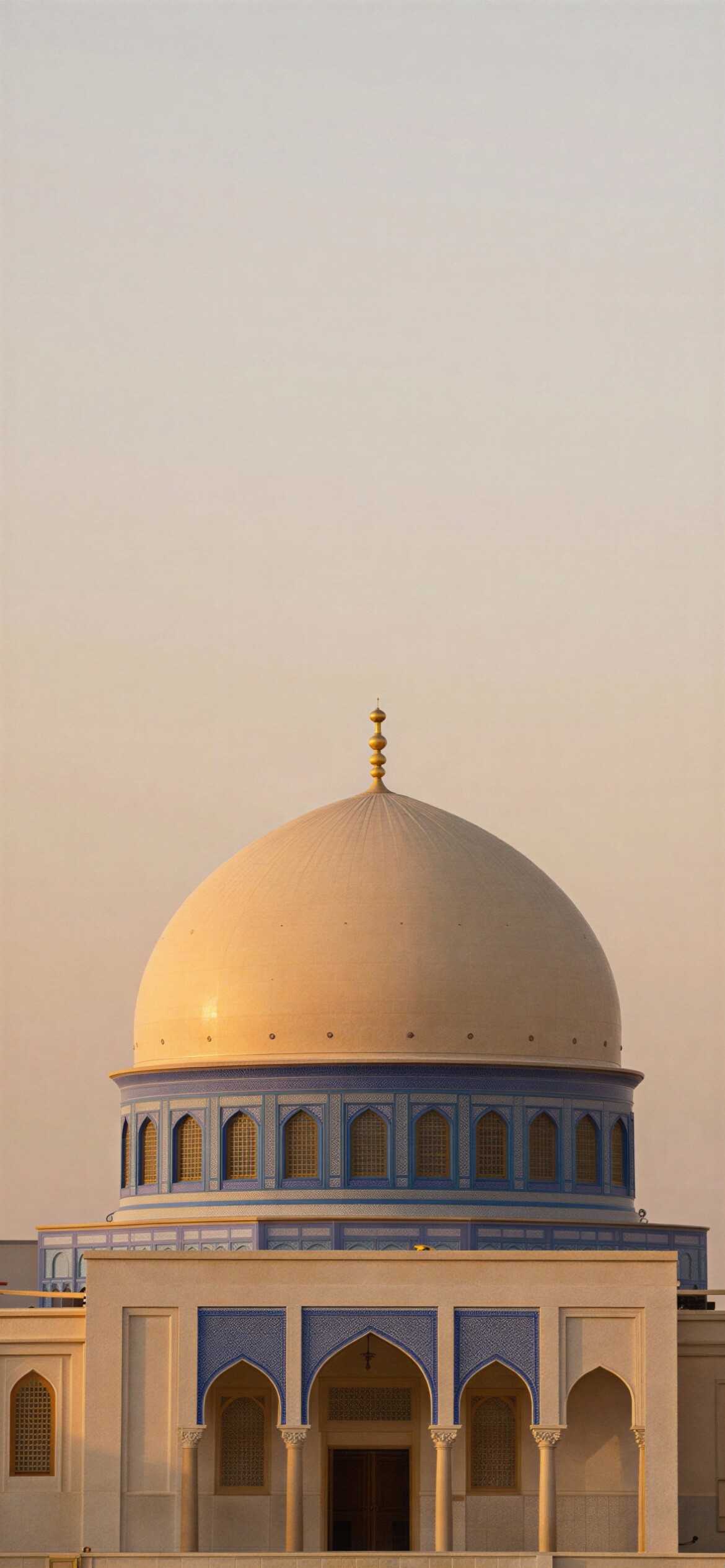
- Golden dome: a large mosque dome in golden hour light, with plenty of clear sky above it for the clock and date.
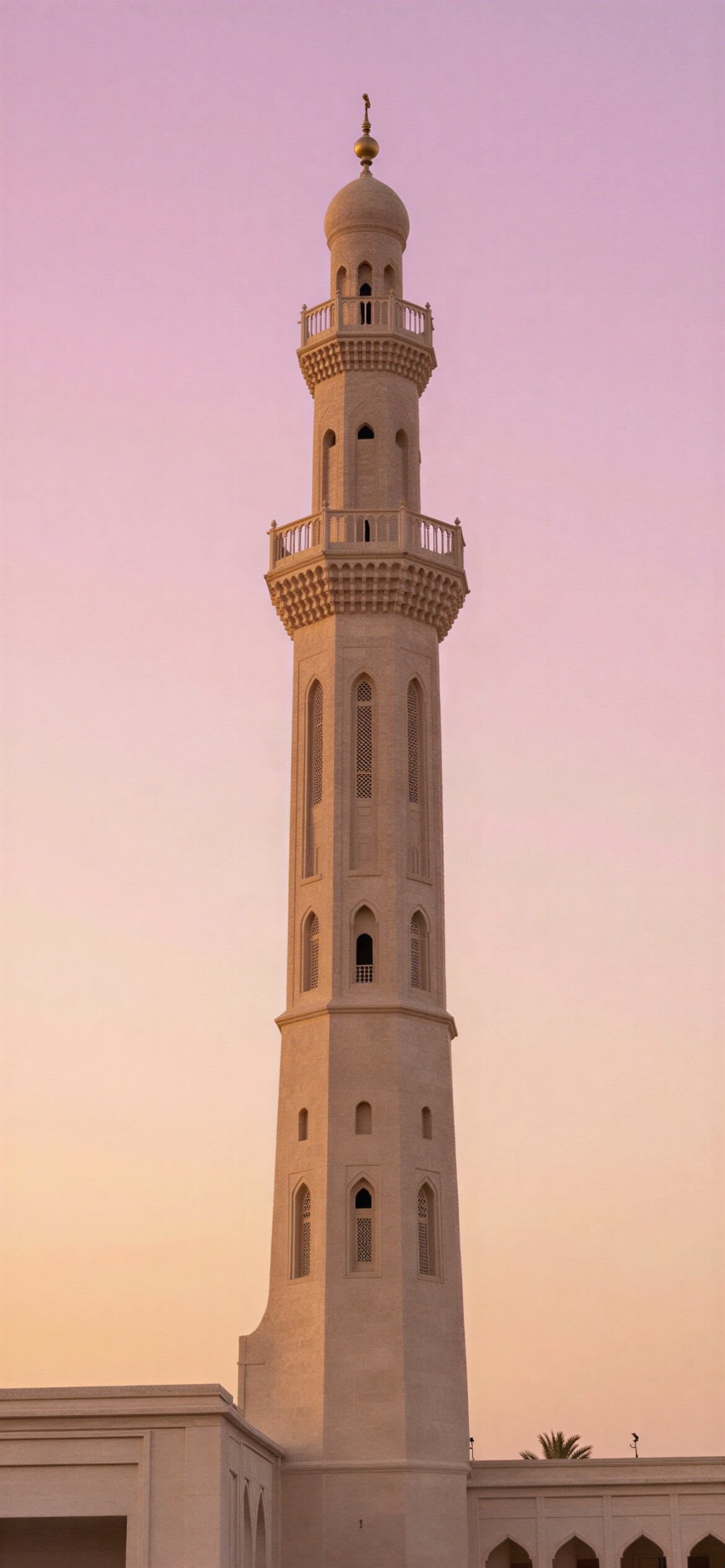
- Minaret at sunset: a tall stone minaret against a pink and orange gradient. The narrow tower leaves open space on both sides.
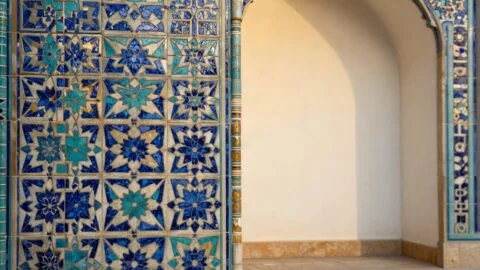
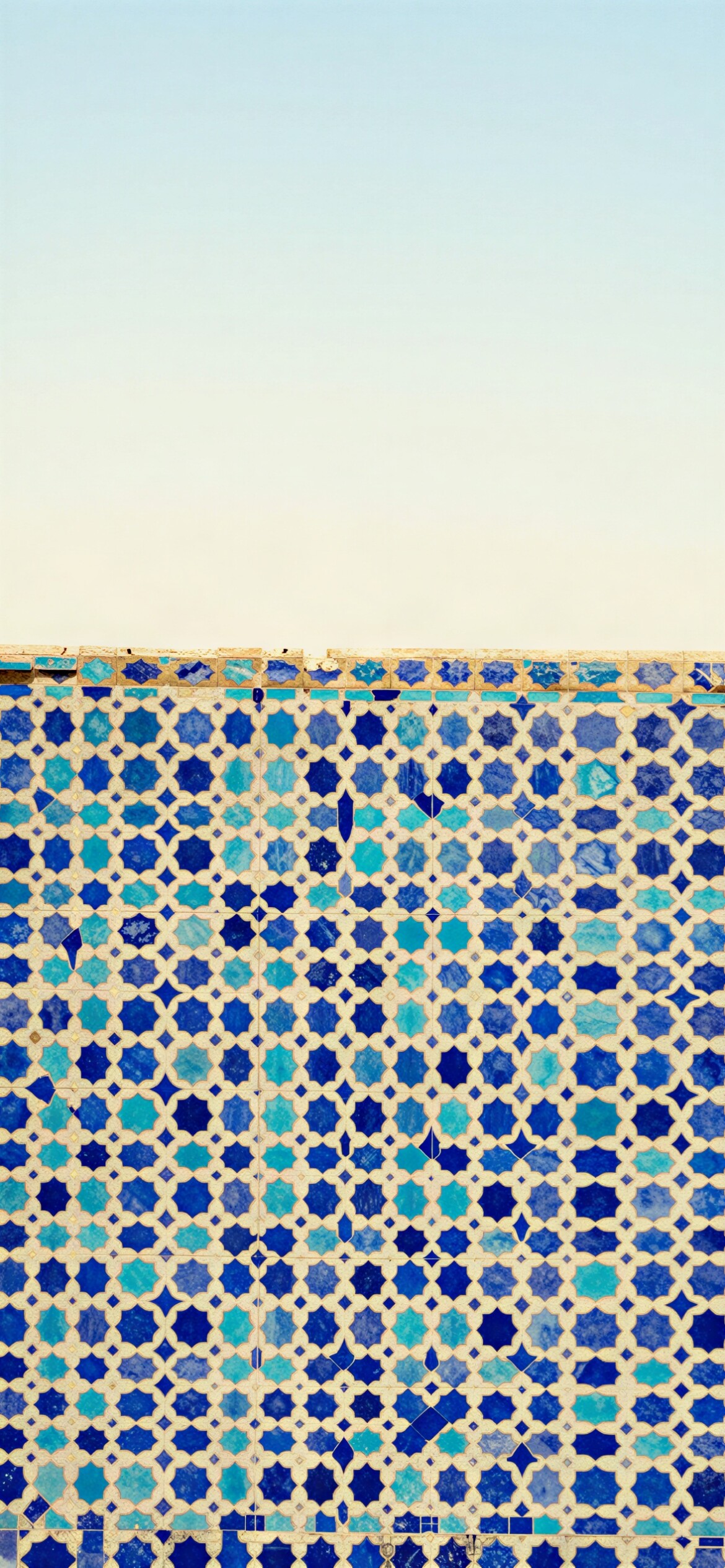
- Blue and gold tiles: a symmetrical geometric tile pattern. It has no single focal point, so nothing important gets hidden behind an app.
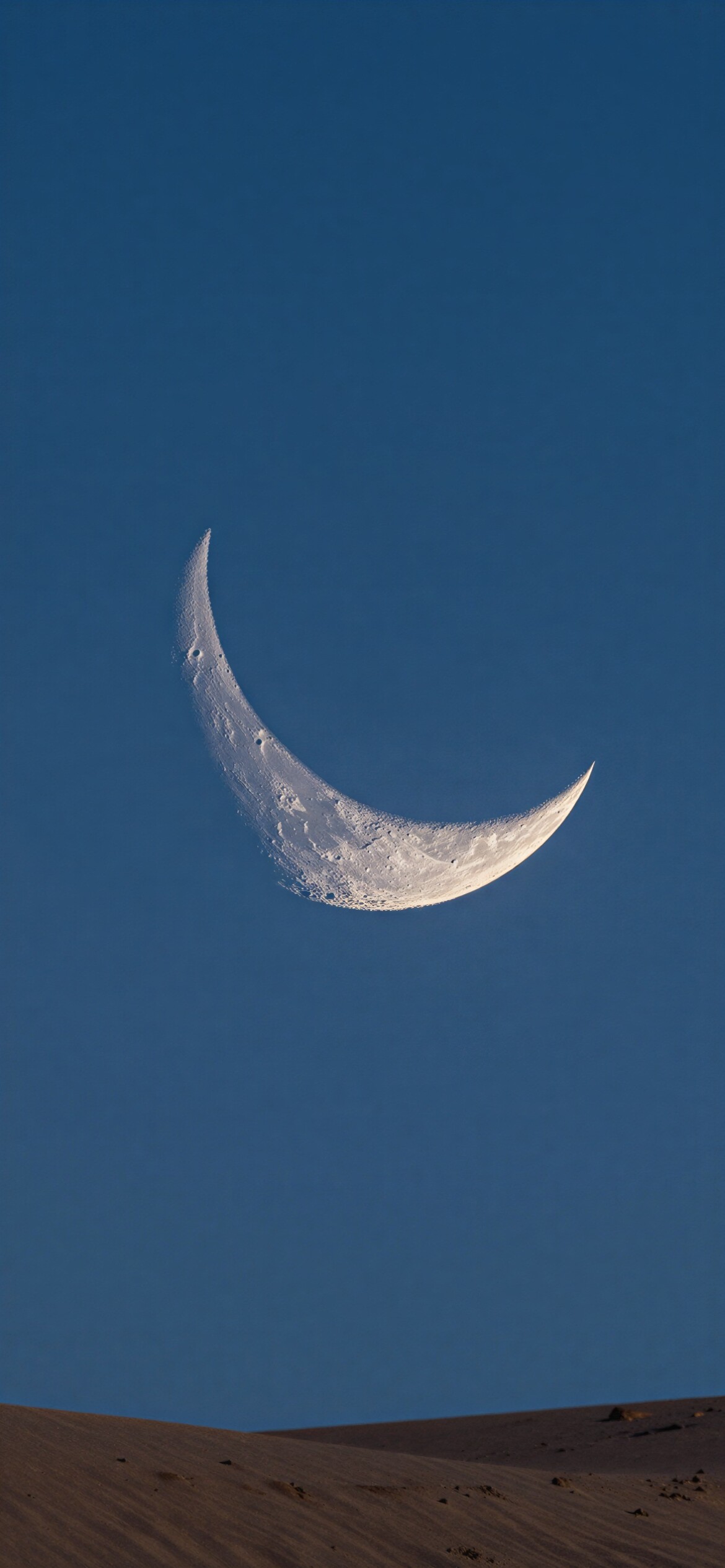
- Crescent over the desert: a crescent moon and stars in a twilight blue sky, the darkest picture here and the easiest one for white text.
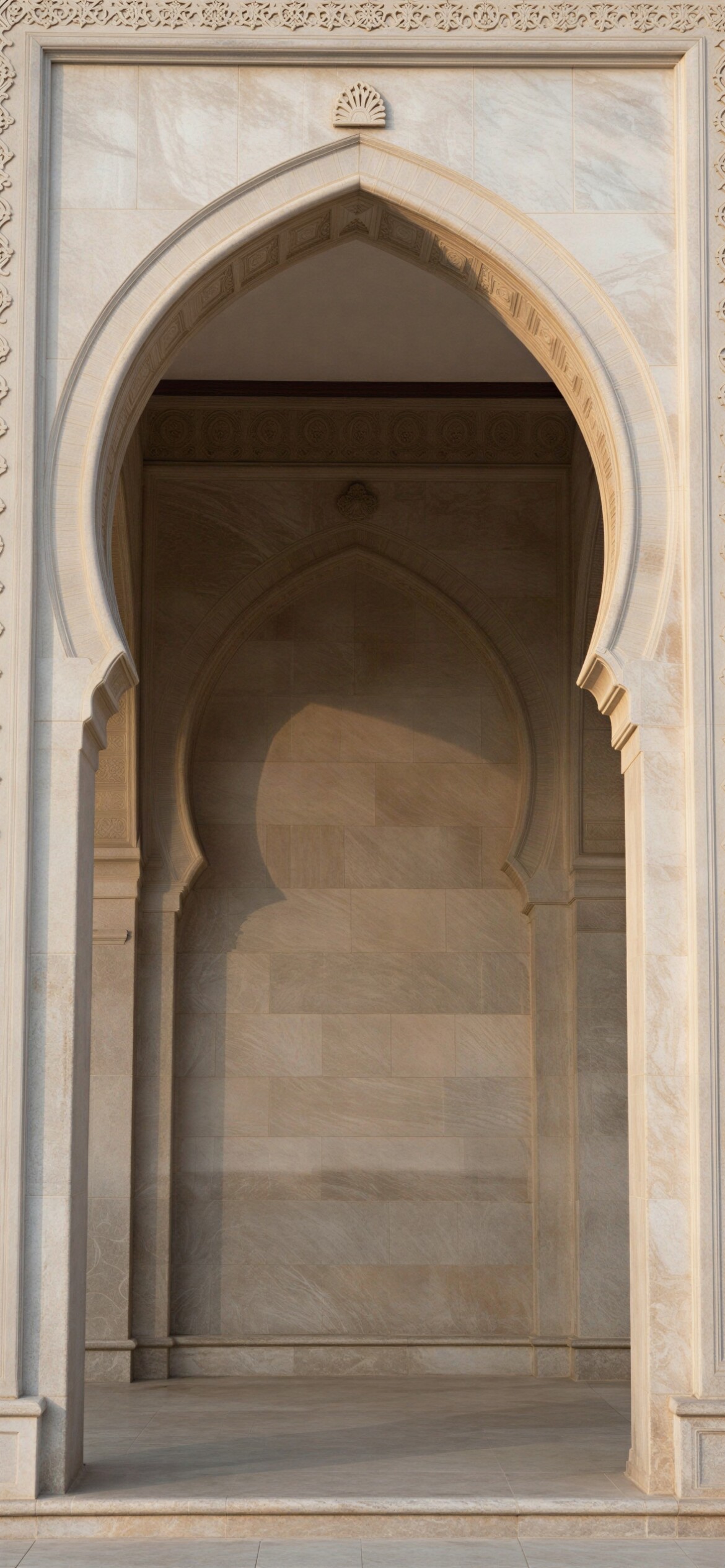
- Carved archway: an ornate mosque arch with carved details in soft warm light.
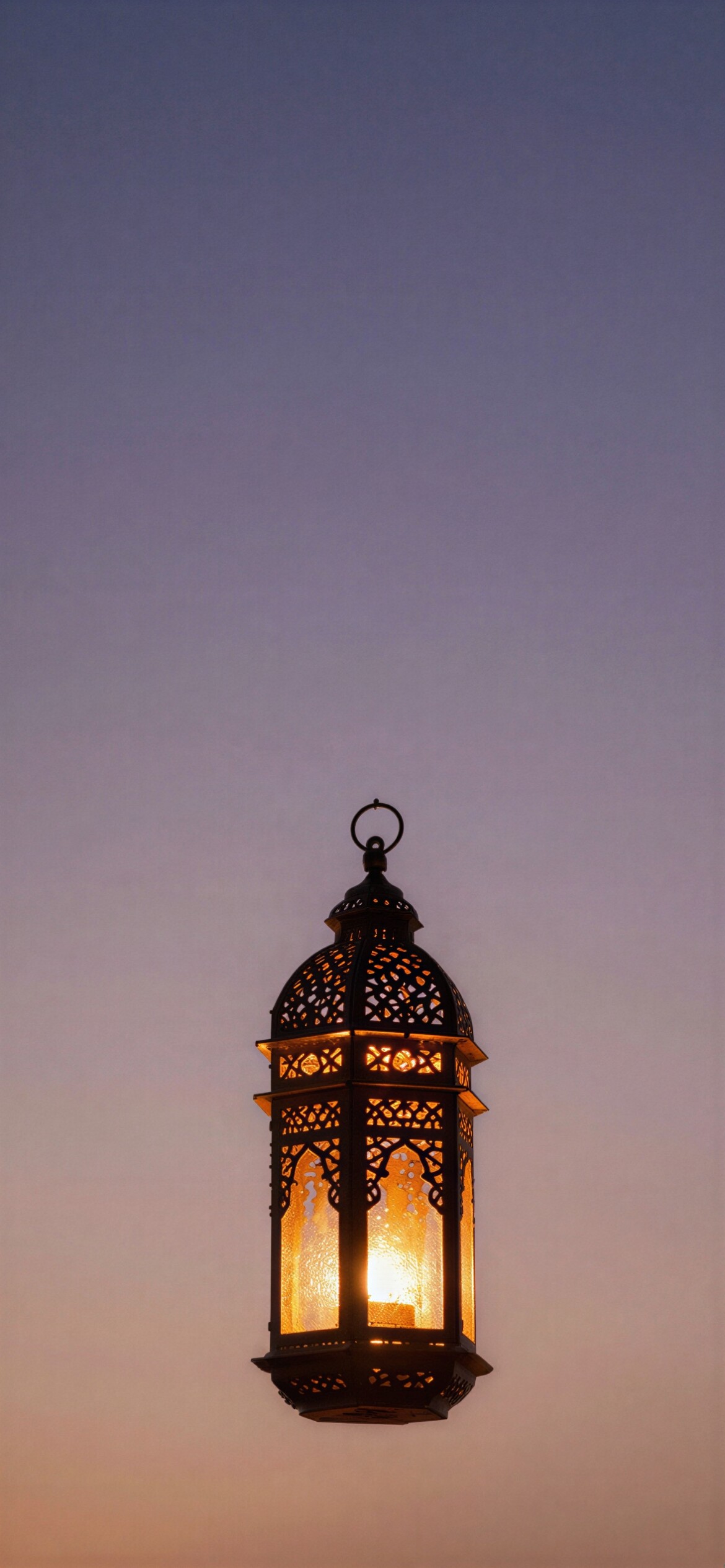
- Ramadan lantern: a glowing lantern against a dusky purple sky. In Egypt a lantern like this, the fanous, is a familiar Ramadan decoration in streets and homes.
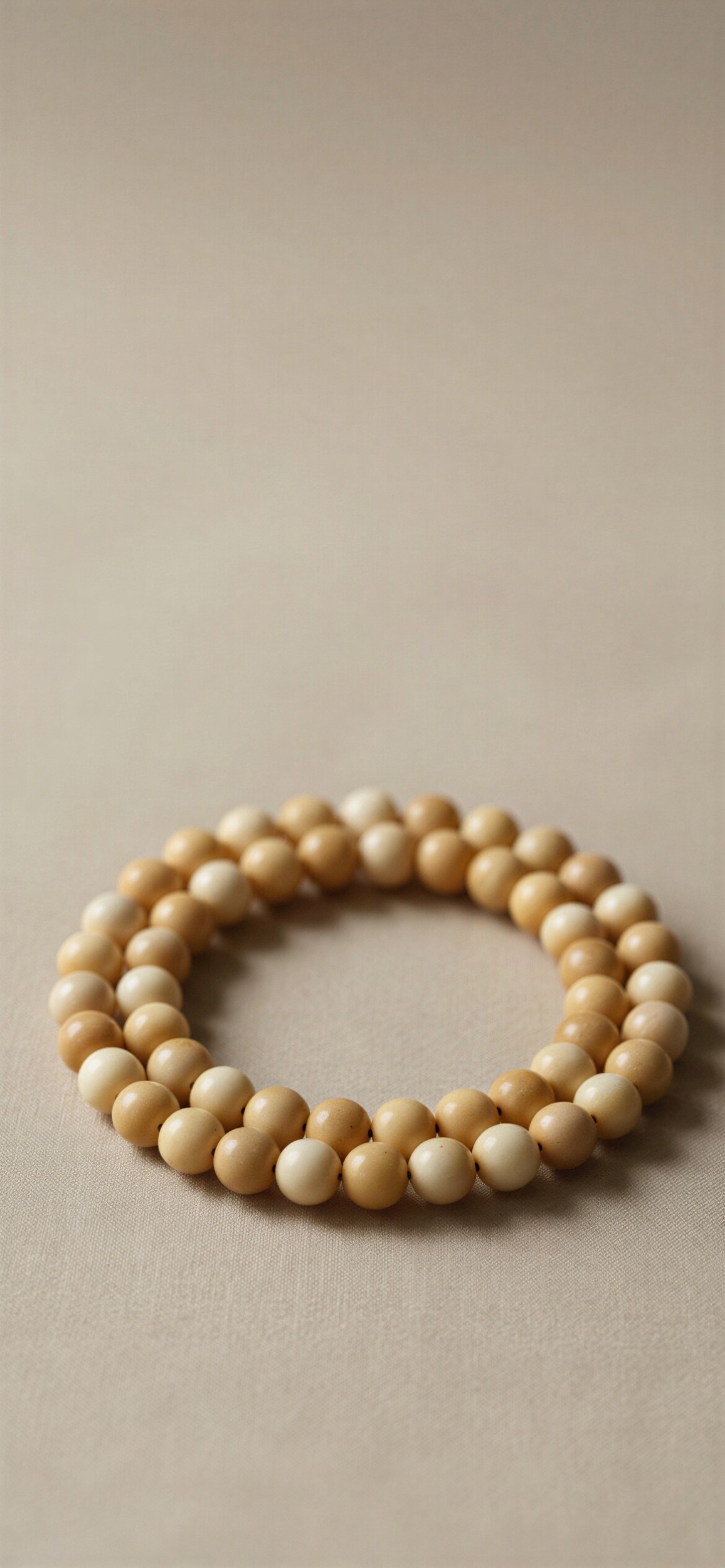
- Prayer beads: a close-up of prayer beads lit by candlelight on fabric, quiet and dim.
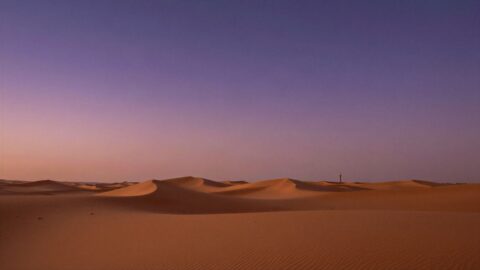
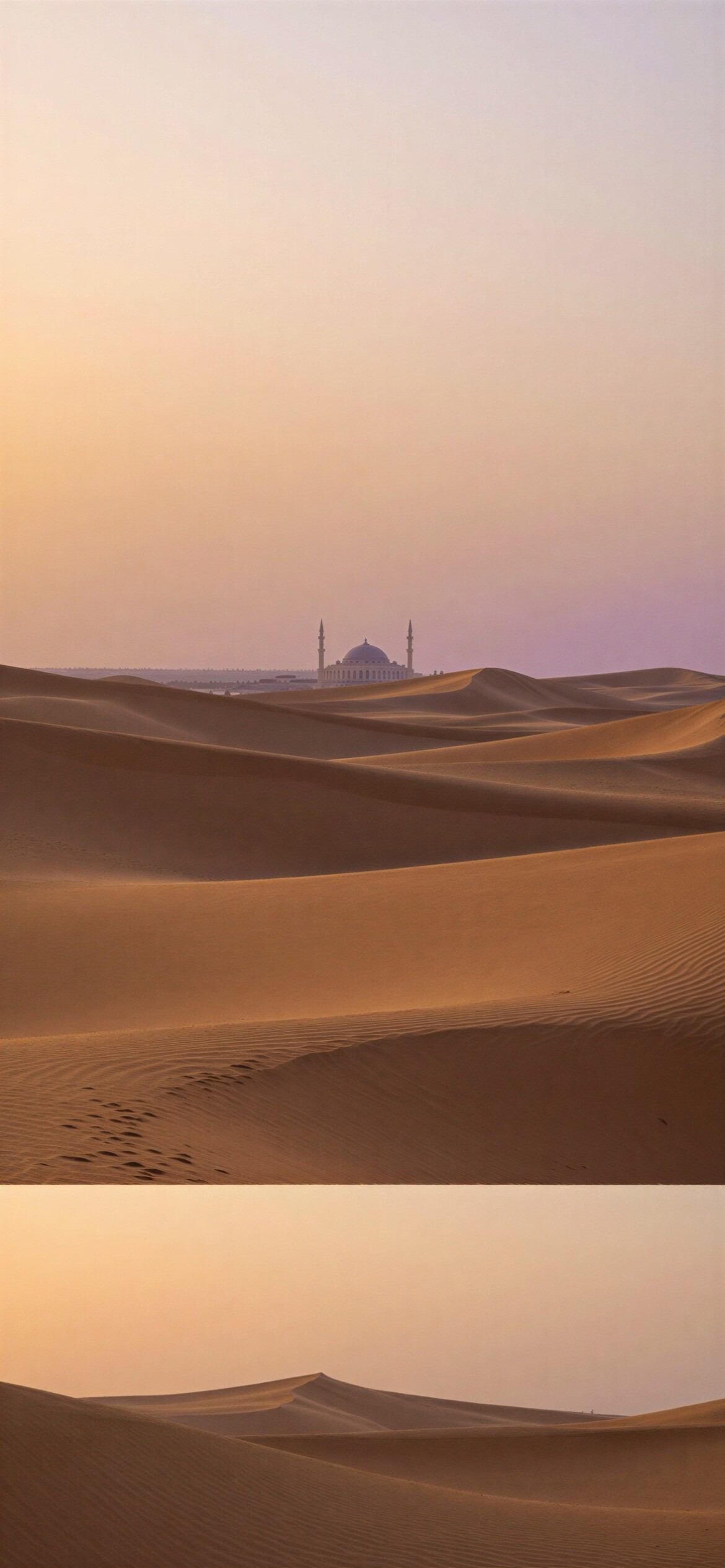
- Dunes and a distant mosque: desert dunes at dusk with a mosque silhouette far off.
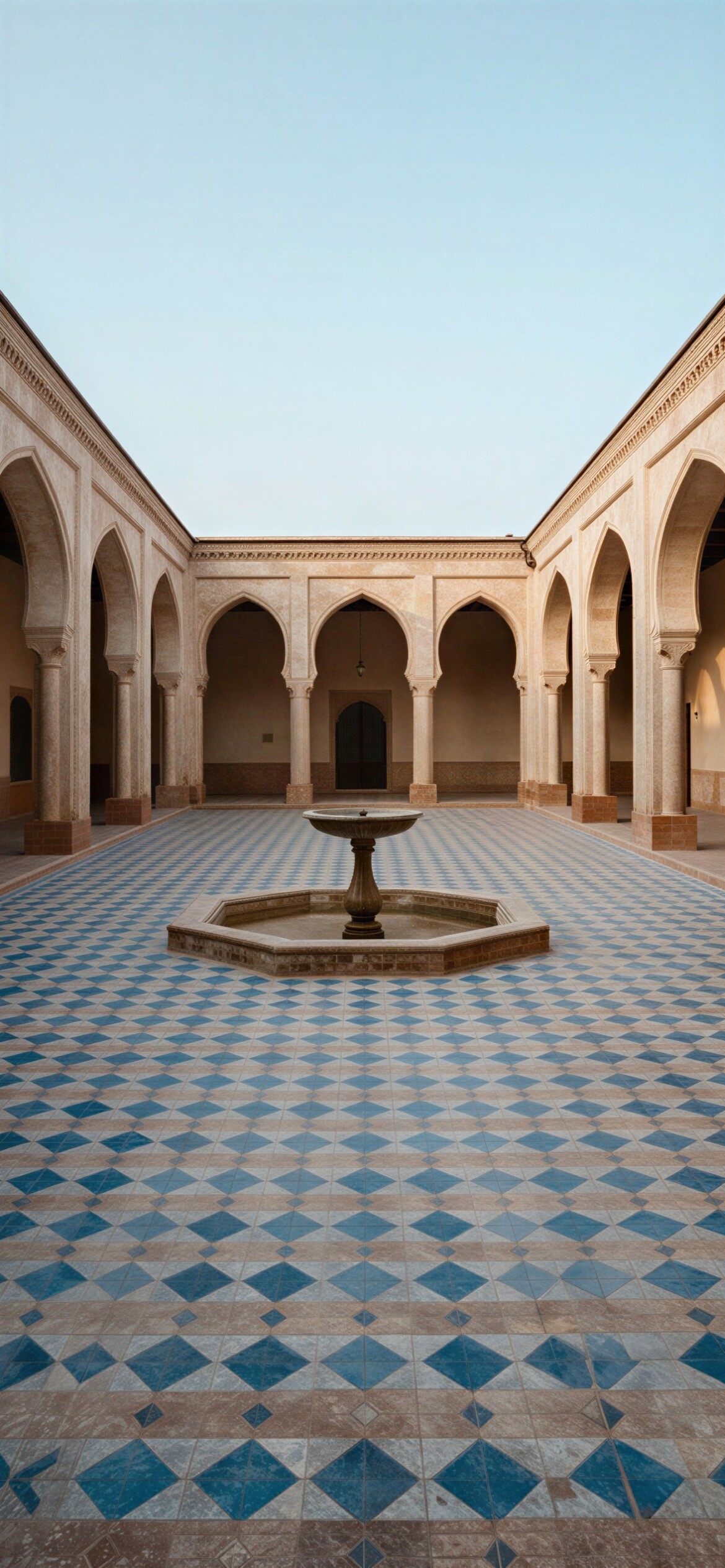
- Tiled courtyard: a peaceful courtyard with geometric tiles and arches, the most detailed scene in the set.
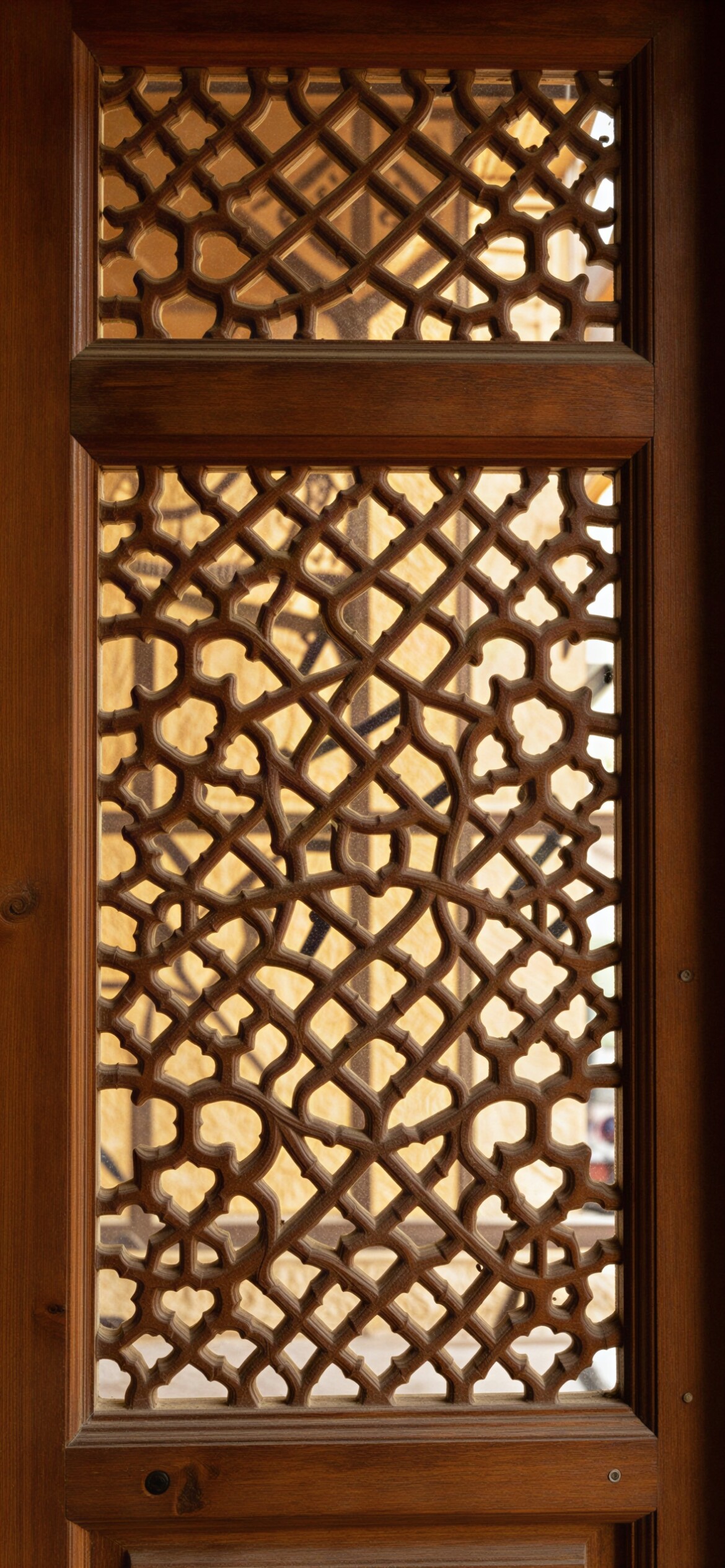
- Wooden lattice: a carved wooden screen lit from behind by golden window light.
Compass lines, cut tiles and a screen that lets the breeze in
The star and polygon patterns in wallpapers 3 and 9 come from a long tradition of Islamic geometric design. Craftsmen built them with a compass and a straightedge, dividing circles into equal parts until stars with eight, ten or twelve points appeared. In Morocco the same idea is carried out as zellige, mosaics made from small pieces of glazed tile cut by hand and fitted together. The Alhambra in Granada, built mainly by the Nasrid rulers in the 13th and 14th centuries, is one of the best known places to see this kind of tile and carved plaster work.
The lattice in wallpaper 10 is a mashrabiya, a carved wooden screen used on windows and balconies across the Middle East. It cuts the glare of the sun and gives privacy while still letting air move through the house. The beads in wallpaper 7 are a misbaha, also called a tasbih, often strung with 33 or 99 beads; the 99 matches the traditional 99 names of God. The minaret in wallpaper 2 is the tower from which the call to prayer has traditionally been made. The crescent in wallpaper 4 became widely linked with Islam through its use on Ottoman flags, although the symbol itself is much older.
Gold hour, blue hour or candlelight?
Wallpapers 1, 5, 8 and 10 are the warm group, all honey and sand tones from late sun or window light. Wallpapers 2, 4 and 6 belong to the sky at dusk, moving from pink and orange through purple to twilight blue, and look good with a dark or coloured phone case. Wallpapers 3, 7 and 9 are the close, textured ones, with tile colour, candle glow and pattern filling most of the frame, so check that your widgets stay readable over them.
For a matching computer screen, the Islamic desktop wallpapers in 4K carry the same themes in a wide format. If the tile patterns are your favourite part, the geometric collection has more shapes, and the moon wallpapers pick up where the crescent in wallpaper 4 leaves off.
How to set it on your iPhone
- Tap Download and save the image to Photos.
- Open Settings, tap Wallpaper, then Add New Wallpaper, and choose Photos.
- Pick the wallpaper, pinch to position it, then tap Add and choose the lock screen, home screen or both.
Stuck on a step? The iPhone and iPad guide has screenshots for each one.
Questions
Will these wallpapers fit my iPhone screen?
Yes. These wallpapers are designed for iPhone at 1170x2532 pixels, which is the standard resolution for recent iPhone models. They fill the entire screen without cropping or distortion. If you have an older iPhone model with a different screen size, you may need to adjust the crop slightly in your phone's wallpaper settings.
Can I use these wallpapers for personal use?
Yes. These wallpapers are free to download and use on your own devices for personal use. Selling them, printing them for commercial sale or reposting them on other wallpaper sites is not permitted. Please review our Terms page for the full usage agreement.
Which wallpapers work best for lock screens versus home screens?
The simpler designs with open sky, like the crescent moon and minaret wallpapers, work best for lock screens where your time and notifications appear at the top. The busier geometric patterns and detailed architectural scenes are ideal for home screens, where they create visual interest behind your app icons without feeling cluttered.
Are there any people, faces or Arabic text in these designs?
No. This collection features only architectural elements, geometric patterns, objects like lanterns and prayer beads, and natural scenes like deserts and night skies. There are no people, faces, figures or Arabic calligraphy to keep the focus on the spiritual and artistic beauty of Islamic design.