Cheetah Print Wallpaper iPhone
Cheetah print wallpaper for iPhone brings spotted animal textures straight to your lock screen or home screen. These designs feature the classic cheetah print pattern in warm, natural tones that work year-round. Each wallpaper in this set uses real textures and rich colors to capture the look of authentic animal print. The cheetah print style suits both minimal and bold phone aesthetics.
10 wallpapers at 1170 × 2532 px for iPhone. Checked by hand on 2 Oct 2026.
About this set
This set captures the classic cheetah print pattern in warm, natural tones that work across any season. The spotted designs use real textures and authentic animal coloring, from soft fur and fabric to polished surfaces. Each wallpaper fills the frame edge to edge with bold or subtle variations of the pattern.
The lock screen wallpapers keep the top area open and simple, letting your time and notifications sit cleanly over the design. Home screen wallpapers work best with icon layouts that let the cheetah print show through as a rich backdrop. The warm tan and brown tones pair well with gold, copper or bronze accents in your apps and widgets.
Real fur, draped cloth and pure pattern
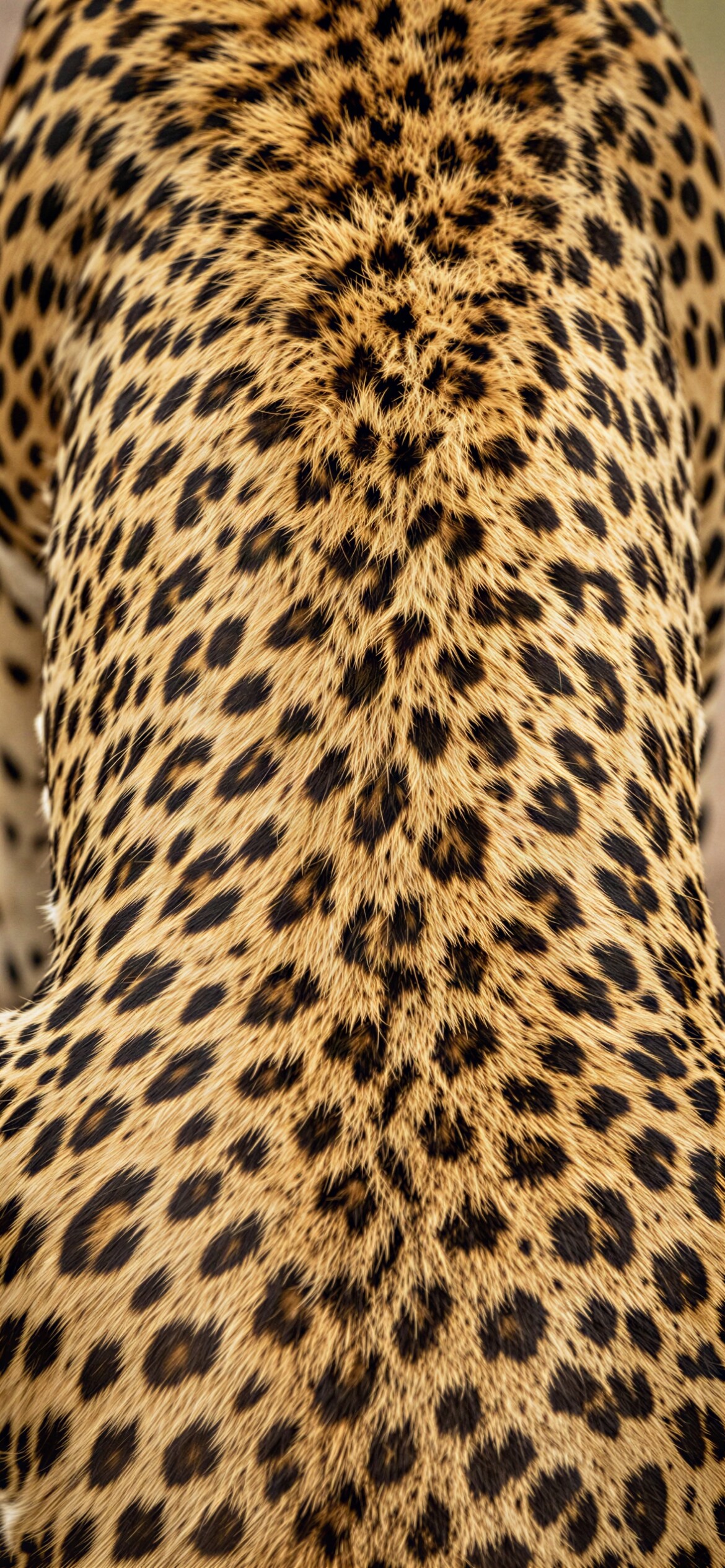
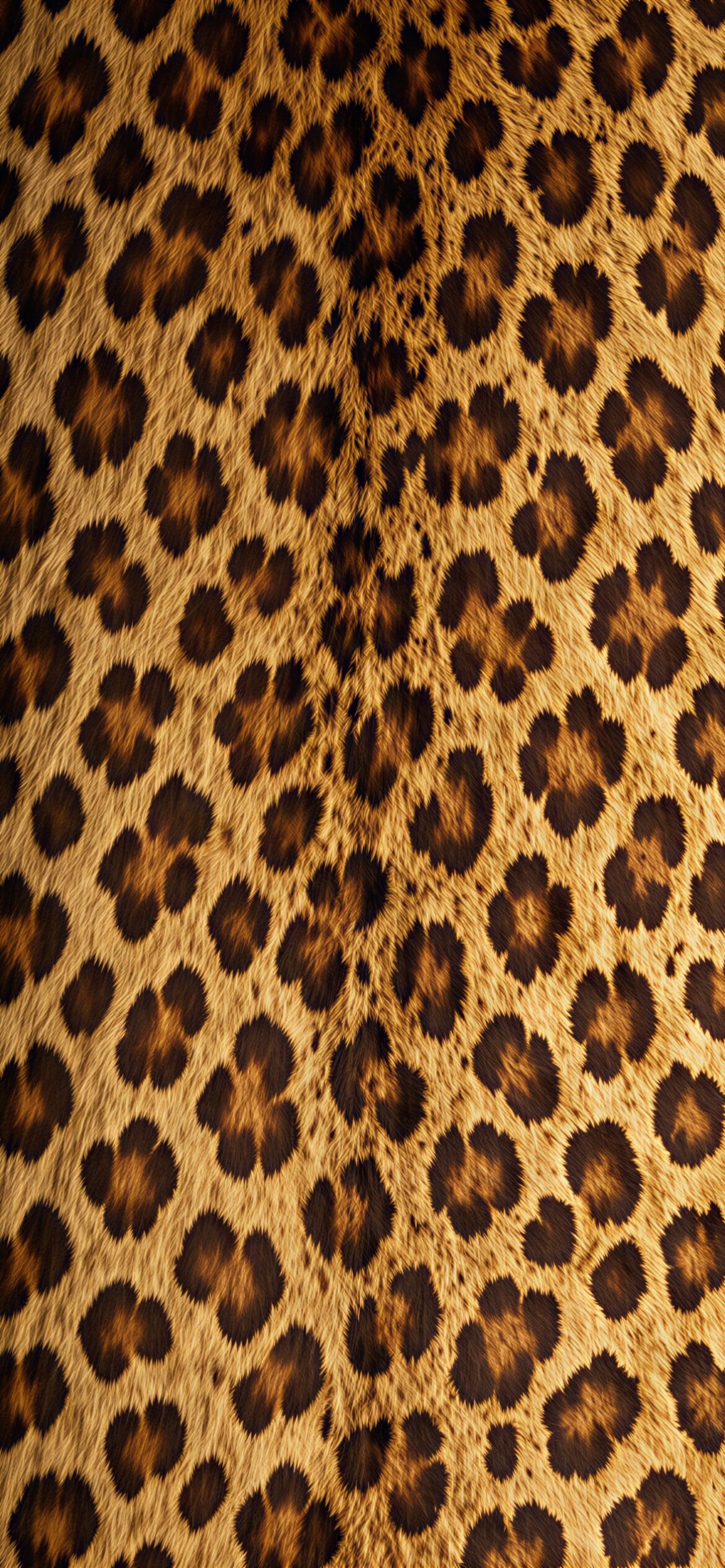
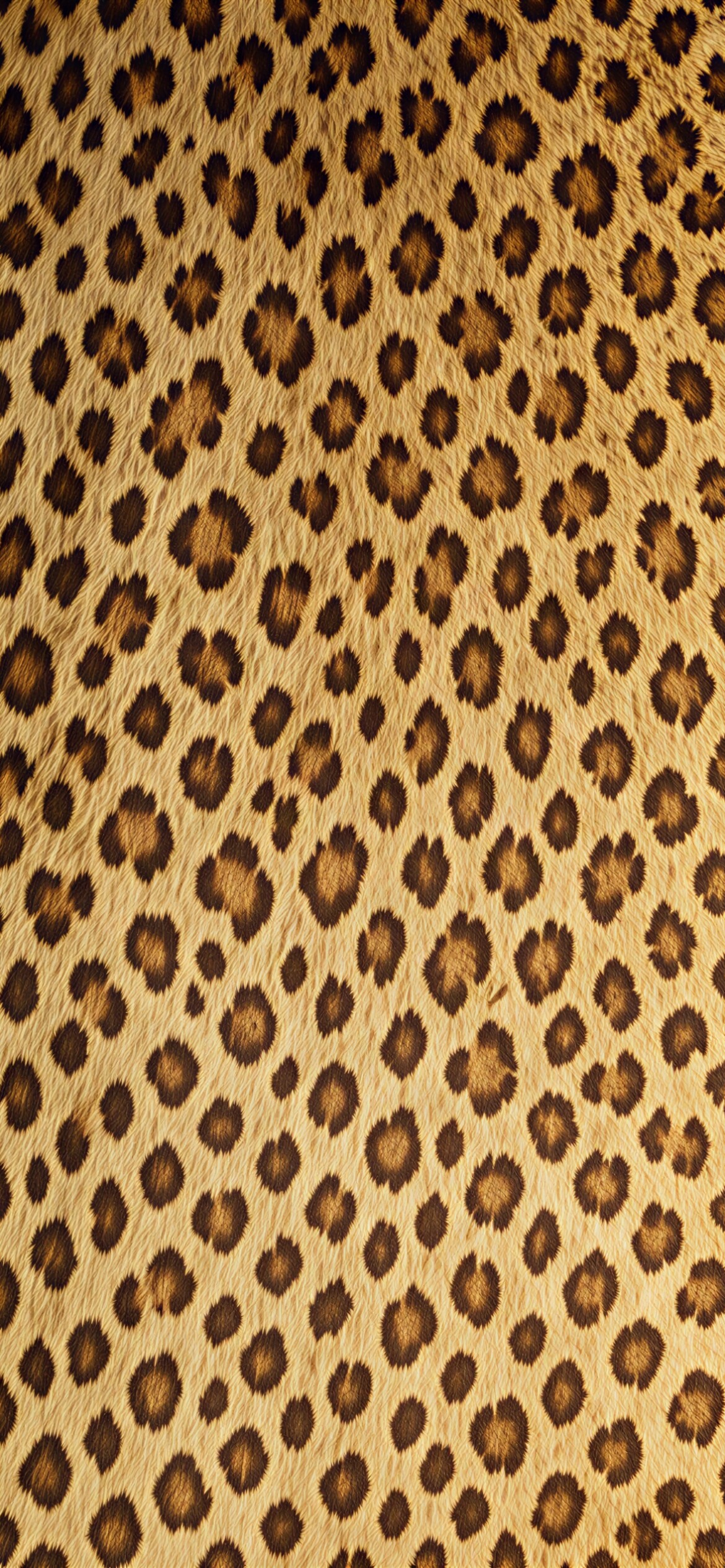
Only two of these are close to the animal itself. Wallpaper 1 is a tight close-up of fur, golden tan with dark brown spots, and 9 has the same soft, brushed feel in lighter tan. Both look best on the lock screen, where nothing covers the texture.
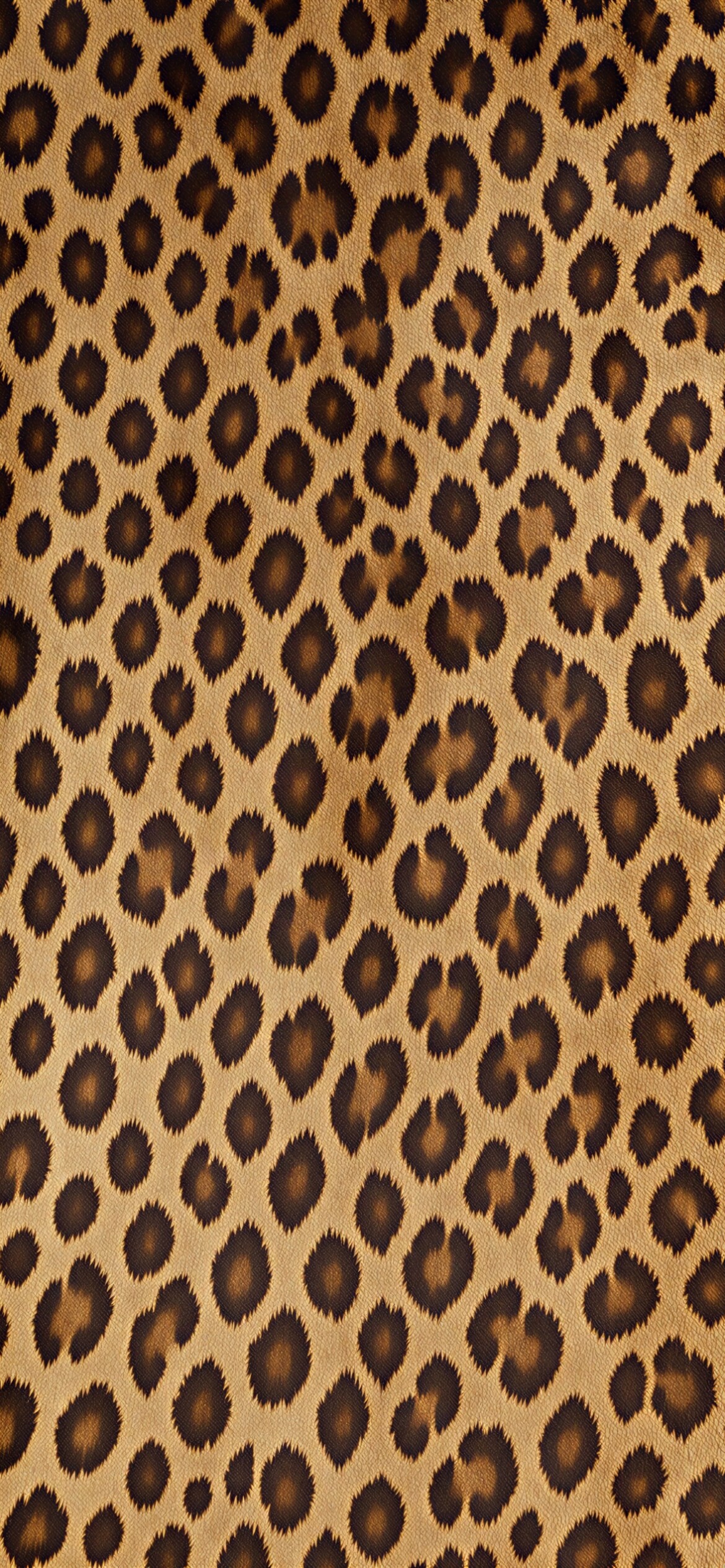
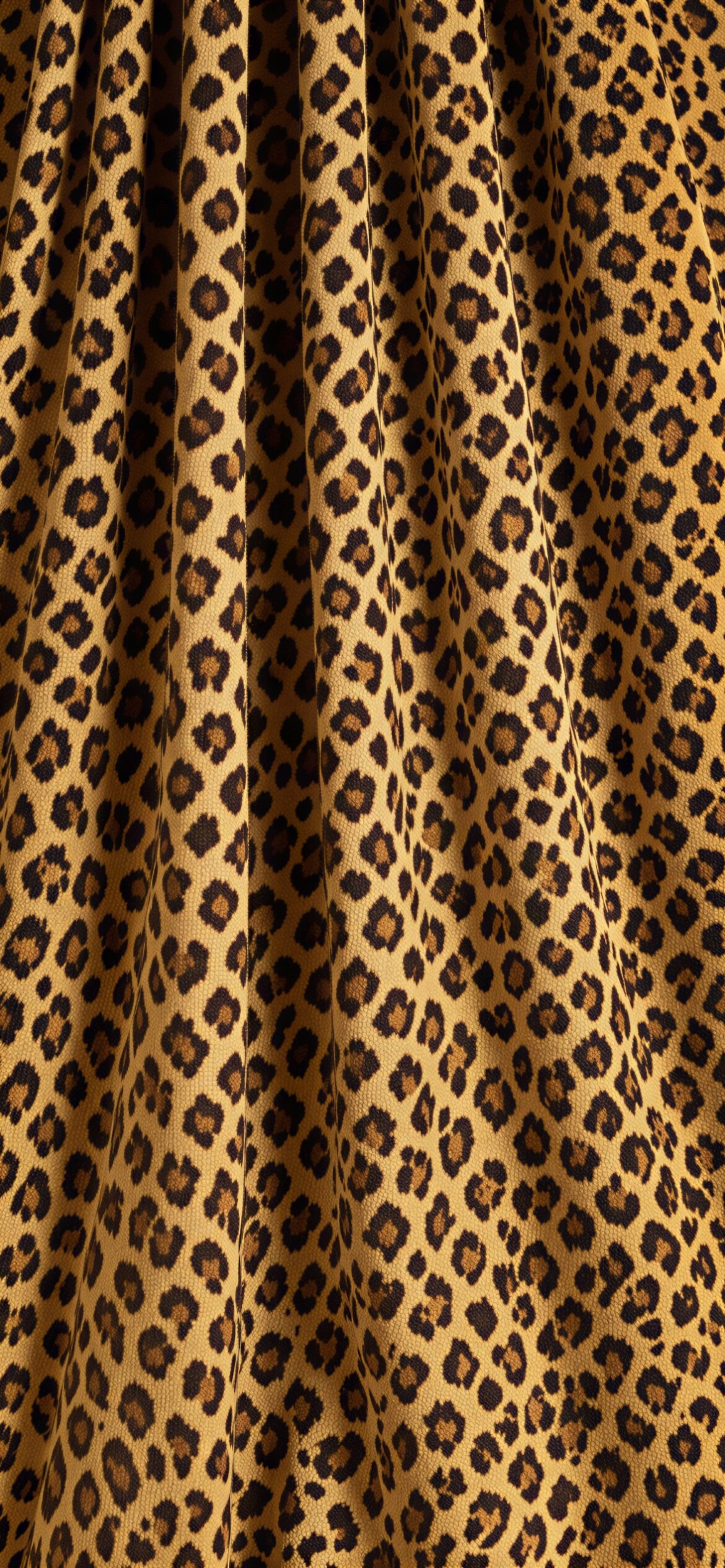
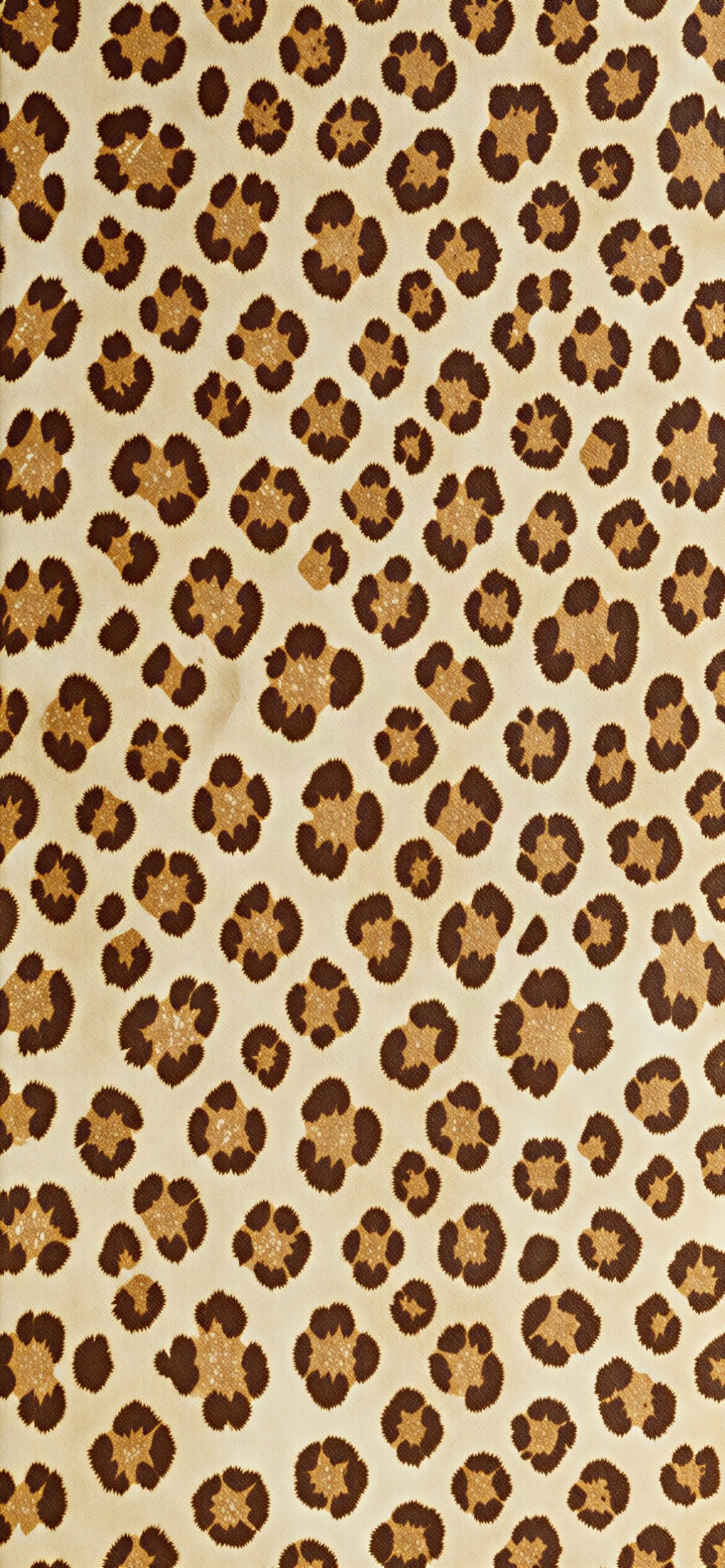
The next three are about material. Number 2 is printed fabric in cream and chocolate that fills the whole frame, 7 shows the cloth draped so the folds catch the light in honey and cocoa, and 3 moves the pattern onto smooth leather. The folds in 7 make it the busiest of the group, so it sits better behind a sparse home screen.
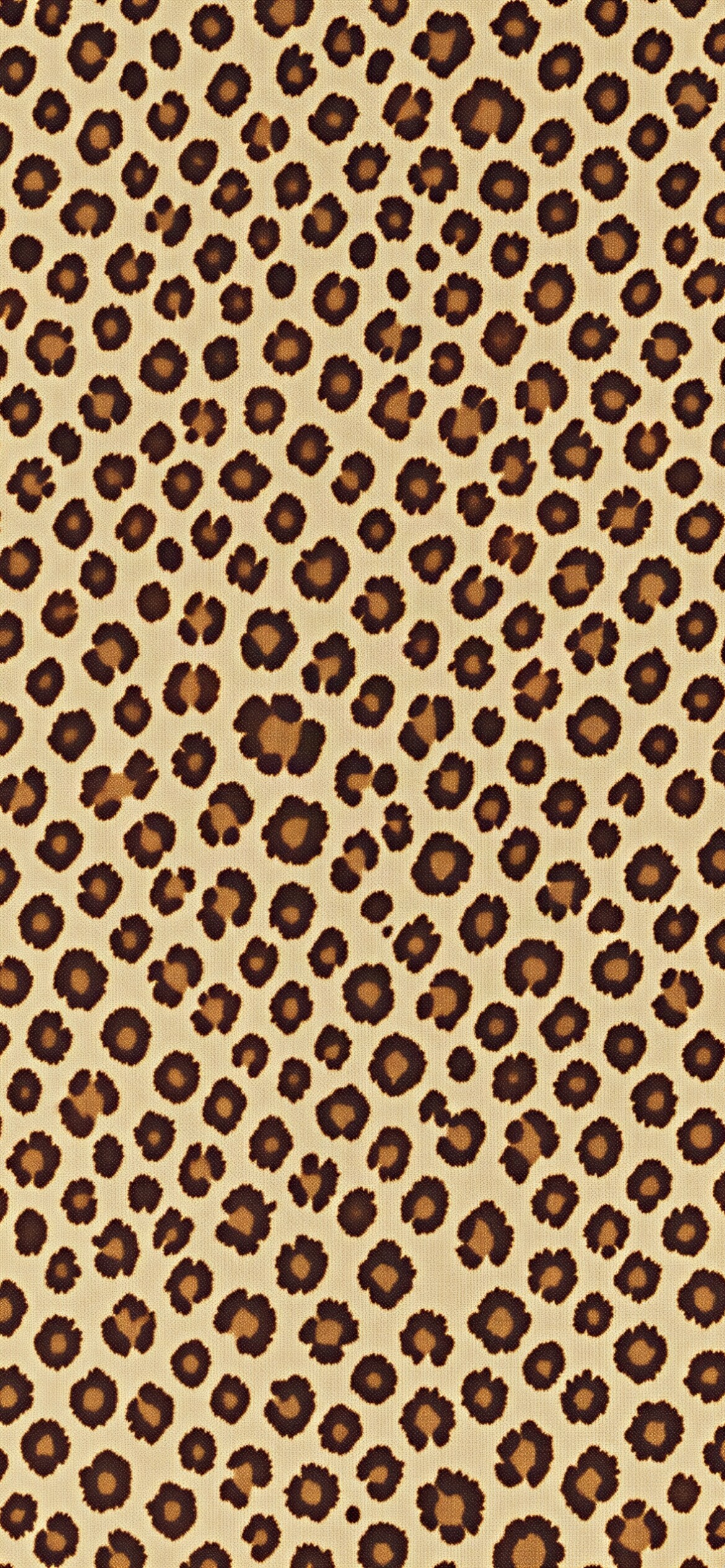
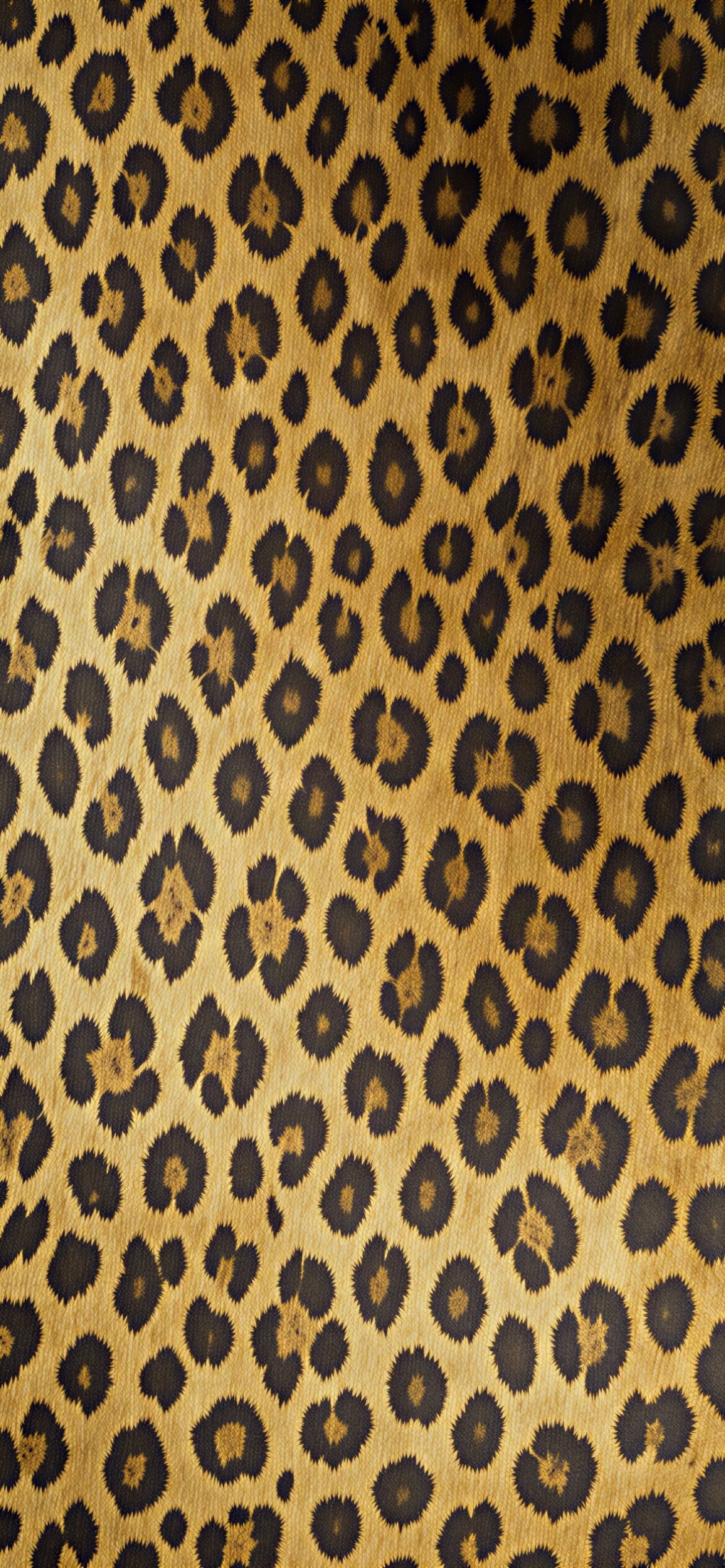
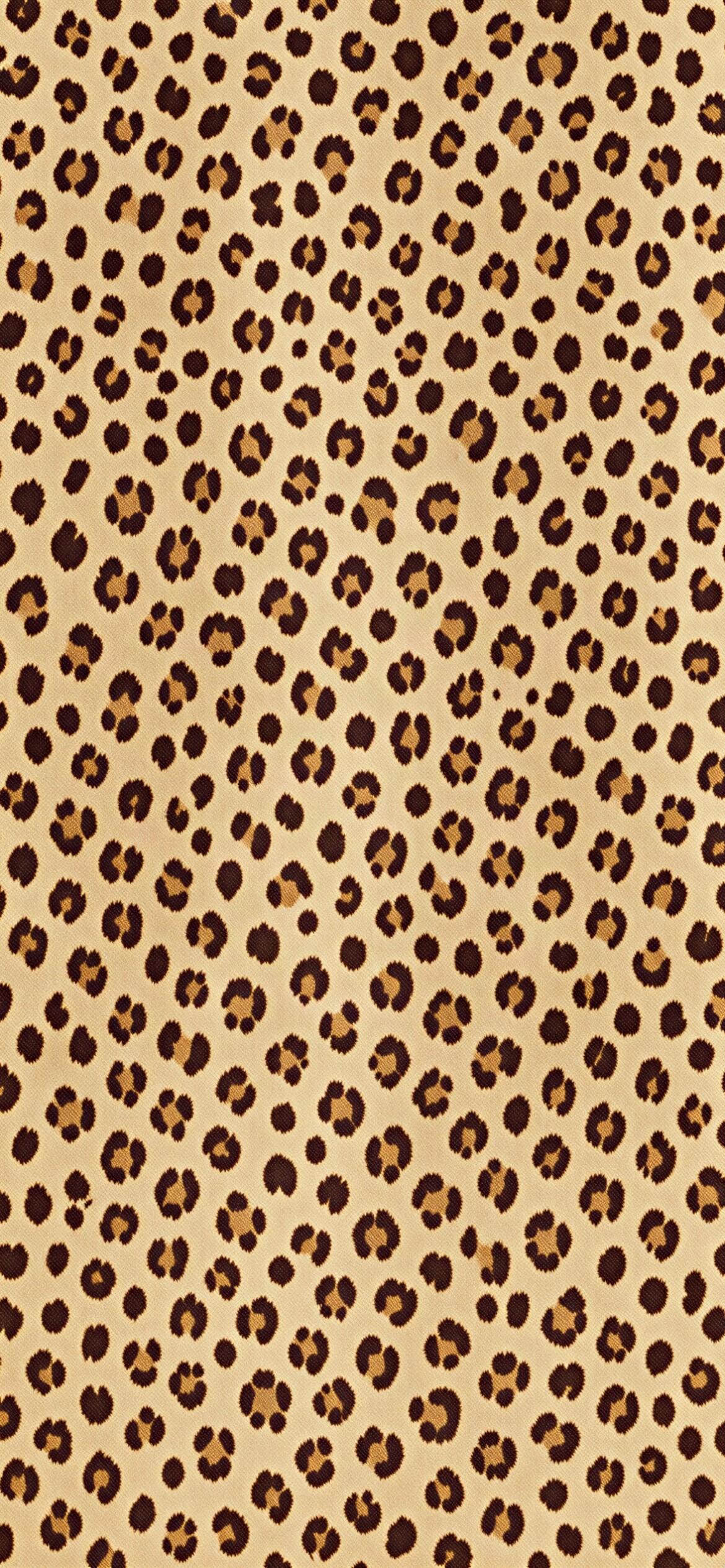
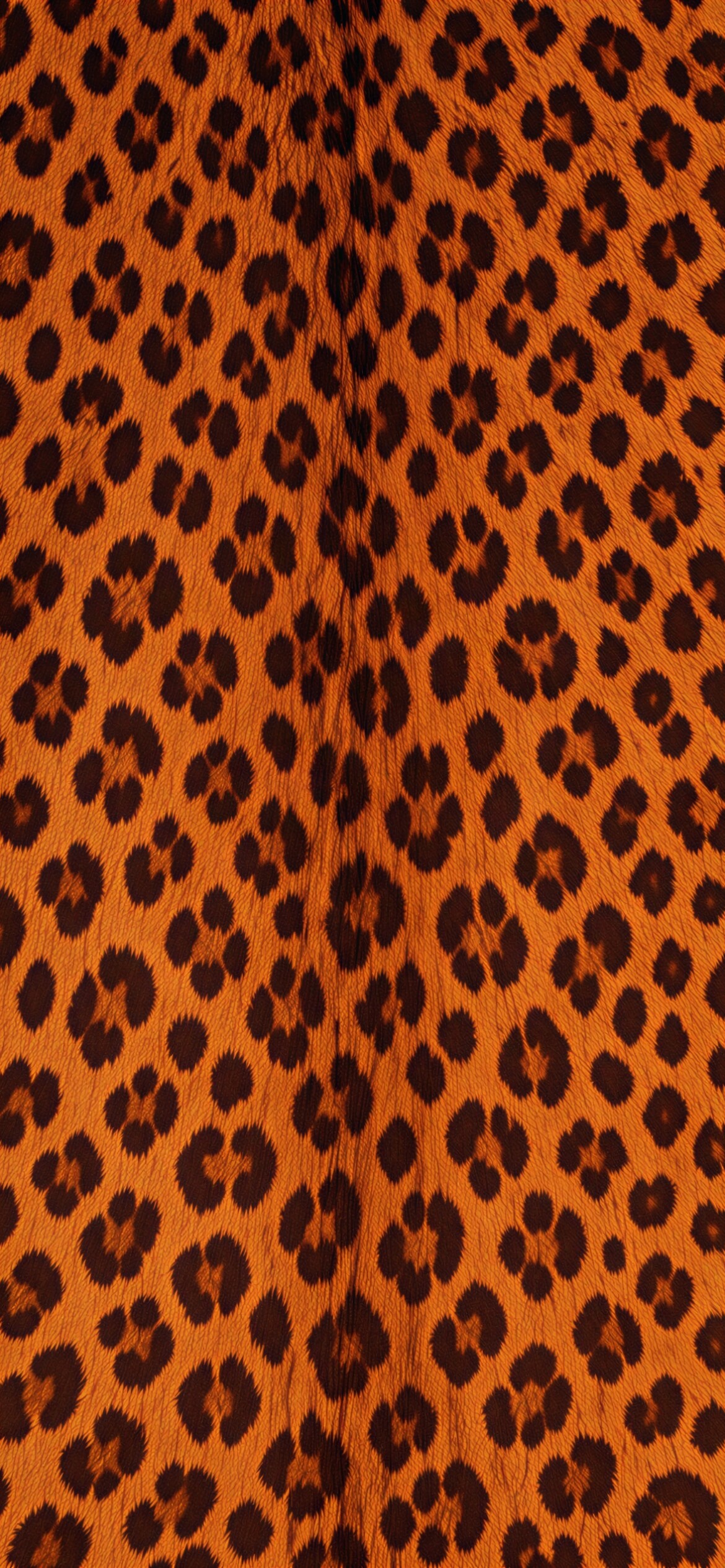
The other five are patterns on their own, with no material underneath. Wallpaper 5 has a hand-painted look in caramel and deep brown, 4 is bold gold and charcoal, and 8 pushes the spots toward burnt orange. Number 6 is the quietest, with small, precise spots in tan and chocolate, while 10 has a polished cream and espresso finish with spots cut into geometric shapes.
Solid spots, tear lines and a speckled name
The word cheetah comes from Hindi cītā, which goes back to a Sanskrit word meaning speckled or variegated. It suits the animal well. A cheetah's coat is covered in solid black spots, round or oval, scattered over a tawny ground. That is the easiest way to tell it from a leopard print, which is built from open rosettes.
Two other details are worth knowing. Every cheetah has a dark tear line running from the inner corner of each eye down to the mouth, and its claws only partly retract, which helps it grip the ground while sprinting. A rare form called the king cheetah has spots that merge into blotches and stripes along the back, caused by a recessive gene. The prints in this set stick to the classic spotted look, from the natural fur of 1 to the stylised shapes of 10.
Light caramel or deep espresso?
- Soft and pale: 2, 6, 9 and 10 have cream or light tan grounds, which suit a dark clock colour on the lock screen and light mode elsewhere.
- Warm gold: 1, 5, 7 and 8 sit in the honey to burnt orange range and go well with the gold or copper accents mentioned above.
- Dark and high contrast: 3 and 4 have the deepest browns and charcoal, so they hold up better than the others if you keep dark mode on.
If you like the spotted look, the leopard print wallpapers make a good side-by-side comparison, the safari set shows the big cats out on the grass, and the brown aesthetic collection picks up the same chocolate and caramel tones without the spots.
How to set it on your iPhone
- Tap Download and save the image to Photos.
- Open Settings, tap Wallpaper, then Add New Wallpaper, and choose Photos.
- Pick the wallpaper, pinch to position it, then tap Add and choose the lock screen, home screen or both.
Stuck on a step? The iPhone and iPad guide has screenshots for each one.
Questions
Do these wallpapers fit my iPhone screen?
Yes. This set is designed at 1170x2532 pixels, the standard size for iPhones. The tall vertical composition keeps the top quarter simple so your time, signal and battery display clearly on the lock screen. The wallpaper automatically fits and crops to your device.
Can I use these wallpapers commercially or share them elsewhere?
No. These wallpapers are free for personal use on your own devices only. You cannot sell them, print them for sale, or repost them on other wallpaper sites or social media. See our Terms page for the full license details.
Which cheetah print designs work best for lock screens versus home screens?
Lock screen wallpapers with smaller, less dense spots keep your time and notifications readable. Home screen designs can use bolder, more dramatic prints since app icons break up the pattern. Mix and match based on your preference and how your icons sit on the background.
Do cheetah print wallpapers work with dark mode or light mode?
This set works best in light mode since the designs feature warm tan and brown tones on cream or light backgrounds. In dark mode, the wallpaper may appear faded behind your interface. Use these on the home screen where you can see them clearly, or pair with light mode focus filters on your lock screen.