Safari Wallpaper iPhone
Safari wallpaper for iPhone shows African wildlife in their natural habitat, ready to download free for your device. Each design captures the golden grasslands, acacia trees and warm light of the savanna. The set includes close-up animal portraits and wide landscape scenes, all shot in real natural light. These safari iPhone wallpapers work well on lock screens and home screens year-round.
10 wallpapers at 1170 × 2532 px for iPhone. Checked by hand on 5 Oct 2026.
About this set
These safari wallpapers capture the authentic look of African wildlife in natural daylight, with warm golden tones and soft focus backgrounds that won’t compete with your iPhone icons. The close-up animal portraits work best on lock screens, where the centered subjects and simple skies keep the composition clean. Landscape scenes with wider views suit home screens, giving depth behind app icons.
The color palette of warm golds, soft tans and pale skies pairs well with neutral app icons and dark text. Use these wallpapers year-round; the natural lighting and timeless savanna scenery stay relevant across seasons.
Four of the Big Five, and a word borrowed from Swahili
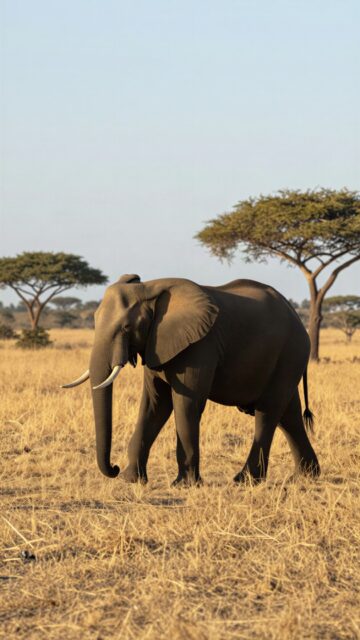
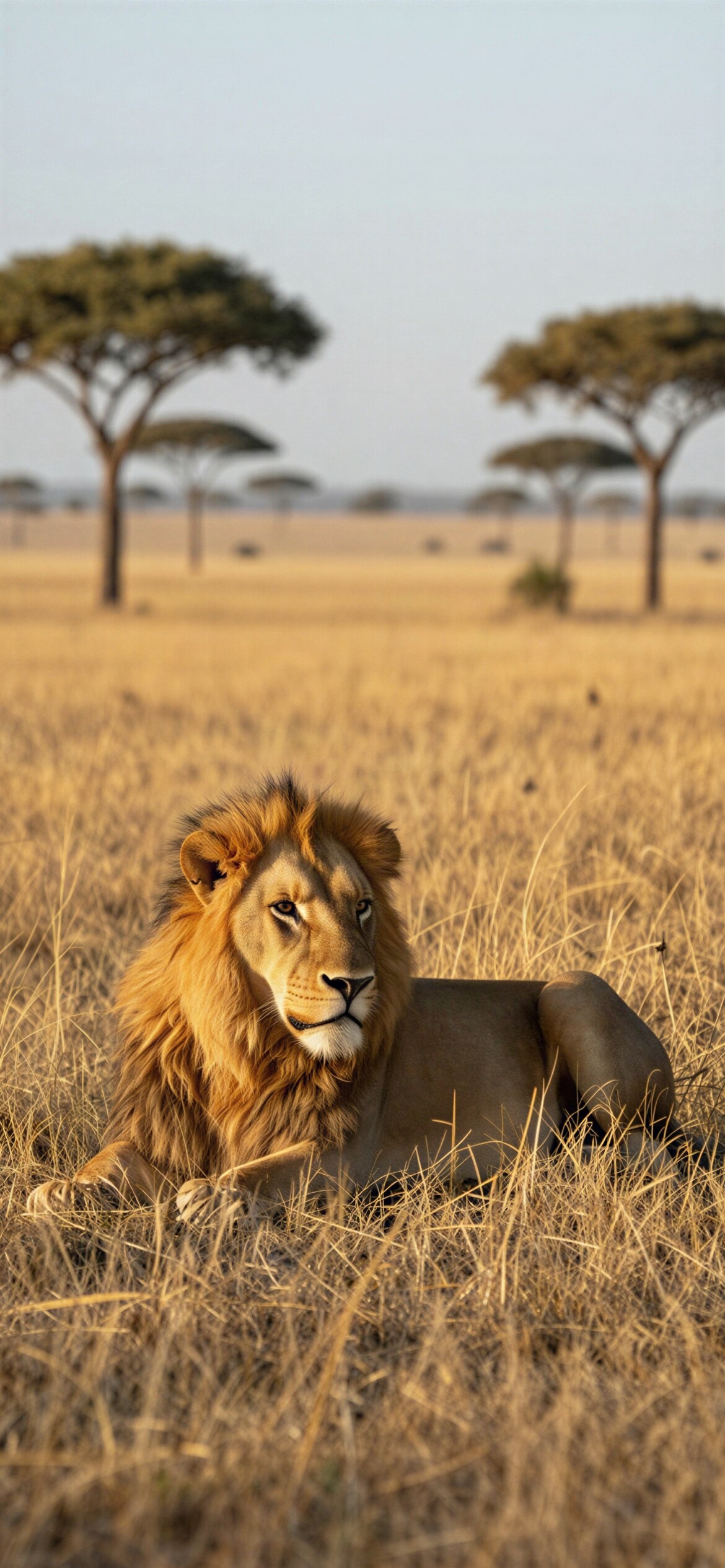
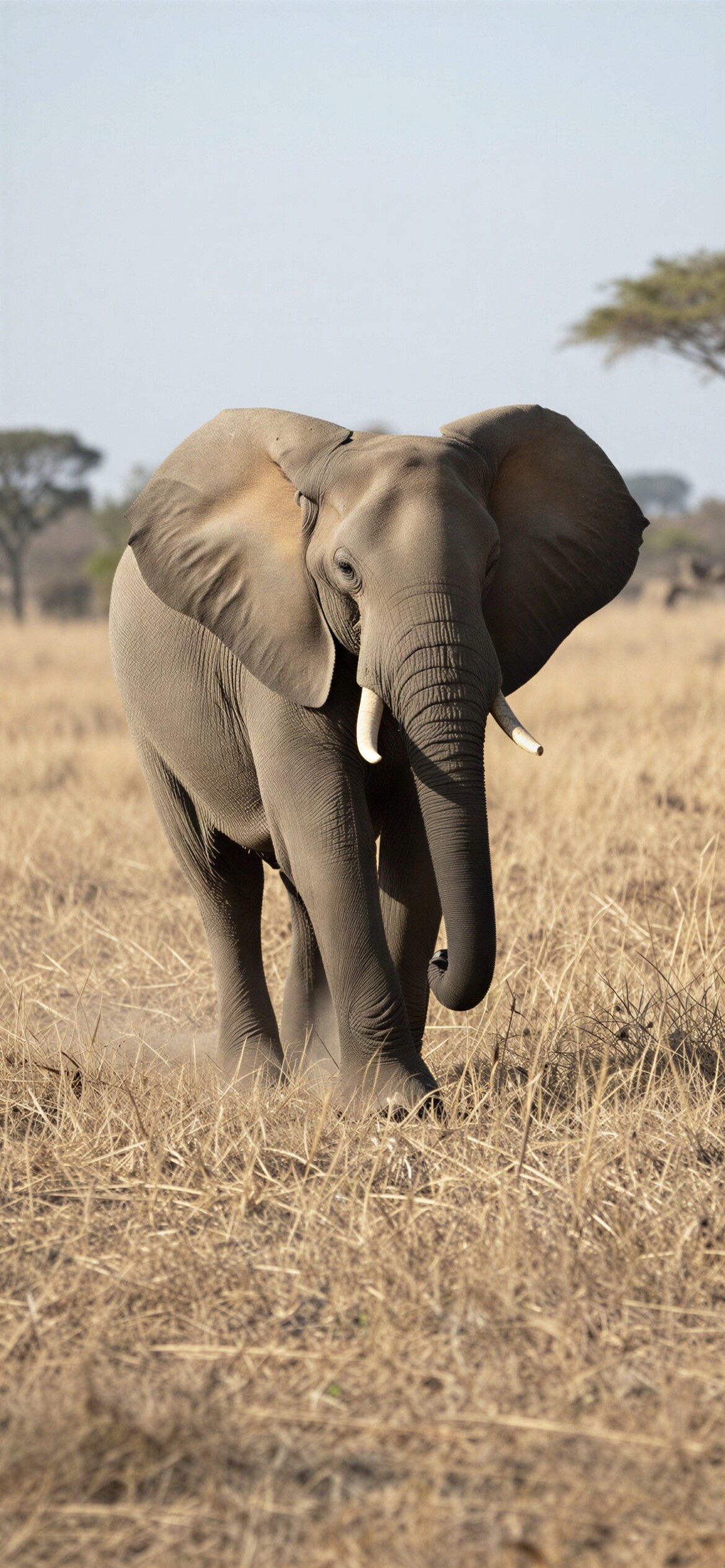
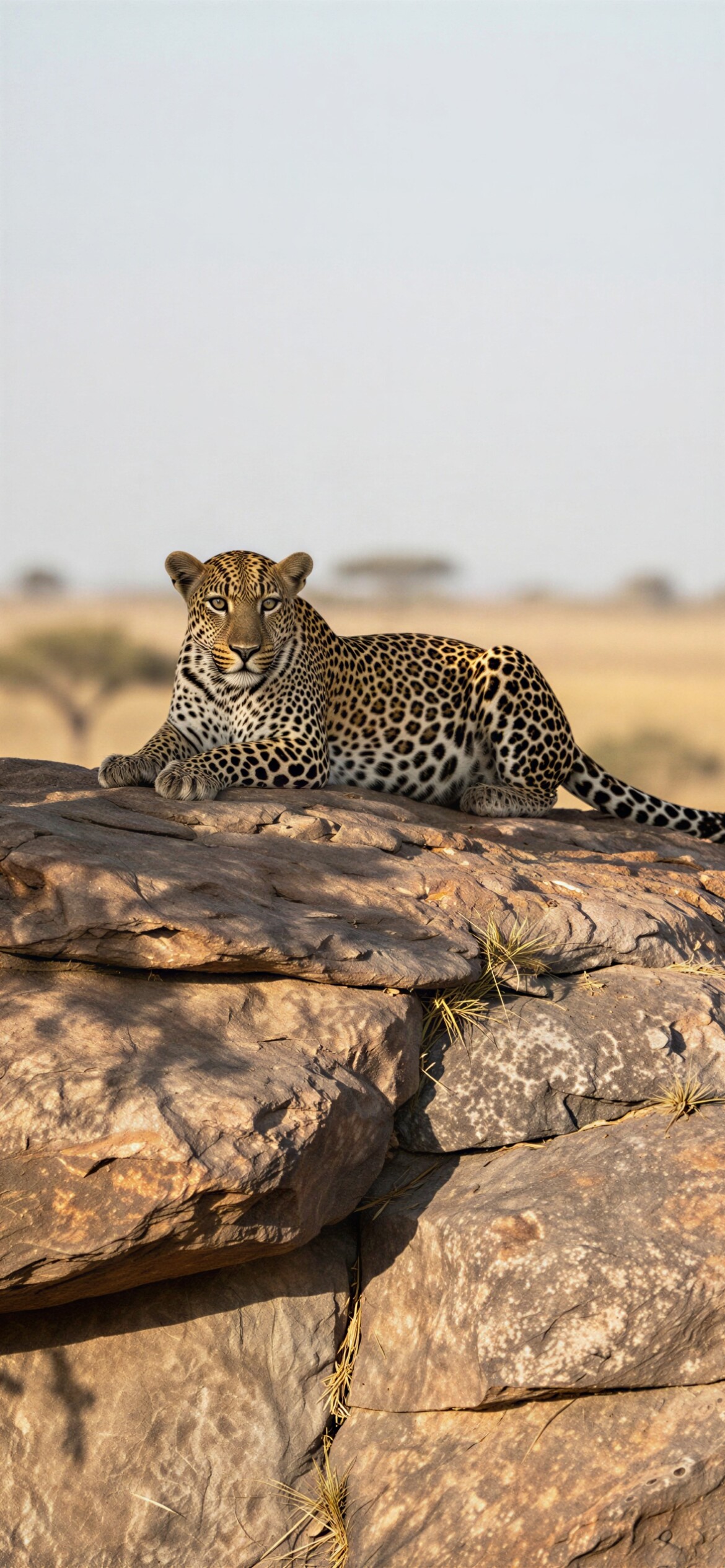
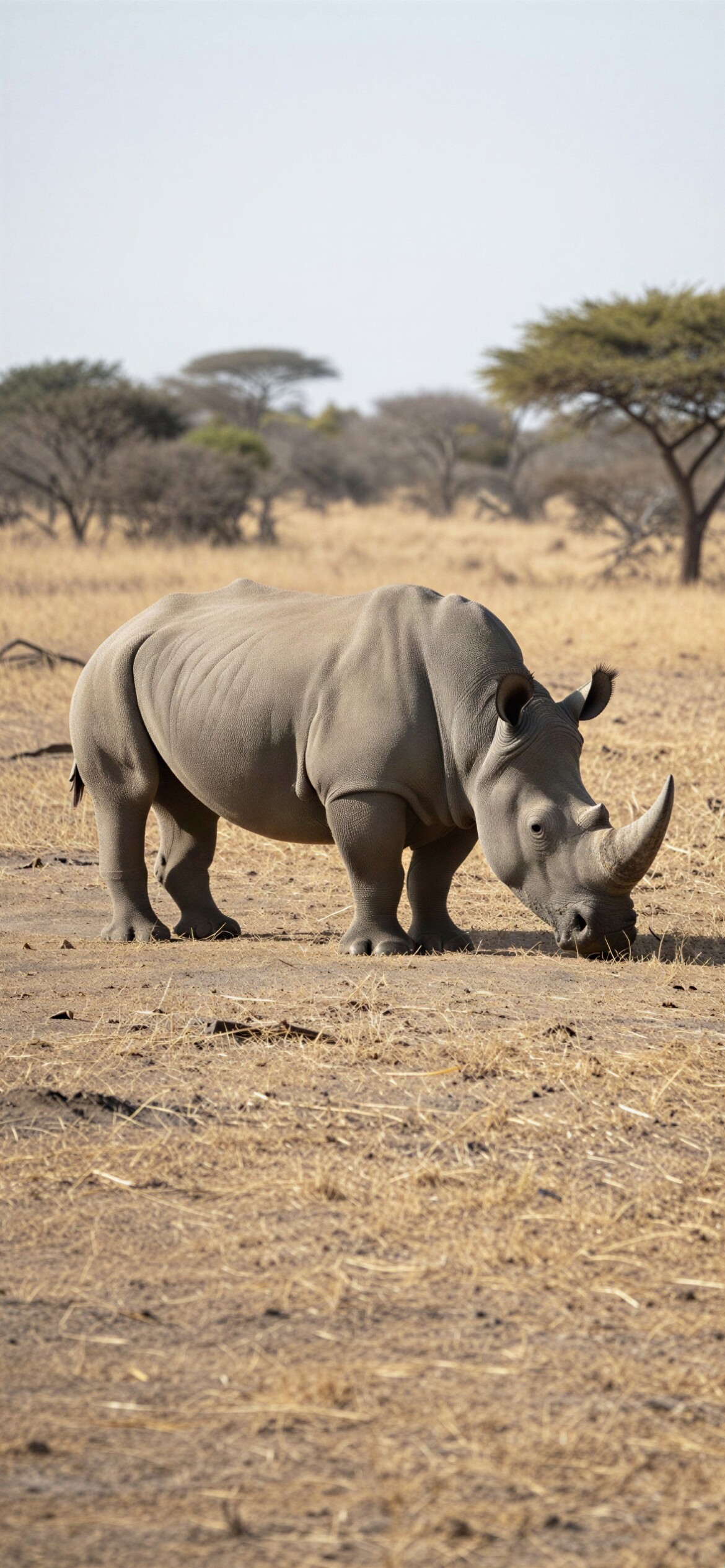
Safari is the Swahili word for a journey, and it came into Swahili from Arabic. English picked it up in the nineteenth century, when it meant a long overland expedition rather than a few days in a game drive vehicle. The phrase "Big Five" has a similar history: hunters used it for the lion, leopard, rhino, elephant and Cape buffalo because they were the hardest and most dangerous animals to hunt on foot. Today it is simply a checklist for people with cameras. Four of the five are here: the lion in #1, the elephant in #2, the leopard in #5 and the rhino in #7. Only the buffalo is missing.
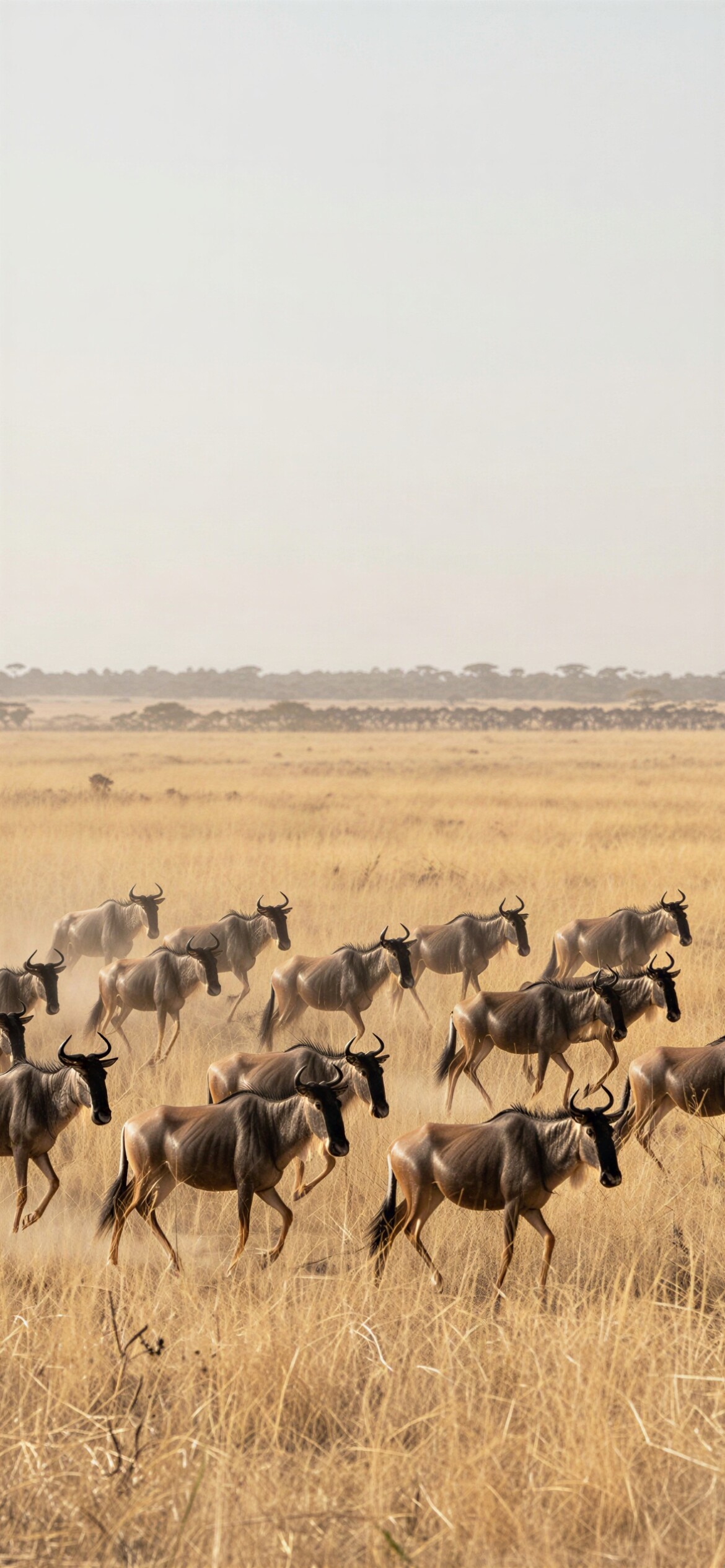
The wildebeest in #6 belong to one of the largest animal movements on Earth. Every year well over a million of them circle between Tanzania's Serengeti and Kenya's Maasai Mara, following the rain and fresh grass, with zebras like the herd in #4 often travelling alongside them.
Ten animals and where each one is waiting
- Lion: resting in golden grass in the afternoon. A calm face for a lock screen.
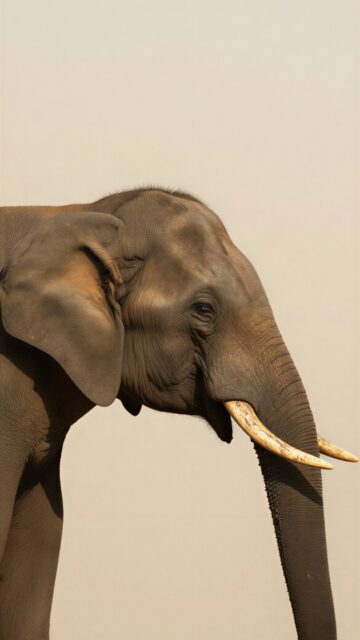
- Elephant: walking through dry grassland past acacia trees, with plenty of open ground around it.
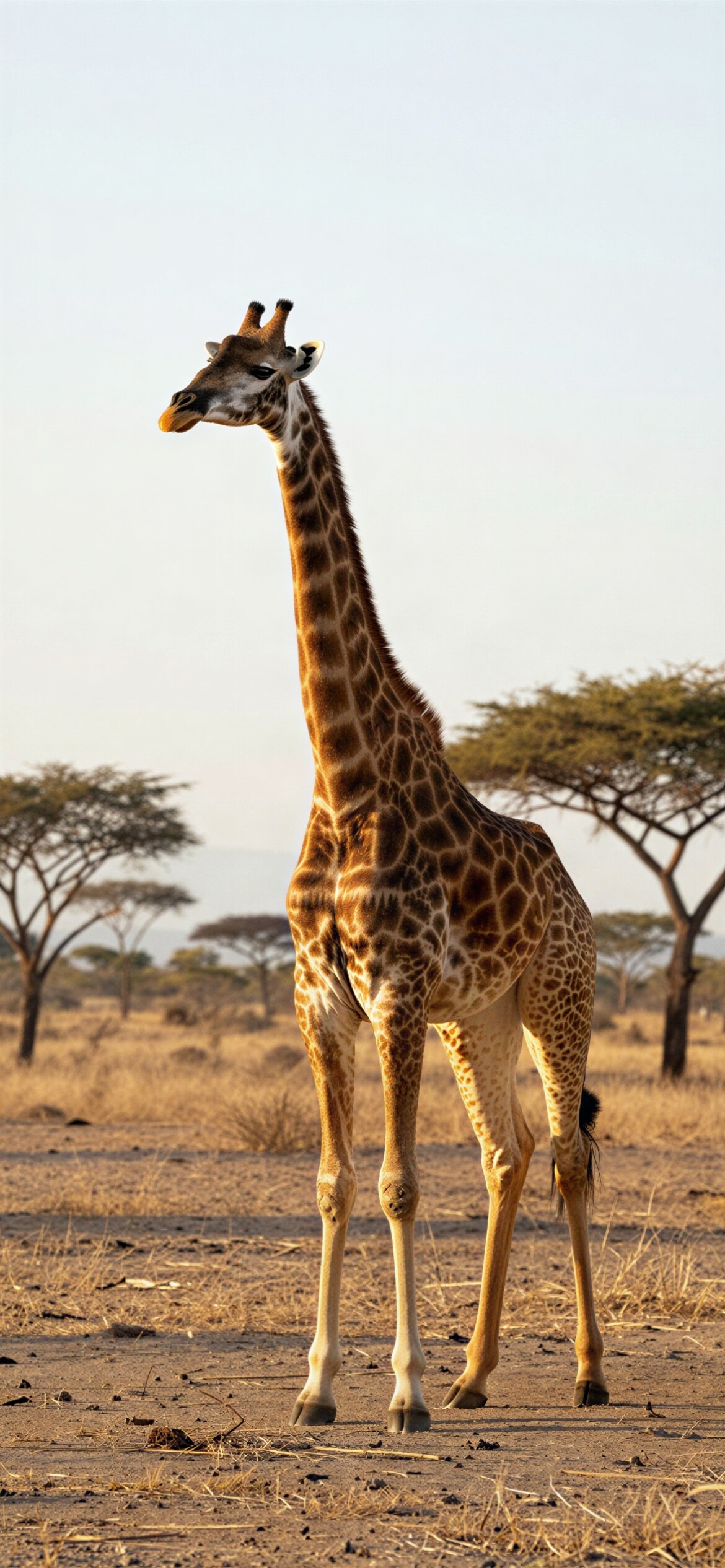
- Giraffe: standing among sparse trees. Its height suits the tall phone screen better than almost any other animal here.
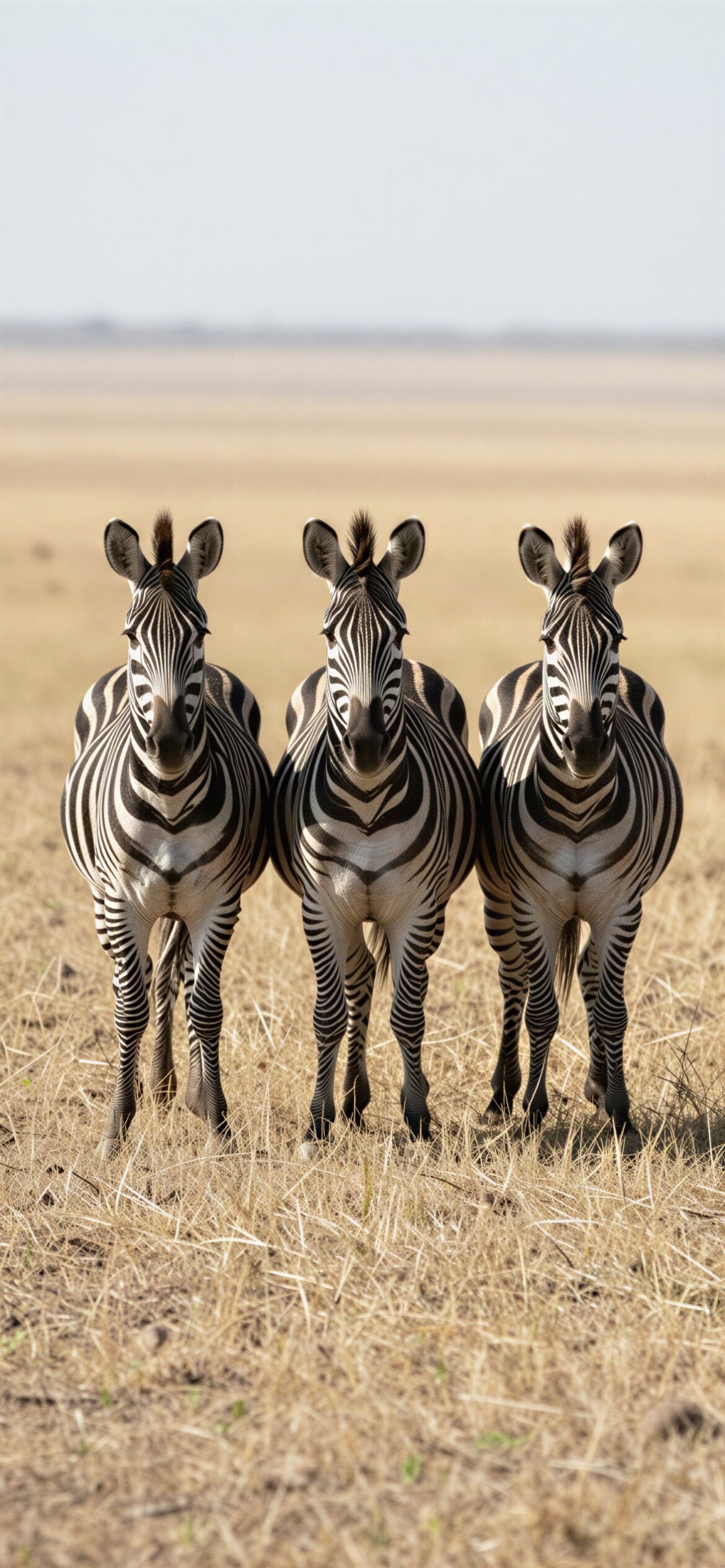
- Zebras: a herd moving across golden grass with dust in the air. Each zebra's stripe pattern is unique, a little like a fingerprint.
- Leopard: lying on a rocky outcrop. Leopards often rest up high, on rocks or branches, where they can watch the ground below.
- Wildebeest: a herd in motion over warm grassland, the busiest picture in the set.
- Rhino: standing alert on dry ground, a heavier and more serious mood than the others.
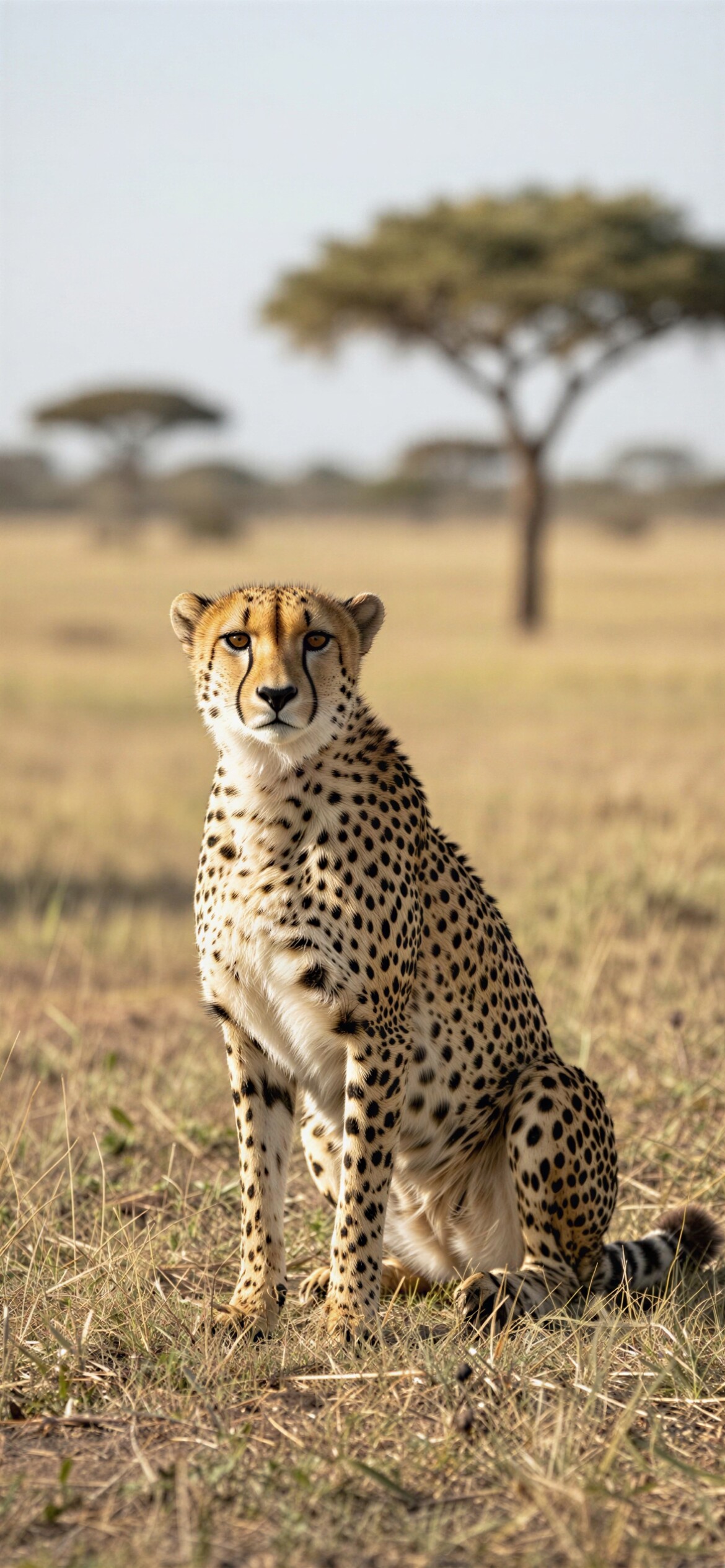
- Cheetah: sitting on grass with its spotted coat in clear view. Cheetahs have solid round spots, unlike the leopard's rosettes in #5, which makes the two fun to compare.
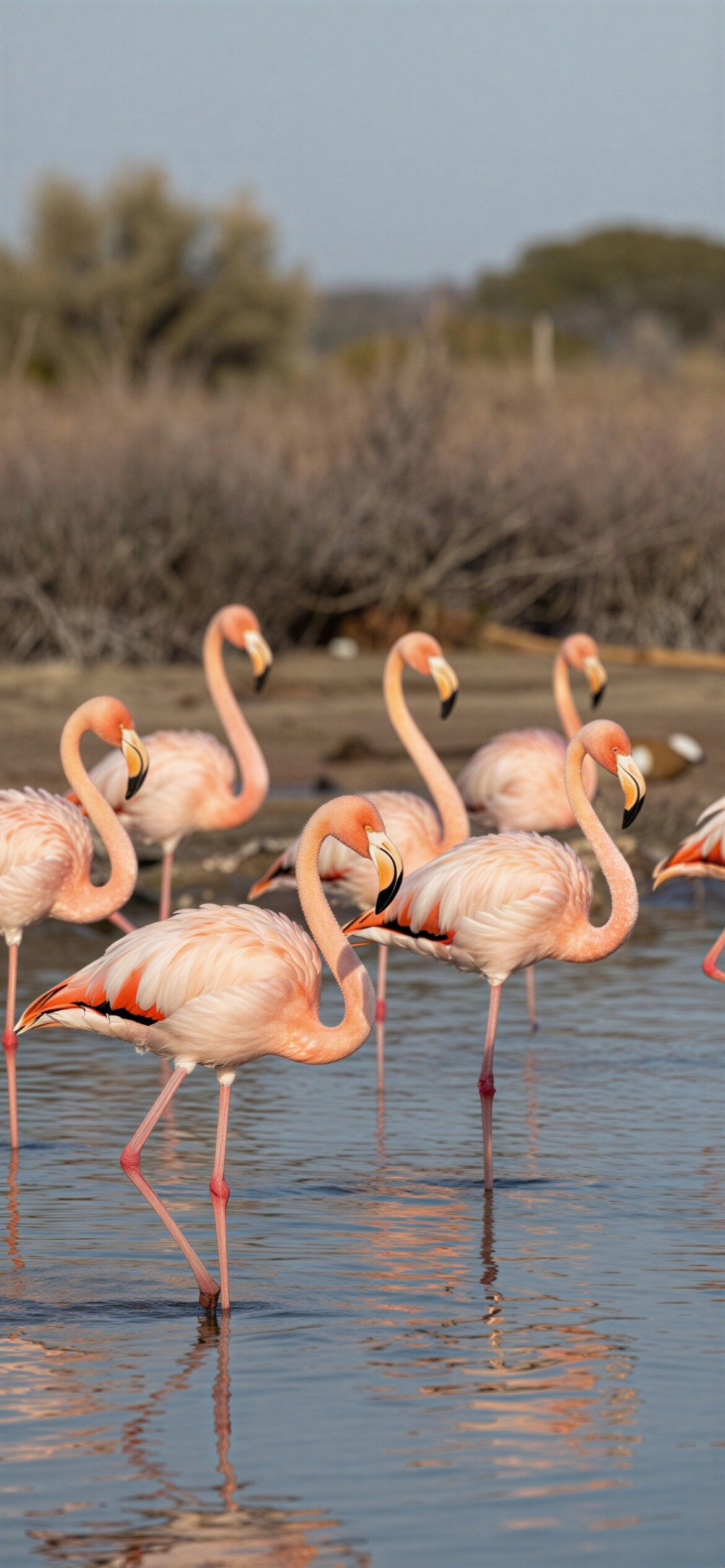
- Flamingos: wading in shallow water with golden light on the surface. Their pink comes from pigments in the algae and tiny shrimp they eat.
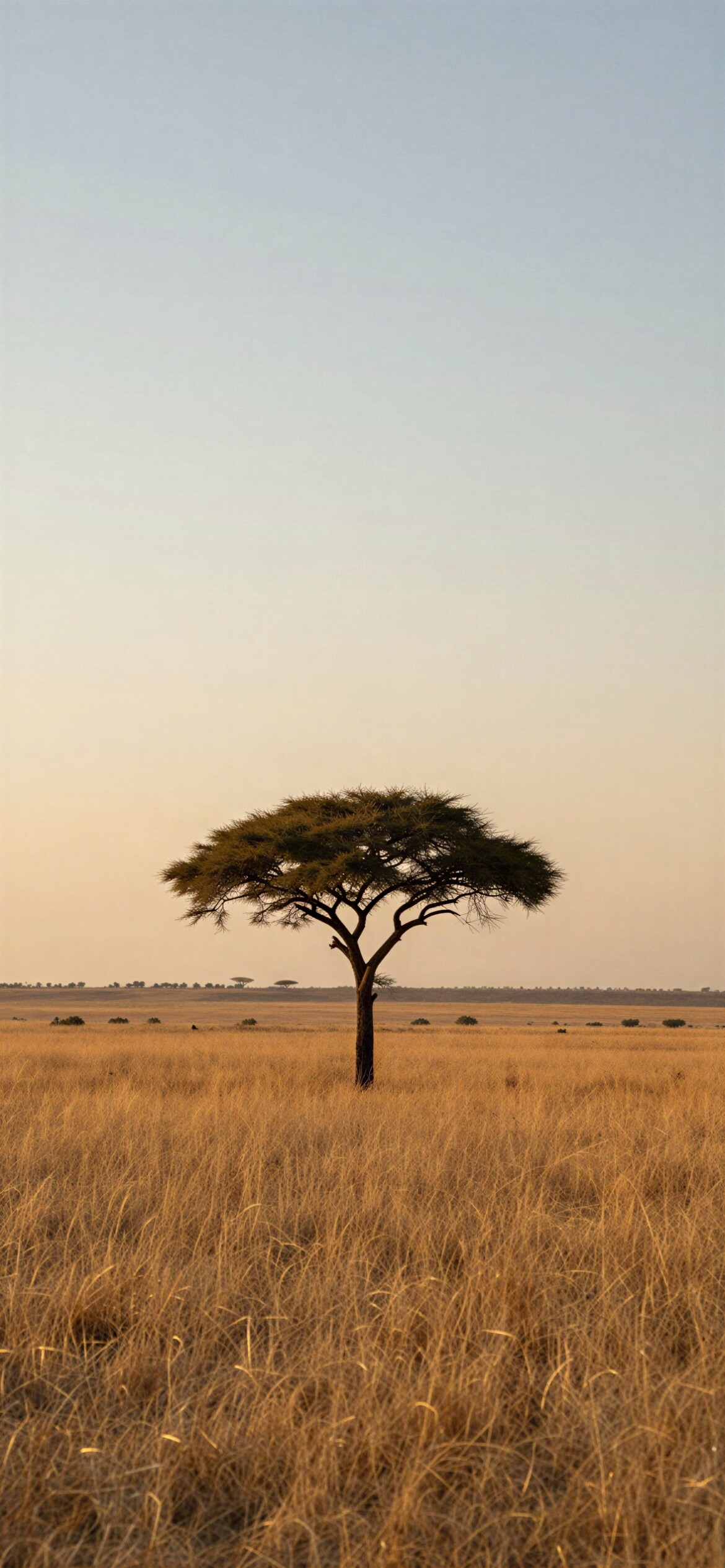
- Acacia tree: a lone silhouette against a warm sky with no animal at all. The quietest choice for a home screen.
Gold grass, bare rock or pink water?
If you like the warm savanna glow, #1, #2, #4 and #6 are the most golden, with grass filling much of the frame. The giraffe, leopard, rhino and cheetah in #3, #5, #7 and #8 sit on drier, more neutral ground in tans and browns, so they look a little cooler and calmer. Two pictures break from the rest: #9 trades grass for water and soft pink, and #10 is almost all sky, a good pick if you want a simple gradient behind your icons.
For more wild animals, see the lion wallpapers and the elephant set, or try the cheetah print wallpapers if you like spotted coats more as a pattern.
How to set it on your iPhone
- Tap Download and save the image to Photos.
- Open Settings, tap Wallpaper, then Add New Wallpaper, and choose Photos.
- Pick the wallpaper, pinch to position it, then tap Add and choose the lock screen, home screen or both.
Stuck on a step? The iPhone and iPad guide has screenshots for each one.
Questions
What size are these safari wallpapers for iPhone?
All wallpapers in this set are 1170 by 2532 pixels, optimized for iPhone screens in vertical orientation. This size is made for modern iPhones; some older models may crop slightly at the edges when you set them as your lock screen or home screen background.
Can I use these safari wallpapers commercially or share them elsewhere?
These wallpapers are free for personal use on your own devices only. You cannot sell them, print them for sale, or repost them on other websites or social media. For the full terms, visit our Terms page.
Which safari wallpapers work better for lock screens versus home screens?
Close-up animal portraits with simple skies work best on lock screens because the centered subject stays visible and readable. Wide landscape scenes with distant horizons suit home screens better, since you can position app icons over the grassland without covering animal faces or important details.
Do these safari wallpapers match both light and dark mode?
Yes. The warm golden and tan tones work well with both modes. On dark mode, the lighter sky areas still provide contrast. On light mode, the natural grassland colors blend smoothly. The neutral palette adapts to most app icon colors and text styles.