Leopard Print Wallpaper iPhone
Leopard print iPhone wallpaper features classic spotted patterns in warm golds, blacks and creams that work year-round. These free designs bring a bold, natural texture to your lock screen or home screen. Each leopard print wallpaper is original artwork, checked by hand before publishing. The set suits any iPhone model and pairs well with minimal icons or colorful app layouts.
10 wallpapers at 1170 × 2532 px for iPhone. Checked by hand on 2 Oct 2026.
About this set
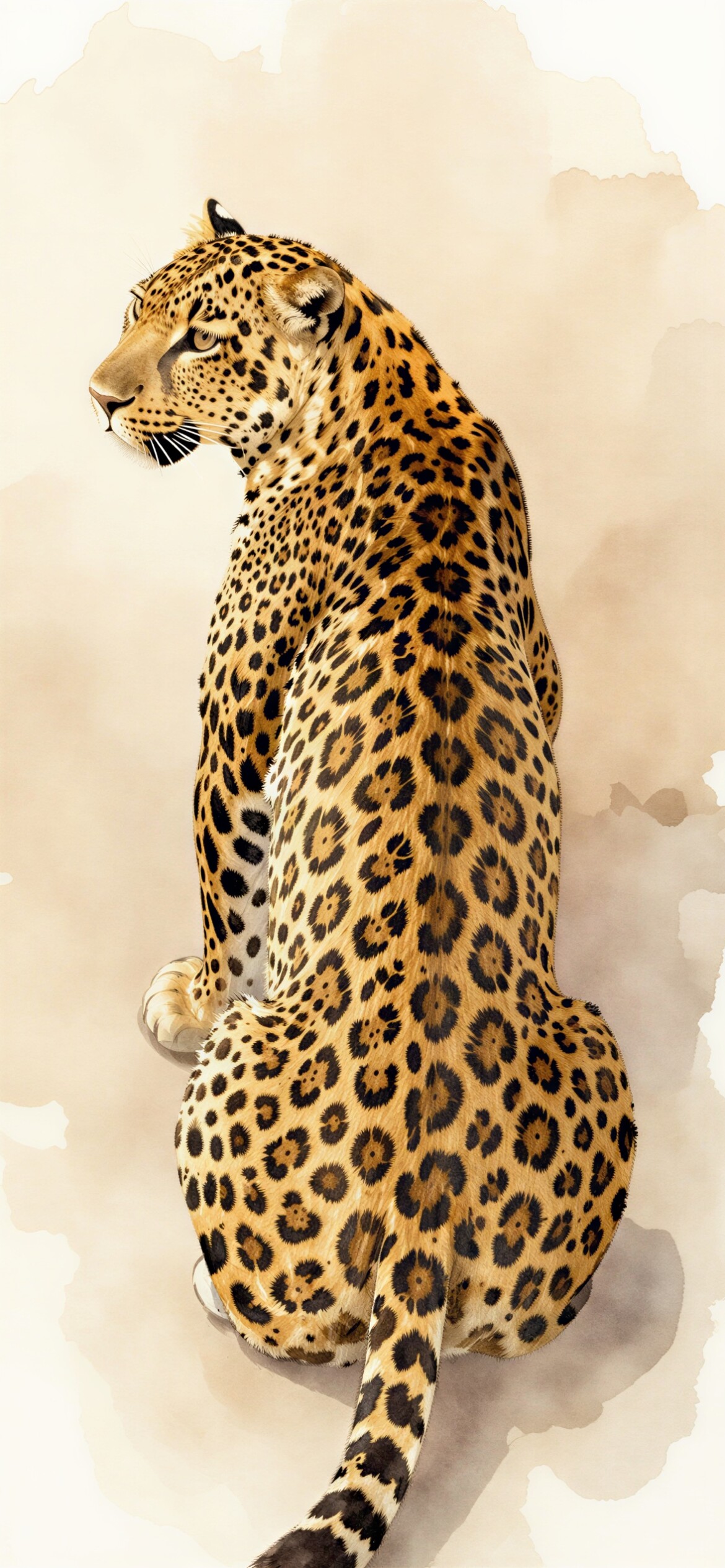
This set showcases leopard print in multiple styles and color palettes, from realistic fur textures to watercolor paintings and geometric designs. The warm golds, blacks, creams and earth tones work well with any iPhone model and stay relevant throughout the year. Each design fills the frame edge to edge, keeping the top quarter open and simple for a clean look behind your app icons.
Use these wallpapers on your lock screen or home screen. The bold spotted patterns work especially well on lock screens where they stand out clearly, and on home screens with minimal icon layouts to avoid visual clutter. Pair them with warm-toned app icons or keep icons monochrome for contrast. The designs work seamlessly in both light and dark mode.
Rosettes, not spots
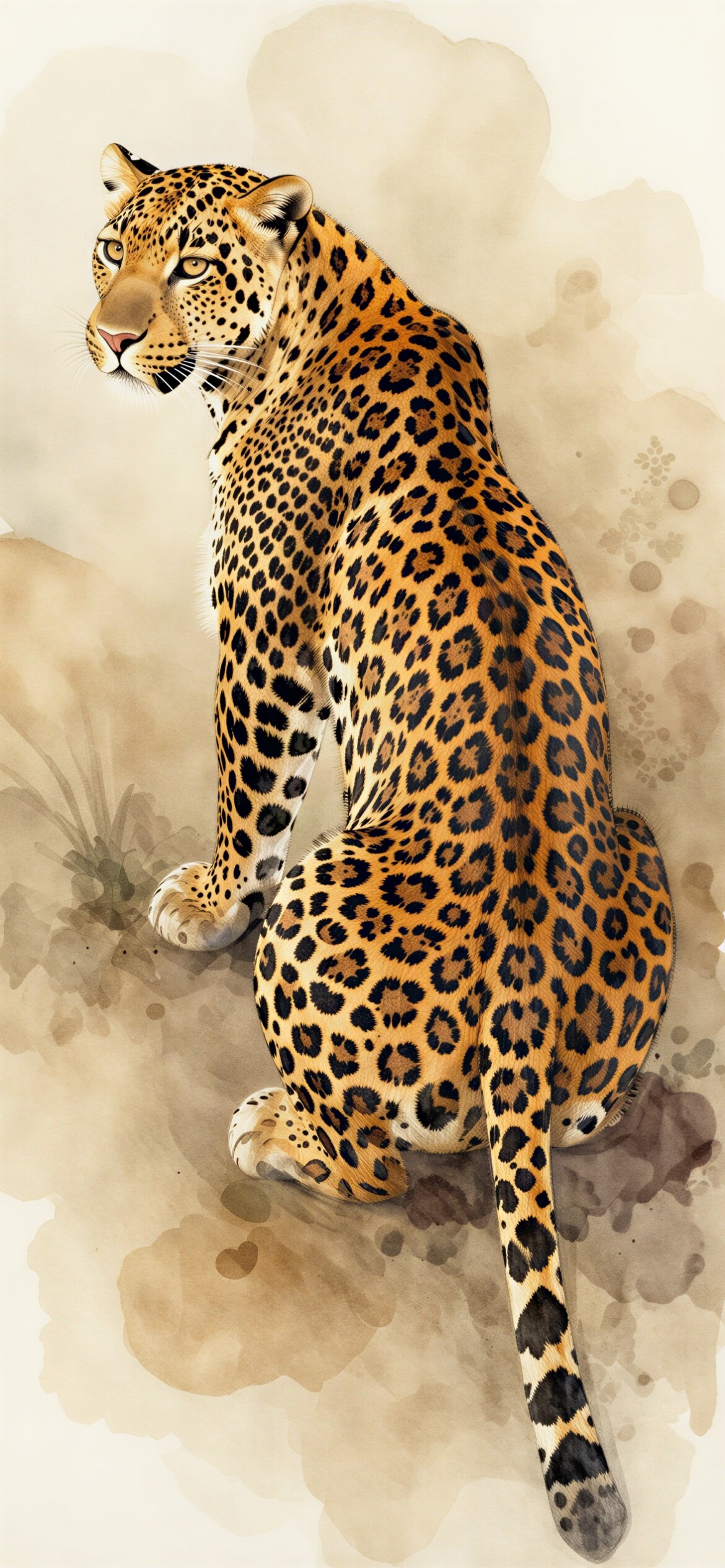
The marks on a real leopard are called rosettes: rough rings or broken circles of black on the golden coat. That is what sets leopard print apart from cheetah print, which uses solid round dots. Jaguars have rosettes too, but theirs are larger and often hold a small spot inside, while a leopard's are smaller and packed closer together. The pattern works as camouflage in dappled shade, breaking up the outline of the cat among leaves and grass. Even black panthers, which in Africa and Asia are leopards with very dark fur, still show faint rosettes in the right light.
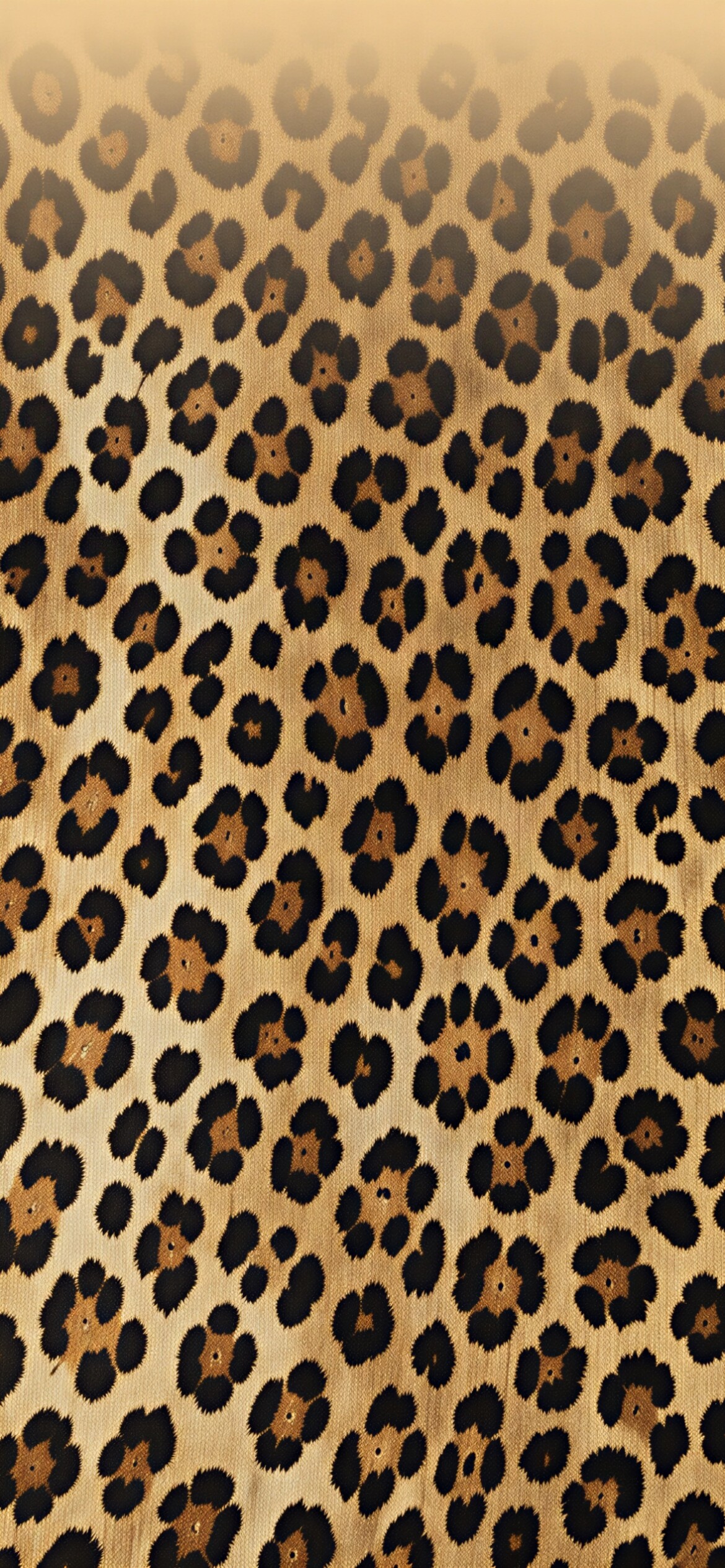
You can see that close-packed rosette shape most clearly in wallpaper 6, where the black rings sit tight against a cognac and cream ground.
Fur, fabric, leather and paint
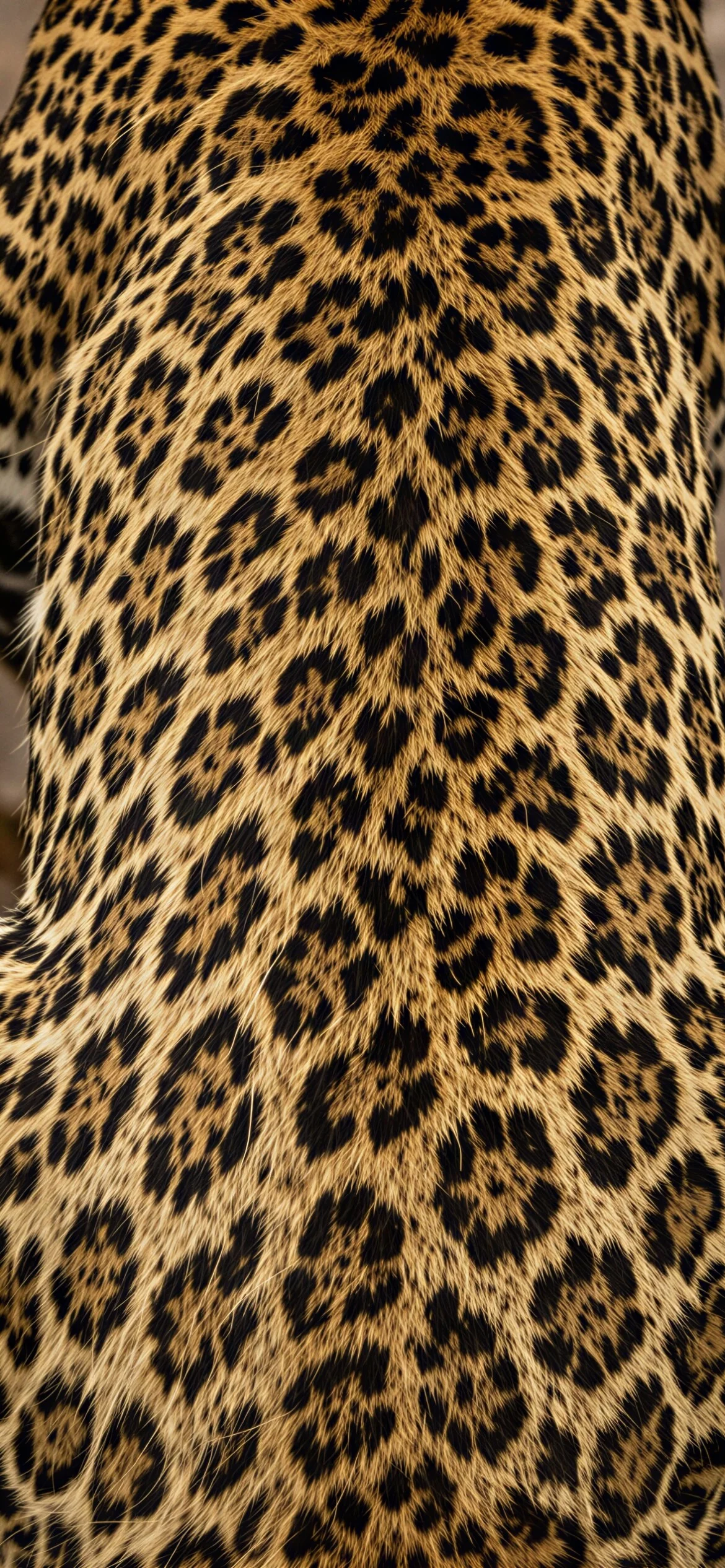
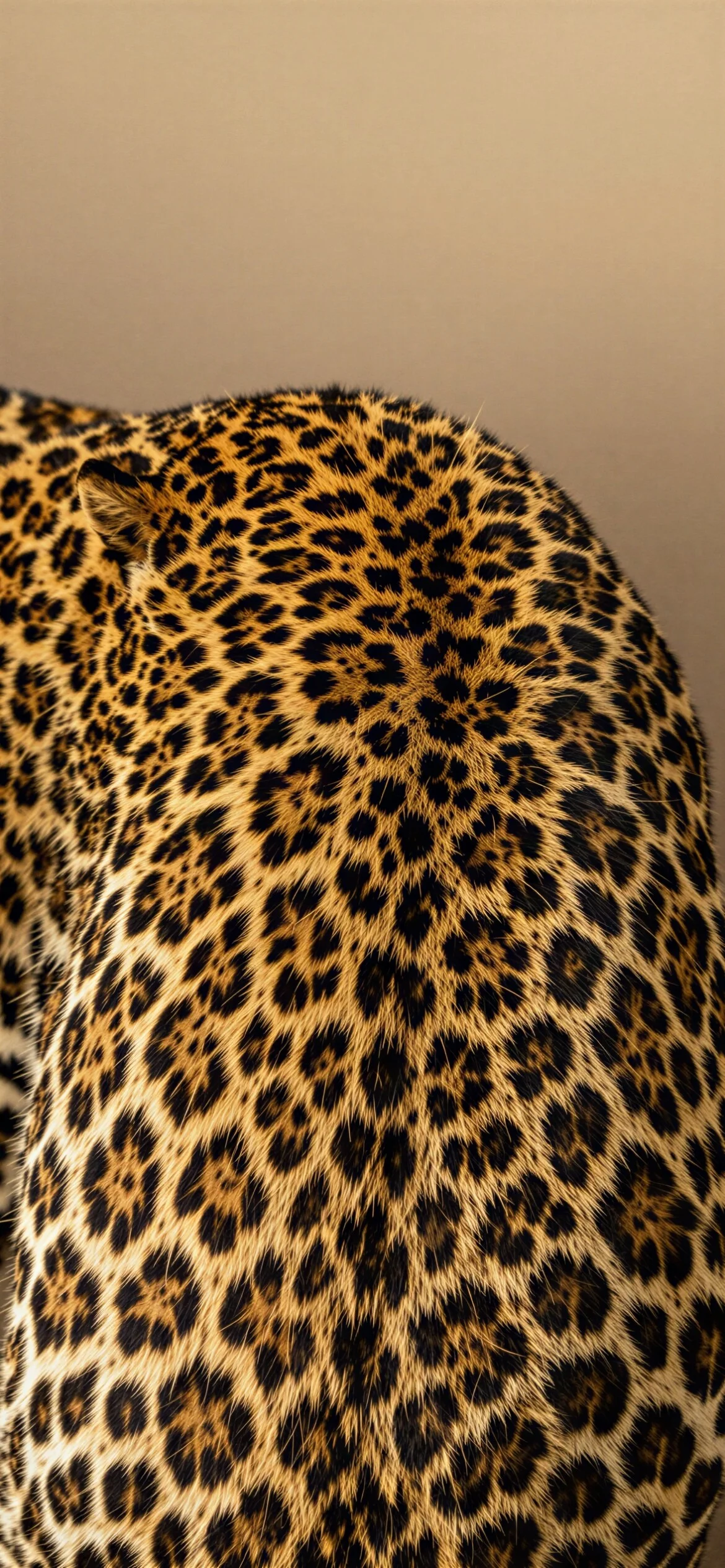
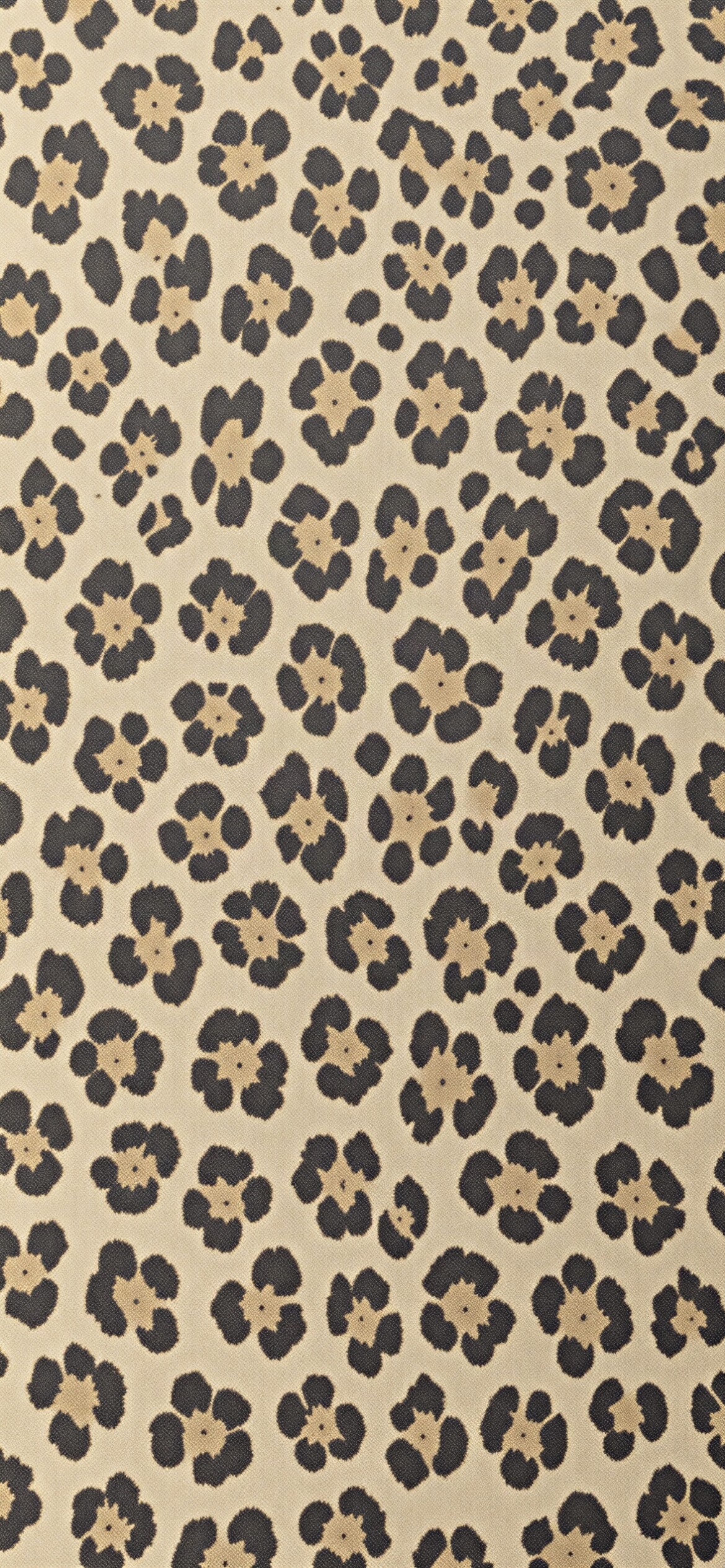
- A close-up of fur in golden tan and black, the most natural-looking design here.
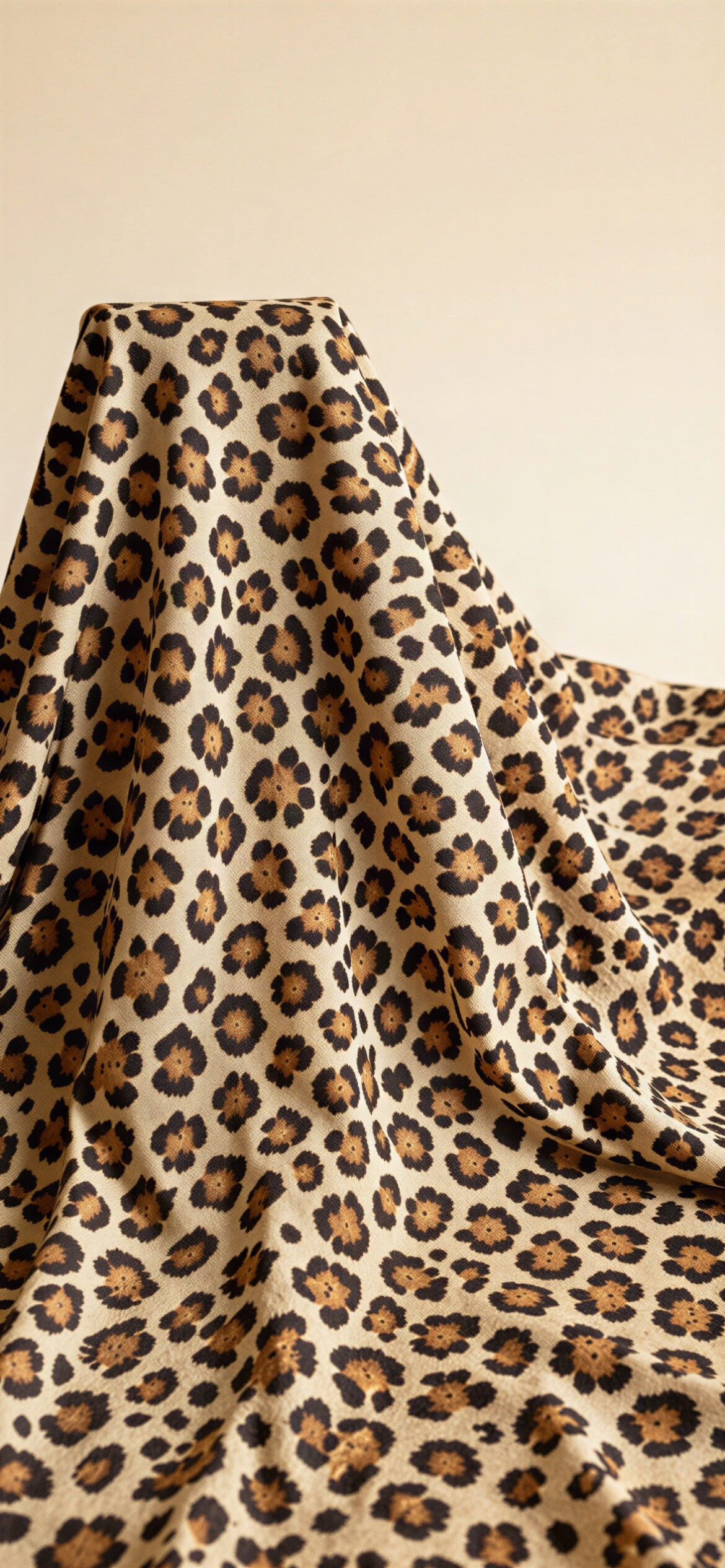
- Cream and caramel print on fabric, lit softly from a window. Light enough for dark icons.
- An abstract take with visible brushwork, black and gold spots loosely painted.
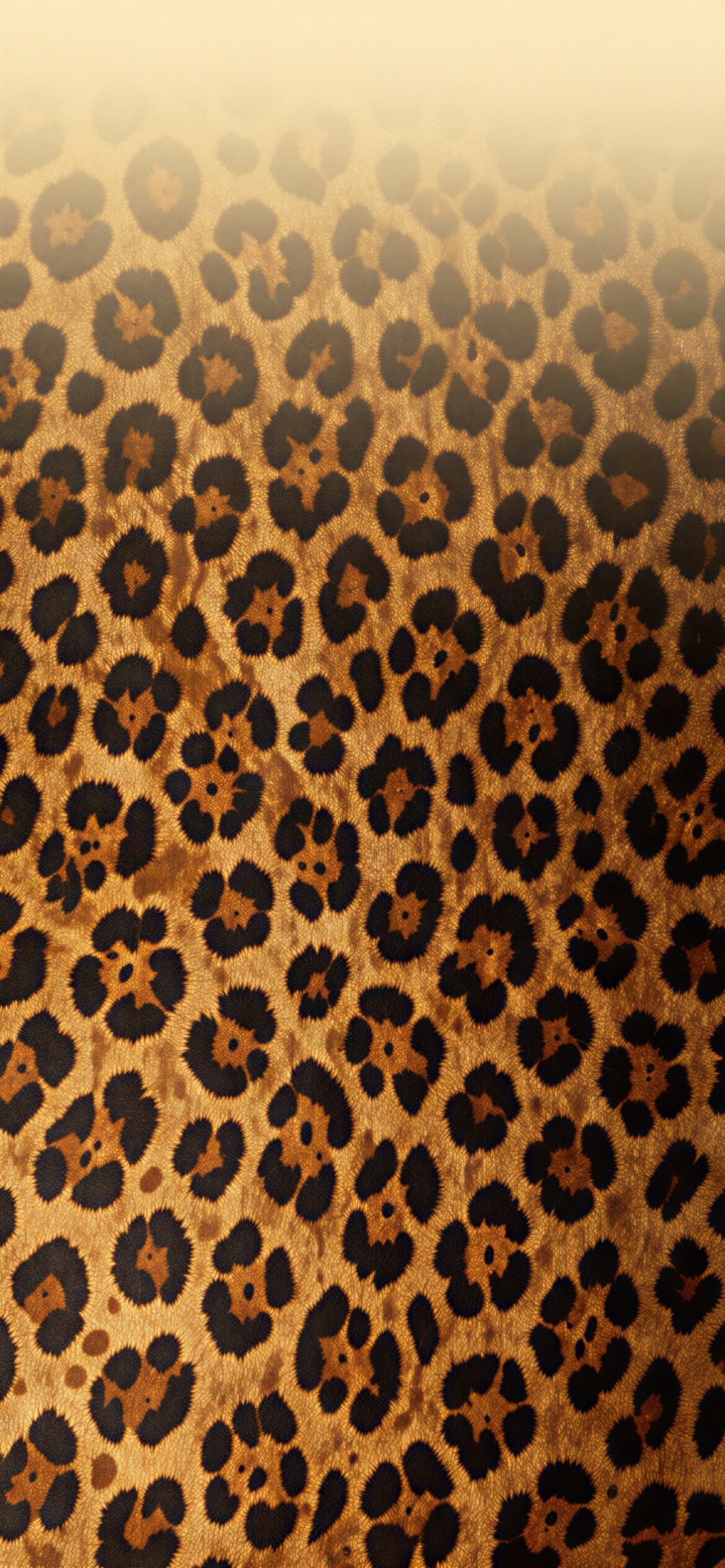
- Print on leather in chocolate and amber, with the gloss of a real surface.
- Watercolour spots in tan and charcoal on a pale background, the airiest of the ten.
- Dense black rosettes on cognac and cream, the boldest classic print.
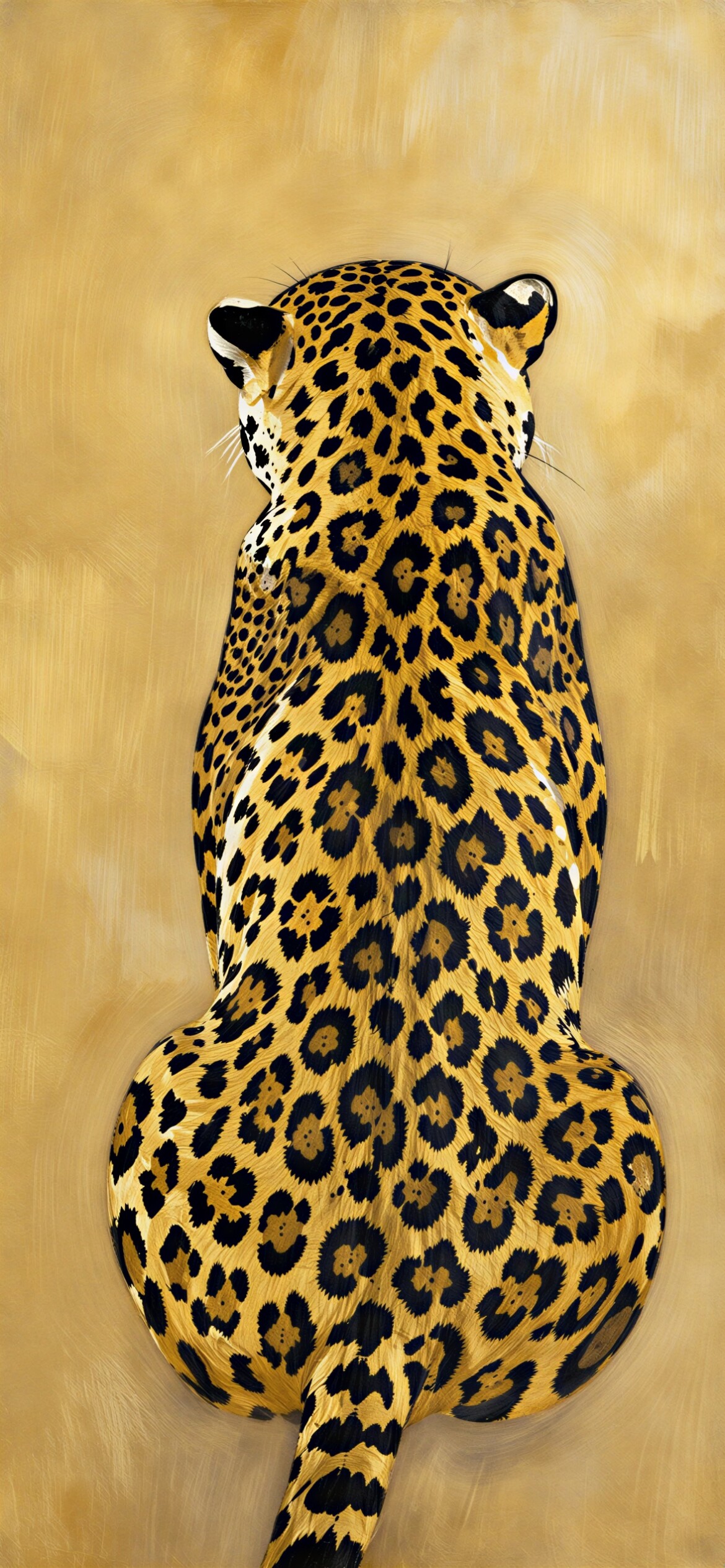
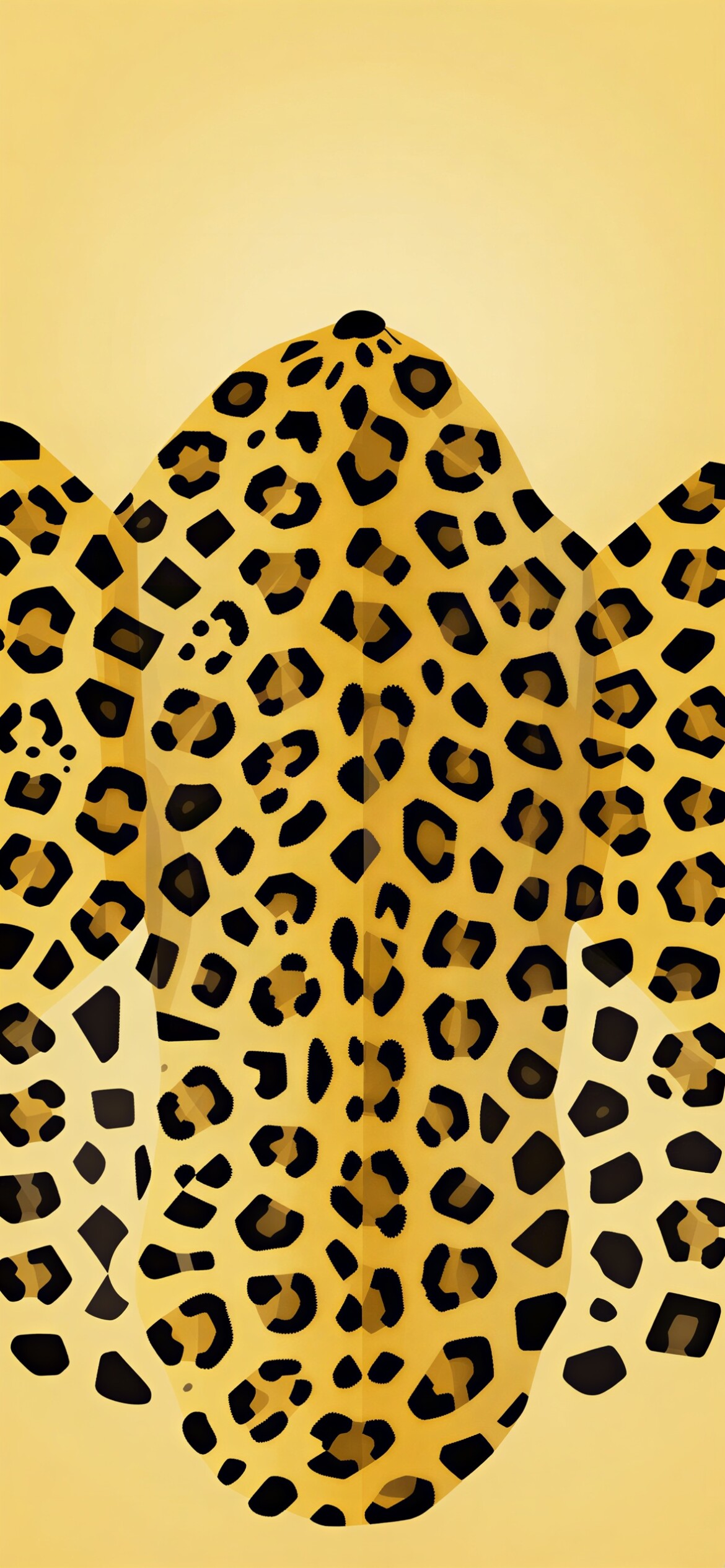
- A geometric vector version in golden yellow and black, clean edges and flat colour.
- Fur again, this time in mahogany and champagne under gentle light.
- Muted beige and grey-brown, for anyone who wants the pattern without much contrast.
- Layered watercolour spots in rust and sand, softer at the edges than number 5.
From quiet to loud
Wallpapers 2, 5 and 9 are the gentlest, with light grounds and soft spots that let icons and widgets stay readable. Numbers 1, 6 and 10 sit in the middle, warm and rich without going dark. Wallpapers 4 and 8 are the deepest in tone, good for a dark mode setup. And for high contrast, 3 and 7 put strong black marks on gold, which looks sharp on a lock screen but can feel busy behind a full grid of apps.
If you like animal patterns, the cheetah print set shows the solid-spot version side by side, the safari wallpapers show the animals themselves, and the brown aesthetic backgrounds pick up the same warm browns without the spots.
How to set it on your iPhone
- Tap Download and save the image to Photos.
- Open Settings, tap Wallpaper, then Add New Wallpaper, and choose Photos.
- Pick the wallpaper, pinch to position it, then tap Add and choose the lock screen, home screen or both.
Stuck on a step? The iPhone and iPad guide has screenshots for each one.
Questions
Will these wallpapers fit my iPhone screen size?
Yes, these wallpapers are designed for iPhone at 1170x2532 pixels, which suits modern iPhones, though some older models may crop slightly at the edges. The tall vertical composition leaves space at the top for a clean look behind your status bar and app icons.
Can I use these wallpapers commercially or share them elsewhere?
These wallpapers are free for personal use on your own devices only. You cannot sell them, print them for sale, or repost them on other wallpaper sites or social media. See our Terms page for the full usage agreement.
Which wallpapers work best on the lock screen versus the home screen?
All designs work on both screens, but the bold leopard patterns show most clearly on your lock screen where app icons don't cover them. On your home screen, they pair well with minimal icon layouts. Use them wherever the pattern feels most impactful to you.
Do these leopard print designs work year-round?
Yes, leopard print is evergreen and works well in any season. The warm earth tones and natural aesthetic fit spring through winter without feeling tied to a specific time of year, making these designs a lasting choice for your device.