Shark Wallpaper iPhone
Shark iPhone wallpaper brings ocean predators and deep blue waters to your lock and home screens. These designs feature sharks in their natural habitat, from great whites cruising open water to reef sharks patrolling coral gardens. Each wallpaper captures the raw power and grace of these marine hunters with realistic ocean lighting and authentic underwater tones. Pick a design that matches your style and download it free.
10 wallpapers at 1170 × 2532 px for iPhone. Checked by hand on 3 Oct 2026.
About this set
These shark wallpapers capture the power and beauty of ocean predators in their natural habitat. Realistic underwater lighting and authentic ocean colors bring the designs to life on your screen. Most work best as lock screen wallpapers where the centered subject stands out clearly. The simpler, more minimal designs suit home screens behind icons and adapt well to both light and dark modes.
Pair these with ocean-themed focus modes or use them year-round to bring a sense of marine adventure to your iPhone. The deep blues and natural water tones complement most app icons and create a cohesive look without overwhelming your display.
Older than the dinosaurs
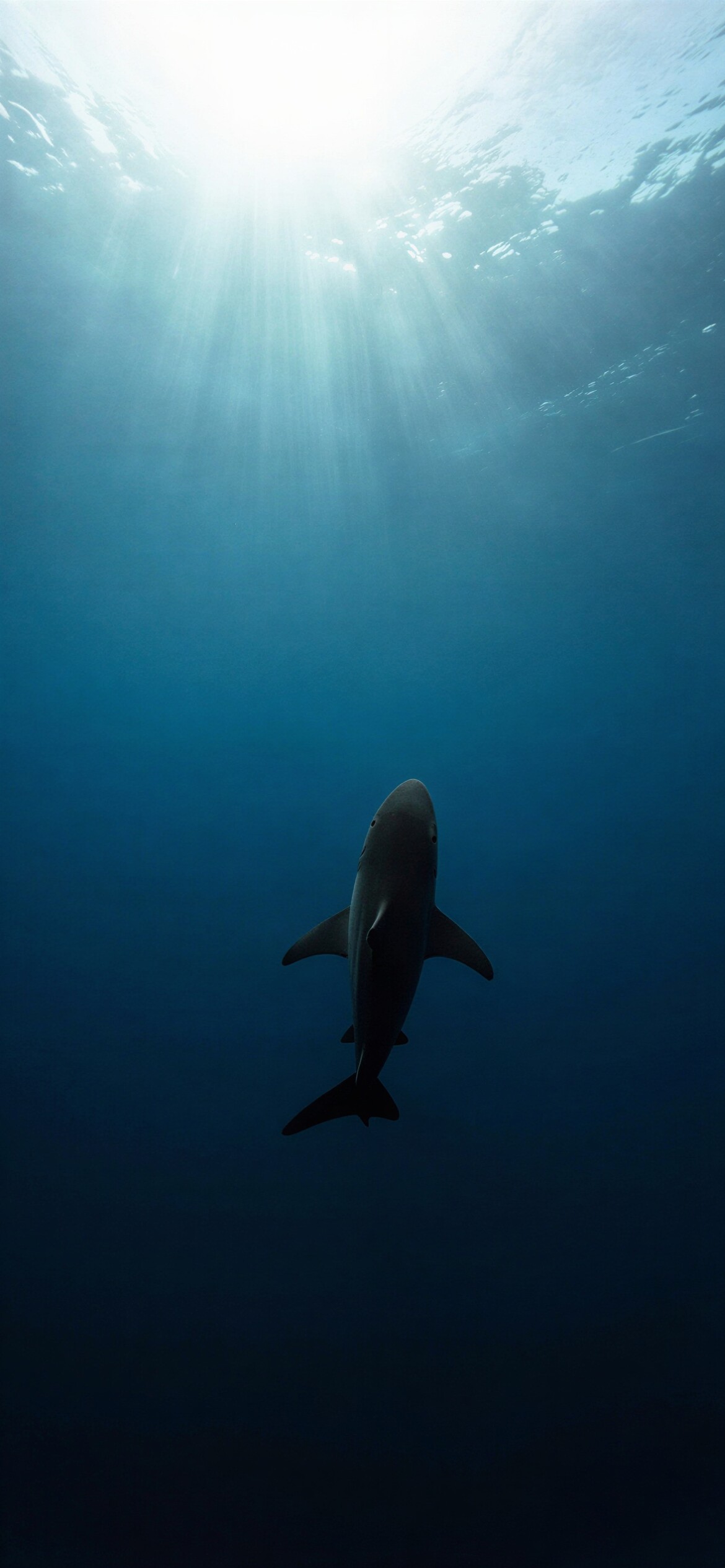
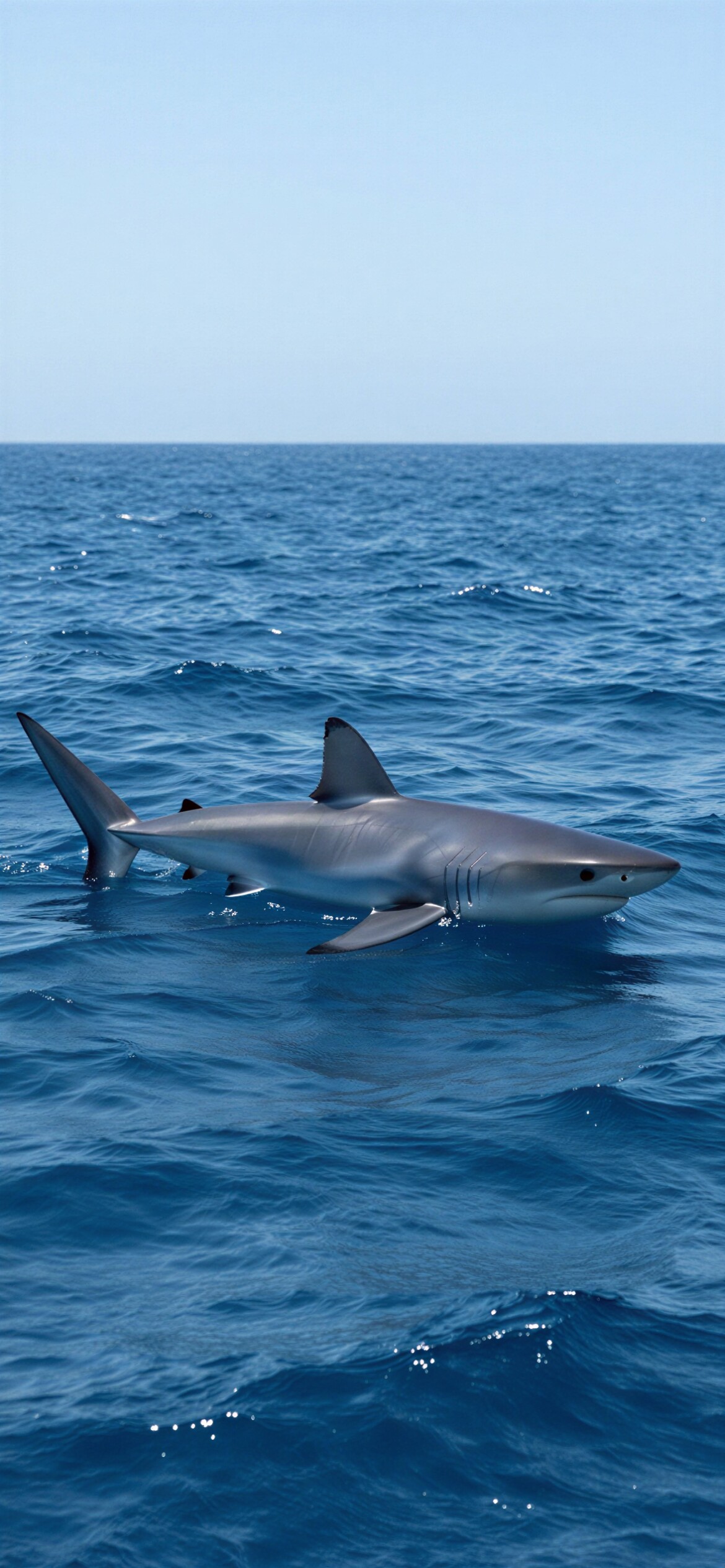
Sharks were swimming in the sea long before the first dinosaurs walked on land, and their fossil record goes back more than 400 million years. Part of the reason they have lasted is a body built for efficiency: a skeleton made of cartilage rather than bone, which is lighter and more flexible. You can see that bend in the curve of the blue shark in wallpaper 10 and the upward swim in wallpaper 8.
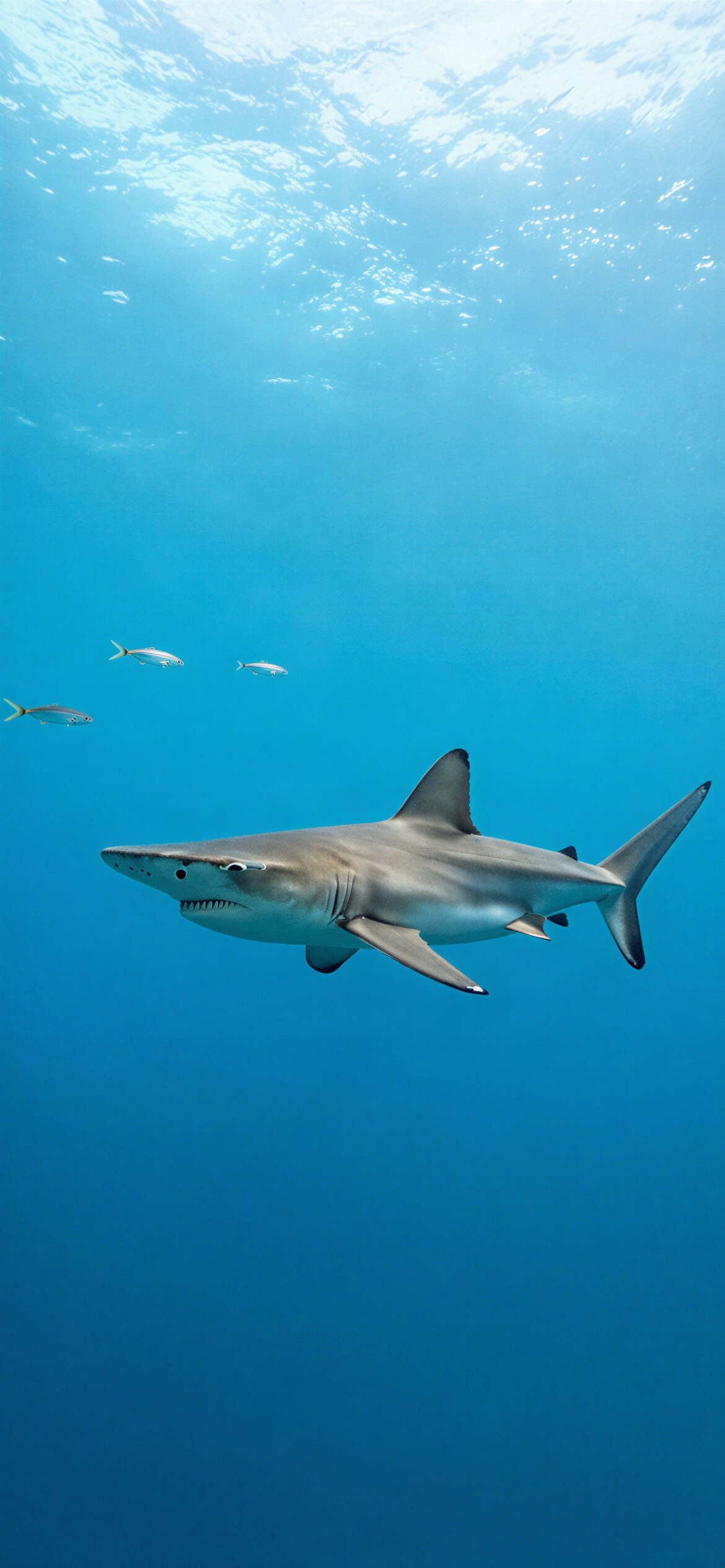
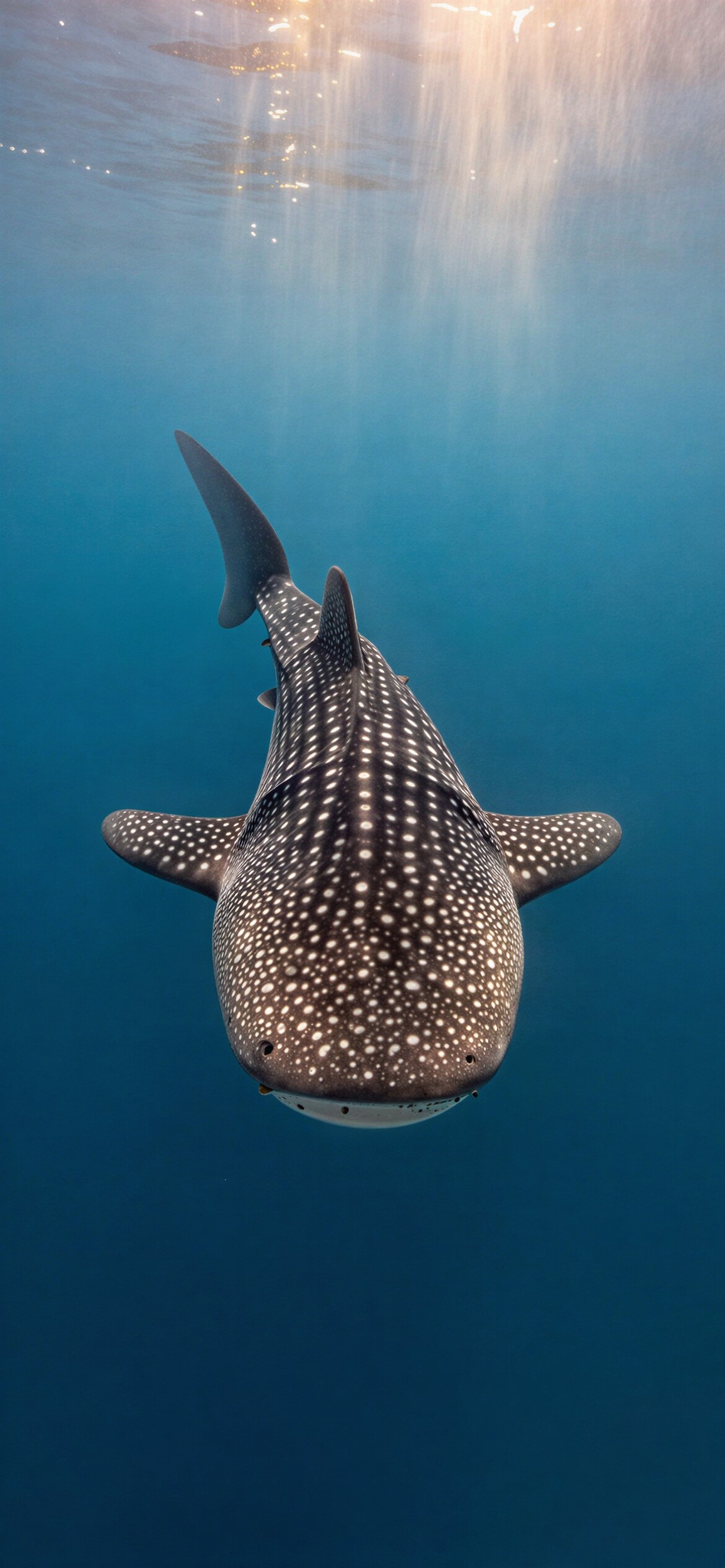
Some of the shapes in this set are odder than they look. The wide, flat head of the hammerhead in wallpaper 3 spreads its sensory organs over a larger area, which helps it pick up the weak electric fields of prey hidden in sand. The whale shark in wallpaper 7 is the largest fish alive, yet it feeds on plankton and small fish strained from the water.
Who's who in the water
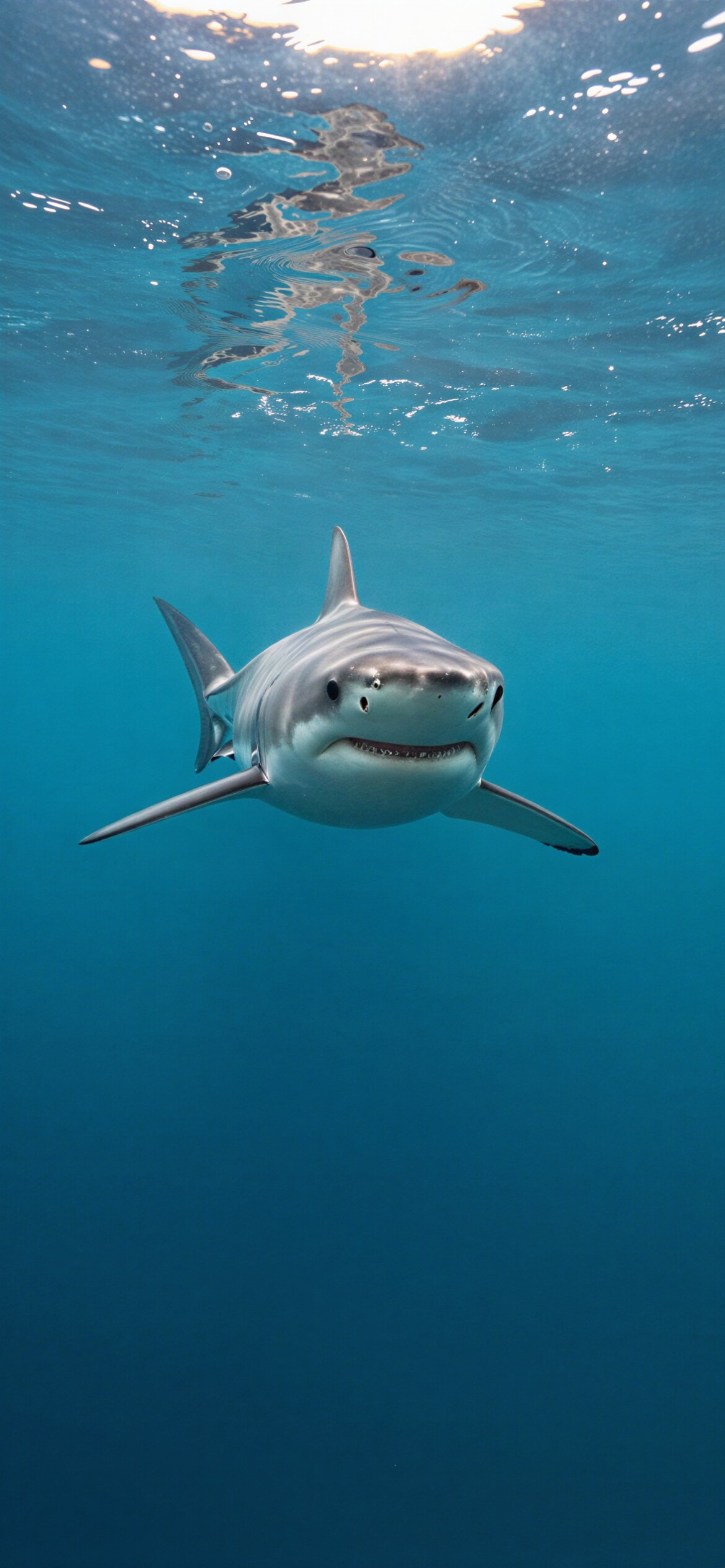
- 1. Great white: head-on in bright turquoise water. The shark comes straight at you, so it makes a bold lock screen.
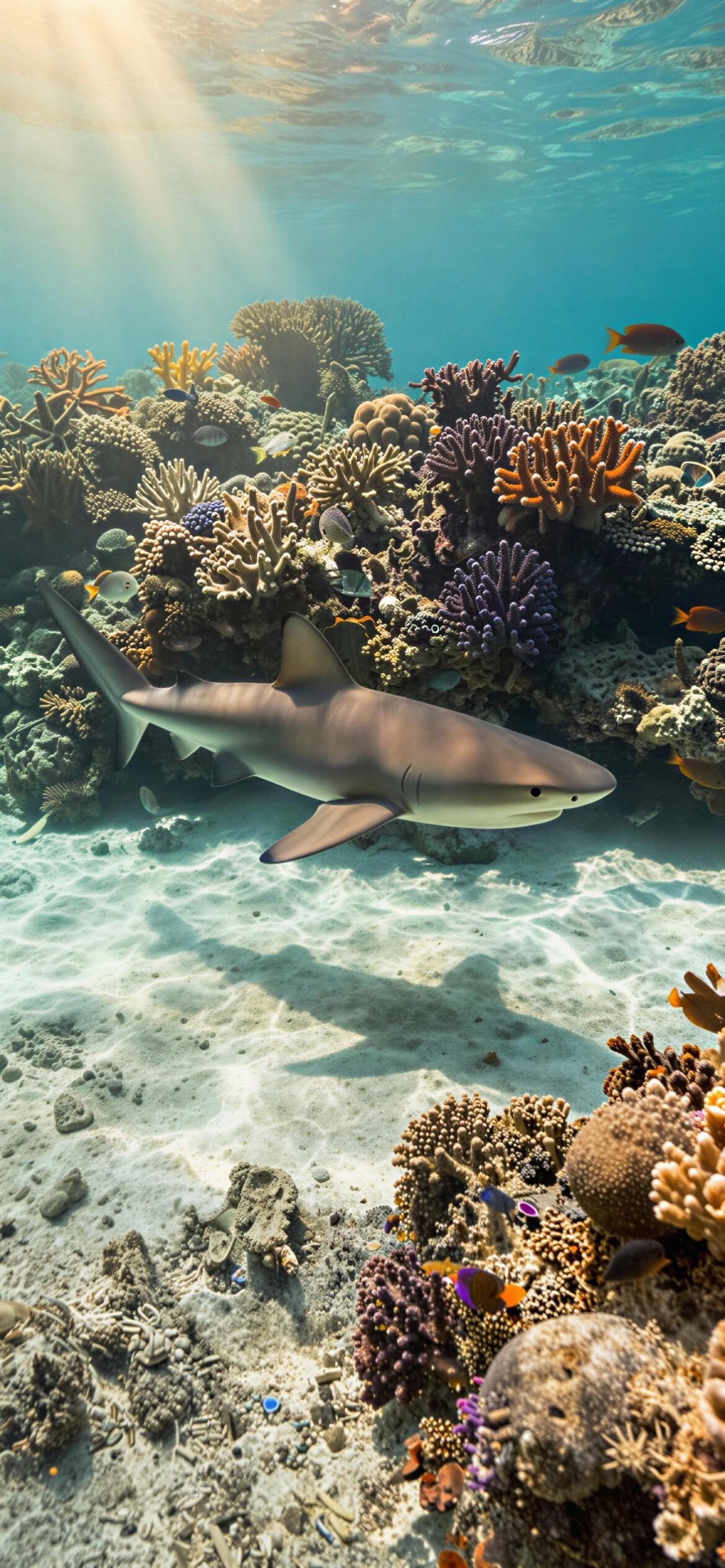
- 2. Reef shark: passing over coral and small fish in shallow sunlight. The colour sits low in the frame, where the clock won't cover it.
- 3. Hammerhead: moving through a school of silver fish in open blue.
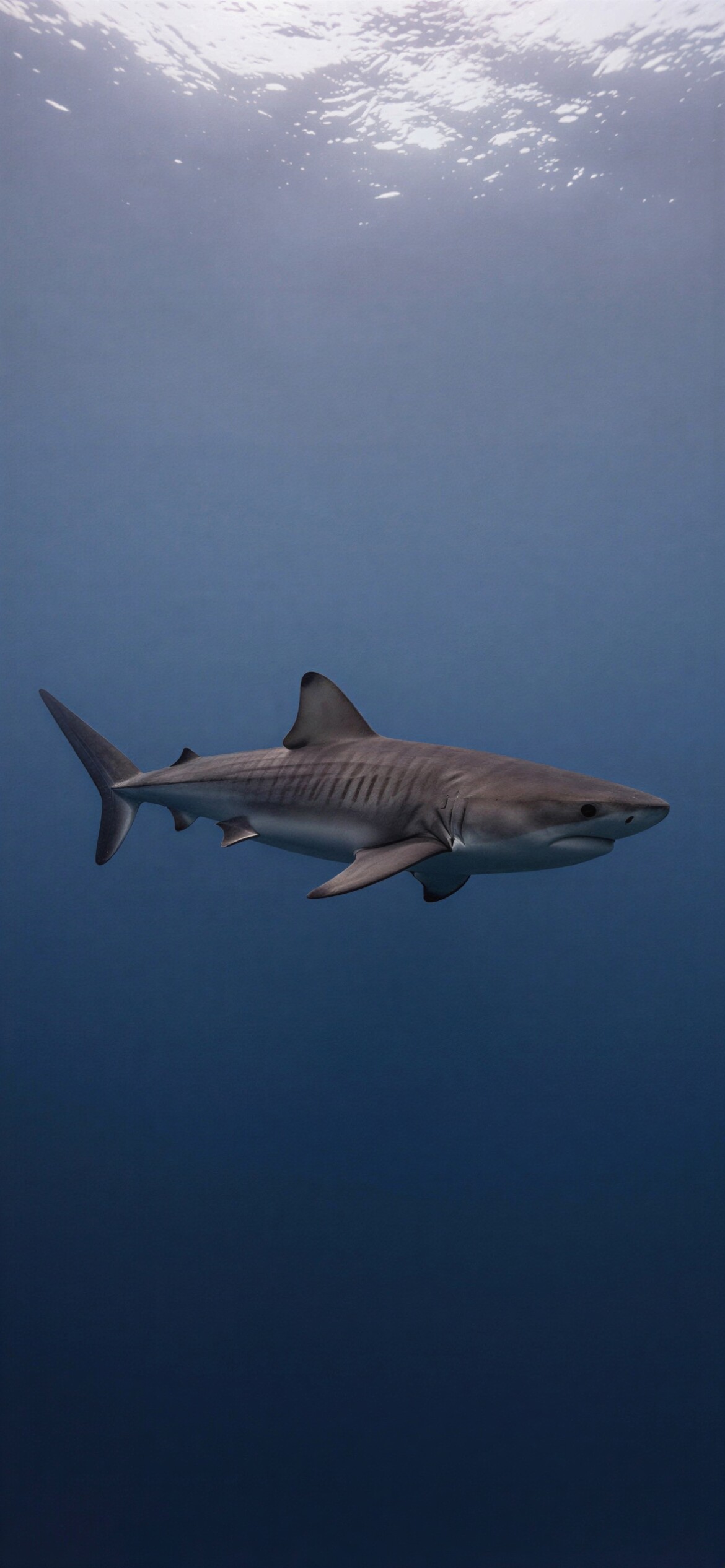
- 4. Tiger shark: stripes showing in dim twilight water. Tiger sharks are named for these markings, which are clearest on young sharks and fade with age.
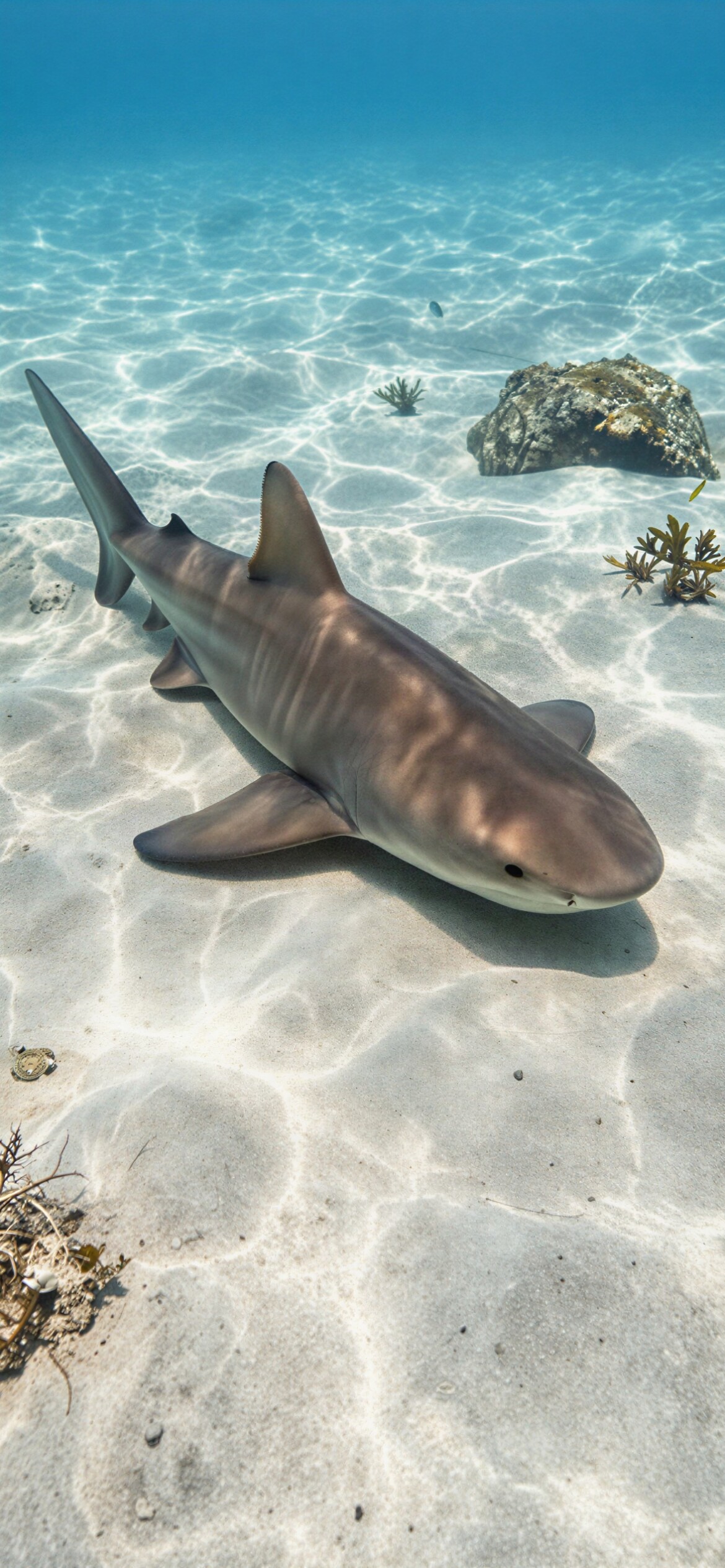
- 5. Nurse shark: resting on sand among rocks and plants. Nurse sharks can pump water over their gills, so they can lie still on the bottom. Calm and low in the frame, it sits well behind icons.
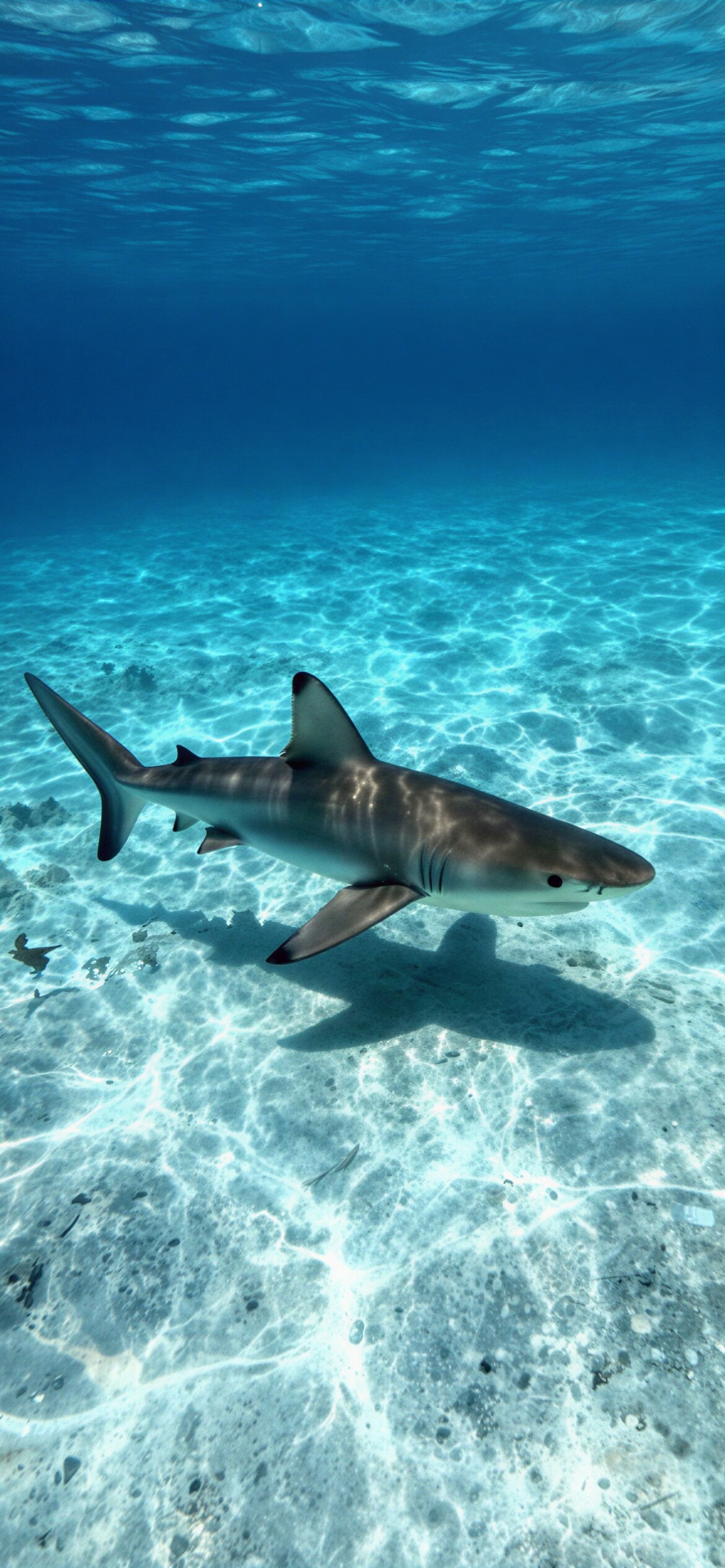
- 6. Blacktip reef shark: cruising beside a deep blue drop-off, with plenty of empty water above it.
- 7. Whale shark: spotted back, feeding in bright blue water.
- 8. Silhouette: a dark shape rising toward the glowing surface. The simplest design here and the easiest to read widgets over.
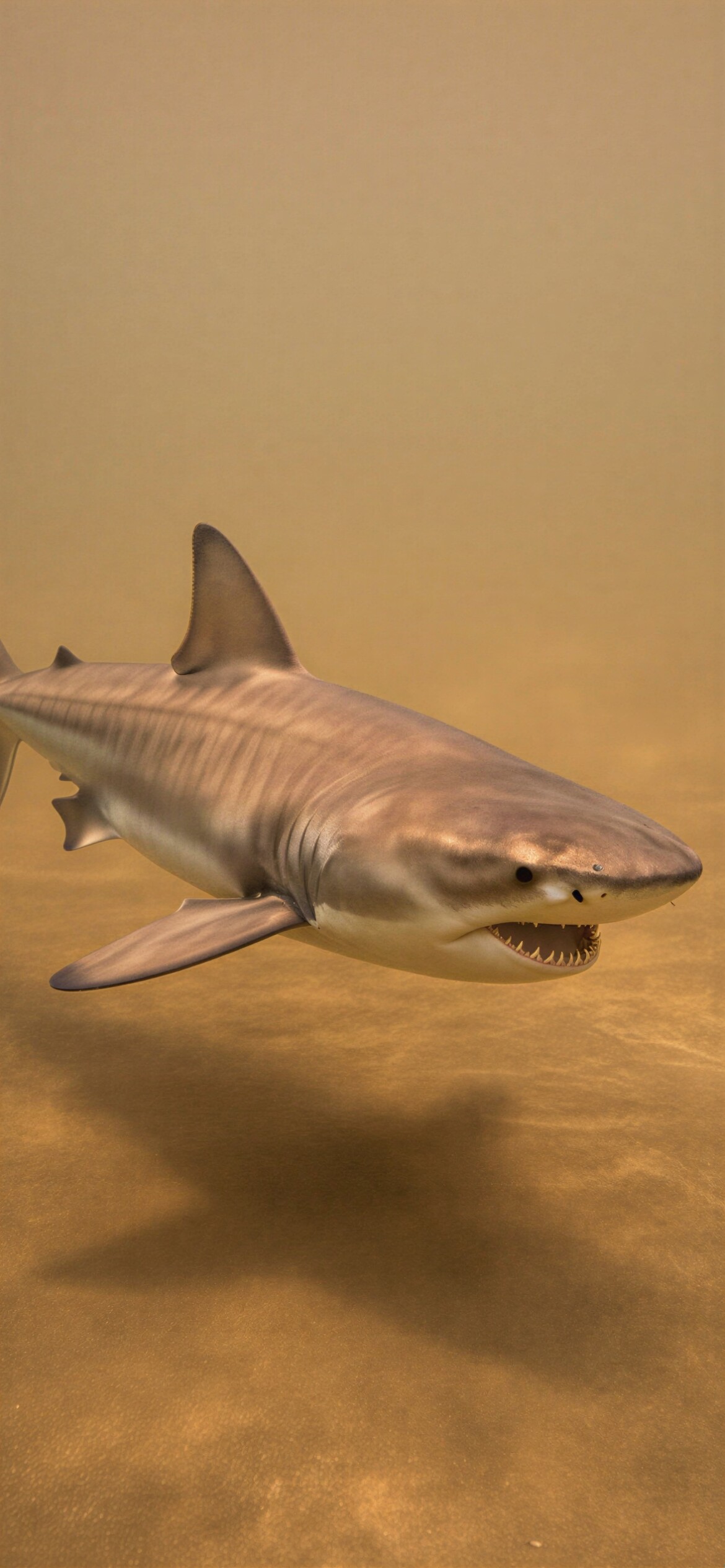
- 9. Sand tiger: teeth on show in warm amber light. Sand tigers gulp air at the surface to help them hover in place.
- 10. Blue shark: sweeping through deep open ocean, all long fins and speed.
Sunlit shallows or the deep dark
If you like light and colour, wallpapers 1, 2, 7 and 8 stay near the surface where the water turns turquoise and bright. The open ocean designs, 3, 6 and 10, are a solid mid to deep blue that stays quiet behind icons. For something moodier, 4, 5 and 9 trade clear blue for twilight, sandy floor tones and amber, and they look quite different from the rest of the set.
Want more water on your screen? The ocean wallpapers go wider, the fish set fills in the reef life, and the wave collection stays up at the surface.
How to set it on your iPhone
- Tap Download and save the image to Photos.
- Open Settings, tap Wallpaper, then Add New Wallpaper, and choose Photos.
- Pick the wallpaper, pinch to position it, then tap Add and choose the lock screen, home screen or both.
Stuck on a step? The iPhone and iPad guide has screenshots for each one.
Questions
What size are these shark iPhone wallpapers?
All designs in this set are sized at 1170x2532 pixels, optimized for iPhone screens in portrait orientation. They are sized for modern iPhones, and some older models may crop slightly at the edges. Simply download and set as your lock screen or home screen wallpaper through your iPhone settings.
Can I use these wallpapers for personal use?
Yes, these wallpapers are free to download and use on your own iPhone and personal devices. You cannot sell them, print them for sale, repost them on other wallpaper sites or claim them as your own. Review our Terms page for complete details on acceptable use.
Which shark wallpapers work best as lock screen backgrounds?
The designs with sharks centered or positioned in the lower half work best for lock screens, where the subject is immediately visible. The great white, hammerhead and reef shark designs are strong lock screen choices. These show detail clearly and benefit from being the focus of your lock screen display.
Do these shark wallpapers work with dark mode on iPhone?
Yes, the deep blues and ocean tones in this set complement dark mode beautifully. The darker designs with moody lighting work especially well in dark mode, while the brighter turquoise designs add contrast. All designs maintain good readability for time and notifications on the lock screen regardless of your mode setting.