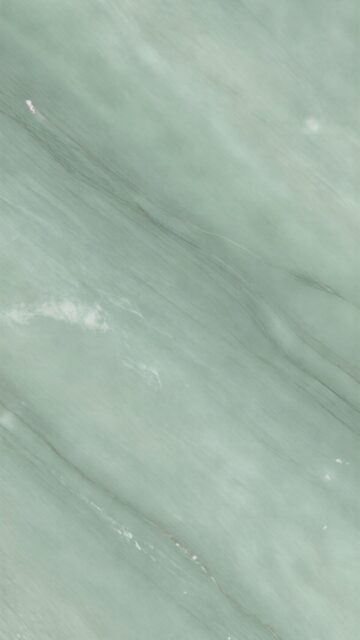
Wave Wallpaper iPhone
Wave wallpaper for iPhone brings flowing water and ocean motion to your lock and home screens. These designs feature abstract wave patterns, rolling water, coastal swells and fluid forms in cool blues, teals and greens. Each wallpaper is original artwork, curated and checked by hand. The set works across all iPhone models and looks sharp at 1170x2532 resolution.
10 wallpapers at 1170 × 2532 px for iPhone. Checked by hand on 14 Oct 2026.
About this set
These wave wallpapers feature flowing water, abstract curves and ocean motion in cool blues, teals and deep greens. The designs are minimalist and calming, with simple skies and flowing forms that work well on both lock and home screens. Most designs keep the top portion clear so your clock and notifications stay readable on the lock screen, while the wave forms fill the lower half where home screen icons sit.
The abstract wave style pairs well with minimal app layouts, rounded icon designs and dark mode. Choose a design with more texture and detail for the home screen, and opt for simpler wave forms for the lock screen if you prefer a cleaner look. These wallpapers suit any season and work across all iPhone models without cropping or fitting adjustments.
A closer look at each wave wallpaper
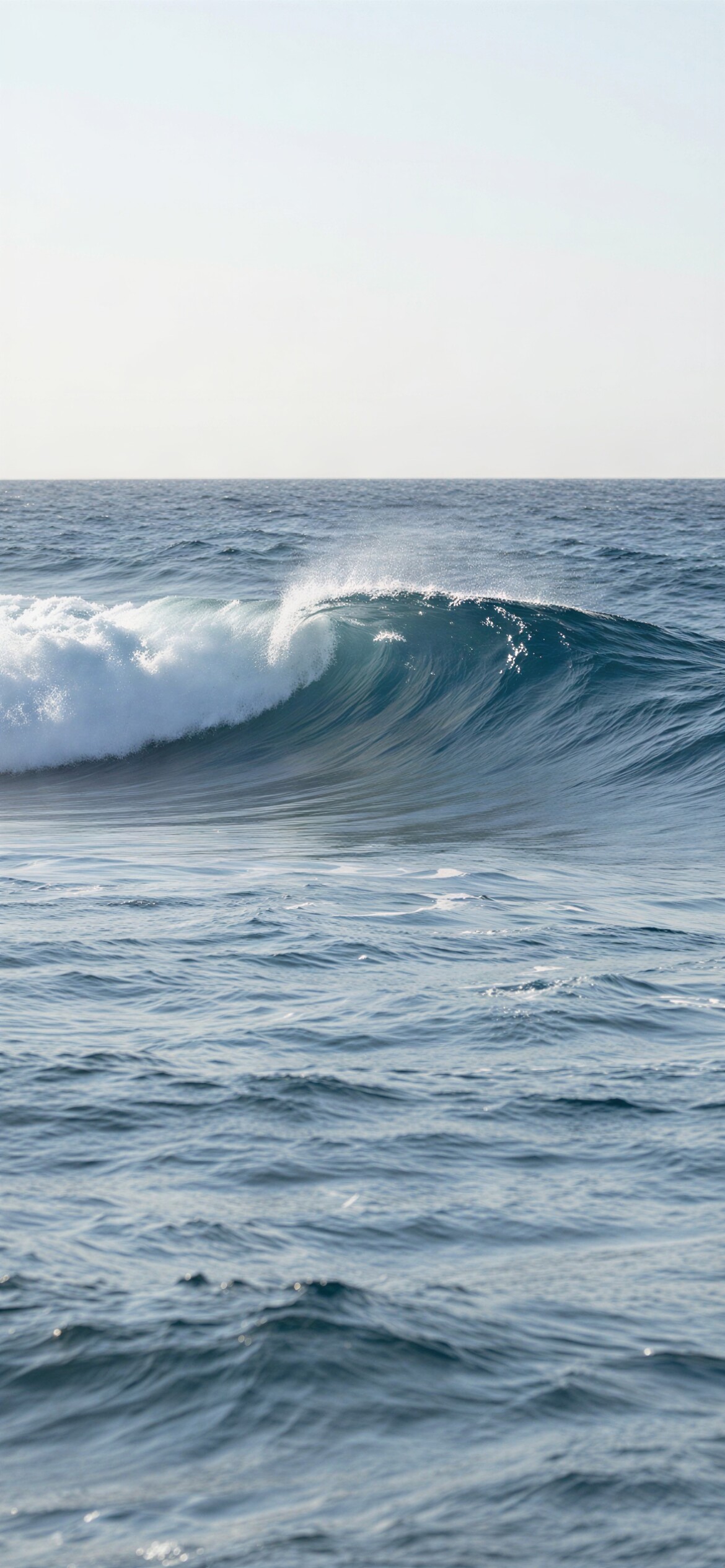
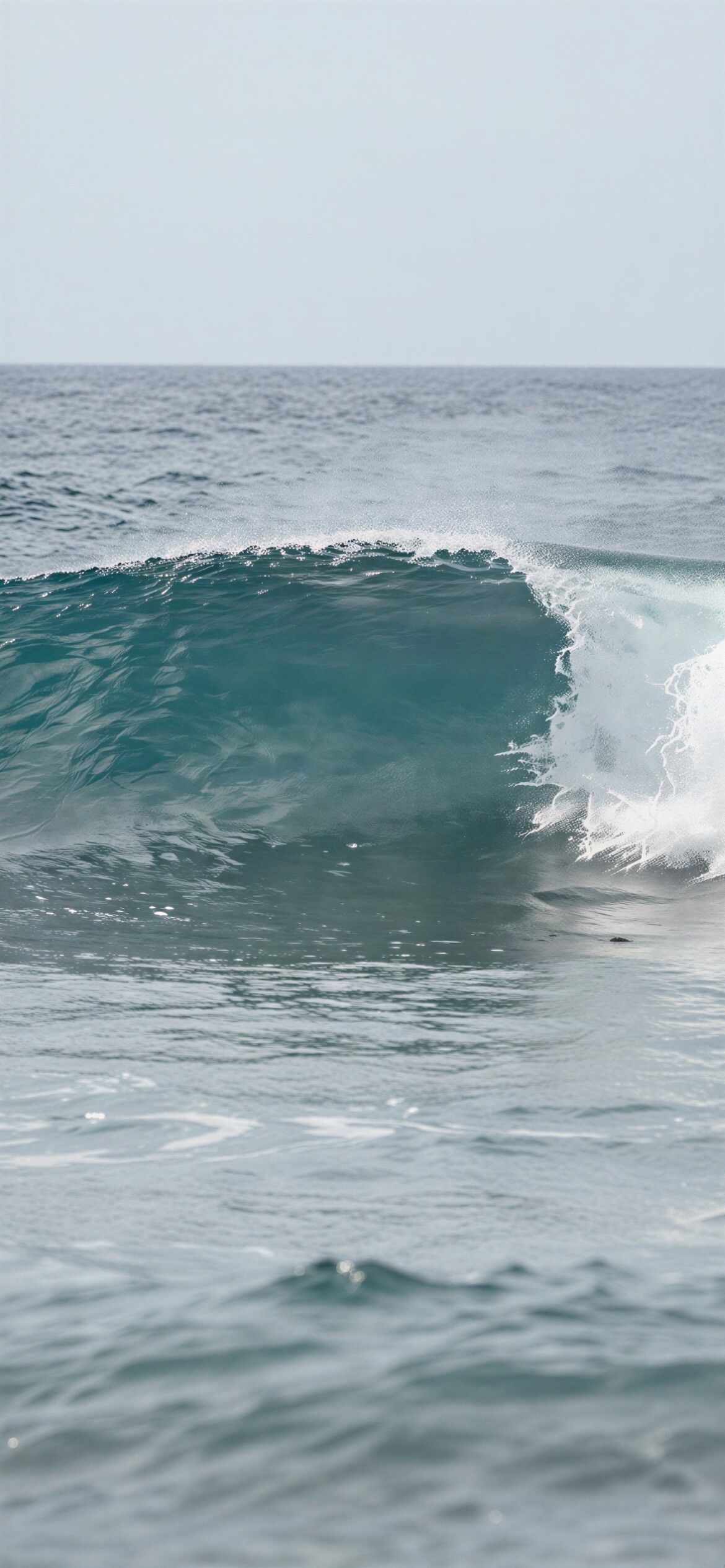
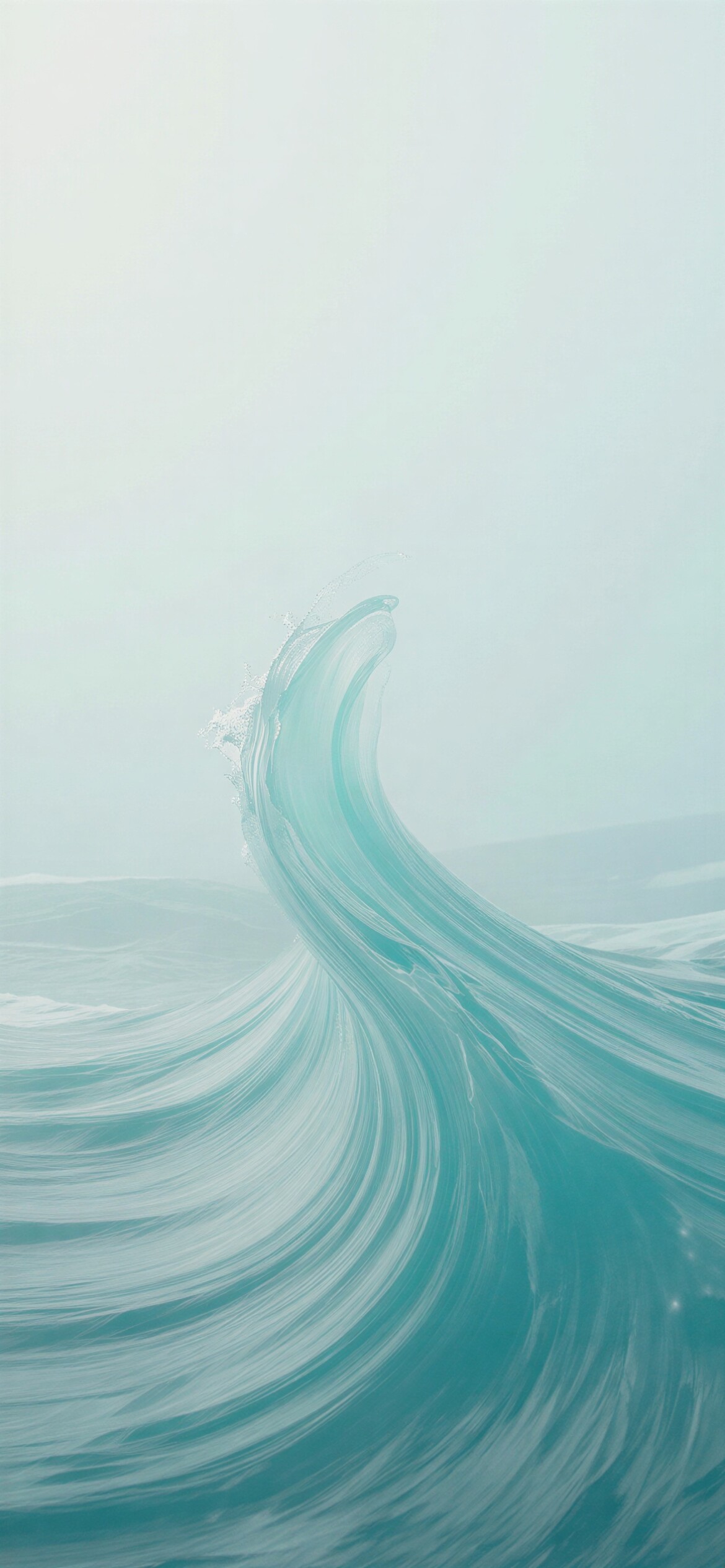
- Rolling ocean wave: a single large wave curls across the screen under a pale sky. The empty sky leaves plenty of room for the clock.
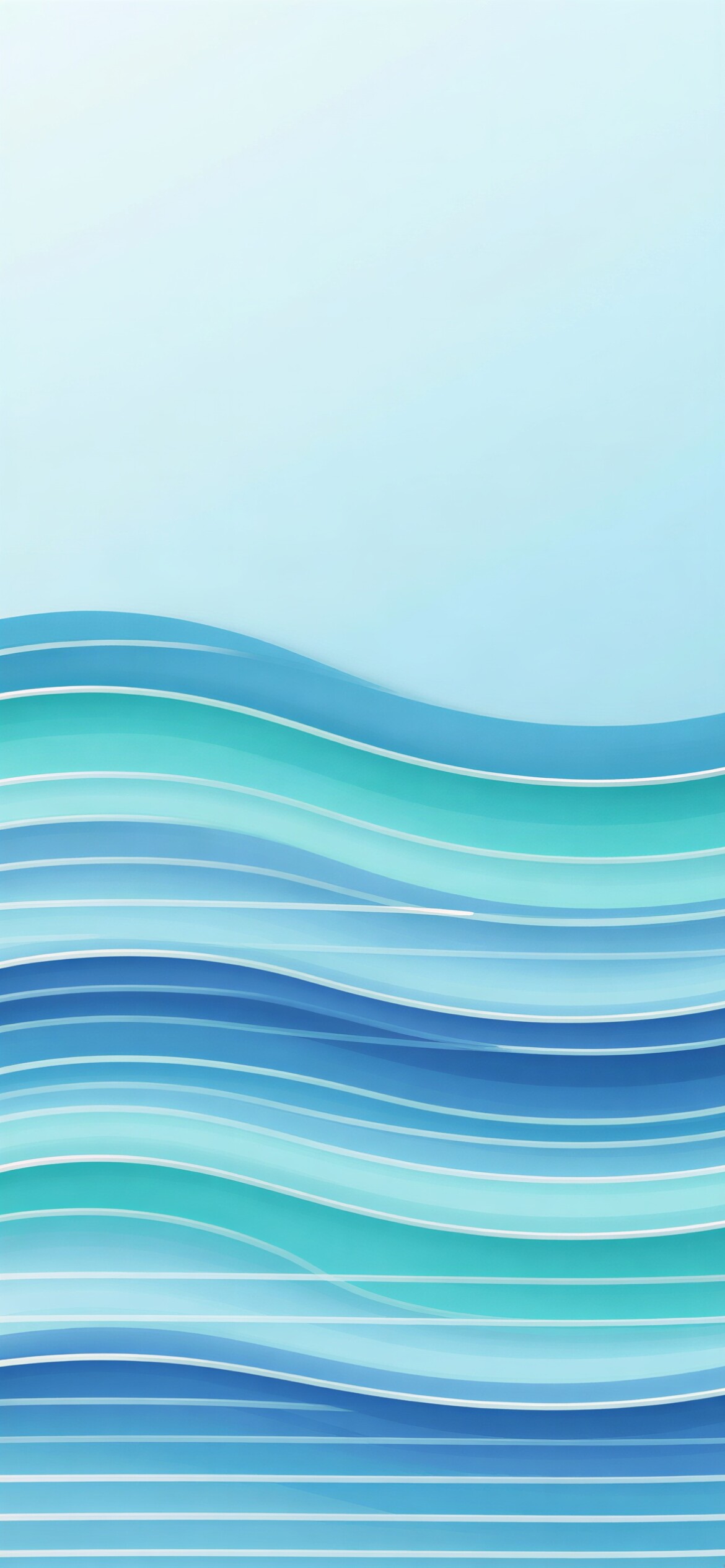
- Teal and blue flow: abstract waves in teal and blue sweep up the screen, a smooth, modern look for any home screen.
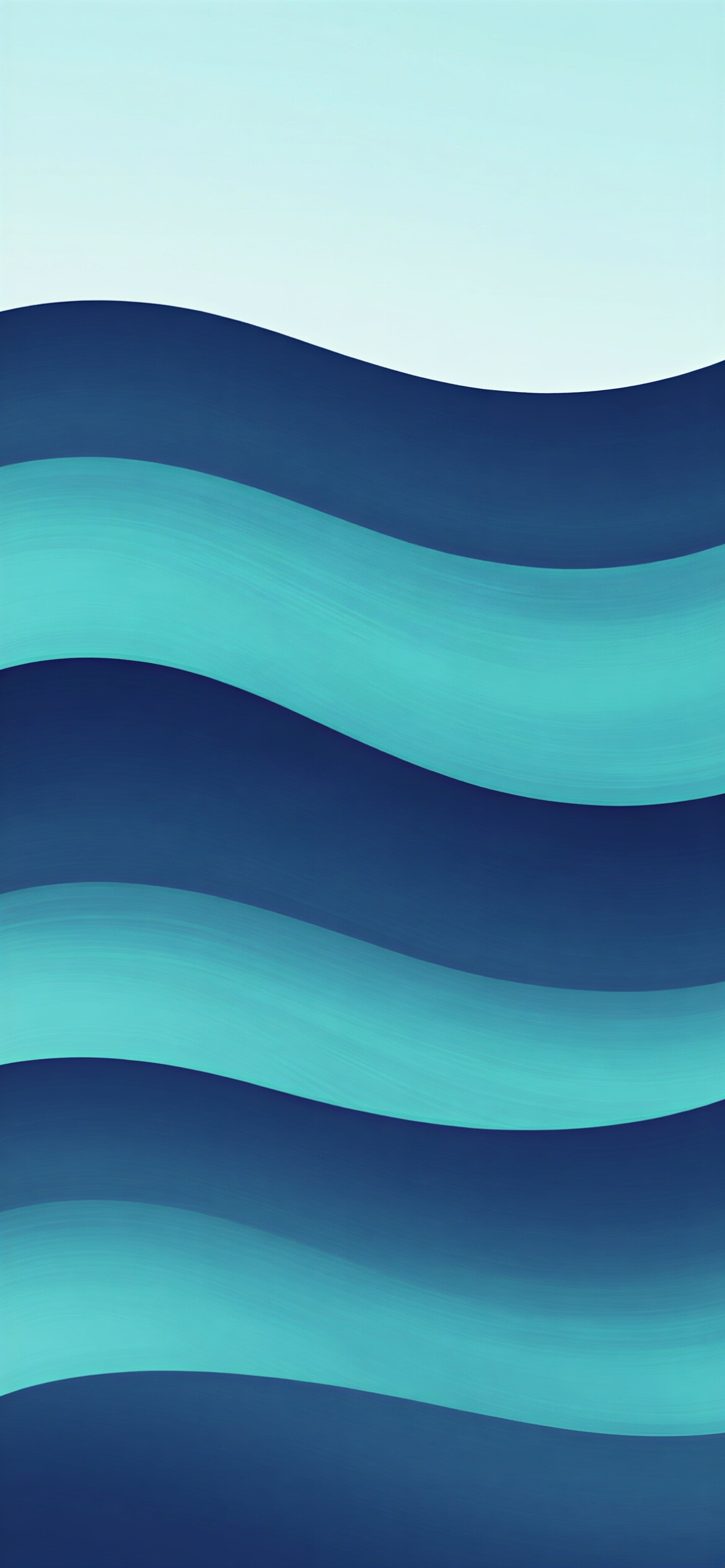
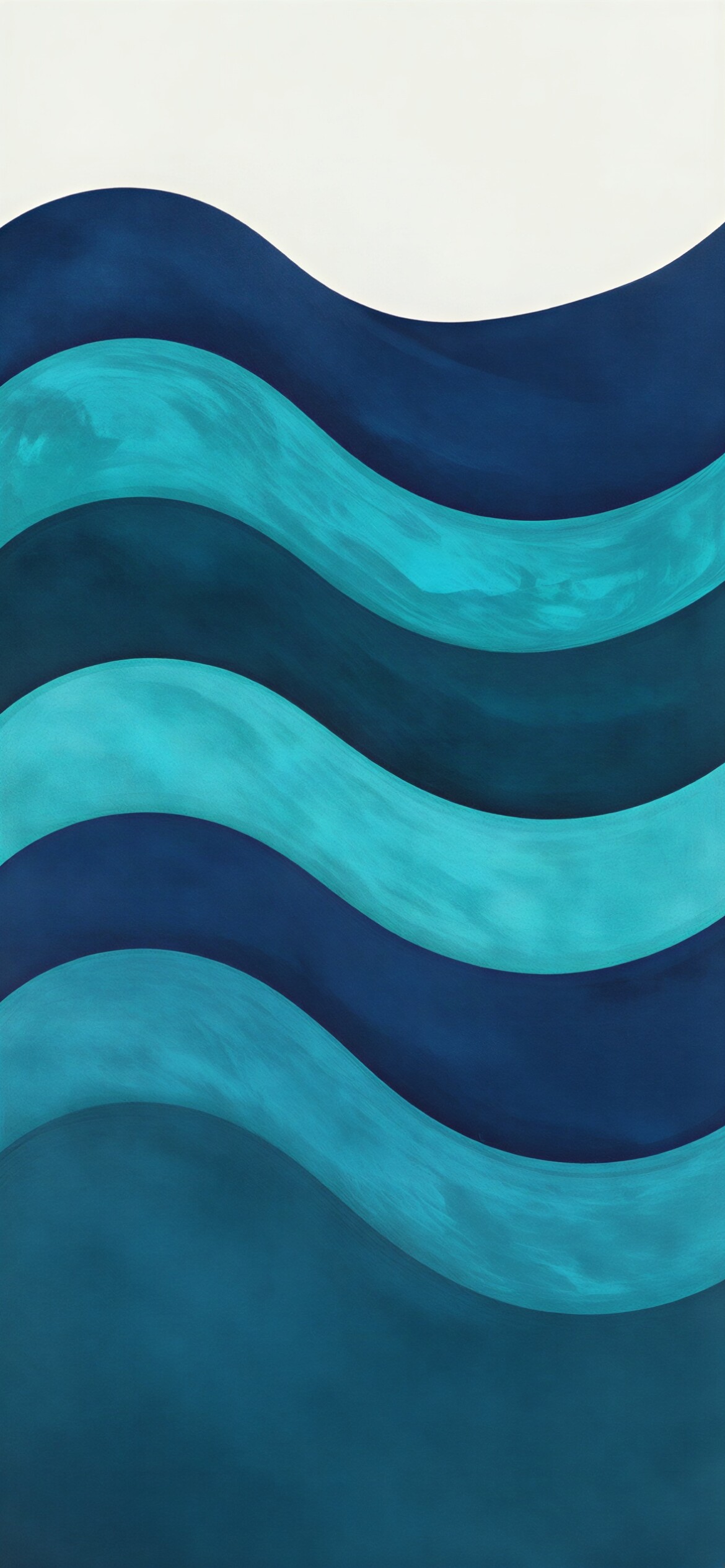
- Stacked navy and cyan: layered bands of navy and cyan create depth. It was made with the lock screen in mind and looks great in dark mode.
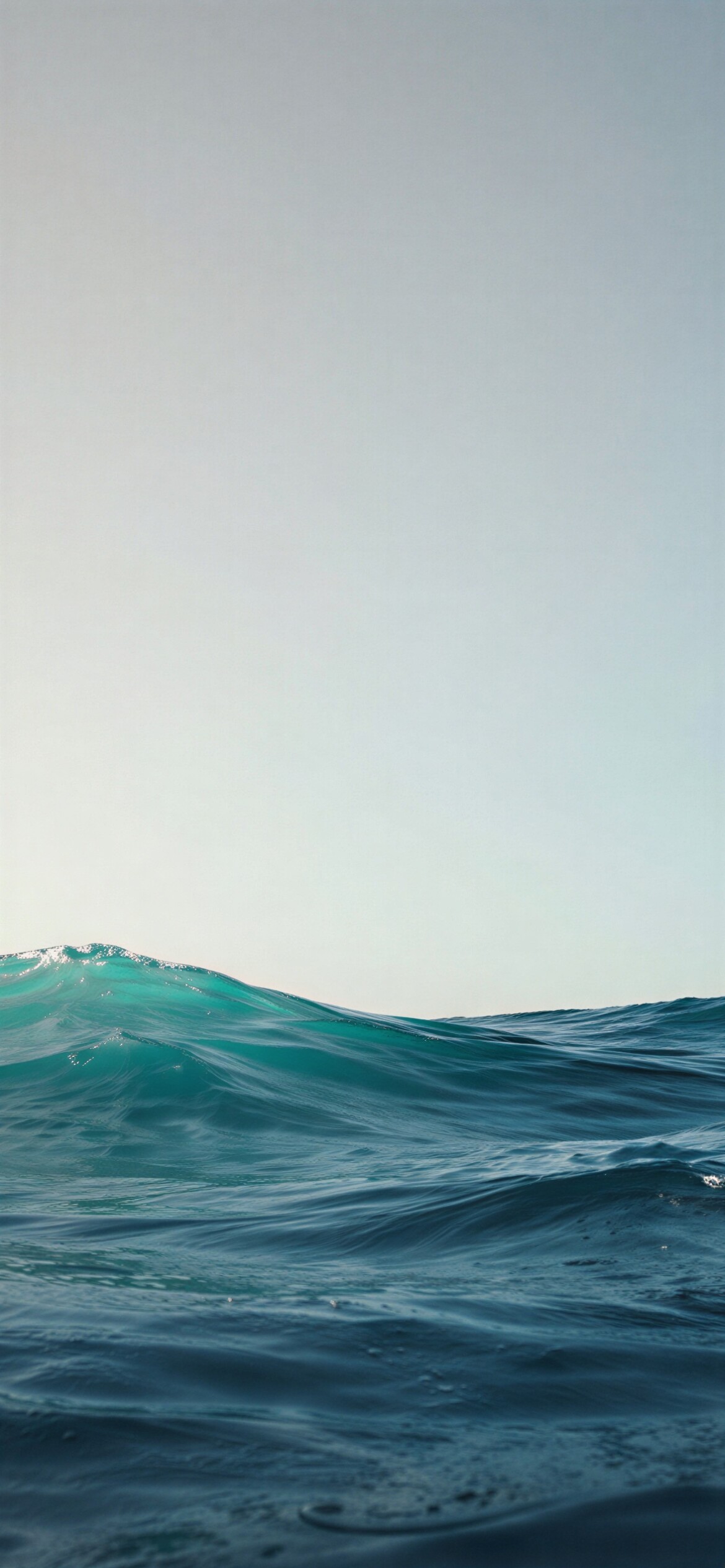
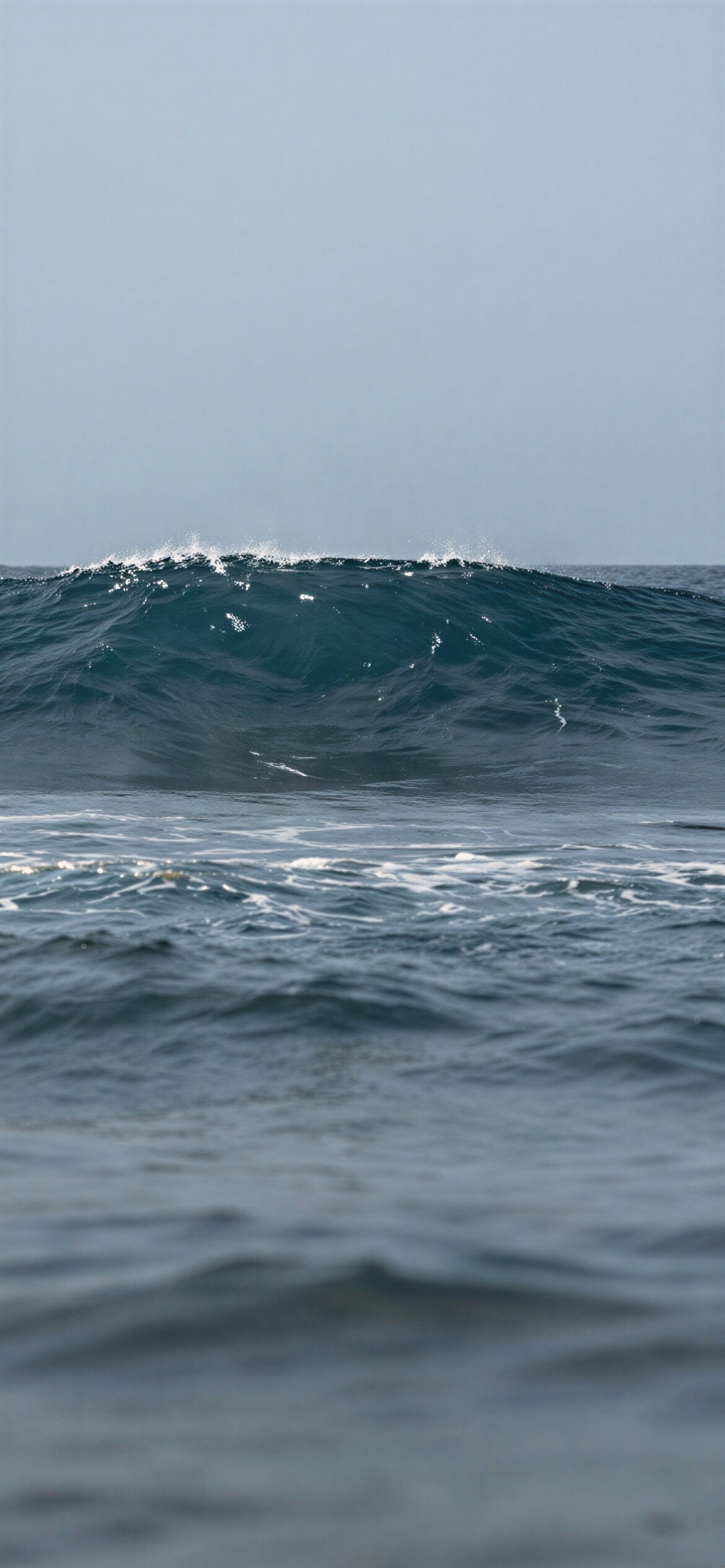
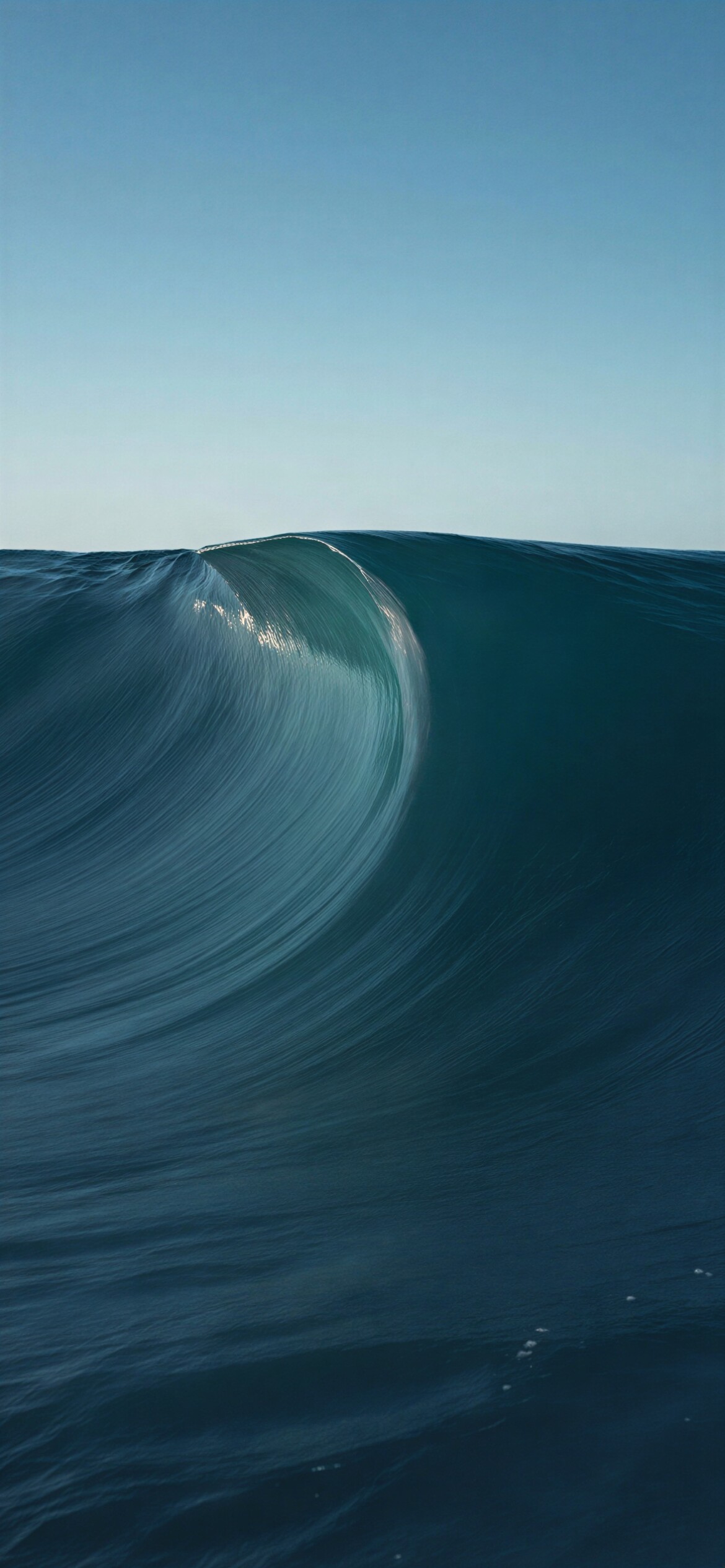
- Glassy swell: a smooth, rolling swell throws up a little spray. Surfers call water like this glassy, meaning there is almost no wind on the surface.
- Fluid curve: an organic wave form curves upward like poured liquid, simple enough to sit behind any icon layout.
- Fine wave lines: thin horizontal wave lines in shades of blue are stacked like a pattern, the most minimal design in the set.
- Breaking wave with foam: a powerful wave crashes with white foam against a soft sky, the most dramatic and realistic design here.
- Turquoise spiral: a soft spiral in turquoise recalls the inside of a curling wave. Its light color suits light mode.
- Cascading layers: abstract waves tumble down the tall screen in layers, which makes the most of the iPhone's vertical shape.
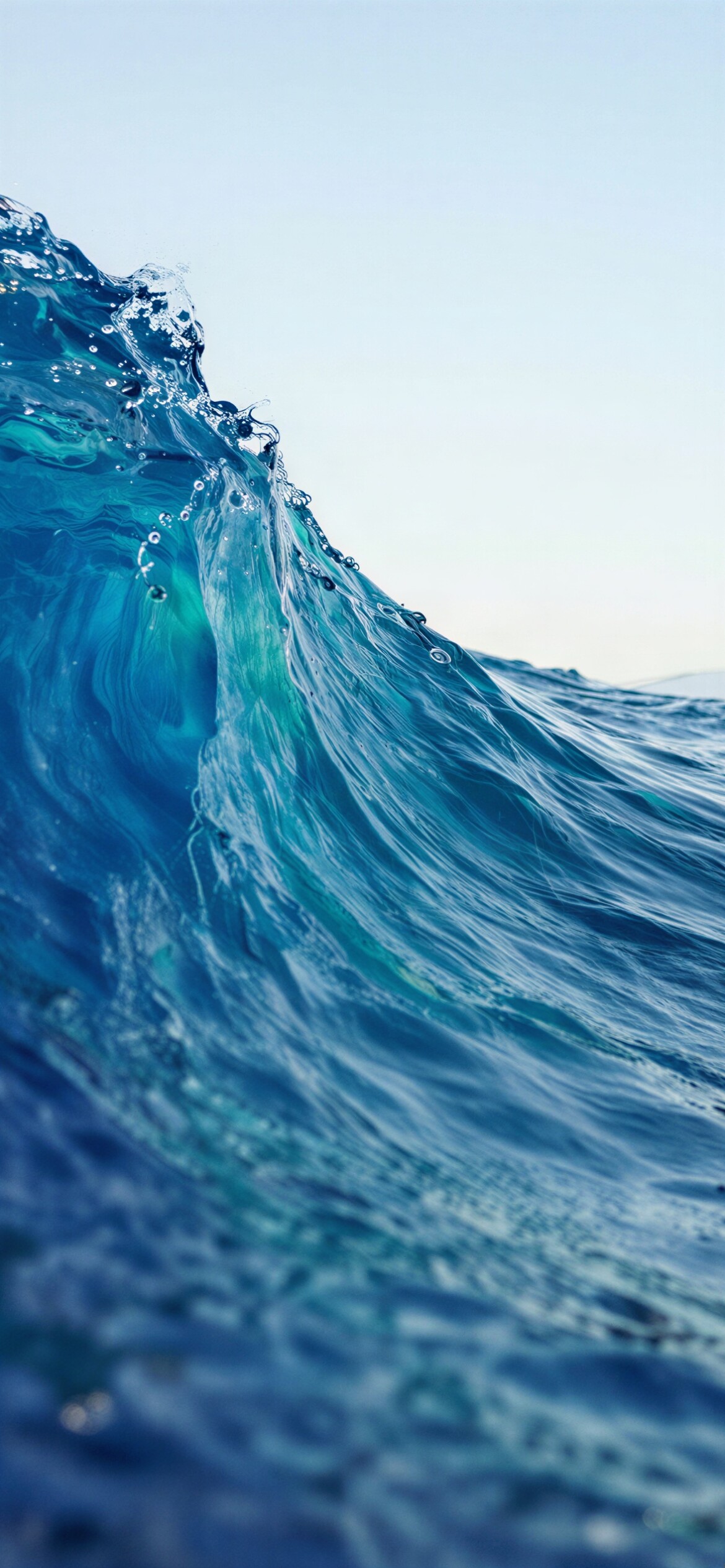
- Sculptural deep blue: a deep blue wave lit from above looks almost carved, with strong highlights that stand out on an OLED screen.
Waves in art and design
Waves are one of the oldest motifs in art, and nowhere more than in Japan. Hokusai's woodblock print The Great Wave off Kanagawa, made around 1831, is among the most recognized images in the world, and the traditional seigaiha pattern of overlapping arcs has decorated Japanese textiles for centuries. Modern designers keep returning to the wave because it captures motion in a single shape. This set covers both sides of that tradition: realistic ocean waves with foam and spray, and abstract forms built from curves, layers and lines. Many people also find slow, repeating water forms calming, which is part of why wave backgrounds stay popular on phones that we look at dozens of times a day.
Colors and mood
The realistic designs (wallpapers 1, 4 and 7) bring natural ocean blues and white foam, so they feel fresh and outdoorsy. The abstract designs lean toward a cleaner palette. Navy and deep blue in wallpapers 3 and 10 feel moody and suit dark mode, while the turquoise and cyan in 2, 5 and 8 feel bright and light. Wallpaper 6 is the quietest choice if you want color without busy detail.
Style your setup
White or silver icons look crisp against the deeper blue designs, and turquoise or teal widgets echo the lighter ones. For a matching pair, try a realistic wave such as wallpaper 1 on the lock screen and an abstract design such as wallpaper 6 on the home screen. Looking for more water themes? Browse our ocean wallpapers, beach wallpapers and water wallpapers.
How to set it on your iPhone
- Tap Download and save the image to Photos.
- Open Settings, tap Wallpaper, then Add New Wallpaper, and choose Photos.
- Pick the wallpaper, pinch to position it, then tap Add and choose the lock screen, home screen or both.
Stuck on a step? The iPhone and iPad guide has screenshots for each one.
Questions
Will these wave wallpapers fit my iPhone screen?
Yes. These wallpapers are designed for 1170x2532 resolution, which fits all modern iPhone models without cropping or resizing. Download and apply directly to your lock or home screen.
Can I use these wallpapers commercially or share them elsewhere?
These wallpapers are free for personal use on your own devices only. Selling them, printing them for sale, reposting them on other sites or using them commercially is not allowed. See our Terms page for full details.
Which wave designs work best for lock screens versus home screens?
Designs with simple, empty top quarters work best for lock screens so your time and notifications stay visible. Wallpapers with wave motion in the middle and lower sections suit home screens, where the forms sit naturally behind your app icons without blocking them.
Do these wave wallpapers work with dark mode and light mode?
Most designs in this set feature cool blues and teals that work well with dark mode. For light mode, choose wallpapers with lighter teal and turquoise tones. The abstract wave style complements both modes without needing adjustment.