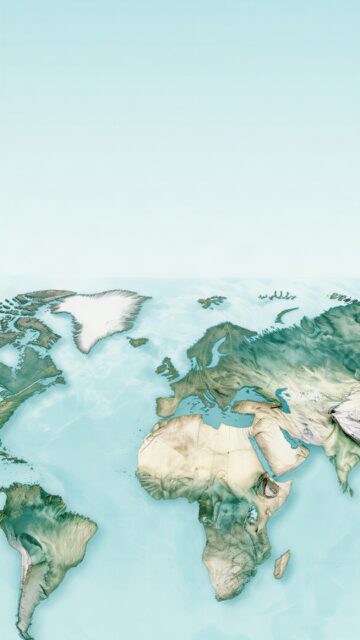
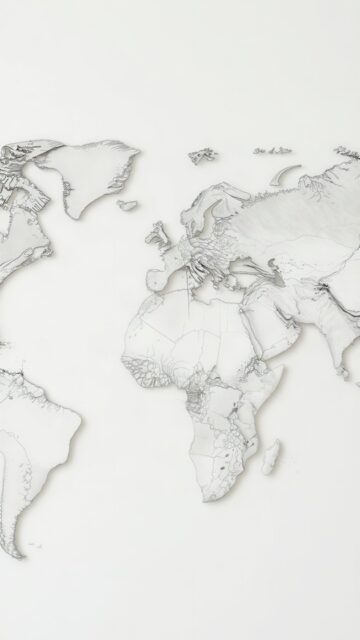
Map Wallpapers

10 wallpapers in 1 collections · last added 5 Oct 2026 · sizes for iPhone, Android, desktop and tablet

A map wallpaper turns your screen into a small window on the world, whether you like antique-style cartography, clean modern outlines or glowing continents at night. Our map backgrounds cover vintage parchment maps with compass roses, minimal world outlines on dark or light grounds, watercolor continents, dotted and line-art maps, and globe-style views. They suit travelers, geography fans, students and anyone who likes a tidy, informative design behind their apps. A map is also a quiet way to keep a dream destination in view.

Each collection holds 10 wallpapers in a single theme and size. World maps work best when there's room to spread out, so the wide sizes are popular: laptop (1920x1080), 4K desktop (3840x2160) and dual monitor (5120x1440), which gives the whole globe space to breathe on the dual monitor page. Portrait versions are made for iPhone (1170x2532), Android (1080x2400) and iPad (2048x2732), and the laptop page collects designs for everyday screens. Every design is original and checked by hand before publishing.
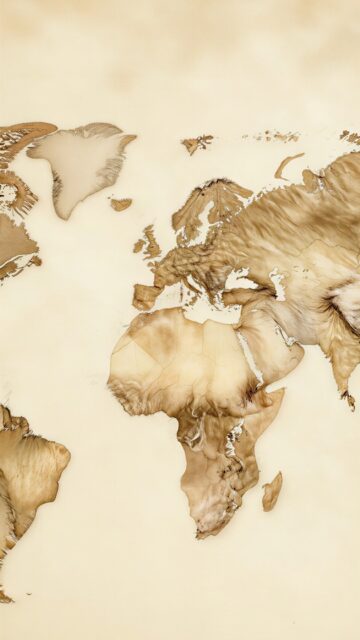
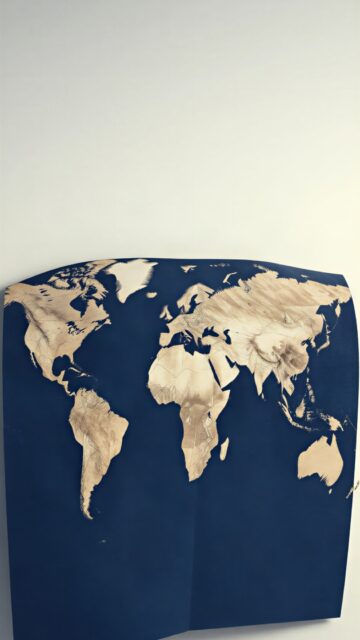
Because a full world map is wider than it is tall, phone versions usually zoom in on a region, show a rotated globe or stack the continents in a creative layout. If you want the whole planet visible, a desktop is the better home for it. Style matters too. Parchment maps with sepia ink match the feel of our vintage wallpapers, satellite-style views of the planet sit close to Earth wallpapers, and simple line maps on a plain background fit a minimalist setup. For a lock screen, choose a map with open ocean at the top, since plain water gives the clock a calm backdrop.

  • Antique: parchment, sepia, faded teal seas
  • Modern: navy, white, single accent color
  • Night: black, deep blue, city lights in gold

Expert tip

On a desktop, line your icons up along the Pacific side of a world map; the open ocean on the left or right edge keeps them from covering the continents.

Color palette

#1F3A4D#3E6E7E#8FB3A9#D9C7A0#F2EAD8

World Map wallpaper FAQ

What size map wallpaper works on an iPhone?

iPhone map wallpapers are 1170x2532 in portrait. Since a world map is naturally wide, these versions focus on a region, a globe view or a reworked layout so the details stay readable. To set one on your lock or home screen, see the iPhone wallpaper guide.

Is there an Android size for map backgrounds?

Yes, Android versions are 1080x2400. Like the iPhone sets, they're designed for a tall screen, so you'll see zoomed regions or globe-style views rather than a flat world map squeezed in. The Android wallpaper guide explains how to apply one.

Why do world maps look different from each other?

A globe can't be flattened without distortion, so mapmakers use different projections. The Mercator projection keeps shapes accurate locally but makes places near the poles, like Greenland, look far bigger than they are. Projections such as Robinson or Winkel tripel balance size and shape better, which is why many modern maps use them.

Which map wallpaper is best for a desktop?

A full world map in 4K (3840x2160) is the classic choice, because the wide frame fits the whole globe without cropping. Place desktop icons over the oceans so they don't hide land. If you have two screens, the 5120x1440 dual monitor version gives even more room for detail.

Can I use a map wallpaper to plan or track travel?

A map wallpaper is a nice reminder of places you've been or want to go, and many people keep one up while planning a trip. They are decorative designs rather than precise navigation maps, though, so use a proper atlas or map app for borders, distances and directions.

Are these map wallpapers free for classroom or business use?

They're free for personal use on your own devices, with no sign up and no watermark. Using them in commercial products, paid materials, printed posters for sale or redistributed packs isn't permitted. Check the terms of use for the full details before using one outside your own screen.

How do I span a world map across two monitors?

Download the 5120x1440 dual monitor version and choose the span setting so the map runs continuously across both screens. For the cleanest look, pick a design with open ocean near the middle, so the gap between monitors doesn't cut through a continent. The dual monitor wallpaper guide has the steps.

How often are new map wallpapers published?

New collections are added daily across the site, and map and travel themes appear in that rotation. The latest page lists every new set as it's published, so it's the easiest place to check. You can suggest a map style you'd like to see through the contact page.

Curated and checked by the FreeWallpaperDaily experts

Every wallpaper is reviewed by a person before it goes live: we remove images with odd details or blur and check the crop for each device. How we check wallpapers

Something wrong with an image? Report an image · Free for personal use, see the Terms.