World Map Wallpaper iPhone
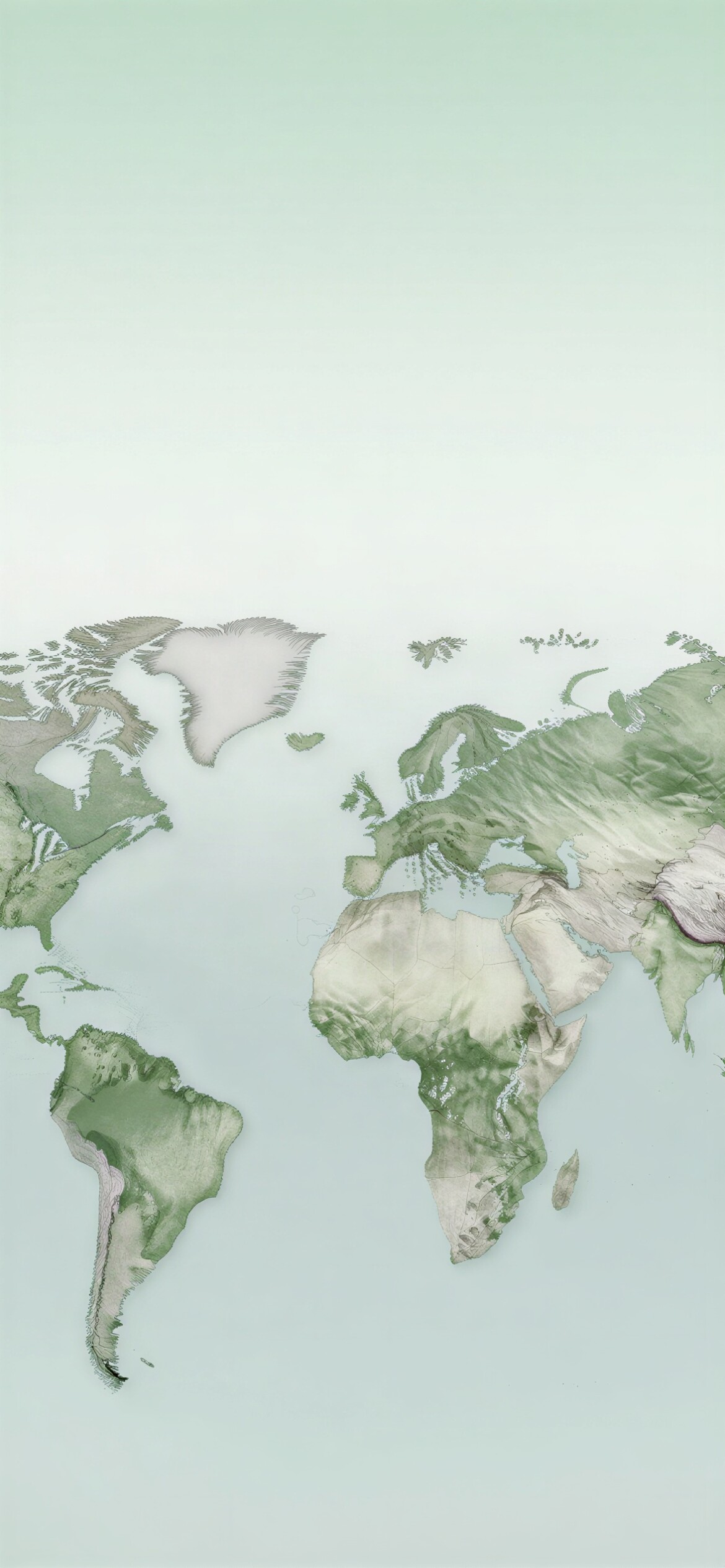
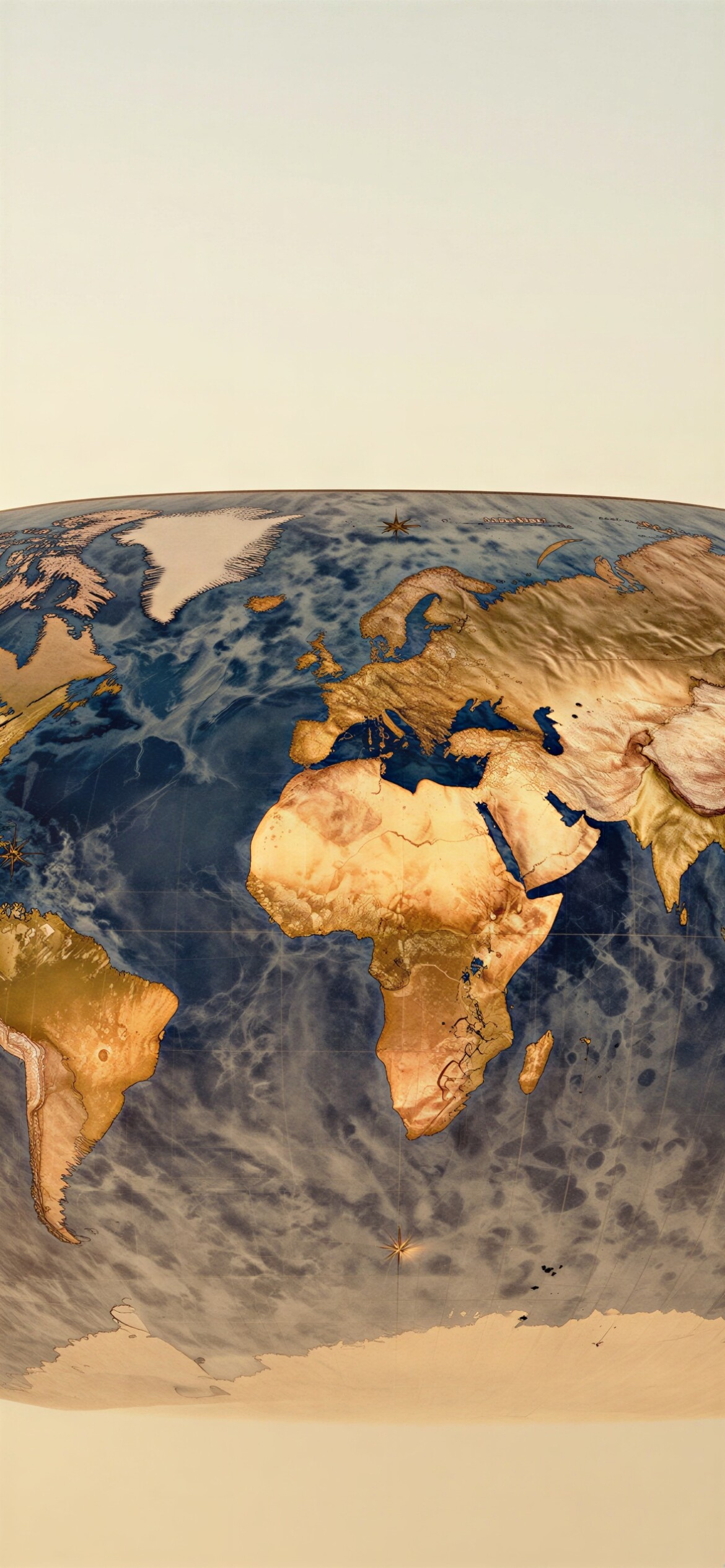
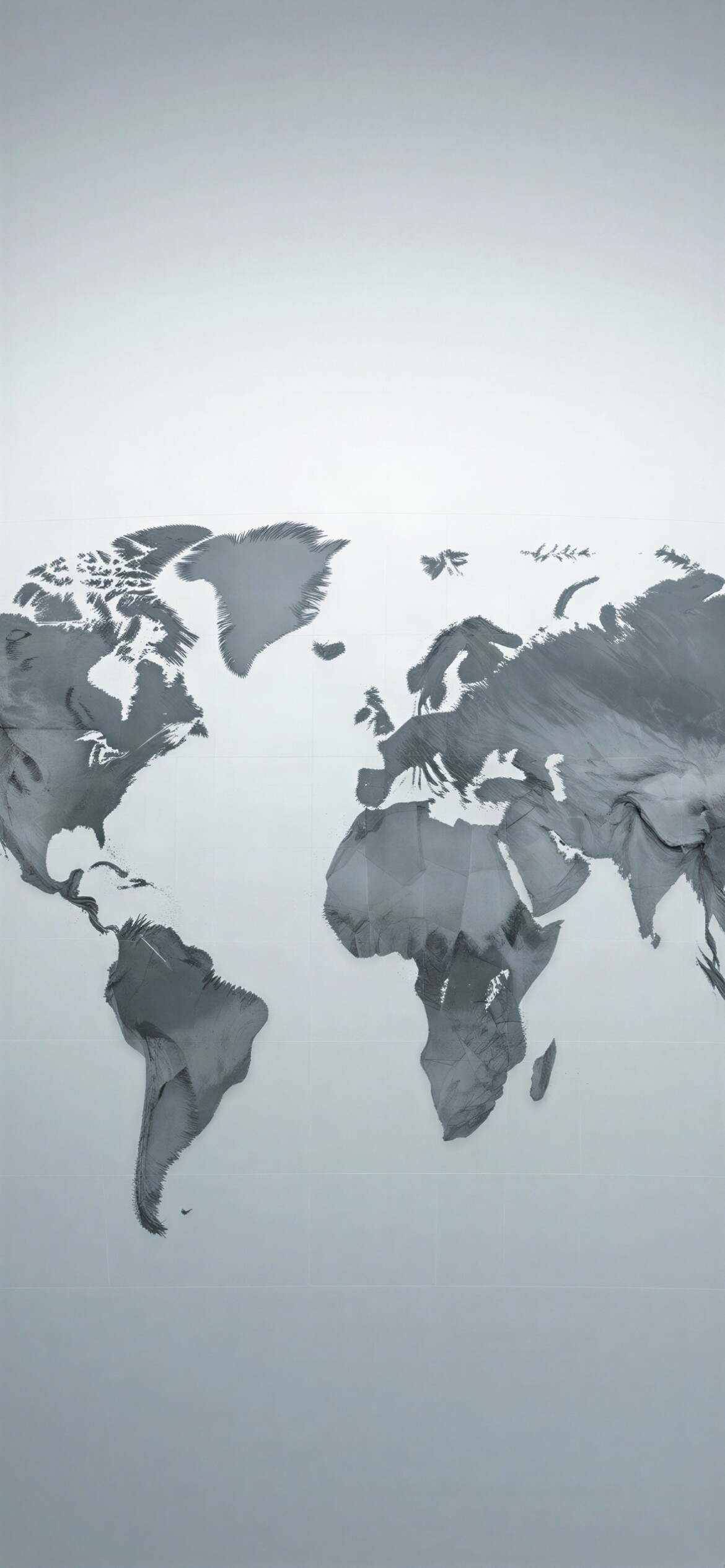
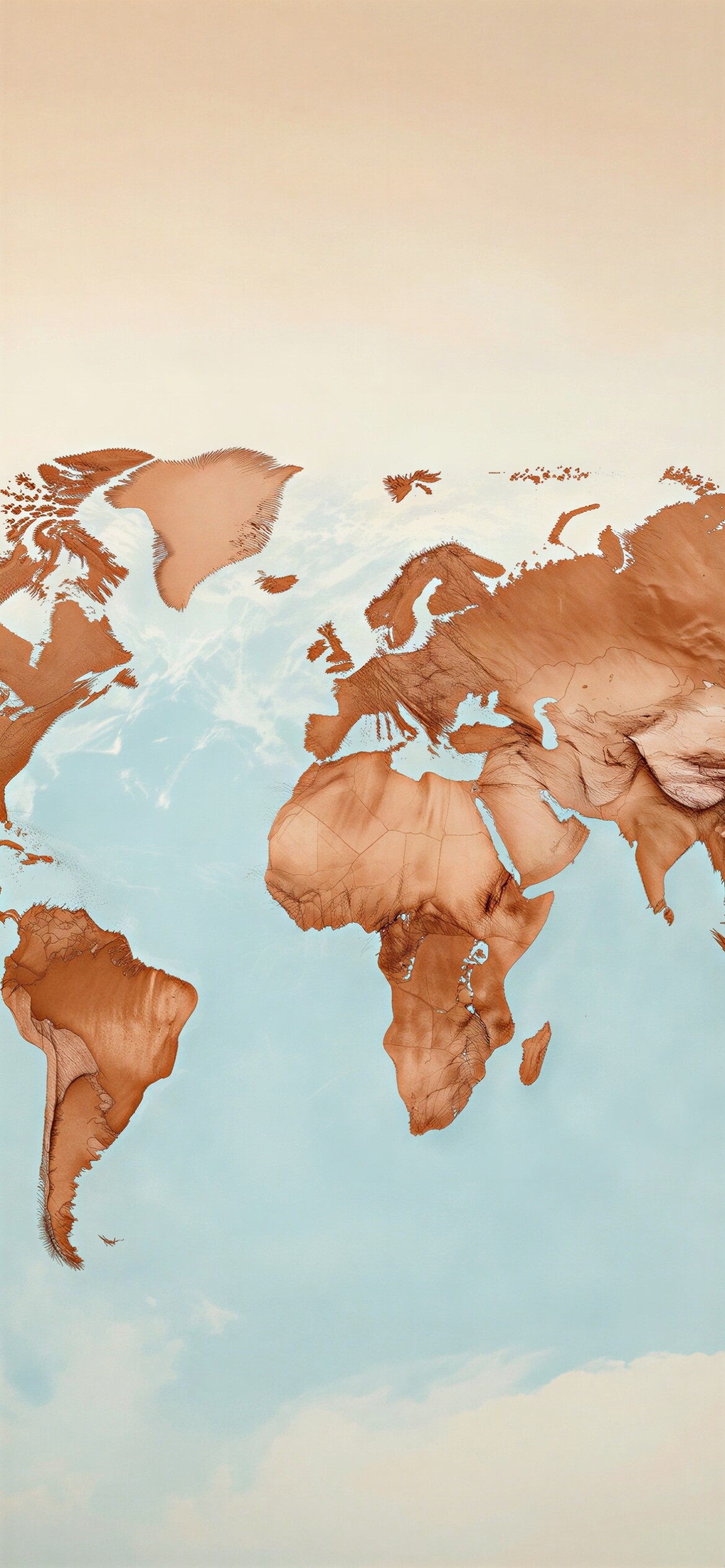
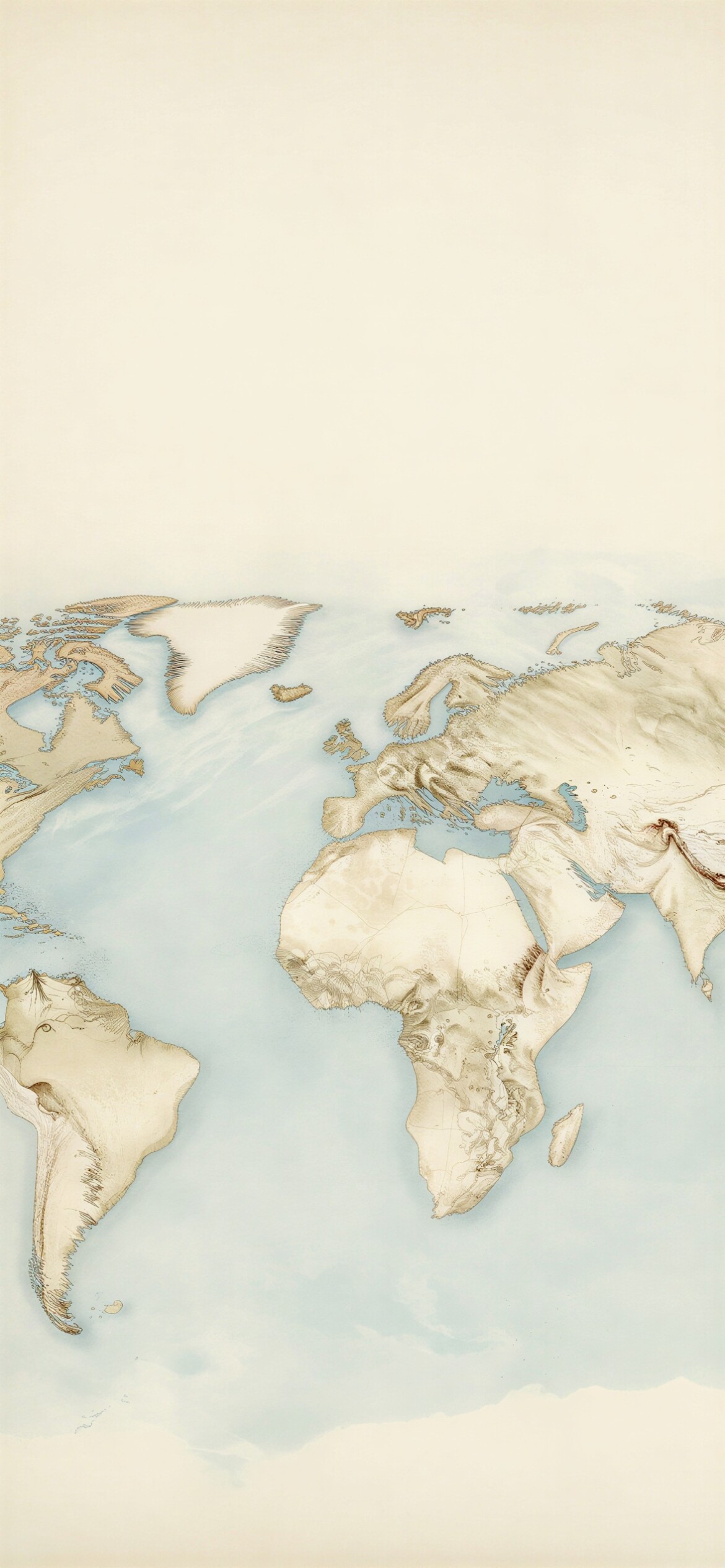
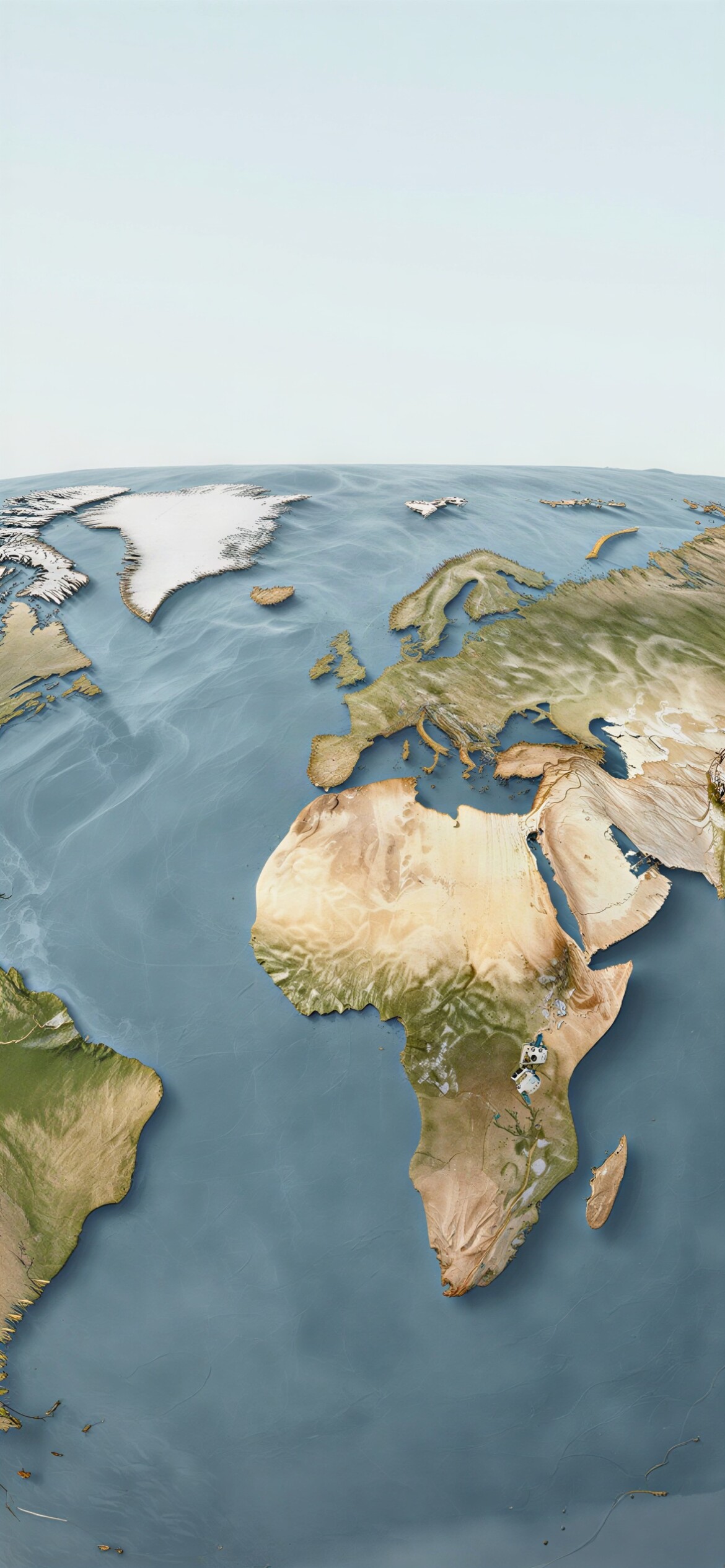
World map wallpaper for iPhone shows detailed continents, oceans and borders in rich earth tones and blues. These free iPhone wallpapers work on any model and fit the full screen without cropping. Each world map design brings geography and travel themes to your lock screen or home screen. Download any wallpaper instantly with no sign up needed.
10 wallpapers at 1170 × 2532 px for iPhone. Checked by hand on 5 Oct 2026.
About this set
These world map wallpapers combine geography with understated design. The neutral color palettes of cream, tan, blue and gray work well on both lock screens and home screens without overwhelming your icons or widgets. The maps are detailed enough to explore while remaining visually calm.
Lock screen versions work best when the map sits in the lower half, leaving room for the time and notifications at the top. Home screen versions pair well with minimal icon layouts and light or dark mode depending on your chosen map colors. These designs suit anyone who loves travel, navigation or global themes.
Lines that sailors drew first
The fine grids in wallpapers 3 and 7 are more than decoration. Latitude lines run parallel to the equator and measure how far north or south a place is, while longitude lines meet at the poles. Longitude needed a starting point, and in 1884 an international conference in Washington chose the meridian through Greenwich in London as zero. The gold equator line in 10 marks latitude zero, the one line that splits the globe into two equal halves.
The compass rose in 6 has an even older story. Compass roses began appearing on medieval sailing charts of the Mediterranean, where they helped sailors read directions off the map. Most flat world maps also carry a quiet compromise: a round planet cannot be laid flat without stretching something. The well-known Mercator projection of 1569 kept directions true for navigation but made land near the poles look far larger than it is, which is why Greenland can look close to the size of Africa on many maps even though Africa is around fourteen times bigger.
Old paper, cool water and one plain outline
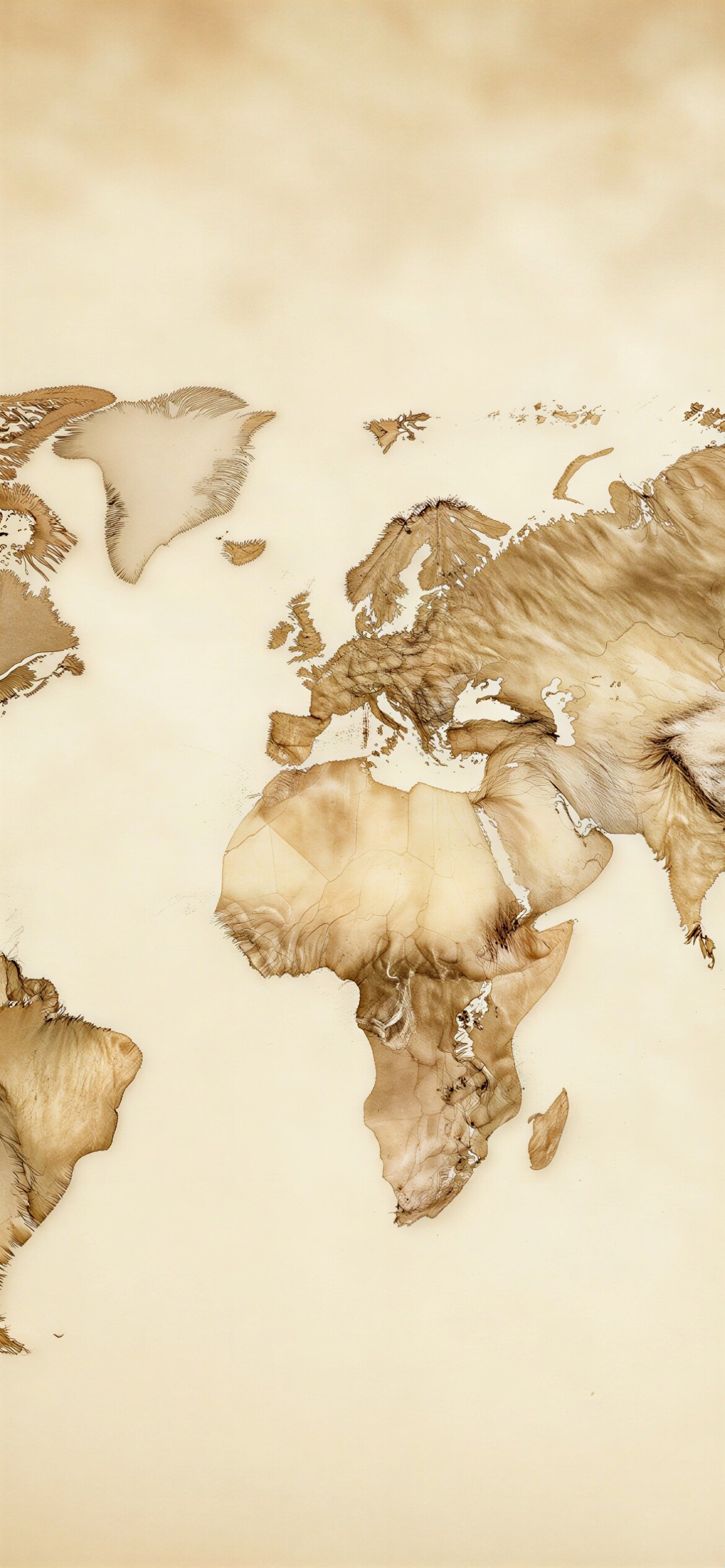
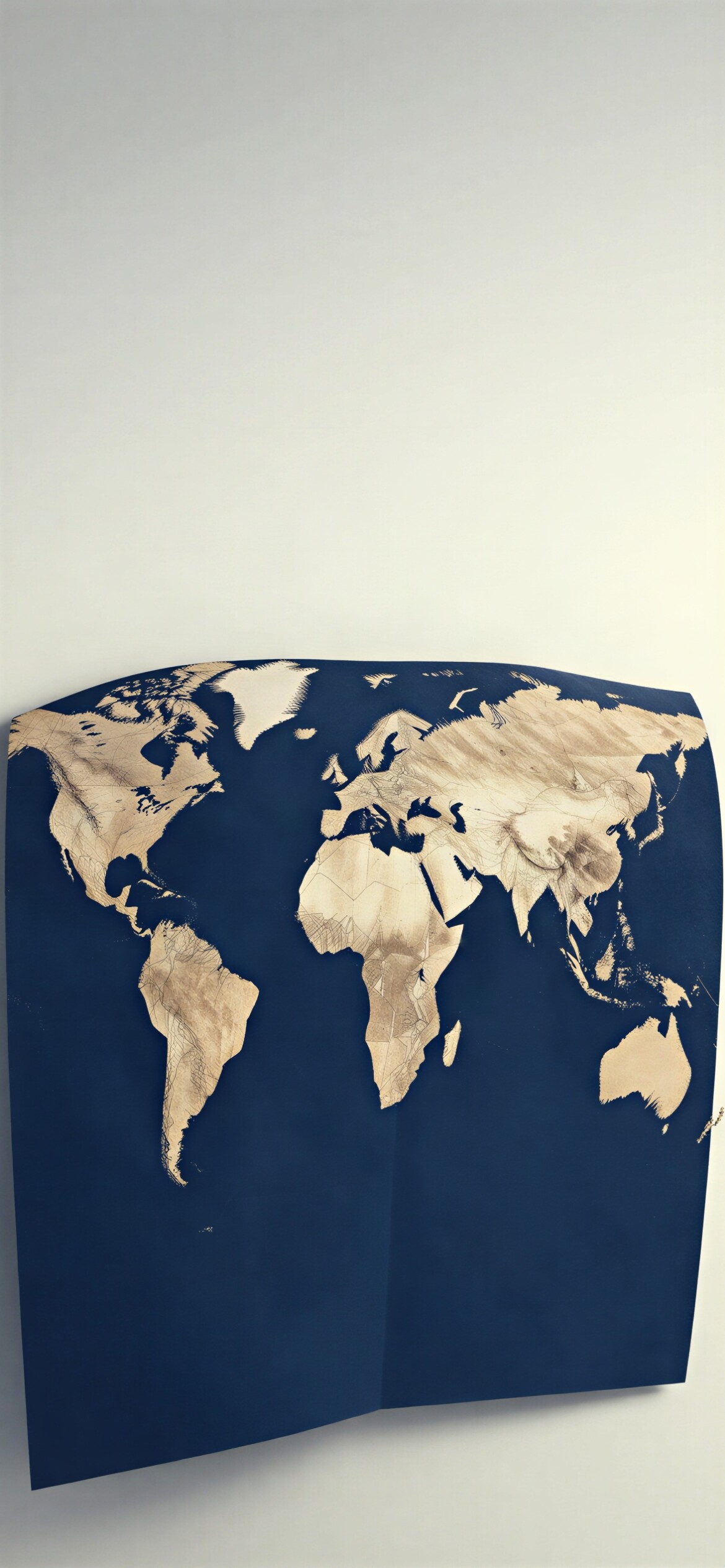
Three of the designs feel like something pulled from an old atlas. Number 1 has cream continents with brown borders on a soft background, 2 pairs navy and tan with fine borders on a parchment texture, and 9 uses ivory and brown with an aged paper look and fine line work. These suit a study desk vibe and warm, brown or gold app icons.
Two more stay on the warm side with extra colour. Wallpaper 6 mixes ochre and navy with compass rose accents, and 8 combines terracotta land with seafoam water and delicate border lines, a softer, earthy take.
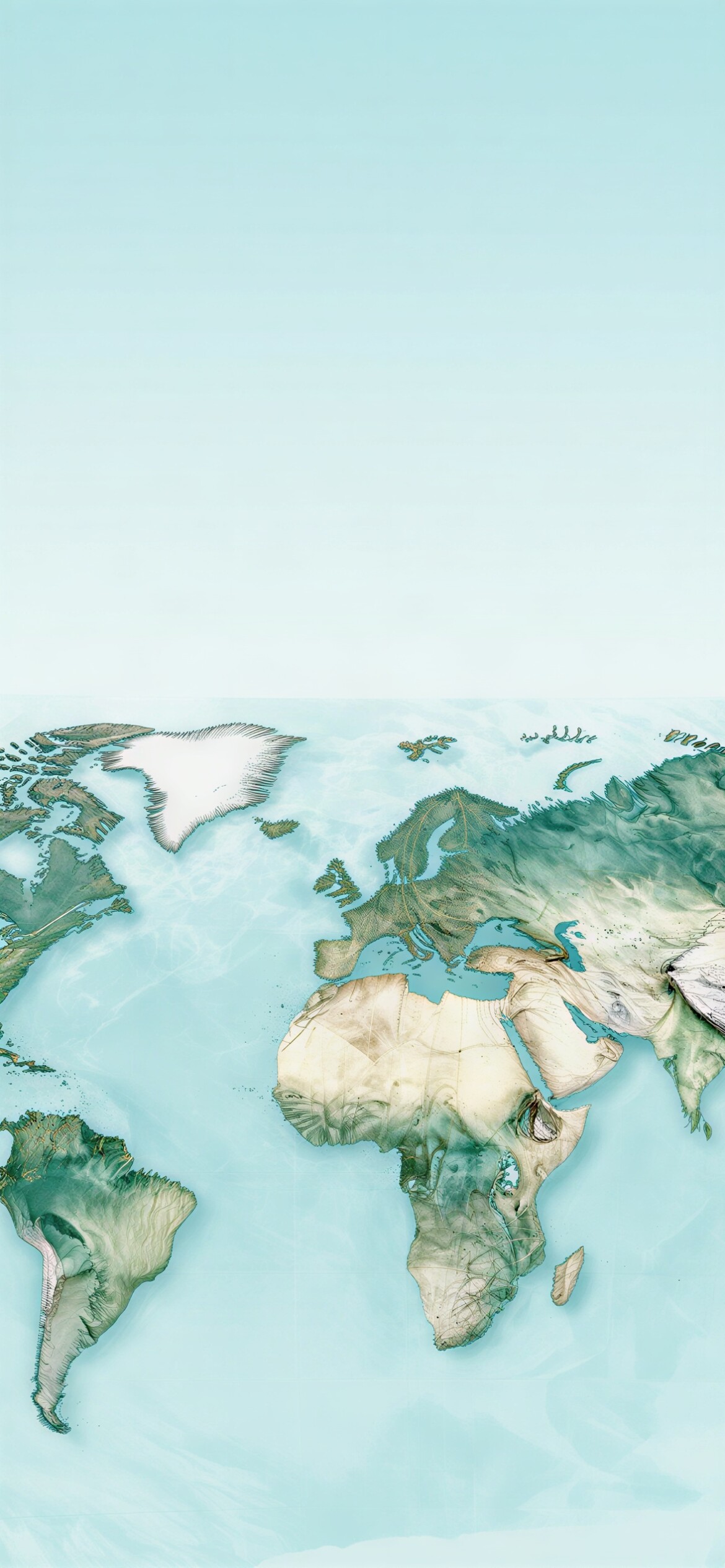
The cool group is 3, 5, 7 and 10. Teal oceans and gold grid lines in 3, sage green and grey-blue with a light texture in 5, slate grey with pale blue oceans in 7, and slate blue water with sand coloured land in 10. Blue, grey and silver widgets blend into these easily.
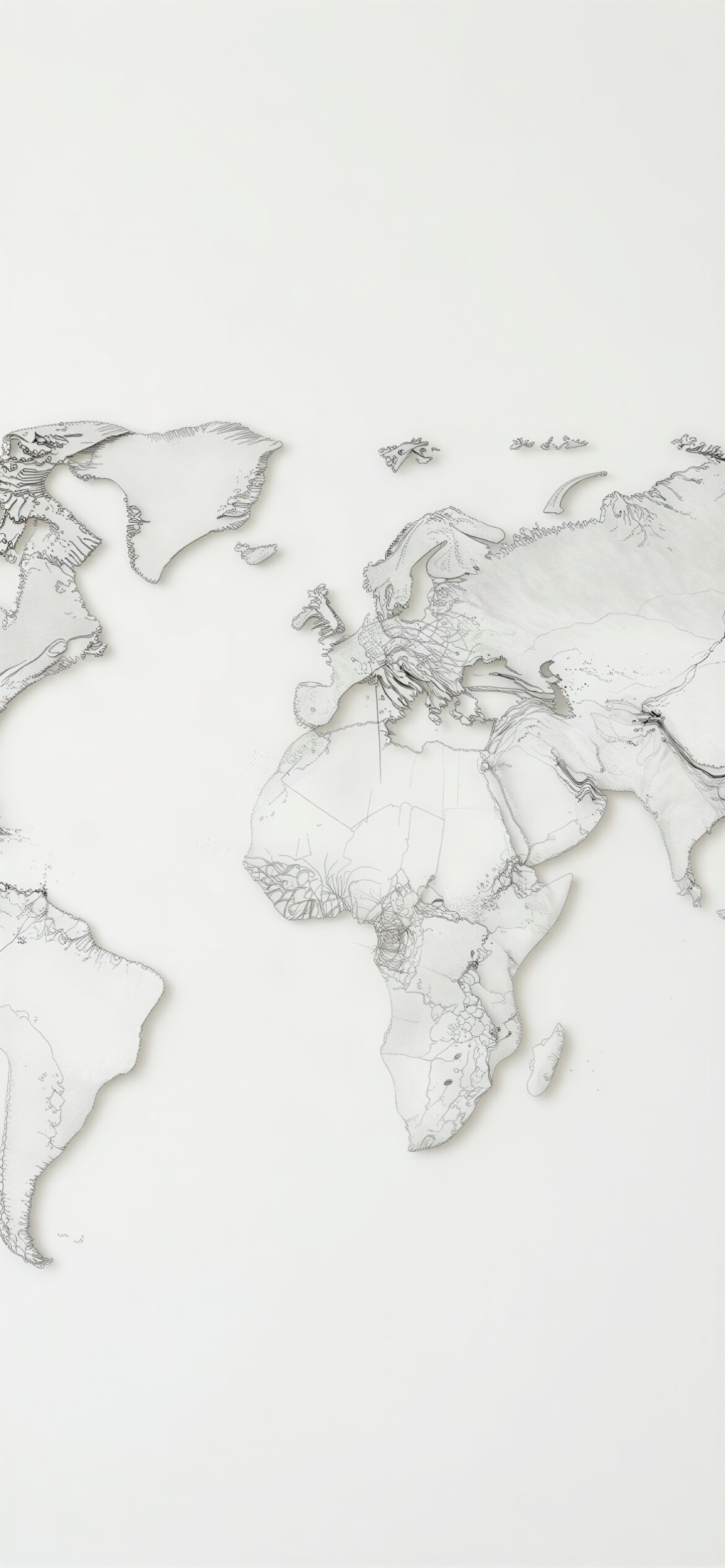
Finally, 4 is the minimalist one: thin black outlines of the continents on plain white. It works almost like a blank page, so it handles a full home screen of icons better than any other map here.
If maps get you thinking about trips, browse our travel wallpapers. The cream and parchment tones also match the beige aesthetic collection, and the old atlas feel sits well next to our retro wallpapers.
How to set it on your iPhone
- Tap Download and save the image to Photos.
- Open Settings, tap Wallpaper, then Add New Wallpaper, and choose Photos.
- Pick the wallpaper, pinch to position it, then tap Add and choose the lock screen, home screen or both.
Stuck on a step? The iPhone and iPad guide has screenshots for each one.
Questions
Will this world map wallpaper fit my iPhone screen?
Yes. These wallpapers are designed at 1170x2532 resolution and are sized for modern iPhones, though some older models may crop slightly at the edges. The composition keeps important details in the middle and lower half so nothing gets cut off by the notch or dynamic island.
Can I use these wallpapers commercially or repost them?
These wallpapers are free for personal use on your own devices only. You cannot sell them, print them for sale, or repost them on other websites or social media. See our Terms page for details on permitted use.
Which map wallpapers work best for lock screens?
Maps with lighter colors and higher contrast work best on lock screens so your time and date remain readable. The pale cream, ivory and tan versions are ideal. Avoid very dark maps on lock screens as text may become hard to read.
Can I use the same world map on both my lock screen and home screen?
Absolutely. Many people use one map for both screens. If you prefer variety, try a lighter version on the lock screen for readability and a more detailed or colorful version on your home screen where your icons will sit.