Wolf Wallpaper iPhone
Wolf wallpaper iPhone offers free designs with close-ups, forest scenes and wildlife portraits ready to download for iOS. These wolf iphone wallpapers show the animal in natural settings, from misty woodlands to snowy peaks and golden-hour meadows. The collection suits both lock screen and home screen on any iPhone model, with a mix of moody and bright scenes that work year-round.
10 wallpapers at 1170 × 2532 px for iPhone. Checked by hand on 2 Oct 2026.
About this set
These wolf iphone wallpapers feature the animal in its natural habitat, from intimate close-ups to wide forest and mountain scenes. The style ranges from cool winter tones and misty atmospheres to warm golden-hour light and twilight moods. Each design captures the wolf's intelligence and presence through real-world wildlife photography aesthetics.
The close-up portraits and face studies work best as lock screen wallpapers, where the detail draws the eye. Wider landscape scenes with the wolf in the lower frame suit home screen use, leaving space for app icons in the top half. These designs pair well with minimal icon layouts and work across both light and dark mode iPhone settings year-round.
Do wolves really howl at the moon?
No, although wallpapers 8 and 9 make it easy to believe. Wolves howl to keep in touch with their pack, to call scattered members back together and to warn other packs away from their territory. They tilt their heads up because the sound carries further that way, and a howl can be heard several kilometres away across open country. Night is simply when wolves are busiest, so the moon tends to end up in the picture.
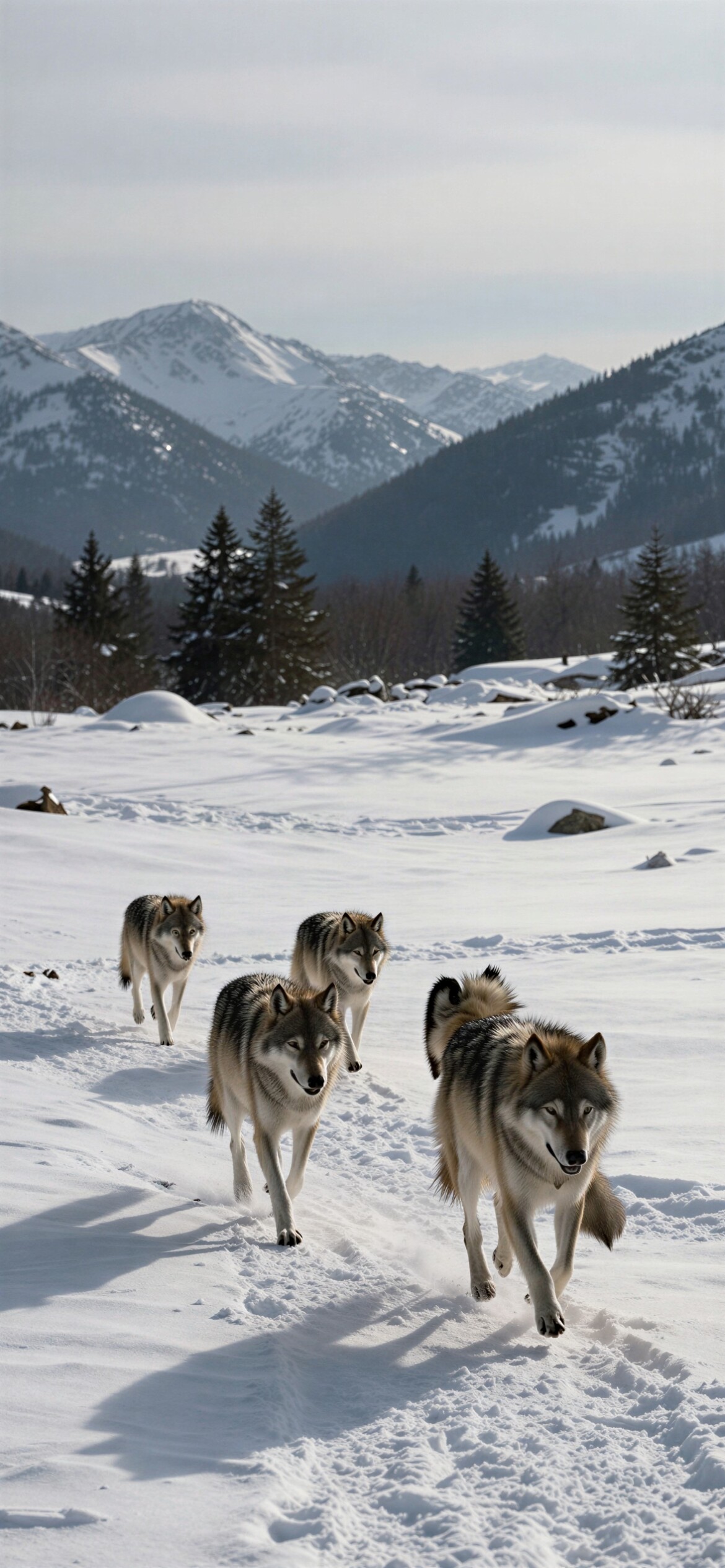
The animal in these scenes is the gray wolf, the wild ancestor of every domestic dog. Most packs are really families: a breeding pair and their young from the last year or two, which is the kind of group you see crossing the snow in wallpaper 4.
Ten scenes, from a lone wolf to a whole pack
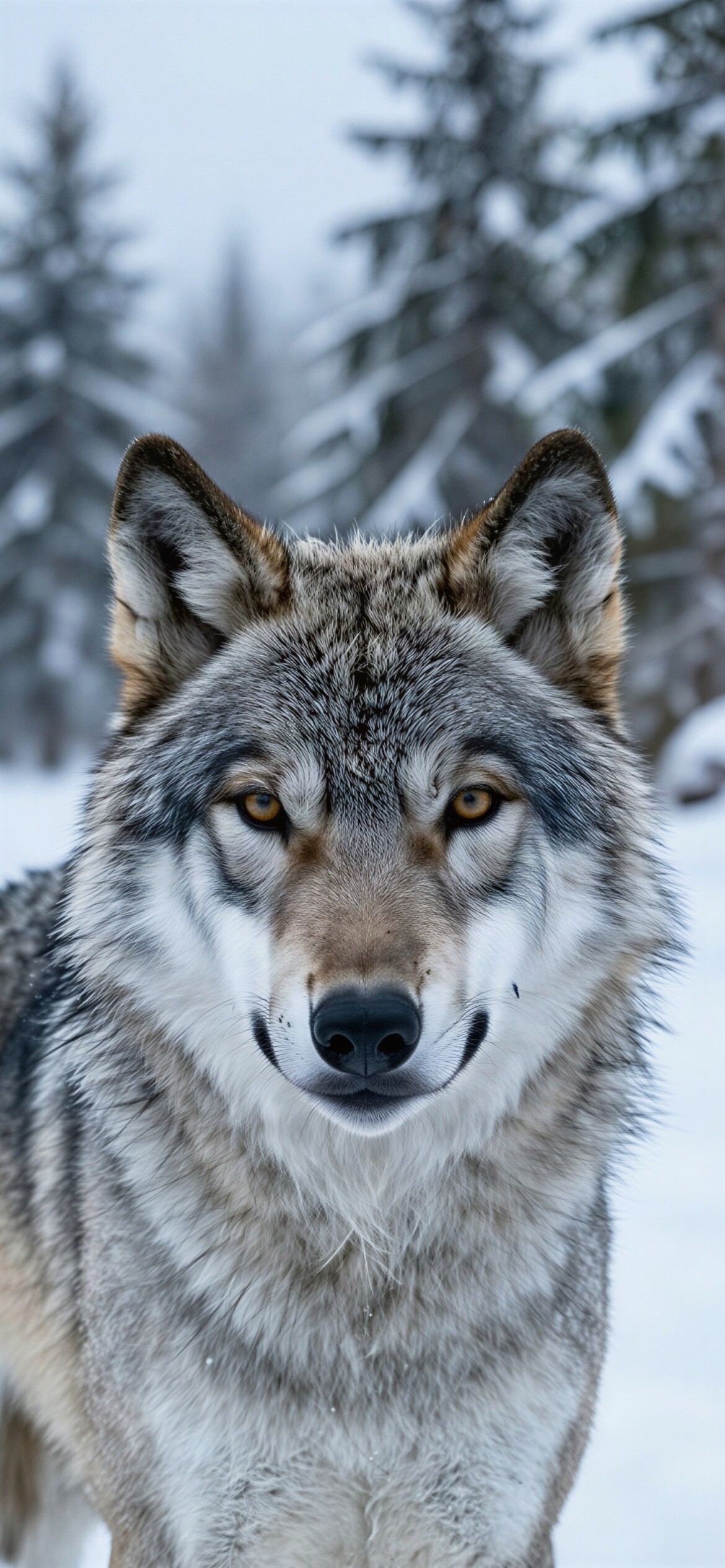
- 1: a tight face portrait with amber eyes. The snowy forest behind is blurred, so the eyes do all the work on a lock screen.
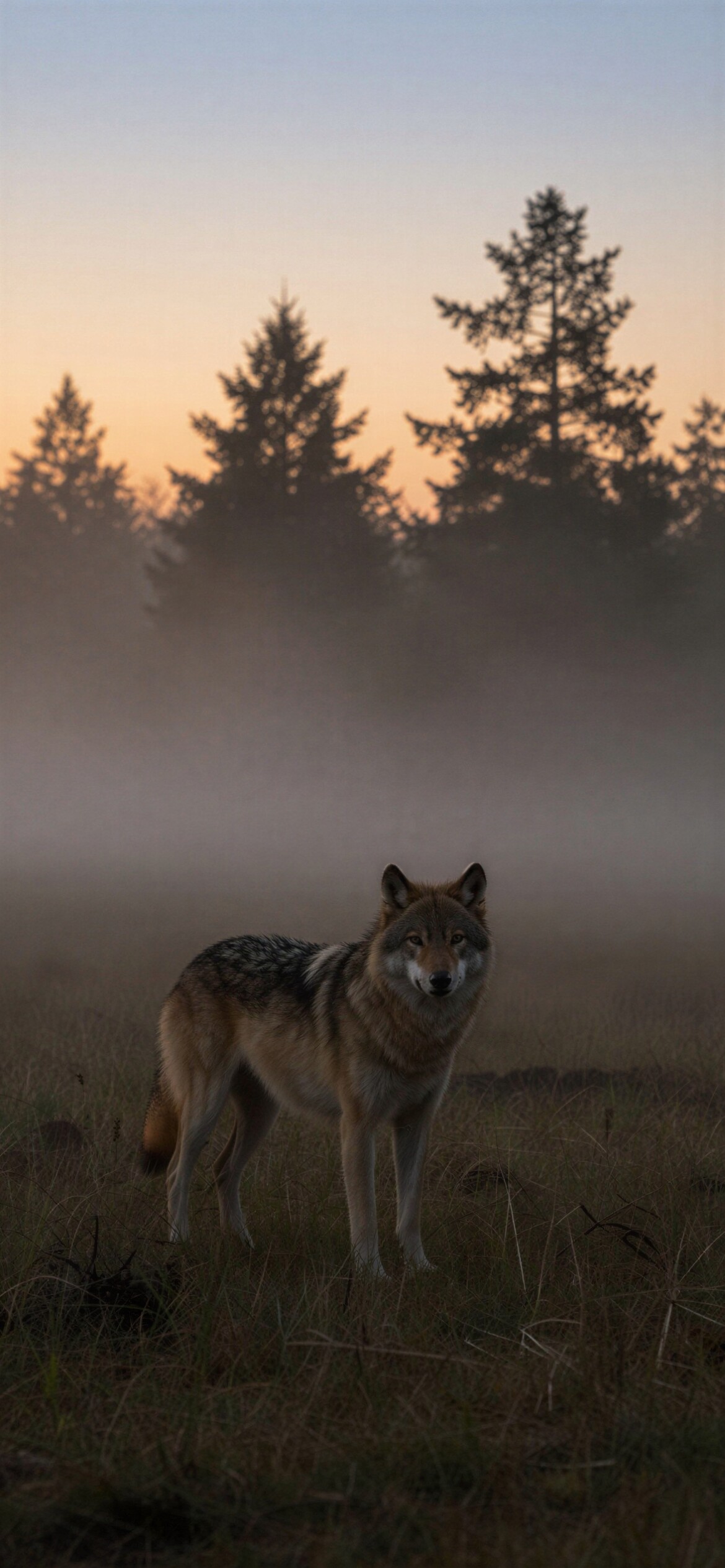
- 2: a lone silhouette in mist at dusk, with a gradient sky that leaves plenty of clear space for icons.
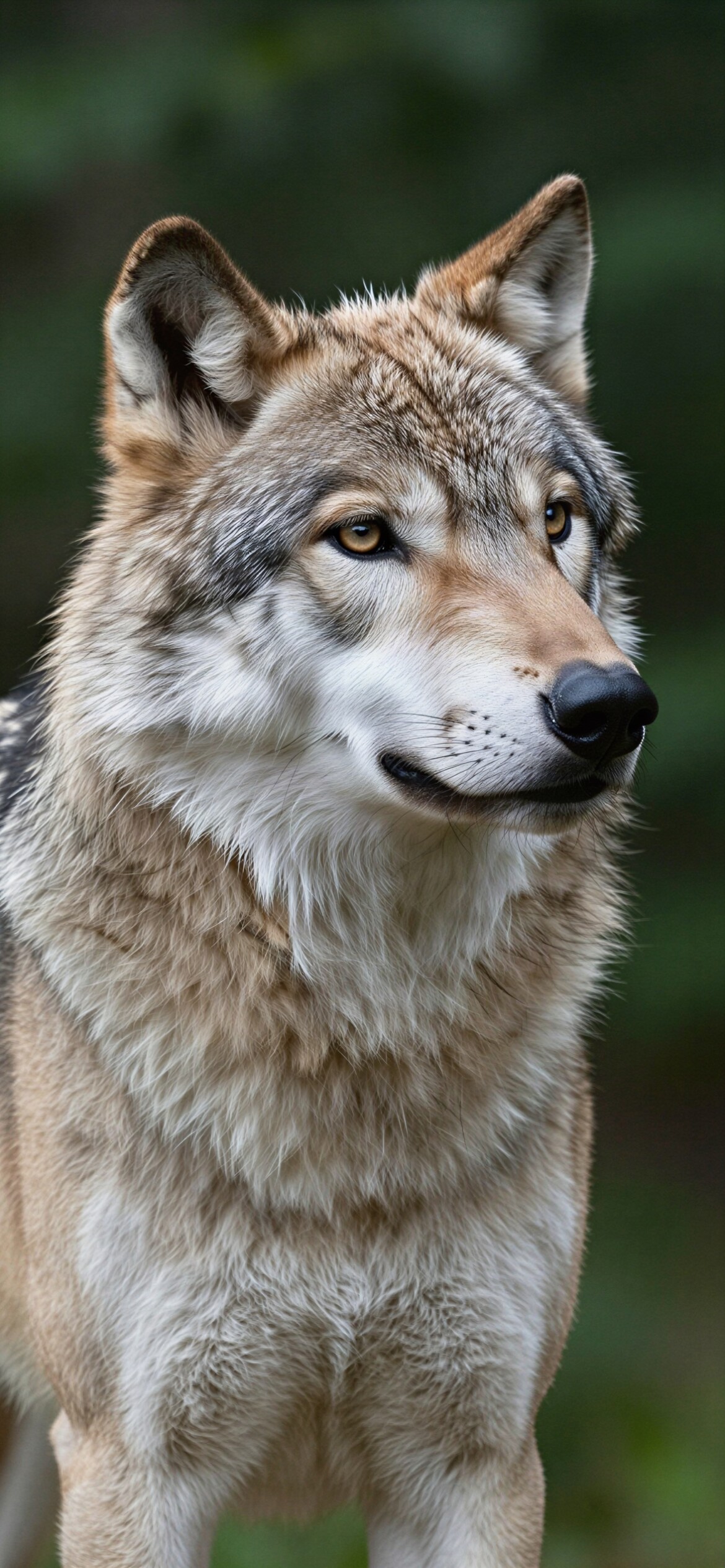
- 3: a side profile in natural light against a dark, softly blurred canopy. Quiet and easy to live with every day.
- 4: a pack moving through deep snow in a mountain valley under a clear sky, the widest scene here and a good home screen pick.
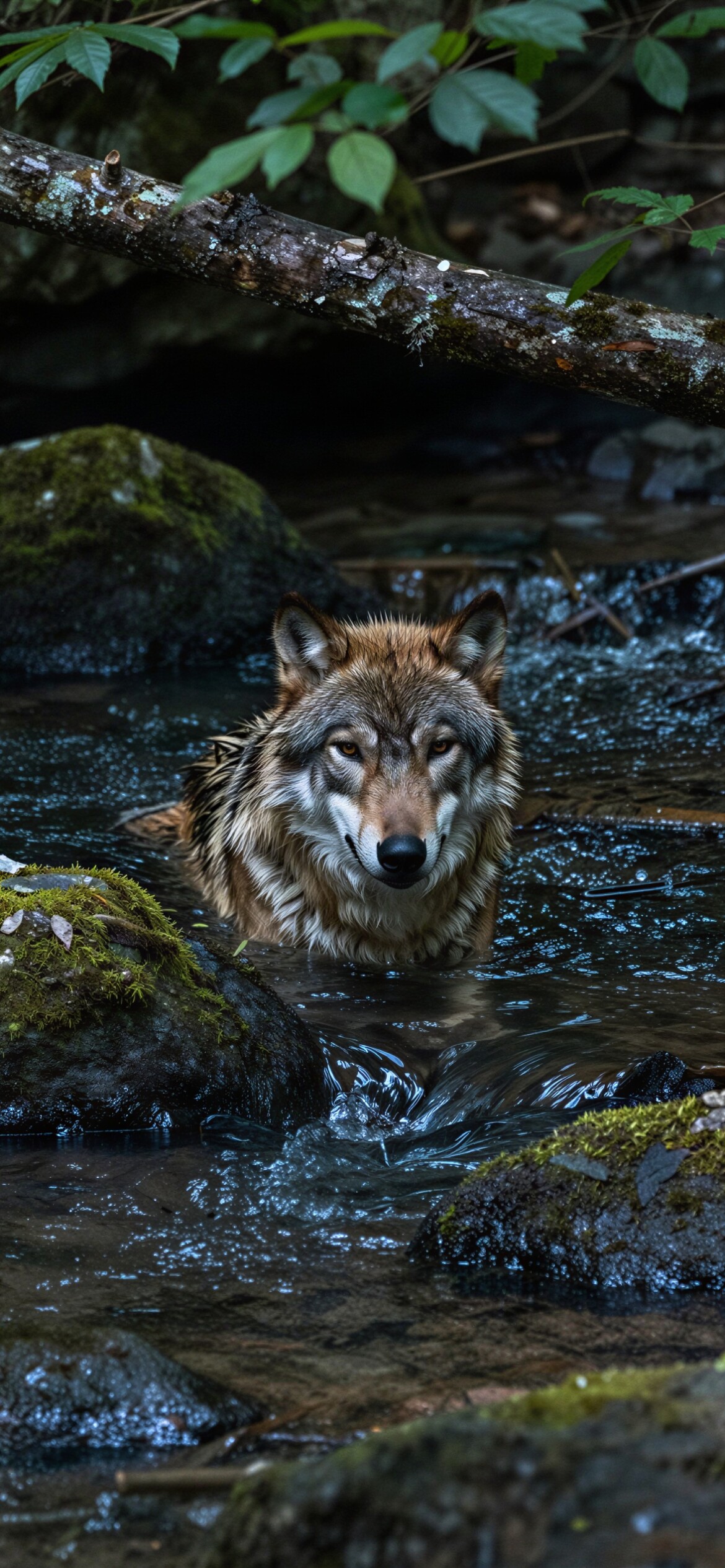
- 5: head and shoulders beside a forest stream, with water droplets catching the light.
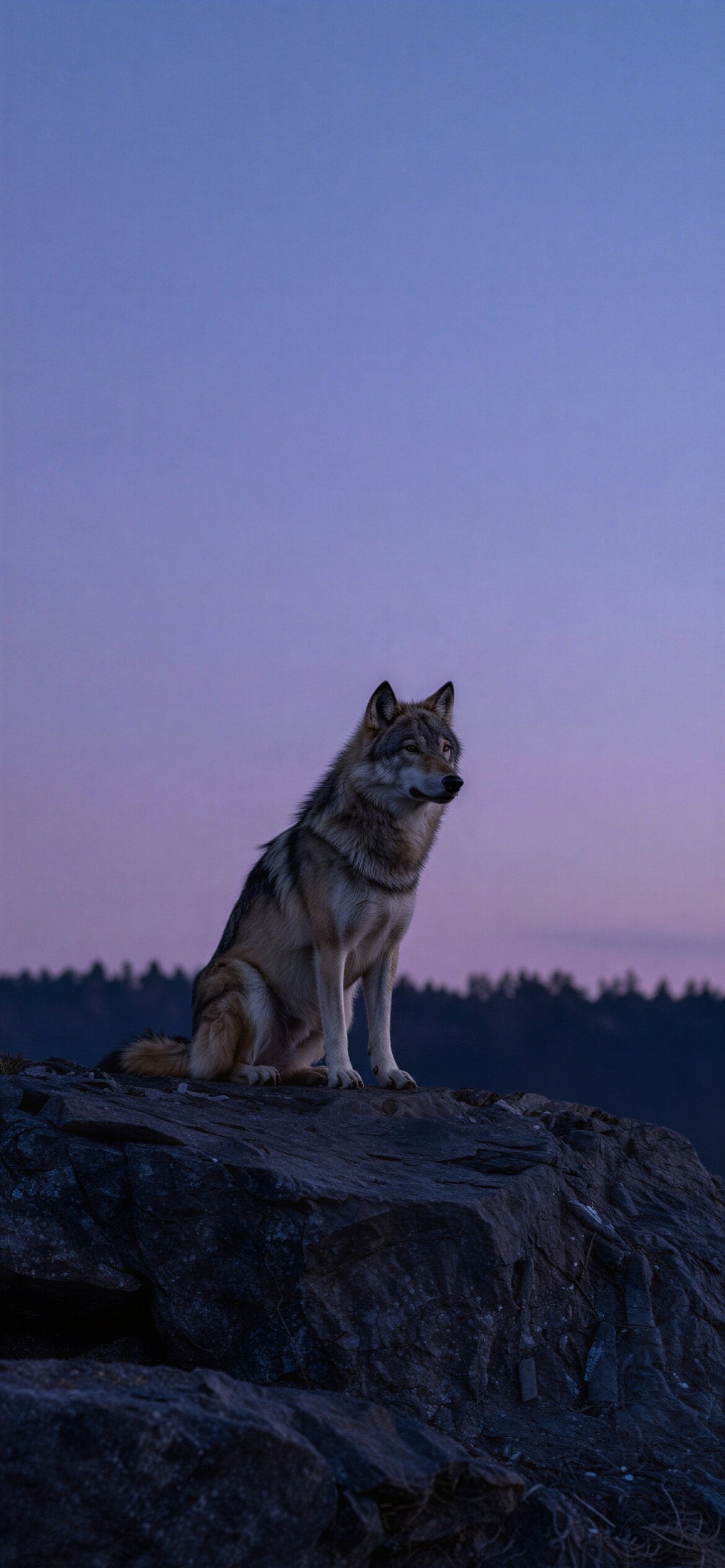
- 6: an alert wolf sitting on a rocky outcrop, looking out at the twilight horizon.
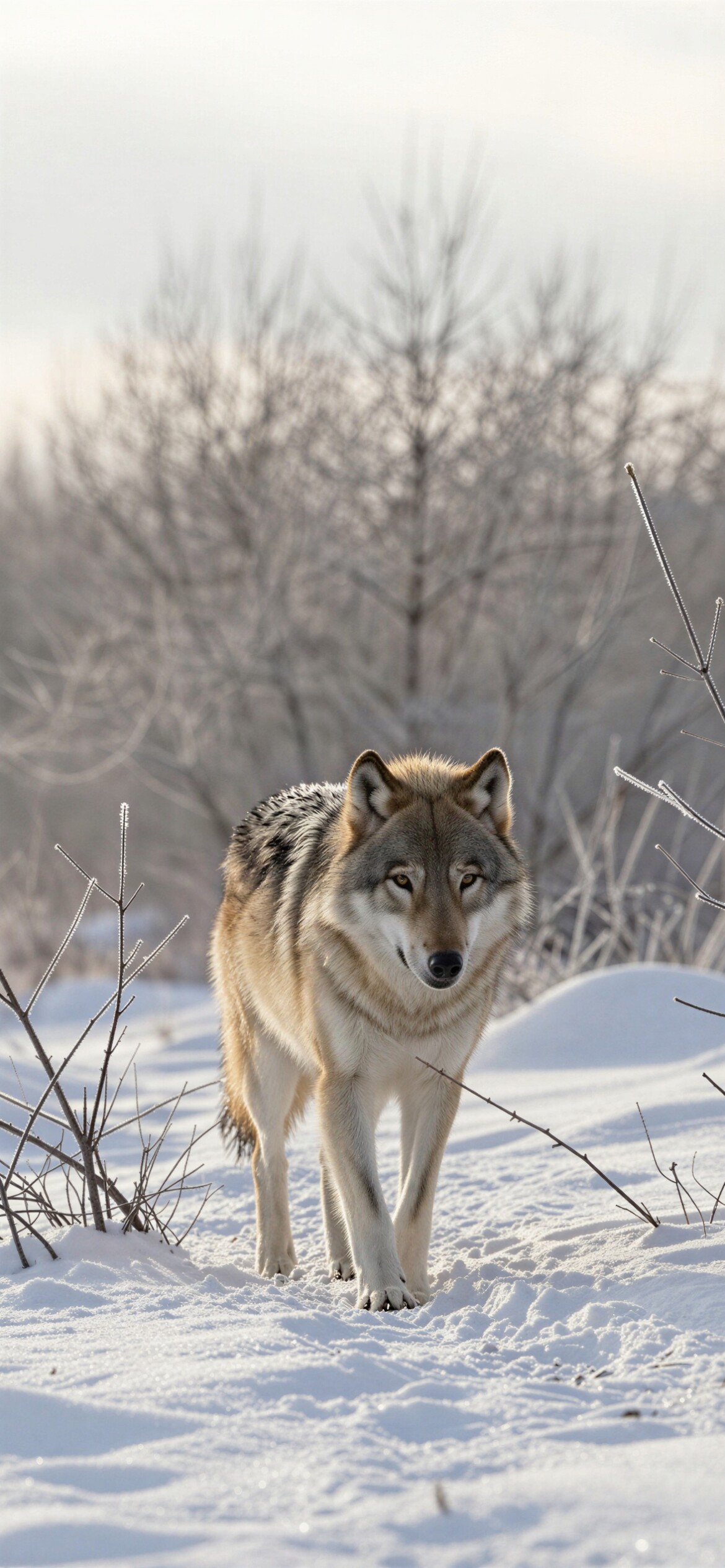
- 7: a wolf walking through snow, backlit by golden afternoon light.
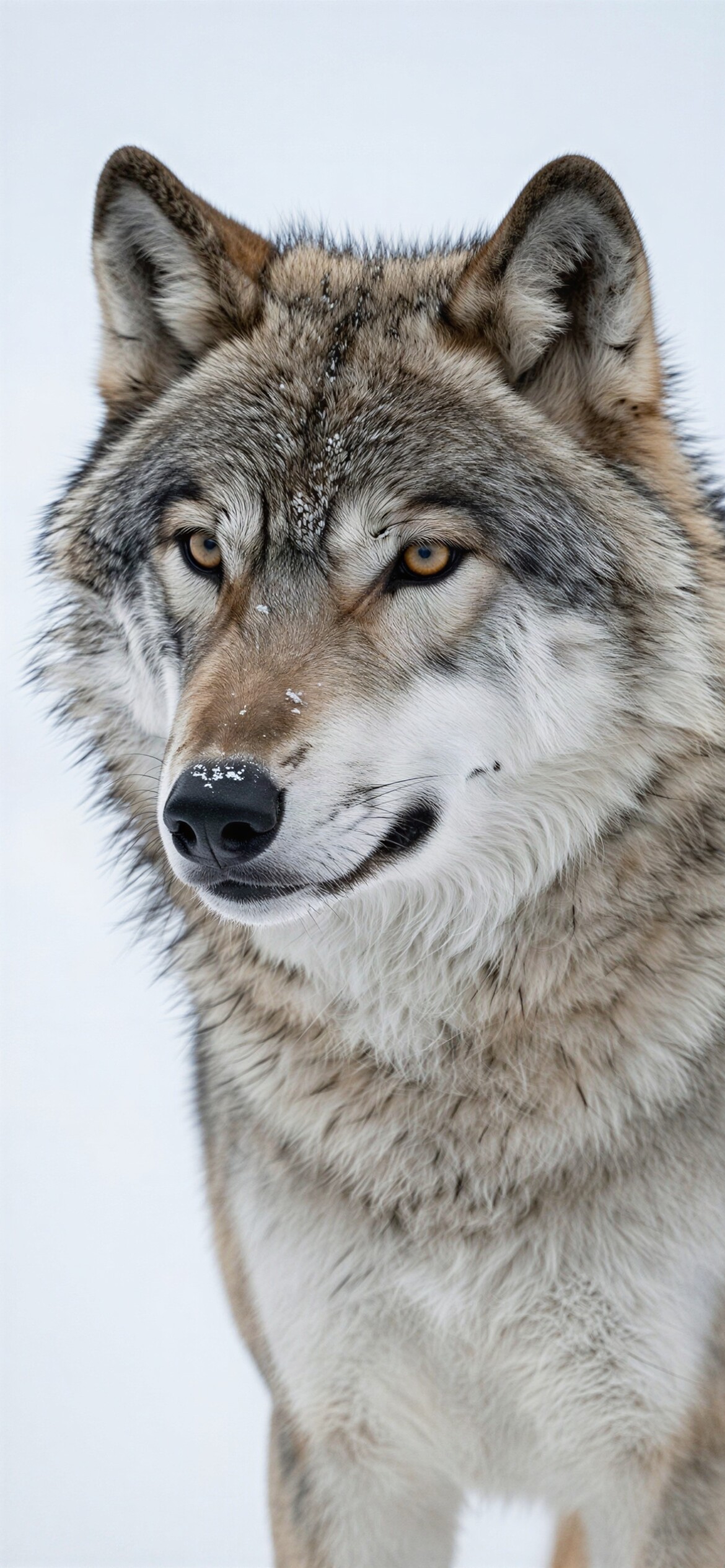
- 8: a close profile with snow on the nose and stars behind, dark enough for a night setup.
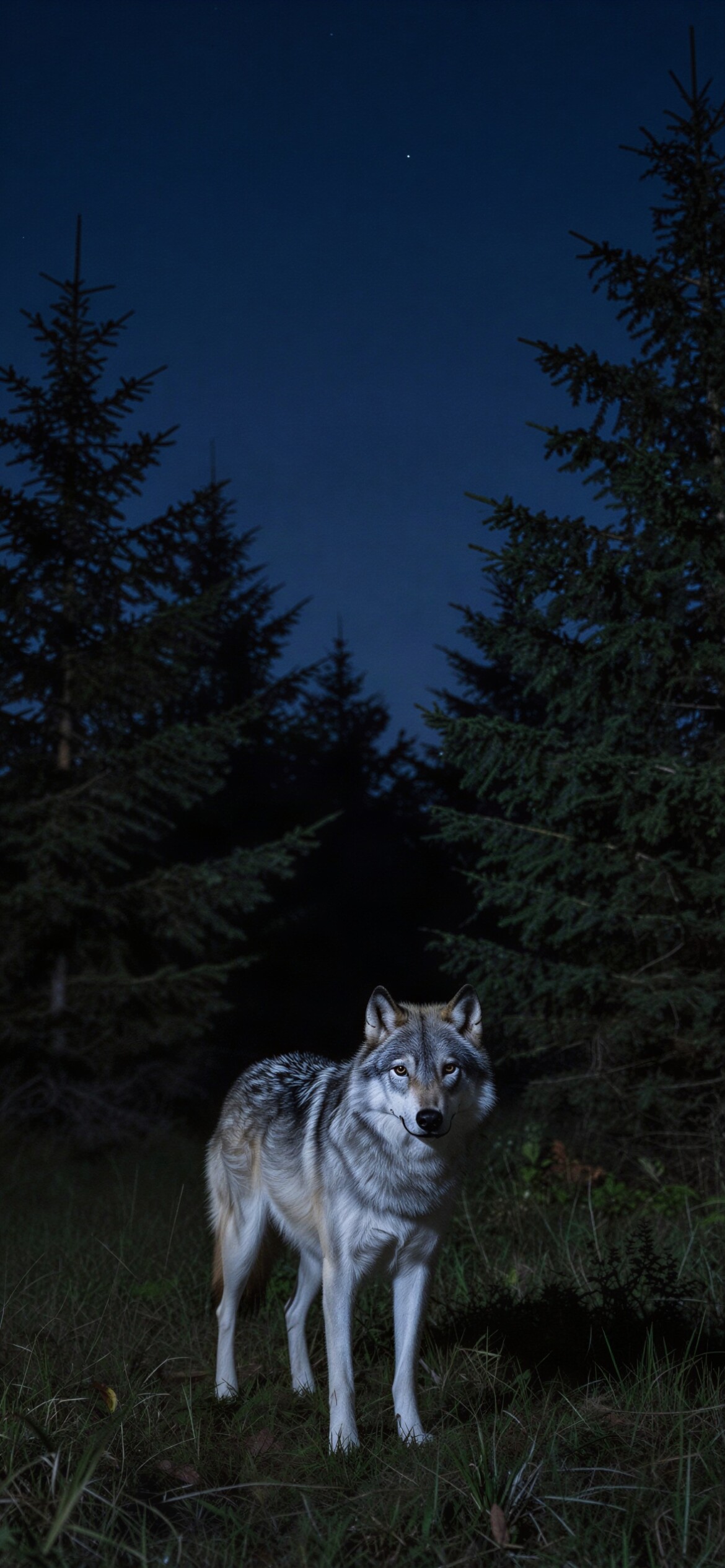
- 9: a wolf resting in a moonlit clearing ringed by evergreens.
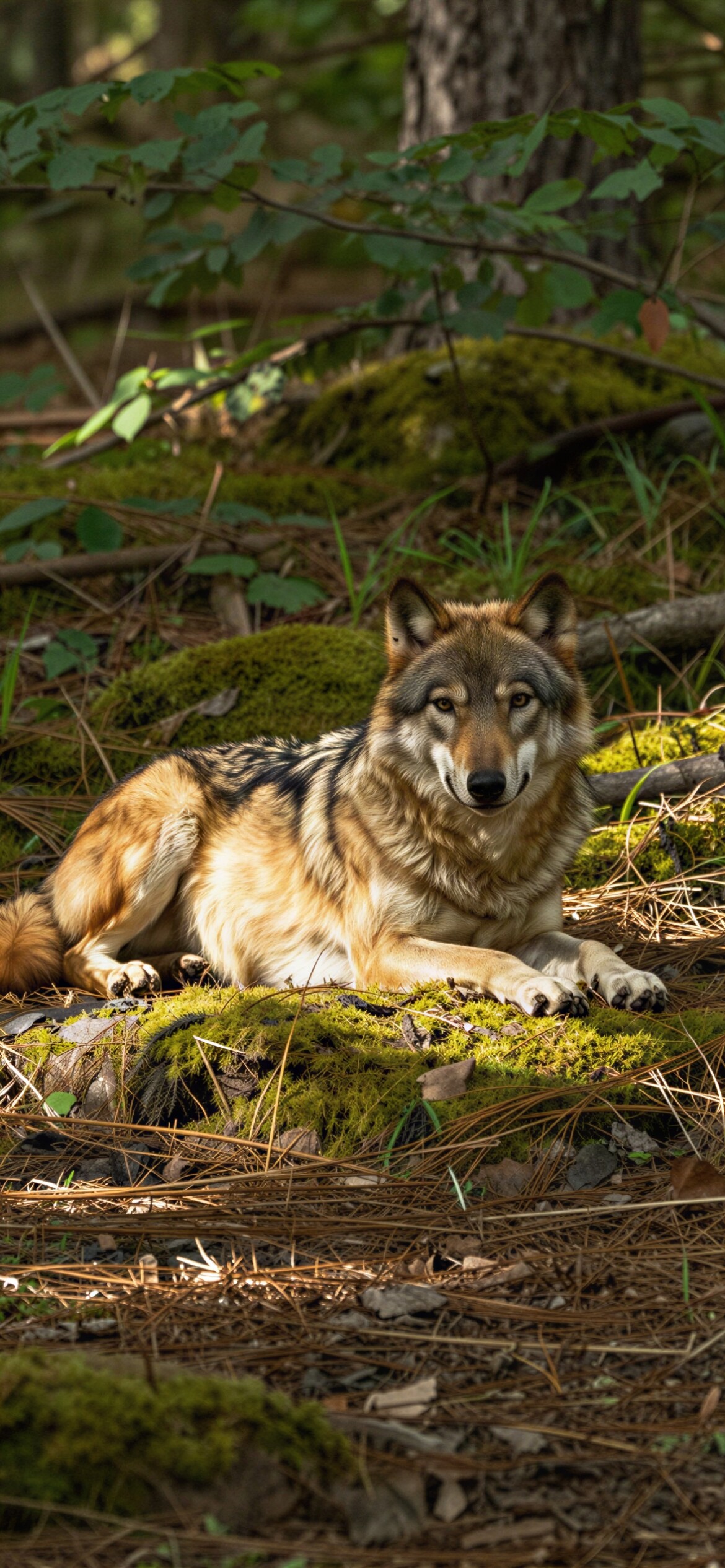
- 10: a relaxed wolf lying on moss while dappled golden light comes through the trees.
The thick fur in the snow scenes is a double coat: a dense woolly layer close to the skin and longer guard hairs on top that shed snow and water. Wolves grow the full coat for winter and moult much of it in late spring, which is why 1, 4 and 7 show such full, rounded shapes.
Snow light, forest shade or dusk
For a cold, bright look, 1 and 4 have the most daylight snow and clear air. Dusk and night belong to 2, 6, 8 and 9, the darkest of the set and the best match for dark mode. Wallpapers 3 and 5 sit in soft natural forest light, neither warm nor cold. If you want warmth, 7 and 10 are the two lit by golden sun.
The fox wallpapers share the same woodland feel, the forest collection drops the animal and keeps the trees, and the snowy winter set sits nicely next to 1, 4 and 7.
How to set it on your iPhone
- Tap Download and save the image to Photos.
- Open Settings, tap Wallpaper, then Add New Wallpaper, and choose Photos.
- Pick the wallpaper, pinch to position it, then tap Add and choose the lock screen, home screen or both.
Stuck on a step? The iPhone and iPad guide has screenshots for each one.
Questions
Will these wolf wallpapers fit my iPhone screen?
Yes. These designs are sized at 1170x2532 pixels for modern iPhones, and some older models may crop slightly at the edges. The vertical tall format is optimized for both lock screen and home screen placement on iOS.
Can I use these wolf wallpapers commercially or share them elsewhere?
These wallpapers are free for personal use on your own devices only. Selling them, printing them for sale, or reposting them on other wallpaper sites is not allowed. For full terms, please visit the Terms page on Free Wallpaper Daily.
Which wolf wallpapers work best for lock screen versus home screen?
Close-up wolf face portraits work best as lock screens since they draw attention and won't be hidden by notification badges or the time display. Wider forest and mountain scenes with the wolf in the lower frame are ideal for home screens, leaving the top clear for app icons and widgets.
Do these wolf designs work with both light and dark mode on iPhone?
Most designs in this set lean toward cool, natural tones and work well in standard mode. The darker wolf portraits with deep forest backgrounds pair nicely with dark mode, while brighter snow and golden-hour scenes suit light mode. Choose based on your iPhone display preference.