Time Wallpaper
Time wallpaper with minimalist clocks, simple dials and clean designs free to download for phones, tablets and computers. This set features clock wallpapers that work year-round with calm, uncluttered aesthetics. Each clock background uses soft colors and straightforward geometry to keep your screen simple and focused. The vertical layouts suit lock screens while the landscape designs work well behind home screen icons.
10 wallpapers: 5 for phones at 1170 × 2532 and 5 for desktop at 3840 × 2160. Checked by hand on 4 Oct 2026.
For phones
For desktop and laptop
About this set
This set of clock wallpapers embraces calm minimalism. Each design strips away unnecessary detail, leaving only the essential elements of time-telling. The vertical compositions work best as lock screens, where a single centered clock creates a focal point. The landscape designs suit home screens and desktop backgrounds, with the clock positioned to one side so icons and widgets have room to breathe.
These clock wallpapers pair well with simple, monochrome icon sets and work across both light and dark system themes. The neutral color palette complements any phone or computer interface without competing for attention. Use them to create a focused, unhurried aesthetic on any device.
Upright for the phone, wide for the desk
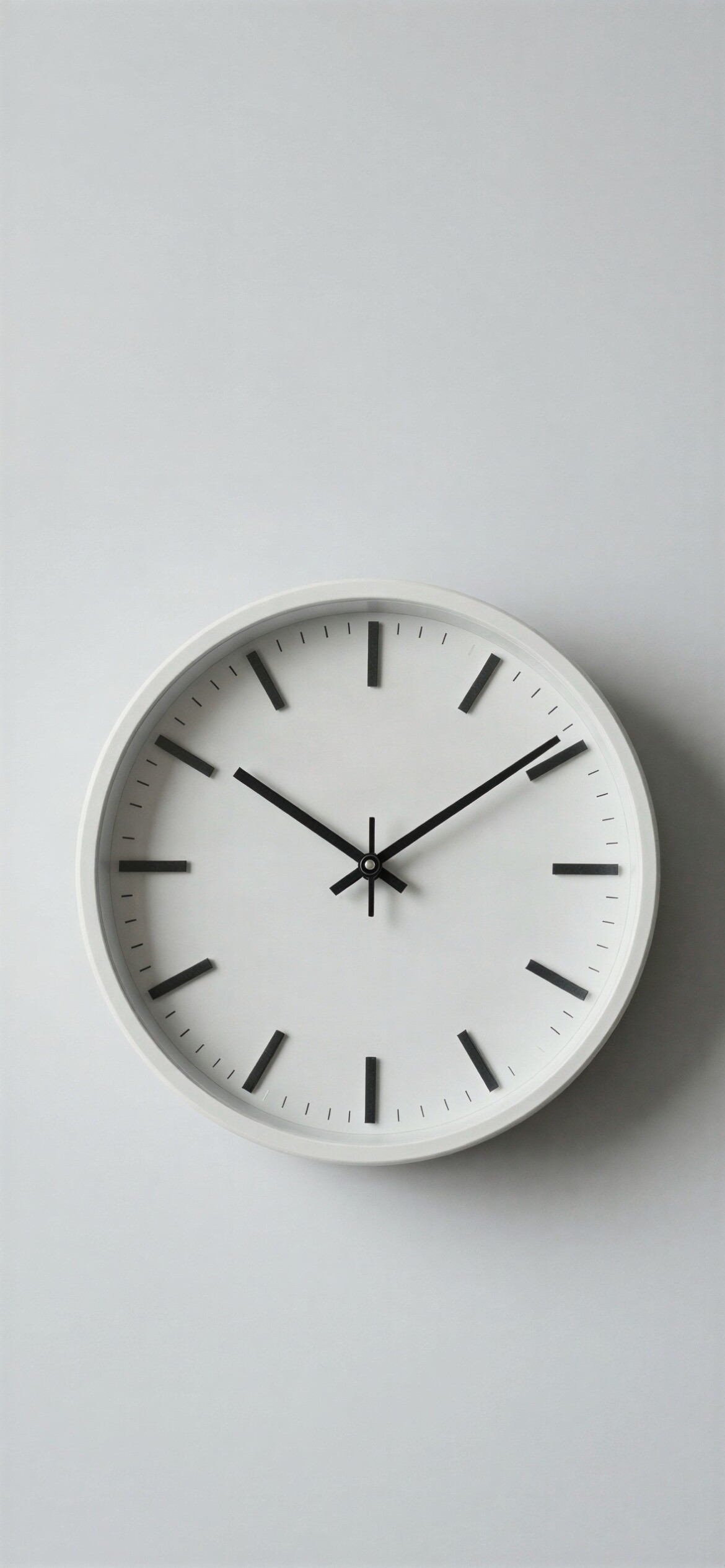
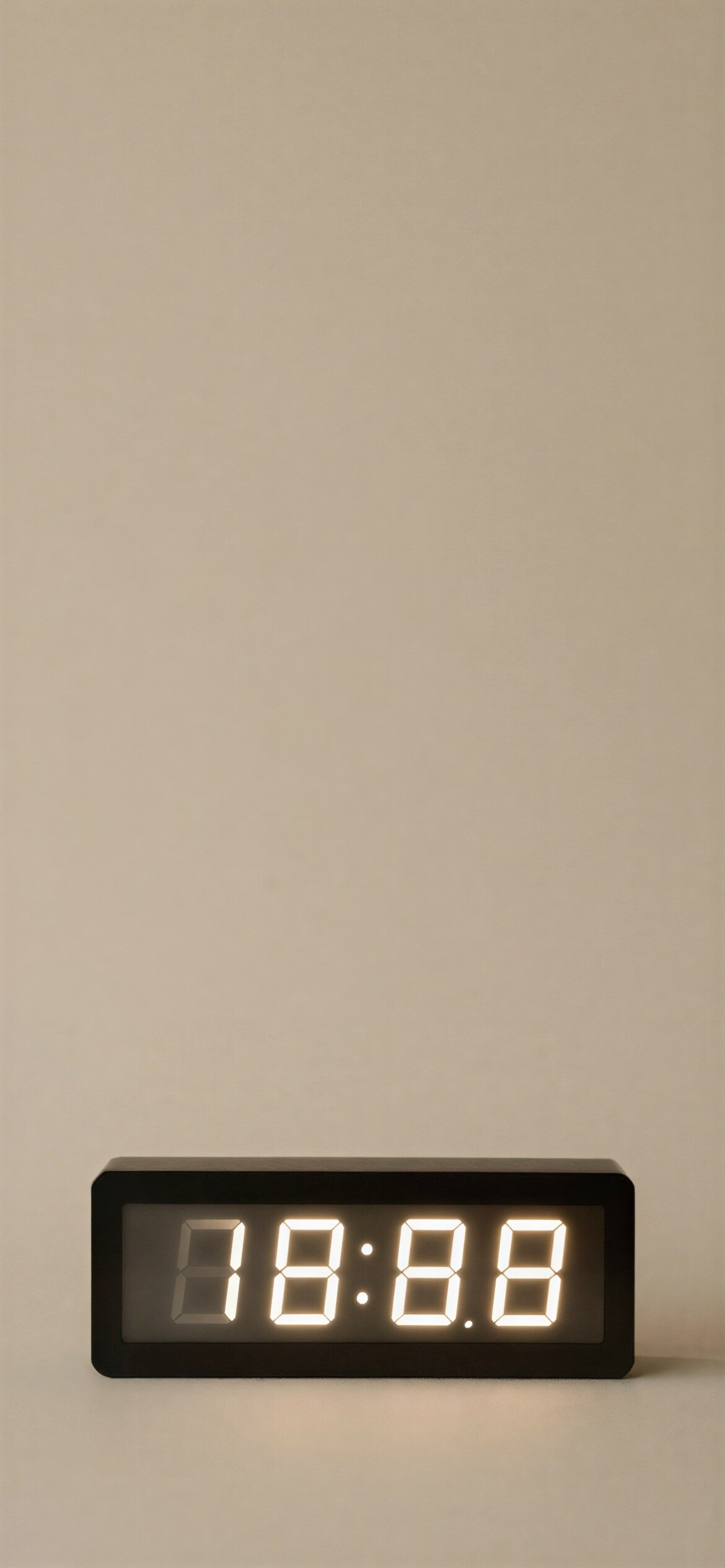
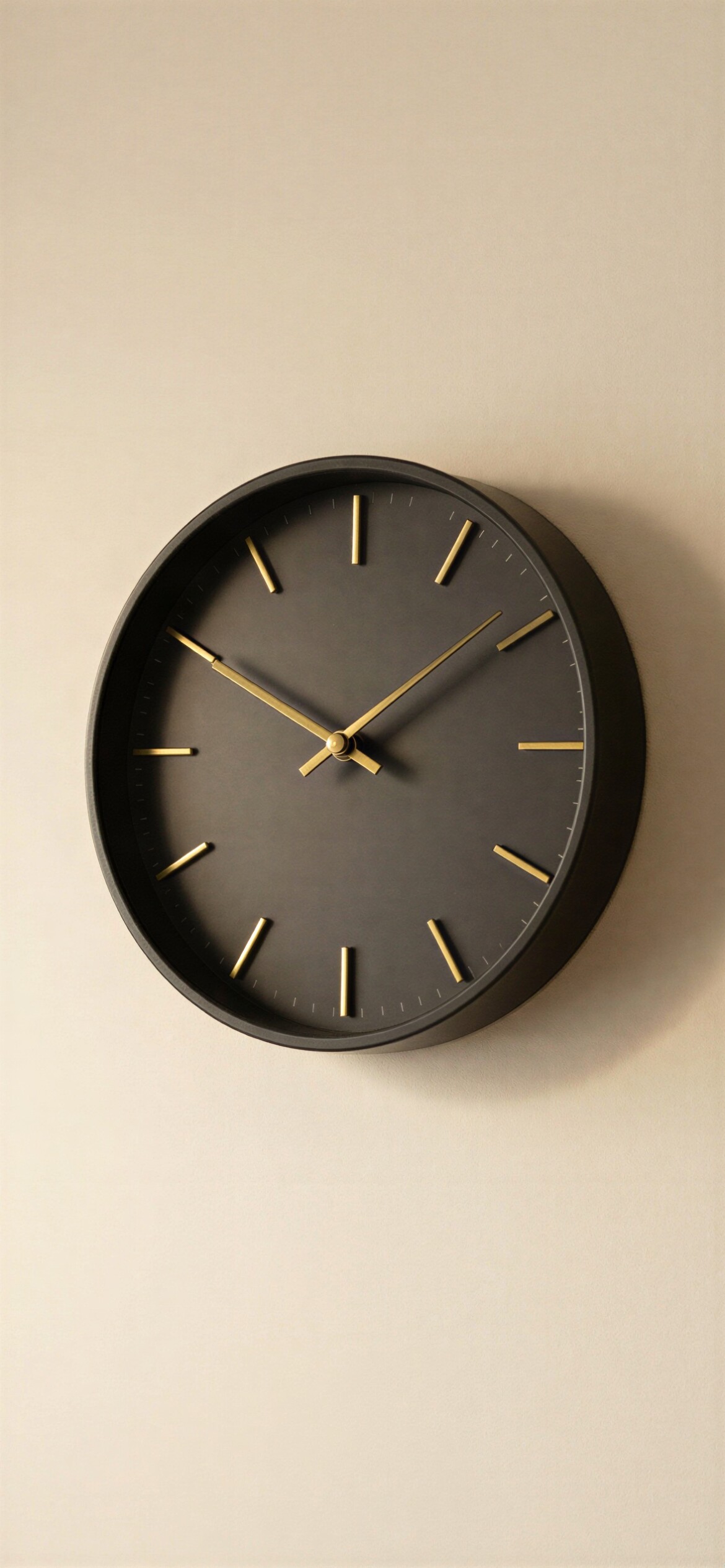
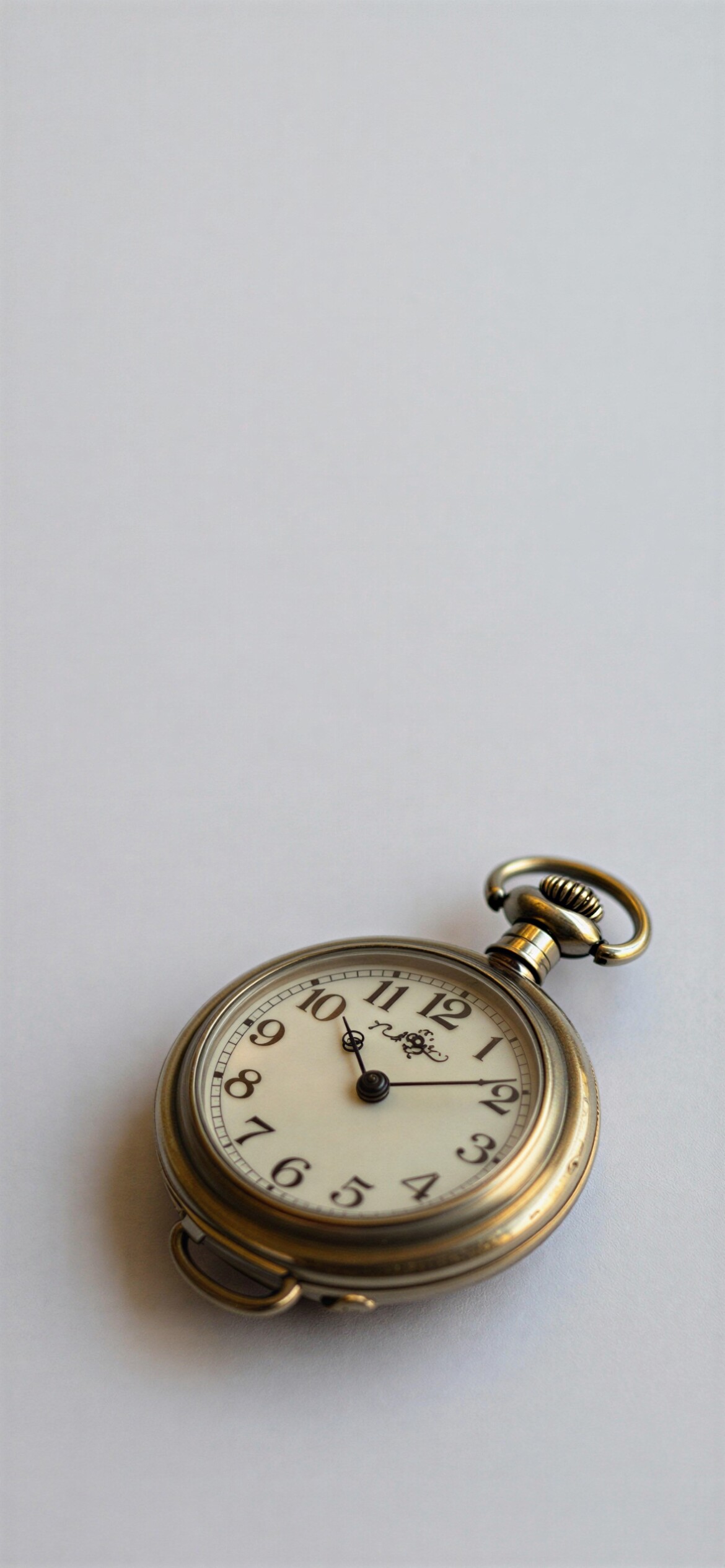
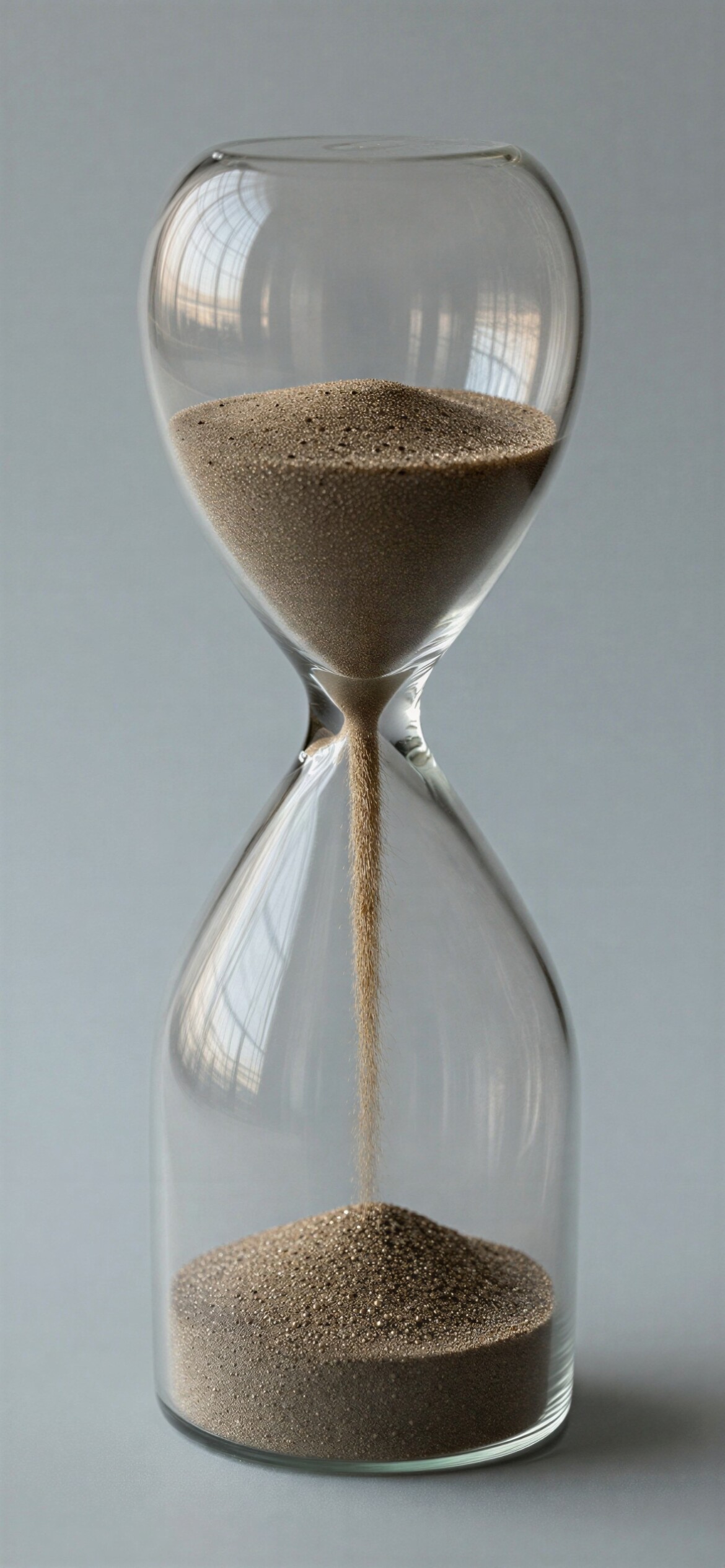
The first five are tall designs for a phone. Wallpaper 1 is the plainest of the lot, a thin black pair of hands on pale grey, and it suits a lock screen where the real time sits on top. Wallpaper 2 swaps the dial for a digital display with a warm glow on beige, while wallpaper 3 puts a matte black wall clock with brass hands on cream. Wallpaper 4 is the one with the most detail: an ornate pocket watch catching golden light on white. Wallpaper 5 drops the clock face altogether for an hourglass with its grains mid-fall.
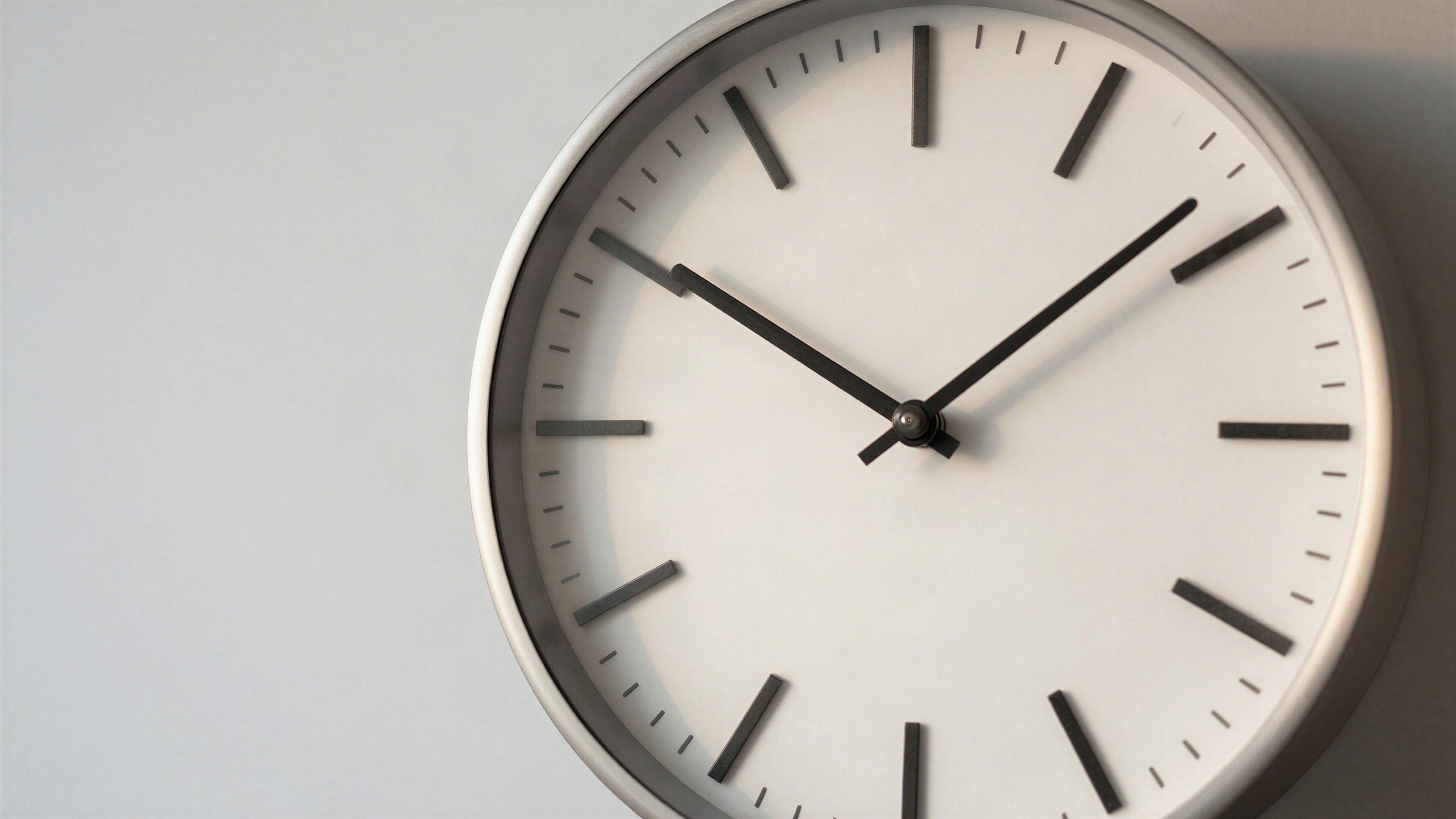
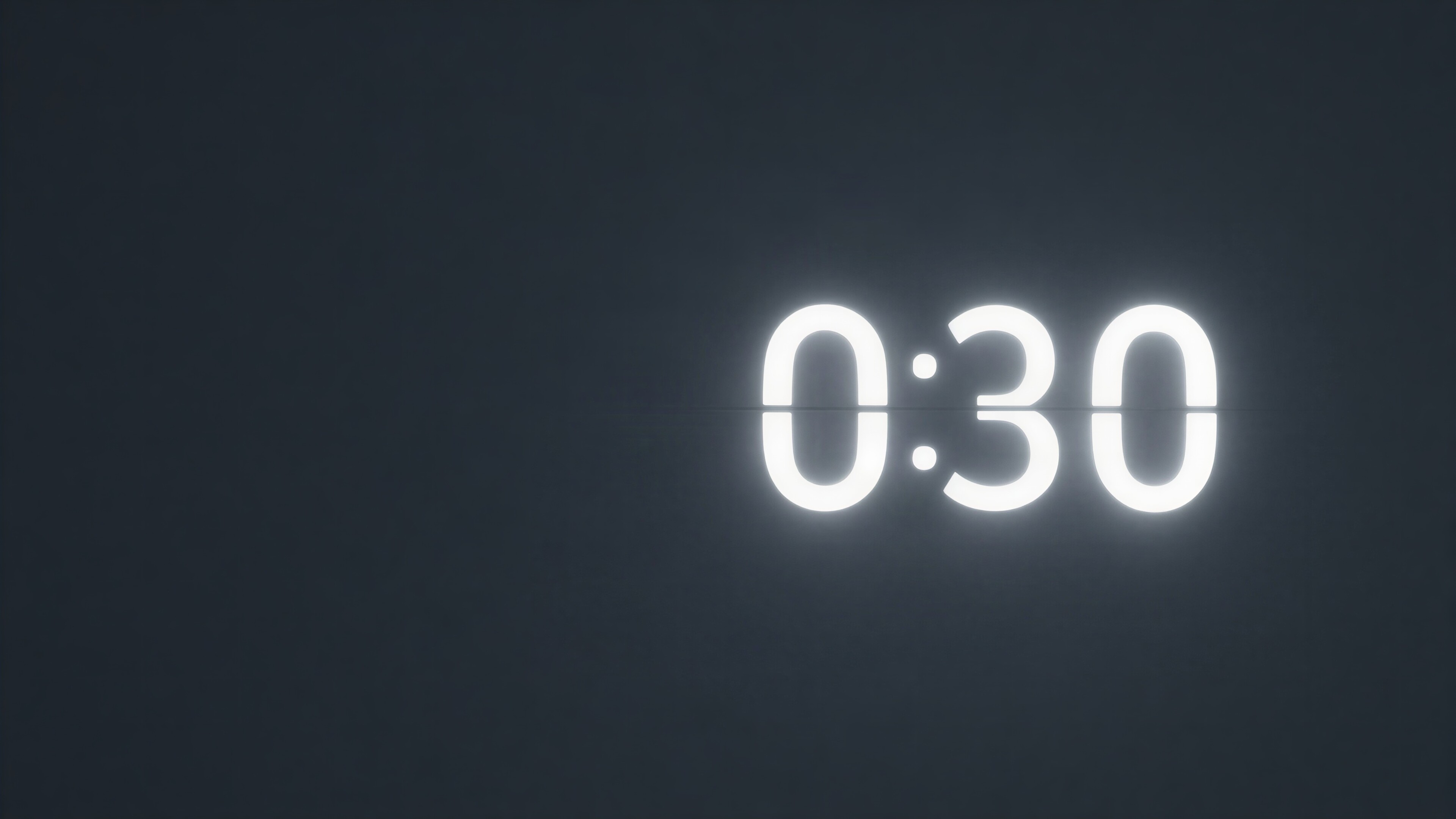
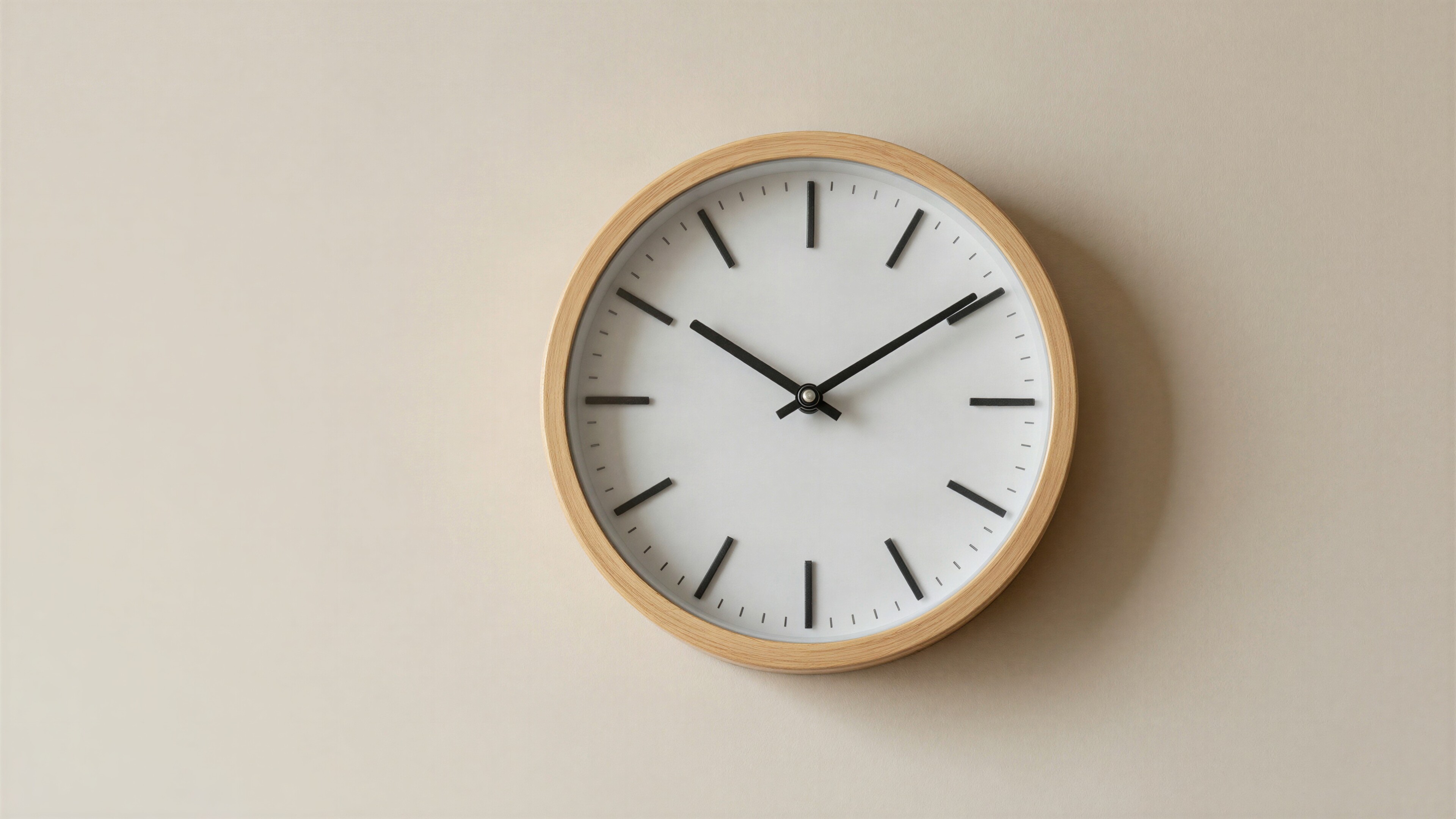
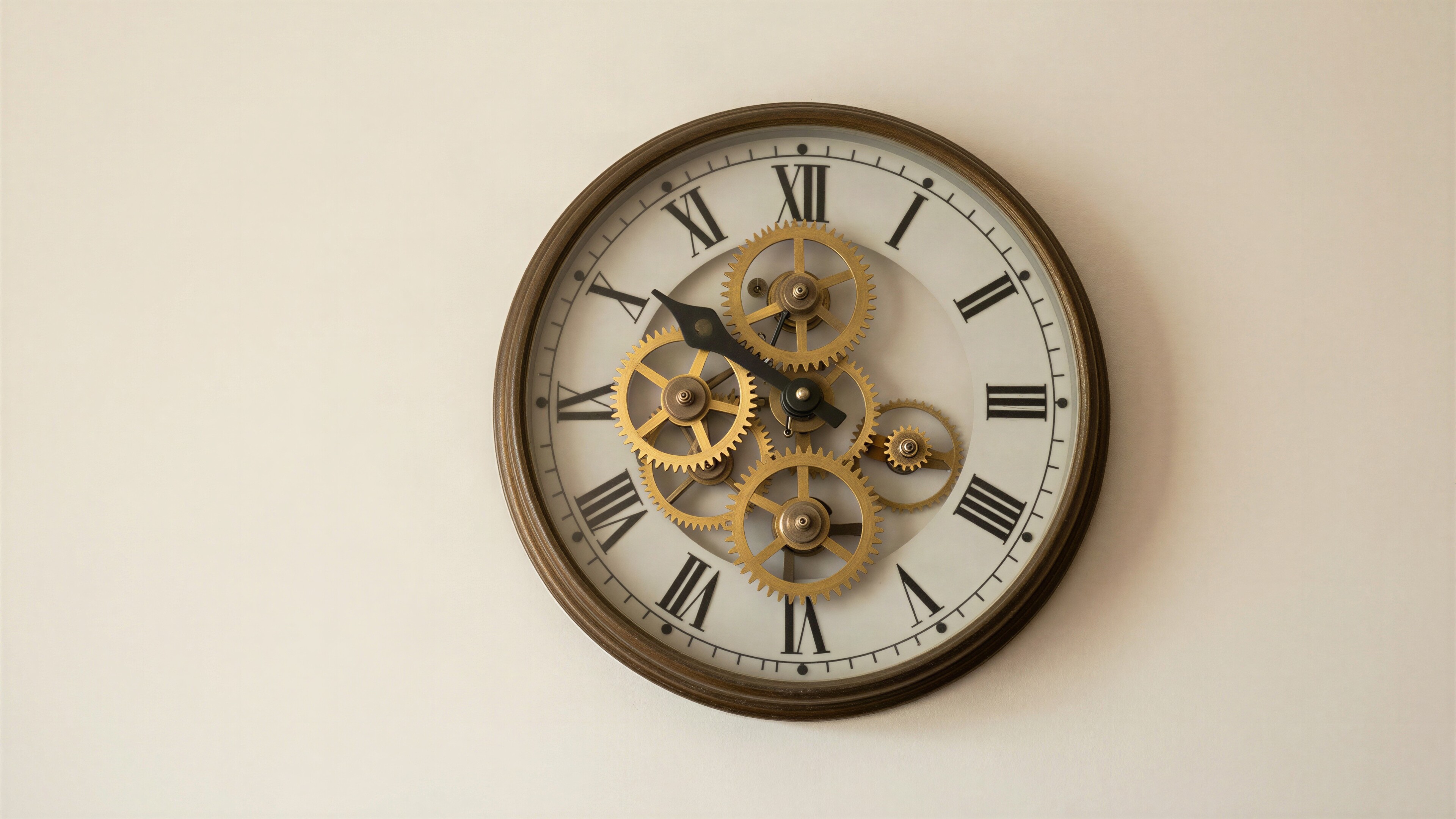
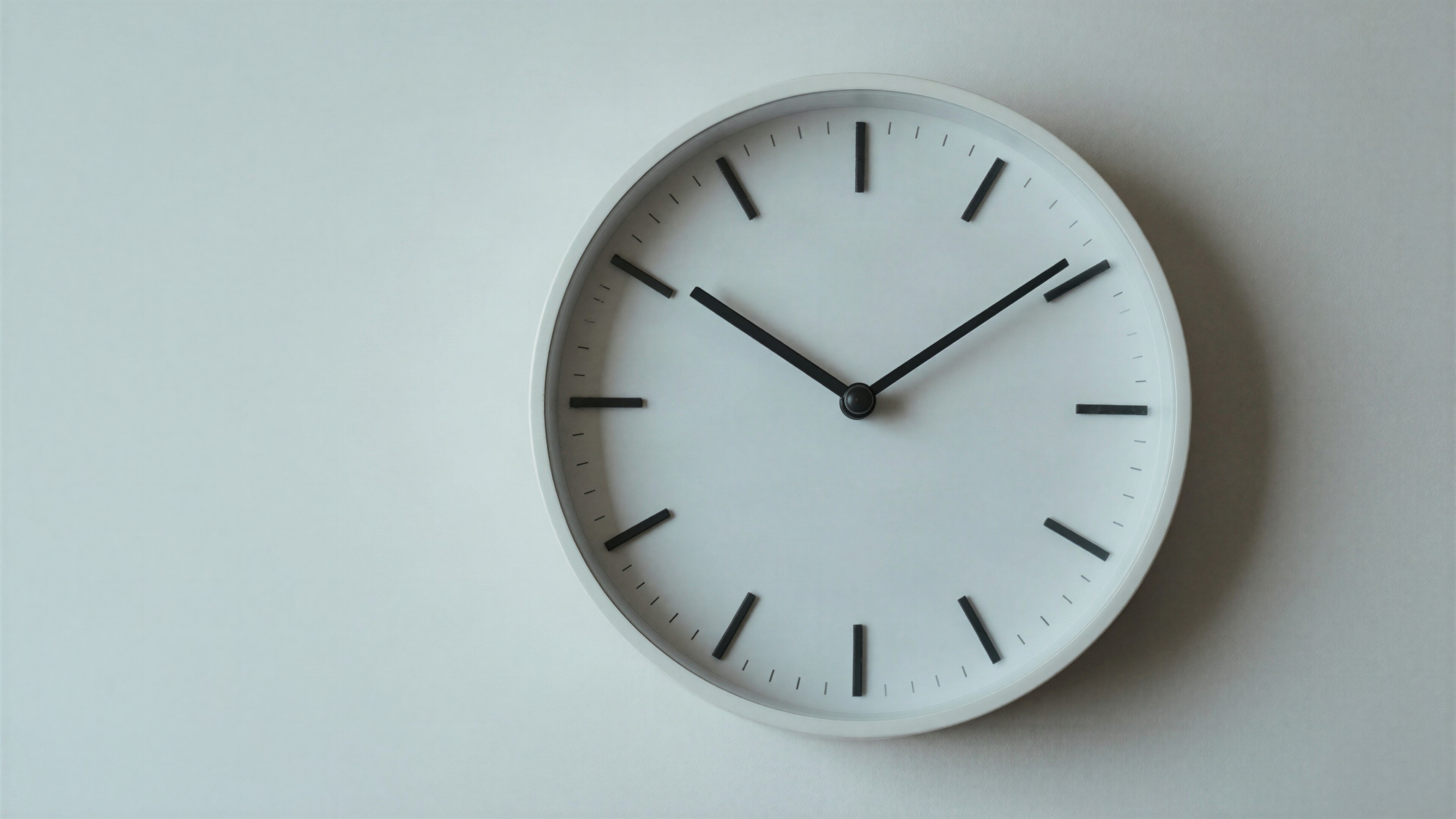
Wallpapers 6 to 10 are landscape, made for a laptop or monitor. Number 6 sets a large round face to the right, which leaves the left side clear for desktop icons. Number 7 is a white digital readout on charcoal, number 8 a wood-framed wall clock in a Scandinavian style, and number 9 opens up the case to show the gears. Number 10 is close to abstract, a clock face drawn with a single thin line.
Sand, springs and a vibrating crystal
- The hourglass (5) was a working tool long before it was a symbol. Ships used sandglasses to time watches on deck and to measure speed, by counting how much knotted line ran out while the sand fell.
- The pocket watch (4) became possible once a coiled mainspring replaced hanging weights as the power source. By the 1500s that let clockmakers build small timepieces you could carry instead of fixing them to a wall.
- The gears (9) are the heart of every mechanical clock. A part called the escapement lets the gear train move forward in small, even steps, and that release is the tick you hear.
- The analog faces (1, 3, 6, 8, 10) all turn the same way for an old reason: clock hands copy the path of a sundial's shadow in the northern half of the world, which is where "clockwise" comes from.
- The digital displays (2, 7) usually count time with a small quartz crystal that vibrates 32,768 times a second when a current passes through it.
Soft daylight or dark charcoal?
For a cool, quiet screen, wallpapers 1, 5 and 10 stay in pale greys and near-white. Wallpapers 2, 3, 4 and 8 lean warm, with beige, cream, brass, gold and wood. Numbers 6 and 9 are the brightest, both set on white or off-white, so they read well in daylight. Wallpaper 7 is the only dark one in the set and the natural pick if your laptop runs in dark mode all day.
If you like this calm, neutral look, the beige aesthetic wallpapers carry the warm tones further, the dark grey set has more backgrounds in the mood of number 7, and the retro wallpapers suit anyone drawn to the pocket watch.
How to set it on your screen
- Tap Download under the size that fits your screen.
- On a phone, open Settings, then Wallpaper, and choose the saved image from your photos.
- On a computer, right-click the saved image and choose Set as desktop background.
Step-by-step help: iPhone, Android, Windows and Mac.
Questions
What sizes are these clock wallpapers?
This set includes both vertical and landscape designs optimized for 1170x2532 pixels on phones and tablets, and 3840x2160 pixels for desktop computers. They are sized for modern iPhones and current screens, though some older models may crop slightly at the edges.
Can I use these wallpapers on multiple devices?
Yes, these clock wallpapers are free for personal use on your own devices. You cannot sell them, print them for sale, or repost them on other wallpaper sites. See our Terms page for full details on usage rights.
Which clock wallpapers work best as lock screens?
The vertical designs with the clock in the center or lower half are ideal for lock screens. They create a strong focal point and remain visible even with notification badges or status bars. The landscape versions work better on home screens and desktops.
Do these clock wallpapers work in both light and dark mode?
Most designs in this set work well in light mode. If you prefer dark mode, choose the wallpapers with darker backgrounds like the charcoal digital clock. The neutral palette adapts to system theme changes without losing readability or balance.