Hypebeast Wallpaper iPhone
Hypebeast wallpaper for iPhone brings streetwear aesthetics to your lock and home screens. These designs feature sneakers, hoodies, caps and urban style elements in bold colors and clean compositions. The set mixes street culture with modern design, perfect for anyone who follows sneaker drops and fashion trends. Each wallpaper is original artwork, curated and checked by hand before publishing.
8 wallpapers at 1170 × 2532 px for iPhone. Checked by hand on 10 Oct 2026.
About this set
This set captures the clean, minimal aesthetic of hypebeast culture. Each design focuses on one key piece of streetwear or sneaker culture against simple backgrounds, keeping the visual impact bold and direct. The color palette ranges from neutral blacks, whites and greys to occasional neon accents that pop against calm backgrounds.
Lock screen wallpapers work best when the subject sits lower and smaller, leaving your status bar and notifications clear. Home screen picks should have strong centered subjects that won’t be hidden by app icons. Pair these with minimal icon packs or transparent icon themes to keep the streetwear vibe clean and uncluttered.
Eight pieces, from the cap down to the laces
Read the set the way you would get dressed, top to bottom:
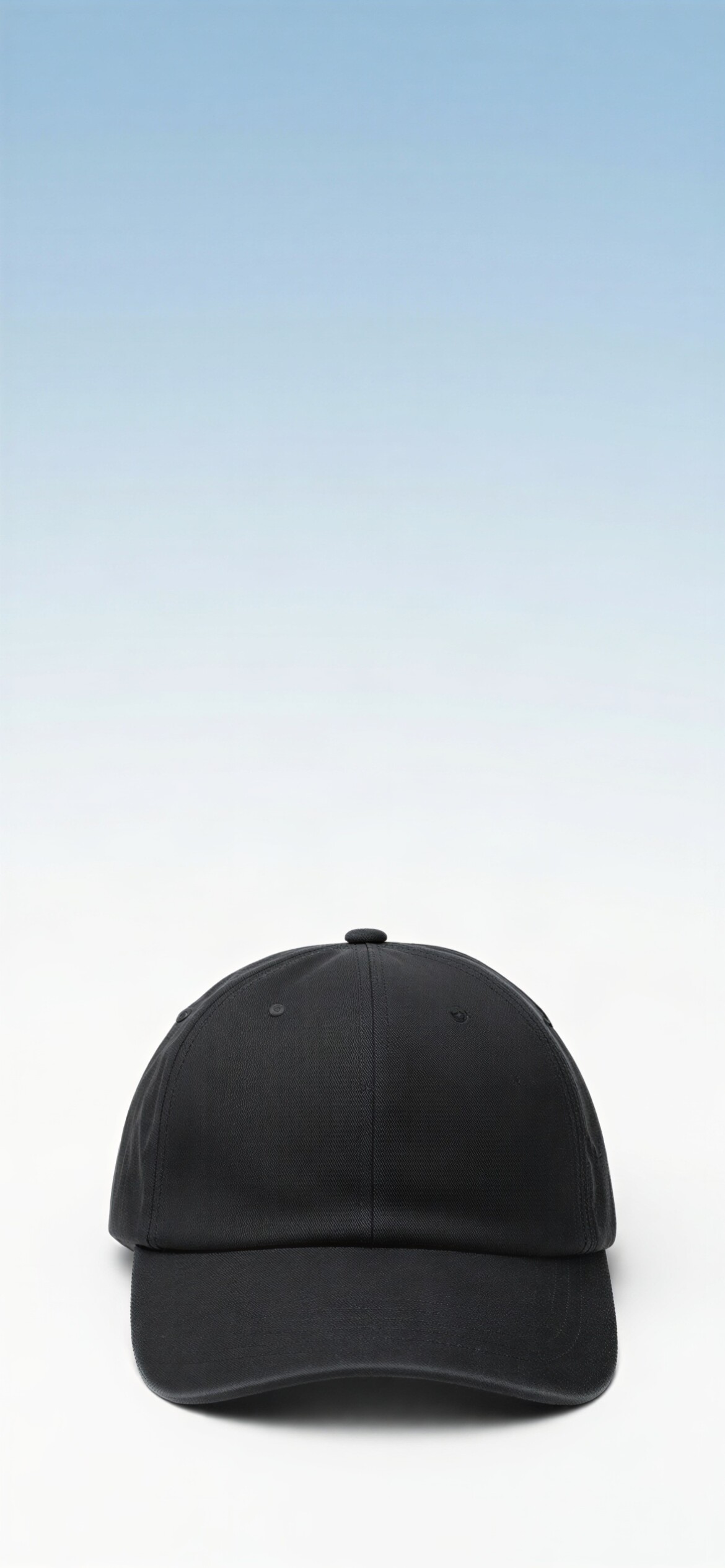
- #1 An oversized black baseball cap on a blue-to-white gradient. It is the only design with a coloured sky behind it, so it stands out when you swipe between pages.
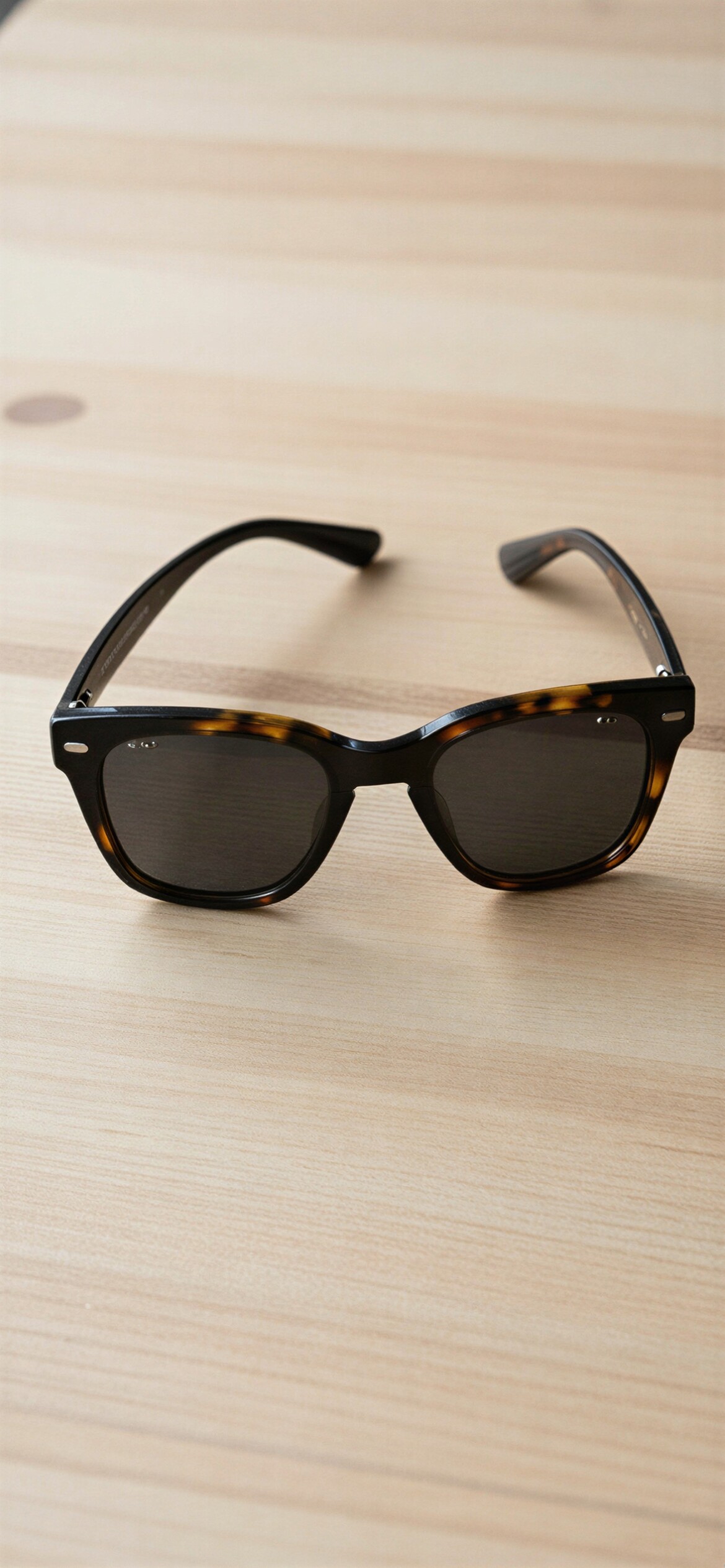
- #7 Black sunglasses on light wood. Small subject, lots of plain space, which makes it an easy lock screen.
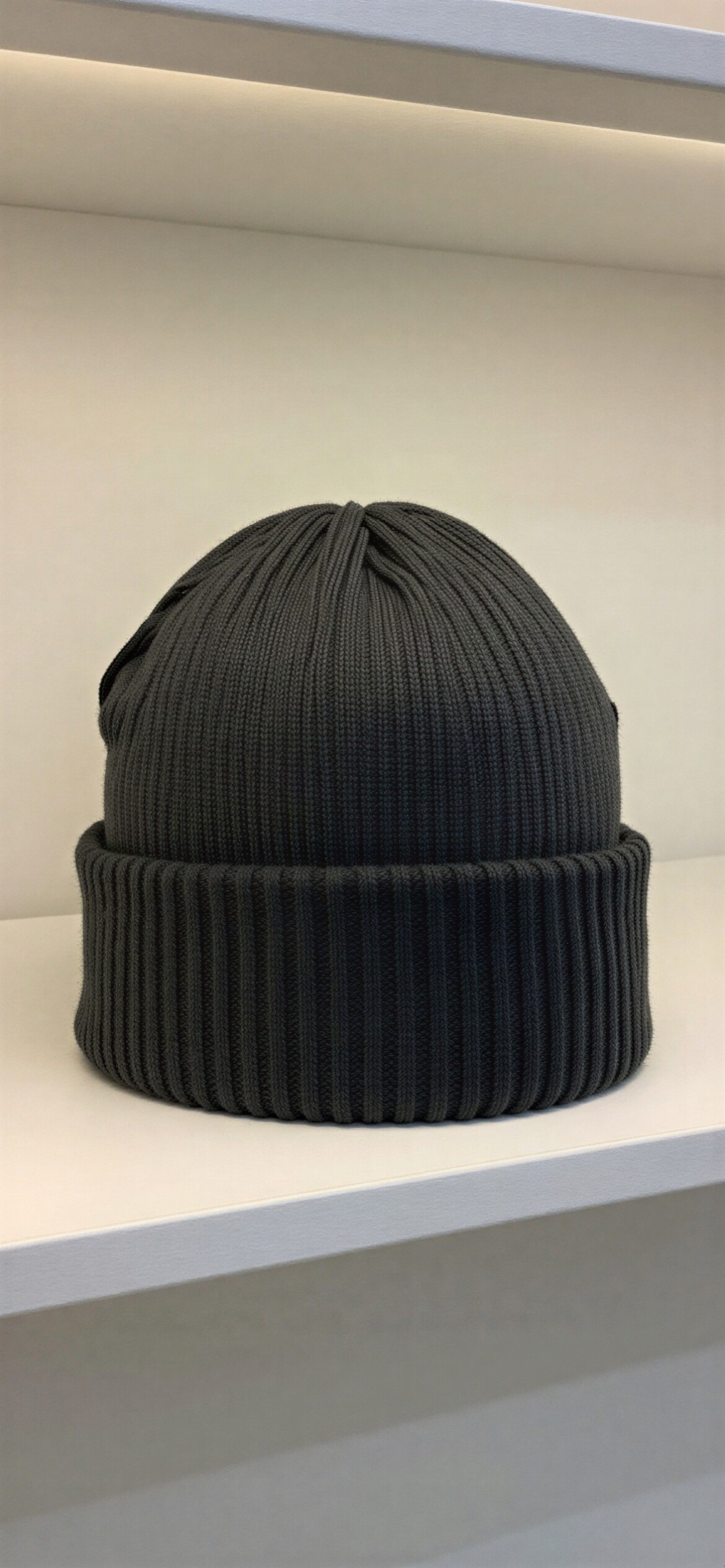
- #8 A charcoal beanie on a white shelf in soft light. The quietest picture of the eight.
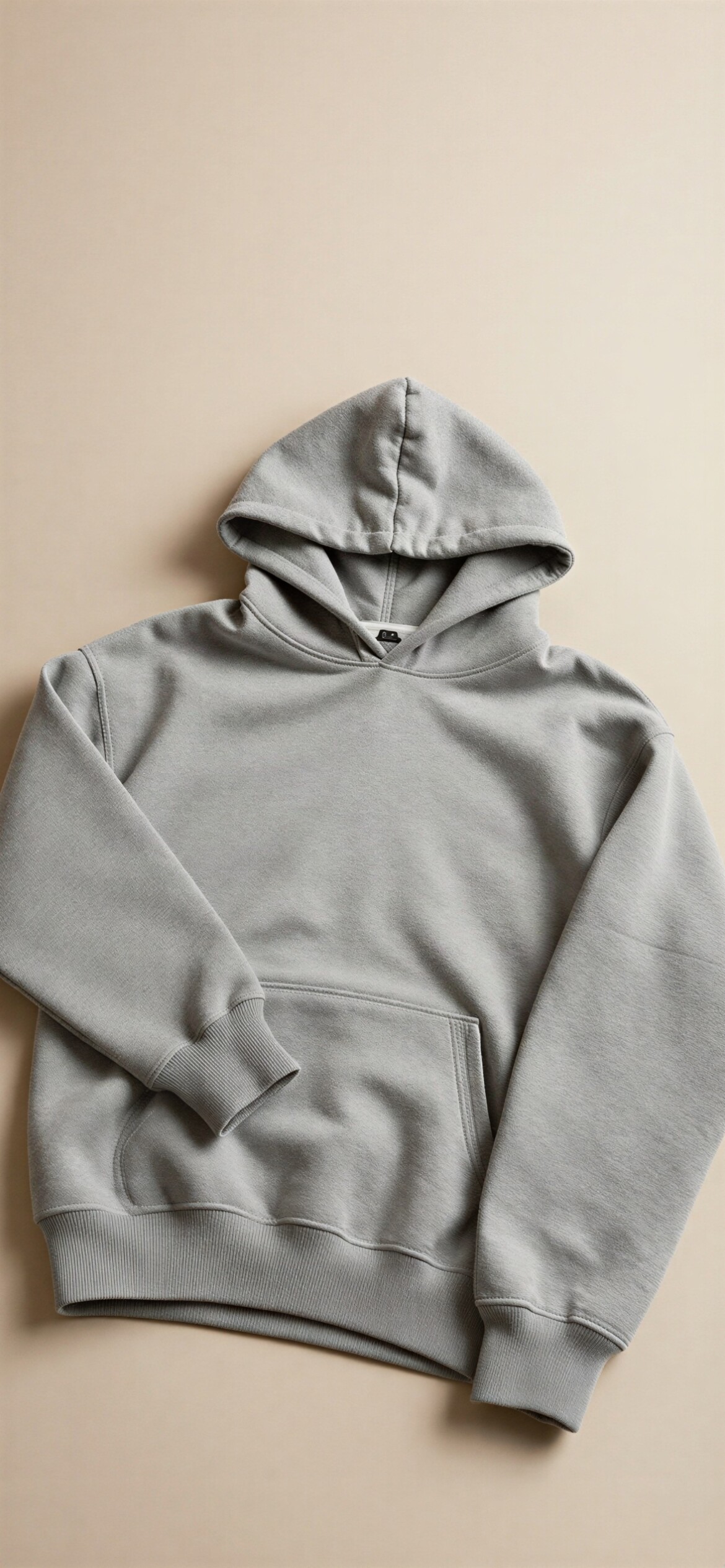
- #2 A folded grey hoodie on a beige surface, all soft edges and fabric texture.
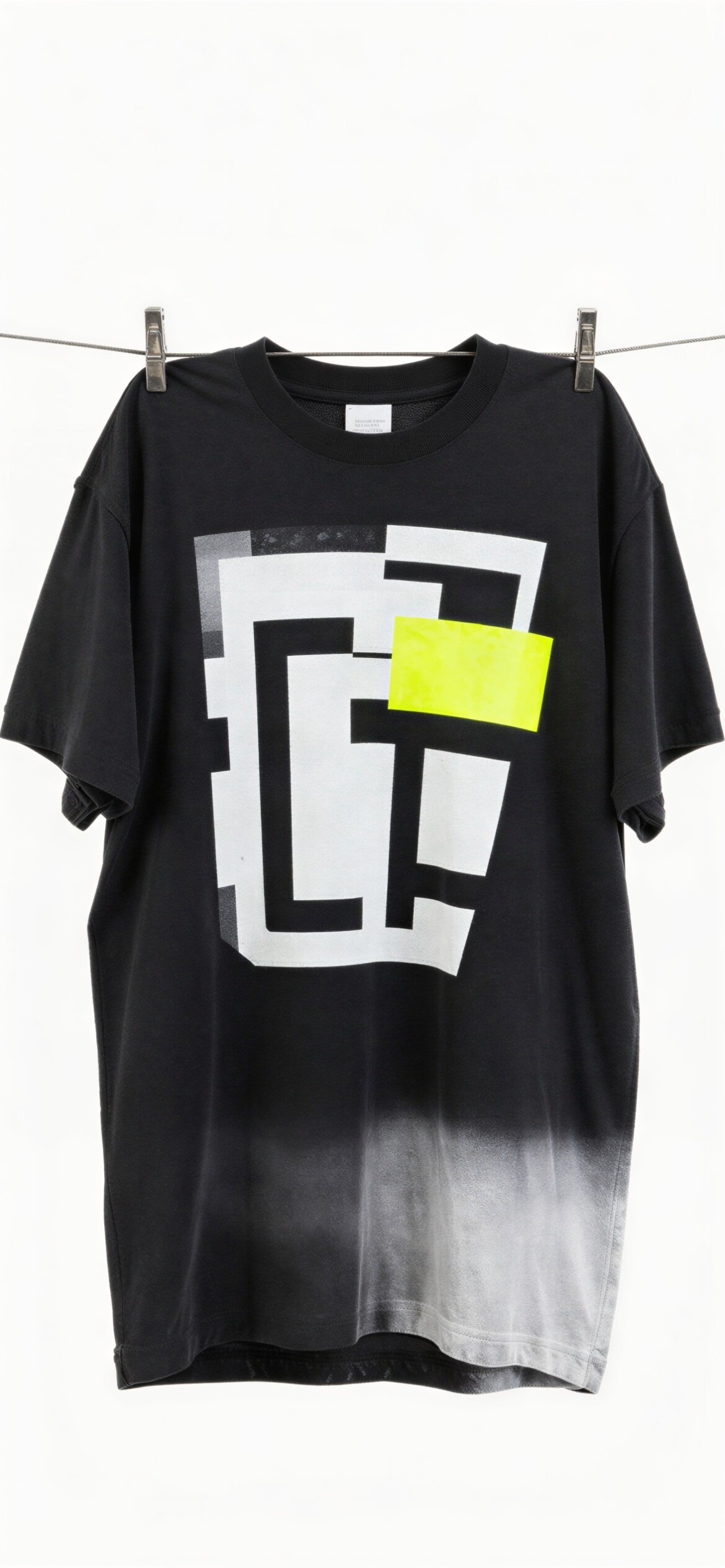
- #5 A black graphic tee with a neon print, hanging against white. The one with the most contrast.
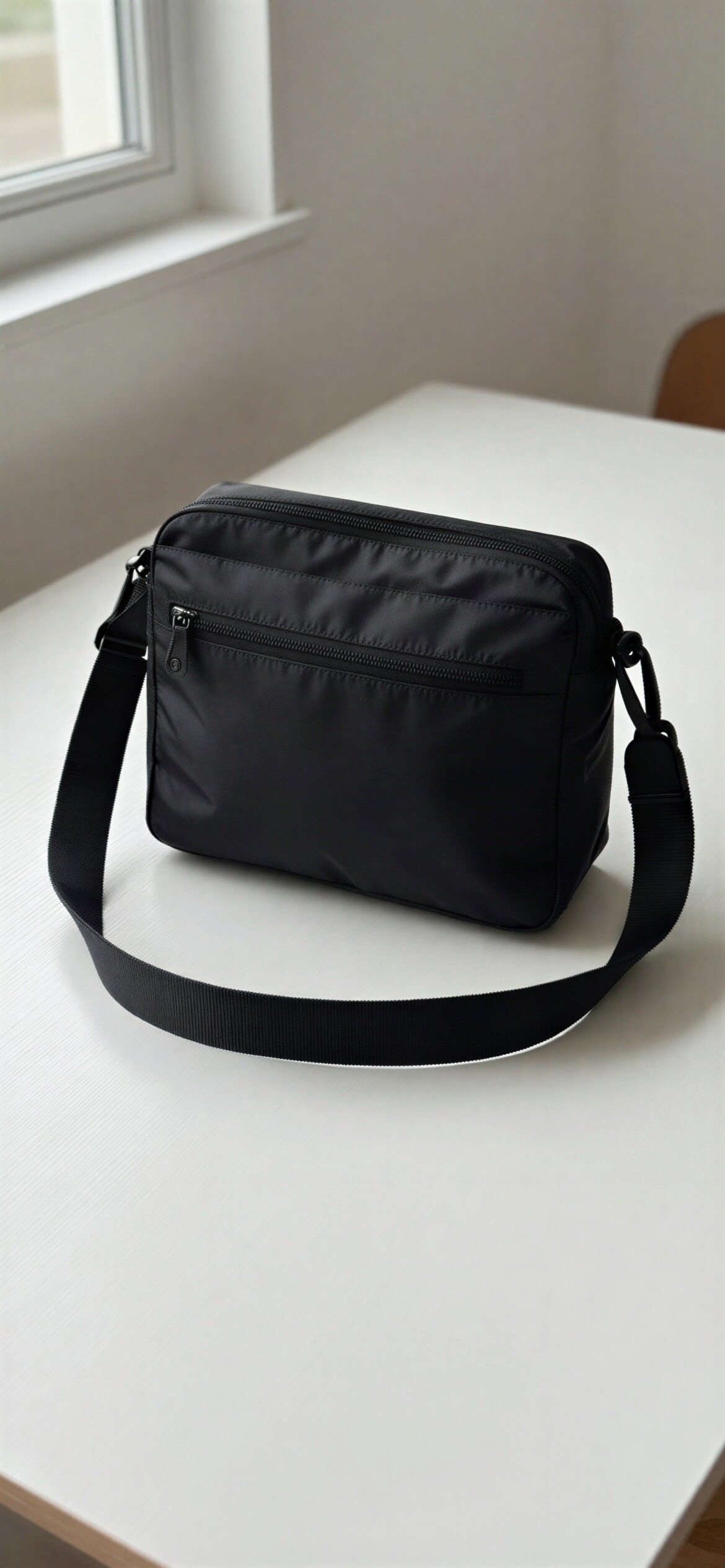
- #3 A black nylon crossbody bag on a white wooden table, clean and almost product-shot simple.
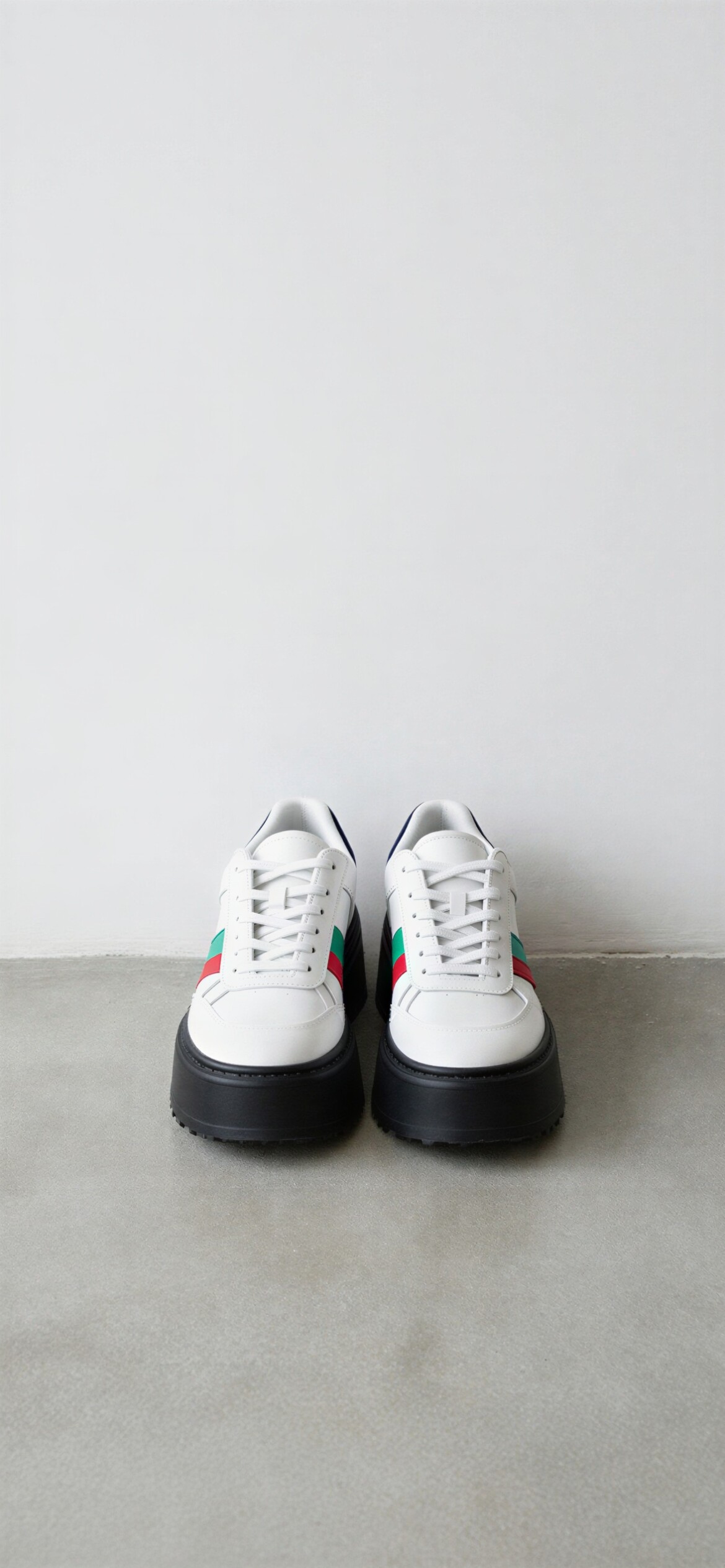
- #4 White leather sneakers with black soles on a grey floor.
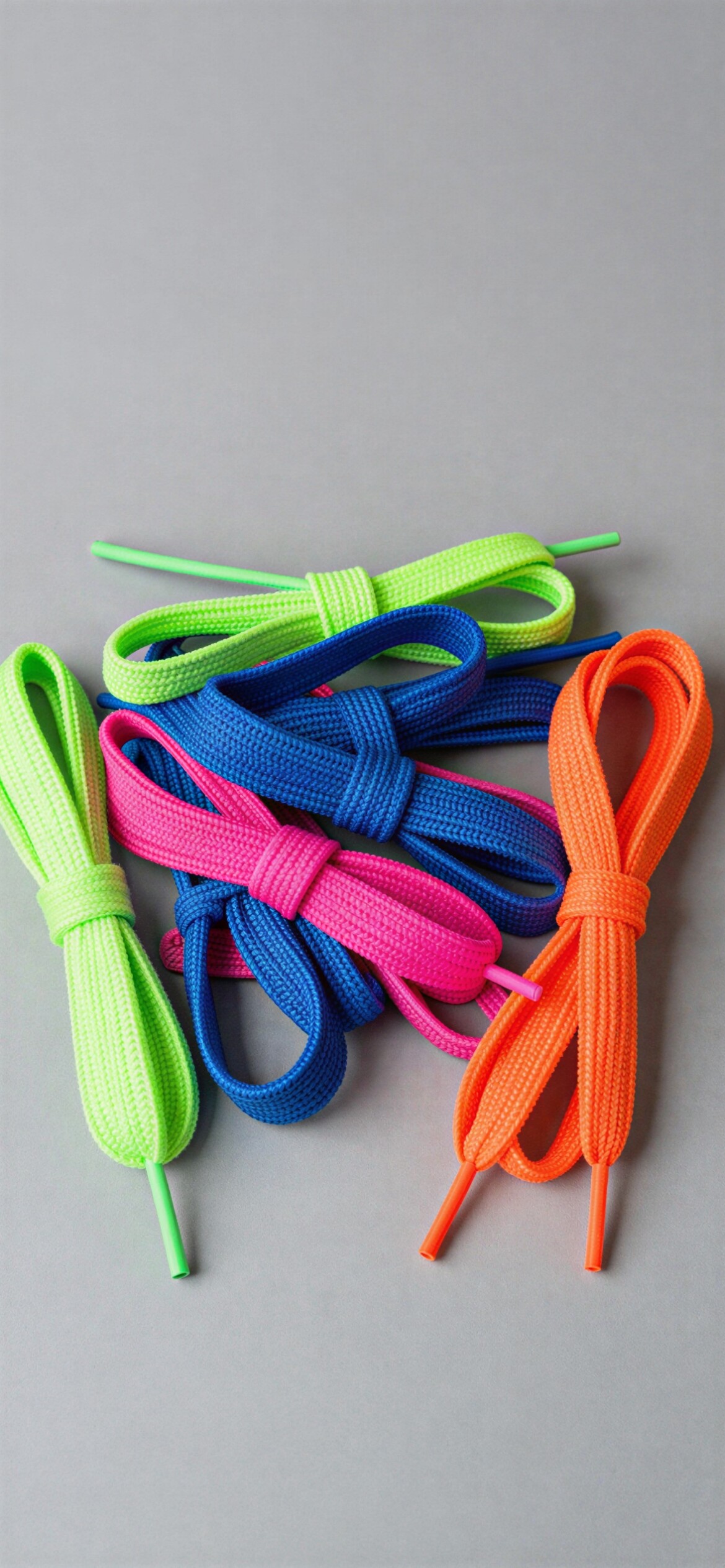
- #6 Coiled shoelaces in several colours on grey. Fun detail: the little plastic tip at the end of a lace has a name, the aglet.
From surfboards to sneaker blogs
Streetwear grew out of surf and skate scenes rather than fashion houses. In early 1980s California, Shawn Stussy scrawled his signature on the surfboards he shaped, then put the same scrawl on T-shirts, and the shirts outsold the boards. Shops in New York and Tokyo picked up the idea of small runs and graphic tees, which is where pieces like #5 come from.
Sneakers became collectable in the same years. The Air Jordan 1 arrived in 1985, and limited colourways soon had people queueing outside stores. The word hypebeast grew out of that scene, a name for someone always chasing whatever is hardest to get. The Hong Kong site Hypebeast, started by Kevin Ma in 2005 as a sneaker blog, helped turn release dates into online events. A plain pair like #4 is a nod to the other side of the culture, the clean everyday shoe that never goes out of rotation.
A bright gradient, soft neutrals or one neon hit
If you want colour, the choice is small: #1 for its blue sky, #5 for the neon print and #6 for the mix of lace colours. Warmer neutrals live in #2 and #7, with beige cloth and pale wood. The cooler, whiter end is #3, #4 and #8, which look almost like a store catalogue and suit white or grey icons.
For more from the same corner of the site, try the skateboard wallpapers, the spray-painted walls in the graffiti set or the boomboxes and chains in hip hop wallpapers.
How to set it on your iPhone
- Tap Download and save the image to Photos.
- Open Settings, tap Wallpaper, then Add New Wallpaper, and choose Photos.
- Pick the wallpaper, pinch to position it, then tap Add and choose the lock screen, home screen or both.
Stuck on a step? The iPhone and iPad guide has screenshots for each one.
Questions
What size are these wallpapers and will they fit my iPhone?
All wallpapers in this set are 1170x2532 pixels, optimized for iPhone screens. This size is made for modern iPhones such as the iPhone 14 and 15, and the tall vertical format fills the screen when you set it as your lock or home screen wallpaper. Some older models may crop slightly at the edges.
Can I use these wallpapers anywhere I want?
These wallpapers are free for personal use on your own devices only. You can download and set them on your iPhone, tablet or computer. Selling them, printing them for sale, reposting them on other wallpaper sites or using them for commercial purposes is not allowed. See our Terms page for full details.
Which wallpapers work best for my lock screen versus home screen?
Lock screen wallpapers should have subjects positioned low and smaller so your time, date and notifications stay visible at the top. Home screen picks should have strong, centered subjects that fall between your app icon grid. Designs with empty space at the top work for both, while those with subjects at the bottom are best for lock screens only.
Do these wallpapers match a specific hypebeast aesthetic or brand?
This set avoids specific brand references and focuses on general hypebeast culture: sneakers, streetwear, caps, hoodies and minimal design. The aesthetic is clean, bold and trend-focused without tying to any single brand. They work well together as a collection and pair with any minimal or dark-themed iPhone setup.