10 wallpapers in 1 collections · last added 9 Oct 2026 · sizes for iPhone, Android, desktop and tablet
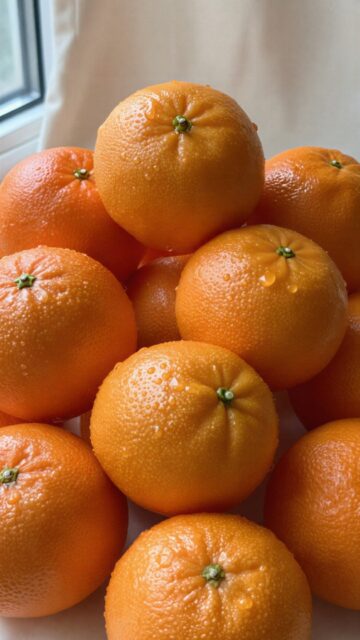
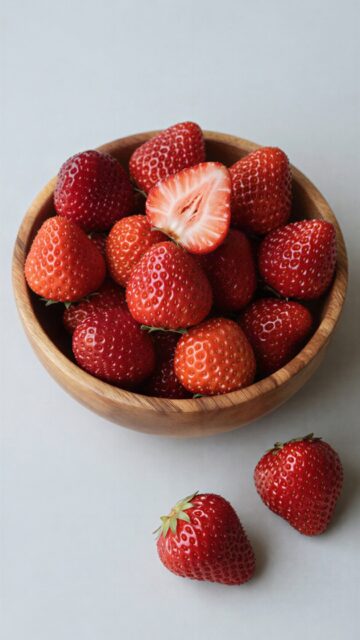
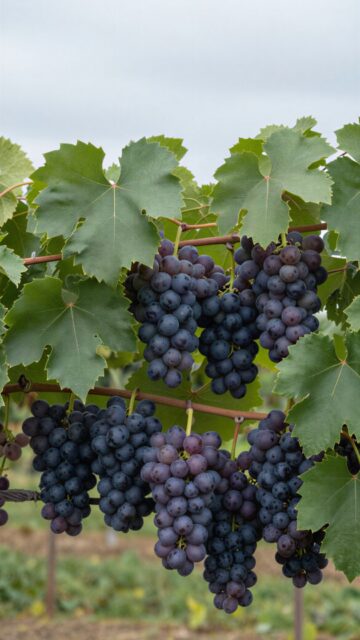
A fruit wallpaper brings a bit of color and sweetness to a screen you check all day. This collection of fruit wallpapers covers juicy close-ups, playful repeating patterns, sliced citrus on bright pastel backdrops and illustrated berries with a cute, cartoon feel. You'll find summery watermelon and pineapple scenes, soft peach tones for a calmer look, and bold, saturated fruit backgrounds that pop on a lock screen. If you already have a favorite, the strawberry and lemon pages go deeper on single fruits.
Every collection holds 10 wallpapers in one theme and one size, so you can pick the format that matches your screen. Phone sets come in 1170x2532 for iPhone and 1080x2400 for Android, and there are iPad, laptop and 4K desktop sizes too. Each design is original and checked by hand before it goes live, with the crop reviewed for its device, and weaker images are removed. Everything is free for personal use, with no sign up and no watermark.
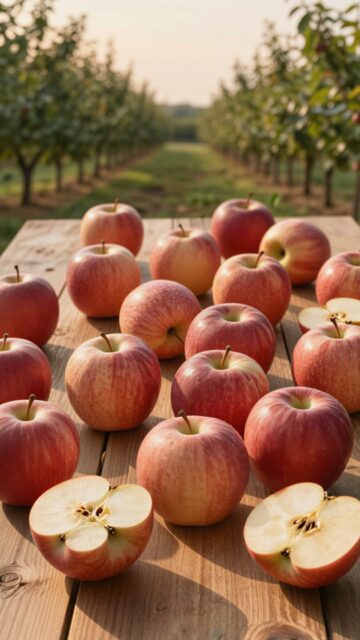
Fruit art works in two very different moods, and the right one depends on how busy you like your screen. Tight, repeating patterns of cherries or citrus slices feel lively and retro, while a single piece of fruit on a plain color field reads calm and modern. For a lock screen, a big centered fruit with open sky above it leaves room for the clock. For the home screen, a low-contrast pattern keeps app labels readable. Fruit pairs well with warm color stories, so browse peach wallpapers or pineapple wallpapers if you want a matching set, and the summer archive for beachy, sunny scenes.
Fruit photos and illustrations with lots of bright white can feel glaring at night, so if you use dark mode, pick a design with a deeper backdrop like navy, forest green or berry red.
Use the iPhone size, which is 1170x2532 pixels in portrait. It fills recent iPhone screens edge to edge and still looks clean on slightly different models, because iOS scales the image to fit. Choose a design where the main fruit sits in the middle or lower half so the clock and widgets don't cover it.
Yes. Android collections are made at 1080x2400, a tall 20:9 shape that suits most current Android phones. Some launchers scroll the wallpaper sideways across home screen pages, so a centered fruit or an even pattern works better than a design with important details near the edges.
They are free to download and use on your own phone, tablet, computer or watch, with no account needed. They are for personal use only, so you can't use them in products, ads, merchandise or a business, or share them on other sites. The full rules are on the Terms of Use page.
Fruit already brings strong color, so build around it. Strawberries and watermelon pair with soft pink, cream and mint green. Lemons and oranges look fresh with white, pale blue or sunny yellow. Blueberries and grapes suit lilac and deep navy. Matching your icon pack or widget color to one shade in the fruit makes the whole screen feel planned.
They are a popular pick for children because the shapes are simple, friendly and easy to recognize. Cartoon-style berries, smiling citrus and bright patterns keep a tablet cheerful without any scary or busy imagery. Choose a design with large shapes and a lighter background so app icons stay easy to find for small hands.
New collections go up on the site every day across all themes, and fruit sets appear regularly, often more in the warmer months when summer looks are in demand. The latest wallpapers page shows everything new, and the daily pick highlights one favorite each morning.
Both work, but they ask for different designs. On the lock screen, a bold single fruit looks great because only the clock and a few notifications sit on top. On the home screen, rows of icons cover much of the image, so a gentle repeating pattern or a lighter tone keeps everything readable.
Download a laptop (1920x1080) or 4K (3840x2160) version, then set it through your system settings. On Windows, right-click the image and choose Set as desktop background; on a Mac, use the Wallpaper section in System Settings. The desktop wallpaper guide walks through both step by step.
Every wallpaper is reviewed by a person before it goes live: we remove images with odd details or blur and check the crop for each device. How we check wallpapers
Something wrong with an image? Report an image · Free for personal use, see the Terms.