Calming Wallpapers

10 wallpapers in 1 collections · last added 11 Oct 2026 · sizes for iPhone, Android, desktop and tablet

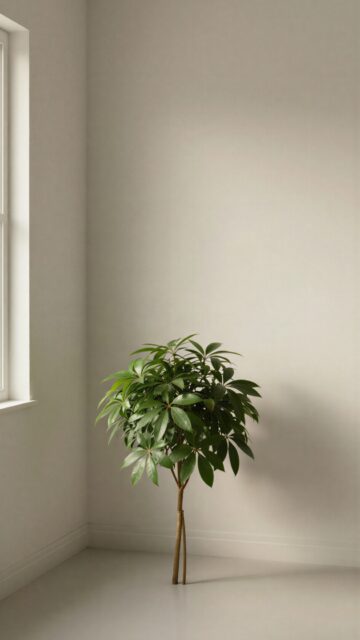
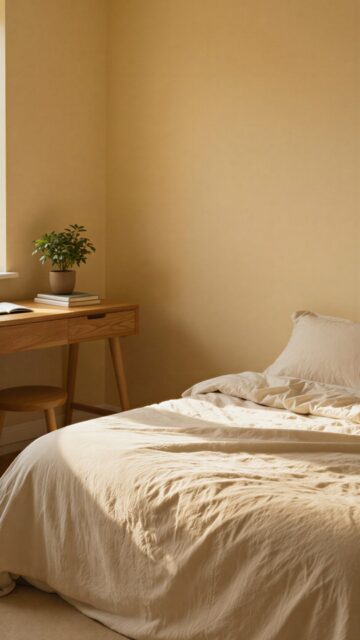
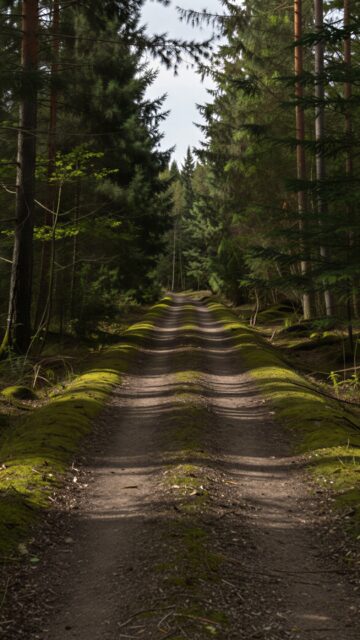
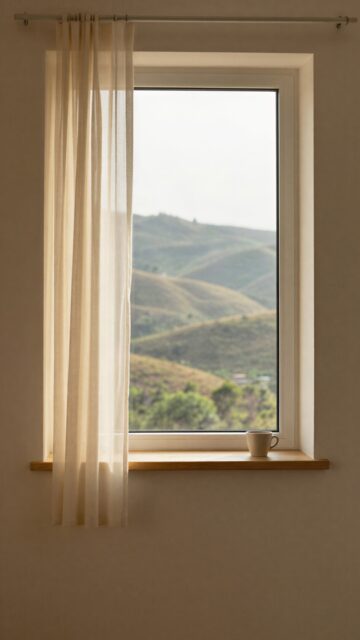
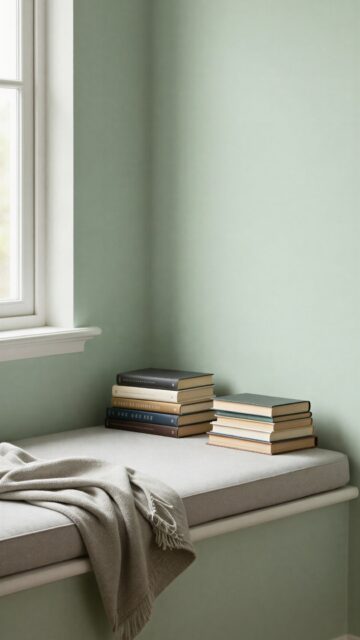
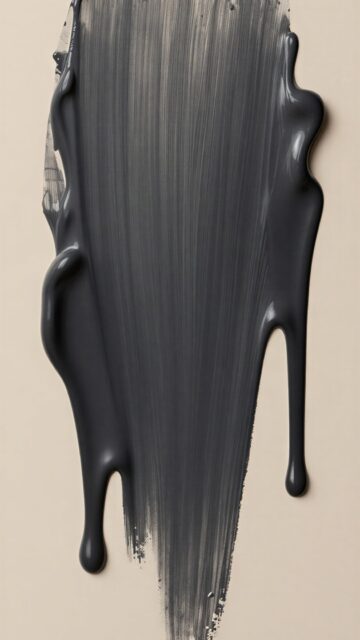
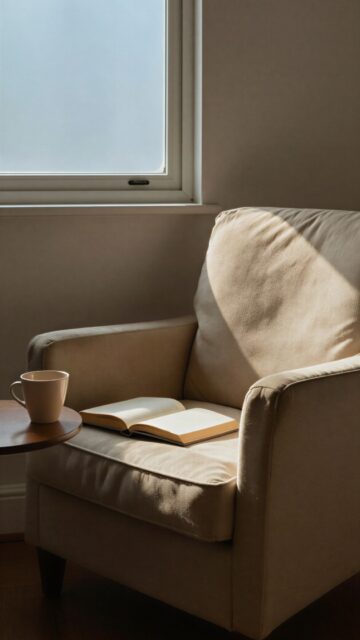
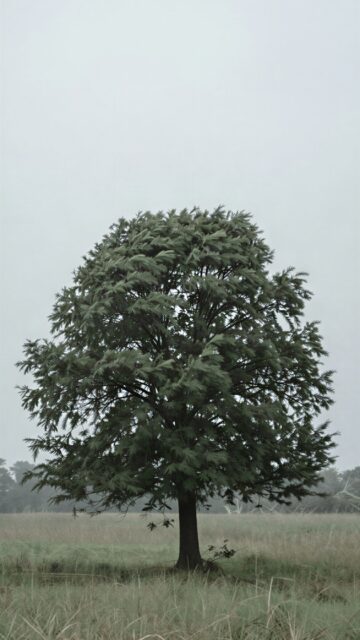
A calming wallpaper is designed to slow you down a little every time you unlock your phone. These calming backgrounds use soft light, gentle color and lots of open space: still lakes at dawn, mist over hills, drifting clouds, quiet beaches, simple botanical shapes and smooth pastel gradients with nothing sharp to catch the eye. There are no busy patterns or loud contrasts here, just restful scenes that feel easy to look at. It is one of the moods in our broader aesthetic wallpaper group.

Every collection holds 10 designs in one theme and one size. Choose 1170x2532 for iPhone, 1080x2400 for Android, 2048x2732 for iPad, or 3840x2160 for desktop, with laptop, dual monitor and 410x502 smartwatch versions too. A quiet image also makes a good home screen, since it sits behind your apps without competing for attention. Each design is original and checked by hand before it is published, and any image that feels harsh or cluttered is removed.


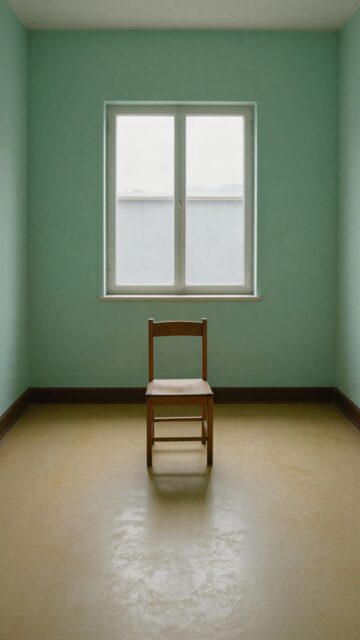
The most restful screens tend to share a few traits: muted color, a soft horizon line, and a large area of plain sky, water or gradient. Cool blues and greens are commonly linked with calm, while warm sand and peach tones feel gentle and comforting. For a lock screen, look for a design with an open upper half so the clock floats on empty space. Many people switch to a calmer image before bed or during a busy stretch at work as a small visual reset that takes only a few seconds to set up. If this mood suits you, explore the blues of light blue wallpapers, the soft skies of cloud wallpapers, or the relaxed vibe of chill wallpapers.

Expert tip

Pair a calming wallpaper with your phone's dark mode or night shift setting in the evening; the warmer, dimmer screen keeps soft colors looking gentle instead of washed out.

Color palette

#4F6D7A#7FA7B5#A8C3B0#DDE7E3#F6F2EA

Calming wallpaper FAQ

What makes a wallpaper feel calming?

Calm images usually have soft, muted colors, low contrast, smooth edges and plenty of empty space. Natural scenes like water, sky and gentle hills help because they have no hard focal point demanding attention. Avoiding bright reds, dense patterns and lots of small detail keeps the screen restful, so your eyes can settle on the icons or the time.

Which colors are best for a calming phone background?

Soft blues, sage and seafoam greens, lavender, and warm neutrals like sand and cream are the usual choices. Pale, slightly gray versions of these colors feel calmer than bright, saturated ones. Pick one main color and let the image fade gently into lighter or darker shades of it rather than mixing many hues.

What size calming wallpaper fits my iPhone?

Use the 1170x2532 files, which match the tall screen of current iPhones, so horizons stay level and nothing gets stretched. Other iPhone sizes scale the image cleanly. A design with an open sky at the top works well with the lock screen clock. See the iPhone wallpaper guide for setup steps.

Are there calming wallpapers sized for Android?

Yes, the 1080x2400 versions are made for the 20:9 screens used by most current Android phones. Soft gradients and wide landscapes tolerate a small crop, so they look good across many models. Our Android wallpaper guide explains how to set a picture on the lock screen, home screen or both.

Can a calm background really help with screen stress?

A wallpaper will not fix stress, but it can make your phone feel less noisy. Swapping a bright, busy image for a soft one reduces visual clutter every time you unlock, and some people find that small change makes picking up the phone feel less frantic. Pairing it with fewer home screen icons helps even more.

Can I use these calming images in a meditation app or online course?

No. Every wallpaper on the site is free for personal use on your own phone, tablet, computer or watch only. Using them in apps, courses, presentations, social posts for a business, prints or anything commercial, or sharing them on other sites, is not permitted. Full details are in our terms of use.

How do I set a calming 4K wallpaper on Windows or Mac?

Pick a desktop collection and save the 3840x2160 image, which also displays sharply on 1080p and 1440p monitors. Then follow our desktop wallpaper guide for Windows and Mac. A soft landscape on your computer is a pleasant thing to see between tasks, especially with desktop icons kept to one side.

How often are new calming collections added?

The site publishes new collections every day, and calming sets are added to this page whenever they are ready, each with 10 wallpapers in one size. To see everything new, visit the latest wallpapers page, or check today's pick for a single featured design each morning.

Curated and checked by the FreeWallpaperDaily experts

Every wallpaper is reviewed by a person before it goes live: we remove images with odd details or blur and check the crop for each device. How we check wallpapers

Something wrong with an image? Report an image · Free for personal use, see the Terms.