Cherry Blossom Wallpaper iPhone
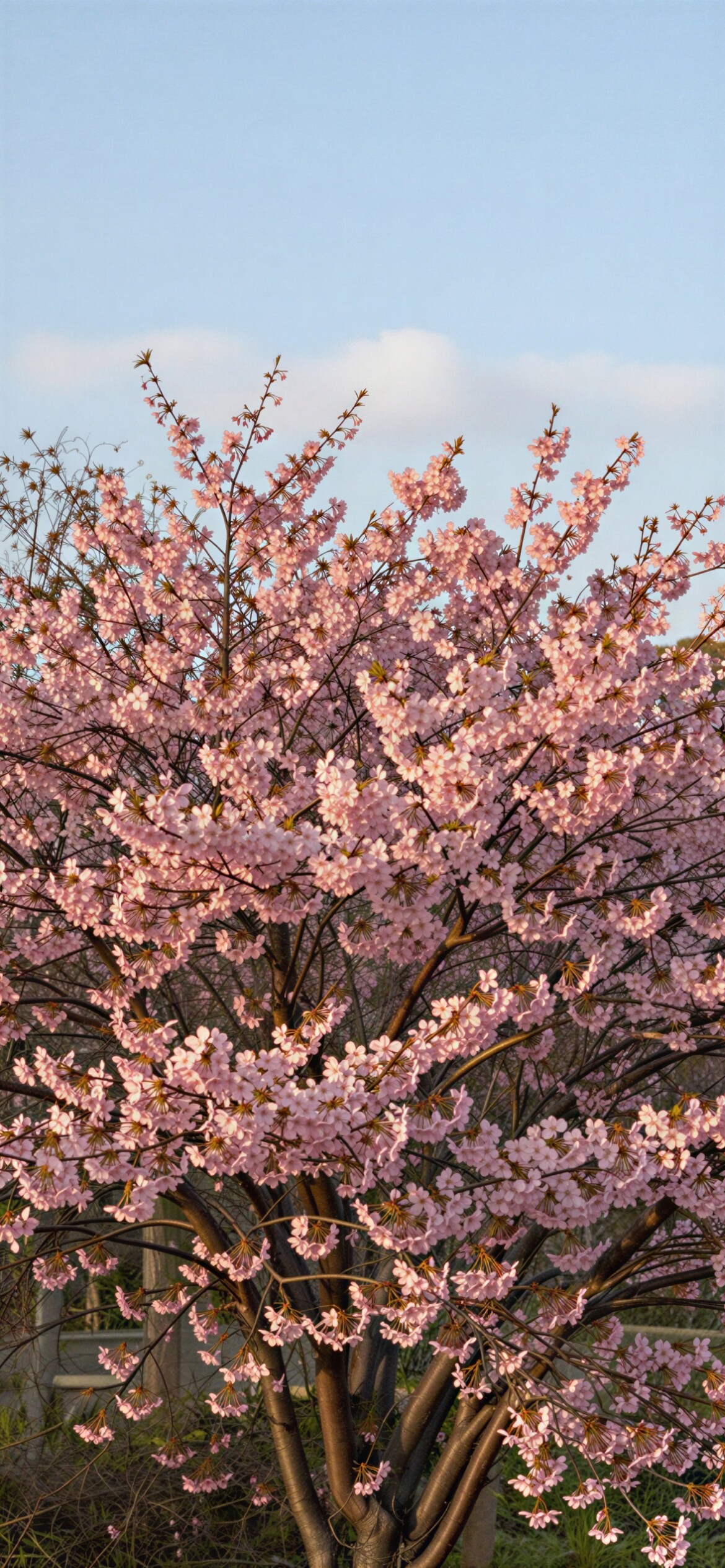
Cherry blossom wallpaper for iPhone brings soft pink blooms and peaceful garden scenes to your home screen. These original designs feature delicate flowering branches, spring gardens and natural lighting that suits any season. Each wallpaper is curated and checked by hand. The cherry blossom wallpapers work well on both lock and home screens, and pair nicely with minimal icon arrangements or soft-colored widgets.
10 wallpapers at 1170 × 2532 px for iPhone. Checked by hand on 10 Oct 2026.
About this set
These cherry blossom wallpapers capture the quiet beauty of spring in soft natural light. Each design shows photorealistic scenes of flowering branches, garden scenes and peaceful moments. The soft pink and white colour palette works well on lock screens where the simple top section keeps time and notifications clear, and on home screens with minimal icons or soft widget arrangements.
The designs pair well with muted icon themes, warm neutral app icons or soft-coloured organizer widgets. They suit both dark and light mode on iPhone, though they work best with light backgrounds to show the delicate petals and natural lighting. Use these wallpapers year-round for a calming, nature-inspired aesthetic on your device.
Picnics under the branches
In Japan, cherry blossom season comes with its own custom, hanami, which simply means flower viewing. Friends, families and coworkers spread out under the trees in parks to eat and talk while the flowers are open. The tradition goes back many centuries, and these days the national weather agency even tracks when the blossoms open in each region, a wave that moves north up the country through spring.
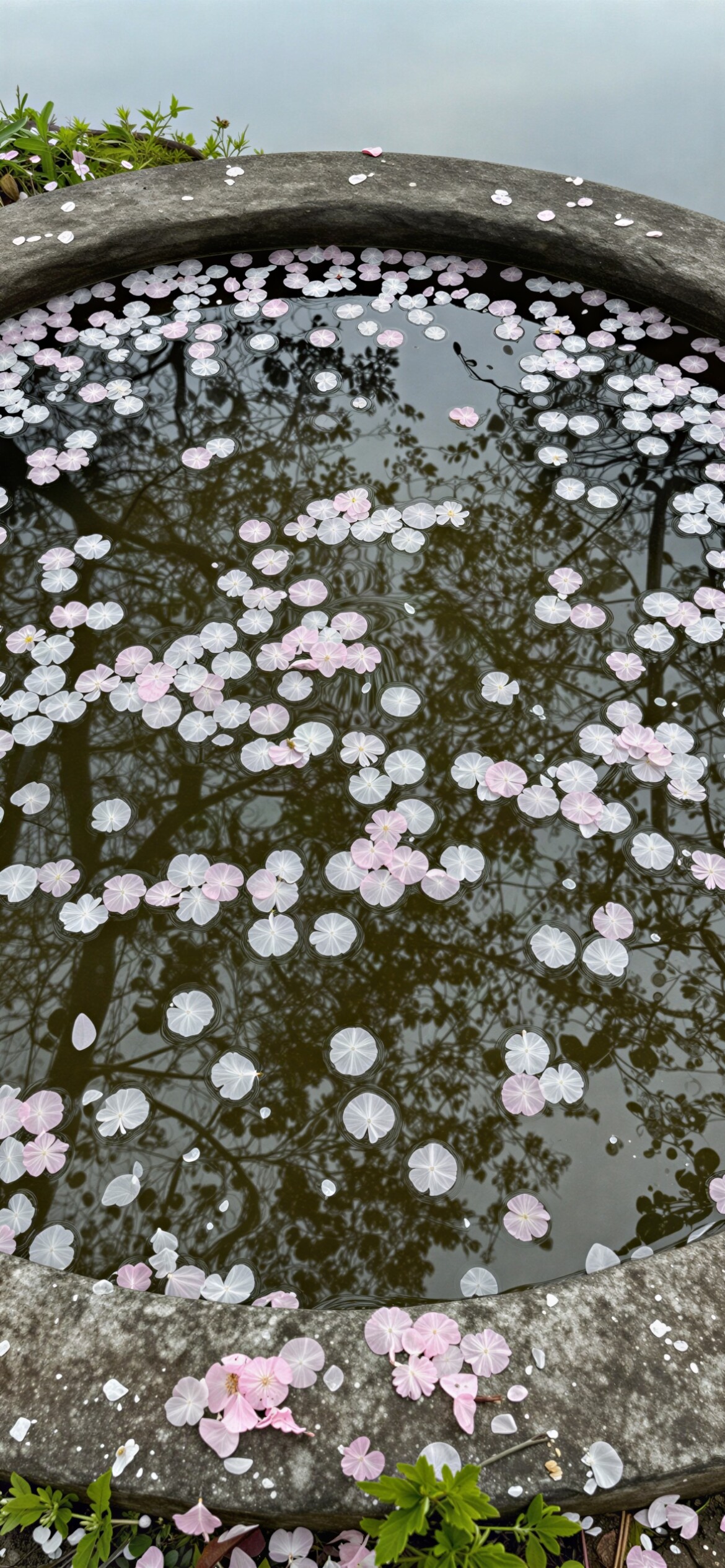
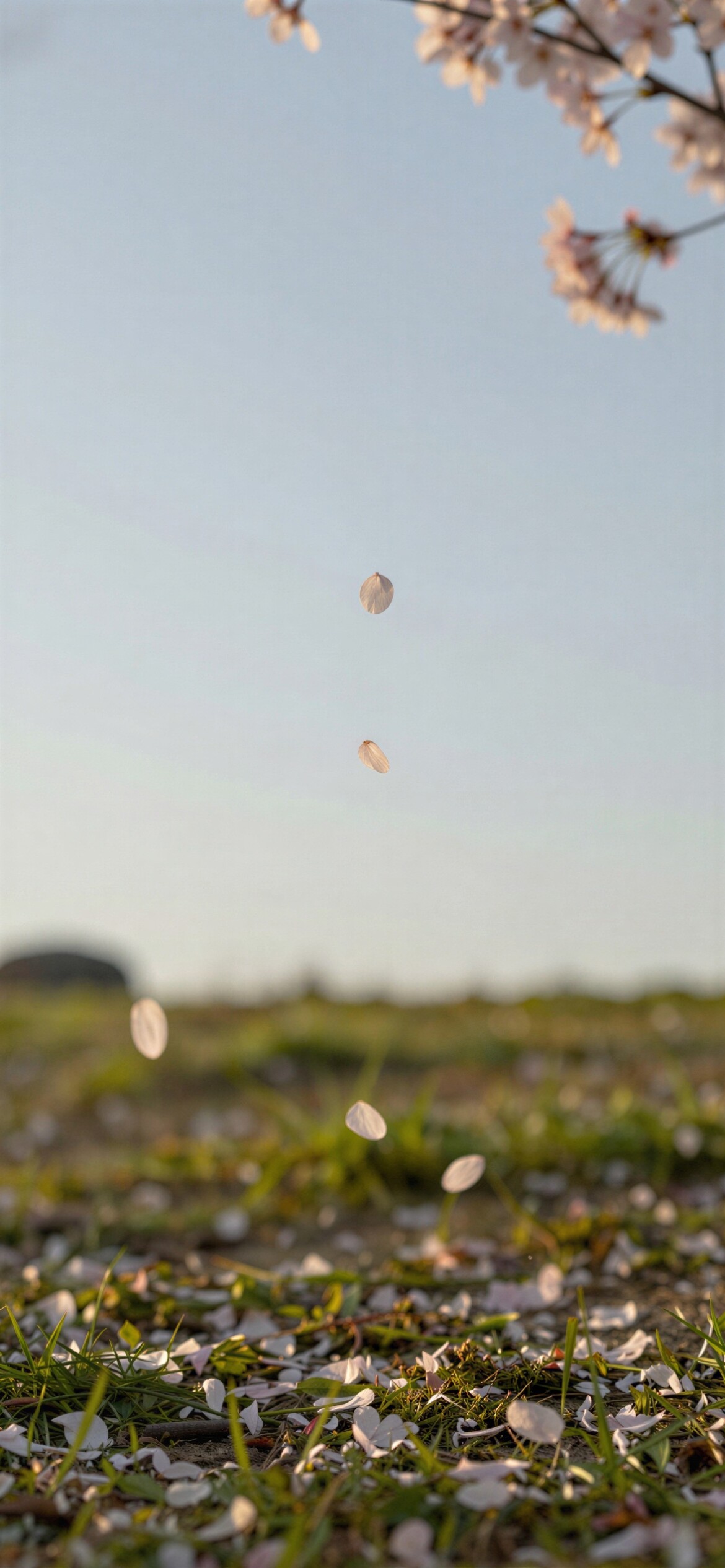
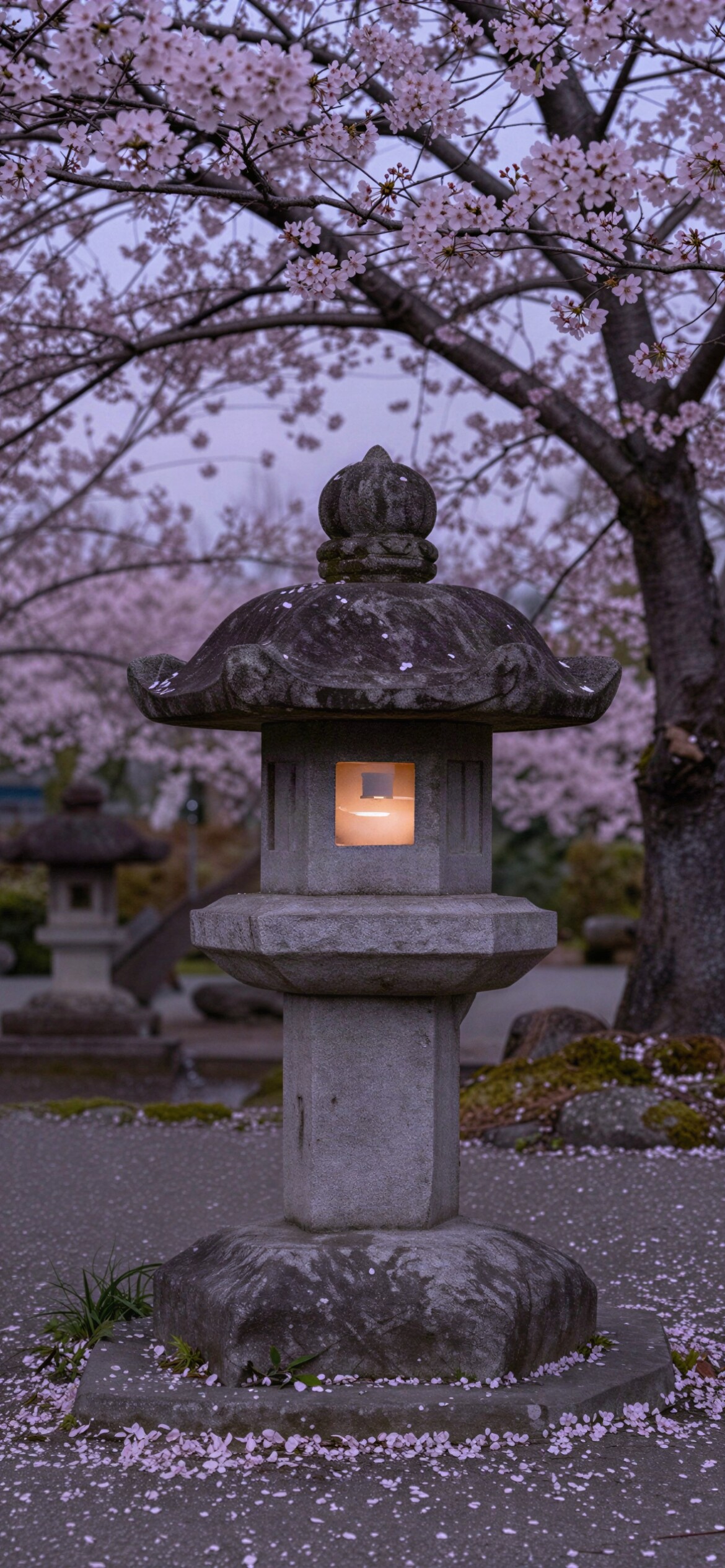
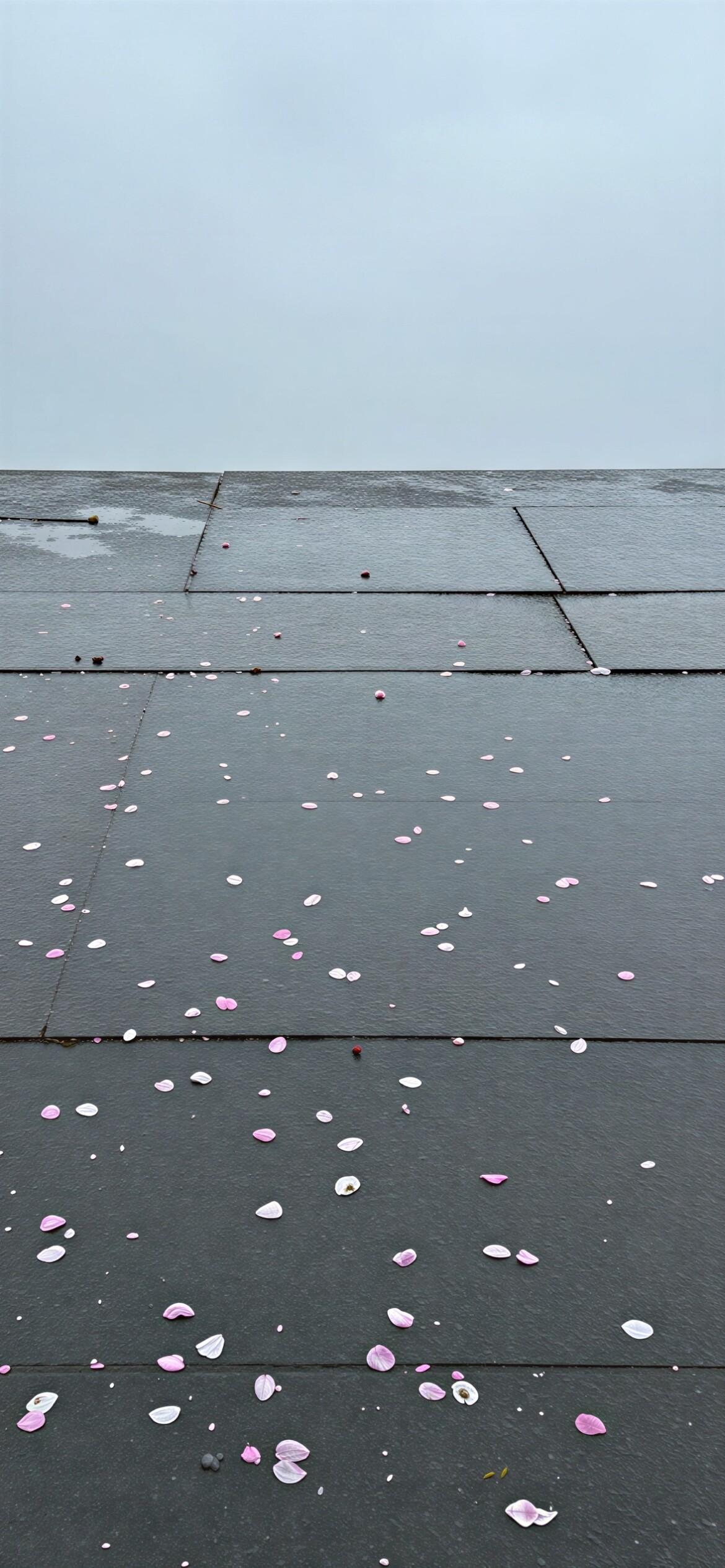
Part of the appeal is how short it is. A tree in full bloom usually holds its flowers for only a week or two before the petals drop, which is why falling and fallen petals, like those in wallpapers 2, 4 and 10, show up so often in Japanese art and poetry. There is even a word, hanaikada or flower raft, for petals drifting together on water. The stone lantern in wallpaper 9 is another classic piece of a Japanese garden, usually placed beside paths or water.
From a single branch to petals on the pavement
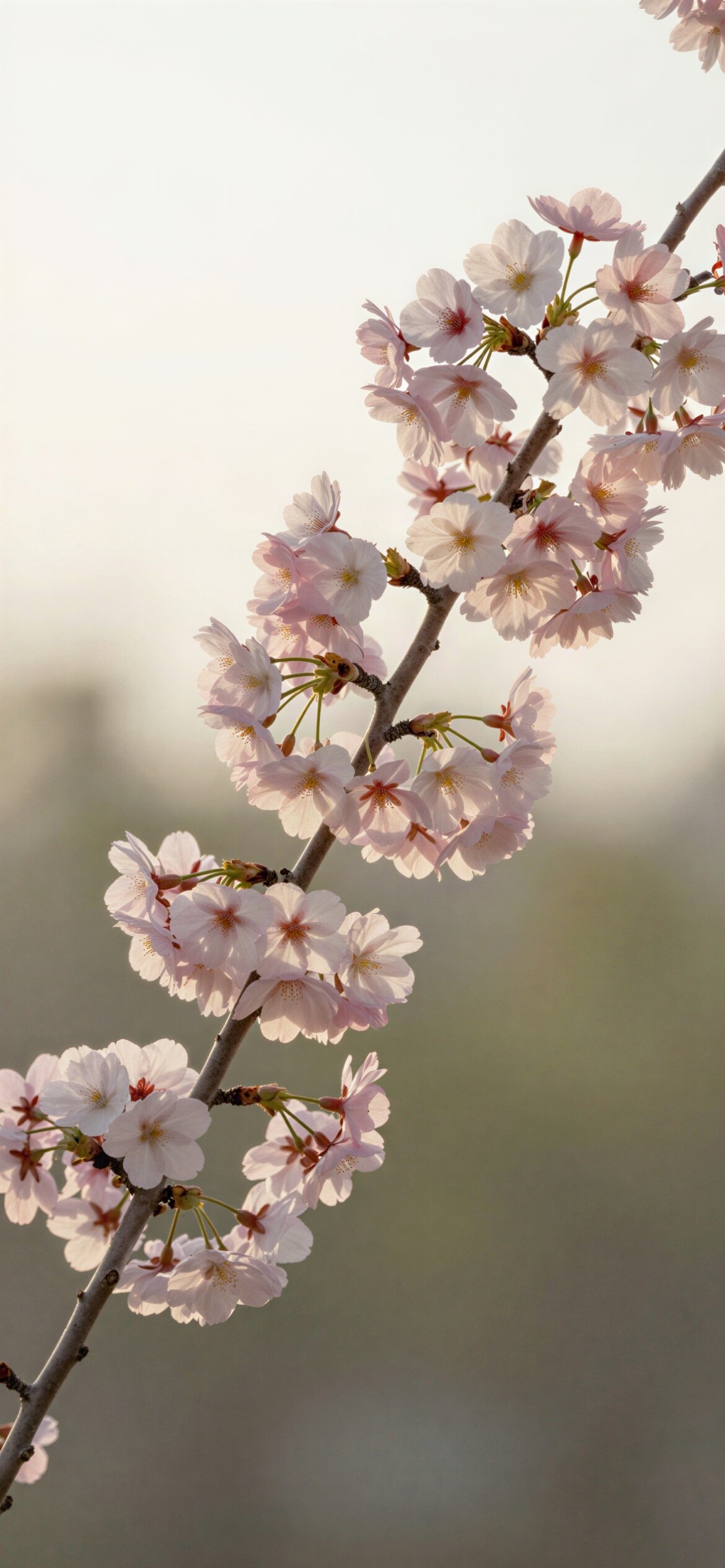
- One branch backlit by morning sun against a pale sky. The bare space around it leaves plenty of room for a clock.
- Pink and white petals floating on dark water in a stone basin. The dark tone makes light text and widgets easy to read.
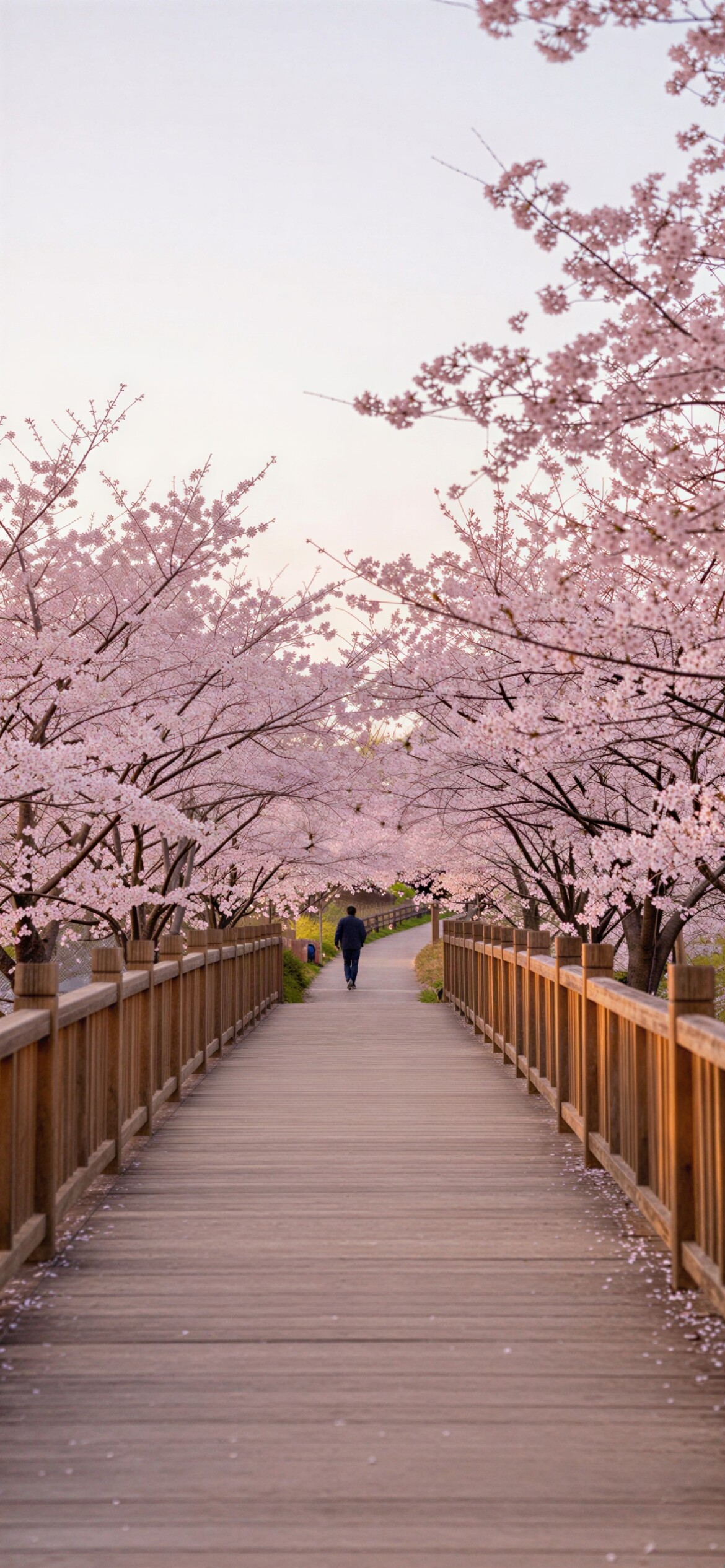
- A wooden bridge curving through a grove in afternoon light, a scene that draws the eye along the path.
- Petals falling through golden hour light and pale blue sky, soft enough to sit behind a full page of apps.
- A dense cluster of blossoms and green leaves against clear blue, the brightest and busiest design here.
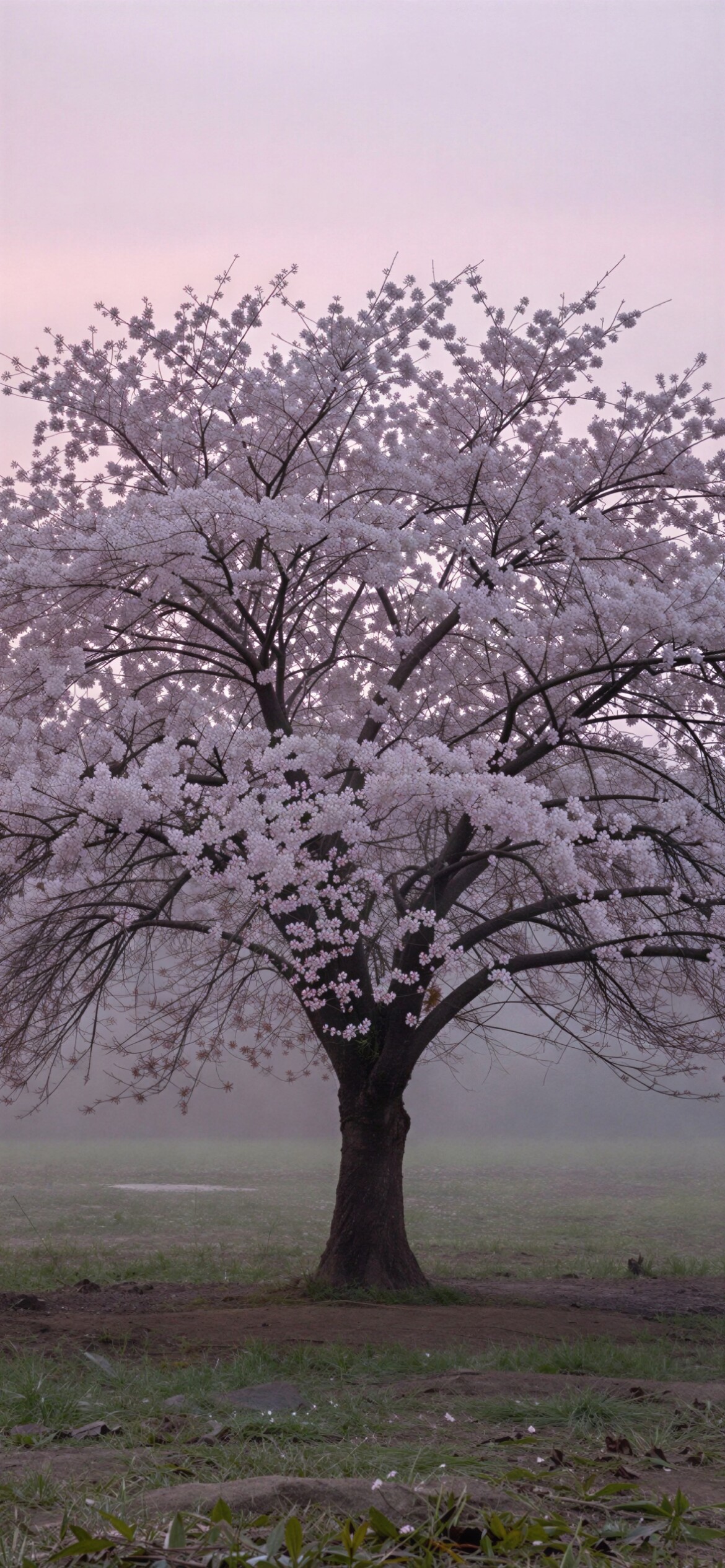
- A whole tree in bloom in misty morning fog over wet grass, quiet and low in contrast.
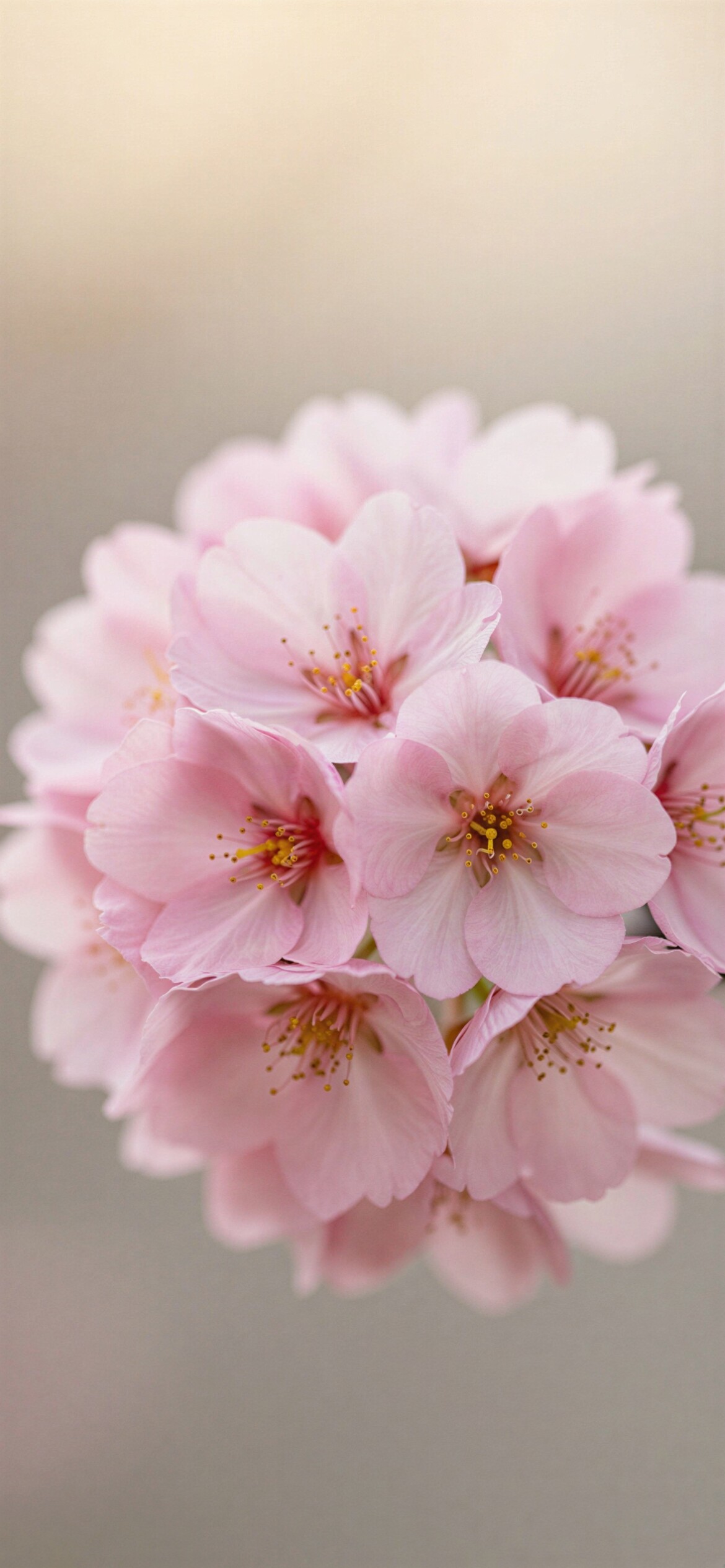
- A close view of a single flower with its pale yellow centre, simple and easy to frame.
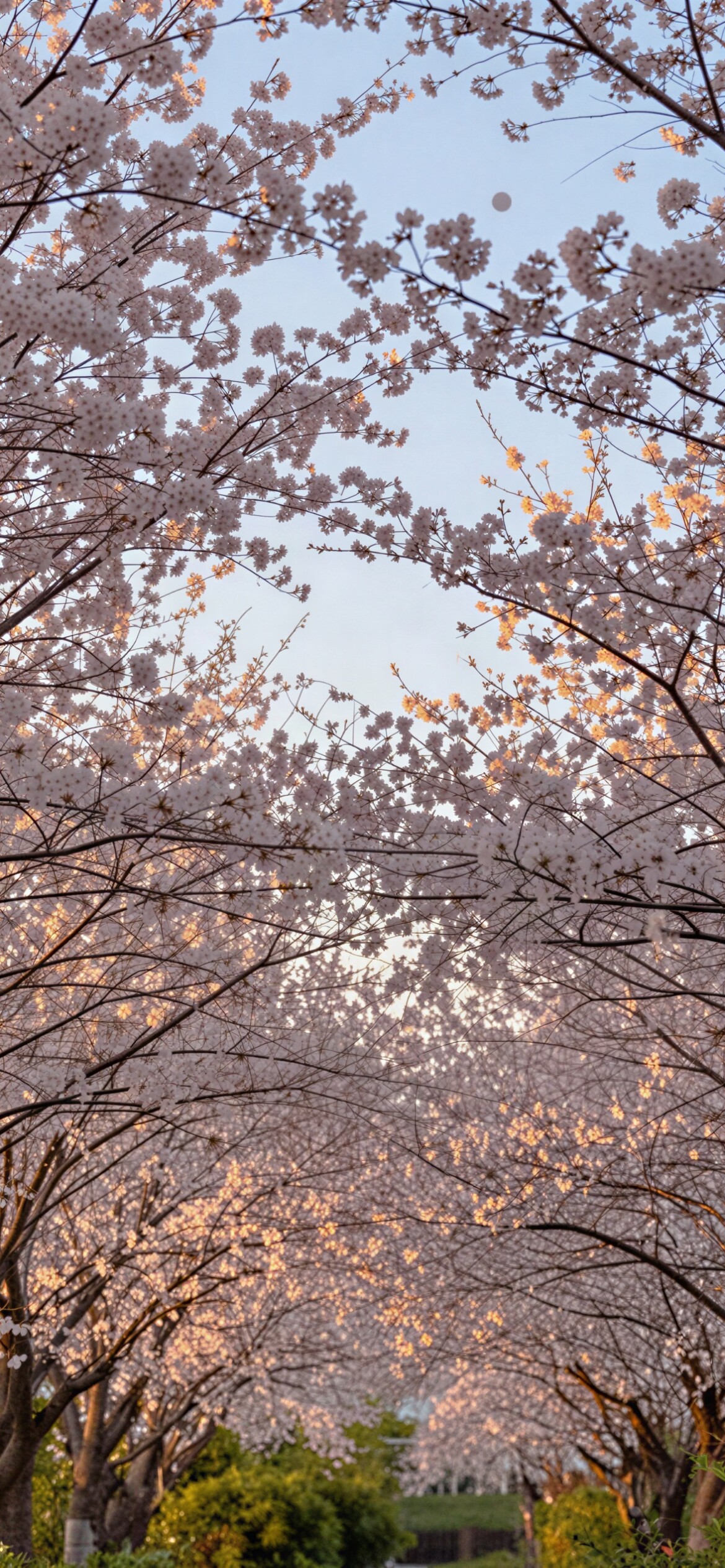
- Branches meeting overhead in a canopy of pink against blue sky, like looking straight up from a park bench.
- A stone lantern under a blossoming tree at twilight, the darkest of the garden scenes.
- Blossoms scattered on wet, dark pavement after rain, a city take on the end of the season.
Morning pale, dusk deep
For something light and fresh, go with 1, 5 or 8, where pink sits against pale or blue sky. Numbers 3 and 4 add a warmer, golden glow, while 6 and 7 are the softest and most muted of the set. If you want a darker screen that still has a spring feel, pick 2, 9 or 10, where the petals stand out against dark water, twilight or wet stone.
For more along these lines, browse the Japanese aesthetic wallpapers, the pink flower set or the calm pond scenes in the lotus collection.
How to set it on your iPhone
- Tap Download and save the image to Photos.
- Open Settings, tap Wallpaper, then Add New Wallpaper, and choose Photos.
- Pick the wallpaper, pinch to position it, then tap Add and choose the lock screen, home screen or both.
Stuck on a step? The iPhone and iPad guide has screenshots for each one.
Questions
Will these wallpapers fit my iPhone screen without cropping?
Yes. These wallpapers are designed at 1170x2532 pixels to match modern iPhone screens. They are tall vertical designs with the main subject in the middle or lower half, so the simple sky at the top stays visible. Some older models may crop slightly at the edges, but the flowers and branches stay in view.
Can I use these wallpapers commercially or share them on other sites?
No. These wallpapers are free for personal use on your own iPhone only. You cannot sell them, print them for sale, or repost them on other wallpaper sites or social media. See the Terms page for the full license.
Which wallpapers are best for the lock screen versus the home screen?
The simpler designs with clear sky at the top (like the single branch or floating petals) work best for lock screens where time and notifications need to stay readable. The denser, more detailed scenes with the tree canopy or lantern suit home screens better, where you can arrange icons around the main focal point.
Do these cherry blossom designs work year-round or only in spring?
These wallpapers work well any time of year. While cherry blossoms bloom in spring, the soft pink and cream colour palette and peaceful mood suit all seasons. Many people use cherry blossom imagery year-round for its calming, meditative quality.