Magic Wallpaper iPhone
Magic wallpaper iPhone designs show glowing spells, mystical creatures and enchanted forests perfect for your lock and home screens. These magic iPhone wallpapers blend rich purples, deep blues and golden light to create scenes of wonder and mystery. Each design captures a different moment of magic, from swirling portal effects to woodland sorcery, giving your phone a touch of the supernatural.
9 wallpapers at 1170 × 2532 px for iPhone. Checked by hand on 2 Oct 2026.
About this set
These magic wallpapers blend mystical subjects with rich color palettes of deep purples, indigo, golden golds and cool blues. Each design features a focal point positioned in the lower half, leaving the top clear for your status bar and time display. The glowing effects and ethereal lighting work well as lock screen backgrounds, while the larger forest and portal scenes suit home screens behind your app icons.
The cool and warm light contrasts make these designs work in both light and dark mode iPhone settings. Pair them with dark-toned app icons or translucent widgets to let the magical elements shine through without competition. These wallpapers bring a sense of wonder and mystery to everyday phone use.
Old symbols hiding in these pictures
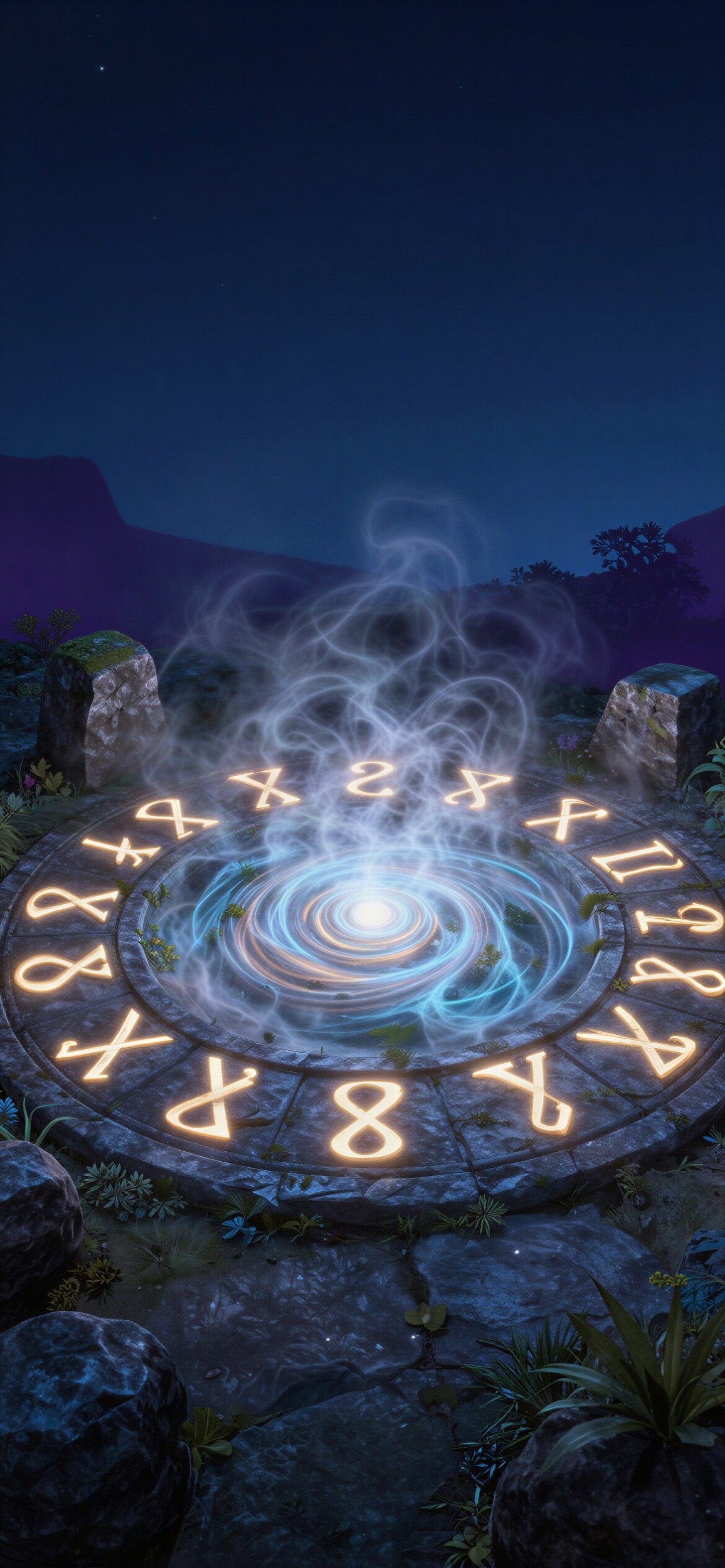
Most of what shows up here has a long history outside fantasy films. The carved marks in wallpaper 3 echo runes, the letters early Germanic peoples cut into wood and stone. The oldest runic alphabet, the Elder Futhark, had 24 signs, and the Old Norse poem Hávamál tells how Odin hung on a tree for nine nights to win them, which is why runes later carried a magical reputation.
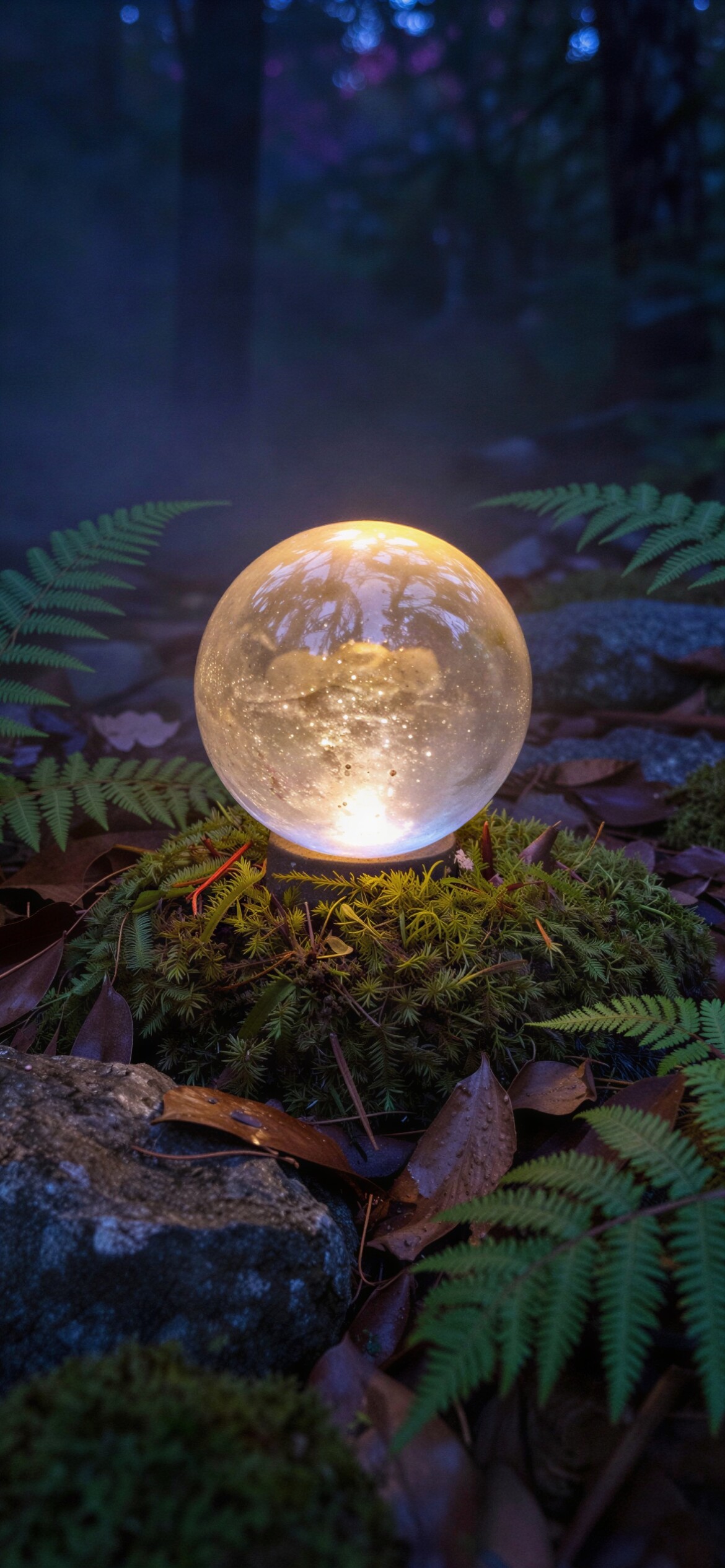
The glowing orb in wallpaper 1 recalls scrying, the old practice of staring into a crystal or dark mirror to see visions. A polished obsidian mirror linked to John Dee, adviser to Elizabeth I, is still kept at the British Museum. The bird of fire in wallpaper 7 comes from the phoenix: Herodotus wrote about it in the fifth century BC and tied it to the Egyptian city of Heliopolis, and the story of a bird reborn from its own ashes grew up later. Spell books like the one in wallpaper 8 are called grimoires, a word that comes from the French for grammar.
Nine spells, one at a time
- Crystal orb: a lit sphere floating over moss and ferns. The single bright point keeps a lock screen tidy.
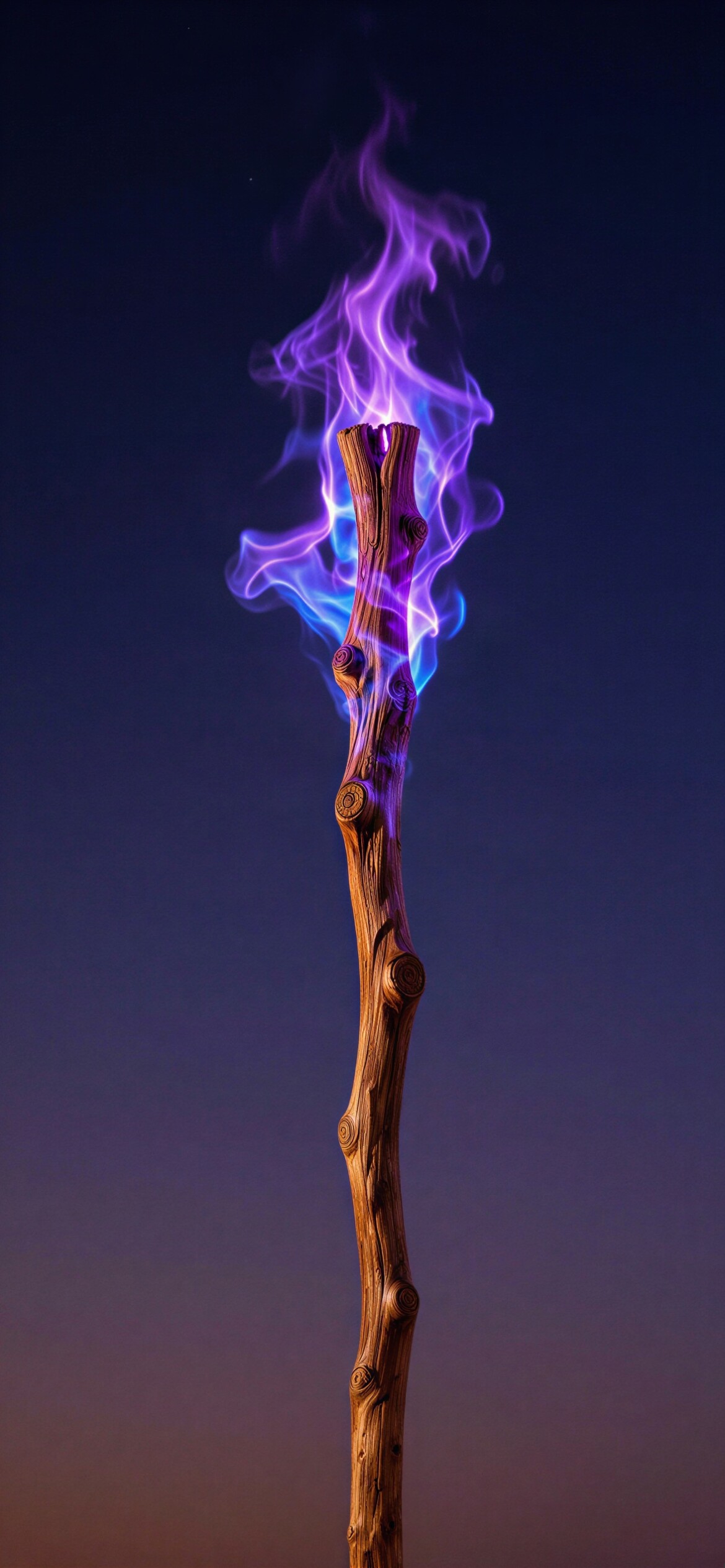
- Burning staff: violet and blue flames on an old wooden staff under the stars. Tall and narrow, so it sits well between widgets.
- Rune circle: glowing marks in a ring of stone, wrapped in mist. Quiet enough to sit behind a full grid of icons.
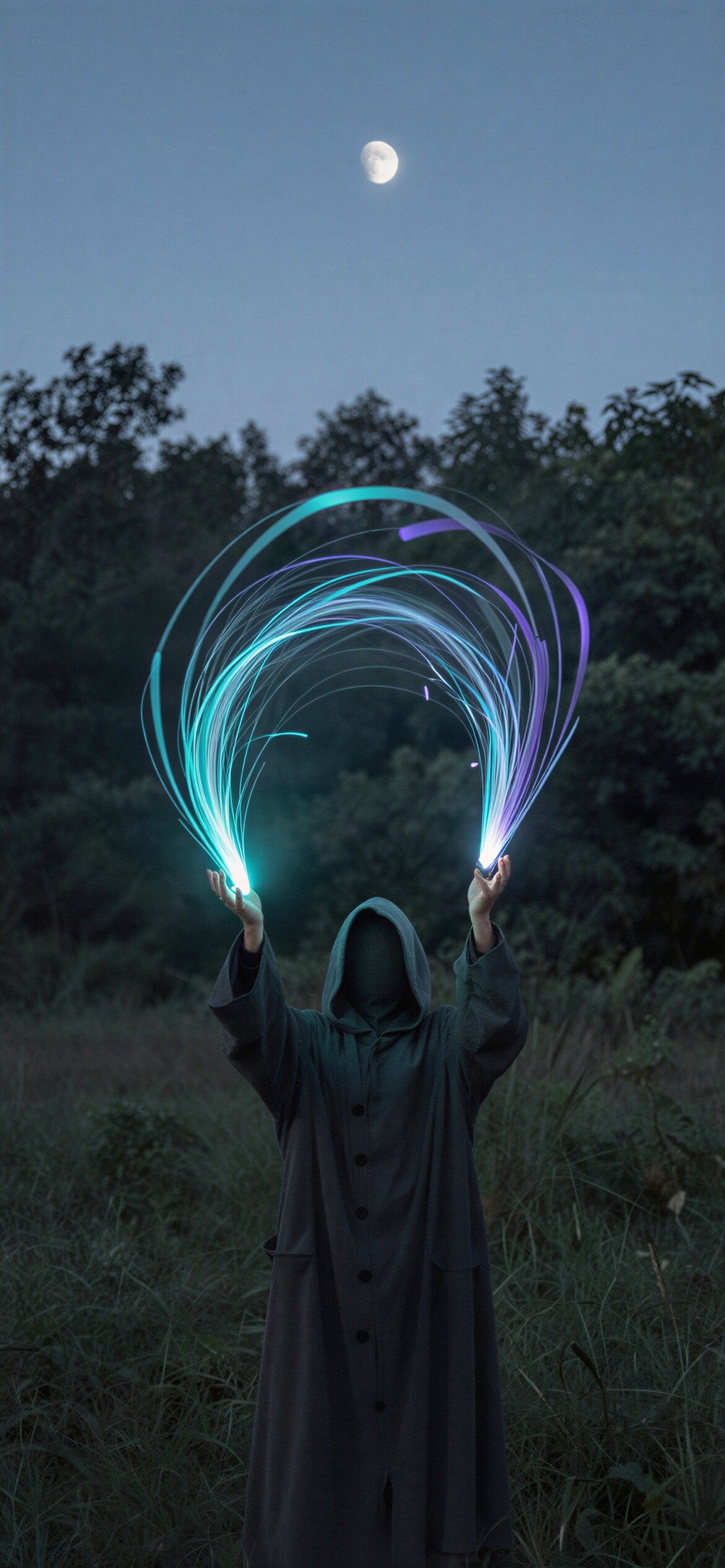
- Hooded caster: a cloaked figure with ribbons of light spiralling up through a clearing. The movement draws the eye upward toward the clock.
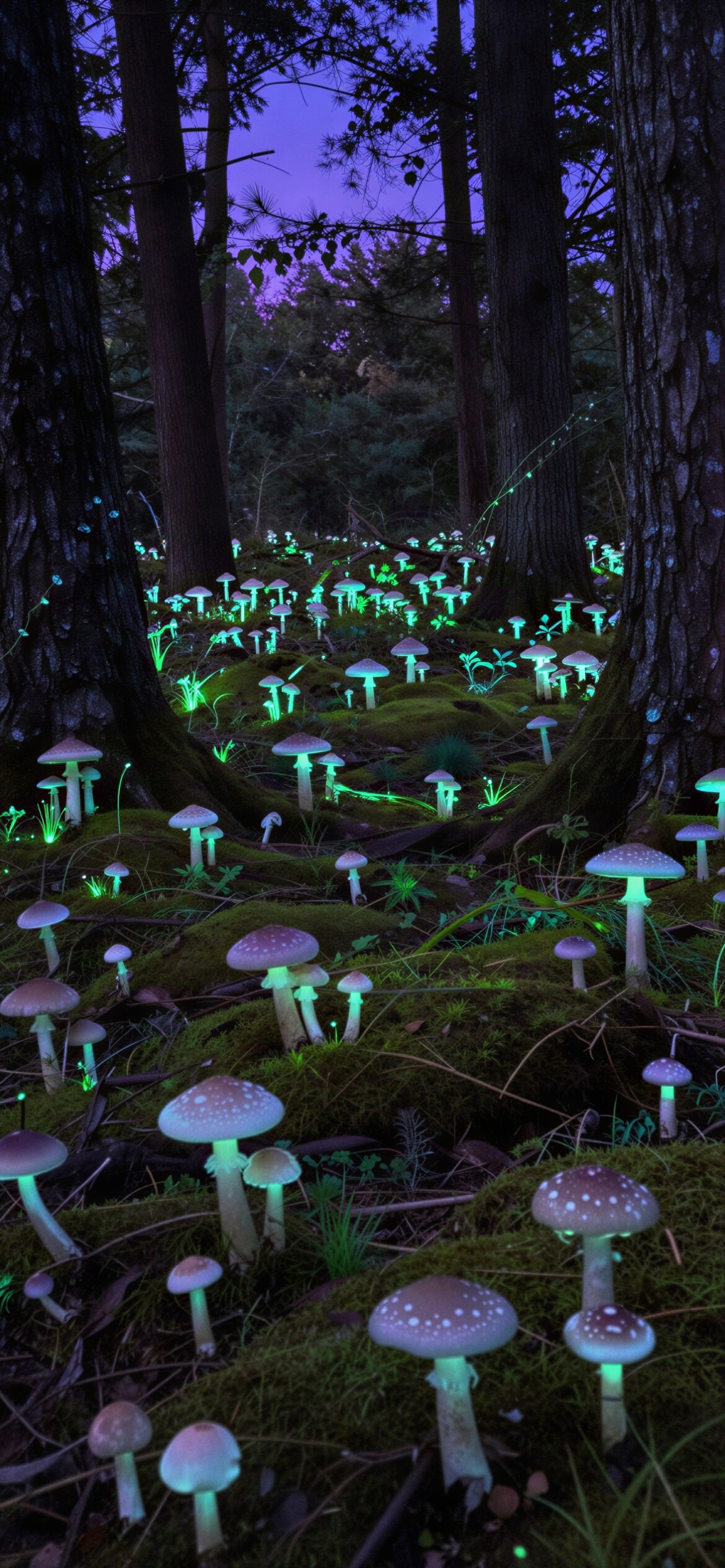
- Glowing mushrooms: caps lit violet and blue on the forest floor, with the brightest light low in the frame.
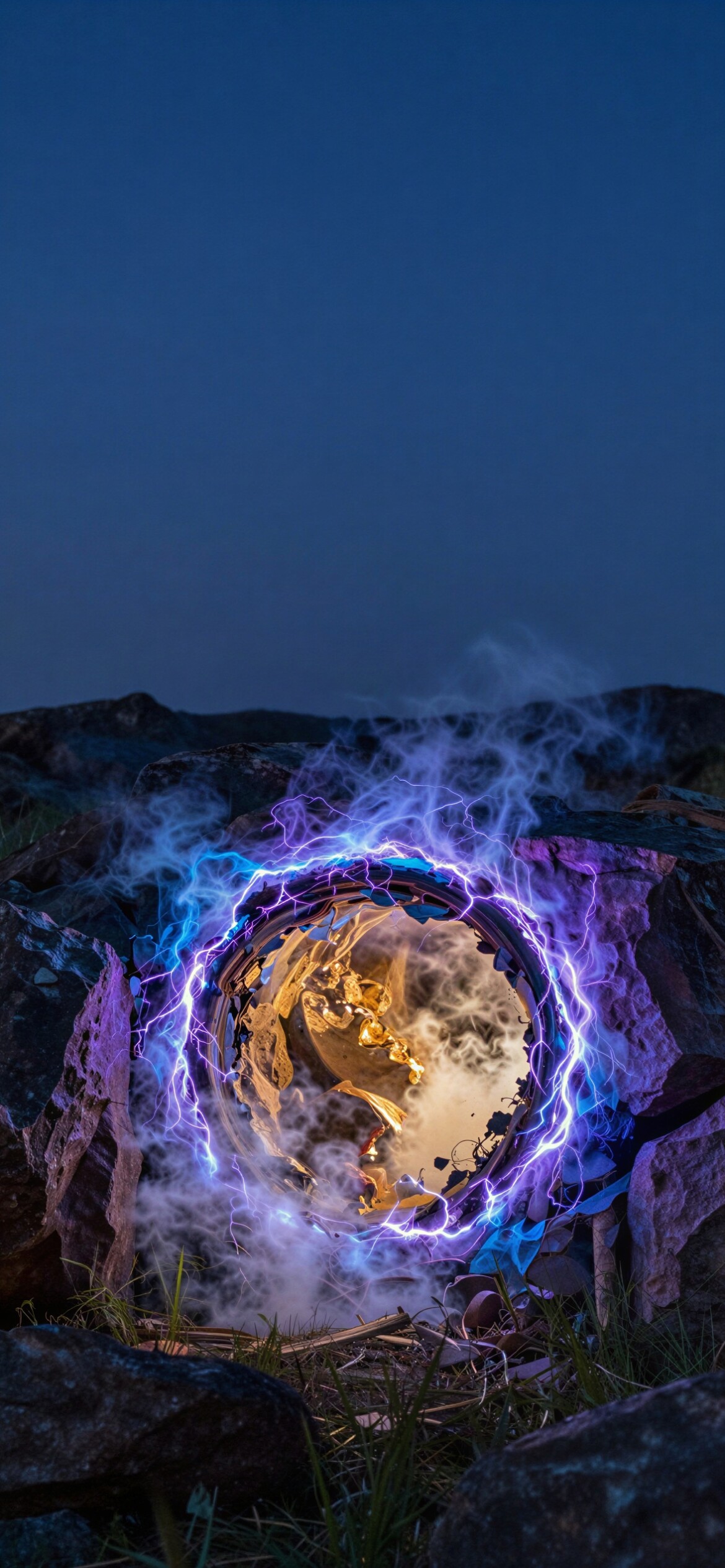
- Portal: a ring crackling with blue and purple energy against a night sky. The busiest of the nine, best on a home screen with few icons.
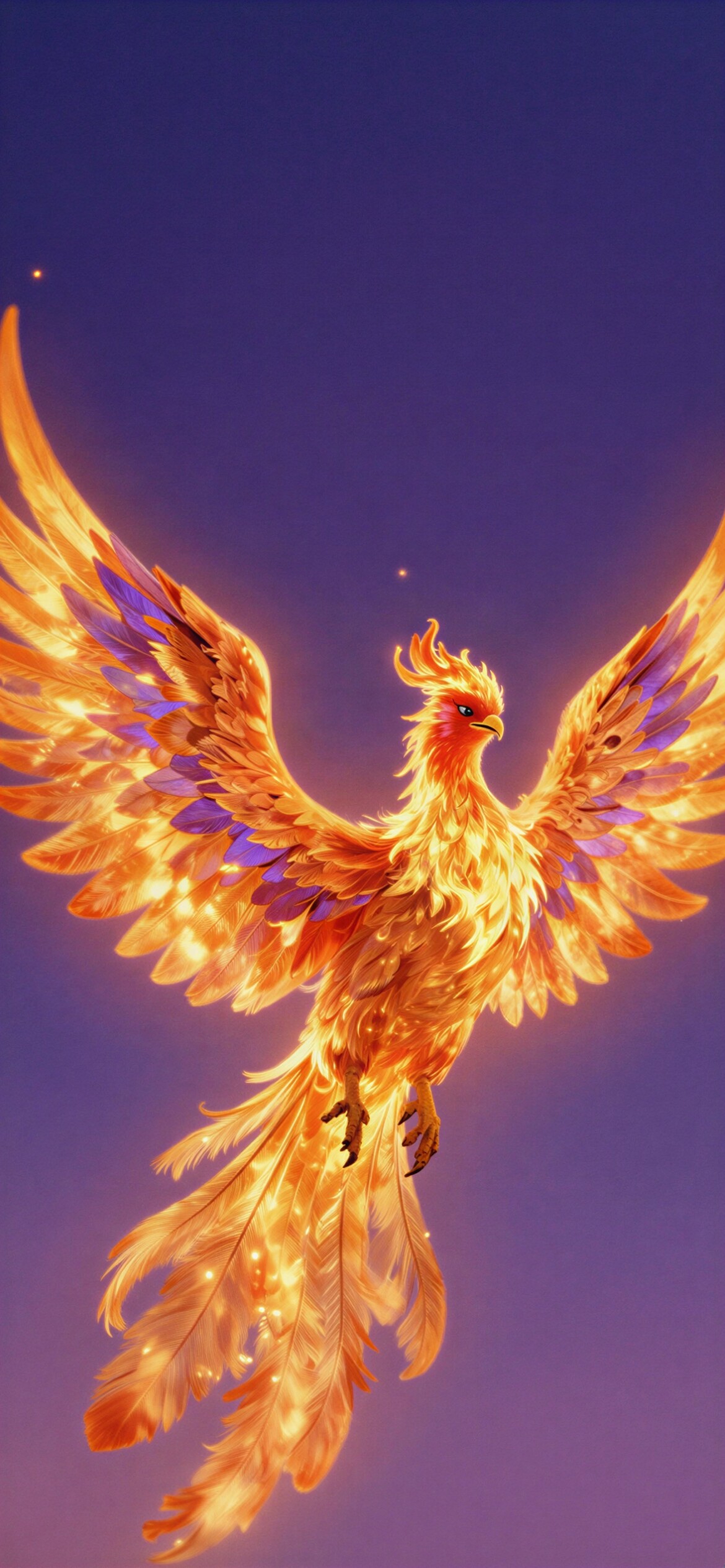
- Phoenix: a fiery bird in gold and violet rising in the centre, the warmest picture in the set.
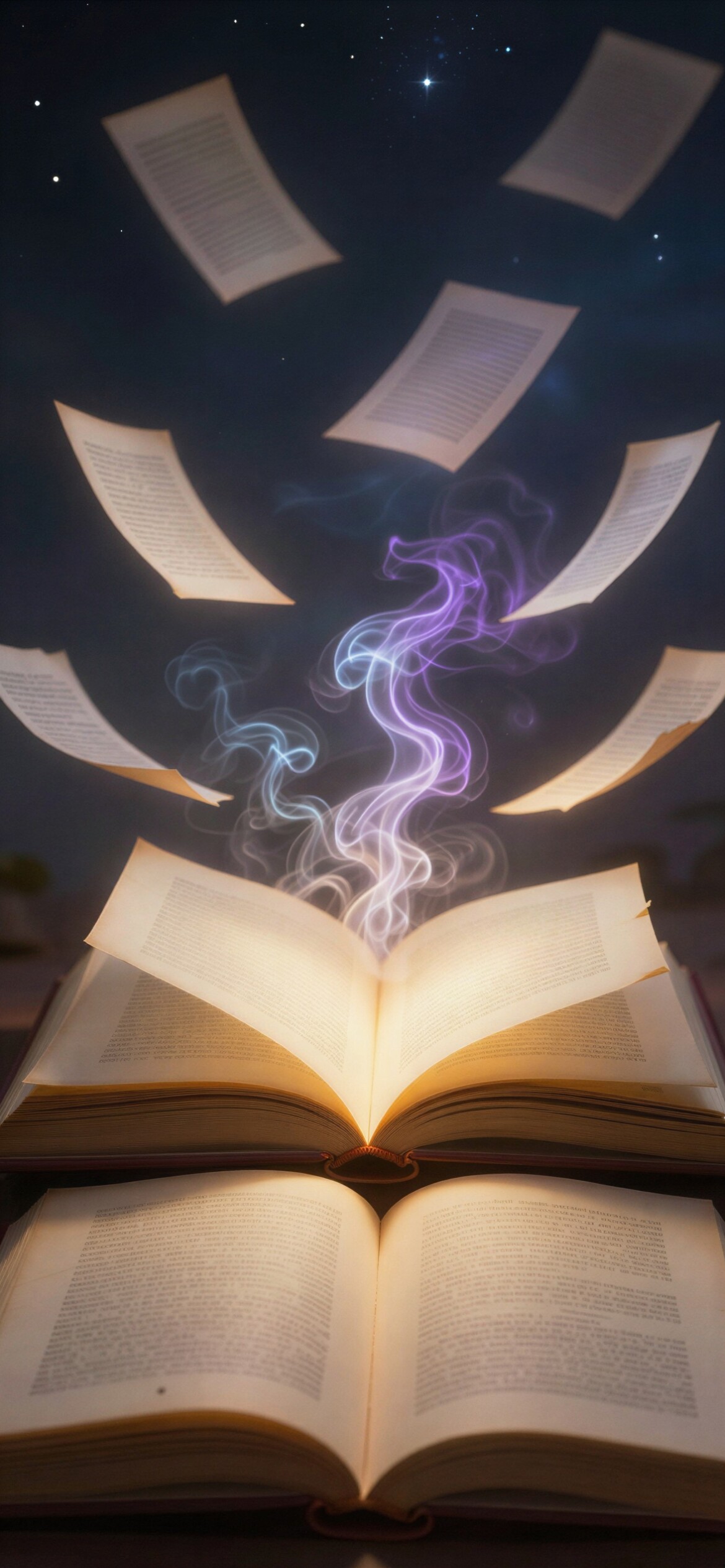
- Open book: golden light and loose pages drifting up from the spine. Soft and calm for a reading-hour lock screen.
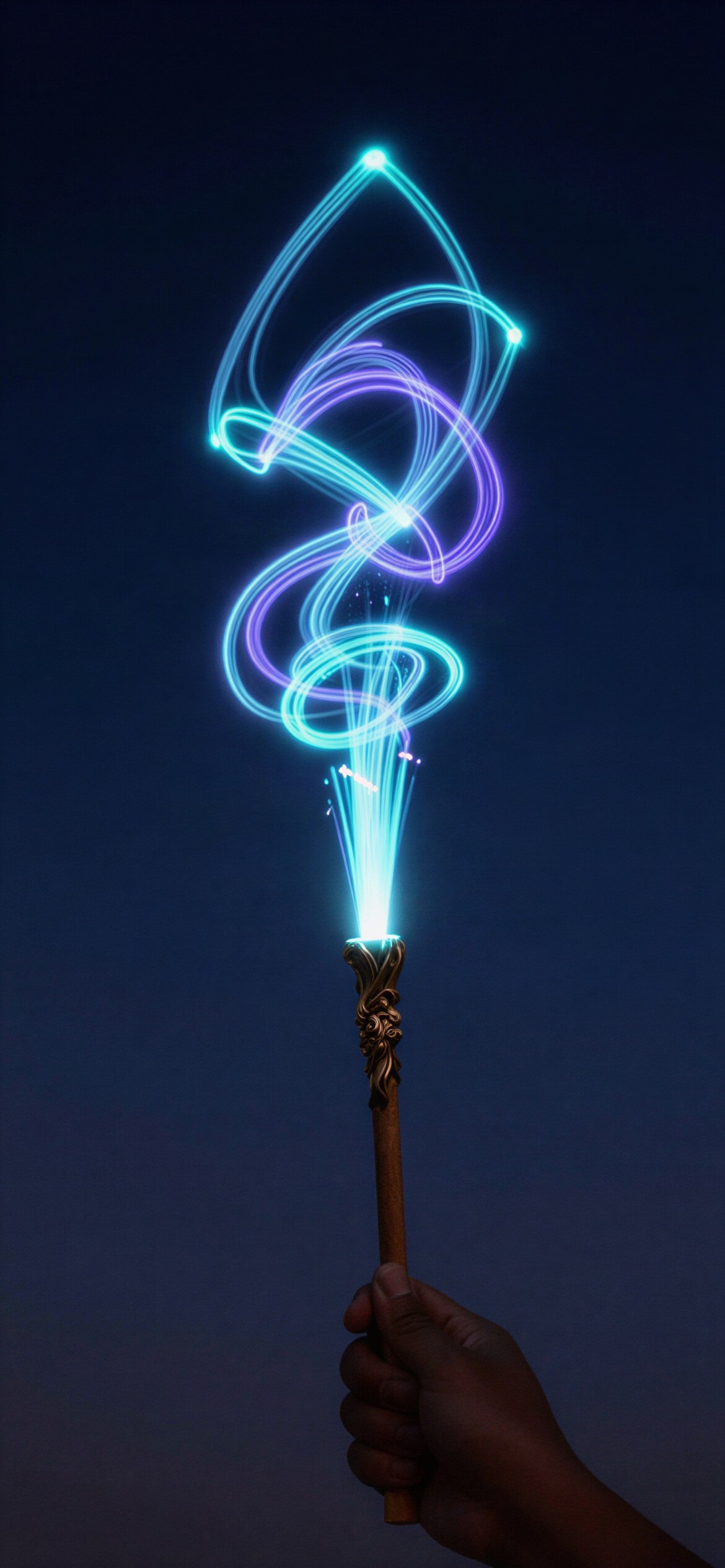
- Wand trail: a turquoise and violet pattern traced through dark air. Plenty of empty black for notifications to sit on.
Violet flame or warm gold?
If you like cool light, the staff, mushrooms, portal and wand (2, 5, 6 and 9) stay in blues and purples from top to bottom. The phoenix and the open book (7 and 8) glow gold and feel warmer next to cream or amber icons. The orb, the rune circle and the hooded figure (1, 3 and 4) sit in mossy green and mist, the most muted of the group. For more scenes in a similar mood, look at the fairy wallpapers, the witch aesthetic set or the glowing caps in the mushroom collection.
How to set it on your iPhone
- Tap Download and save the image to Photos.
- Open Settings, tap Wallpaper, then Add New Wallpaper, and choose Photos.
- Pick the wallpaper, pinch to position it, then tap Add and choose the lock screen, home screen or both.
Stuck on a step? The iPhone and iPad guide has screenshots for each one.
Questions
Will these magic wallpapers fit my iPhone screen?
Yes. These wallpapers are sized at 1170x2532 pixels, which is the standard resolution for iPhone lock and home screens. They are sized for modern iPhones, and some older models may crop slightly at the edges. The design keeps the top quarter simple so your status bar and time display stay clear and readable.
Can I use these wallpapers for personal use?
Yes, you can download and use these magic wallpapers free on your own iPhone for personal use. Selling them, printing them for sale, or reposting them on other wallpaper sites is not allowed. See our Terms page for the full details on usage rights.
Which wallpapers work best for my lock screen versus home screen?
The designs with a single focal point like the crystal orb, staff and portal work beautifully as lock screens since they're simple and won't compete with lock screen widgets. The forest and portal scenes with more detail suit home screens better, where you can see the full composition behind your app grid.
Do these magic wallpapers work well with dark mode?
Absolutely. These designs were created with dark mode in mind. The glowing elements, ethereal light and mystical effects look more striking against dark backgrounds. Enable dark mode on your iPhone to make the magical glow effects stand out and appear more vivid on your screen.